Readers like you help support this site. When you make a purchase using links on our site, we may earn an affiliate commission. All opinions remain our own.
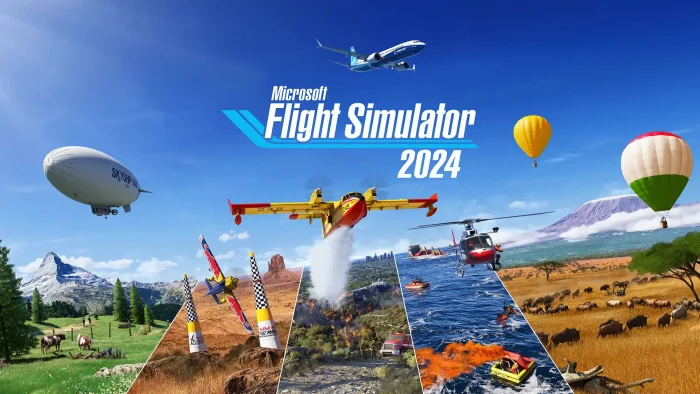
Microsoft Flight Simulator 2024 is a flight simulation game for PC from Asobo Studio, available on Steam, the Microsoft Store, and Xbox Game Pass.
You take on real aviation jobs like cargo runs, search and rescue, and firefighting, while flying a huge range of aircraft over a planet rebuilt from real-world map and weather data. There is no single story to finish. You build a flying career at your own pace.
The career structure is what sets it apart from earlier entries in the series. You take on paid jobs that change your aircraft, your route, and the conditions you fly in. A cargo flight across mountains in a storm plays nothing like a calm sightseeing trip over a coastline.
Released November 19, 2024, and still updated by Asobo Studio with regular free updates that add fixes, aircraft, and new content. Runs on Windows 10 and 11. Supports mouse and keyboard, gamepad, and dedicated flight controllers like yokes and rudder pedals.
Already flying? Tell us which job type you enjoy most in the comments below. Got questions before you install? Reach out to us directly.
What You Need to Know
- You can buy it outright on Steam or the Microsoft Store, or play it through PC Game Pass and Xbox Game Pass Ultimate without owning it.
- It needs a fairly strong PC. The minimum specs alone call for 16GB of RAM and a graphics card from the late 2010s.
- Add-ons from Microsoft Flight Simulator 2020 do not carry over. The 2024 version uses a different aircraft and world data system.
Quick Facts
How to Download Microsoft Flight Simulator 2024 on PC
Microsoft Flight Simulator 2024 is available on Steam and the Microsoft Store for Windows 10 and 11, and through PC Game Pass and Xbox Game Pass Ultimate if you would rather subscribe than buy it outright. Either purchased version installs and runs the same way. You need 50GB of free space for the base game before any extra aircraft or scenery downloads.
Install via Steam or Microsoft Store
- Step 1. Go to the Steam page or the Microsoft Store page and select the edition you want.
- Step 2. Sign in with your Steam account or your Microsoft account, or create one for free.
- Step 3. Confirm the purchase, then wait for the 50GB download and install to finish. This takes a while on slower connections.
- Step 4. Launch the game and let it finish downloading any first-run world and aircraft data before you take off.
- Step 5. Open the main menu and choose Career, Free Flight, or the training section to get started.
- Step 6. If you own a flight stick, yoke, or rudder pedals, plug them in before launch so the game can detect and map them automatically.
Editions and Pricing
Standard Edition
$69.99
- Base aircraft roster
- Base airport roster
- Full career mode and free flight
Deluxe Edition
$99.99
- Everything in Standard
- 10 additional aircraft
- 5 extra handcrafted airports
Premium Deluxe Edition
$129.99
- Everything in Deluxe
- 25 additional aircraft
- 10 more handcrafted international airports
Aviator Edition
$199.99
- Everything in Premium Deluxe
- 30 Marketplace aircraft made for the series between 2021 and 2024
- The largest aircraft roster of any edition
What Is Microsoft Flight Simulator 2024?
Microsoft Flight Simulator 2024 is a flight simulation game (a game built to copy real-world flying as closely as possible, down to weather, instruments, and aircraft handling). Instead of just picking a plane and taking off, you build a flying career: you take paid jobs like cargo delivery, medical transport, search and rescue, and aerial firefighting, each with its own aircraft, route, and conditions.
The world itself is built from real satellite and map data, so cities, coastlines, and airports resemble their real-world counterparts. Weather, air traffic, and even wildlife behave dynamically rather than on a fixed script, which means the same route can feel completely different depending on the time of day or the storm rolling in.
Official Trailer
Watch the official trailer for Microsoft Flight Simulator 2024 to see the new career jobs, the rebuilt world, and a look at how dynamic weather changes the way you fly.
Key Features
Career Mode
Take on paid aviation jobs like cargo runs, search and rescue, and firefighting, each with its own aircraft and challenge.
Living World System
Real-world map data, dynamic weather, live air traffic, and wildlife combine to make every flight feel different.
Large Aircraft Roster
Fly everything from small training planes and helicopters to airliners and gliders, each with its own handling.
Handcrafted Airports
Detailed real-world airports built by hand sit alongside the rest of the planet, which is built automatically from real map data.
Flight Controller Support
Plug in a yoke, throttle quadrant, or rudder pedals for hands-on control, or fly with a gamepad or mouse and keyboard.
VR Support
Step into the cockpit with a compatible virtual reality (VR) headset for a closer view of your instruments and surroundings.
Is This Game for You?
You Will Love It If:
- ✅ You enjoy slow-paced, realistic games over fast action
- ✅ Real-world weather, geography, and aircraft behavior genuinely interest you
- ✅ You own or want to try a flight stick, yoke, or rudder pedals
- ✅ Working through paid jobs and building up a career sounds satisfying
- ✅ You want a game that keeps adding new aircraft and regions over time
You Might Not If:
- ❌ You want fast combat or constant action (for arcade dogfights, try Ace Combat 8 instead)
- ❌ Your PC is on the older or weaker side (this game asks a lot of your hardware)
- ❌ You expect your old Microsoft Flight Simulator 2020 add-ons to carry over
- ❌ You are not willing to spend time learning real flight procedures
- ❌ You want a short game you can finish in a weekend
🎮 Our Take
Microsoft Flight Simulator 2024 is an ambitious step up from the 2020 version, and the career structure gives the genre something it has long needed: a reason to fly beyond just looking at scenery. The Living World system genuinely changes how routes feel depending on weather and traffic, and the aircraft roster covers a wide range of flying styles. The rough edge is the launch period itself. Reception was mixed at first due to performance issues and the loss of compatibility with older add-ons, though regular free updates have steadily improved stability since then.
If you already love flight sims and have a PC that meets the recommended specs, this is worth picking up, especially if working through paid jobs and building a career sounds fun to you. If your PC is closer to the minimum specs, or you are just curious whether the genre is for you, try it through Game Pass first before buying an edition outright.
System Requirements
Tips for Getting Started
Start with the training flights
Before jumping into career jobs, run through the training section. It explains controls and instruments you will rely on constantly later.
Pick easier job types first
Sightseeing and short cargo runs are far more forgiving than search and rescue or firefighting. Build confidence before you take on the harder jobs.
Lower your graphics settings before judging performance
If your first flight feels choppy, lower the resolution scale (how sharp the image renders) and cloud detail before assuming your PC cannot handle the game. Small changes here matter a lot.
Try a controller before buying expensive hardware
A gamepad handles the basics fine. Test how much you enjoy flying before spending money on a yoke or rudder pedal setup.
Watch the weather before you take off
Real-time weather can turn an easy route into a difficult one. Check conditions on your route first, especially while you are still learning to fly.
Gameplay Screenshots
Here is what Microsoft Flight Simulator 2024 looks like in action on PC.
-

- Airballoon from Microsoft Flight Simulator 2024 for PC: Guide, Tips & System Requirements
-

- Aircrane from Microsoft Flight Simulator 2024 for PC: Guide, Tips & System Requirements
-

- Army plane from Microsoft Flight Simulator 2024 for PC: Guide, Tips & System Requirements
-
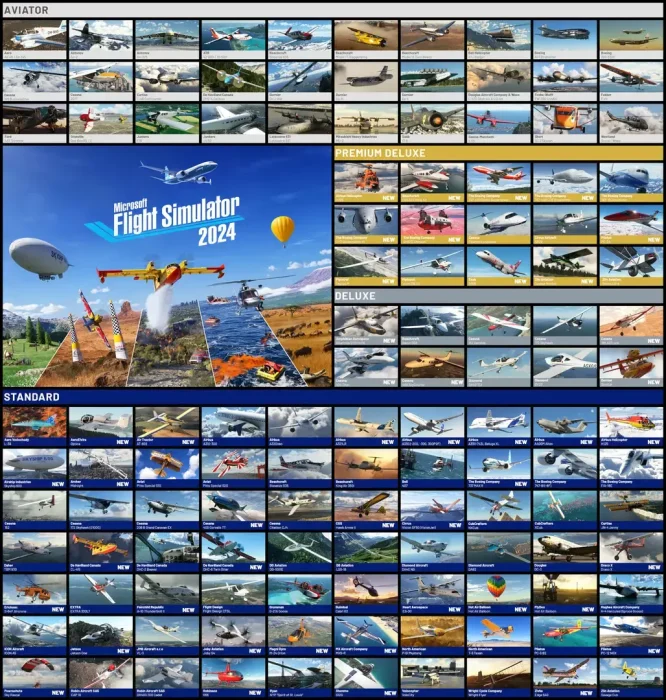
- Different planes you can fly from Microsoft Flight Simulator 2024 for PC: Guide, Tips & System Requirements
-
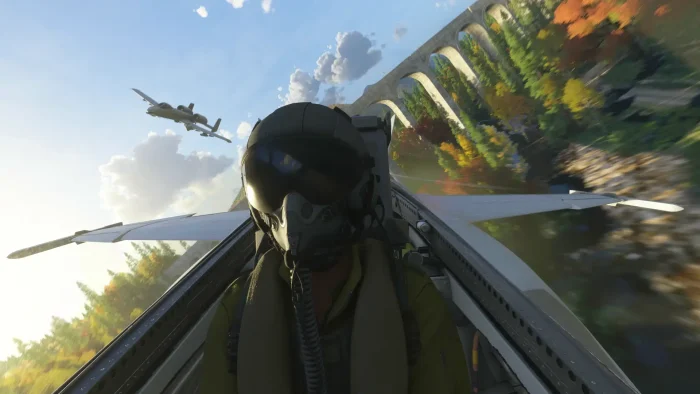
- Fighter jet graphics from Microsoft Flight Simulator 2024 for PC: Guide, Tips & System Requirements
-
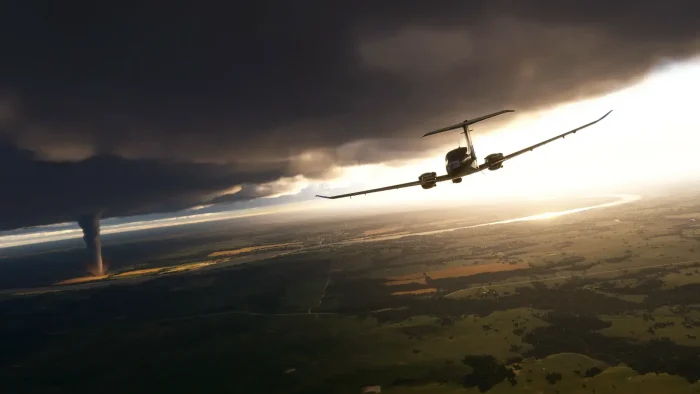
- Flying in bad weather tornado from Microsoft Flight Simulator 2024 for PC: Guide, Tips & System Requirements
-

- Flying in brazil from Microsoft Flight Simulator 2024 for PC: Guide, Tips & System Requirements
-

- Flying mountain from Microsoft Flight Simulator 2024 for PC: Guide, Tips & System Requirements
-
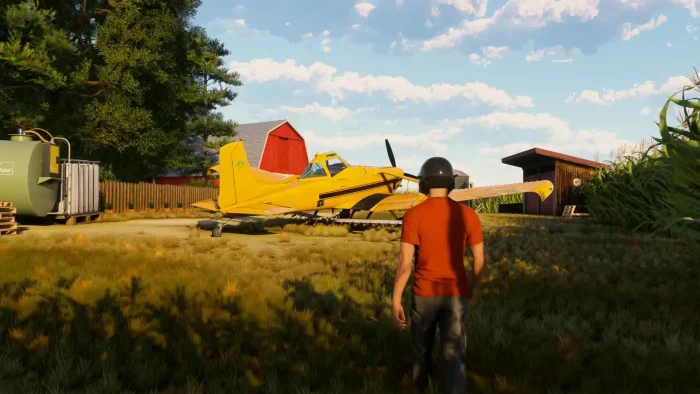
- Gameplay graphics 3rd person from Microsoft Flight Simulator 2024 for PC: Guide, Tips & System Requirements
-

- Hospital helicopter from Microsoft Flight Simulator 2024 for PC: Guide, Tips & System Requirements
-

- Klm plane from Microsoft Flight Simulator 2024 for PC: Guide, Tips & System Requirements
-

- Outdoor view from Microsoft Flight Simulator 2024 for PC: Guide, Tips & System Requirements
-
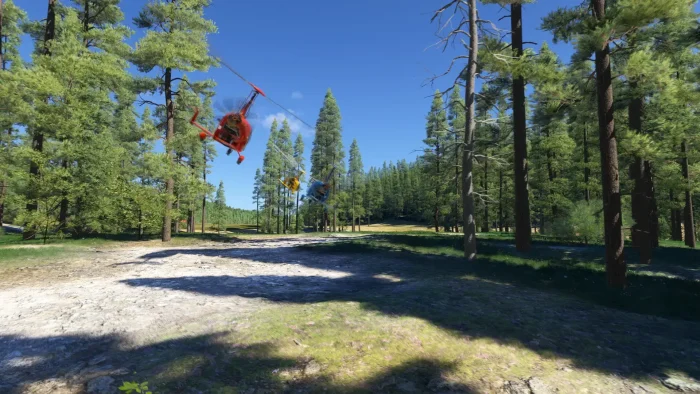
- Racing private planes from Microsoft Flight Simulator 2024 for PC: Guide, Tips & System Requirements
-
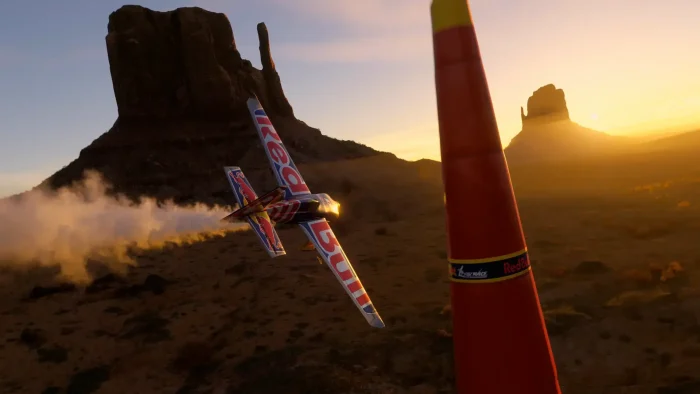
- Redbull plane from Microsoft Flight Simulator 2024 for PC: Guide, Tips & System Requirements
-
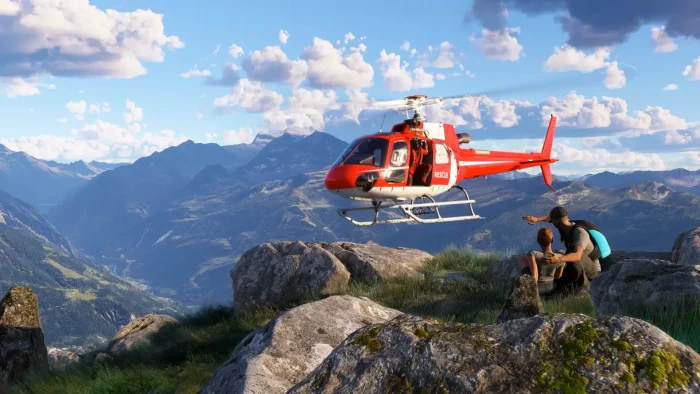
- Rescue helicopter from Microsoft Flight Simulator 2024 for PC: Guide, Tips & System Requirements
FAQ
Support and Community
Explore more Windows games: Best simulation games for PC · Best racing games for PC · Ace Combat 8 for PC · Farming Simulator 25 for PC · Firefighting Simulator for PC
Need a PC upgrade to run these? See our Best Gaming Desktops guide.
Discover more from Windows Mode
Subscribe to get the latest posts sent to your email.














Add your first comment to this post