Readers like you help support this site. When you make a purchase using links on our site, we may earn an affiliate commission. All opinions remain our own.
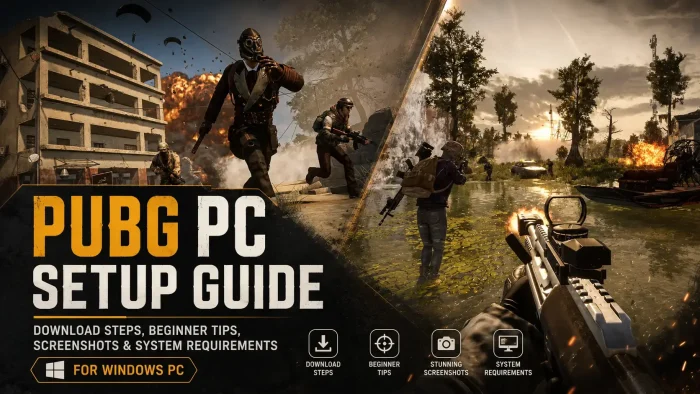
PUBG: BATTLEGROUNDS is a battle royale shooter (a last-player-standing game where the play area keeps shrinking) for PC from KRAFTON’s PUBG Studios, free to play on Steam.
You drop onto an island with 99 other players, scavenge weapons and gear, and fight to be the last player or squad standing. There is no respawn. One life per match is what makes every fight tense.
The shrinking blue zone is what forces the action instead of letting players hide all game. Anyone caught outside the safe zone takes steady damage until they die. That pressure is why matches rarely stretch past 30 minutes even with 100 players sharing the map.
Originally released into Early Access in March 2017 and launched in full on December 20, 2017, as PLAYERUNKNOWN’S BATTLEGROUNDS. The game went free to play in January 2022 and was rebranded PUBG: BATTLEGROUNDS. Runs on Windows 10 and 11, played with mouse and keyboard on PC.
Already playing? Tell us your favorite landing spot in the comments. Got questions before installing? Reach out to us directly.
What You Need to Know
- The base game is completely free on Steam and Epic Games. You only pay if you want the optional BATTLEGROUNDS Plus upgrade.
- Plus is a one-time $12.99 purchase that unlocks Ranked mode and custom games, not a subscription.
- Anti-cheat is strict here. Tools like ReShade (a visual filter some players install to tweak in-game graphics) are blocked outright, so there is no traditional mod scene like you get in single-player games.
Quick Facts
How to Download PUBG: BATTLEGROUNDS on PC
PUBG: BATTLEGROUNDS is free on both Steam and the Epic Games Store for Windows 10 and 11. Either store works the same way once installed. Set aside 40 to 50GB of free space before you start.
Install via Steam or Epic Games
- Step 1. Go to the PUBG Steam page or the Epic Games Store page and click Play or Get.
- Step 2. Sign in to your Steam or Epic account, or create one for free.
- Step 3. Let the 40 to 50GB download finish, then launch the game from your library.
- Step 4. Create or link a free KRAFTON ID when prompted. This carries your progress with you if you ever play on Xbox or PlayStation too.
- Step 5. Pick a region, run through the training area if you are new, then queue for your first match.
Free vs BATTLEGROUNDS Plus
What Is PUBG: BATTLEGROUNDS?
PUBG: BATTLEGROUNDS is the game that popularized the battle royale genre on PC. Up to 100 players parachute onto one of several maps with nothing but a backpack, then loot weapons, armor, and vehicles while the safe zone closes in around them.
Compared to faster arcade shooters, PUBG plays slower and more tactical. Bullets have real drop and travel time, footsteps and vehicle engines carry across the map, and a single well-placed shot can end your run. That grounded, high-stakes pace is still what separates it from most battle royale games that followed it.
Beginner Tips Video
Watch this beginner’s guide to PUBG: BATTLEGROUNDS for tips on landing spots, looting priorities, and staying alive in your first matches.
Key Features
Battle Royale Core Loop
100 players drop in, loot up, and fight inside a shrinking safe zone until one player or squad is left.
Realistic Gunplay
Bullet drop, travel time, and recoil patterns make gunfights feel closer to a tactical shooter than an arcade one.
Nine Rotating Maps
From the grasslands of Erangel to the snow of Vikendi, maps rotate by region and season for variety.
Vehicles
Cars, boats, and motorcycles let you cross the map fast, at the cost of making noise that gives away your position.
Arcade Modes
Shorter, respawn-friendly modes for warming up on aim and movement without the pressure of a full match.
Deep Cosmetic Customization
Outfits, weapon skins, and emotes let you personalize your character without affecting gameplay balance.
Is This Game for You?
You Will Love It If:
- ✅ You like the tension of one life per match, no respawns
- ✅ You prefer slower, tactical gunfights over fast arcade shooters
- ✅ You want a genuinely free battle royale with no paywalled maps
- ✅ You enjoy coordinating with a squad over voice chat
- ✅ You like looting and managing gear as much as fighting
You Might Not If:
- ❌ You want fast respawns and constant action instead of long survival stretches
- ❌ Rebuilding your loadout from scratch every match sounds tedious
- ❌ Your PC is older than the minimum specs below
- ❌ You expect a mod scene like single-player games have, this one does not have that
- ❌ You get frustrated by the occasional cheater in public lobbies
🎮 Our Take
PUBG is still the most grounded battle royale on the market, and that is exactly why it has held onto a real player base almost a decade after launch. The gunplay has more weight than most of what came after it, and going free-to-play in 2022 removed the one real reason to skip it. Cheating has been a long-running complaint, but KRAFTON’s ongoing crackdown on cheat hardware and repeat offenders shows they are still actively fighting the problem rather than ignoring it.
If you want a slower, more tactical battle royale than Fortnite or Apex Legends, install it and play free matches first. If you end up hooked and want a real ranked ladder or the ability to host custom lobbies, the one-time $12.99 for Plus is cheap for a permanent unlock.
Why Play PUBG on PC?
- Higher Framerates: PC hardware can push well past the frame rate caps console versions are locked to, which matters in a game built on split-second reaction time.
- Full Graphics Control: You can tune render distance, foliage, and effects individually, something console presets do not let you do.
- Mouse Aim: Precise, fast aim adjustment gives PC players an edge in long-range fights, which is why PC and console matchmaking pools stay separate.
- Lean and Peek Controls: The Q and E lean keys let you check corners without exposing your whole body, a mechanic that feels far more natural with a keyboard.
Popular PUBG Tools and Trackers
PUBG Lookup
Search any player name for a full breakdown of damage, kills, and weapon usage across seasons.
PUBG.OP.GG
Rank points, survival stats, and detailed match history from one of the biggest stat-tracking networks in gaming.
DAK.GG
Solo, duo, and squad stats plus leaderboards, with server status so you know before you queue.
PUBG Replay
Relive any recent match in a full 3D browser replay, free to fly around and rewind to any moment.
pubg.sh
A lightweight, open-source 2D replay viewer showing player positions, health, and shots fired over a match.
Bastion
A free, multi-purpose Discord bot with a built-in PUBG command so your squad can check stats without leaving Discord.
System Requirements
Tips for Getting Started
Land away from the flight path
The center of the plane’s path draws the most players. Landing off to the side gets you geared up before your first fight.
Play with headphones on
Footsteps, gunfire, and vehicle engines carry direction and distance information you cannot get from a monitor alone.
Do not fight everyone you see
Rotating early into the safe zone and avoiding unnecessary fights keeps you alive longer than winning every gunfight.
Practice recoil control before ranked
Use the training area or Arcade modes to learn how each weapon kicks before you take that habit into a real match.
Loot smart, not everything
A scope, a backpack upgrade, and level 2 armor matter more early on than hoarding every attachment you find.
Gameplay Screenshots
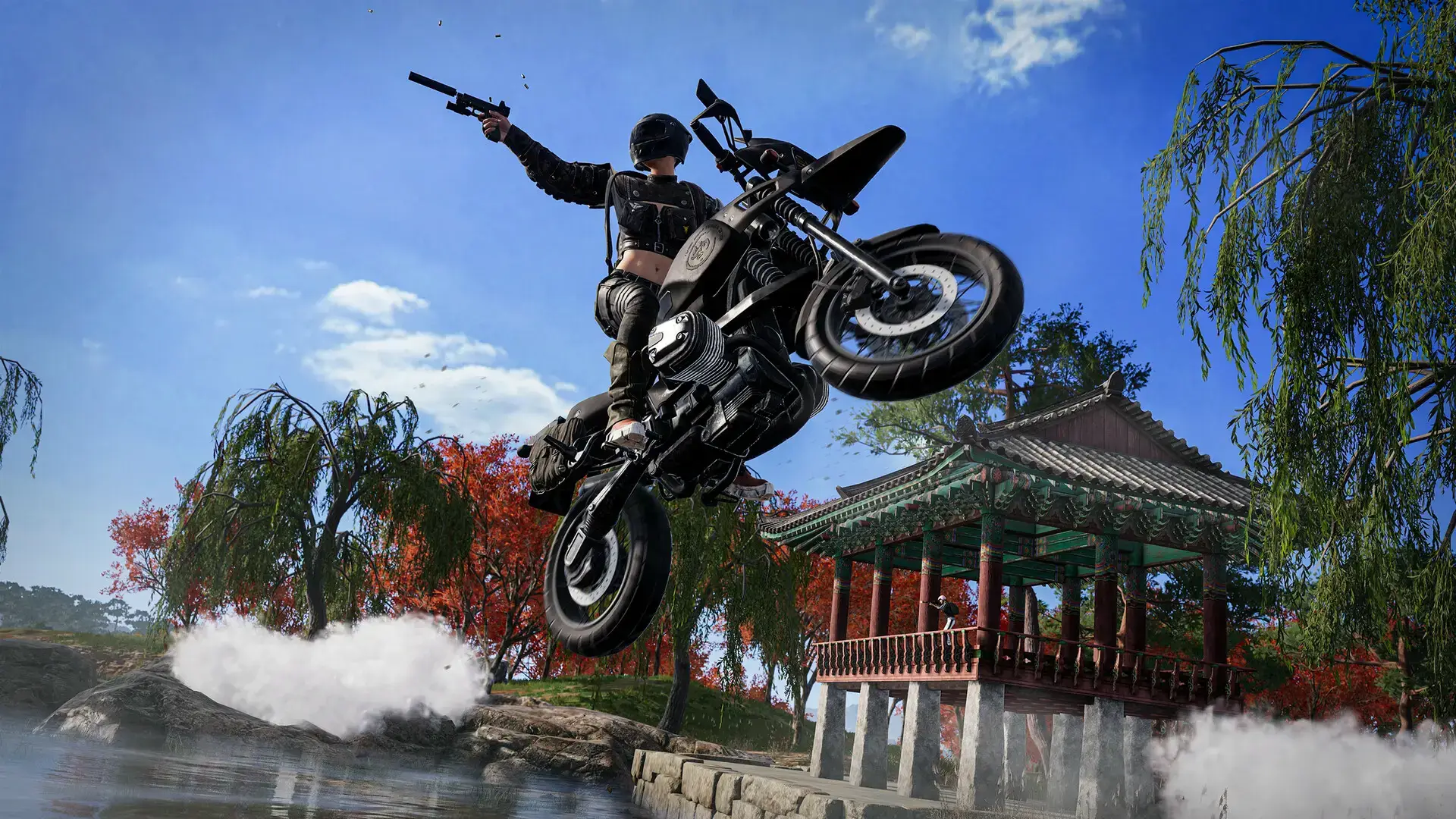
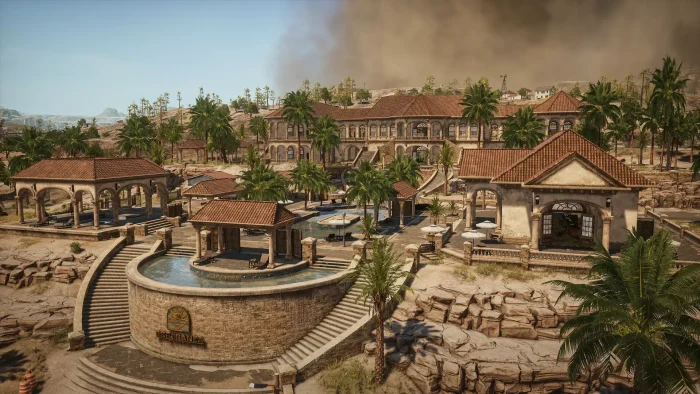
Here is what PUBG: BATTLEGROUNDS looks like in action on PC.
-
- Custom map from PUBG: BATTLEGROUNDS for PC: Free Download, Maps & System Requirements
-
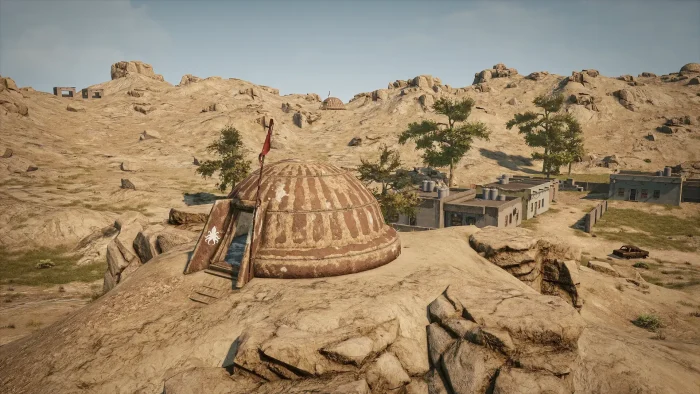
- Desert map from PUBG: BATTLEGROUNDS for PC: Free Download, Maps & System Requirements
-
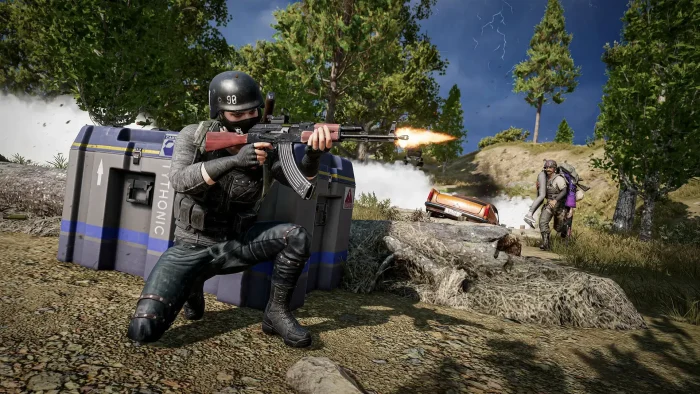
- Firing ak 47 graphics from PUBG: BATTLEGROUNDS for PC: Free Download, Maps & System Requirements
-
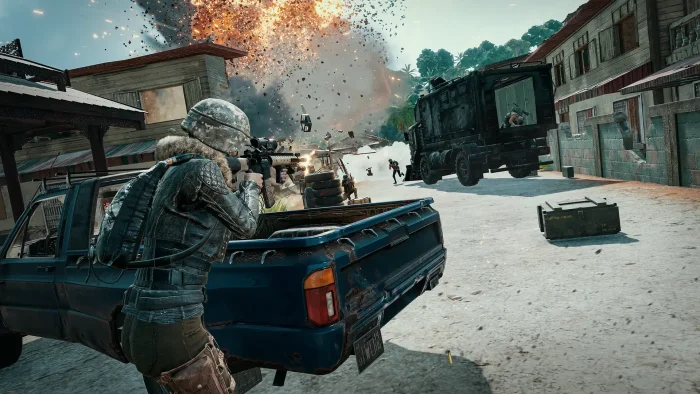
- Firing gun from PUBG: BATTLEGROUNDS for PC: Free Download, Maps & System Requirements
-
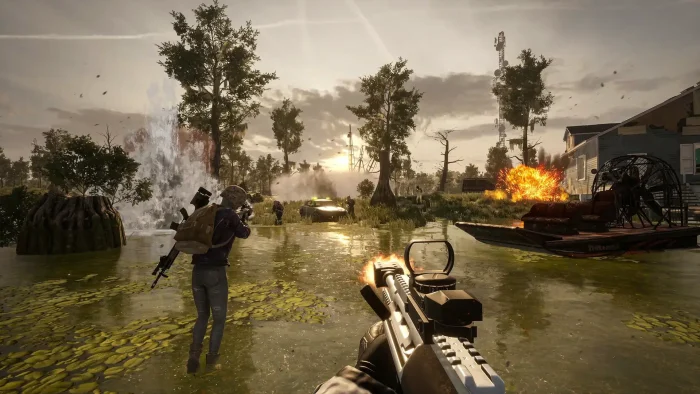
- First person gameplay graphics shooting from PUBG: BATTLEGROUNDS for PC: Free Download, Maps & System Requirements
-
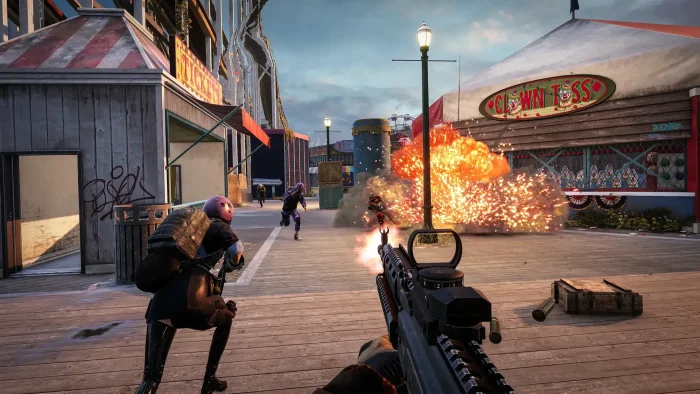
- First person view shooting from PUBG: BATTLEGROUNDS for PC: Free Download, Maps & System Requirements
-
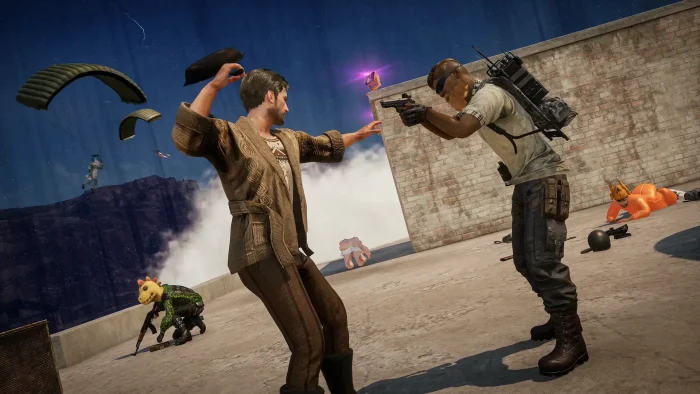
- Funny battle from PUBG: BATTLEGROUNDS for PC: Free Download, Maps & System Requirements
-
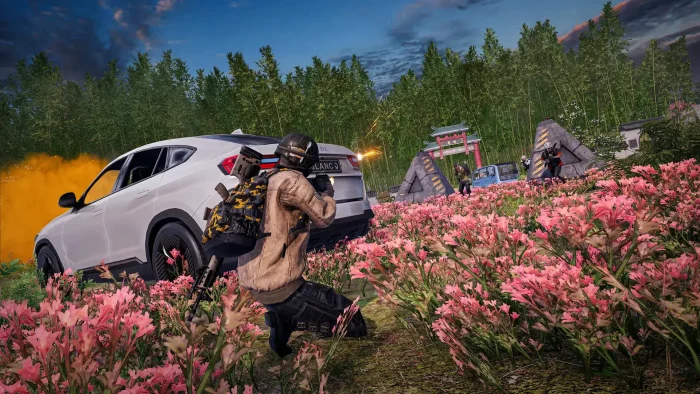
- Gameplay graphics in flower garden from PUBG: BATTLEGROUNDS for PC: Free Download, Maps & System Requirements
-
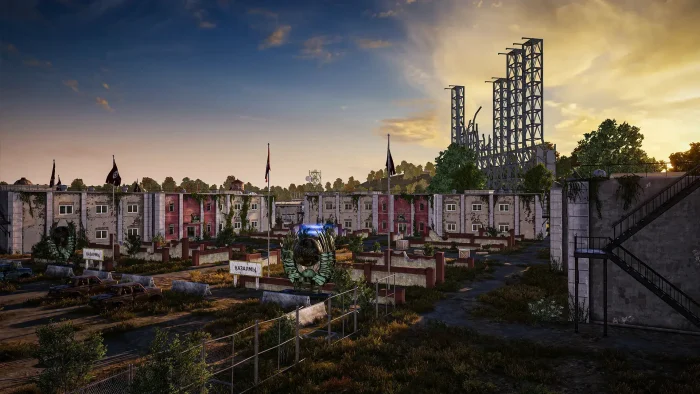
- Hd map from PUBG: BATTLEGROUNDS for PC: Free Download, Maps & System Requirements
-
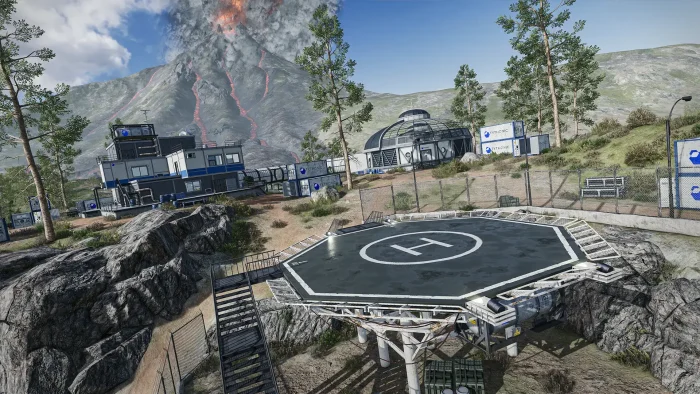
- High tech map from PUBG: BATTLEGROUNDS for PC: Free Download, Maps & System Requirements
-
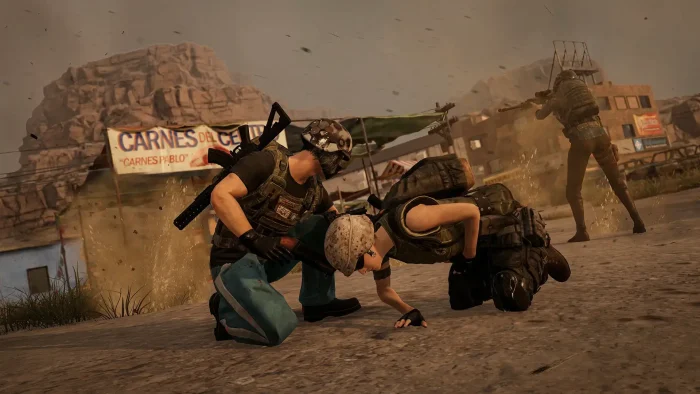
- Injured teammates from PUBG: BATTLEGROUNDS for PC: Free Download, Maps & System Requirements
-
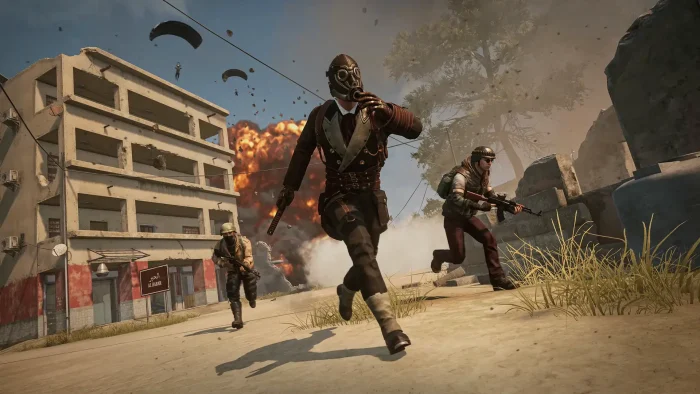
- Masked characters from PUBG: BATTLEGROUNDS for PC: Free Download, Maps & System Requirements
-
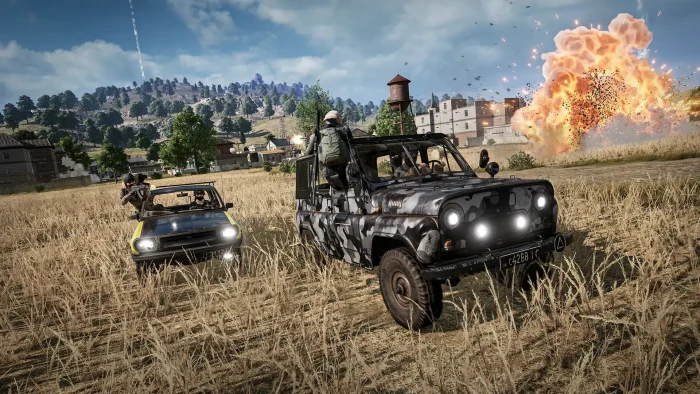
- Online player in cards from PUBG: BATTLEGROUNDS for PC: Free Download, Maps & System Requirements
-
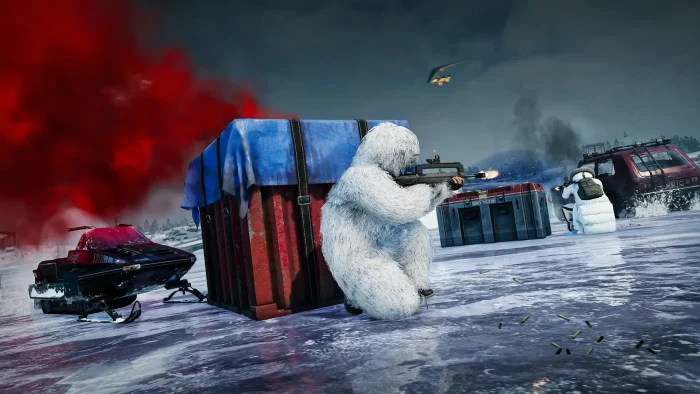
- Player wearing all white from PUBG: BATTLEGROUNDS for PC: Free Download, Maps & System Requirements
-
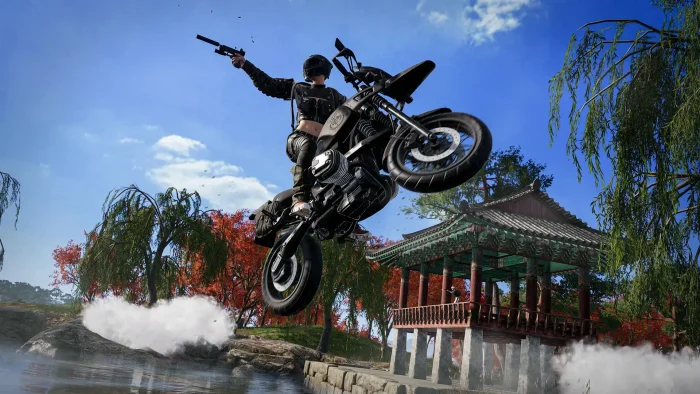
- Shooting woman on motorcycle from PUBG: BATTLEGROUNDS for PC: Free Download, Maps & System Requirements
-
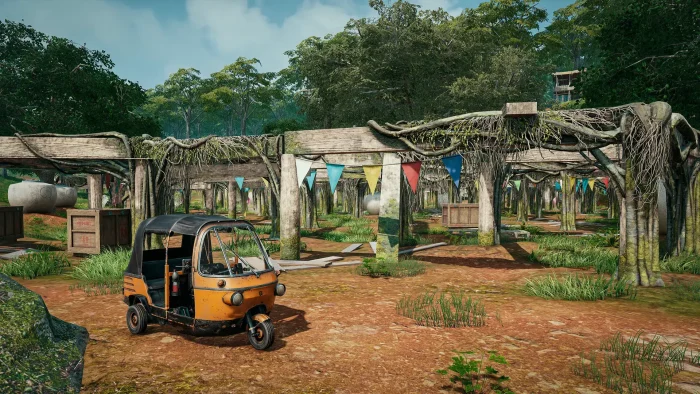
- Taxi cart from PUBG: BATTLEGROUNDS for PC: Free Download, Maps & System Requirements
-
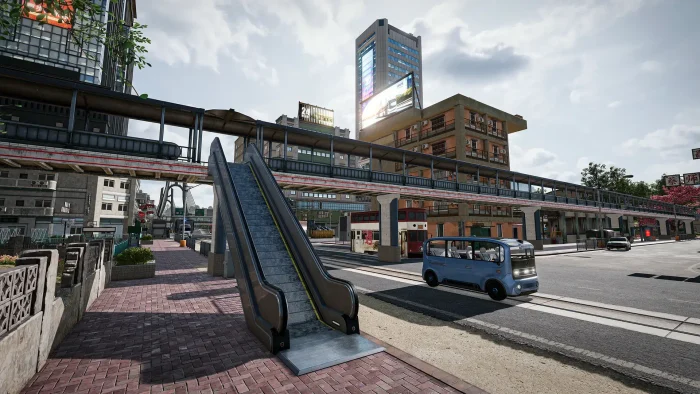
- Updated graphics in town from PUBG: BATTLEGROUNDS for PC: Free Download, Maps & System Requirements
-
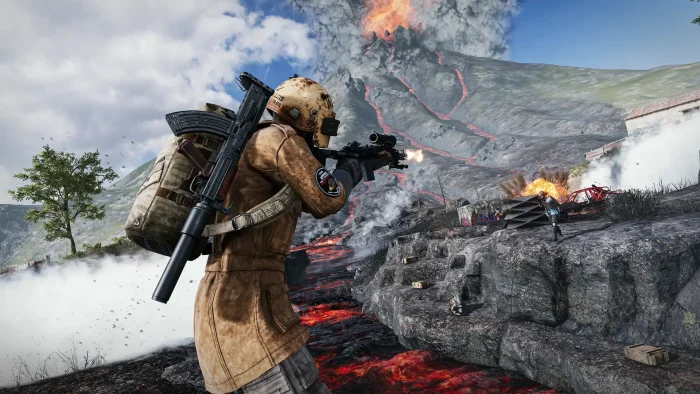
- Pvp action from PUBG: BATTLEGROUNDS for PC: Free Download, Maps & System Requirements
PUBG: BATTLEGROUNDS FAQ
Support and Community
Explore more Windows games: Fortnite for PC · Roblox for PC · Minecraft for PC · Best free-to-play games for PC
Need a PC upgrade to run these? See our Best Gaming Desktops guide.
Discover more from Windows Mode
Subscribe to get the latest posts sent to your email.










PUB as what we regular players call it, the name is long and weird lol but the game makes up for it! Try it.
Better than I thought it would be honestly, the game is still under beta but it is hella fun
Downloading it now via steam.
best game of 2017 hands down