Readers like you help support this site. When you make a purchase using links on our site, we may earn an affiliate commission. All opinions remain our own.
Claude is Anthropic’s AI assistant, with an official app for Windows 10 and 11.
Claude Desktop is Anthropic’s official AI assistant app for Windows, available from the Microsoft Store or Claude’s own website. You can chat with it, hand it a whole task such as a report or a spreadsheet, and let it work on your files while you do something else. Developers also get Claude Code built into the same app.
What sets it apart is how much it can finish on its own. Claude reads, organizes and creates files on your PC, checks in when it needs a decision, and keeps working on a task after you close the laptop. You choose which folders and apps it can reach.
The app is free on Windows 10 and Windows 11, on regular and Arm PCs. Paid plans add more usage, the larger Opus model, Claude Code and Claude in Chrome.
This guide covers the install, the newest features like Dashboards and Motion, the plans, Claude Code shortcuts, and how Claude compares with ChatGPT and Copilot. Questions? Reach out to us directly.
What Is Claude Desktop?
Claude Desktop is the Windows app for Claude, Anthropic’s AI assistant. It does what the web version does, plus work on the files and apps on your PC.
You no longer pick between a chat mode and an agent mode. Anthropic is merging chat and Cowork into one Claude: ask a quick question, or hand off a bigger job and Claude takes it from there. The merge started on September 16, 2026, rolling out to Pro and Max first, with Free and Team next. Claude Code, for developers, stays built into the app.
Current models: Anthropic released Claude Opus 5.5 on September 22, 2026, Claude Sonnet 5.5 on September 28, and Claude Haiku 5.5 on October 7. Sonnet is the everyday model, Opus is for complex work that needs careful judgment, and Haiku is the fast, light one. The Free plan uses Sonnet and Haiku, and Pro and Max add Opus.
Claude Fable 5.1 sits above all three. On Max it can use up to half of your weekly limits, and on Pro it runs on usage credits. Its sister model, Mythos 5.1, is limited to approved professionals in cybersecurity and life sciences, so you cannot switch it on from a normal account.
How to Get Claude on Windows
Anthropic publishes the same app in two places: the Microsoft Store and its own download page, which also has an Arm64 installer for Snapdragon laptops. The Store is the easiest, because Windows keeps it updated.
1 Open the Claude listing on the Microsoft Store and check the publisher says Anthropic, PBC. Or download the installer from claude.com/download.
2 Click Get or Install and wait for it to finish.
3 Open Claude from the Start menu and sign in, or create a free account.
4 Choose which folders Claude can use. Claude asks before it reads or changes files, and you can change access any time in Settings.
Check the publisher. If you search the Store instead of using the link, pick the Claude app published by Anthropic, PBC. Claude also works in any browser at claude.ai, with the same account.
The Newest Claude Features
Anthropic shipped these in September and October 2026. Plan details come from Anthropic’s own announcements.
Claude Dashboards
Connect Claude to a data source such as BigQuery, Databricks, Snowflake or Salesforce and it builds a dashboard that stays up to date. Every number links to the query behind it, and each chart shows when its data was last refreshed.
Claude Motion
Describe a short animated explainer and Claude builds it, ready to edit or download as an MP4. It uses code-based animation, not a video model, so there is no generated footage and no AI-generated people.
Docs, Slides and Design
Claude can now write documents, build slide decks you can present or download as PowerPoint or PDF, and draft designs such as prototypes and one-pagers, right inside a conversation.
Google Docs, Sheets and Slides
A Claude add-on opens in a sidebar inside Google Docs, Sheets and Slides. It edits text, writes formulas, builds charts and slides, and by default asks before each change.
Read Anthropic’s Dashboards and Motion announcement for setup details. Business admins switch Dashboards and Motion on in their organization settings.
Key Features
Hand off and schedule work
Give Claude a job like turning a folder of receipts into an expense report. It works through each step and keeps going after you close the laptop. You can also schedule repeat work, such as a report every Monday.
Works on your PC
Claude reads, organizes and creates files in the folders you allow, with nothing to upload. It can also use apps on your screen when a task needs it, and asks before anything major.
Claude Code built in
Developers get Claude Code inside the app: it reads a codebase, edits files, runs terminal commands and manages Git. It is also available in the terminal, VS Code and JetBrains.
Connect your tools
Link Google Drive, Gmail, Calendar and more so Claude can use your own context. Desktop extensions connect it to local apps and data.
Claude in Chrome and Microsoft 365
On Pro and above, Claude in Chrome navigates sites, clicks and fills in forms for you, and Claude for Microsoft 365 works inside your Office apps.
Remembers across chats
Memory is on every plan, including Free. Claude keeps track of your preferences and ongoing projects so you repeat yourself less.
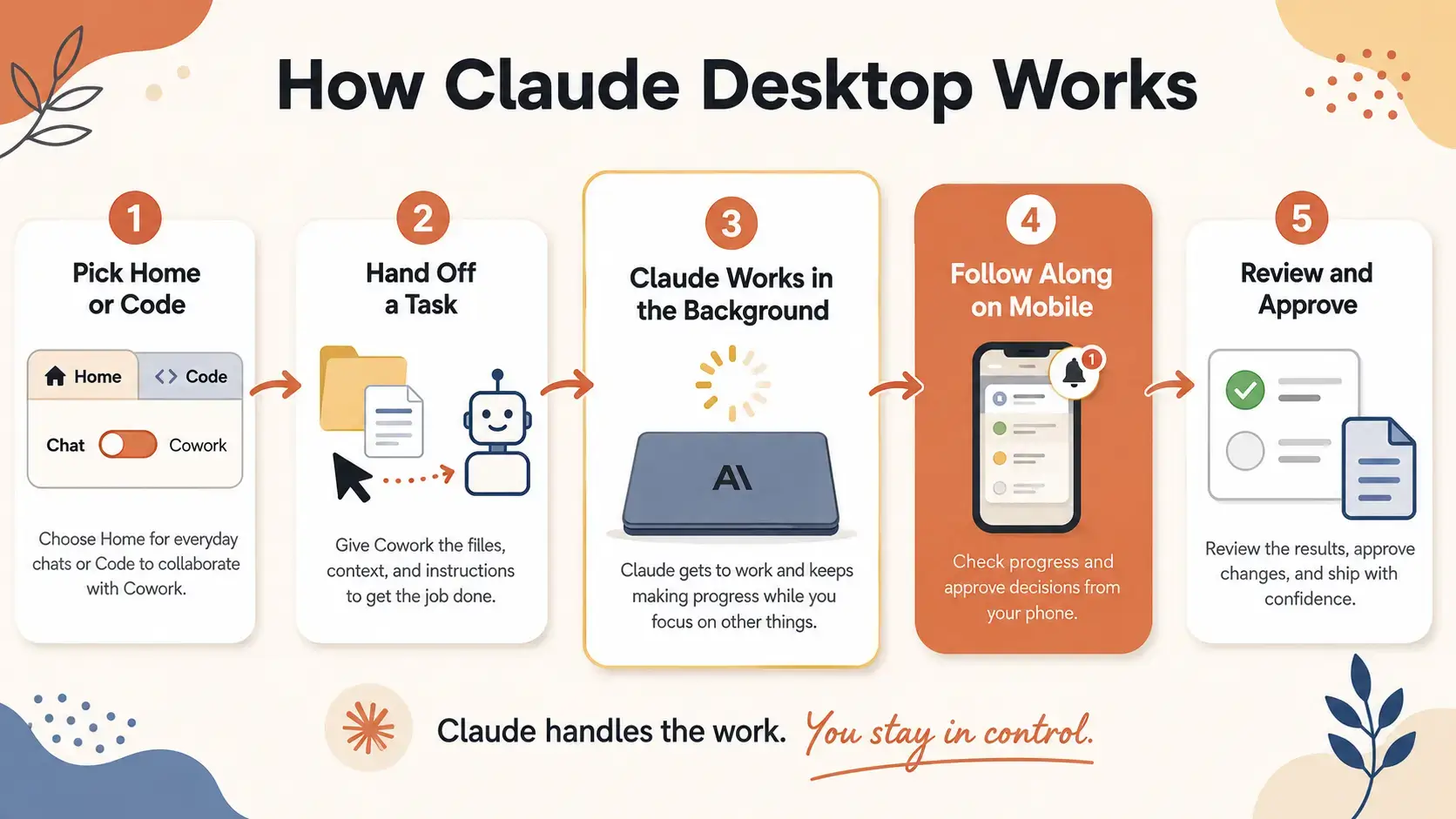
How Claude Desktop Works
See how a task moves from your desktop to Claude working in the background and back to you for review, in the infographic below.
Plans and Pricing
The app and everyday chat are free. Pro is where Claude Code, Claude in Chrome and the Opus model come in. Max is for heavy daily use. Prices change, so check Claude’s pricing page before you subscribe.
Teams pay per seat: a Standard seat is $25 a month, or $20 billed yearly, and a Premium seat with more usage is $125, or $100 billed yearly. Claude Motion is on Team and Enterprise only.
Claude Code Shortcuts and Commands
These come from Anthropic’s Claude Code documentation and work in the Code view on Windows.
Claude vs the Alternatives
Pick Claude for long documents, careful writing, coding and tasks it can finish on its own. Pick another tool for its own strength. All of these have a free tier.
Video Tutorial
Watch a walkthrough of Claude Desktop, Claude Code and handing off tasks in your workflow.
Tips for Getting Started
1 Hand off the outcome, not the steps. “Build a two-page market summary from my Drafts folder” lets Claude find the material and create the file itself.
2 Limit folder access to what the task needs. Give Claude one project folder rather than your whole drive. It is faster and safer.
3 Schedule the repeat jobs. If you write the same report every week, schedule it once and Claude starts on it without being asked.
4 Use plan mode for bigger code changes. In Claude Code, press Shift + Tab until plan mode is on, and Claude shows its approach before touching any files.
5 Review before you approve. Claude shows what it plans to change. Read the diff or the draft before you accept it, especially for files you share.
Quick Poll
Screenshots
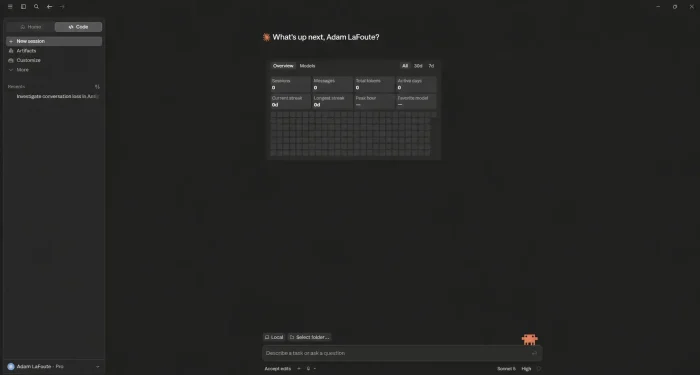
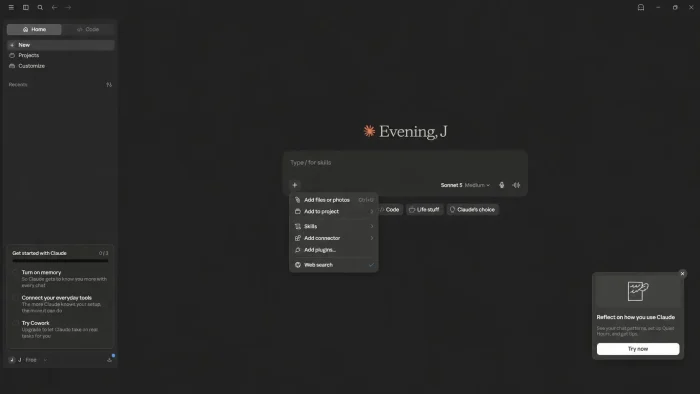
These screenshots show Claude Desktop on Windows, including the chat view and Claude Code. Click any image to see it full size.
-
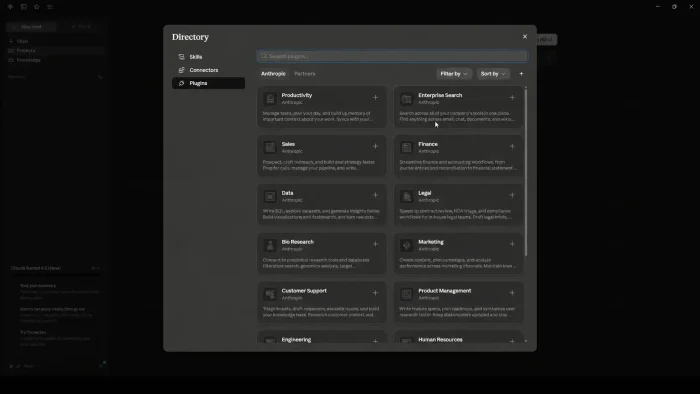
- Claude desktop plugins page from Claude Desktop for Windows: The All-in-One AI for Writing, Code, and Research (2026)
-
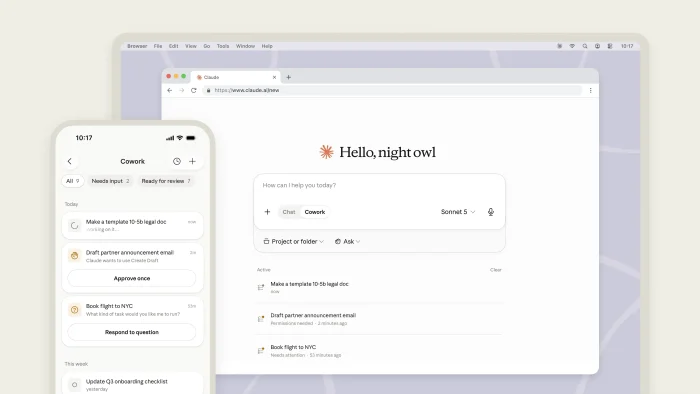
- Claude desktop web mobile screenshot from Claude Desktop for Windows: The All-in-One AI for Writing, Code, and Research (2026)
-
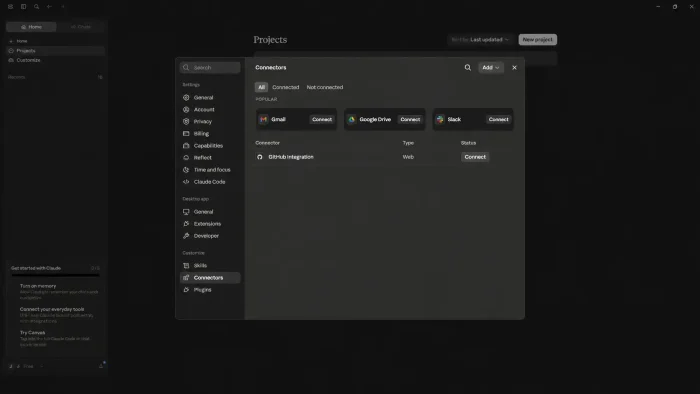
- Connectors on claude desktop from Claude Desktop for Windows: The All-in-One AI for Writing, Code, and Research (2026)
-
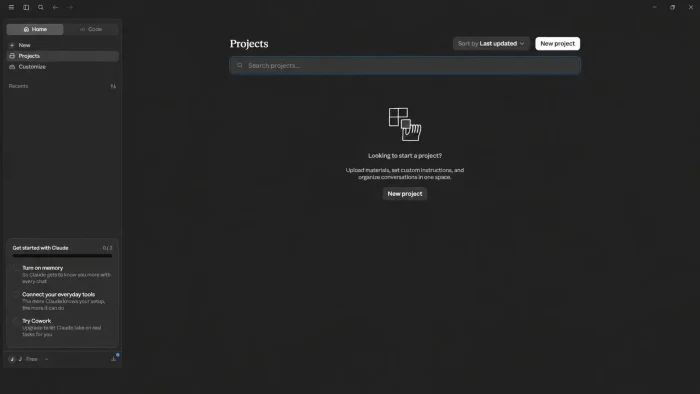
- Create projects claude desktop from Claude Desktop for Windows: The All-in-One AI for Writing, Code, and Research (2026)
-
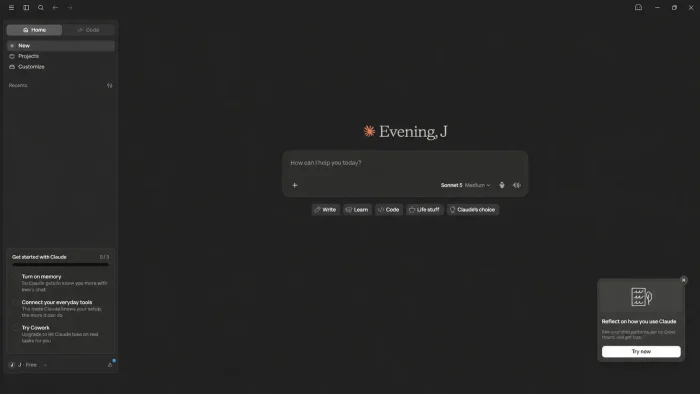
- New claude desktop look buttons from Claude Desktop for Windows: The All-in-One AI for Writing, Code, and Research (2026)
-
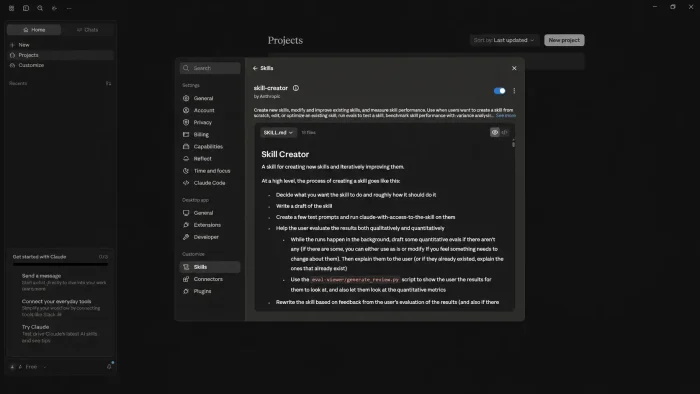
- Skill creator claude desktop from Claude Desktop for Windows: The All-in-One AI for Writing, Code, and Research (2026)
-
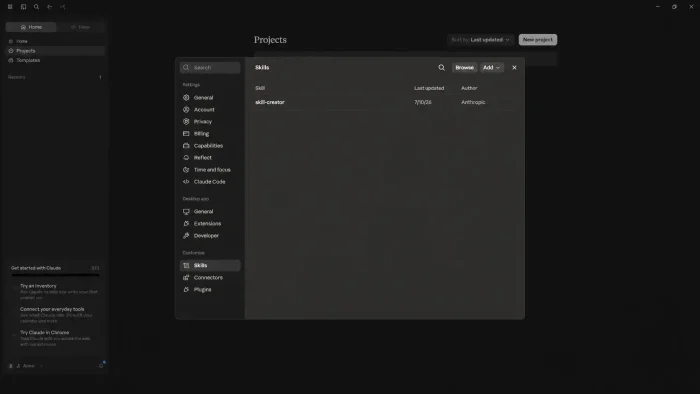
- Skills search from Claude Desktop for Windows: The All-in-One AI for Writing, Code, and Research (2026)
-
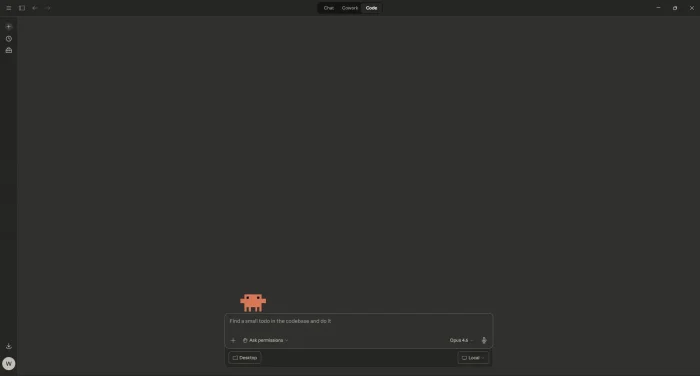
- Claude code homepage from Claude for Windows: AI Assistant for Writing, Code and Research (2026)
-
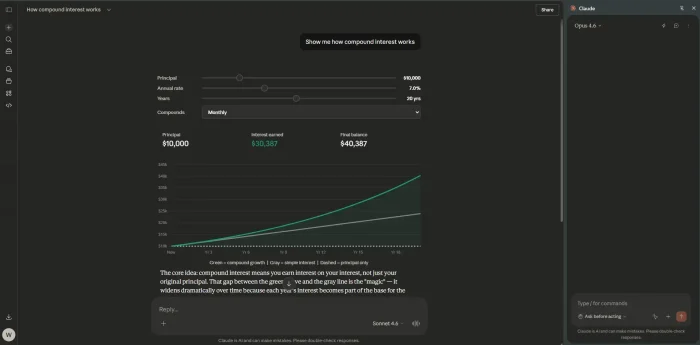
- Claude browser extension from Claude for Windows: AI Assistant for Writing, Code and Research (2026)
-
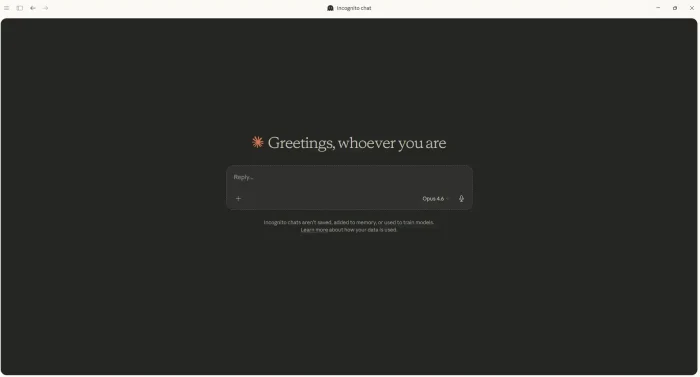
- Claude desktop private mode from Claude for Windows: AI Assistant for Writing, Code and Research (2026)
-
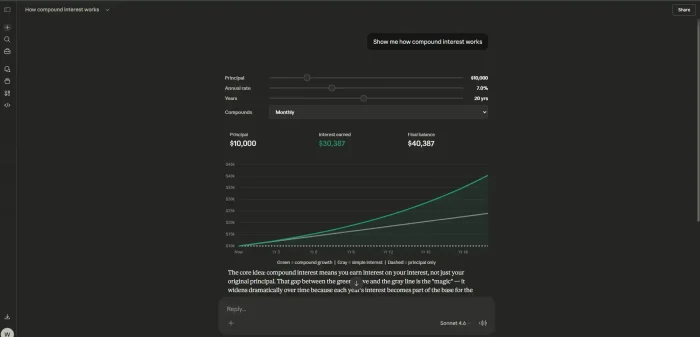
- Claude web visual data from Claude for Windows: AI Assistant for Writing, Code and Research (2026)
Frequently Asked Questions
Is Claude Desktop free for Windows users?
What are the system requirements for Claude on Windows?
Is the Claude app on the Microsoft Store official?
What happened to Claude Cowork?
Can I use Claude Code in a terminal?
What are Claude Dashboards and Claude Motion?
Support and Community
These places answer most Claude questions.
- Anthropic, the company behind Claude, with model announcements.
- Claude Help Center, Anthropic’s official guides, system requirements and troubleshooting.
- Claude blog, for new features as they ship.
- r/ClaudeAI on Reddit, the largest Claude community, for tips and troubleshooting.
More Windows software guides: ChatGPT for Windows · Microsoft Copilot for Windows · Perplexity for Windows · Best Free AI Code Editors · Best Free Windows AI Software
Discover more from Windows Mode
Subscribe to get the latest posts sent to your email.

















Add your first comment to this post