Readers like you help support this site. When you make a purchase using links on our site, we may earn an affiliate commission. All opinions remain our own.
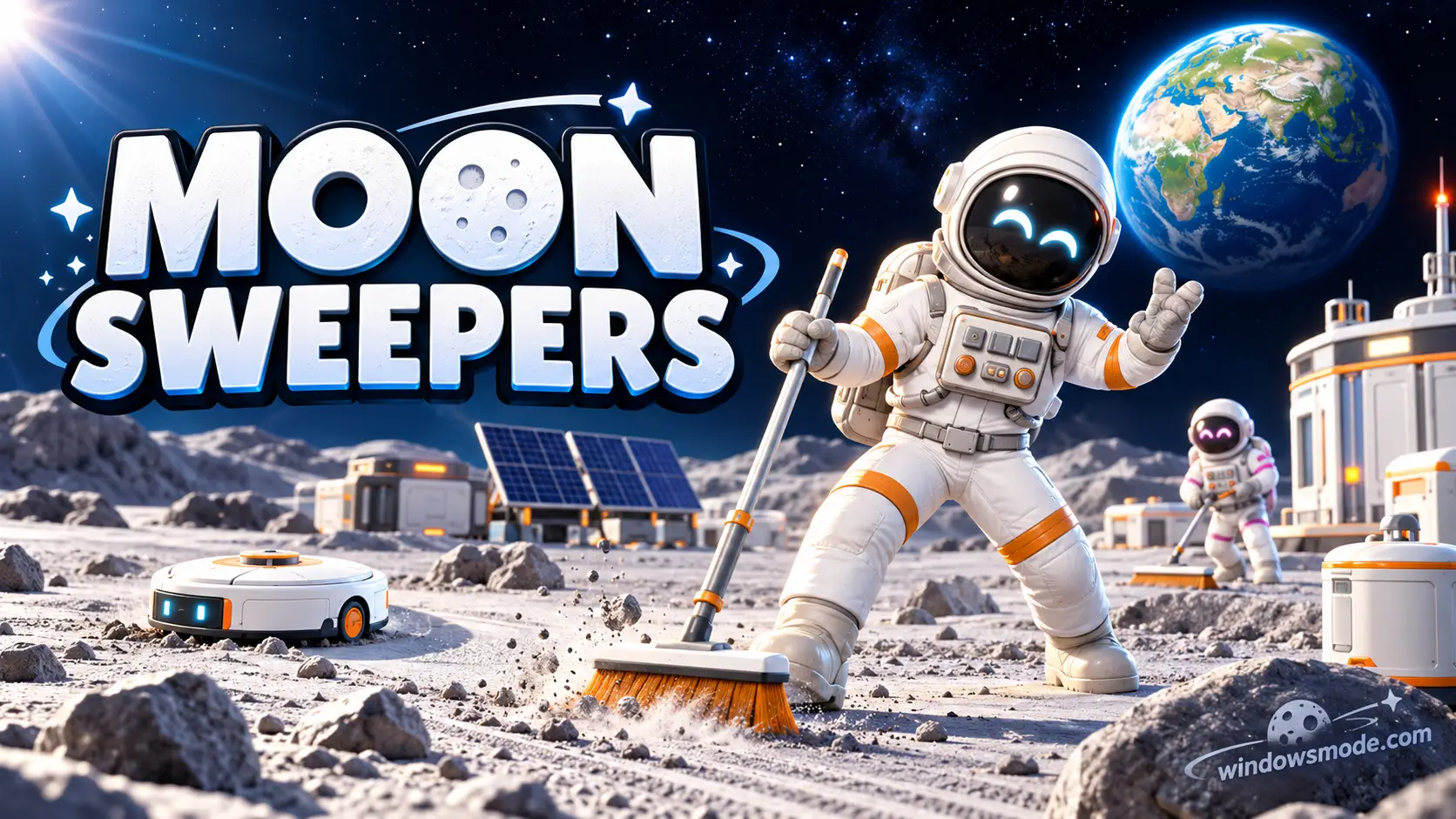
Moon Sweepers on PC. Click to open it full size.
Moon Sweepers is a co-op cleaning sim for PC from DragDrop Games, available on Steam. The Moon is covered in dust, and your crew has to clean all of it. You collect the dust, ship it off for cash, and spend the money on better tools, vehicles and machines.
The joke is where you start. The cleanup budget only covers a toothbrush, so your first hours are spent scrubbing the Moon by hand. From there you work up to sweeper trucks, cleaning robots and conveyor belts that run the job for you.
It came out on October 23, 2026. It runs on Windows 10 and 11, supports up to 16 players in online co-op, and has full controller support. It is made by a two-person studio.
Already playing? Tell us how big your crew is and what you bought first. Got questions before buying? Reach out to us directly.
What You Need to Know
- On PC it is sold only on Steam. It is not on the Epic Games Store or GOG.
- It runs on modest hardware. The minimum spec is a GTX 1650 class graphics card, 8 GB of RAM and 2 GB of storage.
- You can play alone or in online co-op lobbies of up to 16 players. You need an internet connection either way.
- The developers said plainly that launch week had crashes, performance problems and multiplayer bugs, and they have been patching it quickly.
- It is not on Boosteroid yet.
Quick Facts
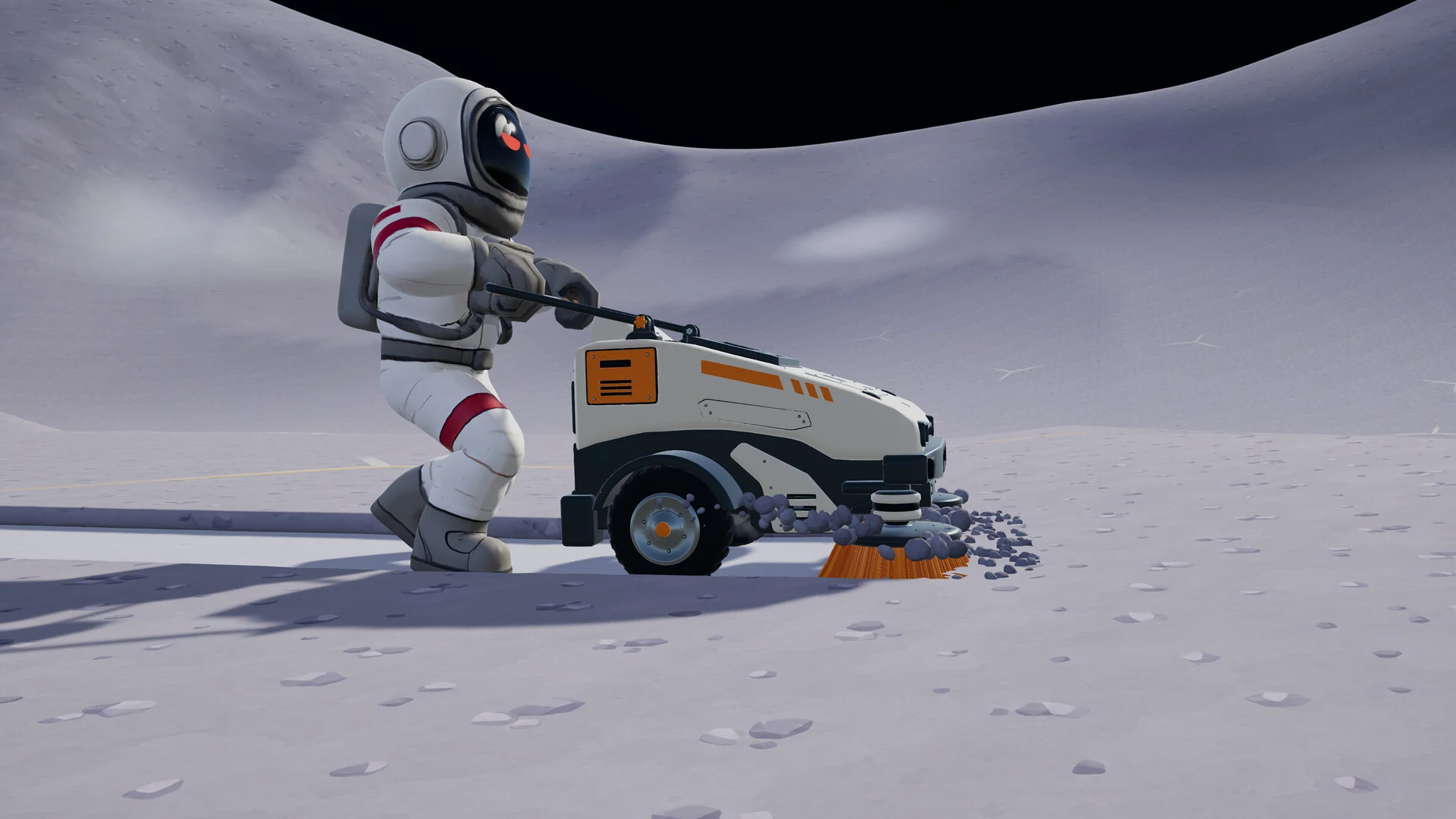


How to Download Moon Sweepers on Windows
Steam is the only place to buy it on PC, and the download is small.
- Step 1. Install Steam. Download it from the Steam website and sign in.
- Step 2. Open the store page. Go to Moon Sweepers on Steam.
- Step 3. Buy the game. Click Add to Cart and finish checkout.
- Step 4. Install it. Click Install in your library.
- Step 5. Launch it and pick a mode. Start a world on your own, or host a lobby and invite friends.
One edition, one price. Moon Sweepers costs $8.99 in the US, with regional prices elsewhere. There is no deluxe edition or DLC, and everyone in your co-op lobby needs their own copy.
💡 Your PC is too weak? Cloud gaming is an option. Moon Sweepers is not on Boosteroid yet, but new games get added often. Check if Moon Sweepers is on Boosteroid.
What Is Moon Sweepers?
Moon Sweepers is a cleaning game set on the Moon. The fictional Lunar Surface Department sends your crew to clear the dust off the whole surface, then hands you a toothbrush and wishes you luck.
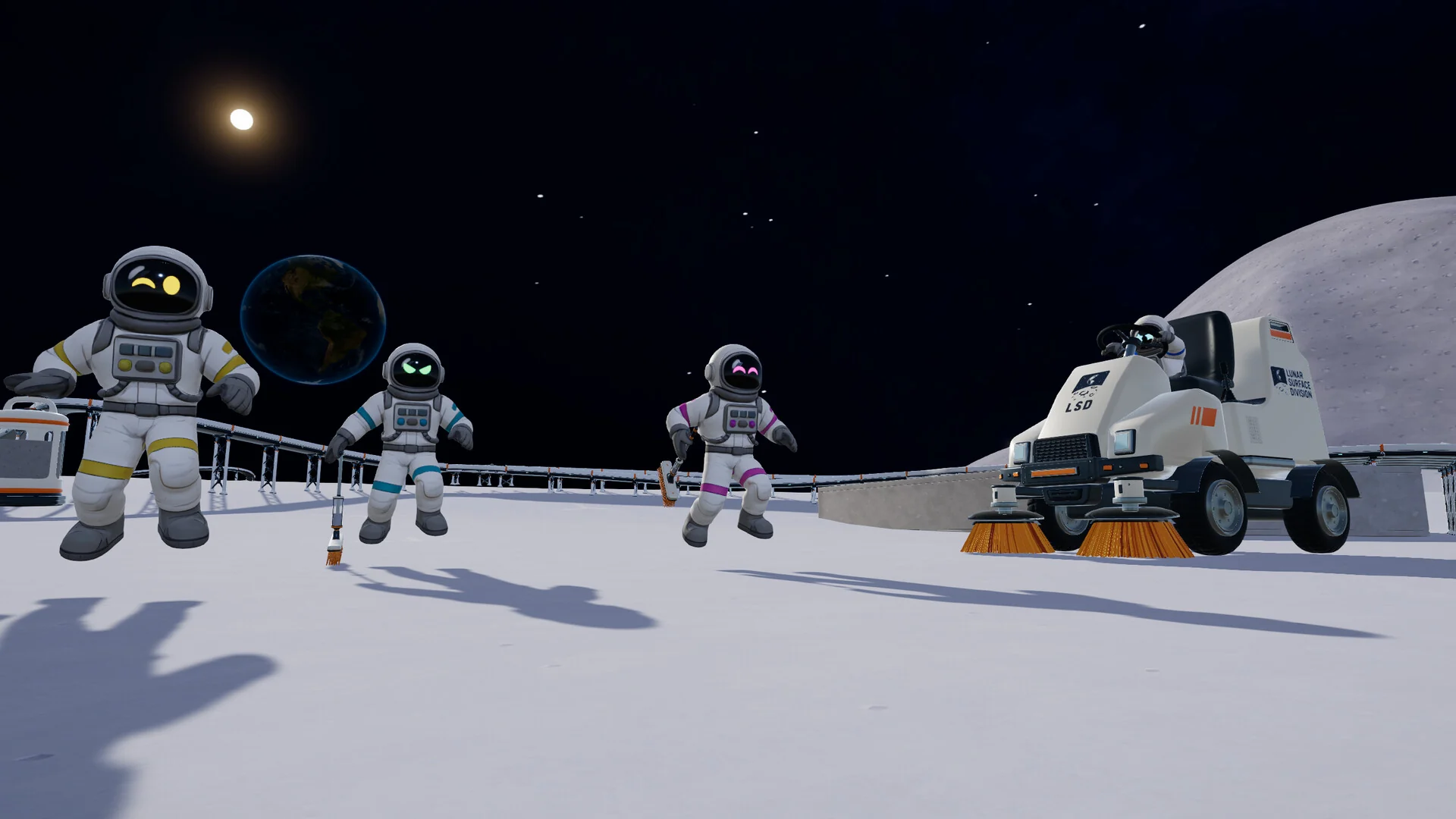
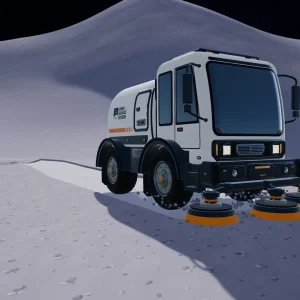
Your crew starts on foot and works up to cleaning vehicles.
The loop is simple. You fill your storage with lunar dust, carry it to a depot, and launch shipments to get paid. Every payout goes back into better tools and more carrying space, so each trip covers more ground than the last. You can watch the gray dust turn clean behind you as you go.
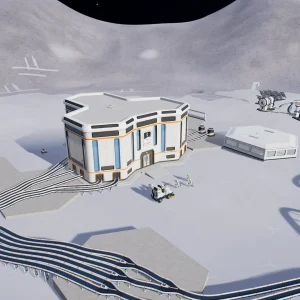
Later, the job turns into a base. You place depots near your work, drive sweeper trucks, and build machines linked by conveyor belts, splitters and mergers. J.O.O.N.A.S., a cleaning robot, works through a whole sector on its own and fires the dust it collects back to your base in capsules.
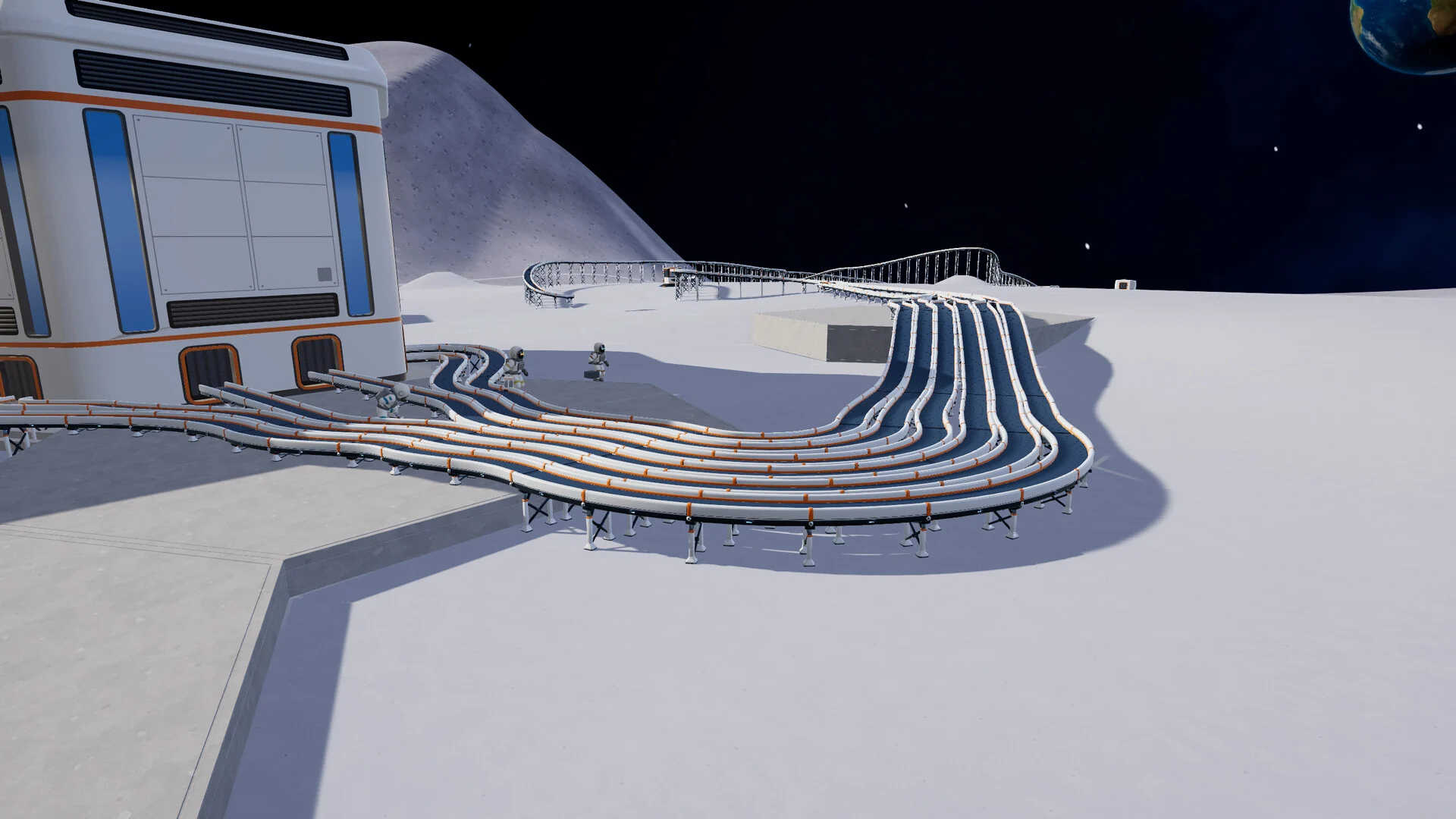
Conveyor belts carry dust between your machines once the base grows.
It plays best with friends. Up to 16 players share one lobby, one wallet and one set of upgrades. You can split up to cover more of the map or all scrub the same crater together. Whether everyone actually works is, as the developers put it, another matter.
Official Trailer
Watch the official trailer for Moon Sweepers to see the crew at work on the Moon, from cleaning by hand to driving the sweeper vehicles.
Key Features
Your first tool really is a toothbrush. Every upgrade after that feels earned, because you remember scrubbing the Moon one tiny patch at a time.
Online lobbies hold up to 16 players with a shared wallet and shared upgrades, and hosts can kick or ban players who cause trouble.
Unlock push sweepers and large sweeper trucks that clean wide strips of ground in one pass.
Build conveyor belts, splitters and mergers to move dust between machines, so the base does more of the work.
This cleaning robot clears a sector on its own and launches the dust back to your base, even when no players are nearby.
Jetpack boosts, gravity boots, a helmet lamp and night vision goggles help you get around and keep working through the lunar night.
Is This Game for You?
Our Take
🎮 Our Take
Moon Sweepers is a small, honest game built around one good joke. Cleaning the entire Moon with a toothbrush is absurd, and the game leans into that, then quietly turns it into a satisfying upgrade loop where every new tool clears more ground than the last. The co-op is the main draw. Sixteen people scrubbing craters and arguing over who is slacking is the kind of chaos that makes a cheap game worth the money. The rough edges are real, though. Its two-person team admitted to crashes, performance problems, multiplayer bugs and thin automation at launch, and the early hours are repetitive by design.
If you have a friend group looking for a low-cost co-op game, buy it. The price is low, the hardware bar is low, and the developers have been patching quickly. If you play solo and want deep factory building, wait and watch the update notes to see how much the automation side grows. Either way, it is a game you play for the laughs and the steady sense of progress, not for a story.
System Requirements
These are the requirements DragDrop Games lists on Steam. Most gaming PCs from the last several years clear the minimum spec, and the download is tiny next to most new games.
Big bases with lots of belts and robots ask more of your processor than a fresh world does. If your PC falls short, our Best Gaming Desktops guide is a good place to start.
Tips for Beginners
Upgrade carrying space first
More storage means fewer trips to the depot. Early on, that saves more time than a faster tool does.
Put depots near your work
Walking back to a far depot eats your time. Place new depots close to the area you are cleaning.
Split up in co-op
Spread your crew across different patches of ground. You cover far more of the map than if everyone cleans the same crater.
Get J.O.O.N.A.S. working
The cleaning robot clears a sector on its own and sends capsules to your nearest capsule catcher, so set one up close to where it works.
Use the map
Right-click the map to set waypoints, and teleport between stations you have already found instead of walking back.
Best Moon Sweepers Mods to Start With
Moon Sweepers has no Steam Workshop. Mods come from Nexus Mods, where the scene grew fast in the first week. Almost all of them run on BepInEx 6 (a free mod loader), and BepInEx needs the MoonSweepers BepInEx Patcher before it can load anything in this game. These five are the most useful to start with.
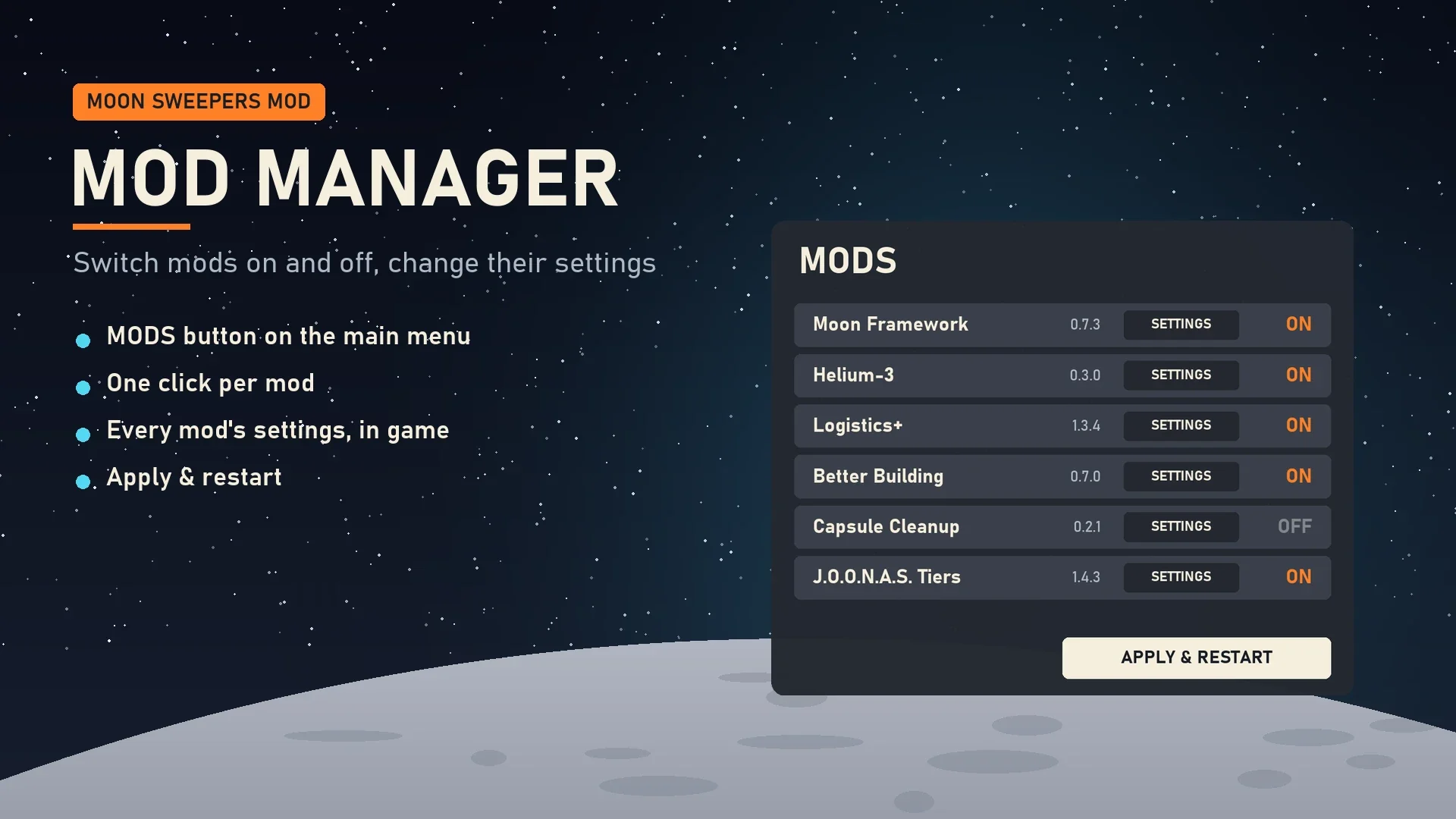
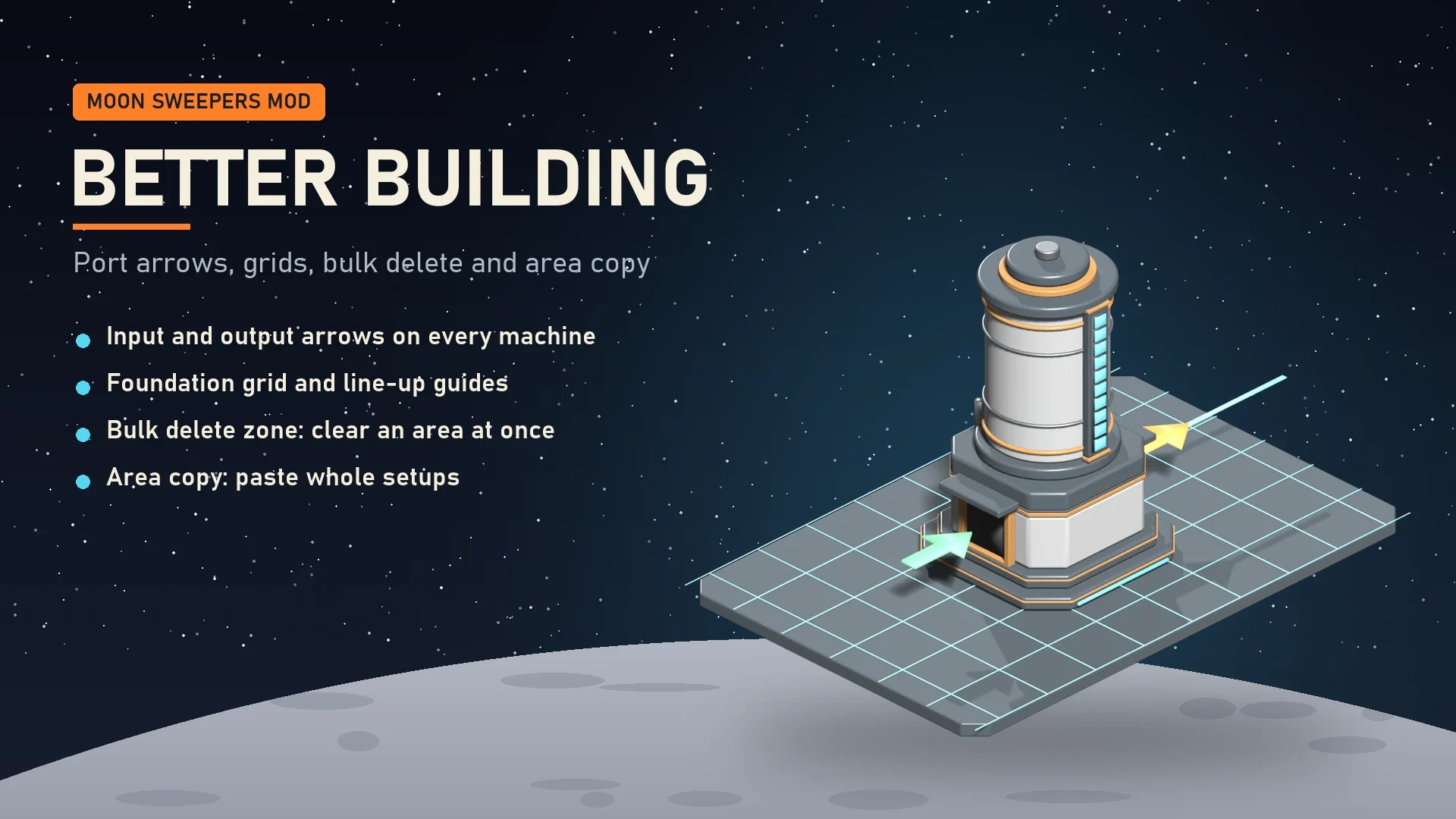
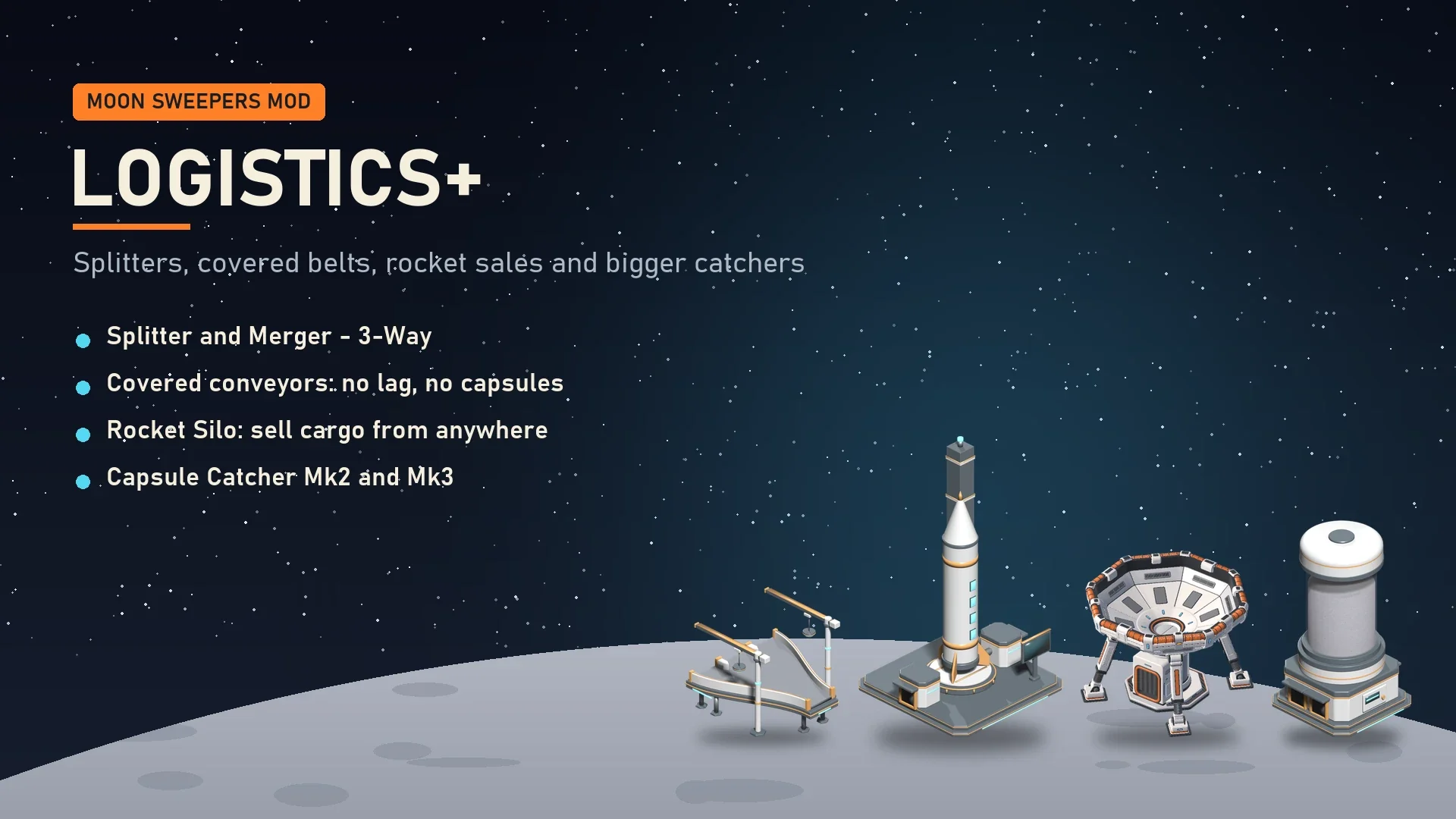
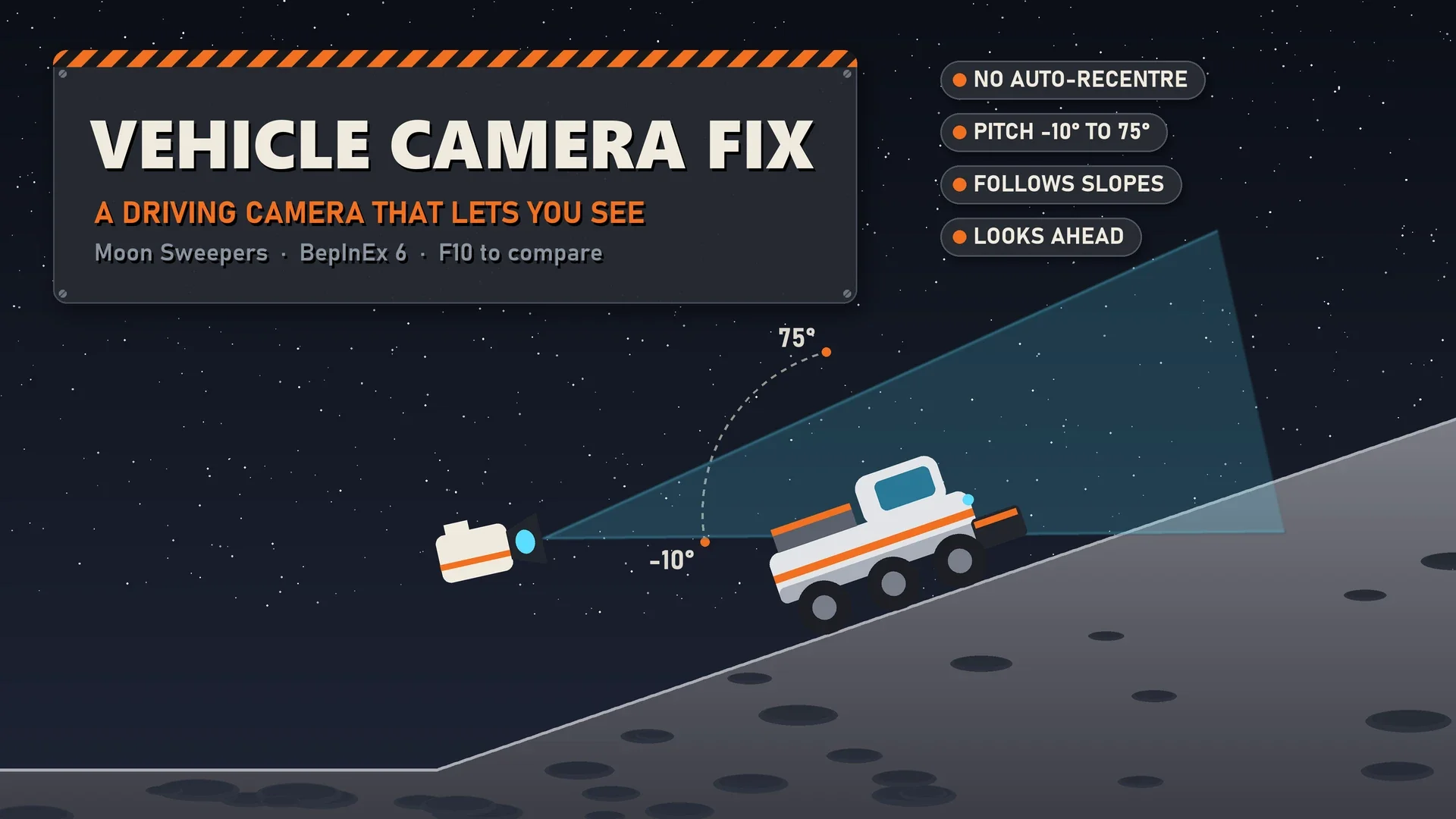
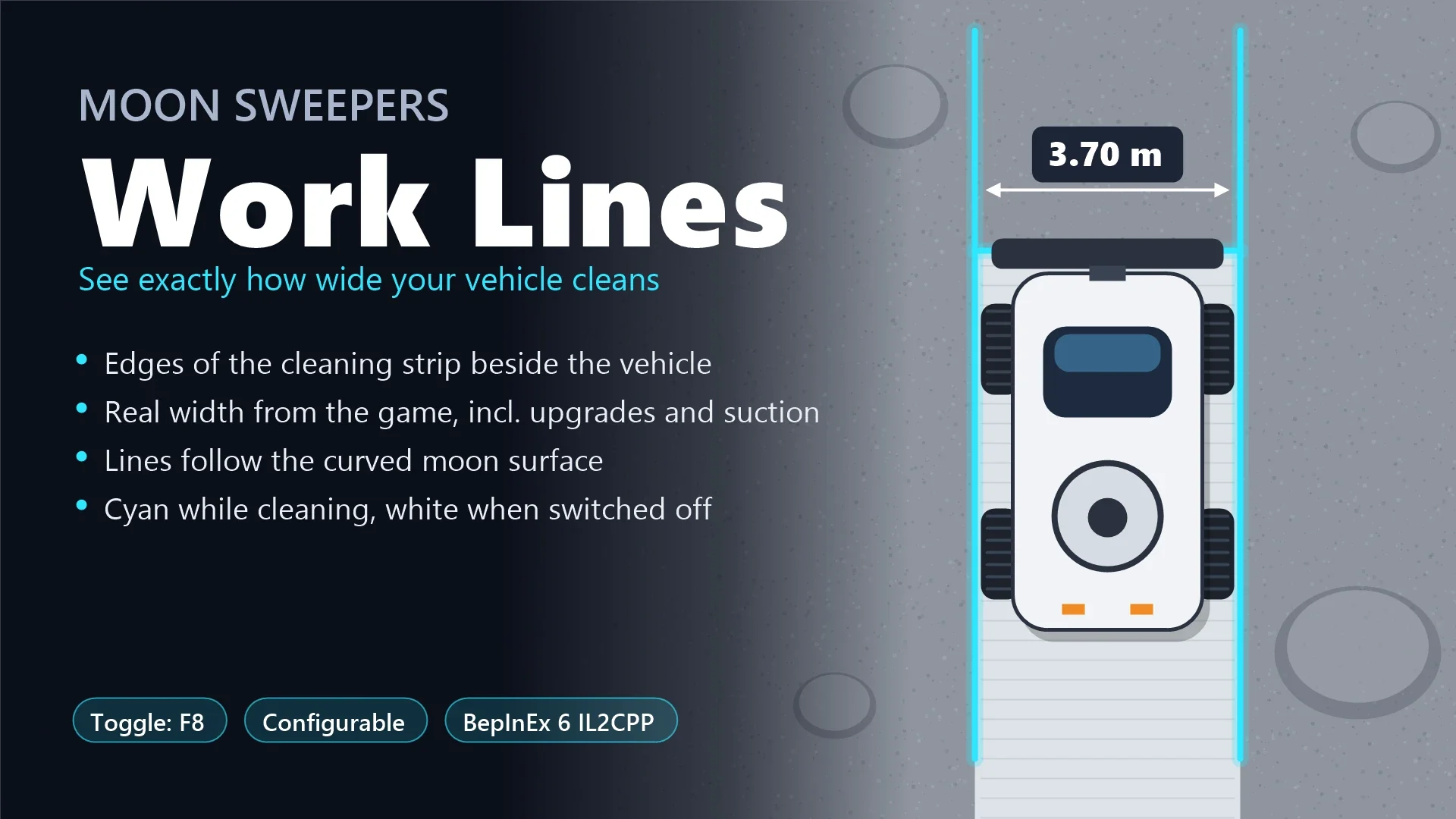
DragDrop Games does not support mods, and a game update can break them until their authors catch up, so back up your saves first. In co-op, check each mod page: some only need the host to install them, others need every player. If something breaks online, turn your mods off before you report a bug to the developers.
Moon Sweepers Screenshots
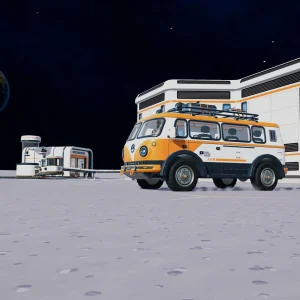
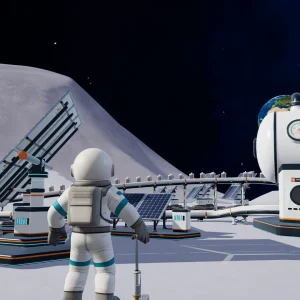
Toothbrush cleaning, a first-person view of a clean strip, a sweeper truck, the camper van, a base from above, solar farms, the headquarters and the station inside. Click any image to open it full size.
-
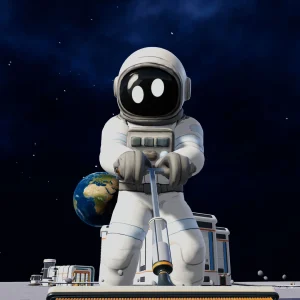
- Moon sweepers astronaut toothbrush cleaning from
-
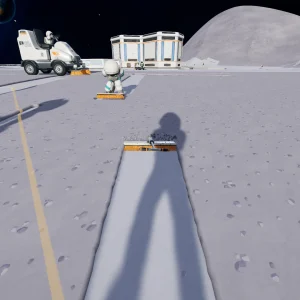
- Moon sweepers clean strip first person from
-
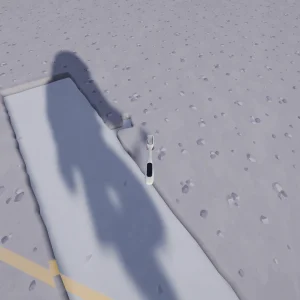
- Moon sweepers toothbrush clean path from
-
- Moon sweepers sweeper truck brushes from
-
- Moon sweepers camper van and base from
-
- Moon sweepers base from above from
-
- Moon sweepers solar panels and tanks from
-
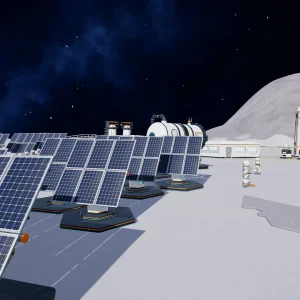
- Moon sweepers solar farm and base from
-
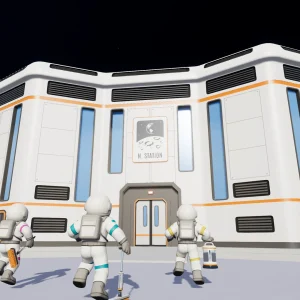
- Moon sweepers crew at headquarters from
-
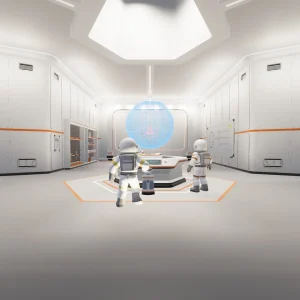
- Moon sweepers station locker room from
-
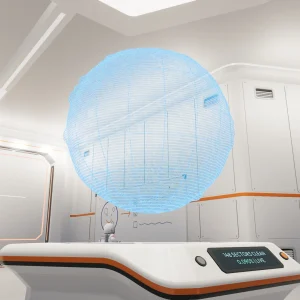
- Moon sweepers station globe terminal from
Moon Sweepers FAQ
Can you play Moon Sweepers solo?
Does Moon Sweepers have controller support?
Does Moon Sweepers work on Steam Deck?
Where does Moon Sweepers keep save backups?
My Moon Sweepers game crashes on an AMD graphics card. What should I do?
What are the Moon Sweepers system requirements?
Support and Community
- The official Moon Sweepers Discord, where DragDrop Games takes bug reports and posts news.
- Moon Sweepers news and patch notes on Steam, for every update.
- The official Moon Sweepers YouTube channel and Moon Sweepers on X, the developer’s own channels.
- r/indiegames on Reddit, for discussion and clips.
- Moon Sweepers on Nexus Mods, for PC mods.
Explore more Windows games: Supermarket Simulator for Windows · R.E.P.O. for Windows · PEAK for Windows · Lethal Company for Windows · CRACK for Windows · Best Indie Games on PC · Best Simulation Games on PC
Discover more from Windows Mode
Subscribe to get the latest posts sent to your email.















Add your first comment to this post