Readers like you help support this site. When you make a purchase using links on our site, we may earn an affiliate commission. All opinions remain our own.
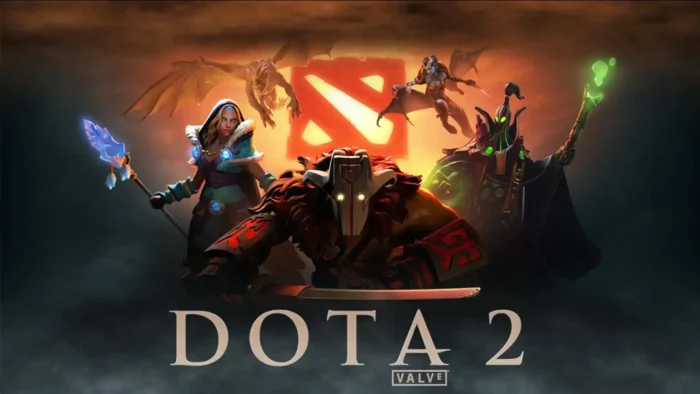
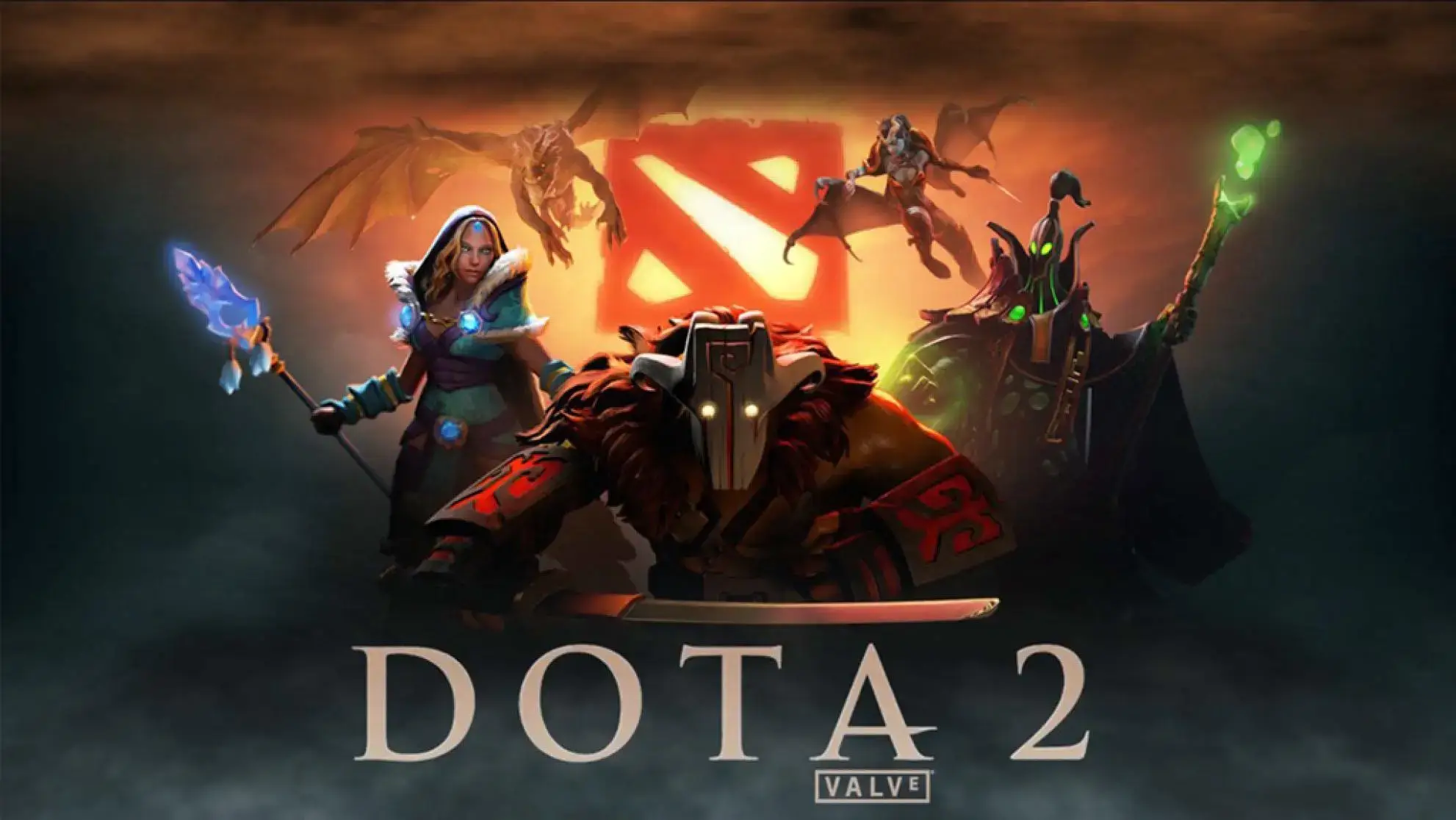
Dota 2 is a free five-on-five strategy game for PC from Valve, available on Steam.
Two teams of five heroes fight across a single map, gathering gold and experience until one side is strong enough to destroy the enemy’s Ancient, the main structure at the heart of each base. Every hero is free to play. There is no paywall standing between you and the full roster.
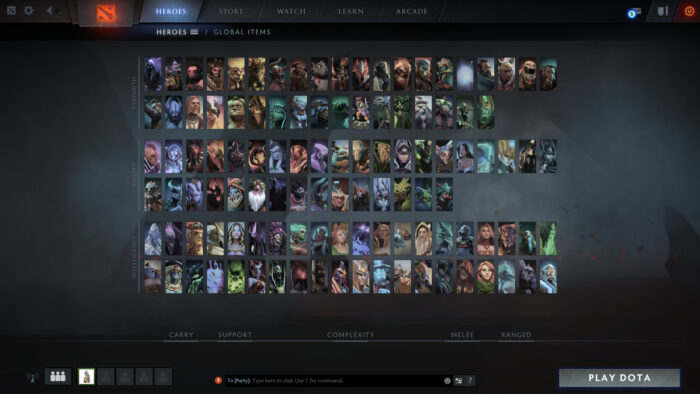
The depth is what keeps players coming back after thousands of hours. Dota 2 has one of the highest skill ceilings of any competitive game on PC, with more than 120 heroes and countless item and strategy combinations. No two matches play out quite the same way.
Dota 2 released on July 9, 2013 and has been continuously updated since. It runs on Windows 10 and Windows 11 through Steam, with Mac and Linux versions also available.
Already playing? Tell us your main role in the comments. Just curious? The guide below covers how to download it, what Dota Plus adds, and tips to help you survive your first real match. Got questions? Reach out to us directly.
Advertisement
How to Download Dota 2 on PC
Dota 2 is completely free on Steam. There is nothing to buy to start playing, since every hero is unlocked from the start.
- Step 1. Download and install Steam. It is free.
- Step 2. Open Steam and sign in, or create a free account if you do not have one.
- Step 3. Search for Dota 2, or go directly to the Steam store page.
- Step 4. Click Play Game. There is no purchase step, since Dota 2 is entirely free.
- Step 5. Wait for the download to finish. Dota 2 needs about 60GB of free space.
- Step 6. Click Play once the download completes. New players start in a tutorial that covers movement, items, and your hero’s abilities.
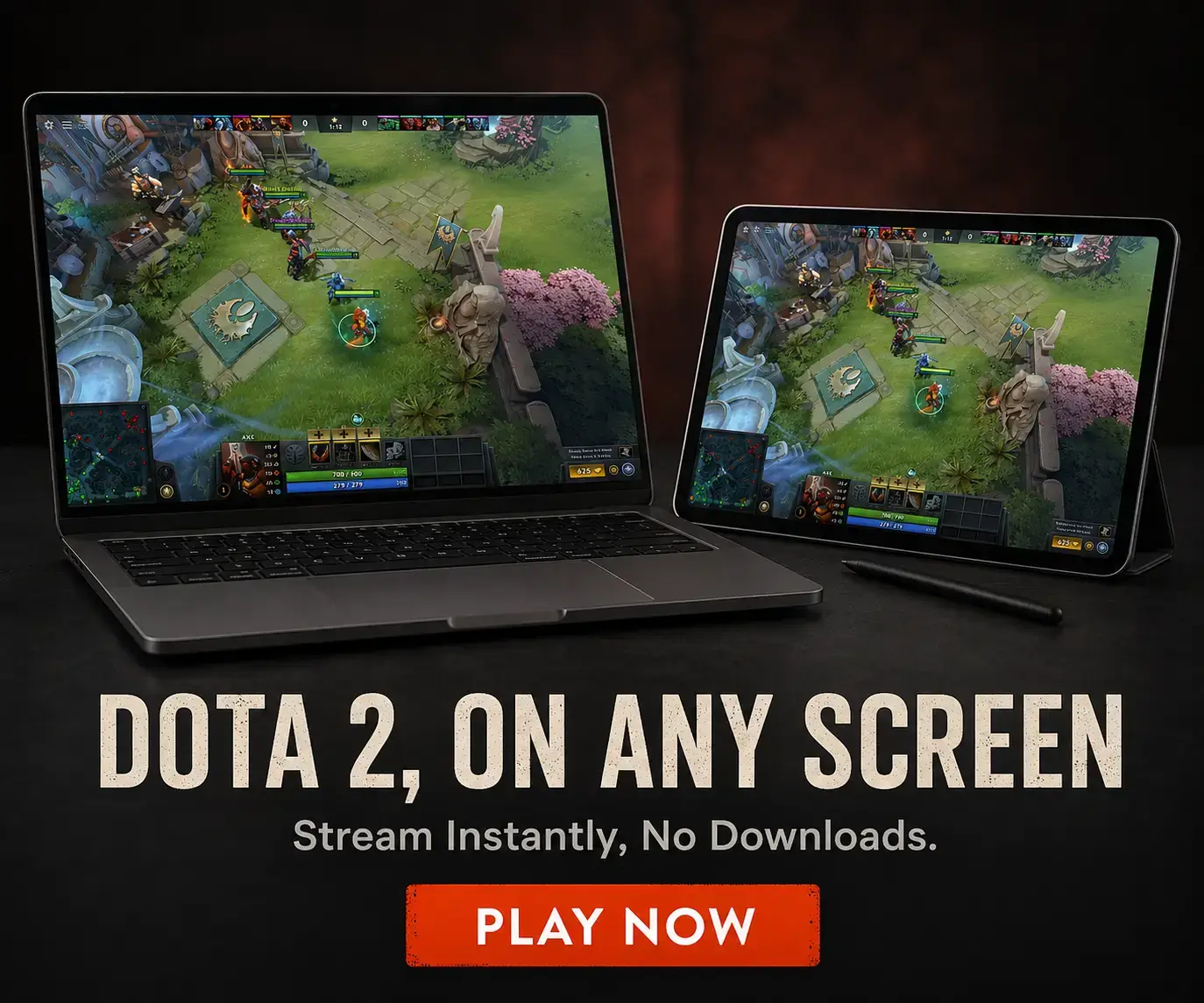
💡 Want to play Dota 2 on a laptop, Mac, or Chromebook that cannot install Steam games? Try Boosteroid.
Dota Plus and the Battle Pass
Dota Plus, $3.99/month
A monthly subscription with hero leveling and badges, in-game item and ability suggestions from the Plus Assistant, and free entry to the weekly Battle Cup tournament. Discounts apply for 6 and 12 month terms. None of it changes what a hero can do.
Battle Pass (Compendium)
Valve typically releases a seasonal Battle Pass in the run-up to The International, Dota’s biggest tournament of the year. A share of every sale adds to the prize pool. Price and rewards change each season, so check the official Battle Pass page when one is live.
Both are entirely optional. You can play every hero and mode without spending anything.
What Is Dota 2?
Dota 2 is a MOBA, short for multiplayer online battle arena, a genre where two teams fight across one shared map instead of separate levels. Two teams of five, called Radiant and Dire, start in opposite corners of the map and push toward each other’s base. The Ancient is the building at the heart of each base, and destroying the enemy’s Ancient wins the match.
Every player picks one of more than 120 heroes before the match starts, and no hero costs money. Matches usually run 30 to 45 minutes, though a single game can swing wildly as items and levels change what a hero can do. Turbo mode compresses that into a faster, lower-stakes format for players who want shorter games.
Dota 2 runs on Valve’s Source 2 engine, which replaced the original Source engine in 2015. Valve ships regular free updates that rebalance heroes and items, alongside optional paid content like the Battle Pass and Dota Plus.
Watch: A Beginner’s Guide to Dota 2
Watch this beginner’s guide to see how a typical match unfolds, including lanes, hero roles, and basic items to build early on.
Key Features
All Heroes Free, No Pay-to-Win
Every one of Dota 2’s more than 120 heroes is unlocked from the moment you install the game. Cosmetics and subscriptions change how your hero looks or what extra tools you get, never what a hero can do in a match.
Ranked Matchmaking From Herald to Immortal
Ranked play sorts you into one of eight skill tiers, from Herald at the bottom to Immortal at the top. Climbing the ranks tracks how much you are actually improving, not just how many hours you have logged.
Dota Plus Subscription
A monthly subscription that adds hero leveling, in-game build suggestions from the Plus Assistant, and free entry to the weekly Battle Cup tournament.
Custom Games and Arcade
Beyond the core 5v5 mode, Dota 2’s Arcade hosts community-made game types built on the same engine, from tower defense spin-offs to entirely different genres.
Turbo Mode and Co-op vs Bots
Turbo mode speeds up gold and experience gain for shorter matches, and co-op vs bots lets new players practice a hero without facing real opponents.
Regular Free Updates and The International
Valve rebalances heroes and items throughout the year at no cost, and Dota 2 hosts The International, one of esports’ biggest annual championships, each year.
Advertisement
Is This Game for You?
You Will Love It If:
- ✅ You enjoy deep strategy games with a real learning curve
- ✅ You want a completely free competitive game with no pay-to-win
- ✅ You like coordinating with a team over voice or text
- ✅ You are curious about one of the biggest esports scenes in gaming
- ✅ You do not mind matches that run 30 minutes or longer
You Might Not If:
- ❌ You want a casual game you can pick up for five minutes at a time
- ❌ You are new to MOBAs and want a gentle learning curve (Dota’s is famously steep)
- ❌ You are sensitive to harsh or toxic chat from strangers
- ❌ You want a single-player experience
🎮 Our Take
Dota 2 earns its reputation the hard way. It is still one of the deepest strategy games on PC, and Valve keeps every hero free while funding updates through optional cosmetics and subscriptions instead of pay-to-win items. The skill ceiling is real. Understanding what is happening in a high-level match takes real time investment, and that is exactly why the esports scene around it has stayed massive for over a decade.
If you like slow-burn strategy games and do not mind losing badly while you learn, buy in and start with co-op vs bots. If you want something you can win quickly, or you are easily put off by rude teammates, this is a harder sell. Dota 2’s community has a real reputation for toxicity in chat, and no amount of matchmaking fixes that in full. Muting is your best tool, and it works. If you are on a Mac, Chromebook, or a laptop that cannot install Steam games, Boosteroid lets you stream Dota 2 without any of that.
System Requirements
Tips for Getting Started
Start With Co-op vs Bots, Not Ranked
Your first matches should be against bots, not real players. It is a low-pressure way to learn your hero’s abilities and the map without a ranked loss on the line.
Learn a Small Hero Pool First
Pick 8 to 10 heroes across different roles and stick with them. Trying to learn all 120-plus heroes at once slows you down more than it helps.
Use Turbo Mode While You Are Learning
Turbo mode speeds up gold and experience gain, so matches wrap up faster. It is a good format while you are still learning items and timings.
Watch a Beginner’s Guide Before Your First Real Match
A single guide, like the video above, can save you hours of confused early games by covering lanes, roles, and basic items upfront.
Mute Toxic Players Instead of Arguing
Dota 2’s chat can get rough. Muting a player takes one click from the scoreboard and does more for your mood than any argument will.
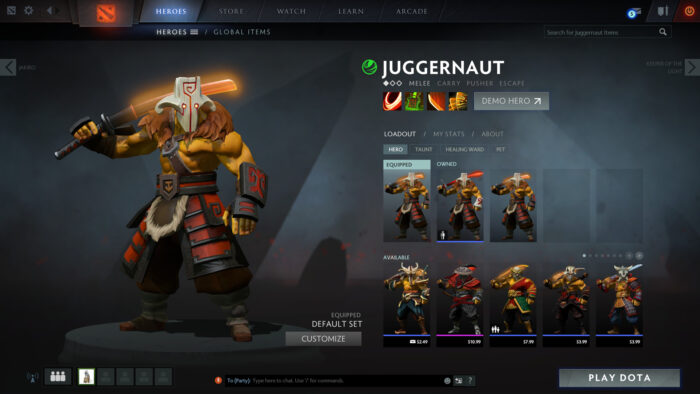
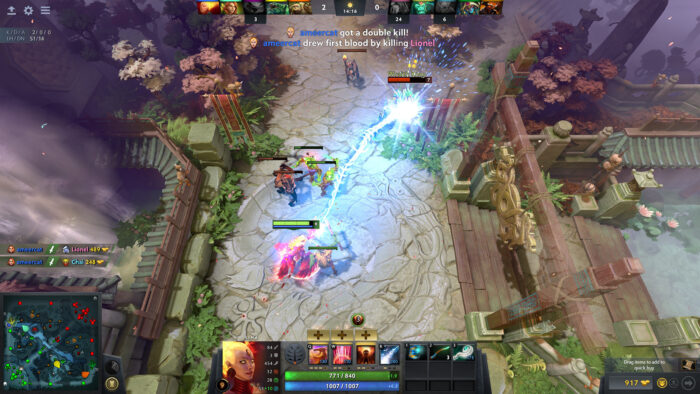
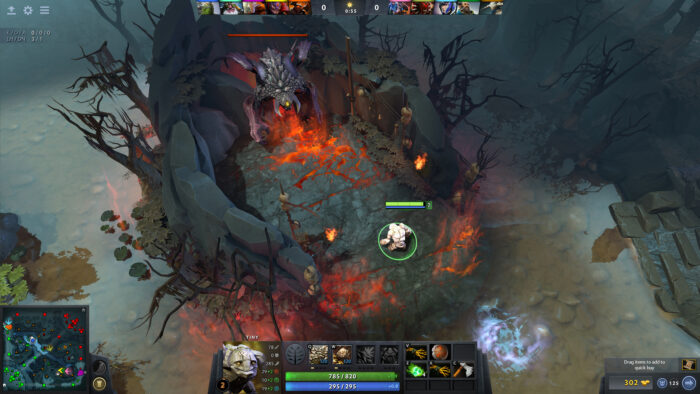
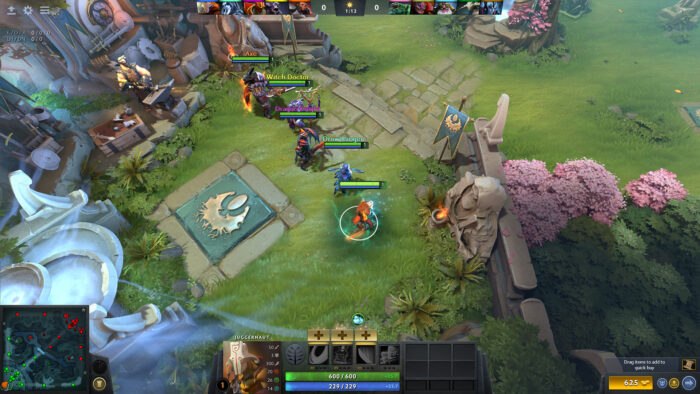
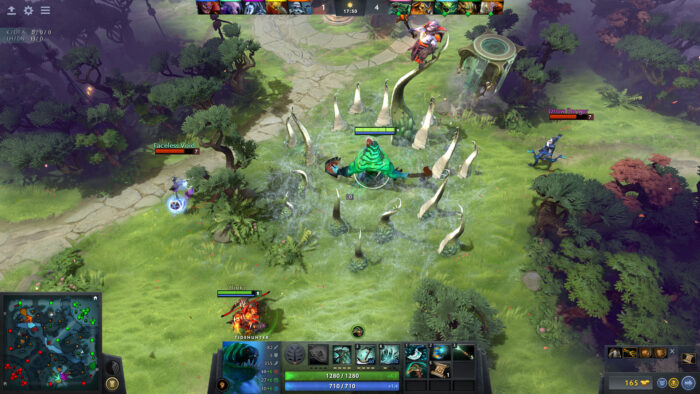
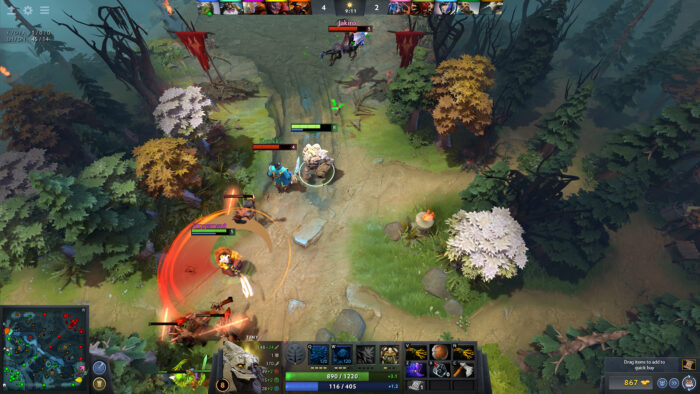
Dota 2 Screenshots
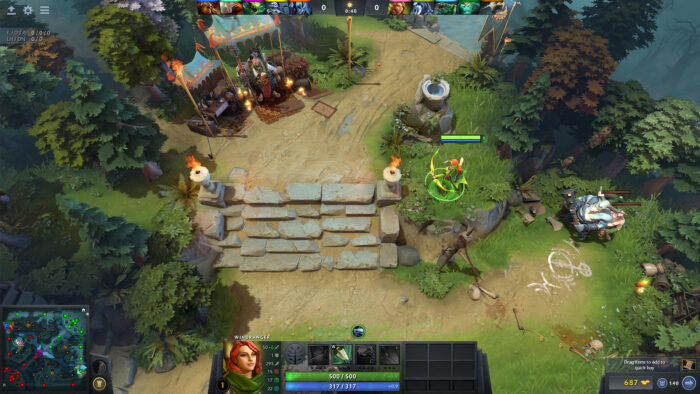
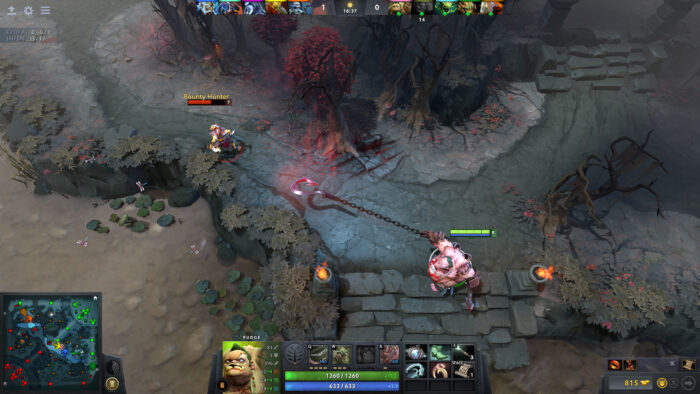
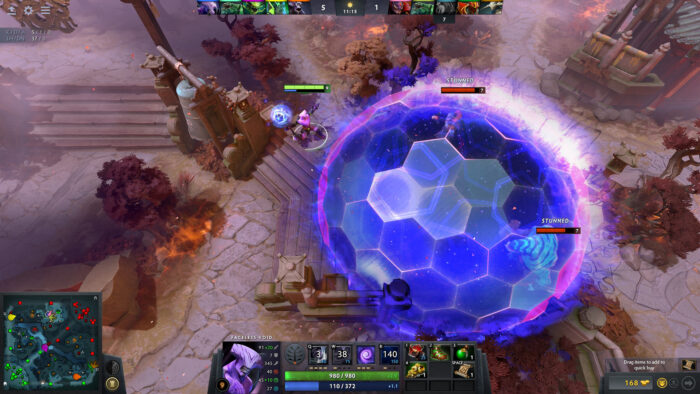
Browse the gallery below to see Dota 2 running on PC, including hero abilities, team fights, and the map in action.
Dota 2 FAQ
Support and Community
Explore more Windows games: League of Legends · Counter-Strike 2 · World of Warcraft · Overwatch 2 · Best Strategy Games for Windows
Need a PC upgrade to run these? See our Best Gaming Desktops guide.
Discover more from Windows Mode
Subscribe to get the latest posts sent to your email.












Add your first comment to this post