Readers like you help support this site. When you make a purchase using links on our site, we may earn an affiliate commission. All opinions remain our own.
Floorp is a free, open-source browser for Windows built on Firefox that you can download from the official Floorp website or from GitHub Releases. It is developed by a team in Japan and focuses on one thing above all else: letting you customize the interface however you want.
If you like Firefox but wish it gave you more control over how the browser looks and works, Floorp is worth trying.
It adds vertical tabs, a multi-row tab bar, workspaces with container isolation, split screen view, and the ability to install websites as standalone apps.
In this guide, we cover what makes Floorp different, how to install it, common fixes, and frequently asked questions.
If you have any issues, feel free to contact us or leave a comment below.
Full UI Control
Rearrange everything
Vertical Tabs
Sidebar tab list
PWA Support
Websites as apps
Split View
Two tabs side by side
📋 System Requirements
| Requirement | Details |
|---|---|
| Operating System | Windows 10 or Windows 11 |
| Architecture | 64-bit (x64) |
| Memory | 4 GB RAM |
| Engine | Gecko (same as Firefox) |
What Makes Floorp Different
Firefox is a solid browser, but it does not give you much control over the layout. Floorp fixes that. It is built for people who want to arrange their browser the way they think, not the way Mozilla decided.
🎨 Deep Interface Customization
You can move the tab bar, rearrange toolbars, switch between horizontal and vertical tabs, and change the overall layout. Floorp gives you several built-in UI presets, or you can build your own with CSS. It is similar to what Vivaldi offers, but on a Firefox base.
📂 Workspaces with Container Tabs
Floorp combines workspaces with Firefox’s container tab feature. Each workspace can have its own set of cookies and login sessions. For example, you can be logged into two different Google accounts at the same time, in two separate workspaces, without any conflicts.
🔲 Split Screen View
You can display two tabs next to each other in the same window, either side by side or stacked. This is useful when you need to reference one page while working in another, like comparing documents or following a tutorial while coding.
📱 Progressive Web Apps (PWA)
Floorp lets you install websites as standalone desktop apps. This means you can pin services like Gmail, Notion, or Slack to your taskbar and open them in their own windows, without the browser toolbar getting in the way.
How to Download and Install Floorp on Windows
1
Go to the Floorp download page and grab the Windows installer. You can also get specific versions from their GitHub Releases page.
2
Open the installer and follow the prompts. On first launch, Floorp will offer to import bookmarks, passwords, and history from Firefox, Chrome, or Edge.
3
Go to Settings and explore the Floorp-specific options. Choose your tab style (horizontal, vertical, or multi-row), set up your workspaces, and pick a UI layout preset that fits how you work.
Screenshots of Floorp
-

- Edit gesture from Floorp Browser for Windows – Firefox with Full UI Customization
-
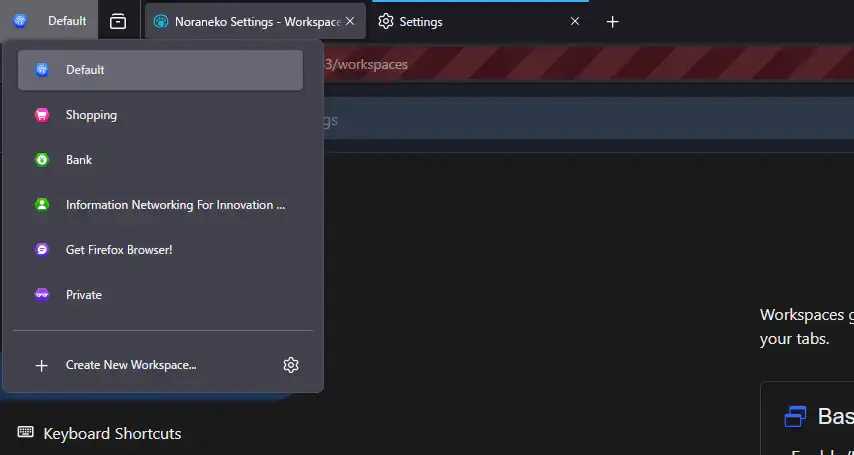
- Edit workspaces from Floorp Browser for Windows – Firefox with Full UI Customization
-
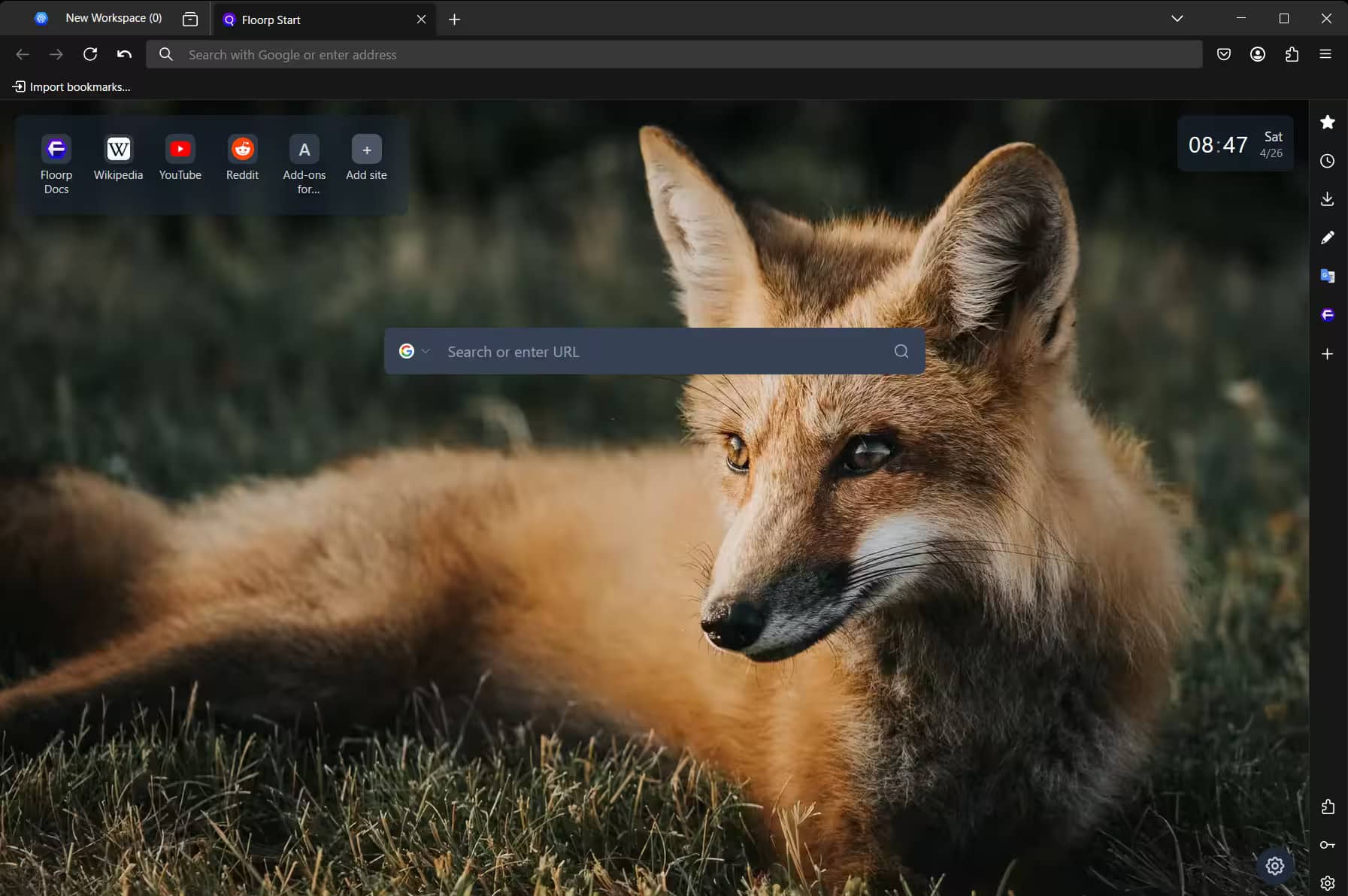
- Floorp home screen fox from Floorp Browser for Windows – Firefox with Full UI Customization
-
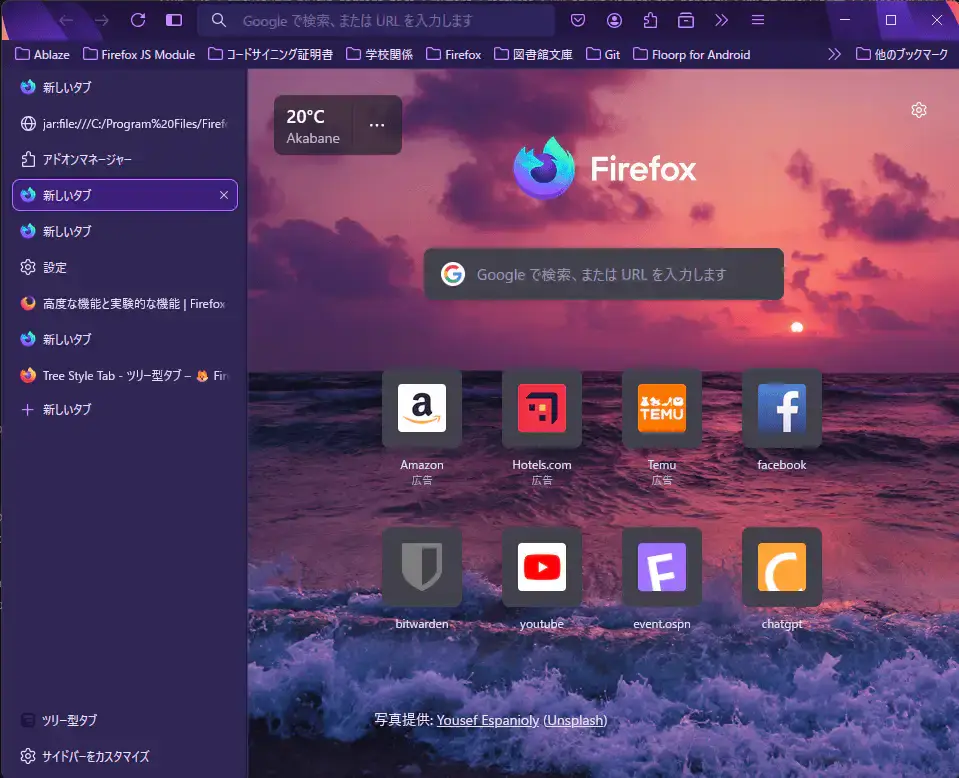
- Japanese homepage from Floorp Browser for Windows – Firefox with Full UI Customization
-
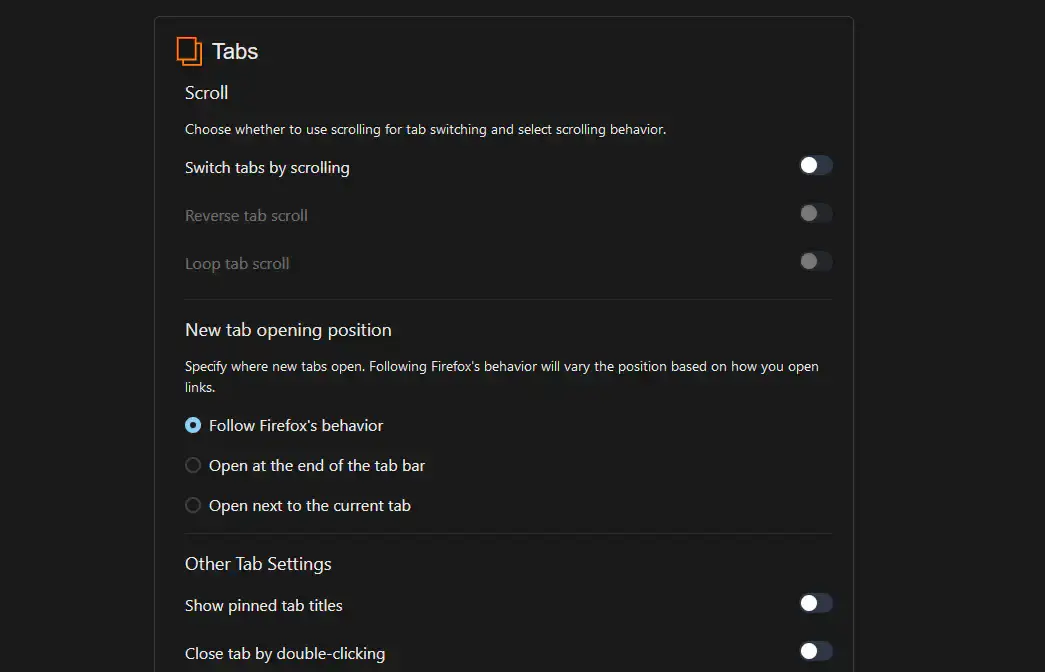
- Tabs control from Floorp Browser for Windows – Firefox with Full UI Customization
Video of Floorp in Action
A video that shows some of the unique features of Floorp browser.
Keyboard Shortcuts
Floorp uses Firefox shortcuts by default and adds a few of its own. You can customize all of them in the Keyboard Shortcut Manager under Floorp Settings.
| Shortcut | What It Does |
|---|---|
| F9 | Toggle the side panel |
| Ctrl + Tab | Switch to the next tab |
| Ctrl + Shift + Tab | Switch to the previous tab |
| Ctrl + T | Open a new tab |
| Ctrl + W | Close the current tab |
| Ctrl + L | Jump to the address bar |
| Ctrl + Shift + T | Reopen the last closed tab |
| Ctrl + Shift + Delete | Clear browsing data |
| Ctrl + D | Bookmark the current page |
| F11 | Toggle full screen |
Floorp 12 also supports mouse gestures – hold the right mouse button and drag to perform actions like going back, closing tabs, or opening new ones. Enable this in Floorp Settings.
Common Issues and Fixes
Floorp works well for most users, but because it adds so many customization options on top of Firefox, some things can occasionally go wrong.
Custom CSS or layout changes break after an update
When Floorp updates to a new version, custom CSS tweaks may stop working because the underlying code changed. If your layout breaks after an update, go to Settings and re-apply your preferred UI preset. For custom CSS, check the Floorp GitHub or community forums for updated code snippets.
Certain websites are slow or do not load properly
If specific sites are sluggish, try disabling extensions one at a time to find the cause. You can also try clearing the cache (Settings > Privacy & Security > Clear Data). If the issue only happens in Floorp, report it on their GitHub issue tracker.
The browser uses too much memory
Floorp uses the same multi-process architecture as Firefox, which isolates each tab in its own process. If memory is a concern, go to Settings > General > Performance and lower the content process limit. Floorp also has a sleeping tabs feature that suspends inactive tabs to free up resources.
Frequently Asked Questions
Is Floorp just Firefox with a different name?
Not quite. Floorp is built on Firefox’s code, so the core browsing engine is the same. But Floorp adds features that Firefox does not have, like vertical tabs, workspaces with container isolation, a multi-row tab bar, split screen view, and much deeper control over the interface layout.
Can I use Firefox extensions in Floorp?
Yes. Because Floorp uses the same Gecko engine as Firefox, every extension from the Mozilla Add-ons store is compatible.
Who develops Floorp?
Floorp is maintained by Ablaze, a student-led open-source team based in Japan. The project is fully open-source and hosted on GitHub.
Does Floorp support Netflix and streaming services?
Floorp is working on adding DRM support. Check the latest release notes on their website to see the current status, as this changes with updates.
What is the difference between Floorp and Zen Browser?
Both are Firefox forks, but they focus on different things. Zen prioritizes a clean, minimal interface inspired by Arc. Floorp prioritizes deep customization, giving you lots of options to arrange toolbars, tabs, and panels however you want. Floorp is closer to Vivaldi in philosophy, while Zen is closer to Arc.

Community Poll: Share Your Thoughts
Helpful Resources and Community
📦 Floorp GitHub
The official source code repository with release downloads, bug tracking, and development roadmap.
🗨️ r/nicheGecko
The subreddit where Firefox fork users discuss Floorp, Zen, Waterfox, and other Gecko-based alternatives.
🌐 Floorp Website
The official homepage with downloads, changelogs, and the project’s development roadmap for upcoming features.
Get Floorp Browser for Windows
A Firefox fork that lets you rearrange the entire interface. Vertical tabs, workspaces, split view, and PWA support, all free and open-source.
Requires Windows 10 or Windows 11
Related Browsers: Zen Browser for Windows, Waterfox for Windows, Thorium for PC, Samsung Internet for PC, Helium for PC or check out our list of the best browsers for PC.
Discover more from Windows Mode
Subscribe to get the latest posts sent to your email.