

Readers like you help support this site. When you make a purchase using links on our site, we may earn an affiliate commission. All opinions remain our own.
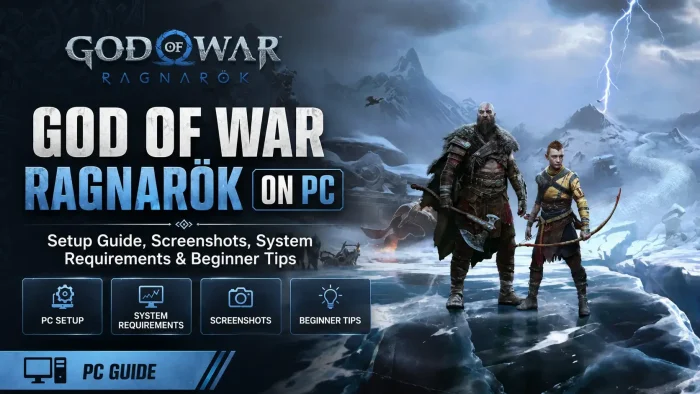

God of War Ragnarok is a story-driven action-adventure game for PC from Santa Monica Studio, available on Steam and Epic Games.
You play as Kratos, guiding his son Atreus across the Nine Realms as the prophesied battle of Ragnarök closes in. Combat mixes close-range weapons with Atreus’ ranged attacks, and every choice between father and son shapes how their relationship grows.
The story is built around a real, changing relationship, not a static one. Kratos and Atreus argue, disagree, and grow throughout the game, and Atreus increasingly makes choices Kratos cannot control. That tension between letting go and protecting your child runs through almost every major decision in the campaign.
God of War Ragnarök launched on PlayStation in November 2022 and arrived on PC on September 19, 2024. It runs on Windows 11 and 10, with full mouse and keyboard remapping and support for DualSense and DualShock 4 controllers.
Already deep into the Nine Realms? Tell us your favorite realm in the comments. Got questions before buying? Reach out to us directly.
What You Need to Know
- Steam and Epic Games both sell God of War Ragnarök for the same $59.99, and both include the Valhalla DLC free with your purchase.
- The install is large, 190GB of SSD space is required. Check your free space before you start downloading.
- The PC version supports unlocked framerates, true 4K, DLSS, FSR, and XeSS upscaling, and 21:9 and 32:9 ultrawide monitors, none of which the console versions can do.
Quick Facts

Quick Facts
| Price | $59.99 (Digital Deluxe $69.99) |
| Released | September 19, 2024 (PC) |
| Developer | Santa Monica Studio (PC port by Jetpack Interactive) |
| Publisher | Sony Interactive Entertainment |
| Genre | Action-Adventure |
| Players | Single-player story only, no online mode |
| Storage | 190 GB SSD |
How to Download God of War Ragnarok on PC
God of War Ragnarök is sold on Steam and Epic Games for the same $59.99, and the Valhalla DLC is included free no matter which store you buy from.
- Step 1. Go to the Steam page or the Epic Games Store page and click Buy or Get.
- Step 2. Sign in to your Steam or Epic account, or create one for free.
- Step 3. Check your free disk space before you confirm the purchase. The install needs 190GB of SSD space.
- Step 4. Wait for the download to finish. This is one of the larger installs on PC, so give it time on a slower connection.
- Step 5. Launch the game and set your graphics options. Pick DLSS, FSR, or XeSS based on your graphics card brand if you want a framerate boost.
- Step 6. Start a new save or continue if you already own the game on PlayStation, PC saves are separate from console saves.
💡 Your PC is too weak? Cloud gaming is an option. Try Boosteroid.
Editions and the Valhalla DLC
Sony sells two editions of God of War Ragnarök on PC, plus a separate upgrade for players who already own the base game. Here is what each one actually includes.
| Edition & Price | What’s Included |
|---|---|
|
STD
Standard Edition $59.99
|
The full story campaign plus the Valhalla DLC at no extra cost. Everything you need to play and finish the game. |
|
DLX
$69.99
|
Everything in Standard, plus the Darkdale armor and appearance for Kratos and Atreus, Darkdale weapon skins for the Blades of Chaos and Leviathan Axe, the official digital soundtrack, and a Dark Horse digital mini artbook. Cosmetic items unlock as you progress through the story. |
|
UPG
Digital Deluxe Upgrade Around $10
|
A standalone Steam purchase for players who already bought Standard and want the Deluxe cosmetics after the fact. Costs about the same as buying Deluxe outright would have, so there is no penalty for waiting. |
Note: Sony also added a free Dark Odyssey cosmetic collection for every owner in a later PC patch, a 20th anniversary gift with no purchase required.
What Is God of War Ragnarök?
God of War Ragnaröok is a direct sequel to 2018’s God of War, picking up as Fimbulwinter, a years-long winter that signals Ragnarök is near, grips the Nine Realms. Kratos and Atreus travel realm to realm searching for answers, while Asgardian forces led by Odin and Thor prepare for a prophesied battle that could end the world.
Combat builds on the 2018 game rather than reinventing it. Kratos fights with the Leviathan Axe, the returning Blades of Chaos, and the new Draupnir Spear, while Atreus supports from range with a bow and his own growing set of abilities. The game also includes God of War Ragnarök: Valhalla, a free roguelite epilogue mode with a short story of its own, included with every copy at no extra cost.
On PC, the game supports NVIDIA DLSS, AMD FSR, and Intel XeSS upscaling (all three boost frame rate by rendering at a lower resolution and sharpening the image back up), unlocked framerates, true 4K, and 21:9 and 32:9 ultrawide monitors, none of which the PlayStation versions offer.
Beginner Tips Video
Watch Arktix’s beginner’s guide covering combat basics, gear, and tips for players just starting God of War Ragnarök.

Key Features
A Deeply Personal Norse Saga
Follow Kratos and Atreus across the Nine Realms as they search for answers before the prophesied battle of Ragnarök arrives.
Valhalla Included Free
A roguelite epilogue mode bundled with every copy at no extra cost, with its own short story tied to Kratos’ past.
Built for High-End PCs
Unlocked framerates, true 4K, DLSS, FSR, and XeSS upscaling, plus 21:9 and 32:9 ultrawide support the console versions don’t have.
Deep Combat With a Full Arsenal
Fight with the Leviathan Axe, the Blades of Chaos, and the Draupnir Spear, while Atreus supports with his bow from range.
Full Control Customization
Remap every mouse and keyboard action, or play with a DualSense or DualShock 4 controller with haptics and adaptive triggers.
Free 20th Anniversary Content
The Dark Odyssey cosmetic collection, a black and gold callback to the original God of War, was added for every owner at no cost.
Is This Game for You?
You Will Love It If:
- ✅ You want a story-driven campaign with major critical acclaim (Metacritic score of 94)
- ✅ You like weighty, methodical combat over fast button mashing
- ✅ You care about a strong father-son story as much as the fighting
- ✅ You want to explore richly detailed mythological realms
- ✅ You have a PC that can handle unlocked framerates and 4K
You Might Not If:
- ❌ You want a short game, the campaign runs well past 20 hours
- ❌ You dislike long cutscenes and heavy narrative pacing
- ❌ Your PC cannot clear 190GB of free SSD space
- ❌ You have not played 2018’s God of War, this is a direct sequel that assumes you have
- ❌ You want an online or co-op mode, there isn’t one
🎮 Our Take
God of War Ragnarök is still one of the best-reviewed PlayStation exclusives ever made, and the PC port treats it with real care rather than a rushed conversion. Unlocked framerates, ultrawide support, and three different upscaling options make this one of the more feature-complete PlayStation ports on PC so far. Santa Monica Studio and Jetpack Interactive have also kept patching it well after launch, including free cosmetic content added years later. The story does demand patience though, cutscenes are long and the pacing is deliberate rather than fast.
If you played and liked 2018’s God of War, buy this without hesitation, it is the better game in almost every way. If you have never played the 2018 game, it is worth playing first if you can, this story leans hard on what happened there. If your PC can’t clear the 190GB install or hit minimum spec, Boosteroid lets you stream your copy instead.
Why Play God of War Ragnarök on PC?
The PC version runs better than either console version, and it is also the only version with mod support. Here are six of the most popular mods right now on Nexus Mods.
VRAM Requirement Bypass
Removes the game’s hard 6GB VRAM check, which blocks some graphics cards from launching the game even if they could otherwise handle it.
Utility
God of War Ragnarok Cheat Table
A Cheat Engine table for stats, resources, and gear, built to work no matter which store you bought the game from.
Trainer
Please Shut Up (Companion Mute Mod)
Removes over 3,300 pointless or repetitive companion voice lines, the constant combat hints and puzzle callouts the base game leans on heavily.
Immersion
GoW Ragnarok Visual Refined
A subtle ReShade preset that sharpens details, boosts color vibrancy, and deepens shadows without losing the original art direction.
Graphics
Fast Launch (Skip Startup Intro)
A simple quality of life mod that removes the startup intro video, so you get to the main menu faster every time you launch the game.
Utility
More Powerful Weapons
A gameplay mod that makes Kratos’ weapons hit harder in both the main story and Valhalla, actively maintained with updates as recently as this year.
Gameplay
- Unlocked Framerates and True 4K: Console versions cap out around 30 to 60fps. A strong PC can push well past that at a native higher resolution.
- DLSS, FSR, and XeSS Upscaling: All three boost frame rate on supported graphics cards without a major hit to visual quality, an option consoles do not have.
- Ultrawide Monitor Support: Full 21:9 and 32:9 support shows more of the Nine Realms at once, something no console version offers.
- A Growing Mod Scene: The six mods above are just a start, Nexus Mods hosts over a hundred more, from save files to visual tweaks.
System Requirements
- OS: 64-bit Windows 10
- Processor: Intel Core i5-4670K or AMD Ryzen 3 1200
- Memory: 8 GB RAM
- Graphics: GeForce GTX 1060 or Radeon RX 5500 XT
- Storage: 190 GB SSD
- OS: 64-bit Windows 10
- Processor: Intel Core i5-8600 or AMD Ryzen 5 3600
- Memory: 16 GB RAM
- Graphics: GeForce RTX 2060 Super or Radeon RX 5700
- Storage: 190 GB SSD
Tips for Getting Started
Turn on DLSS, FSR, or XeSS before touching resolution scale
Match the option to your graphics card brand for the least quality loss, then adjust resolution only if you still need more frames.
Change difficulty anytime from the pause menu
There is no penalty for dropping it down for a tough optional fight, or raising it later once you have better gear.
Don’t rush past side content in early realms
Some areas and side quests become unavailable once the main story moves forward, clear a realm before pushing ahead.
Use Atreus’ arrows to stagger enemies before Kratos closes in
Softening an enemy from range opens them up for a bigger combo the moment Kratos reaches them.
Back up your save folder before installing mods or trainers
Cheat tables and trainers are not officially supported. A quick backup means a bad edit costs you nothing.
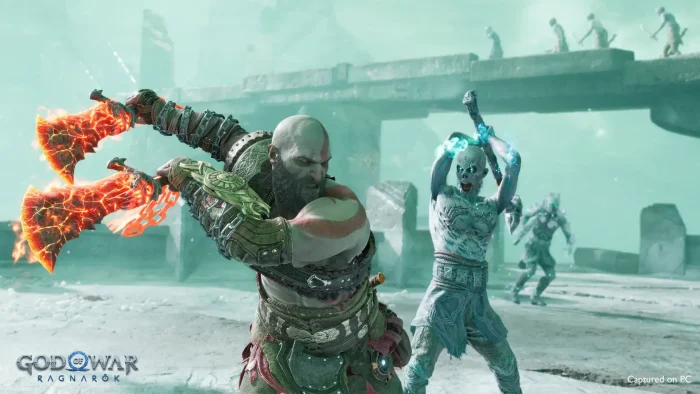
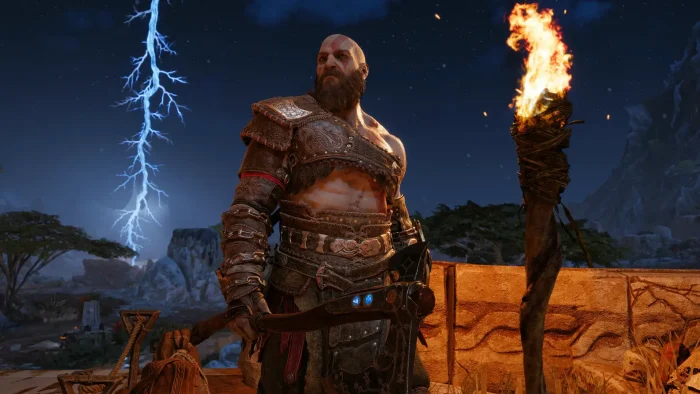
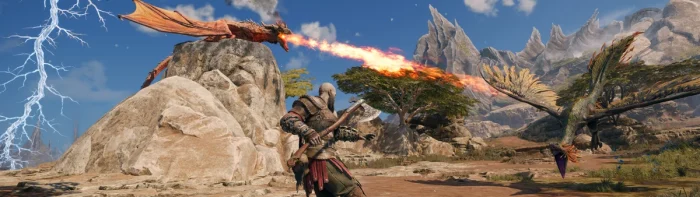
God of War Ragnarök Screenshots
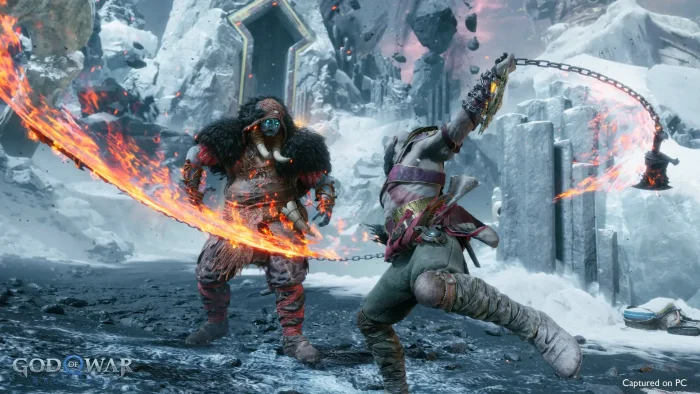
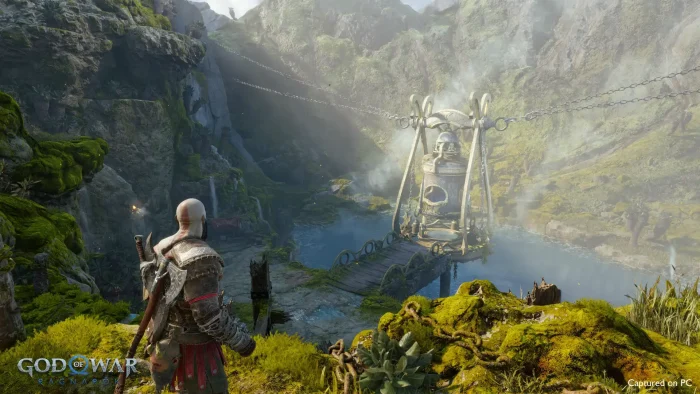
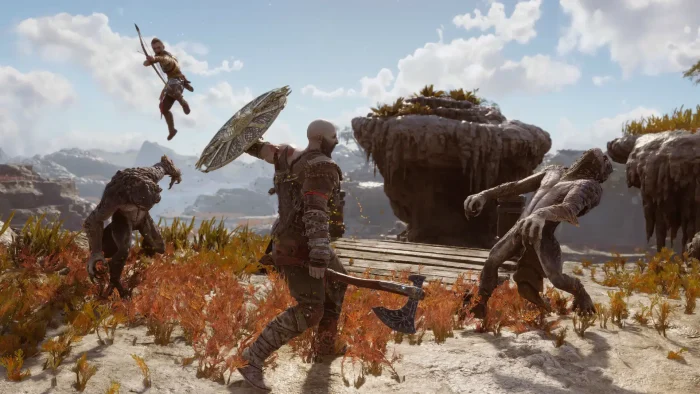
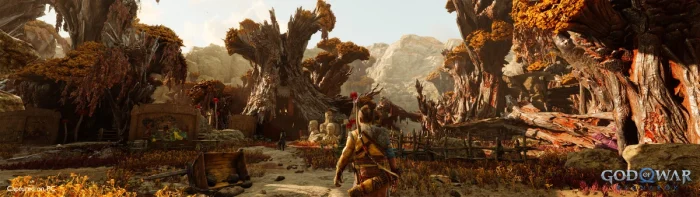
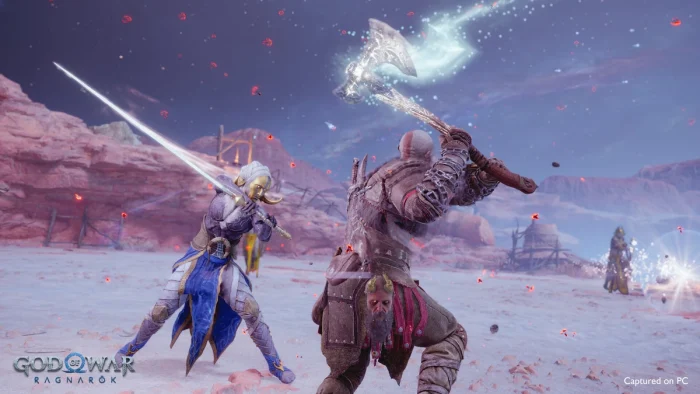
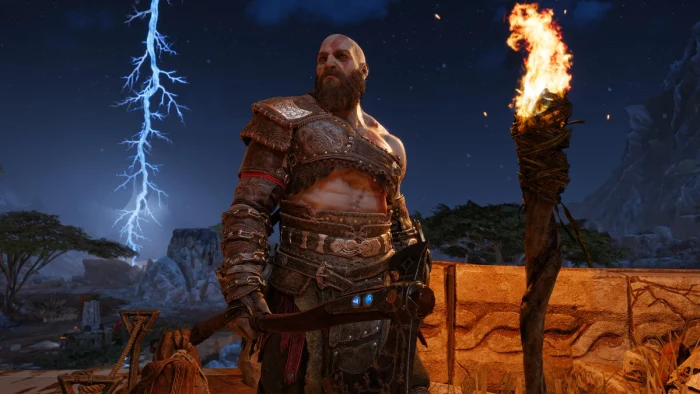
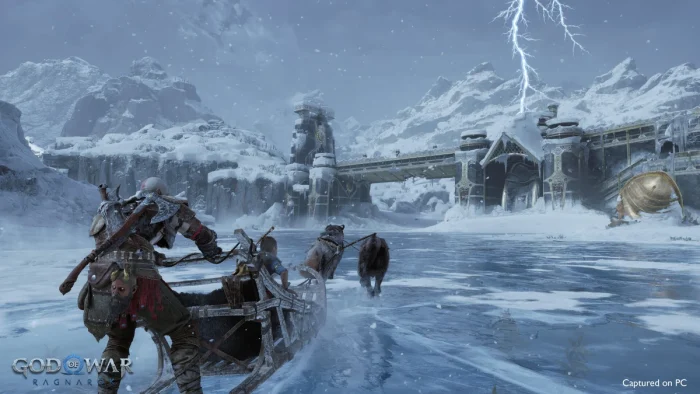
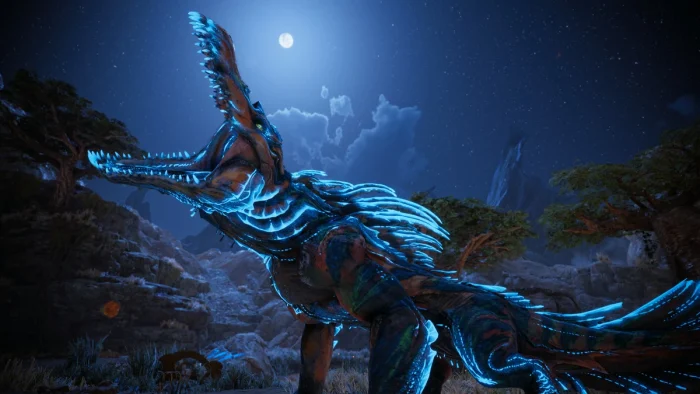
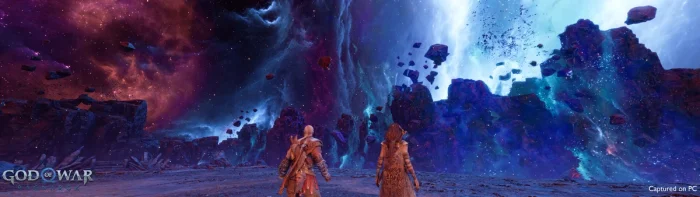
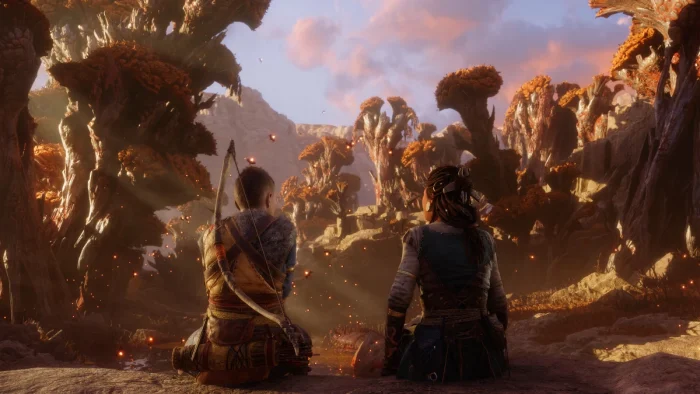
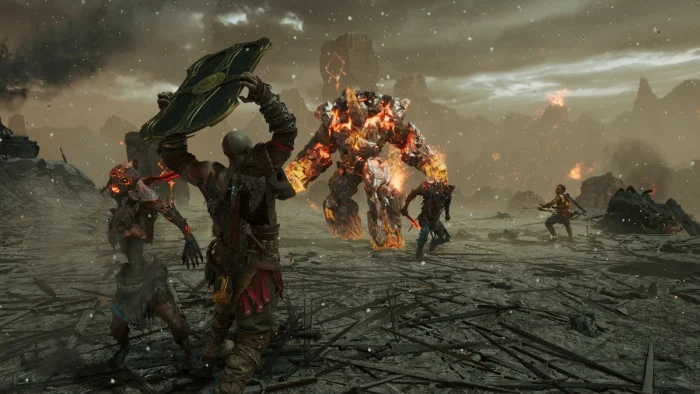
Browse the gallery below to see God of War Ragnarök running on PC, including the Nine Realms at full unlocked framerate.


God of War Ragnarök FAQ
Does God of War Ragnarök on PC include the Valhalla DLC?
What is the real difference between the Standard and Digital Deluxe Edition?
Can I upgrade from Standard to Digital Deluxe after I already own the game?
Is God of War Ragnarök on Xbox Game Pass or PC Game Pass?
Does God of War Ragnarök run on Steam Deck?
Why does the game say Insufficient VRAM even though my graphics card should be strong enough?
What are the system requirements for God of War Ragnarök on PC?
Support and Community
Explore more Windows games: Ghost of Tsushima · The Last of Us Part 1 · Best action games for Windows
Need a PC upgrade to run these? See our Best Gaming Desktops guide.