


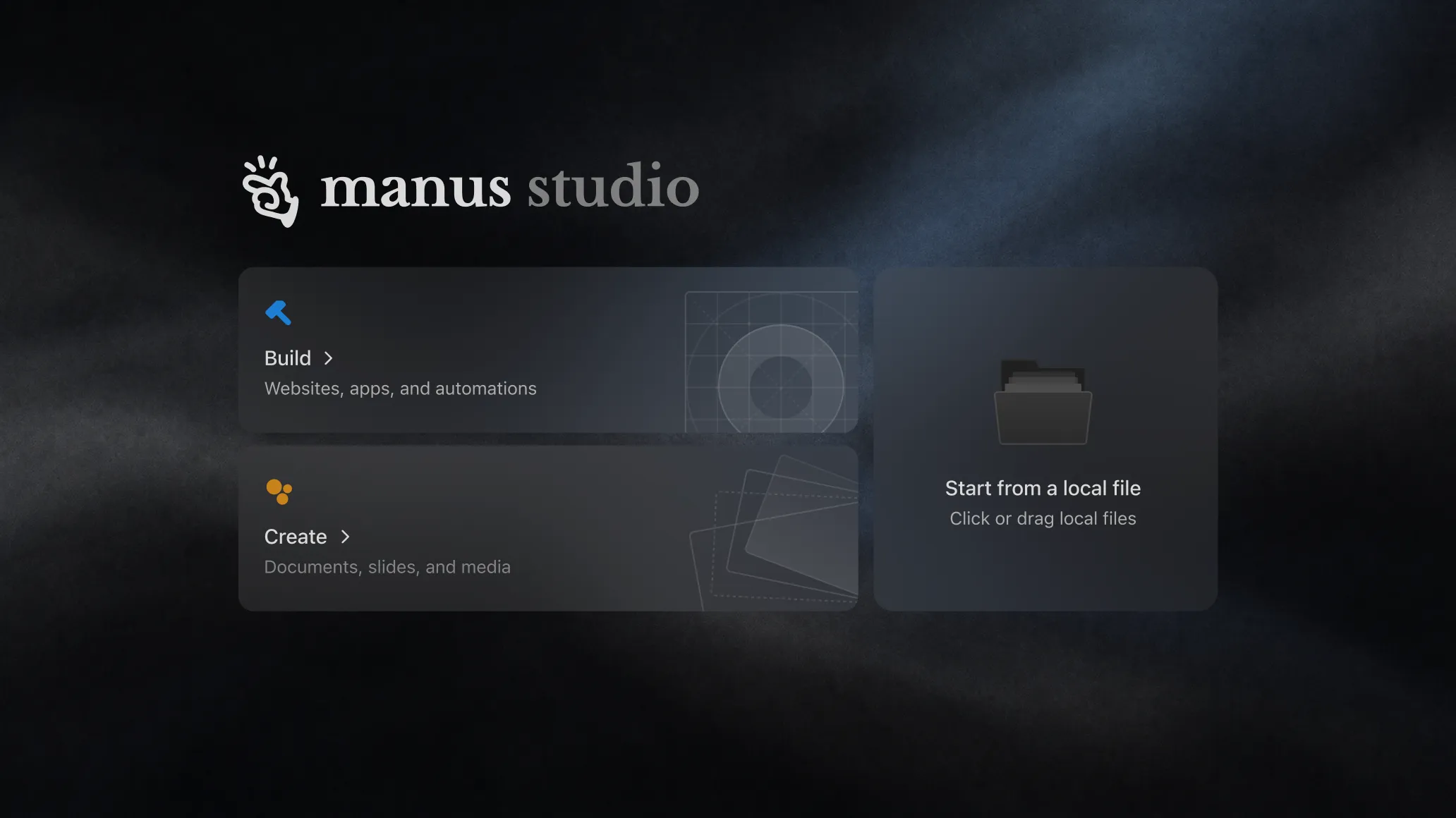
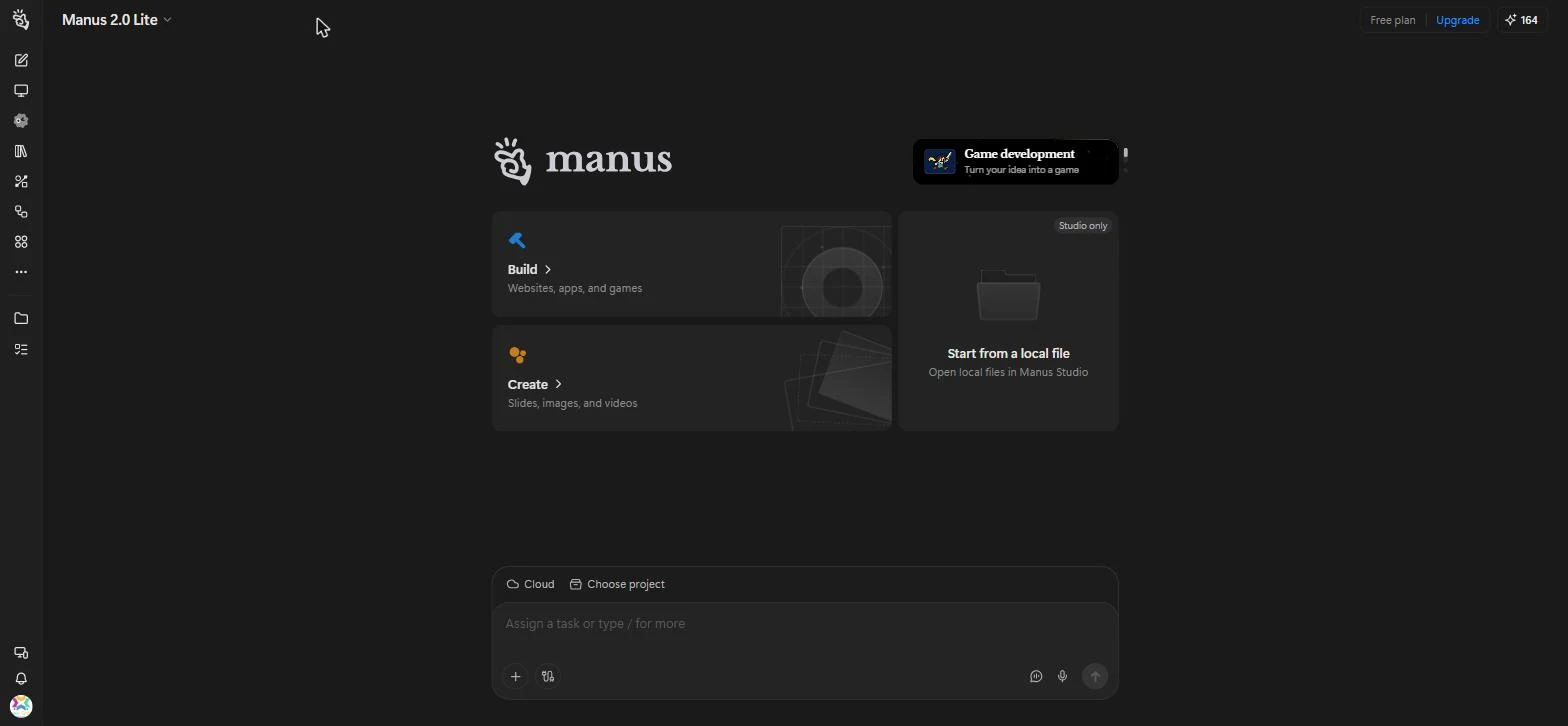
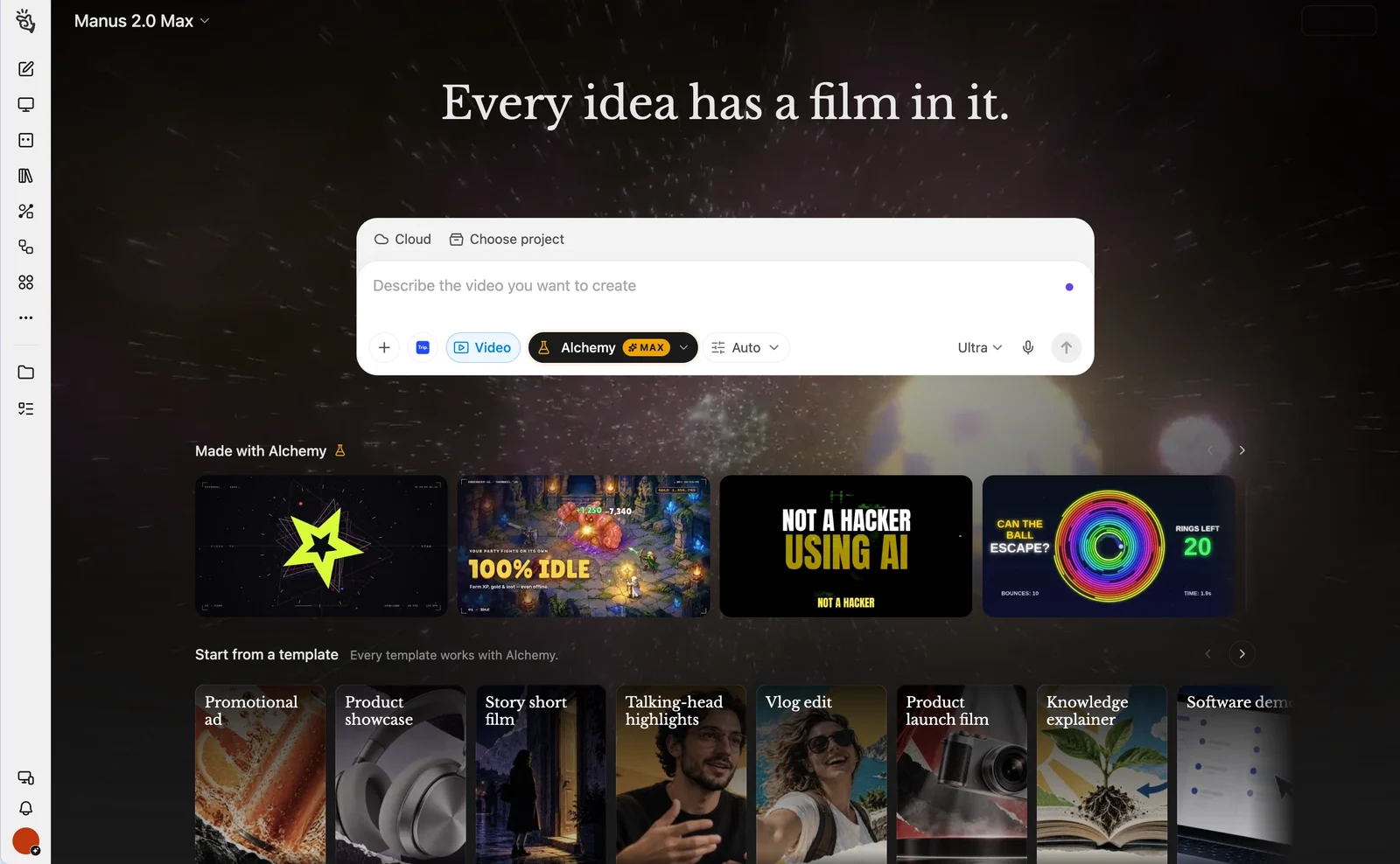
Manus Studio, the Manus desktop app, opens on Build, Create and your own local files. Image: Manus.
Manus is an AI agent for Windows that builds finished work for you, available from the Microsoft Store or in your browser. You describe a website, slide deck, video or game in plain words, and Manus plans it, builds it and hands back the files. It stops to ask when a choice matters, then keeps going.
Most AI chat apps hand you a draft to finish yourself. Manus runs the whole job, and its desktop app, Manus Studio, can work with the files and apps on your own PC. You can even give it new instructions from your phone while it works.
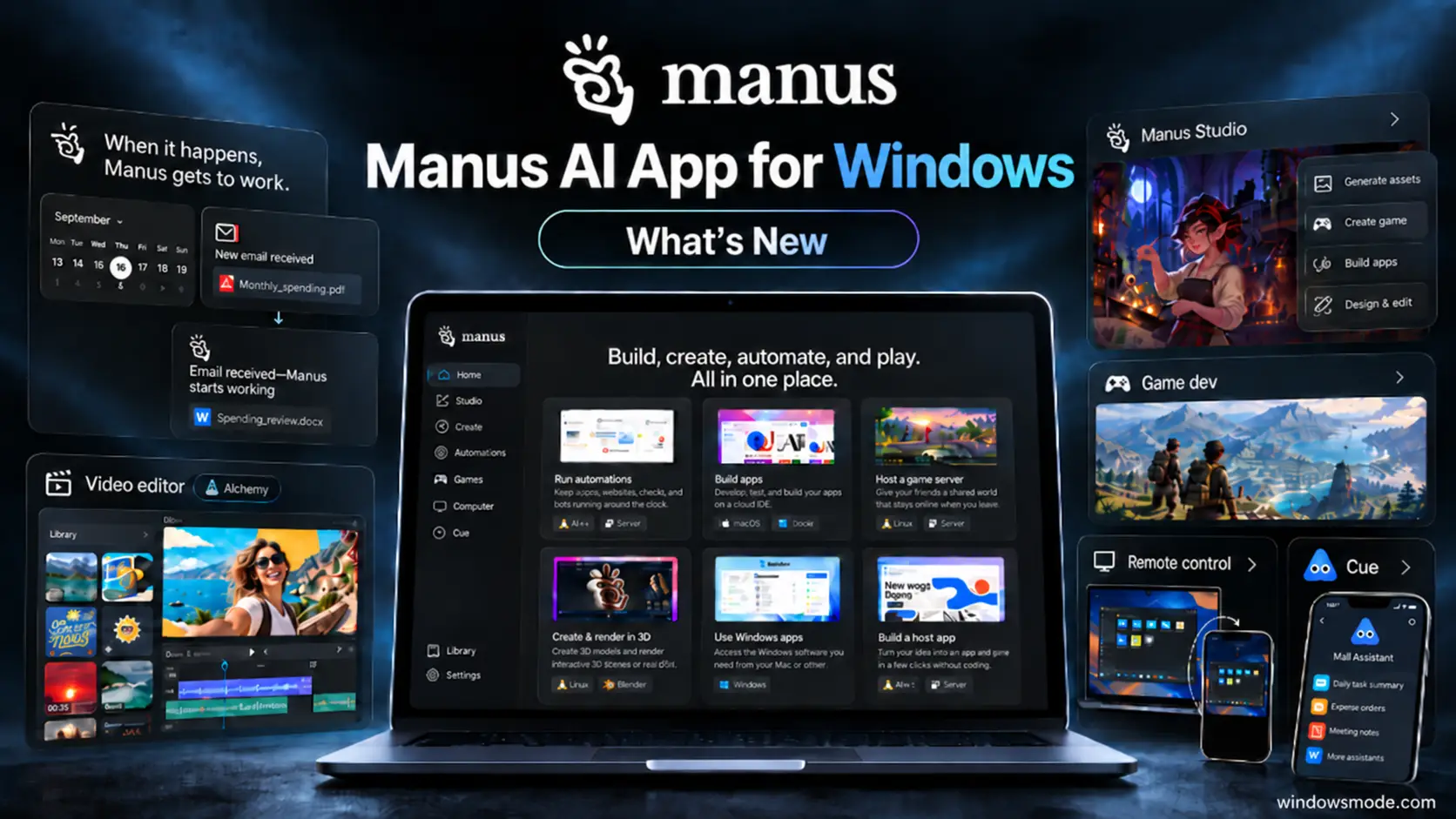
Manus is made by Manus AI, a company based in Singapore. The current release, Manus 2.0, arrived on September 28, 2026 with a new core engine, the Studio desktop app, a video editor, game tools and automations that start on their own. It runs on Windows 10 and 11, macOS, iOS, Android and the web.
This guide covers what Manus does, how to install it on Windows, what the free plan gets you and how it compares to Grok Bot and OpenAI dots. Got questions before you try it? Reach out to us directly.
What Is Manus?
Manus is a general AI agent: you give it a goal, and it works through the steps on its own computer in the cloud. It can search the web, write and run code and create files, then hand you the result instead of a chat reply.
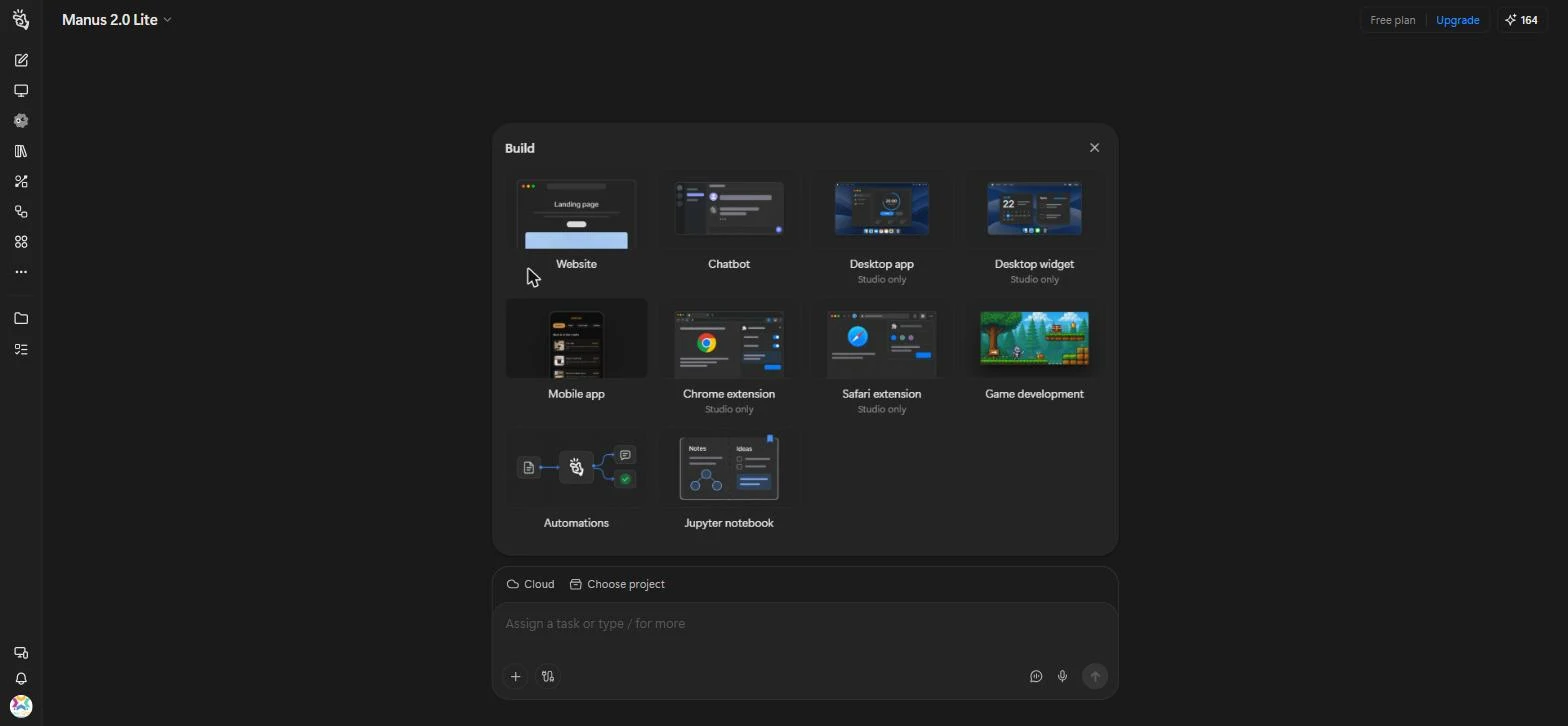
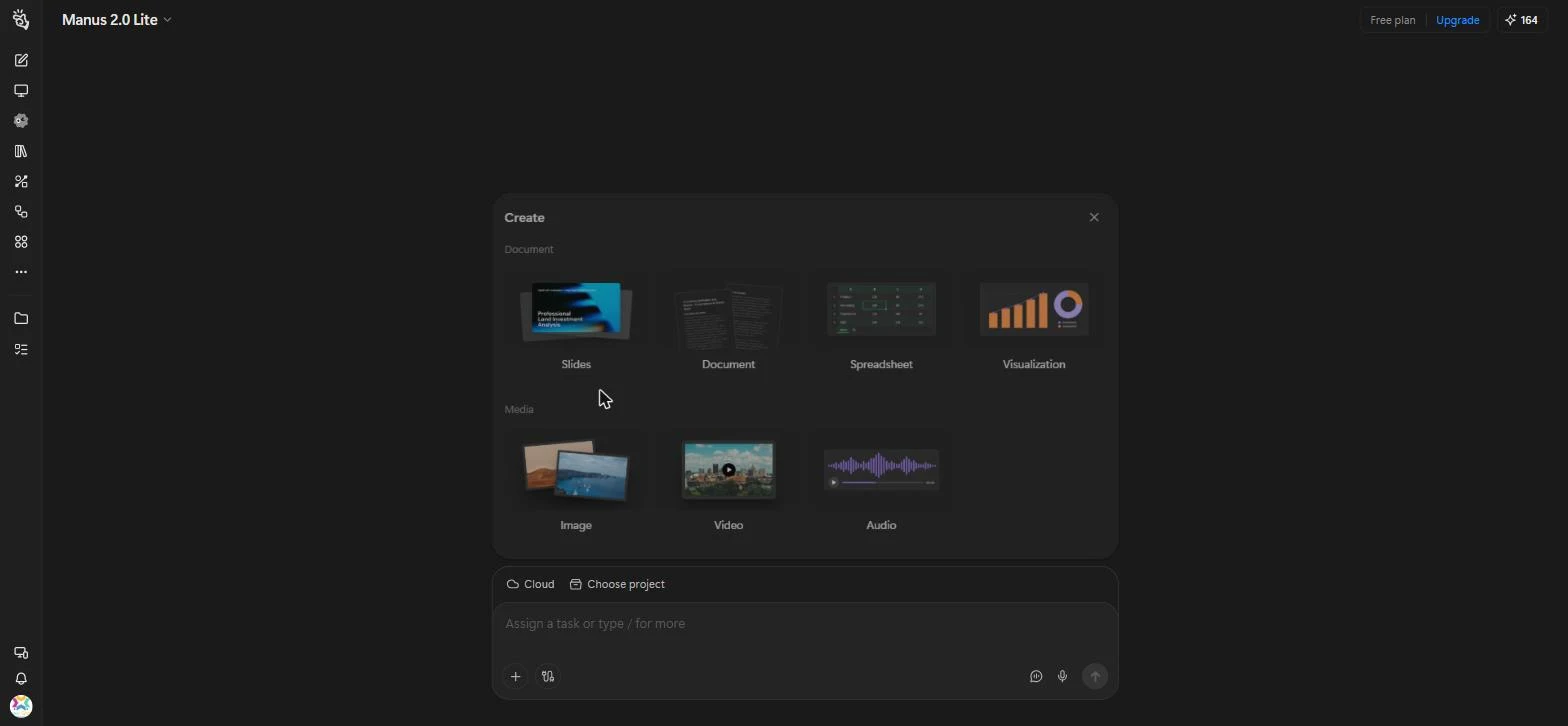
Every job starts from one of two menus, or from a plain request typed in the box. Build covers websites, apps, chatbots, browser extensions and games, while Create covers slides, documents, spreadsheets, charts, images, video and audio.
A mode menu at the top sets how much effort Manus puts in. The free Manus 2.0 Lite mode handles everyday tasks, while Manus 2.0 and Manus 2.0 Max are for Pro subscribers. A fourth mode, Manus Flex, is in beta and runs on your own AI model API key (a personal access key you get from an AI provider).
What’s New in Manus 2.0
Manus calls 2.0 a new architecture rather than a routine update. These are the changes you will actually notice.
Manus Studio
The desktop app is now a shared workspace for you and the agent. Manus builds a first version, then you fix details by hand or ask for changes, across documents, slides, websites, code, games and video.
Computer Use
Manus works in its own separate workspace on your PC, using only the files and apps you approve. Ready-made app skills cover tools like Excel, Audacity, After Effects and CapCut.
Remote Control
Tell Manus what you need from your phone by voice and watch it work on your desktop while you are away from it. You can change the instructions in the middle of a task.
Automations
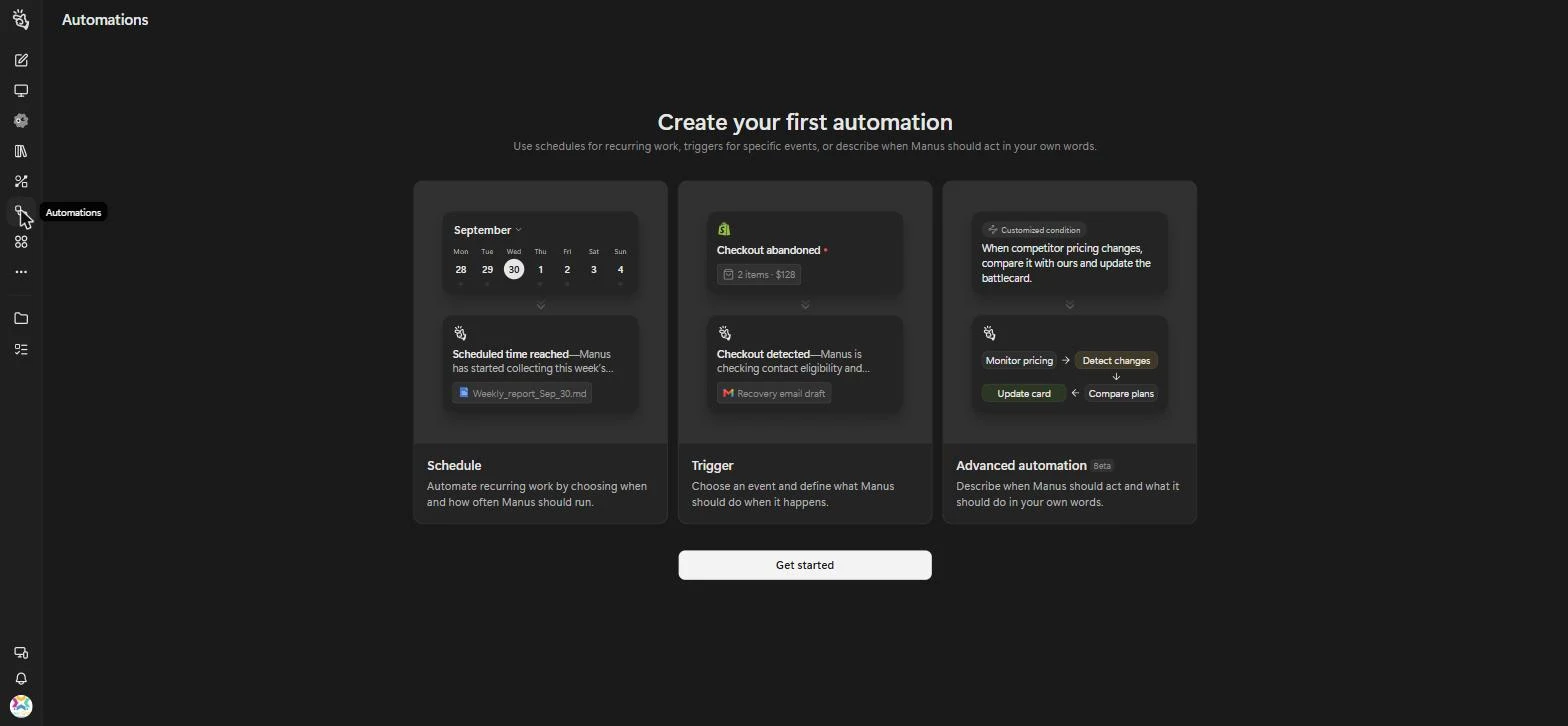
Jobs can now start on their own. A schedule, a new email, a calendar event, a Slack message or a Notion update can kick off a task, and you set it up with one prompt.
Video Editor and Game Dev
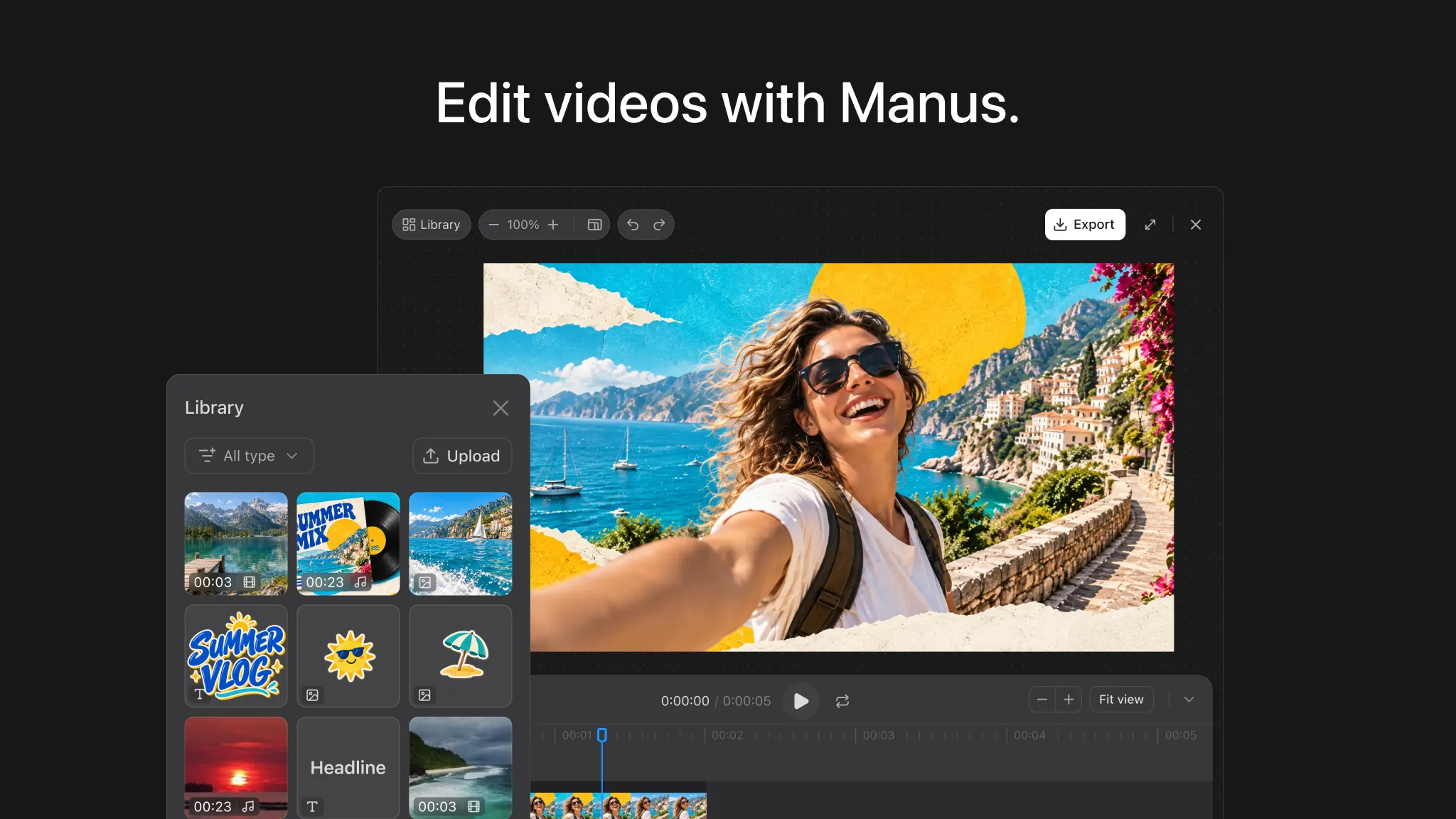
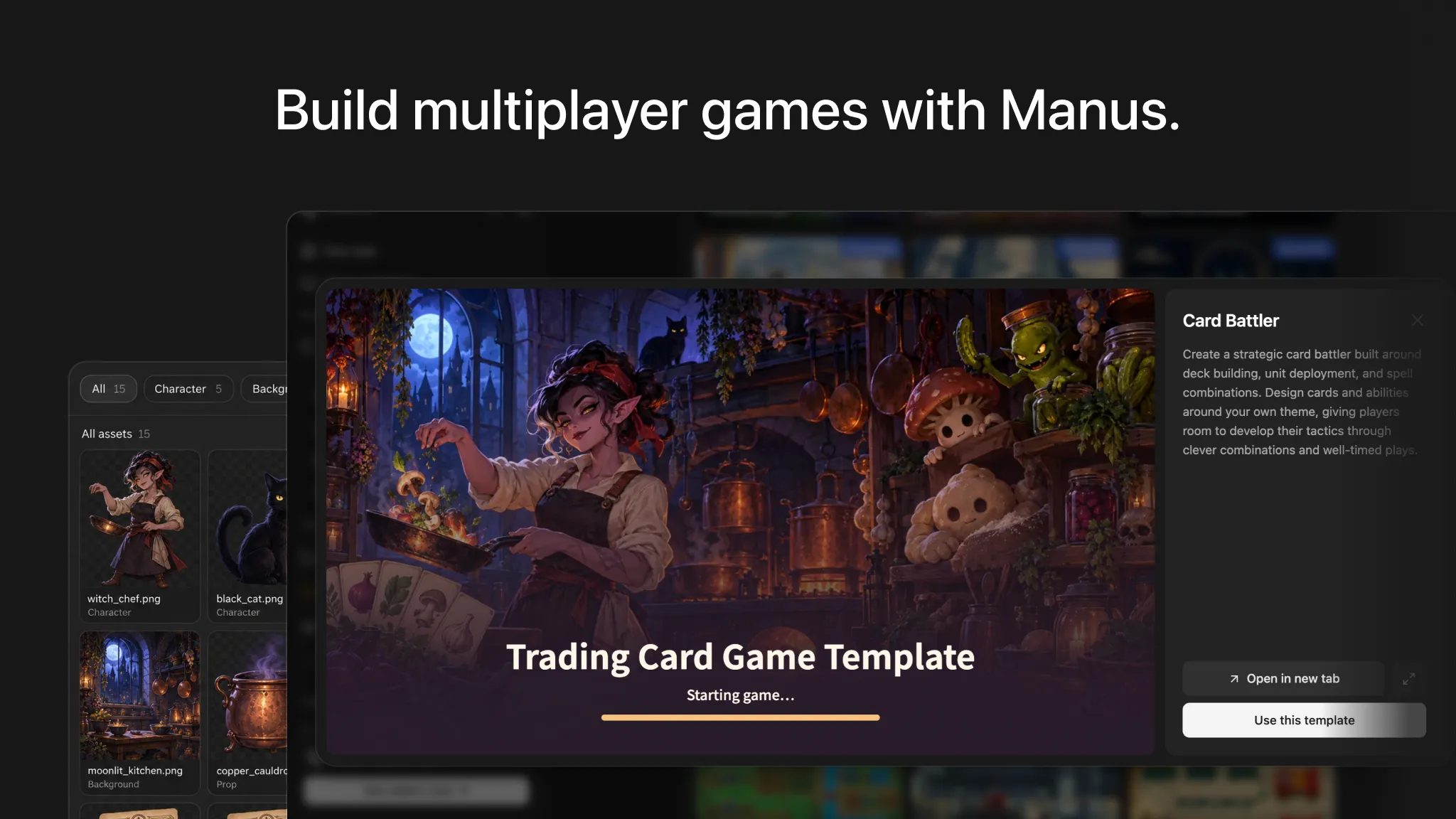
Two Studio add-ons for hands-on editing. Fix a subtitle typo, swap the music or tweak a game level without regenerating the whole thing.
Cloud Computer
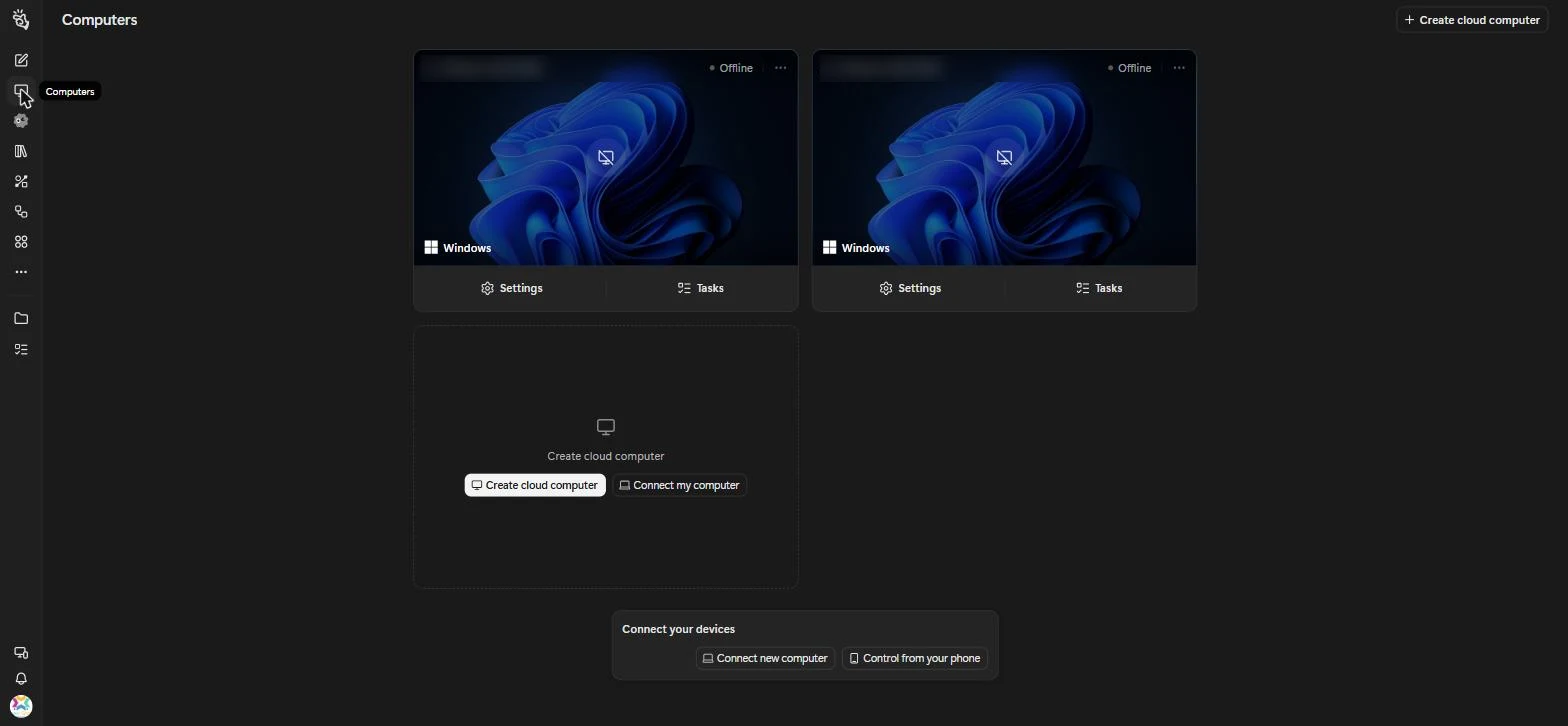
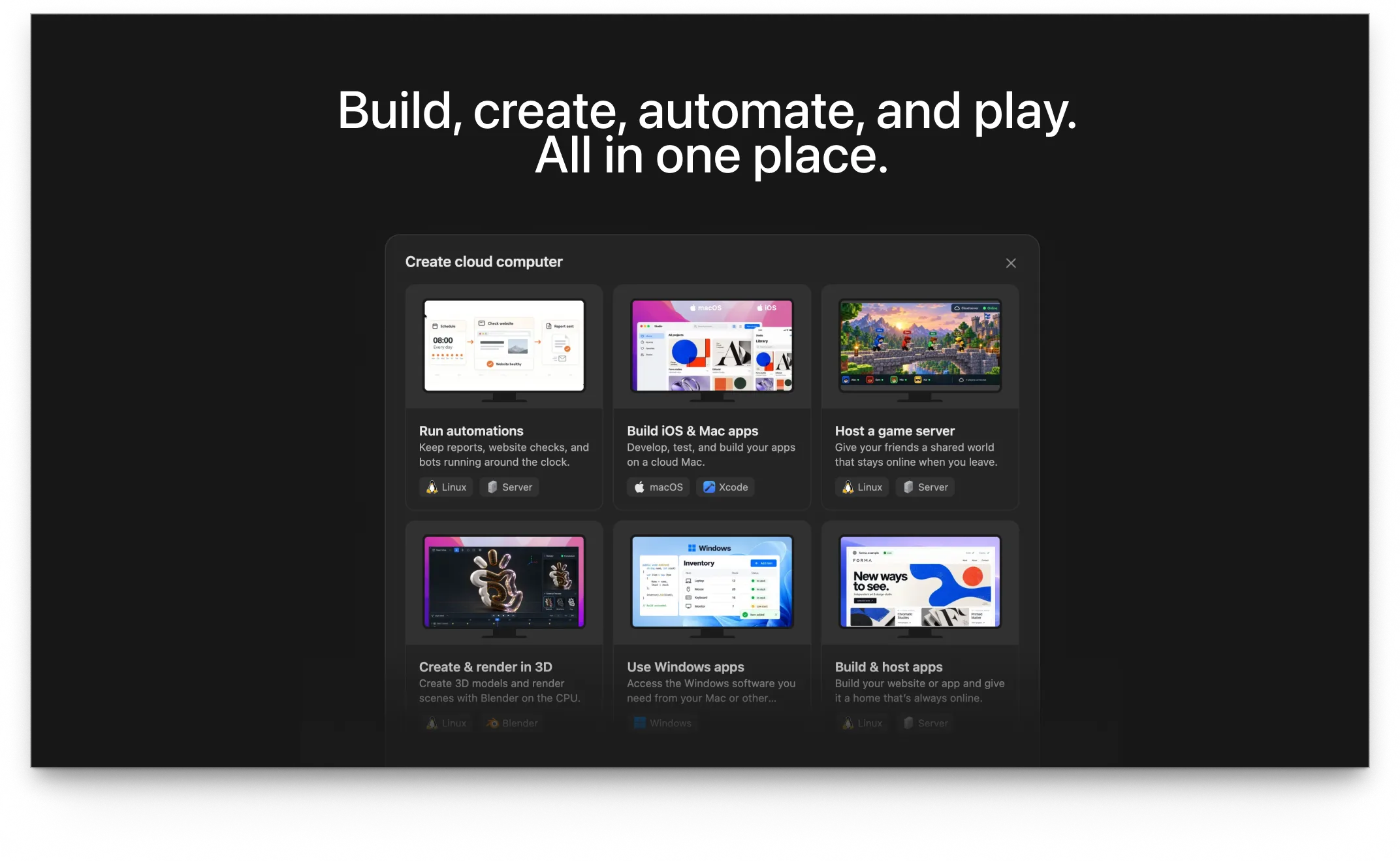
A dedicated, always-on machine you can buy for work that has to keep running, like a multiplayer game server or an automation that runs around the clock.
Under the hood, a new engine called Cascade runs every task. In Manus’s own test, it used 23.2% fewer tokens, finished 28.2% faster and cost 32% less than the system it replaced. Tokens are the units AI usage is measured in, so fewer tokens means each task uses fewer of your credits.
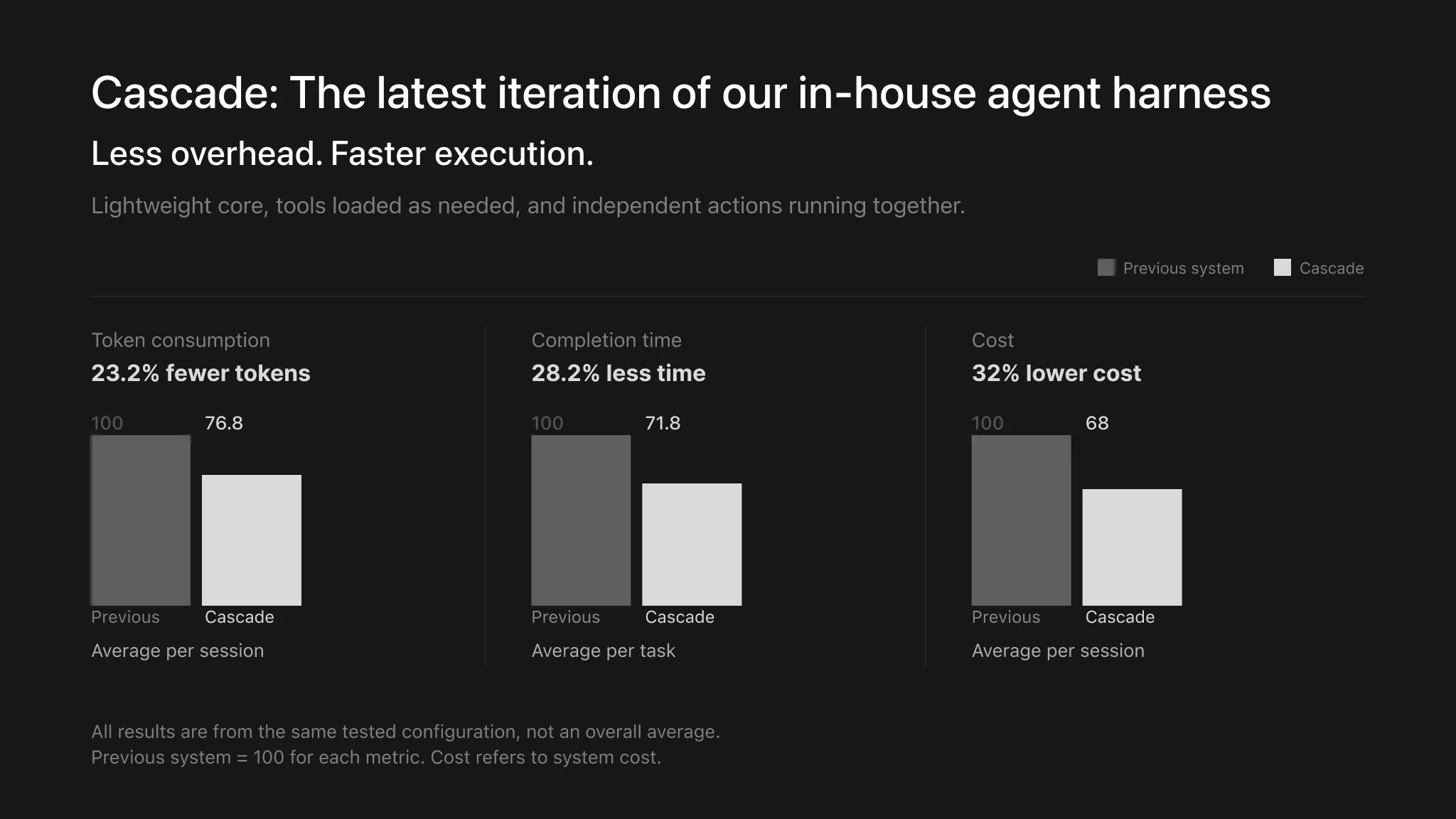
Manus’s own Cascade test, with the old system set to 100 on each measure. Image: Manus.
What Manus Studio Adds on Your PC
The screenshot below shows Computer Use, the part of Manus Studio that lets the agent work inside apps installed on your PC.
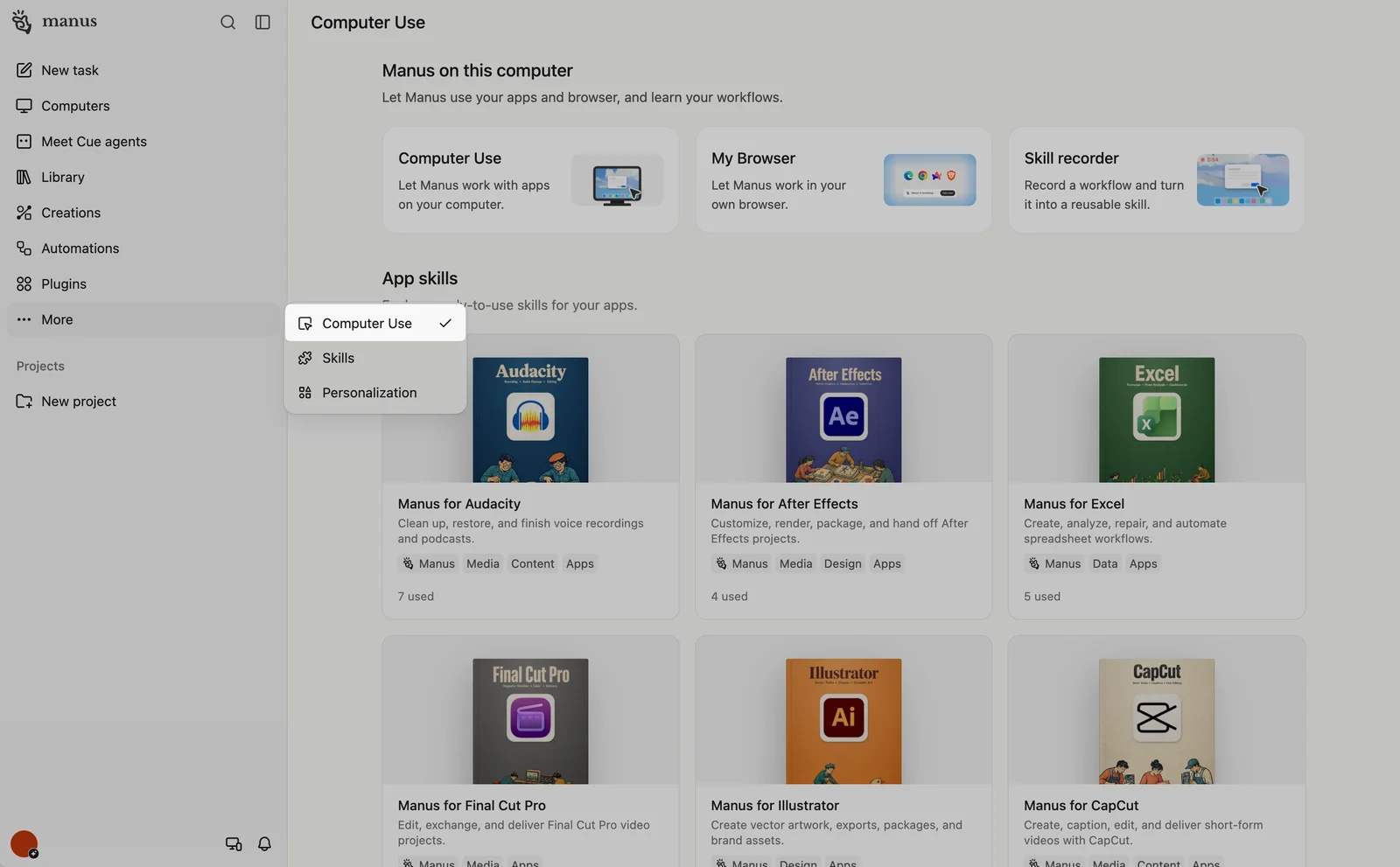
Computer Use in Manus Studio, with app skills for common creative and office tools. Image: Manus.
- Build and Create tasks
- Research and writing
- Automations and cloud computers
- Every mode, from Lite to Max
- Starting from a local file or folder
- Computer Use with your installed apps
- Remote Control from your phone
- Building desktop apps, desktop widgets and Chrome or Safari extensions
If you only want Manus to make things in the cloud, the web app covers it. Install Manus Studio when you want the agent to work with your own files and programs.
How to Get Manus on Windows
The Windows app comes from the Microsoft Store and is free to install. You only pay if you move to a Pro plan.
1 Open the Manus page in the Microsoft Store, or search for Manus in the Store app.
2 Click Get and wait for the download to finish.
3 Open Manus from the Start menu and click Sign in.
4 Sign in or create an account with Google, Microsoft, Apple or an email address.
5 Pick a mode from the menu at the top. Free accounts use the Lite mode.
6 Type your first task in the box, or start from Build or Create.
Note: The Microsoft Store version can fall behind the web app after a big release. If a feature from this guide is missing, check the Store for an update, or use the web app at manus.im/app in the meantime.
Is Manus Free? Plans and Pricing
Manus runs on credits. Every task uses some, and bigger or longer jobs use more. The free plan gives you 300 credits a day, up to 1,500 a month, and those daily credits only work in the Lite mode.
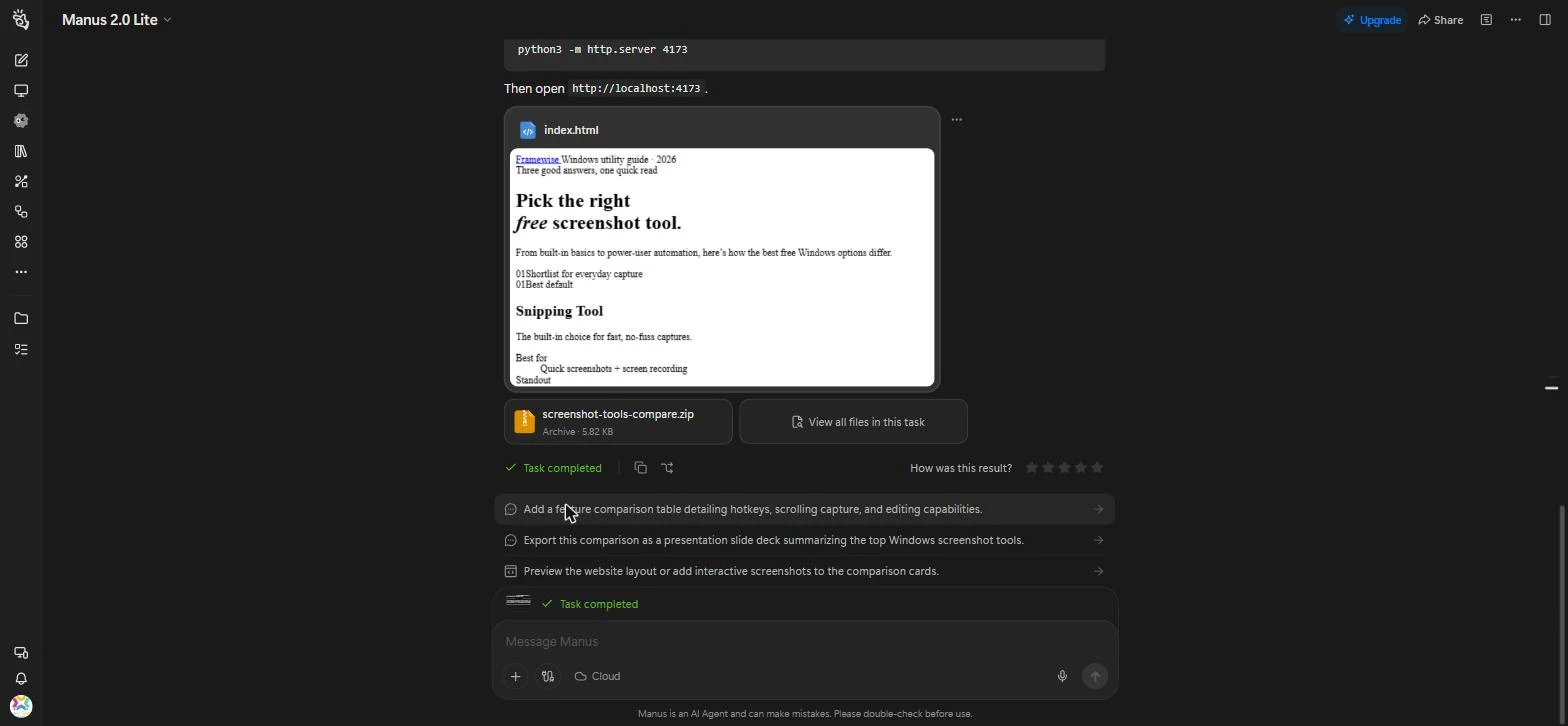
For scale, we ran one small test on a free account: a one-page website comparing three screenshot tools. It took about two minutes and used 18 credits.
| Plan | Price | Credits | Good to know |
|---|---|---|---|
| Free | $0 | 300 a day, up to 1,500 a month | Lite mode only |
| Pro | $20/mo | 4,000 a month, plus 300 a day | Unlocks Manus 2.0 and Max, 20 tasks at once |
| Pro | $40/mo | 8,000 a month, plus 300 a day | Same features, more credits |
| Pro | $200/mo | 40,000 a month, plus 300 a day | For large or frequent jobs |
| Team | Contact sales | Shared pool | For businesses and groups |
The mode menu in the Manus app shows which modes each plan unlocks.
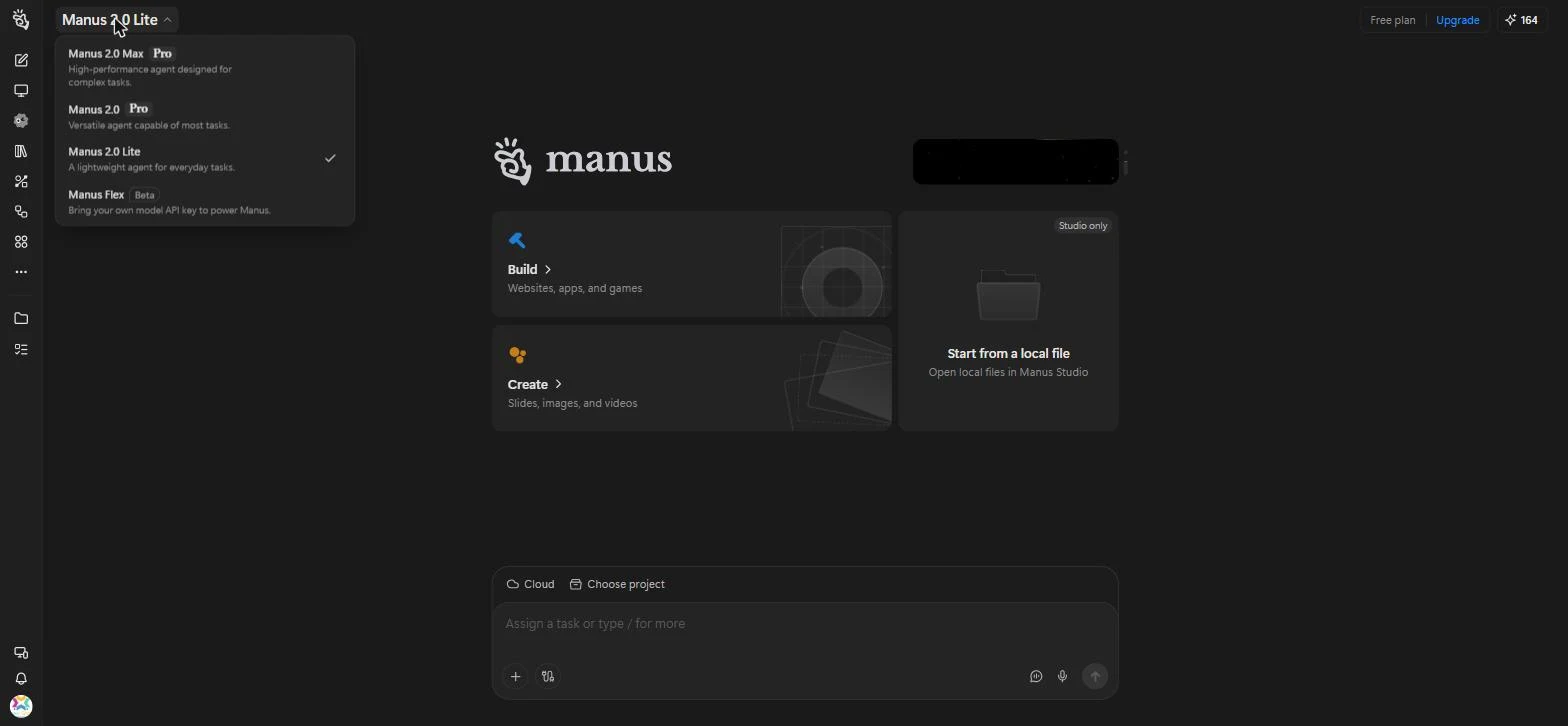
Our free account, with Lite selected and the two Pro modes marked.
Unused monthly credits do not roll over to the next month. Add-on credits you buy separately do carry over, as long as you keep a paid plan. When your balance runs out, Manus will not start new tasks until your credits refresh. Prices on AI tools change often, so check the Manus pricing page before you buy.
Manus vs Grok Bot and OpenAI Dots
Manus 2.0 landed the same week OpenAI announced dots, and a few weeks after xAI launched Grok Bot for Windows. Microsoft is building the same idea into Windows with Autopilot in the new Microsoft Copilot. All of them promise AI that keeps working while you are away, but they are not built for the same job.
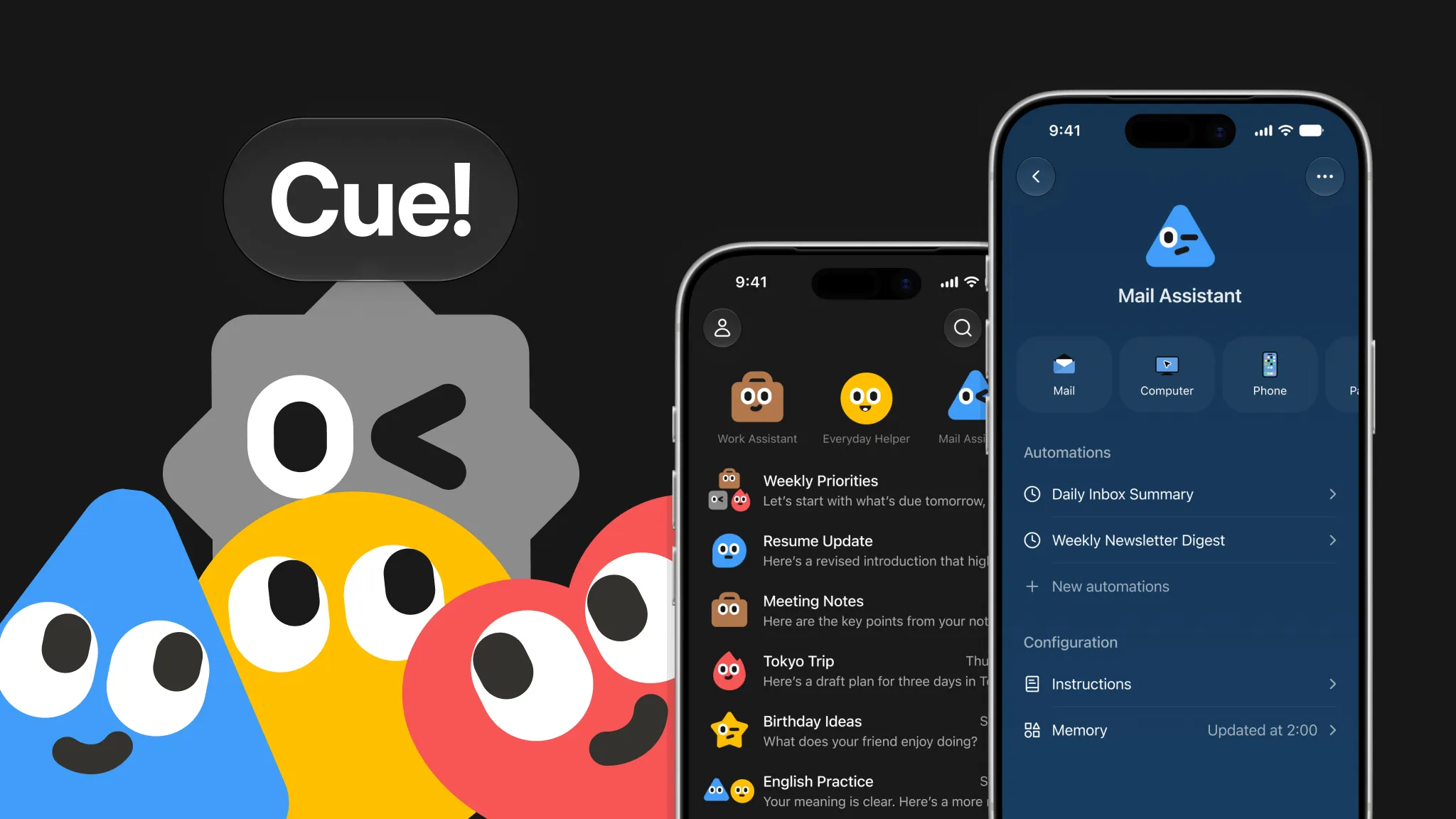
Grok Bot and dots are assistants with an identity: a named agent that learns how you work and takes chores off your plate. Manus is a maker: it turns one request into a finished site, deck, video or game. Its answer to the personal agent is Cue, a separate app where each agent gets its own email address, phone number, wallet and computer. Cue launched invite-only, with a waitlist for everyone else.
| Feature | Manus | Grok Bot | OpenAI Dots |
|---|---|---|---|
| Best at | Building finished sites, slides, video and games | Named agents running repeat jobs across your apps | A personal ChatGPT agent that learns your habits |
| Works while you are away | Yes, through cloud tasks and Automations | Yes, on its own cloud computer | Yes, on its own cloud computer |
| Works with files on your PC | Yes, through Manus Studio | No, it works in the cloud | Through the apps you connect |
| On Windows | Microsoft Store app or web app | Its own desktop app | Inside the ChatGPT app or browser |
| Free way in | Yes, 300 credits a day | No, needs a paid Cursor or SuperGrok plan | No, ChatGPT Pro or Business Premium |
Pick Manus when you want a finished thing to show someone, and pick dots or Grok Bot when you want an assistant that watches your inbox and calendar. If you already pay for ChatGPT, compare it with our ChatGPT for Windows and Claude for Windows guides before adding another subscription.
Our Take
Manus is at its best when you want a finished result, not a conversation. Our small free test came back with working files in about two minutes, and it stopped to ask a sensible question instead of guessing. The Build and Create menus also make it easy to see what it can do, which many agent apps leave you to discover by trial and error.
The Windows launch was handled badly. Manus announced 2.0 as available on Windows, but when we installed the Microsoft Store app in launch week it gave us the older Manus 1.6, while Mac users got a 2.0 download on day one. There was no notice that Windows would follow later, and no community forum on Manus’s own site to ask about it, only the Help Center. For a paid product that is unprofessional, and Windows users deserved a plain heads-up. If your Store app does not list the 2.0 modes in its menu, use the web app, which had every 2.0 feature from the start.
The weak spot is credits. Big jobs on the Pro modes can use up a monthly allowance quickly, and unused credits do not carry over. Start on the free Lite mode, note what a typical task costs you, and only then pick a Pro tier. If what you really want is an assistant for email and scheduling, one of the agents above fits that job better.
Is Manus Safe?
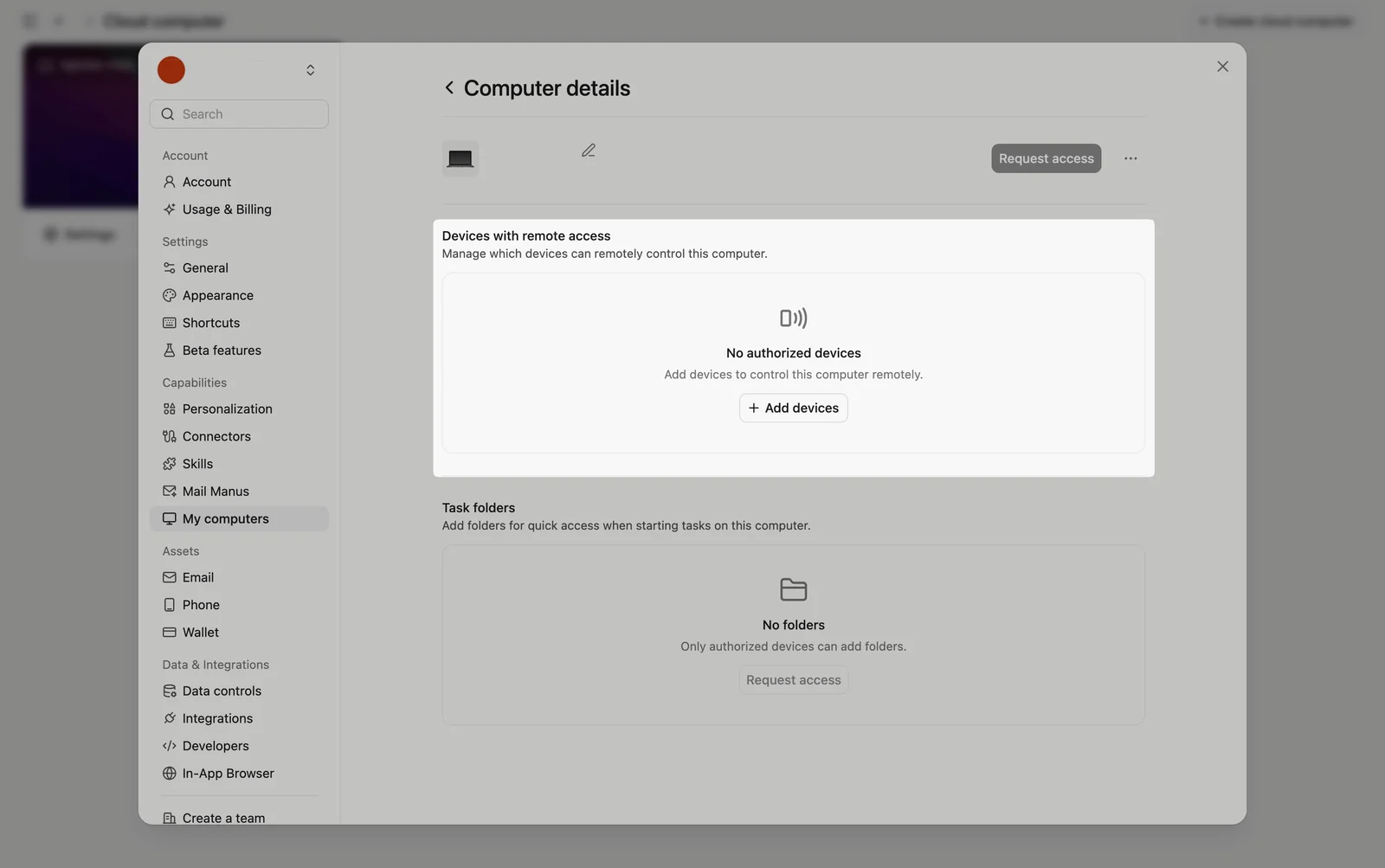
Computer Use does not take over your screen while you work. It runs in a workspace of its own and can only open folders and apps you have authorized. You also choose which devices are allowed to control a PC remotely, and you can remove them at any time.
The real risk is in what you connect. An agent that can read your email or post to Slack can also make mistakes there, so connect only the services a task needs. When Manus split from Meta in 2026, some users also had to restore their data from a backup. Keep your own copies of anything important you create in Manus.
Tips for Getting Started
1 Start with a small, clear task. A short brief shows you what a task costs in credits before you try anything big.
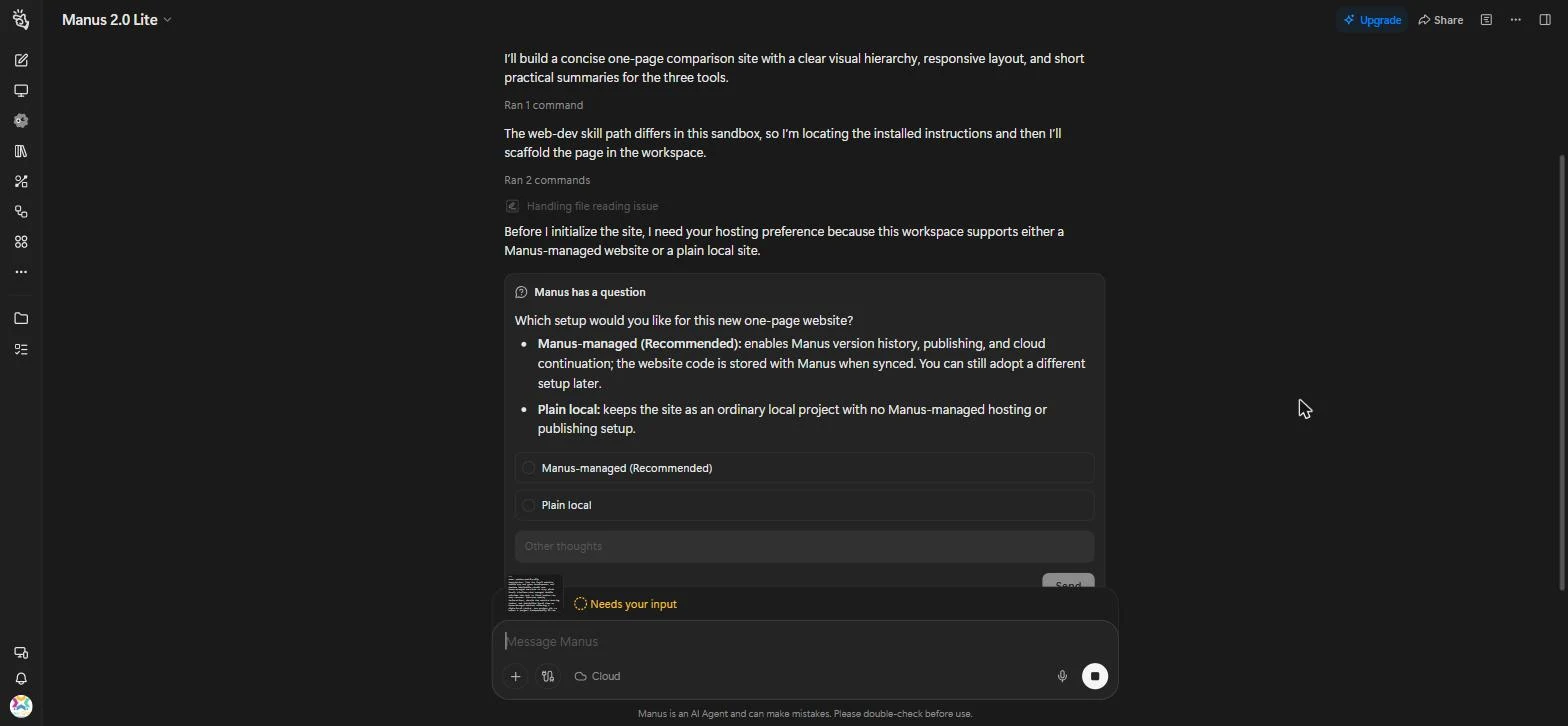
2 Answer its questions. Manus pauses when a choice matters, and the task waits until you reply.
3 Choose how a website is hosted. Manus-managed adds version history and publishing, while plain local keeps the files with you only.
4 Try one automation. Pick a job you repeat every week, like a report, and let a schedule start it for you.
5 Keep Computer Use narrow. Give it the one project folder a task needs, not every folder on your PC.
Official Manus 2.0 Video
Watch Manus’s own launch video for a walk through Manus Studio, the new creative tools and Cue.

Screenshots
Our hands-on screenshots of Manus on a free account, plus official images of the new video, game and Cue tools.
FAQ
Does Meta own Manus?
Do I need to keep my PC on for Manus to work?
Does Manus run on Windows on ARM?
What are the system requirements for Manus on Windows?
Support and Community
For help, release notes and news from the team behind Manus, these are the official places to look:
- Manus official website, for product news and the web app
- Manus Help Center, for plans, credits and troubleshooting
- Manus updates page, for new features as they ship
- r/ManusOfficial on Reddit, for tips and discussion with other users
- Manus on X, for announcements and demos
- Manus AI on YouTube, for launch videos and walkthroughs
More Windows software guides: Grok Bot for Windows · OpenAI Dots Explained · ChatGPT for Windows · Claude for Windows · The New Microsoft Copilot