


Readers like you help support this site. When you make a purchase using links on our site, we may earn an affiliate commission. All opinions remain our own.
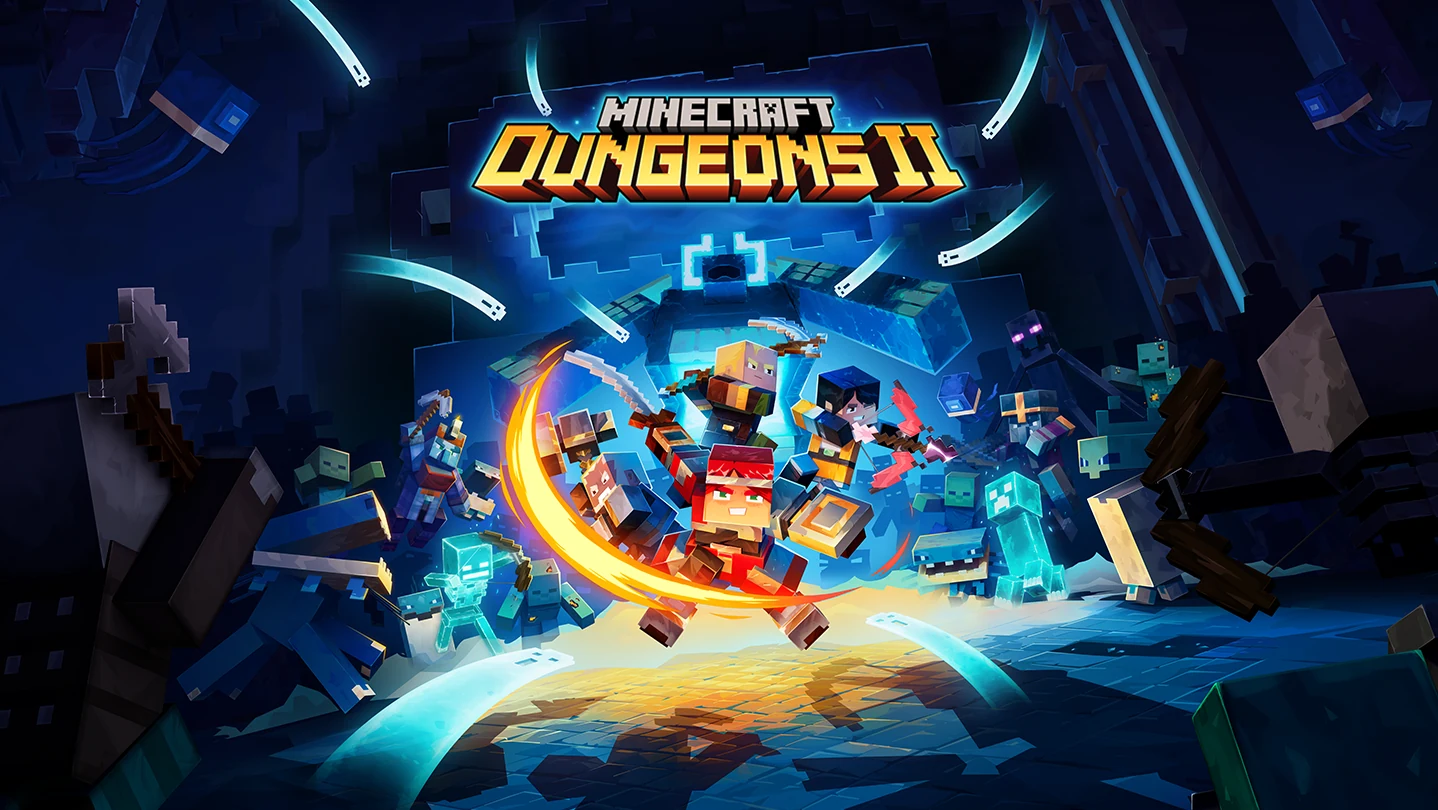
Minecraft Dungeons 2 on PC: gear up, team up and step through the rift. Click to open it full size.
Minecraft Dungeons 2 is an action RPG for PC from Mojang Studios and Double Eleven, available on Steam and the Xbox app. You fight hordes of Minecraft mobs, collect loot and build a hero around the gear you find. You can play alone or with up to three friends.
The biggest change from the first game is the world itself. Instead of picking separate missions from a map table, you now travel across large connected regions. Towns, side quests, caves and fast-travel points sit between the fights.
Its official name is Minecraft Dungeons II. It launched on September 29, 2026 on PC, Xbox Series X|S, PlayStation 5, Nintendo Switch and Nintendo Switch 2, with cross-play between all of them. On PC it runs on 64-bit Windows 10 or 11, works with a controller, and is included in PC Game Pass.
Already playing? Tell us which build carried you through the Sift. Got questions before buying? Reach out to us directly.
What You Need to Know
- It is a full release, sold as a Standard and a Deluxe Edition.
- It is included in PC Game Pass and Game Pass Ultimate, so subscribers do not need to buy it.
- Up to four players can team up, with couch co-op, online co-op and cross-play with consoles.
- Online features and cosmetic rewards are tied to your Microsoft account, even on Steam.
- There is no official mod support, but community mods already exist on Nexus Mods.
Quick Facts

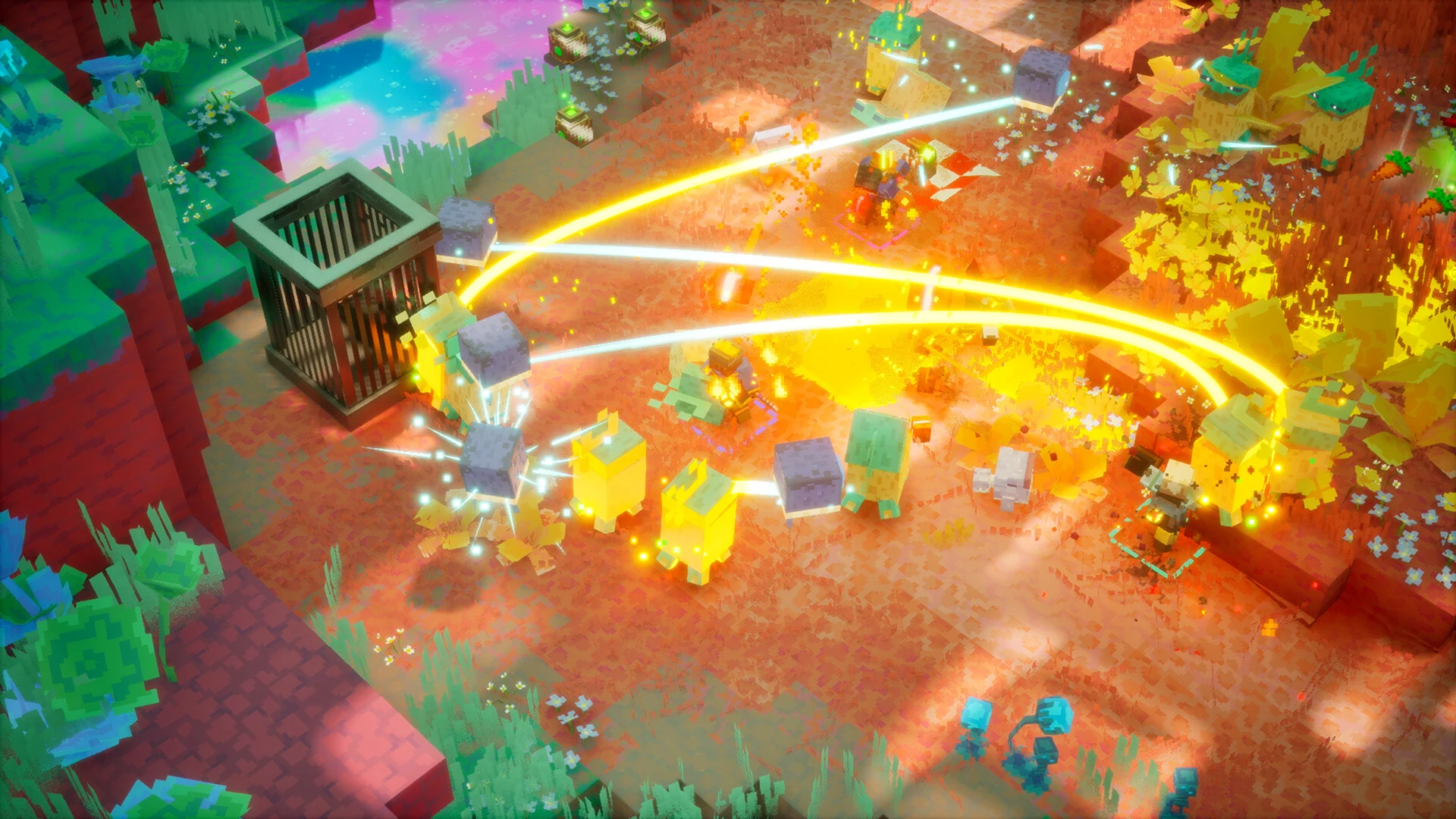


| Price | From $29.99 (Standard Edition) |
| Released | September 29, 2026 |
| Developer | Mojang Studios, Double Eleven |
| Publisher | Xbox Game Studios |
| Genre | Action RPG, dungeon crawler |
| Players | 1 to 4, local and online co-op |
| PC Stores | Steam, Xbox app (Microsoft Store) |
| Game Pass | PC Game Pass, Game Pass Ultimate |
| Also On | Xbox Series X|S, PlayStation 5, Nintendo Switch, Nintendo Switch 2, cloud gaming |
| Age Rating | ESRB E10+ (Fantasy Violence) |
How to Download Minecraft Dungeons 2 on Windows
The game is the same on both PC stores. Pick Steam if your library lives there, or the Xbox app if you have Game Pass or also play on an Xbox, since a Microsoft Store copy is an Xbox Play Anywhere purchase that covers both.
- Step 1. Pick your store. Open Minecraft Dungeons 2 on Steam or in the Xbox app.
- Step 2. Buy it or claim it. Choose the Standard or Deluxe Edition, or install it through Game Pass.
- Step 3. Install it. Let the download finish in Steam or the Xbox app.
- Step 4. Sign in with your Microsoft account. Use the same one you play Minecraft with.
- Step 5. Start the campaign. Play solo, or invite up to three friends.
💡 Your PC is too weak? Cloud gaming is an option. Try Boosteroid.
Minecraft Dungeons 2 Editions
There are two editions on PC. Both contain the same full game. The Deluxe Edition adds cosmetics and the first two DLC packs, which come out after launch.
$29.99
- The full campaign across the Overworld and the Sift
- Solo, couch co-op, online co-op and cross-play
- Included in PC Game Pass and Game Pass Ultimate
$49.99
- Everything in the Standard Edition
- Four Fancy Hero skins
- The Soul Cape and the Blub pet
- DLC 1 and DLC 2, as each one releases
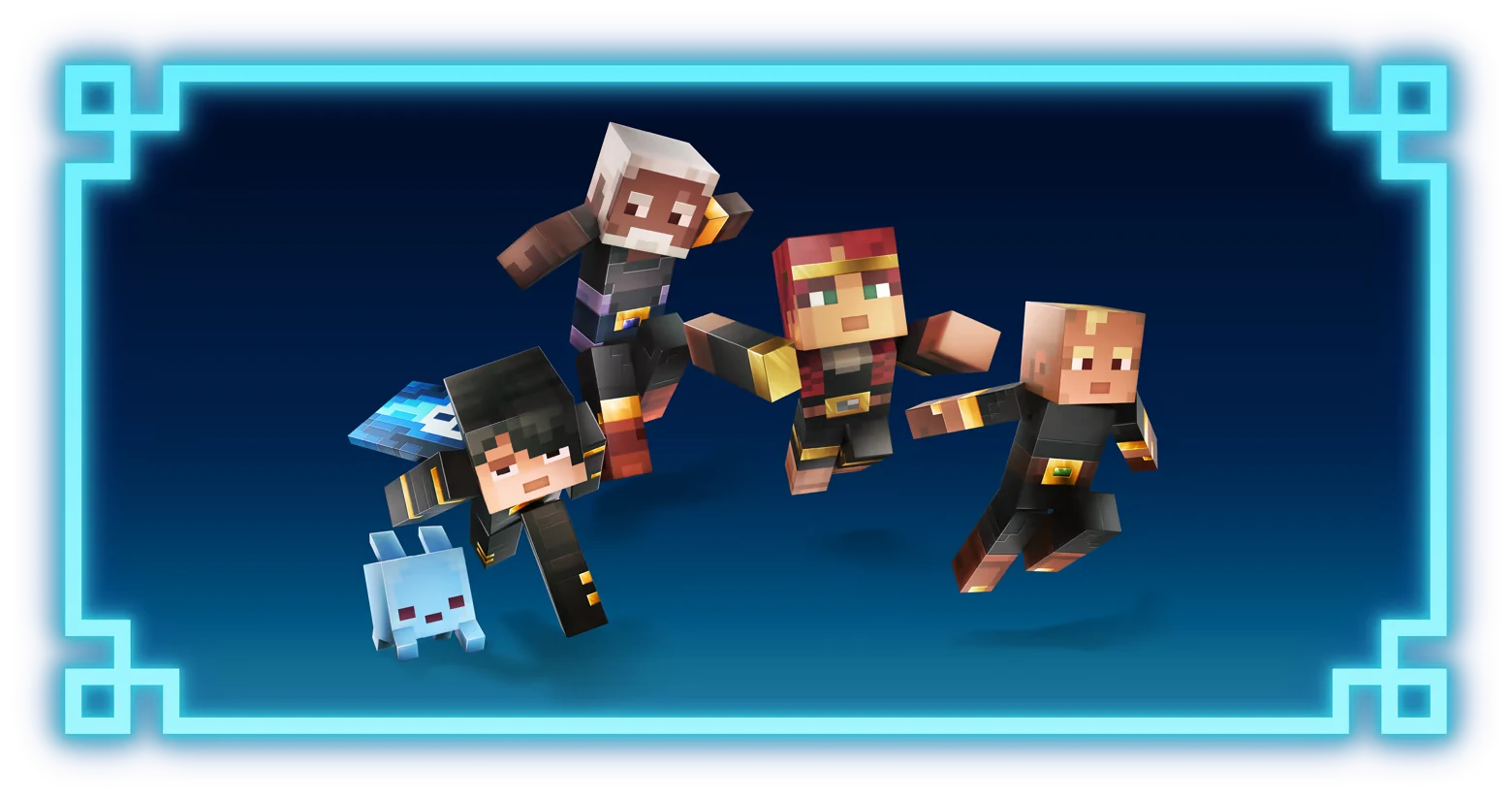
The Deluxe Edition’s four Fancy Hero skins and the Blub pet.
Prices are the US list prices on Steam. Already own the Standard Edition, or playing through Game Pass? The Deluxe Upgrade adds the same extras for $19.99.
What Is Minecraft Dungeons 2?
Minecraft Dungeons 2 is the sequel to Minecraft Dungeons, Mojang’s action game set in the Minecraft world. You do not mine or build here. You pick up a sword, a bow and a handful of magic items, and fight your way through mobs you know from Minecraft, such as zombies, skeletons, creepers and illagers.
The story starts when mysterious rifts open across the Overworld. They lead to the Sift, a new dimension the Minecraft series has never shown before, and the illagers have a plan that puts both worlds at risk. Your job is to find out what is behind the rifts and stop it.
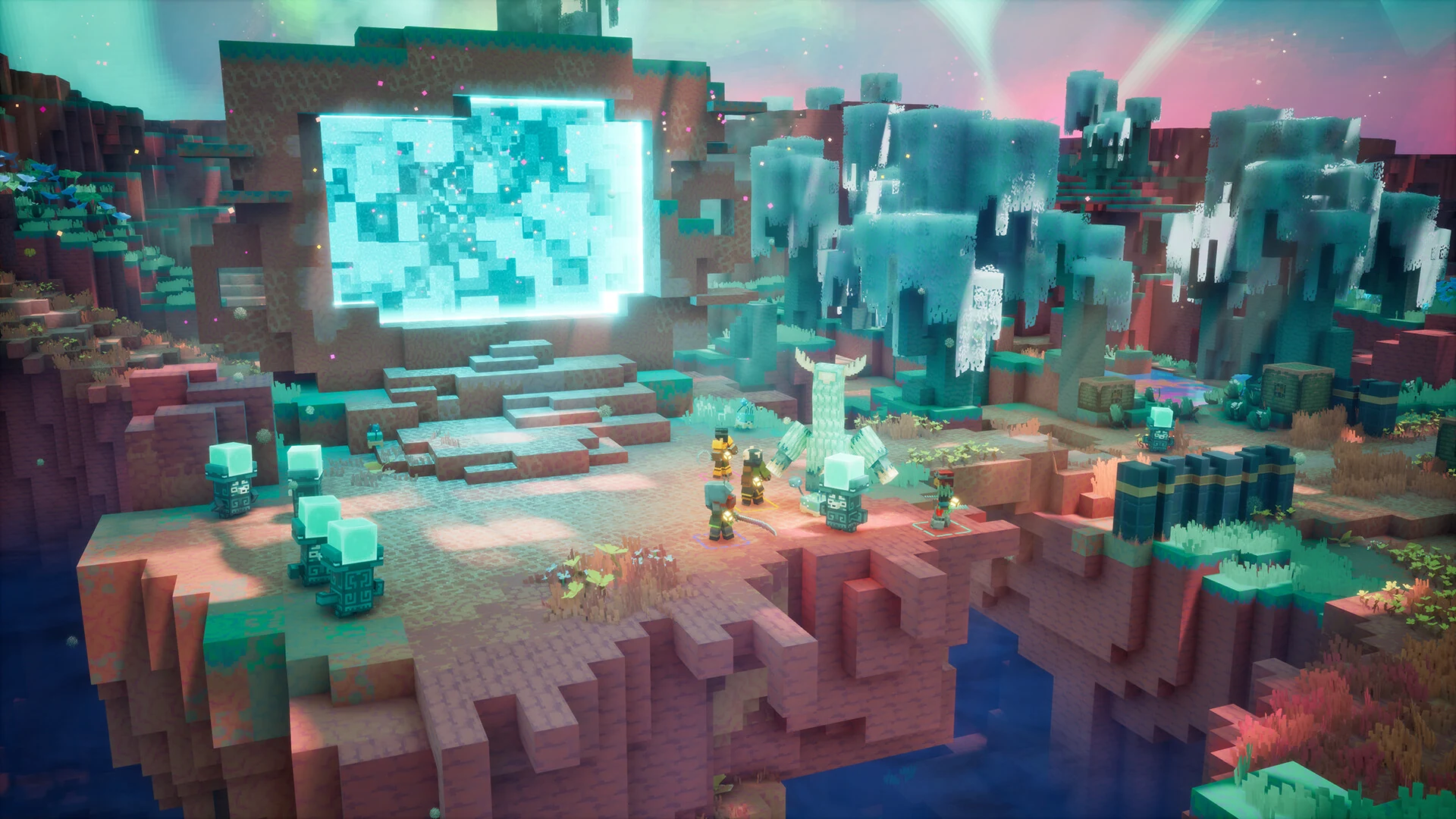
Rifts like this one connect the Overworld to the Sift.
Combat runs from a raised camera above your hero, like most dungeon crawlers (action games built around clearing out monsters and grabbing loot). Every fight drops gear, and the gear is where your build comes from. The sequel doubles your combat slots from 6 to 12: two weapons, four separate armor pieces, three artifacts (magic items with their own cooldowns) and three talismans, a new slot type that adds passive bonuses.
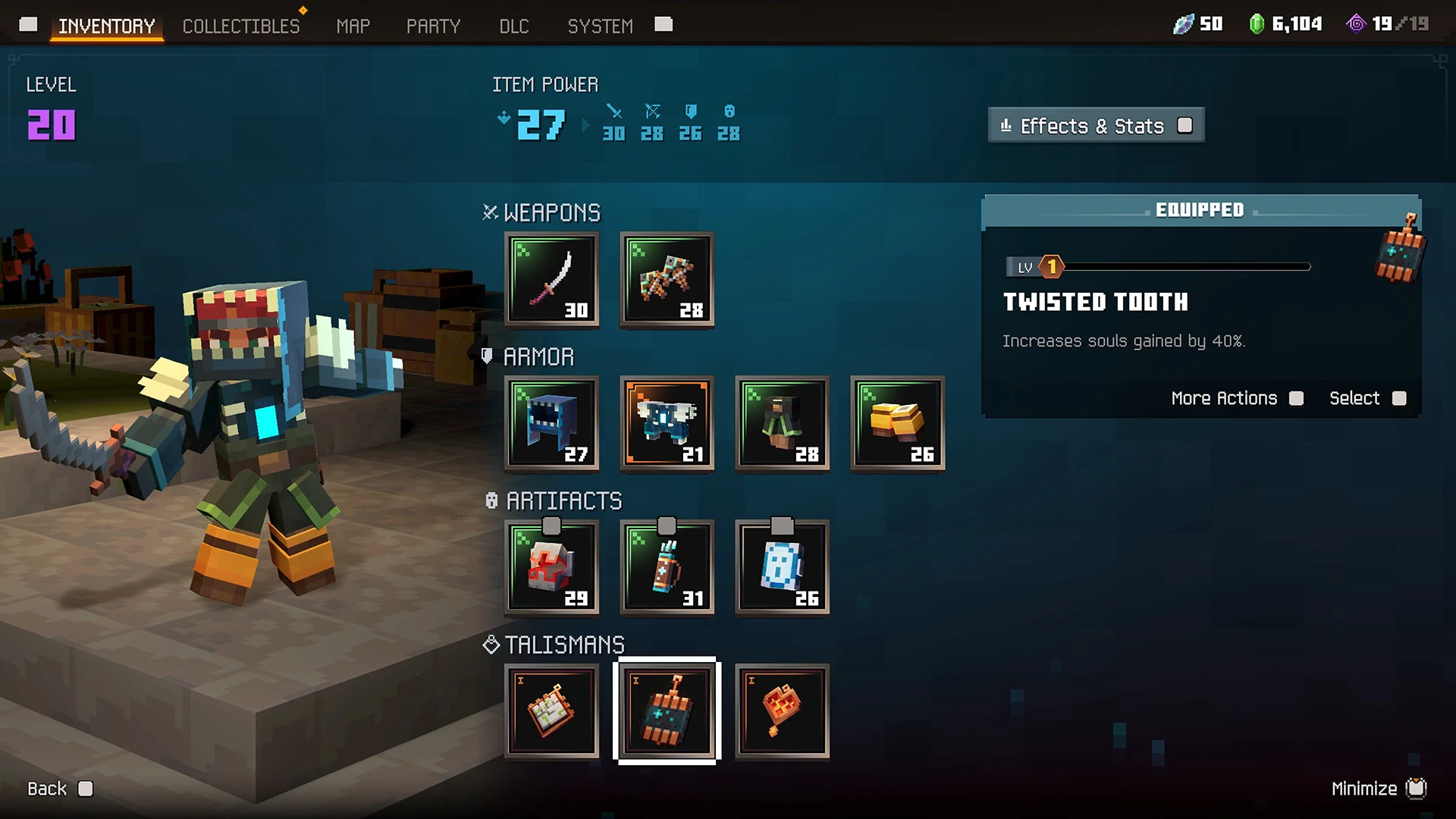
The inventory: weapons, armor pieces, artifacts and talismans, 12 slots in all.
Enchanting also works differently now. You collect enchantment books as you explore, and each one goes into a personal library. A character called the enchantsmith then applies any enchantment you own to any gear slot you choose, and you can level it up later. Mojang’s gameplay deep dive covers every new system in more detail.
Official Trailer
Watch the official launch trailer for Minecraft Dungeons 2 to see heroes stepping through the rift into the Sift, new enemies, and a full party fighting together.

Key Features
The Sift is brand new to the Minecraft universe, with its own enemies, locations and mysteries.
Large regions with towns, structures and fast travel replace the old mission select. Some caves and ruins change layout between visits.
Main quests carry the story. Side quests range from finding a beekeeper’s lost bees to hunting the mysterious Twisted Warden.
Twelve combat slots instead of six, with separate armor pieces, new talismans and random bonus effects on items.
Heroes can finally jump, and strike from above. Ammo for bows and crossbows is unlimited and recharges on its own.
Up to four players, through couch co-op, online cross-play, mixed co-op, matchmaking or a party code.
Best Minecraft Dungeons 2 Mods to Start With
Minecraft Dungeons 2 has no official mod support and no Steam Workshop. Modders moved fast anyway, and community mods for the PC version are already on Nexus Mods. They work with both the Steam copy and the Xbox app copy. These five are a good first set: one loader that the rest depend on, two that fix the controls and the menus, and two for looks.
Mod loader
Install this one first. Every other mod on this list needs it. It loads mods from a ~mods folder each time a level loads, without replacing any game files, so removing a mod is as simple as deleting its folder.
Controls
On mouse and keyboard the game uses click to move. This mod switches movement to the W, A, S and D keys and turns click to move off, which feels much more natural if you come from other PC action games.
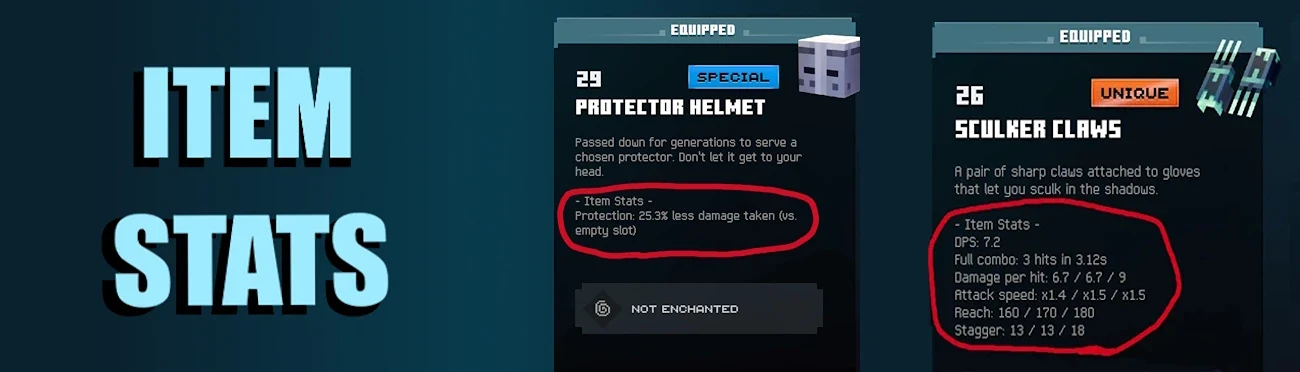
Interface
Adds the numbers the game leaves out to every item tooltip: damage per second, damage per hit, attack speed, reach, ranged stats and armor protection. It makes comparing two weapons a lot less of a guess.
Cosmetic
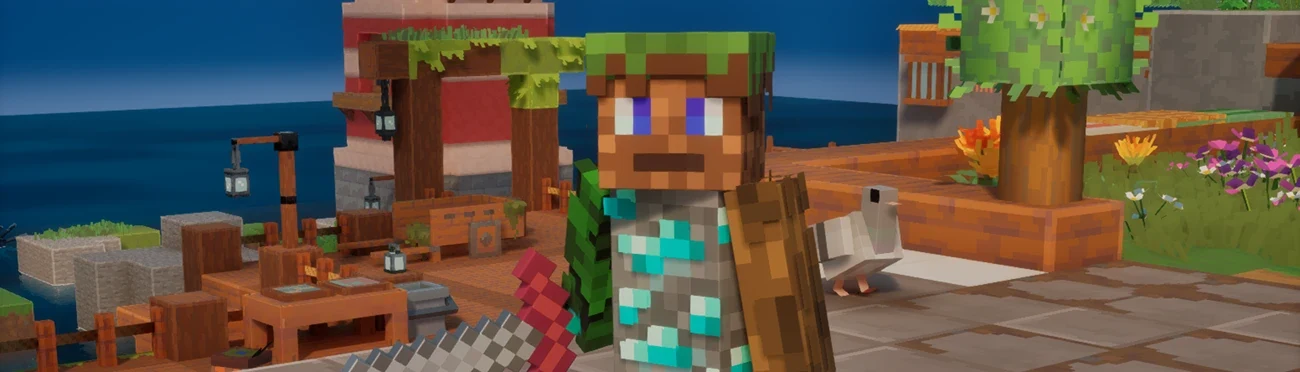
Swap the game’s skins and capes for your own PNG files. If you already have a favorite Minecraft skin, this lets your hero wear it.
Visual
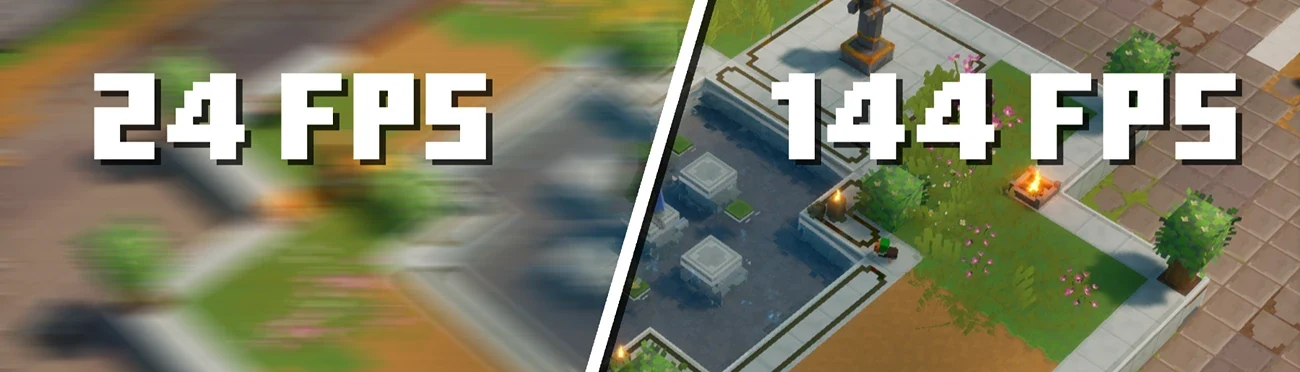
The game’s cutscenes are locked at 24 frames per second. This mod removes that cap, so story scenes play as smoothly as the rest of the game on your screen.
💡 Close the game first. Each mod goes in its own folder inside Paks\~mods. On Steam, find Paks by right-clicking the game, then Manage, then Browse local files, and opening Dungeons\Content\Paks. The Xbox app installs to C:\XboxGames\Minecraft Dungeons II by default. These mods are unofficial, so a game update can break one until its author catches up.
Is This Game for You?
Our Take
🎮 Our Take
The first Minecraft Dungeons was a great first action RPG for younger players, but its builds ran out of room quickly and every mission felt like its own small box. The sequel goes straight at both problems. Twelve gear slots, talismans and an enchantment library you control give you far more to plan around, and a connected world with side quests gives the fights a reason to happen. Jumping and unlimited arrows sound small, but they make moment-to-moment play much less fiddly. The part we would watch is depth over time: it is built to be friendly first, so players who want hundreds of hours of endgame will probably find more in a dedicated loot game.
If you have PC Game Pass, just install it, since it costs nothing extra to try. If you are buying for a family or a regular co-op group, the $29.99 Standard Edition is the one to get; the Deluxe extras are cosmetics plus two DLC packs that are not out yet. If you want a hard, number-heavy action RPG, look at Diablo IV or Path of Exile 2 instead.
System Requirements
These are the requirements Mojang published on the Steam page. They are modest: most gaming PCs and many gaming laptops from the last several years meet the minimum.
| Component | Minimum | Recommended |
|---|---|---|
| OS | Windows 10 64-bit (version 1703 or newer) | Windows 10 64-bit (version 1703 or newer) |
| Processor | Intel Core i3-8100 / AMD Ryzen 3 2200G | Intel Core i5-8400 / AMD Ryzen 5 2600 |
| Memory | 8 GB RAM | 16 GB RAM |
| Graphics | NVIDIA GeForce GTX 1050 / AMD Radeon RX 560, 2 GB | NVIDIA GeForce GTX 1060 / AMD Radeon RX 580, 6 GB |
| DirectX | Version 11 | Version 11 |
Windows 11 runs it too, since any 64-bit Windows 11 PC is newer than the Windows 10 version Mojang lists. Steam does not list a disk space figure, so leave some room before you install. If you are shopping for an upgrade, our Best Gaming Desktops guide is a good place to start.
Tips for Beginners
Sign in with your main Microsoft account
Cosmetic rewards such as the Hero Cape and pre-order items attach to that account, and also show up in regular Minecraft.
Pick up every enchantment book
Books go into your library for good. You can apply them to any slot at the enchantsmith, so nothing you find is wasted.
Fill your talisman slots early
Talismans give passive bonuses that stack on top of your gear. Even weak ones are better than empty slots.
Use your bow freely
Arrows are unlimited and recharge on their own, so there is no reason to save them for a boss.
Jump into fights
Jumping is not only for reaching ledges. An attack from the air adds momentum and helps you get out of a crowd.
Minecraft Dungeons 2 Screenshots
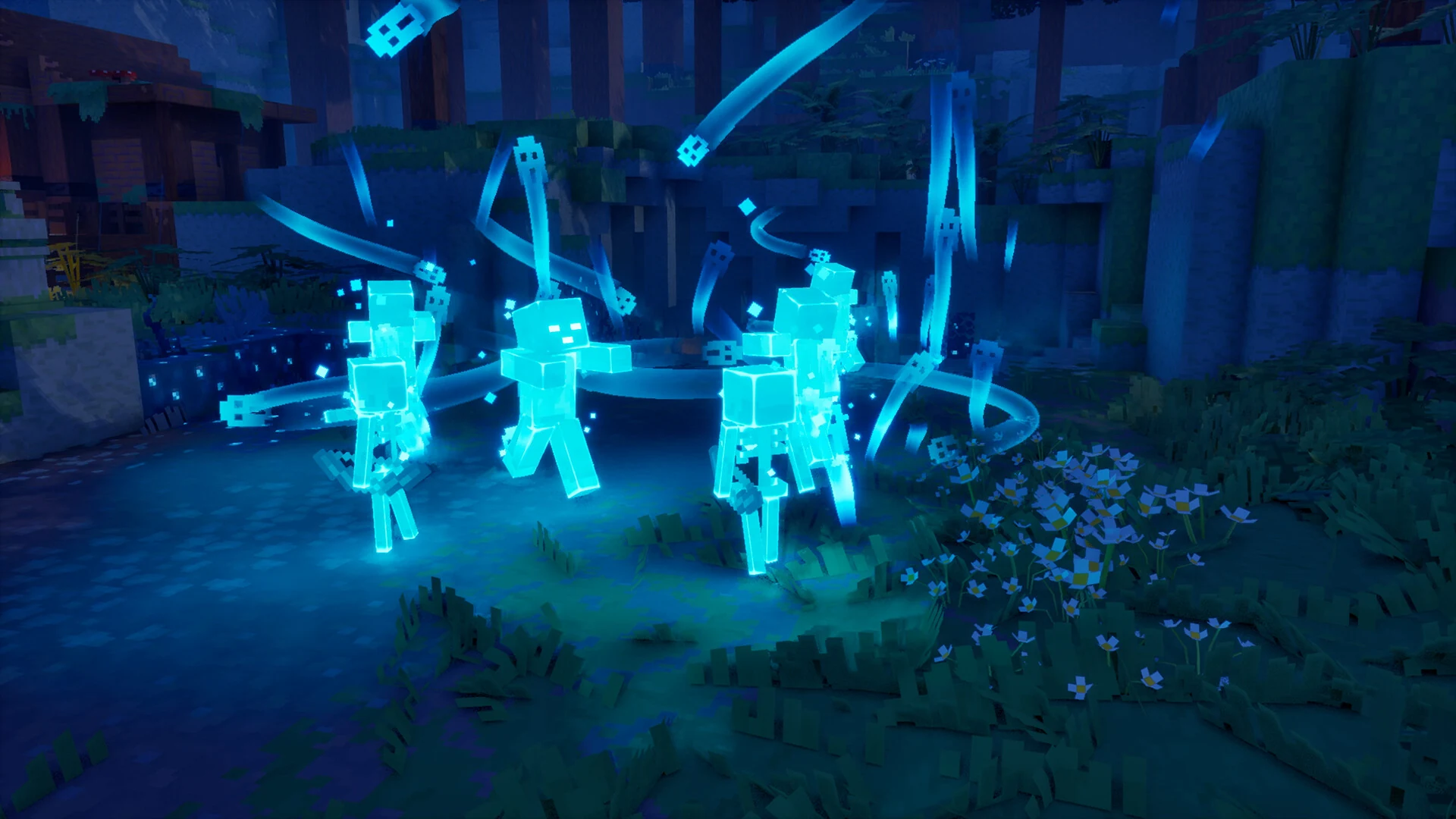
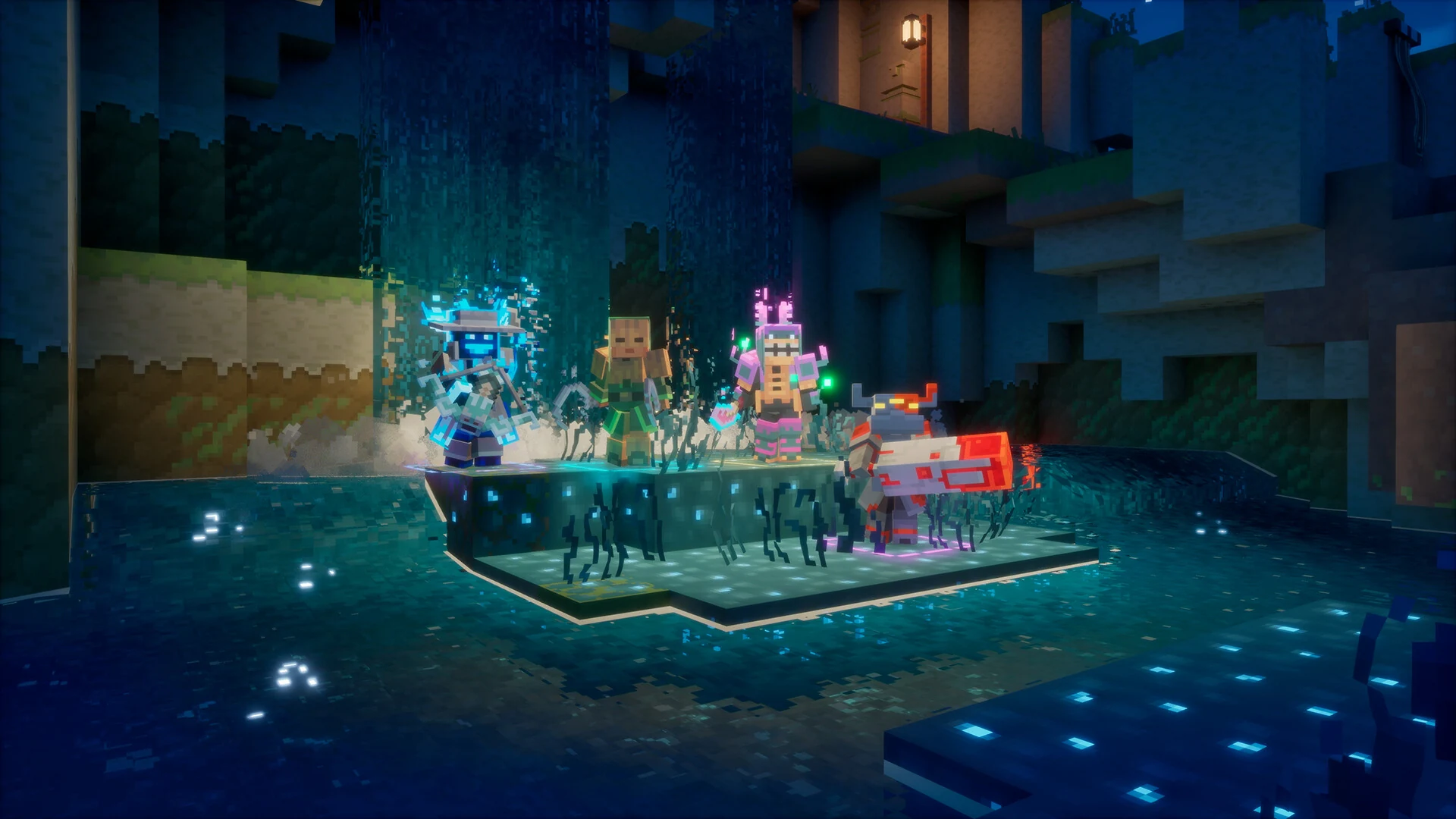
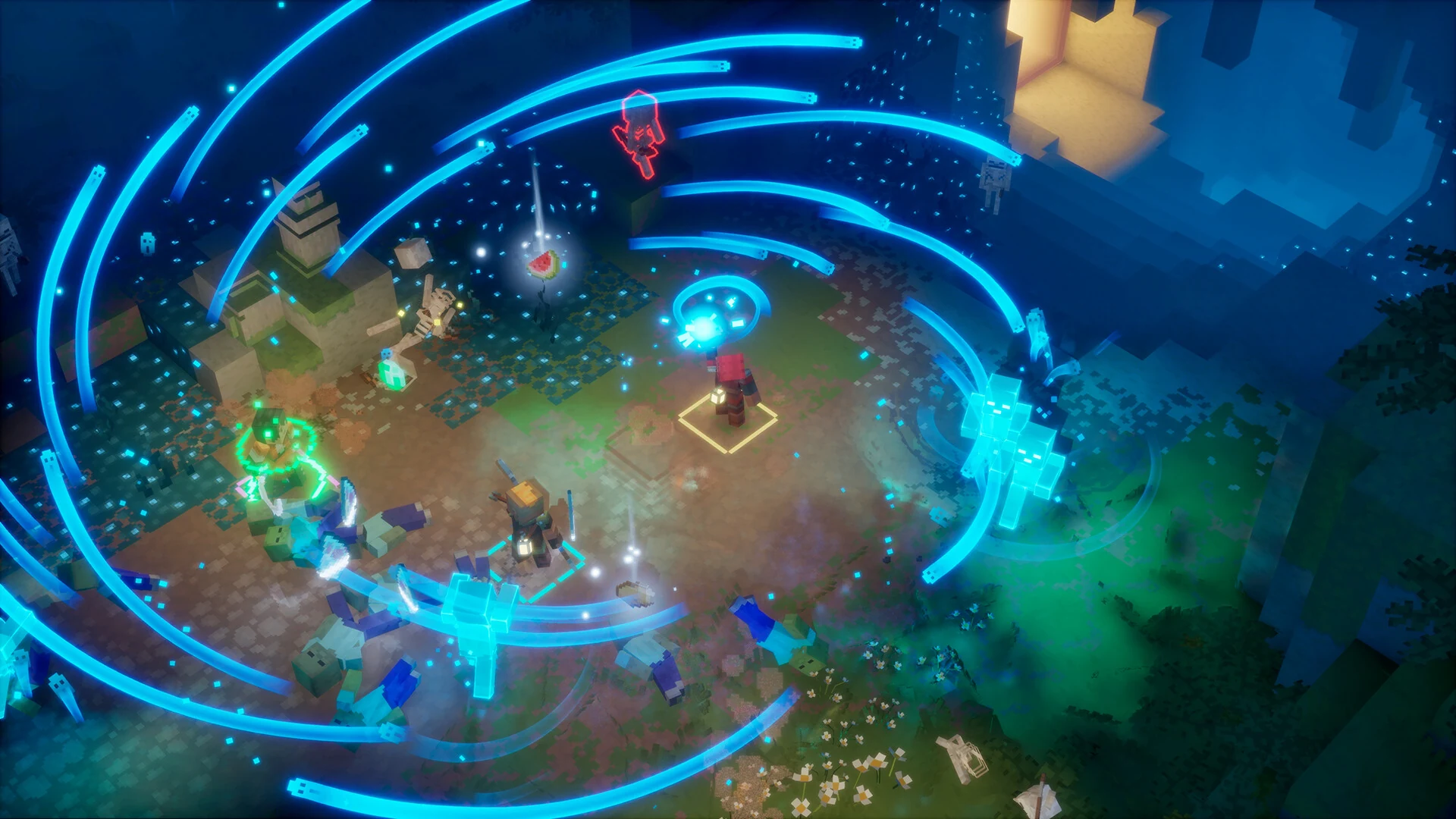
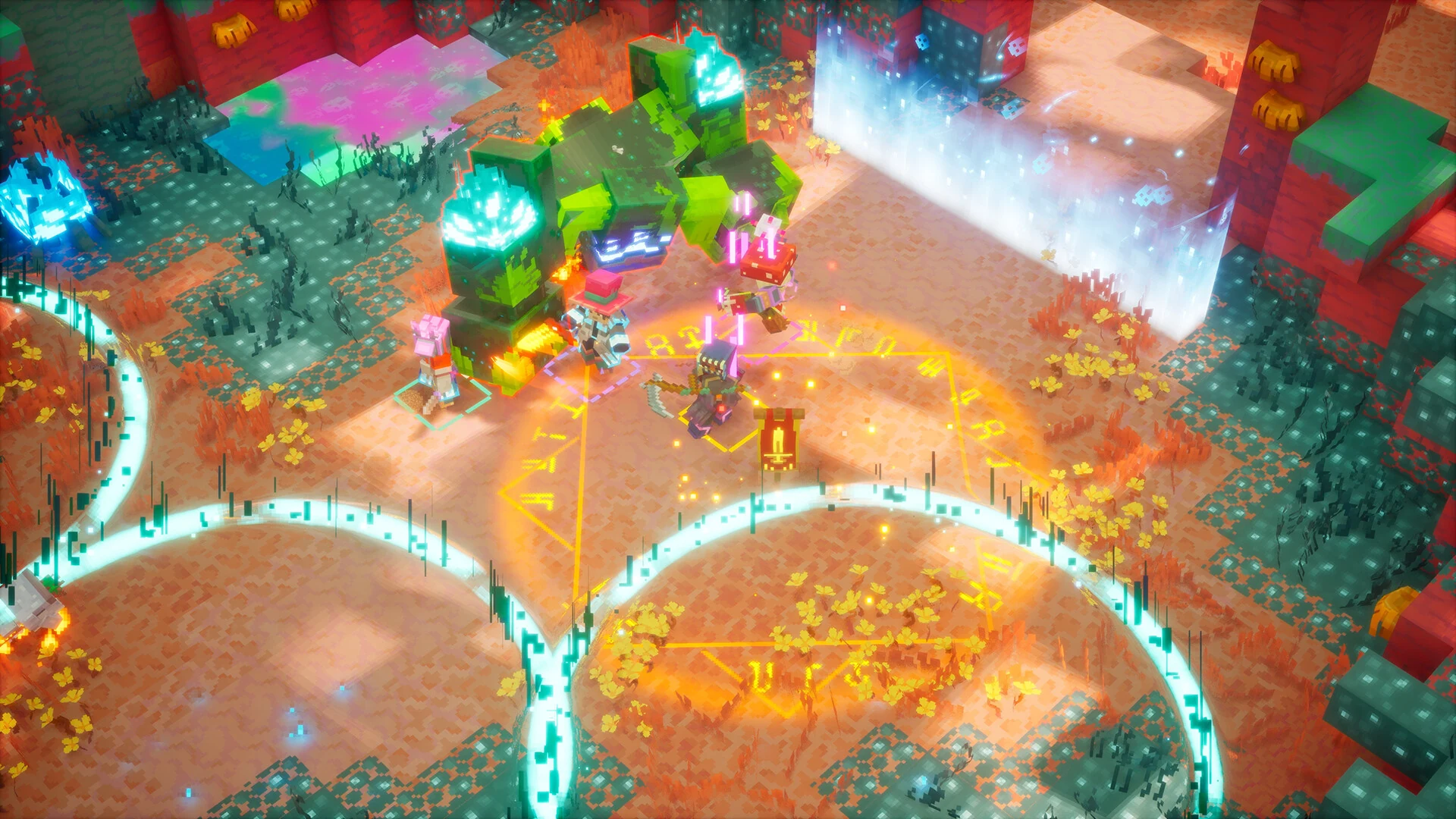
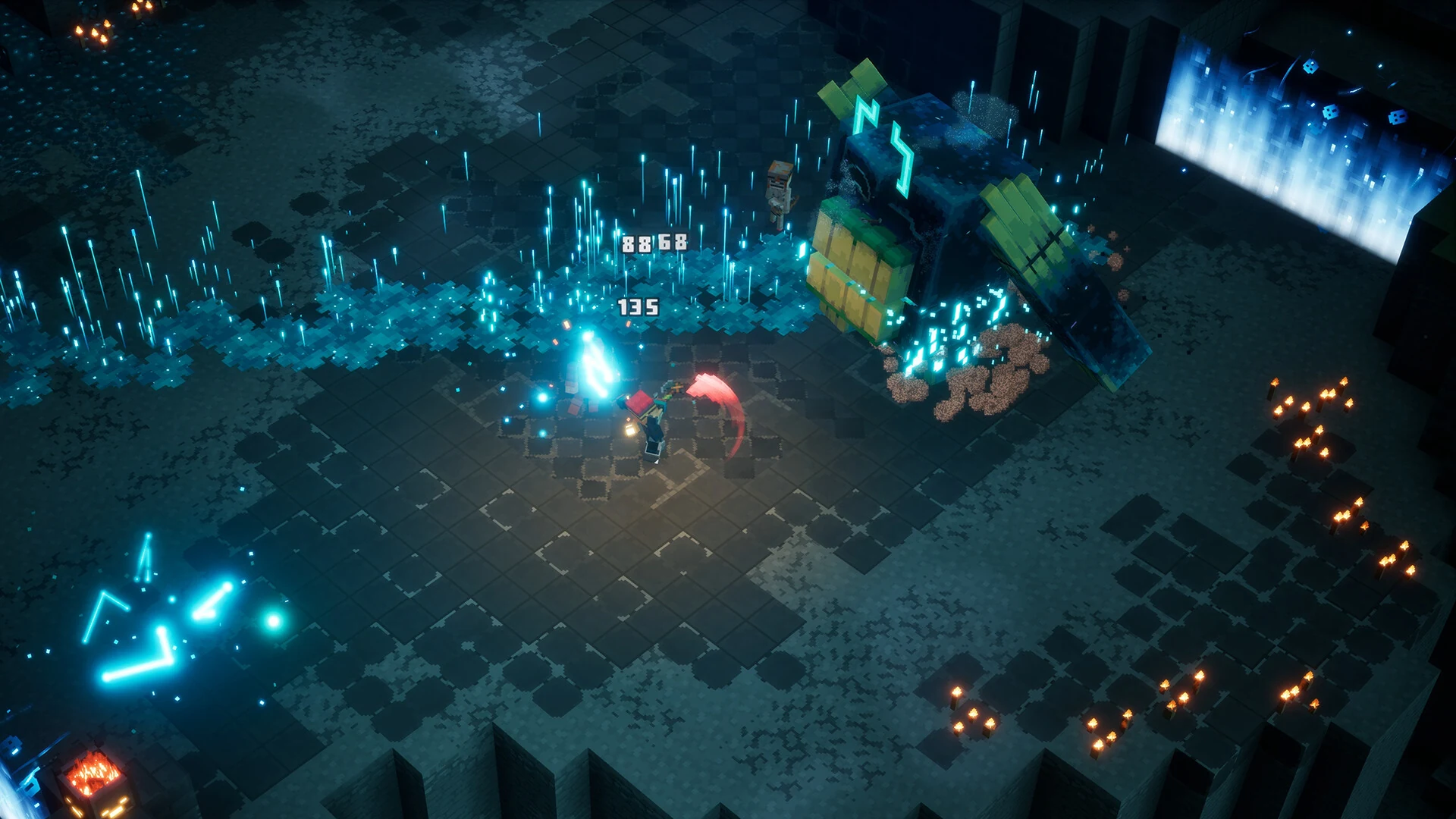
A closer look at the combat, the bosses and the glowing corners of the Sift. Click any image to open it full size.
Minecraft Dungeons 2 FAQ
Is Minecraft Dungeons 2 on Game Pass?
Does Minecraft Dungeons 2 have cross-play?
Do I need to play the first Minecraft Dungeons first?
Can I play Minecraft Dungeons 2 with a controller on PC?
What are the Minecraft Dungeons 2 system requirements?
Support and Community
- Minecraft Dungeons II official page, Mojang’s own page with news, editions and an FAQ.
- Double Eleven, the co-developer’s own site.
- Minecraft Help Center, Mojang’s official support for account, purchase and game problems.
- r/MinecraftDungeons_2 on Reddit, the game’s subreddit, for builds, co-op partners and player help.
- Steam news for Minecraft Dungeons 2, where patch notes and updates appear.
Explore more Windows games: Minecraft for Windows · Minecraft Legends for Windows · Diablo IV for Windows · Best RPG Games on PC · Best Kids Games on PC
Need a PC upgrade to run these? See our Best Gaming Desktops guide.