Readers like you help support this site. When you make a purchase using links on our site, we may earn an affiliate commission. All opinions remain our own.

UC Browser is a Chromium-based browser for Windows with a powerful built-in video downloader that you can download from the official UC website or the Microsoft Store. Originally dominating the mobile market, it brings its legendary speed features to the desktop, including extreme data compression for fast page loading on slow or metered connections.
For Windows users in 2026, UC Browser shines with its native media downloader that automatically detects and saves videos from any webpage, plus a built-in ad-blocker that works out of the box.
In this guide, we cover the key features, how to install it on your PC, common troubleshooting fixes, and frequently asked questions.
If you run into any issues, feel free to contact us or leave a comment below.
Media Downloader
Extract videos instantly
Cloud Acceleration
Data compression
Ad-Blocker
Built into the core
Seamless Sync
Connect with mobile
📋 System Requirements
| Requirement | Details |
|---|---|
| Operating System | Windows 10 or Windows 11 (32/64-bit) |
| Processor | Intel Pentium 4 or later |
| RAM | 2 GB minimum (4GB Recommended) |
| Storage | ~500 MB available space |
| Account | Optional (Syncs with UC Mobile app) |
What Makes UC Browser Different
Most modern browsers rely on you finding the perfect extensions to build out your experience. UC Browser for PC comes fully loaded out of the box, optimized specifically for consuming heavy media on restrictive internet connections.
⬇️ Native Video Downloader
This is the flagship feature. When you hover your mouse over almost any streaming video, UC Browser automatically overlays a download button. You can extract the video file directly to your PC for offline viewing without needing sketchy third-party sites.
⚡ Cloud Boost and Data Compression
If you are on a metered connection or a slow public Wi-Fi network, UC routes the website data through its cloud servers, compressing images and code chunks before sending them to your screen, resulting in lightning-fast load times.
🛡️ Aggressive Built-In Ad Blocker
No need to install UBlock Origin. UC Browser features an incredibly powerful ad-blocker integrated directly into the core engine, designed to eliminate pop-ups, overlay ads, and heavy tracking scripts that slow down your PC.
☁️ Free Cloud Drive Integration
UC Browser provides users with up to 20GB of free cloud storage immediately upon signing in. You can choose to save large file downloads directly to your UC Drive instead of filling up your local Windows hard drive.
How to Download and Install UC Browser on Windows
1
Navigate to the official UC Browser for PC download page and grab the standard integer file.
2
Open the downloaded `UCBrowser_V[Version]_Setup.exe` file. The installation relies on the Chromium engine and takes less than a minute.
3
Upon launch, you will be prompted to sign in or scan a QR code with the UC Browser app on your smartphone to instantly port all of your mobile bookmarks and history over to your desktop.
Screenshots of UC Browser
-
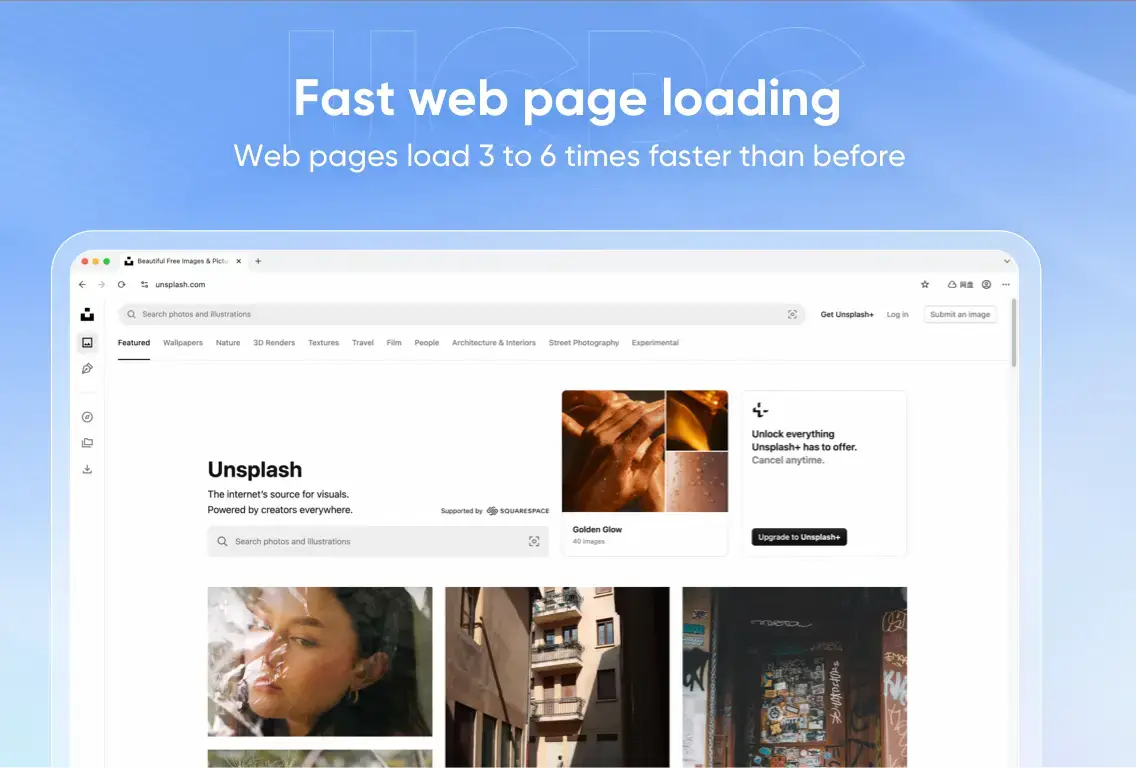
- Fast web page loading from UC Browser for Windows – The Ultimate Video Downloader
-
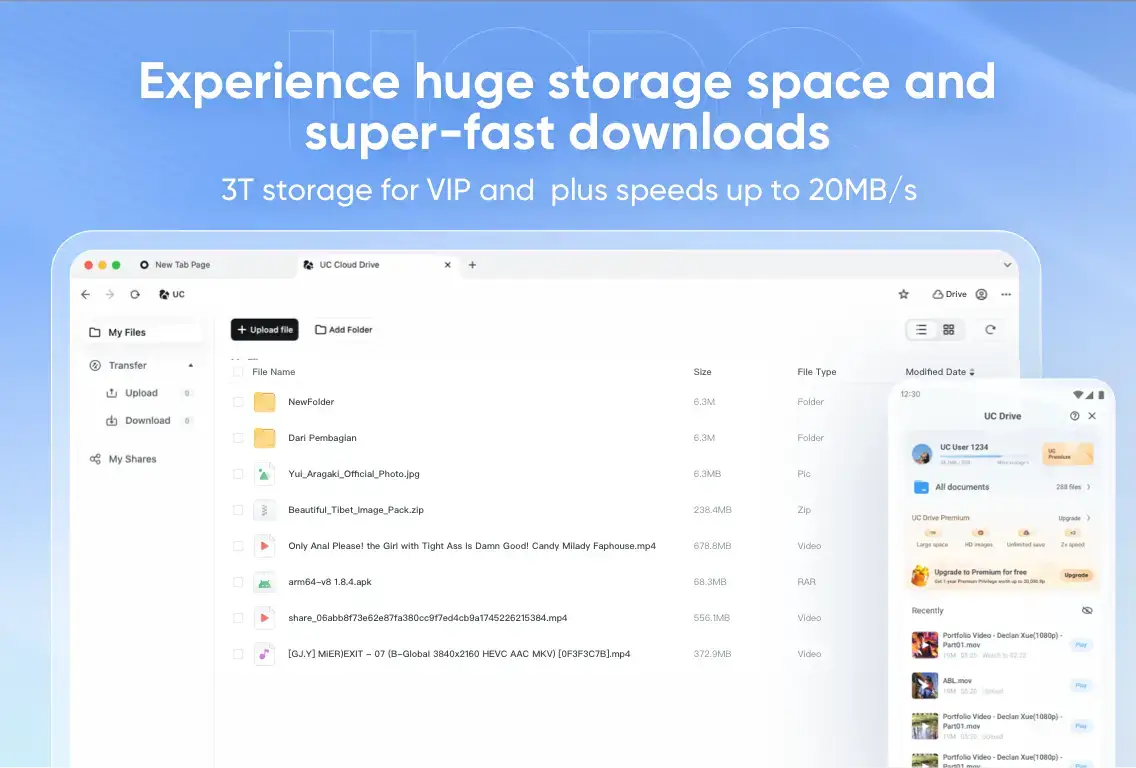
- Premium vip from UC Browser for Windows – The Ultimate Video Downloader
-
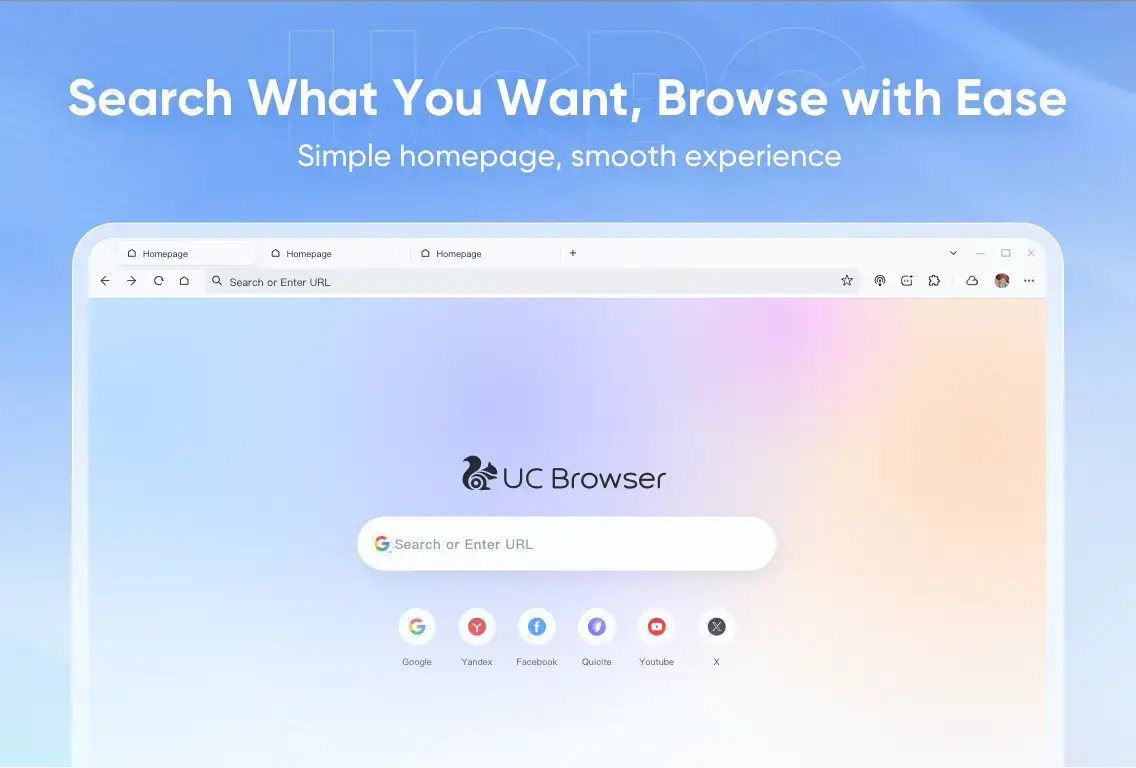
- Simple homepage from UC Browser for Windows – The Ultimate Video Downloader
-

- Super player from UC Browser for Windows – The Ultimate Video Downloader
-
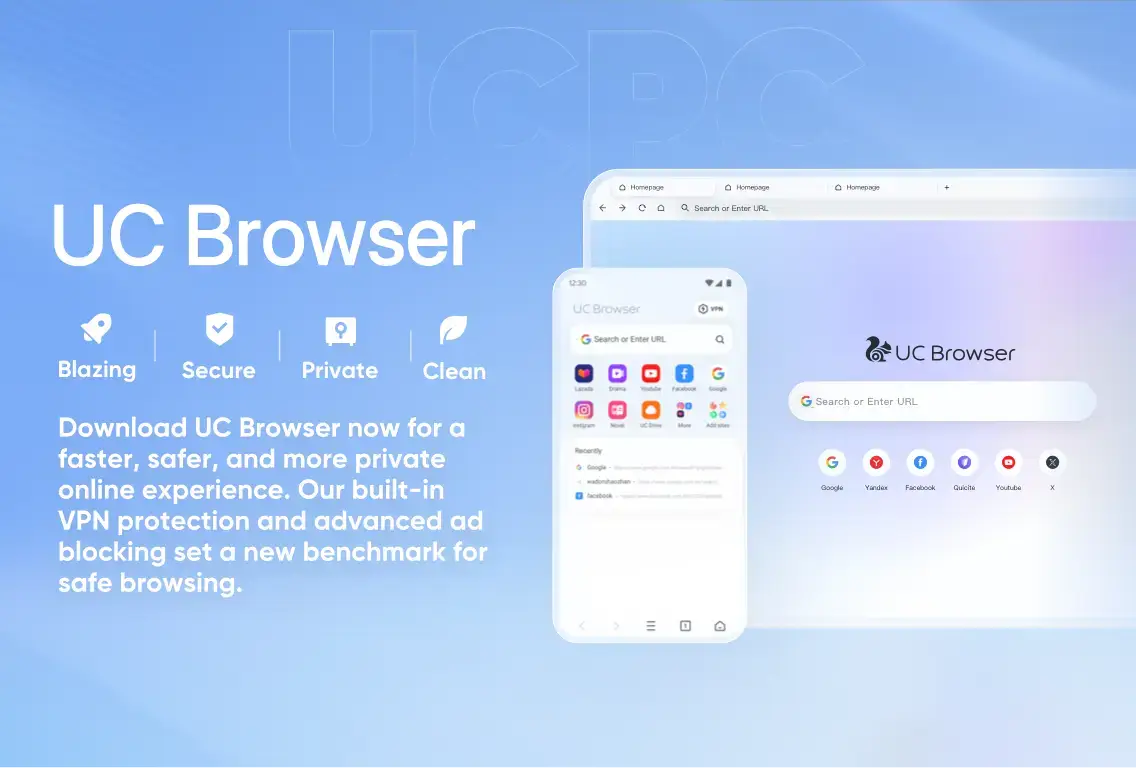
- Uc browser main features from UC Browser for Windows – The Ultimate Video Downloader
Video of UC Browser in Action
Common Issues and Fixes
While UC Browser is incredibly fast, its aggressive download management and cloud-syncing features can occasionally run into conflicts with Windows permissions.
Error While Downloading Files and Documents
If your large video or document downloads randomly fail halfway through, this is almost always caused by Windows attempting to cut background network usage to save power, or your local drive running out of space. Ensure your C: Drive has enough storage. To resume a broken download, open the UC Download Manager, right-click the file, and select “Restart/Resume.” If it continuously fails, try saving the file directly to your free UC Cloud Drive instead.
The browser is randomly freezing or crashing
Random freezing on PC is typically an issue with the browser cache becoming heavily corrupted over time. To fix this, click the menu icon in the top right, go to Settings (gear icon), select “Clear Browsing Data,” and ensure you check “Cached images and files.” Once cleared, restart the browser. Ensure you are running the absolute latest version, as outdated Chromium builds are prone to memory leaks.
Not connecting to the internet (but other apps work)
If Chrome works but UC Browser says “Cannot Connect to Network,” Windows Defender or your third-party firewall has likely flagged it and blocked its outbound traffic. Open Windows Security, go to Firewall & network protection, select “Allow an app through firewall,” and ensure both Private and Public checkboxes are ticked for UC Browser.
Frequently Asked Questions
Is UC Browser for PC safe to use?
Yes, the official UC Browser for PC is safe. It is built on the Chromium engine (the same as Google Chrome) and includes built-in ad-blocking and anti-malware scanning. Always ensure you download it directly from the official source.
How does the UC Browser video downloader work?
UC Browser features a native media sniffer. Whenever you hover over or play a compatible video on a webpage, a download icon automatically appears, allowing you to save the video directly to your hard drive in various resolutions.
Why is UC Browser so fast on slow internet?
UC Browser utilizes proprietary cloud infrastructure to compress website data before it reaches your PC. By reducing the size of images and scripts, it can load pages significantly faster on metered or slow Wi-Fi connections.
Can I sync my mobile UC Browser with the PC version?
Absolutely. By signing into your UC account, you can instantly sync your bookmarks, open tabs, history, and downloads between your smartphone and your Windows PC.
Why am I getting an “Error While Downloading Files” message?
This is the most common issue in UC Browser. It usually occurs if your PC is running out of storage space on the C: Drive, or if Windows power-saving settings abruptly cut the background network connection.

Community Poll: Share Your Thoughts
Helpful Resources and Community
Looking for advanced download settings or want to connect with other UC Browser users? Check out these official channels.
📚 The UC Web Official Site
The official homepage for pulling the cleanest, malware-free PC installers and checking for the latest version patch notes.
💬 UC Browser Facebook Community
Since UC Browser is globally massive on mobile, the official Facebook page is the best place to get updates on the browser’s ecosystem.
🗨️ UC Browser Subreddit
A community-driven Reddit board for troubleshooting PC specific errors, syncing issues, and media downloader tips.
Get UC Browser for PC
The ultimate browser for heavy media consumption. Rip videos natively, block ads instantly, and compress data for extreme speed.
Compatible with Windows 11 and Windows 10 (32/64-bit)
Related Browsers: Tor Browser for Windows, DuckDuckGo browser for PC, Yandex Browser for PC, Vivaldi Browser for Windows.
Discover more from Windows Mode
Subscribe to get the latest posts sent to your email.