

Readers like you help support this site. When you make a purchase using links on our site, we may earn an affiliate commission. All opinions remain our own.
Available to download on Steam, this game challenges you to balance budgets, keep guests happy, and expand your park with thrilling slides, lazy rivers, and essential amenities.
From building complex water coaster networks to hiring and training staff and managing the finances of your burgeoning business, Waterpark Simulator offers a deep yet accessible tycoon experience.
Keep an eye on guest needs like hunger, thirst, and fun to make sure you get positive reviews and a steady stream of visitors to your park.
If you’re into relaxing management games like city-builders or RollerCoaster Tycoon, this game offers a refreshing splash of fun.
This guide covers installing it on Windows, key features, and essential beginner tips for aspiring waterpark tycoons.
Have questions, tips, or want to share your park designs? Leave a comment below or contact us, we’re real people and always happy to help.
Download and install Waterpark Simulator on PC
You can download Waterpark Simulator via Steam. Here’s how to install:
- Method 1: Steam
- Open the store page: Waterpark Simulator on Steam.
- Click Add to Cart and complete checkout.
- In your Steam Library, click Install and select your drive.
- Wait for the download to complete.
- Launch from your Library and start building your aquatic empire.
Quick Tip: 💡 Start small! Focus on a few core attractions like a pool and a simple slide first to generate income before taking out loans for massive, expensive rollercoasters.
Get Waterpark Simulator on Steam
What is Waterpark Simulator?
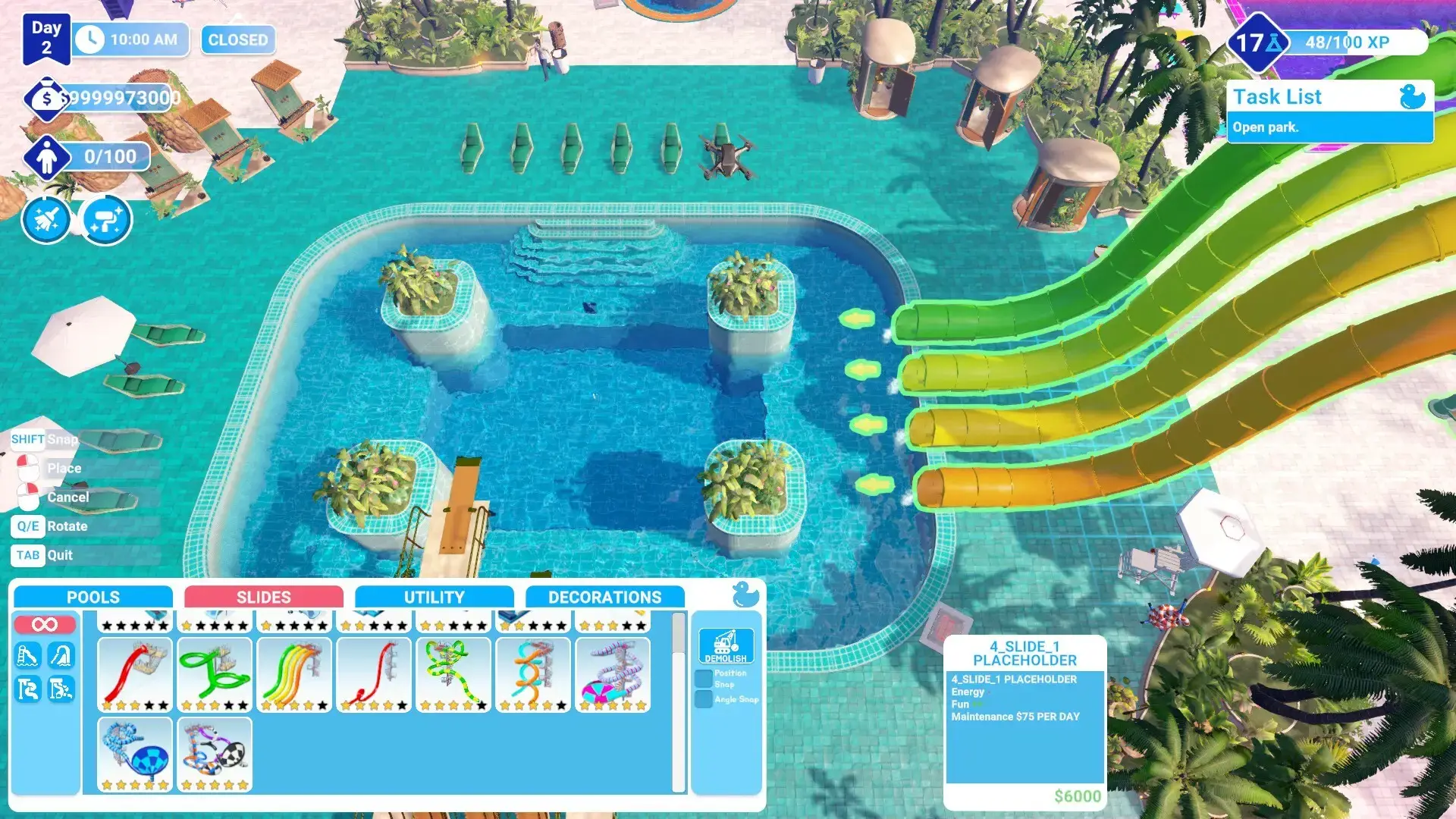
Waterpark Simulator is a business simulation game that puts you in charge of every aspect of running a successful waterpark. Begin with a blank slate or a pre-built scenario and craft the ultimate destination for fun in the sun. The game combines creative construction with strategic management, requiring you to optimize layout, pricing, staff, and maintenance to turn a profit and achieve a 5-star rating.
Manage guest happiness by providing clean facilities, affordable food and drink, short lines, and a variety of wet and wild attractions to keep them entertained all day long.
Key Features
- Creative Construction: Build a vast array of water attractions, from twisting slides and wave pools to relaxing lazy rivers and dedicated kids’ areas.
- Deep Management: Hire lifeguards, janitors, and mechanics; set prices for admission and concessions; and manage loans and expansion plans.
- Guest Needs & Happiness: Monitor your guests’ needs for fun, hygiene, hunger, and energy. Happy guests spend more money and leave great reviews!
- Scenarios & Sandbox: Test your skills in challenging scenarios with specific goals or unleash your creativity in a free-form sandbox mode with unlimited funds.
- First-Person Mode: Take a break from management and experience the fun of your park firsthand by riding your own slides and attractions.
Why play on Windows?
The PC is the perfect platform for management sims. Precise mouse and keyboard controls make building and menu navigation efficient, while potential for mod support and higher graphical fidelity allows you to create and manage the most detailed waterparks possible.
Tips for PC beginners
- Plan Your Layout: Think about the flow of guests. Place restrooms, food stalls, and drink vendors near high-traffic areas to keep guests happy and spending money.
- Start with Low Maintenance Rides: Early on, choose attractions that are cheap to build and have low operating costs to build a stable financial foundation.
- Keep an Eye on Staff: Don’t let your staff become overworked. Hire enough janitors to keep paths clean and mechanics to perform regular maintenance and prevent breakdowns.
- Use the Research Feature: Invest in research to unlock new, more advanced and profitable attractions as your park grows.
- Adjust Prices Dynamically: Don’t be afraid to raise the price of umbrellas on a sunny day or lower the cost of admission during a slow period to attract more guests.
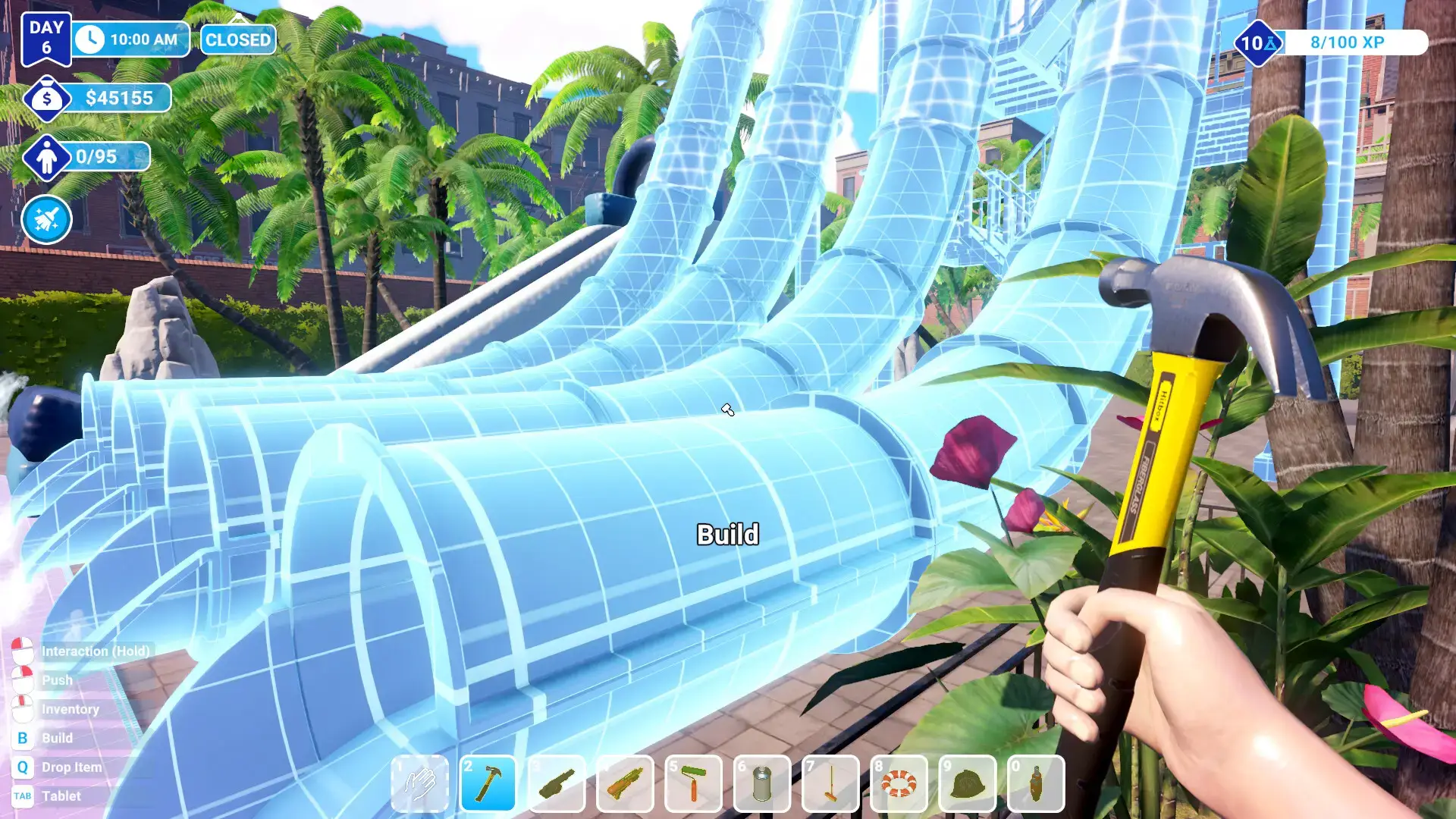
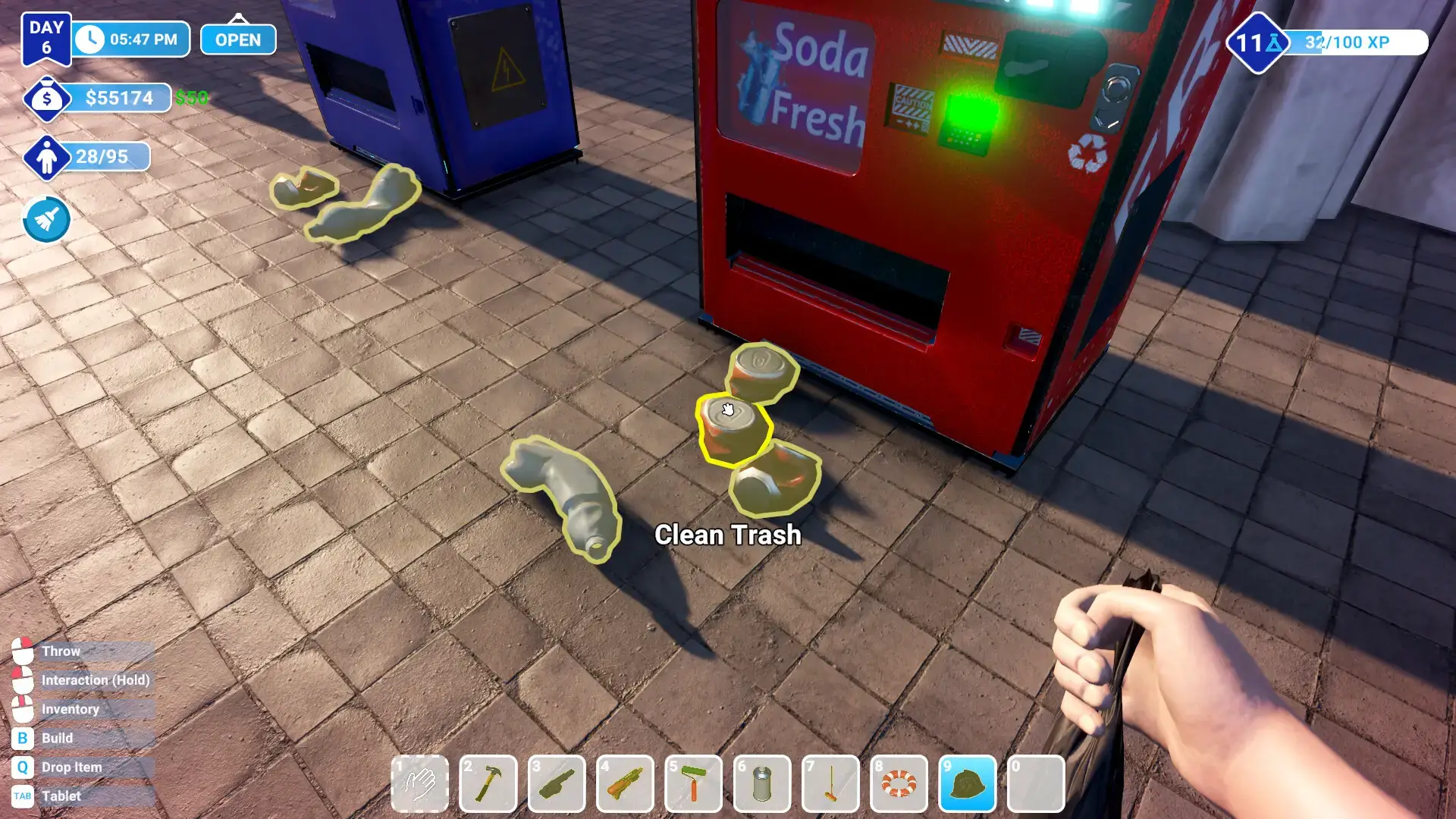
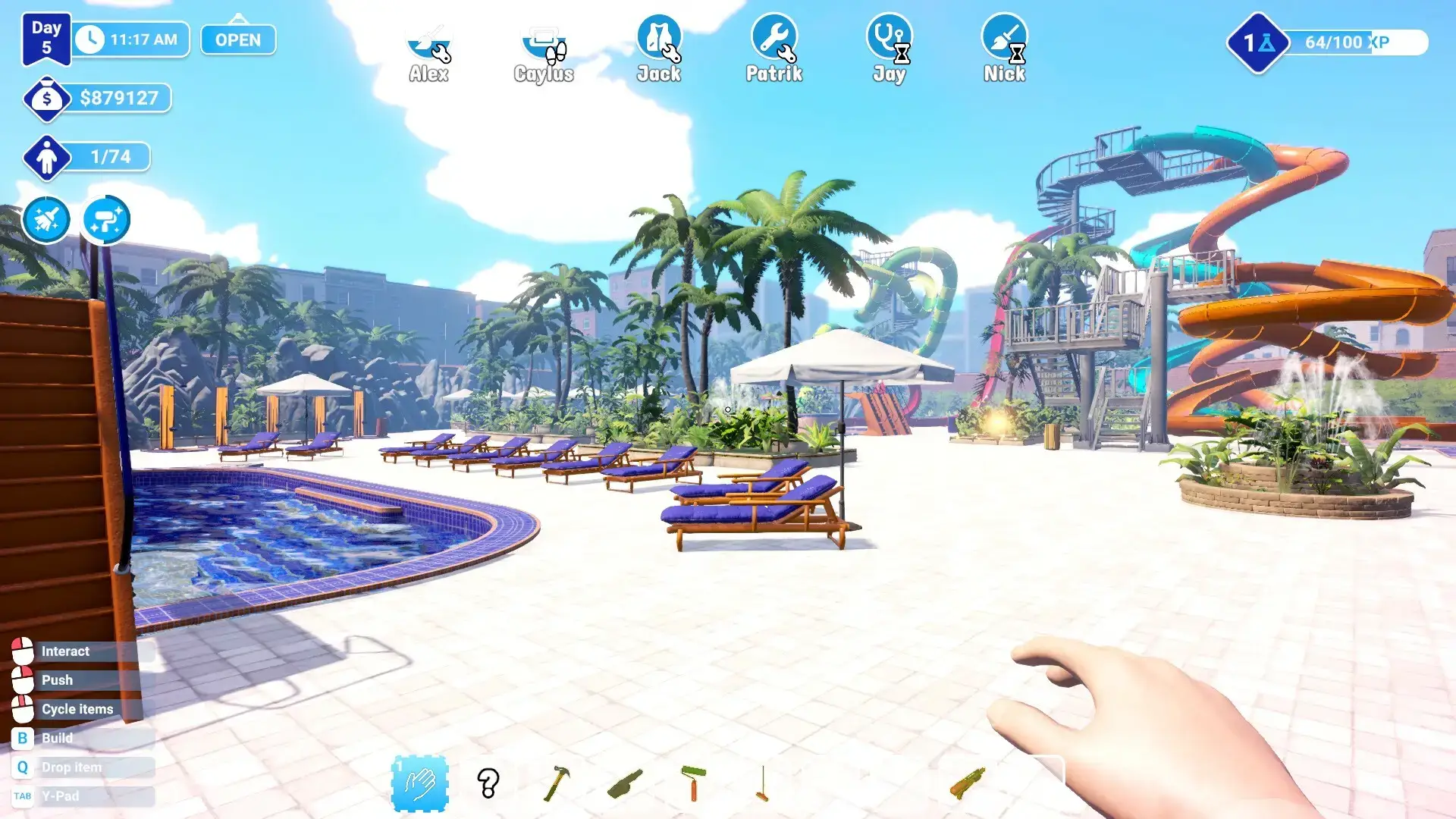
Waterpark Simulator Gameplay Screenshots
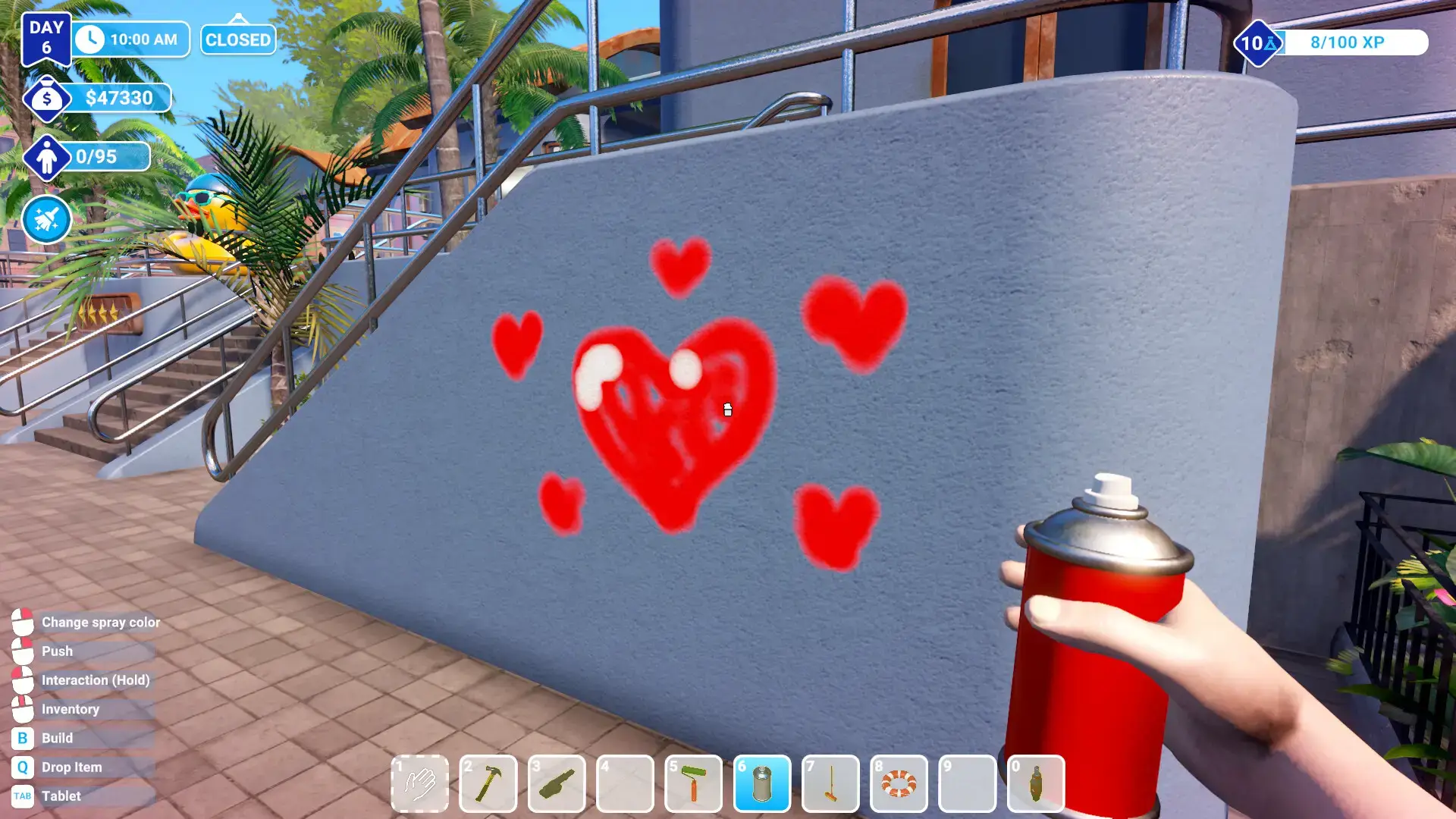
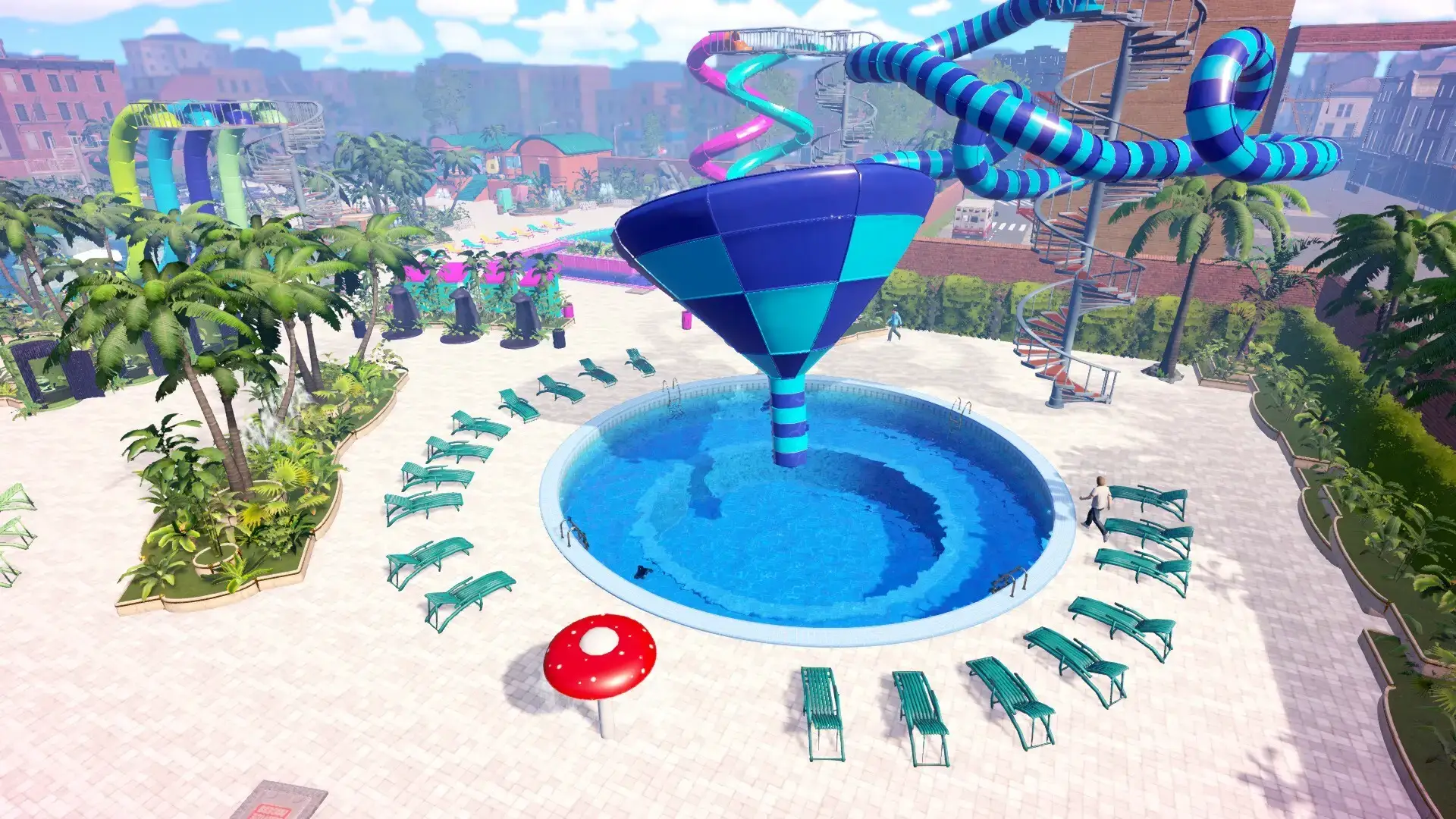
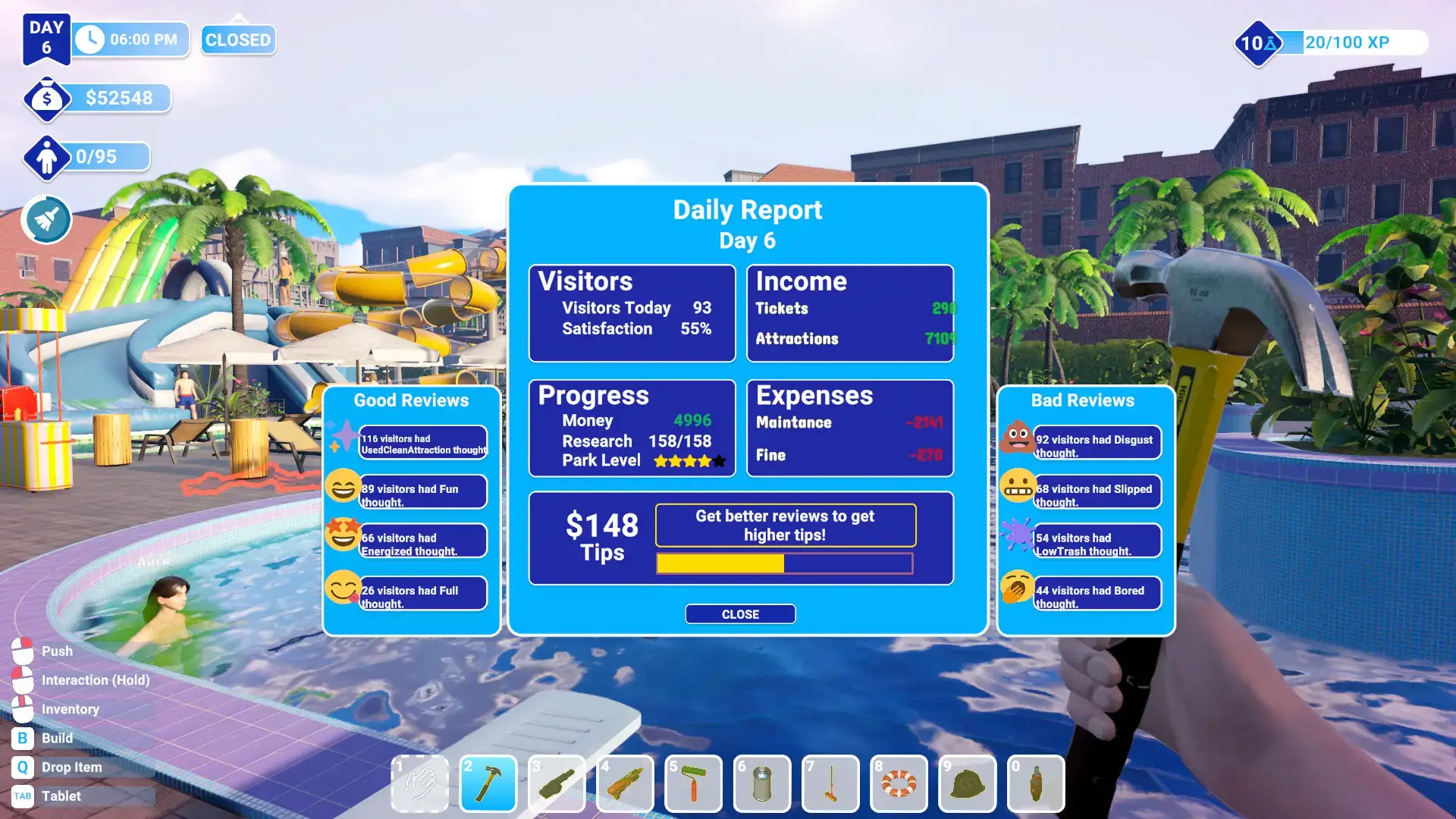
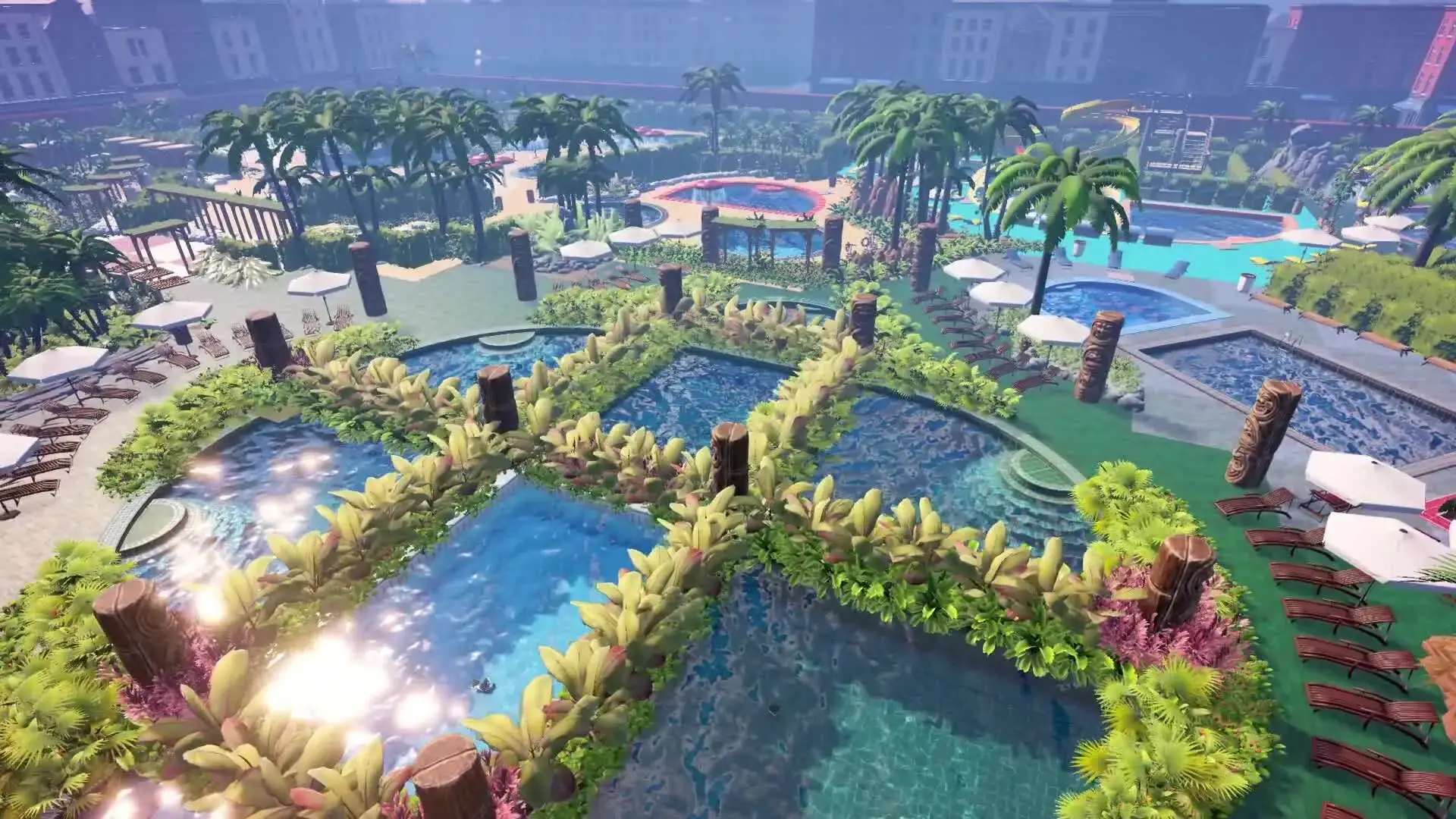

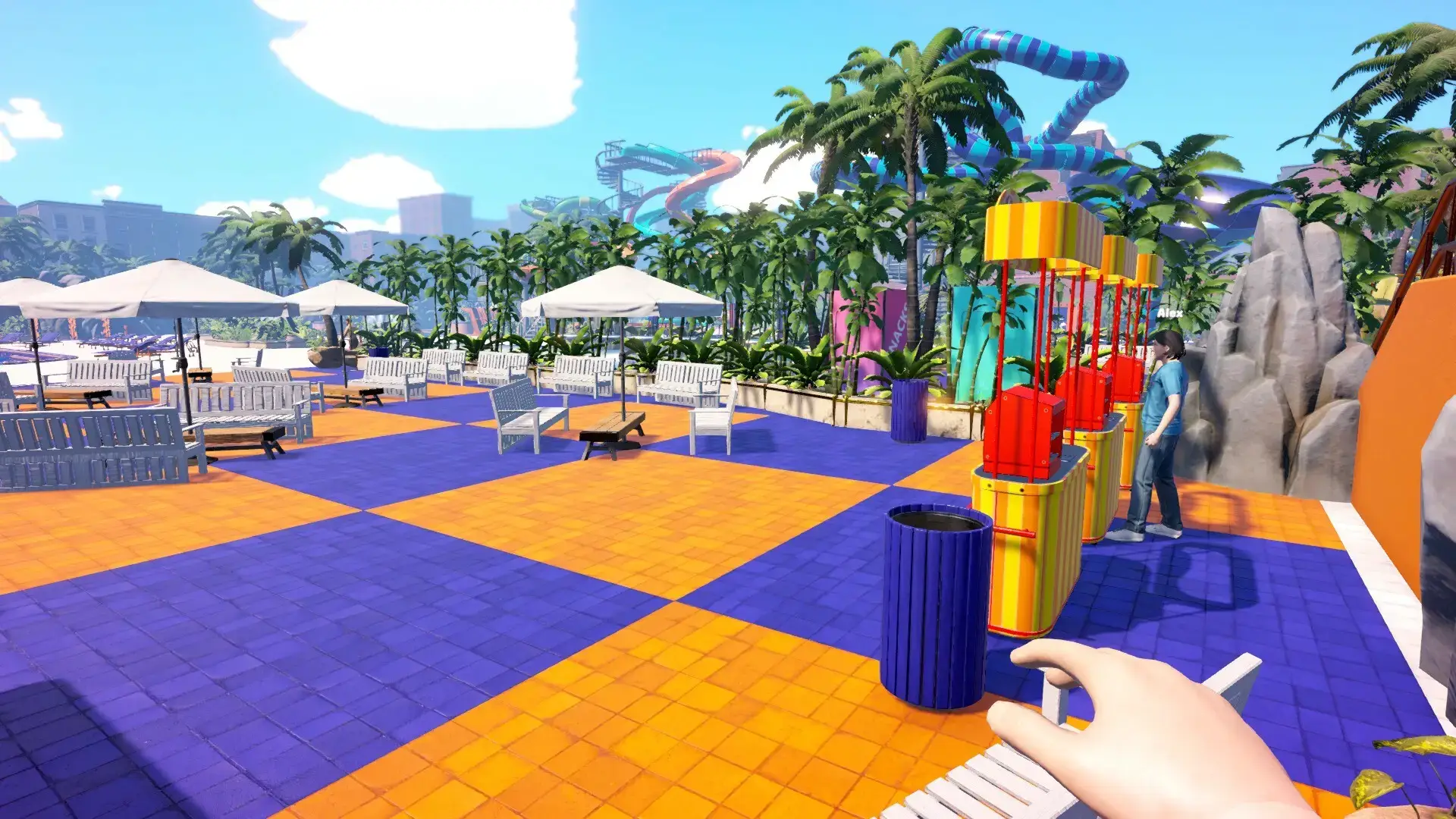
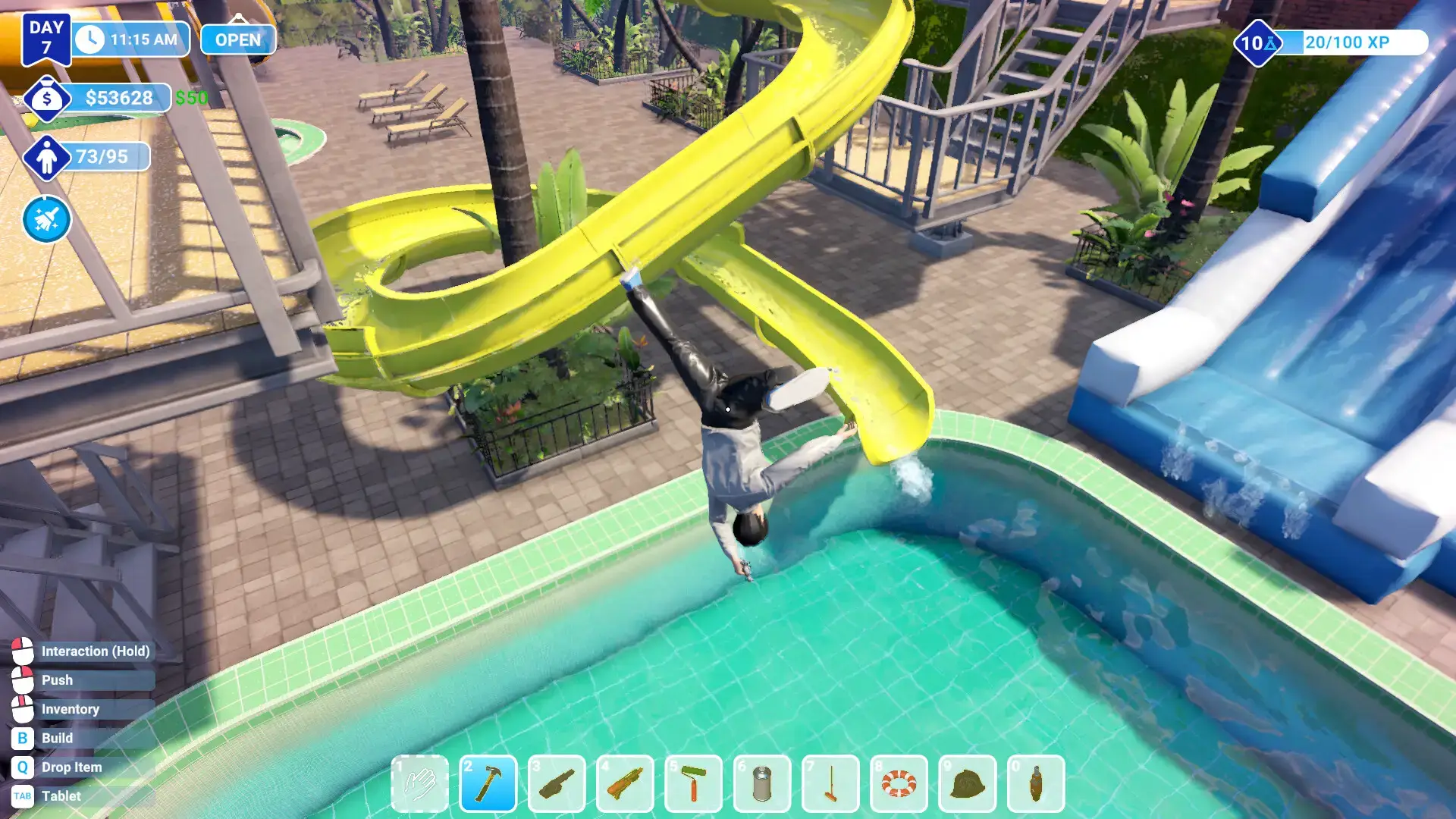

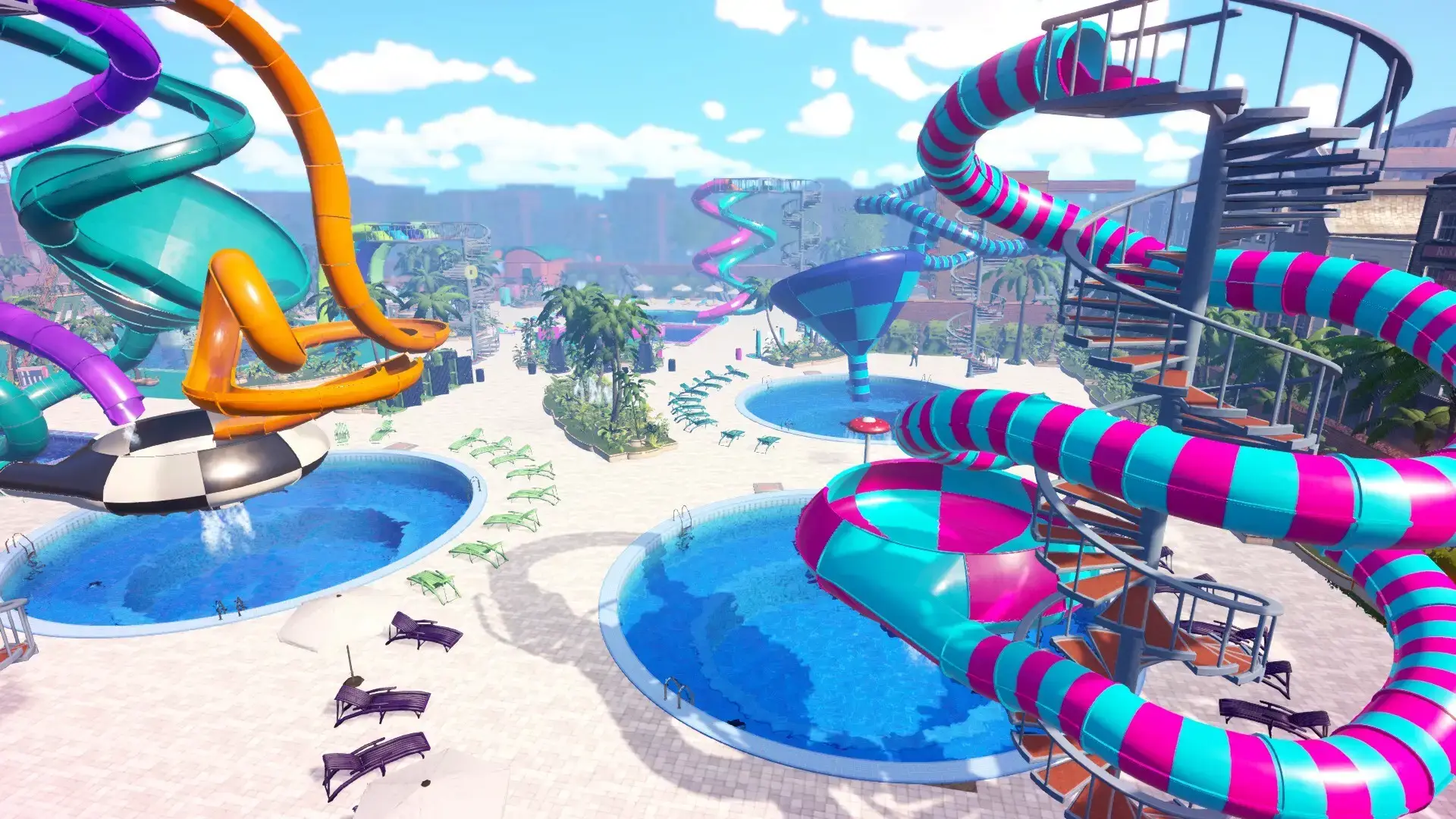
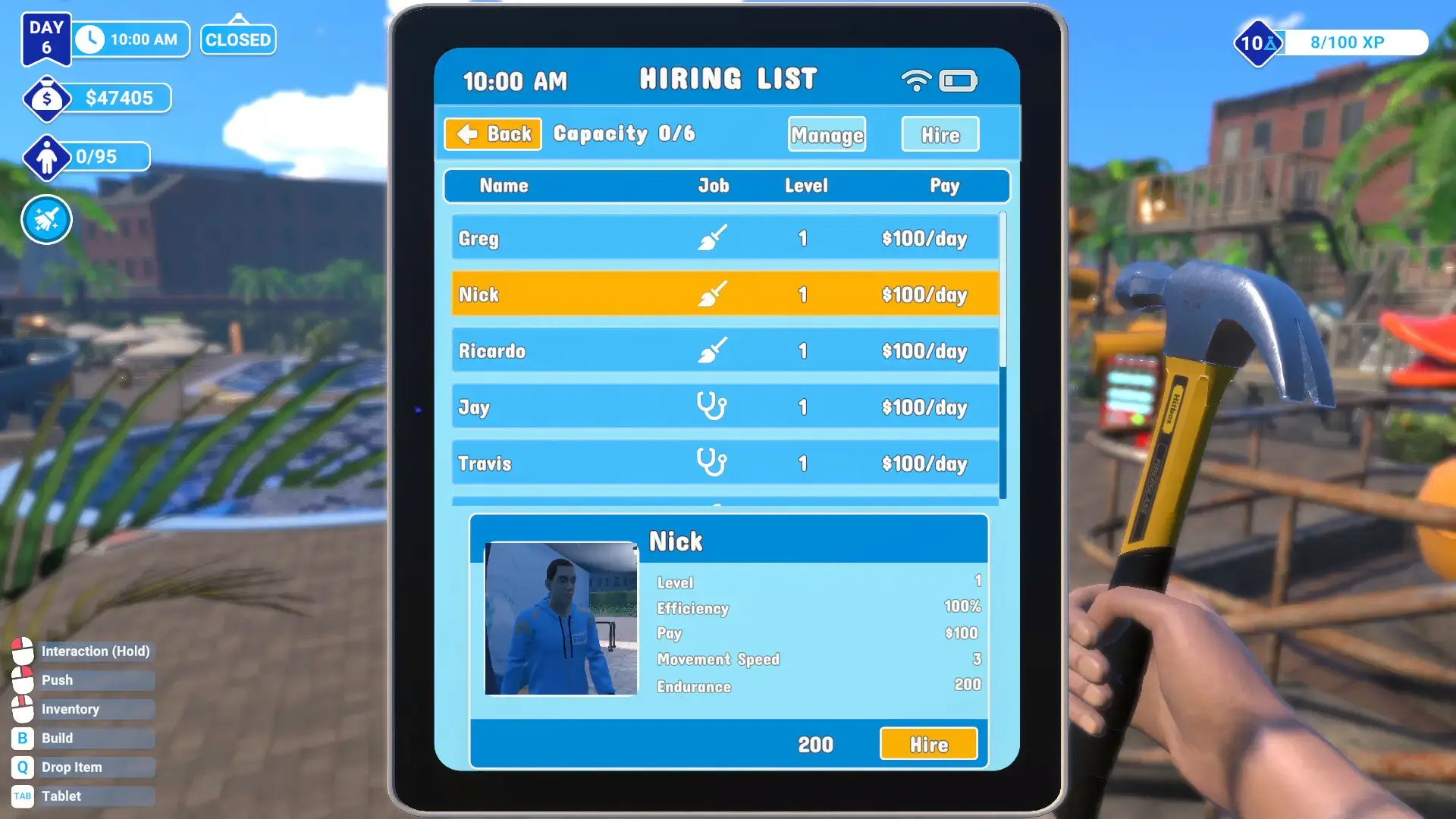
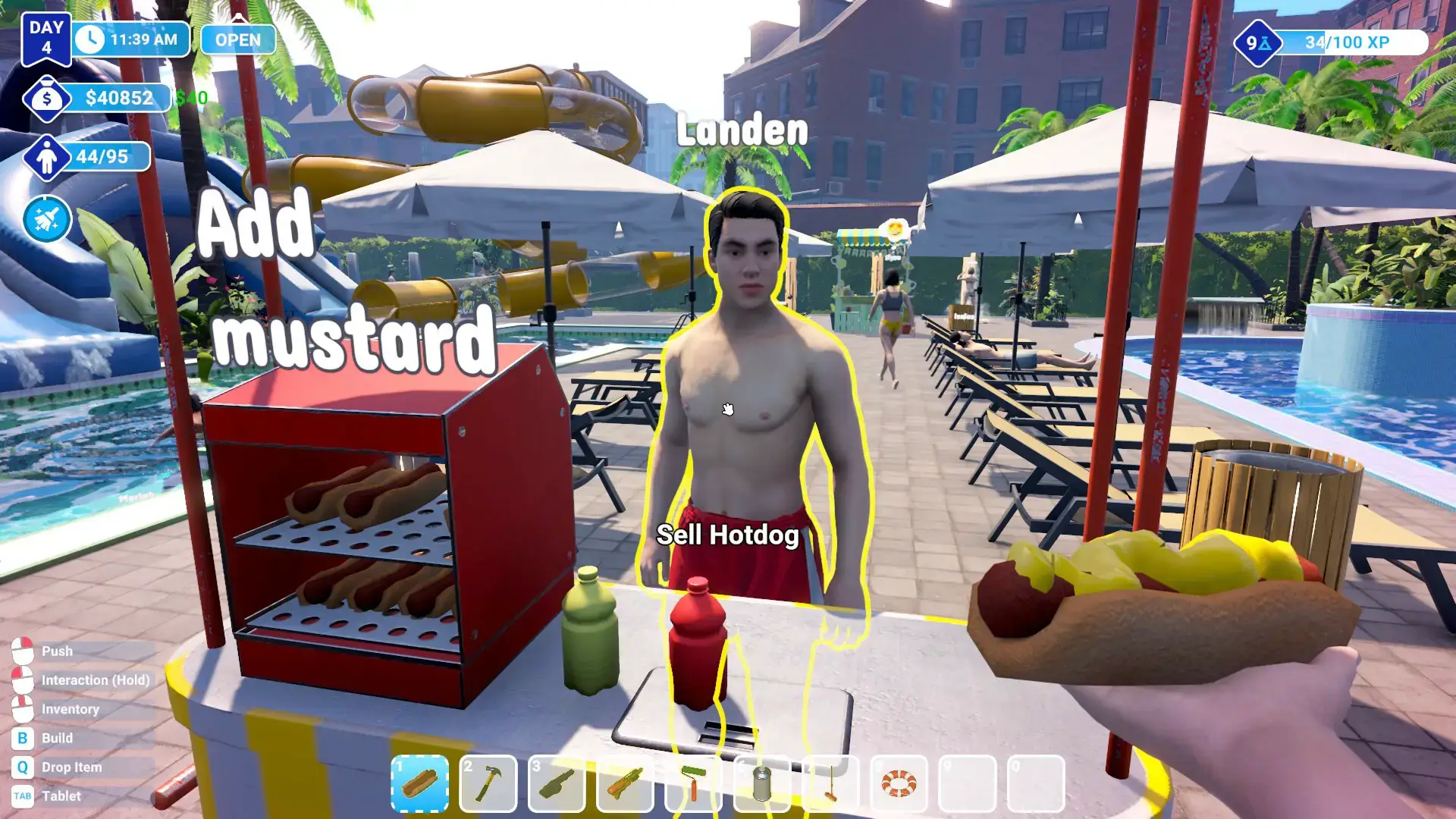
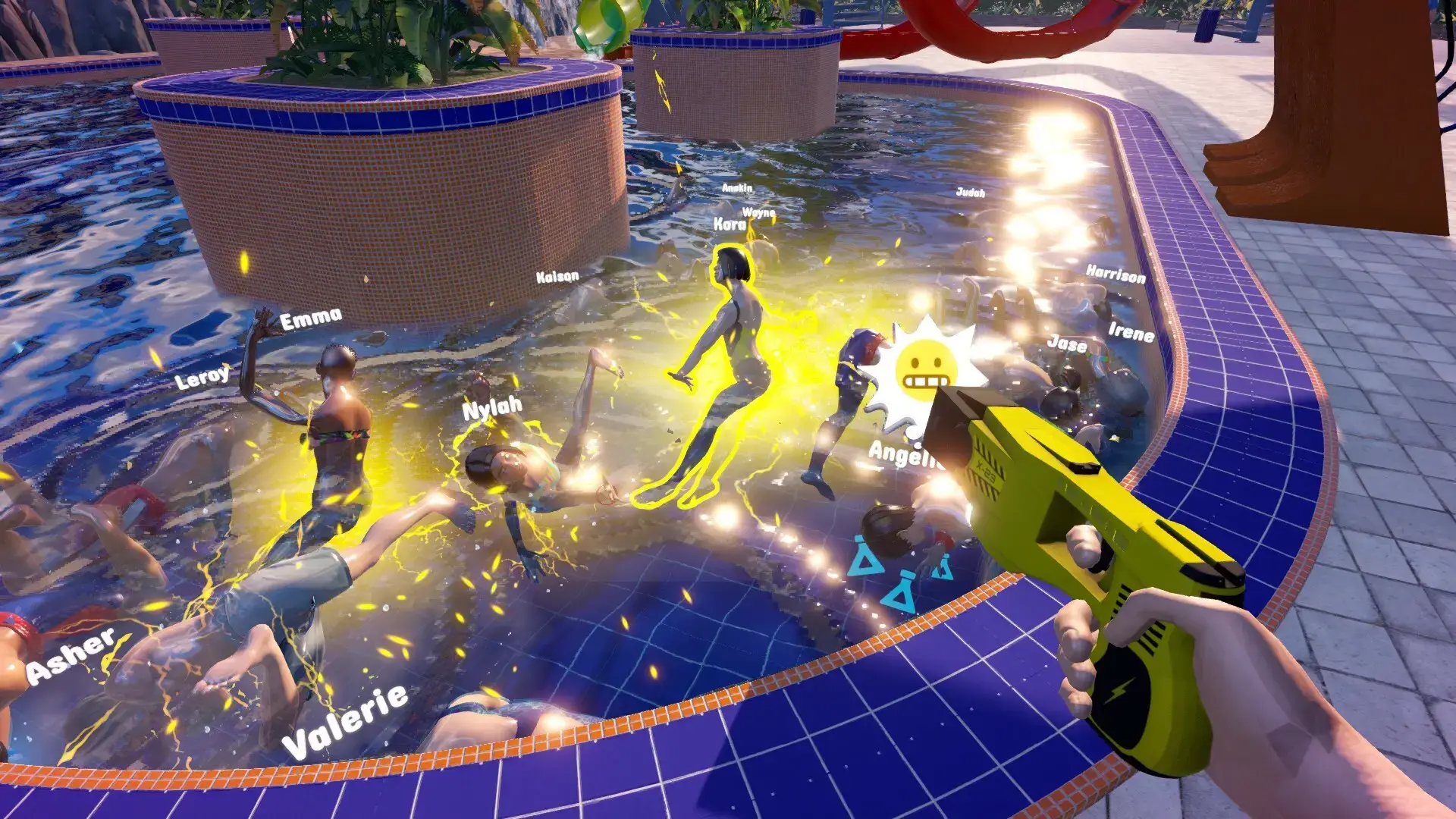
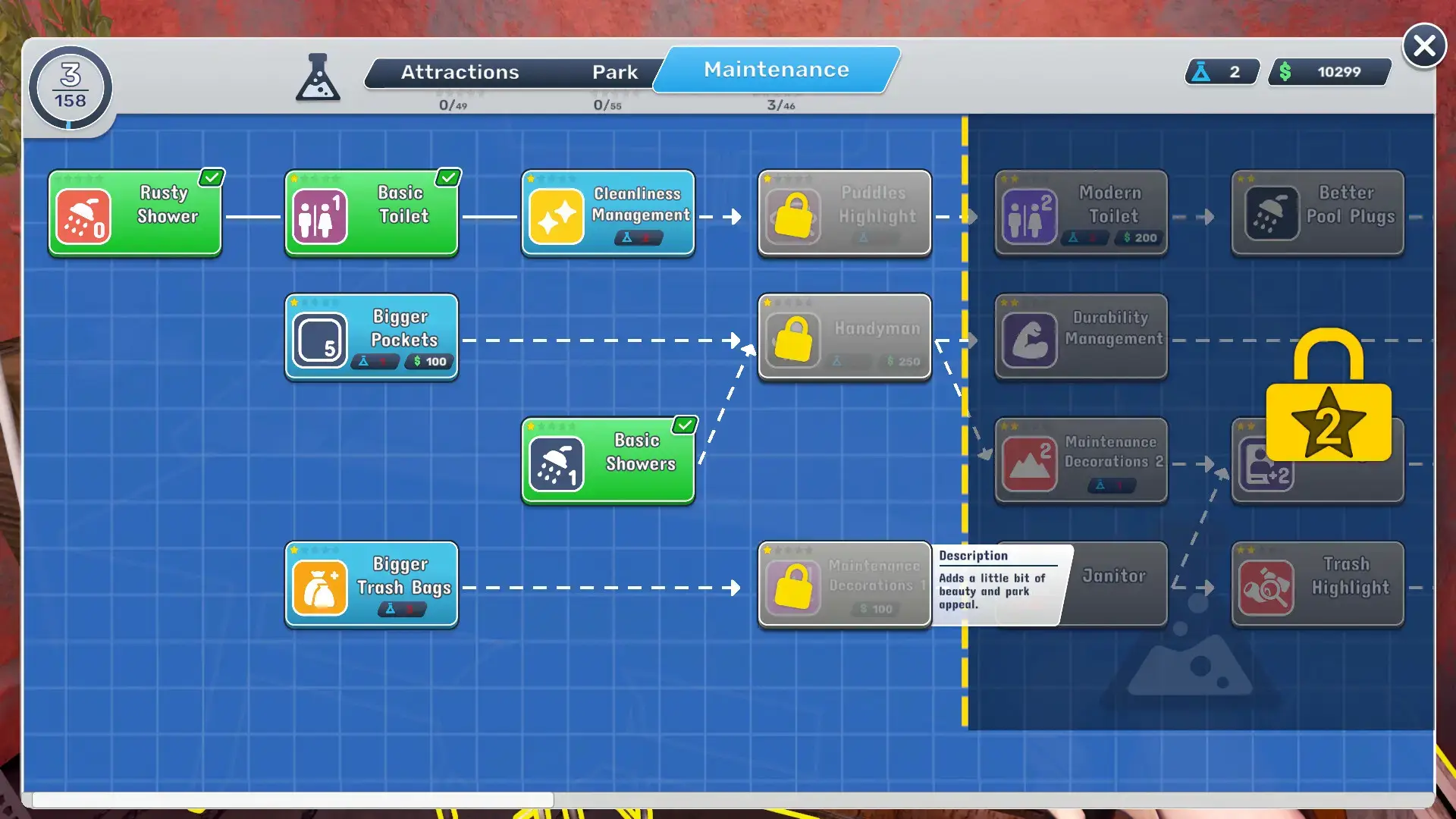
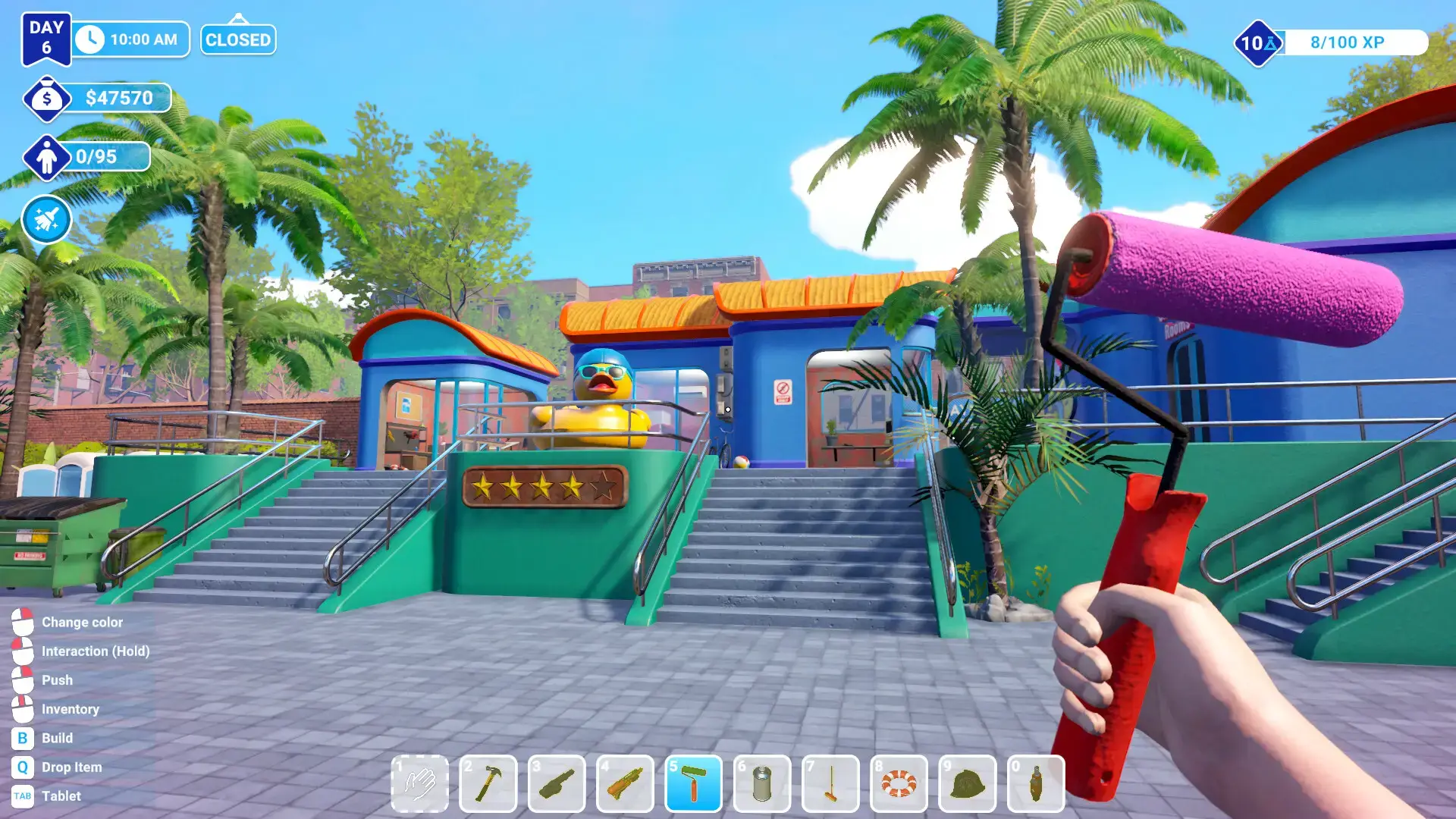
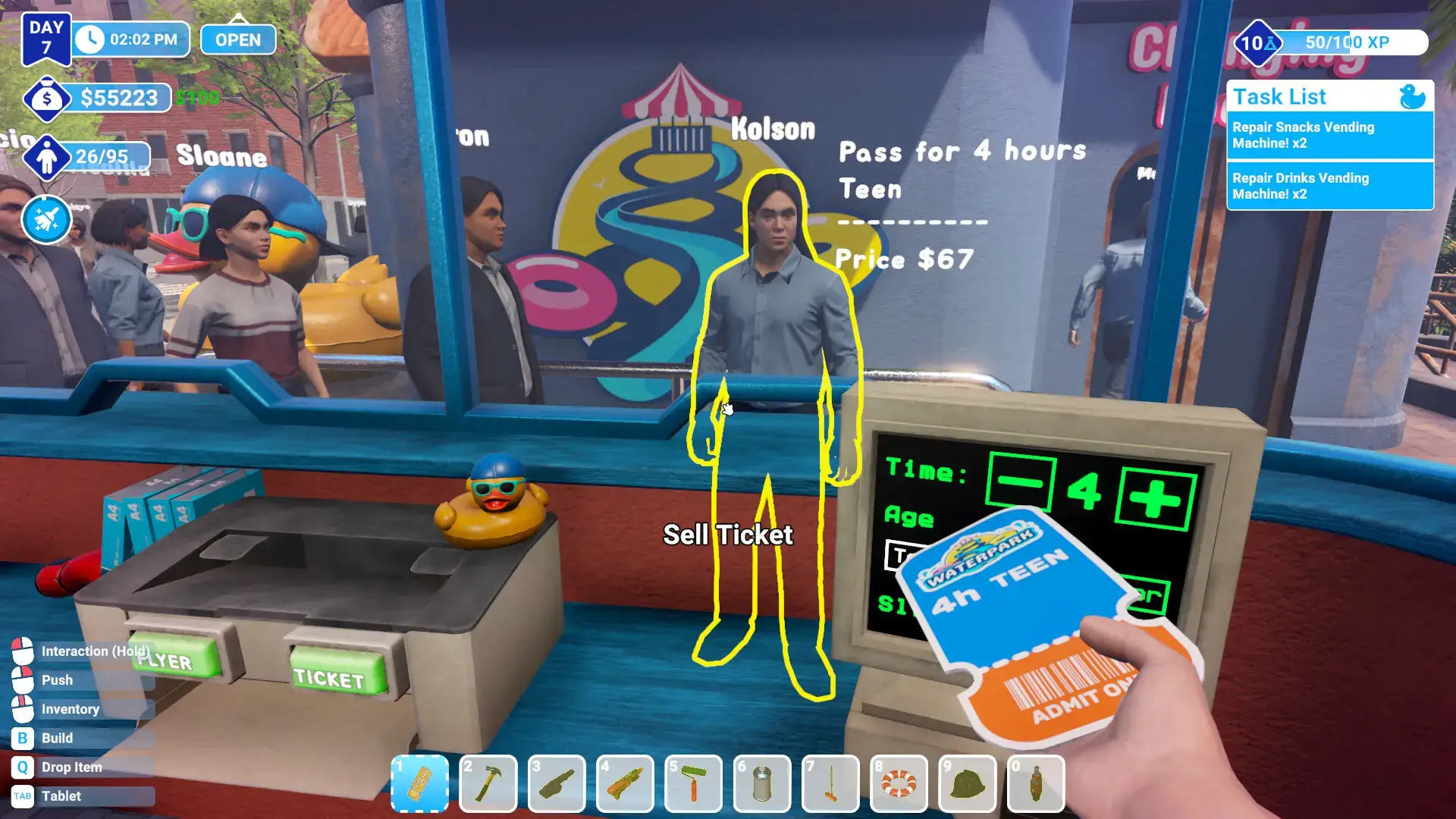
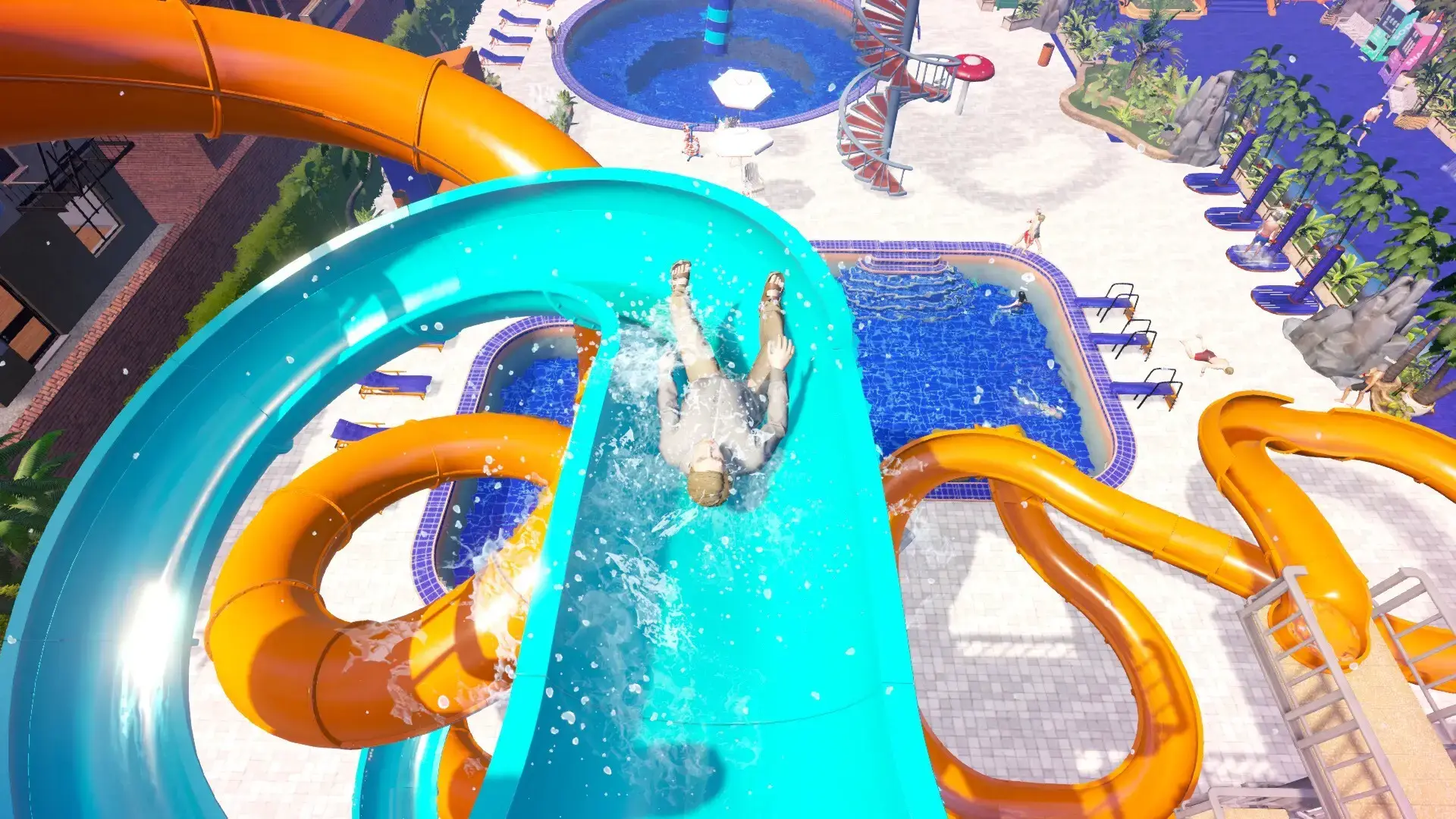
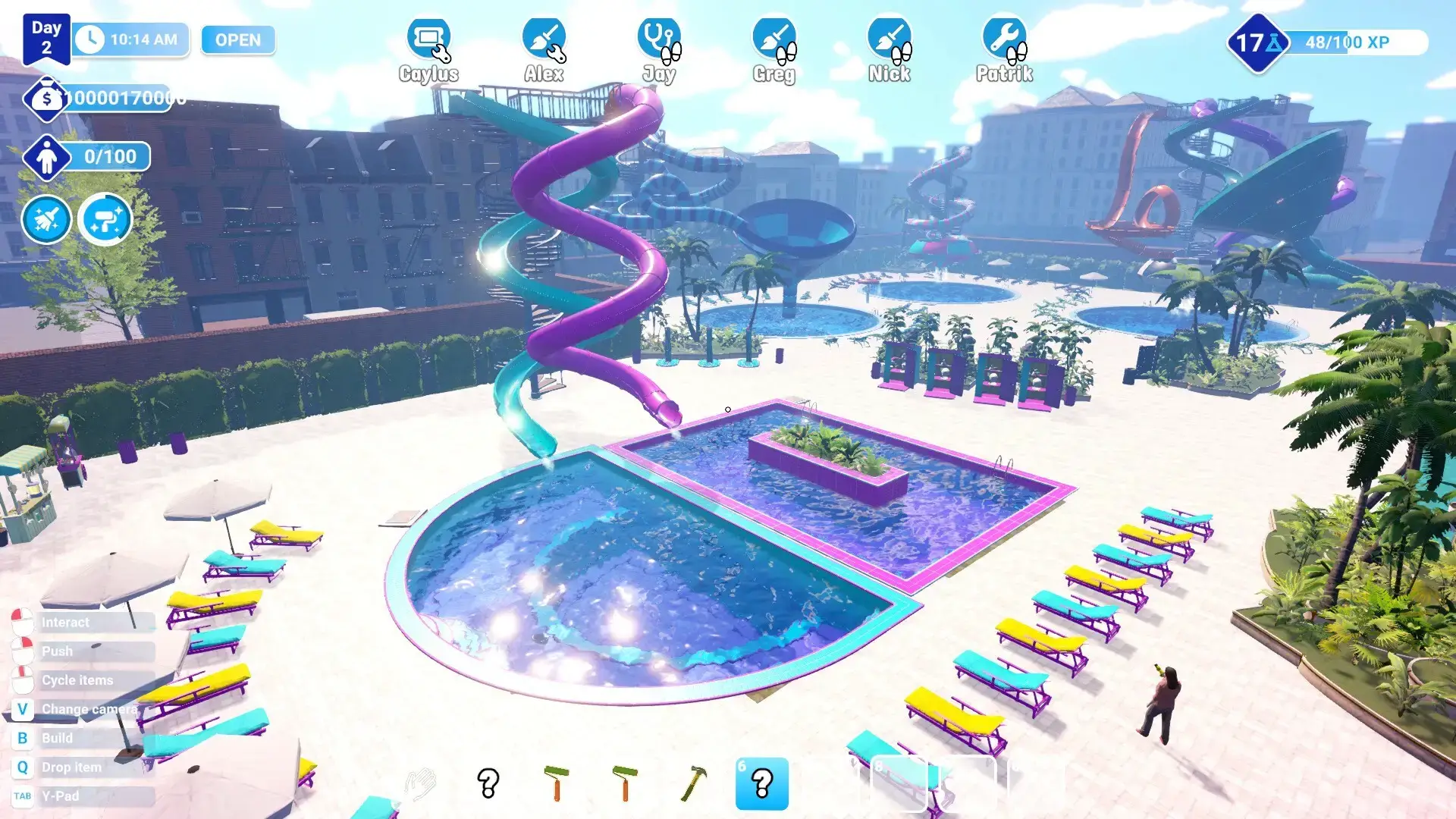
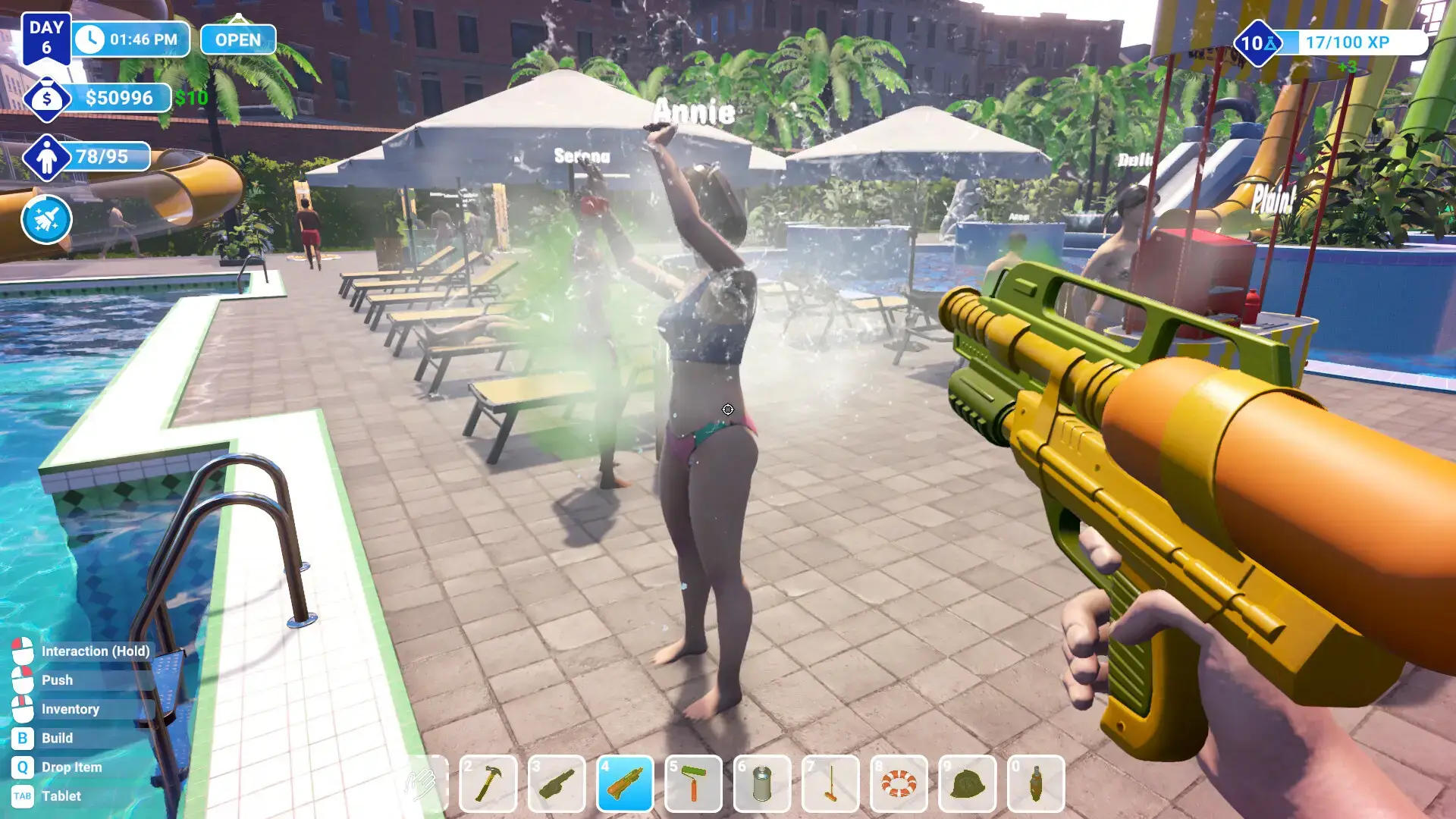
Waterpark Simulator Gameplay Video
Watch the official trailer to see the construction, management, and aquatic fun in action:

Looking for a PC to run this game? Check our list of the best gaming laptops and best gaming desktops.
Waterpark Simulator PC requirements
Minimum:
- OS: Windows 10 64-bit
- CPU: Intel Core i5-4690 / AMD FX 8350
- RAM: 8 GB
- GPU: NVIDIA GeForce GTX 970 / AMD Radeon RX 480
- DirectX: Version 11
- Storage: 10 GB available space
Recommended:
- OS: Windows 10 64-bit
- CPU: Intel Core i7-6700K / AMD Ryzen 5 1500X
- RAM: 16 GB
- GPU: NVIDIA GeForce GTX 1070 / AMD Radeon RX Vega 56
- DirectX: Version 12
- Storage: 10 GB available space
Waterpark Simulator on Windows FAQ
- Is it free? No, this is a premium simulation title.
- Can I play offline? Yes, the game is a single-player experience and can be played entirely offline.
- Is there a sandbox mode? Yes, a sandbox mode with unlimited money is available for free creative play.
- Can I ride the slides? Yes! The game features a first-person mode allowing you to experience all your creations.
- Is it family-friendly? Absolutely. The game is a great, light-hearted management sim suitable for all ages.
Support and community
Explore more Windows games: Best Kids Games · Firefighting Simulator: Ignite Game · Farming Simulator 25 · Simulation Games · Indie Games