Get the Windows 11 ISO straight from Microsoft, no third-party mirrors needed.
- Microsoft’s download page gives you the latest version, Windows 11 26H2, as a free ISO.
- One multi-edition ISO covers Home and Pro. Your product key decides which edition installs.
- There is a separate Arm64 ISO for Arm-based PCs.
- The download link expires after 24 hours, so start the download right away.
If you want a safe, official way to download the Windows 11 ISO, including Windows 11 Pro, this guide shows you exactly how to get the file straight from Microsoft, so you avoid shady links and outdated builds.
The ISO installs the current release, and Windows Update brings it fully up to date after setup. Want to keep your files and apps instead of starting fresh? See how to upgrade to Windows 11. Need Windows 10 instead? Go to our Windows 10 ISO guide. Questions? Contact us or leave a comment.
How to Download the Windows 11 ISO
Microsoft offers three official tools on one page. The ISO is the one to pick for a clean install, a virtual machine, or an upgrade you want to run by hand.
Method 1: Direct ISO from Microsoft
Best for: Clean installs, virtual machines and making your own USB drive.
Scroll to Download Windows 11 Disk Image (ISO) for x64 devices, pick Windows 11 and select Download.
Choose your product language and select Confirm.
Select 64-bit Download and save the file. The link works for 24 hours.
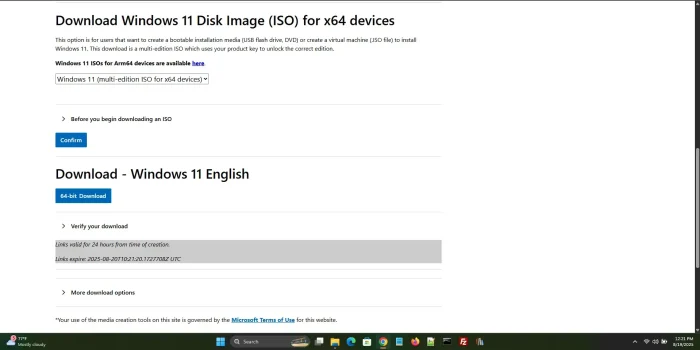
The x64 ISO section on Microsoft’s download page.
Have an Arm-based PC? Microsoft has a separate Windows 11 Arm64 ISO.
Method 2: Media Creation Tool
Best for: Building a bootable USB drive with a guided setup.
On the same page, find Create Windows 11 Installation Media and select Download now.
Run the tool and accept the terms.
Choose USB flash drive to build a bootable drive, or ISO file to save an ISO.
Full walkthrough: our Windows 11 Media Creation Tool guide.
Method 3: Installation Assistant
Best for: Upgrading the PC you are using, with no ISO needed.
On the same page, find Windows 11 Installation Assistant and select Download now.
Run it, accept the license and follow the steps to upgrade.
Full walkthrough: how to use the Windows 11 Installation Assistant.
Third-party shortcut: sites like OS.click list direct Microsoft download links by edition and language. Only use a link that points to microsoft.com, and check the file afterwards with the steps below.
Go to Microsoft’s Windows 11 Download Page
Watch: Download and Install Windows 11
This step-by-step video shows the download and a full Windows 11 install from start to finish.
Check That Your ISO Is Genuine
A checksum (a fingerprint of the file) proves the ISO is exactly what Microsoft published and was not changed or damaged on the way. Open PowerShell and run this, with your own file path:
Get-FileHash "C:\Path\To\Win11.iso" -Algorithm SHA256
Compare the result with the SHA-256 value Microsoft lists for your language on the download page, after you select Download. If the two do not match, delete the file and download it again.
Windows 11 System Requirements
Make sure your PC meets these minimums before you install. The free PC Health Check app checks them for you.
These are the minimums. For a smoother experience, aim for 8 GB of RAM and an SSD. If your PC falls short, see our best Surface laptops guide.
Windows 11 Home vs Windows 11 Pro
Both editions share the same Windows 11 experience. Pro adds tools for security, remote work and IT management.
Started with Home and need Pro later? You can upgrade from Settings > System > Activation without reinstalling.
Poll
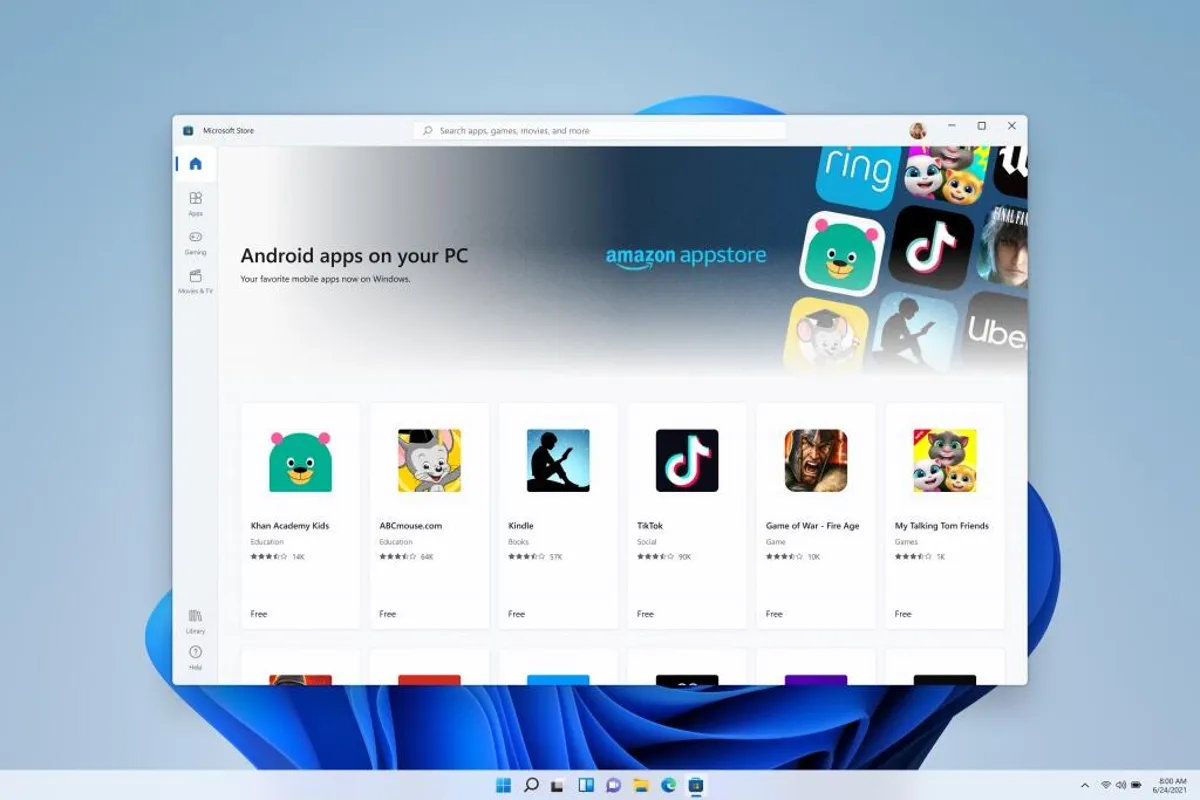
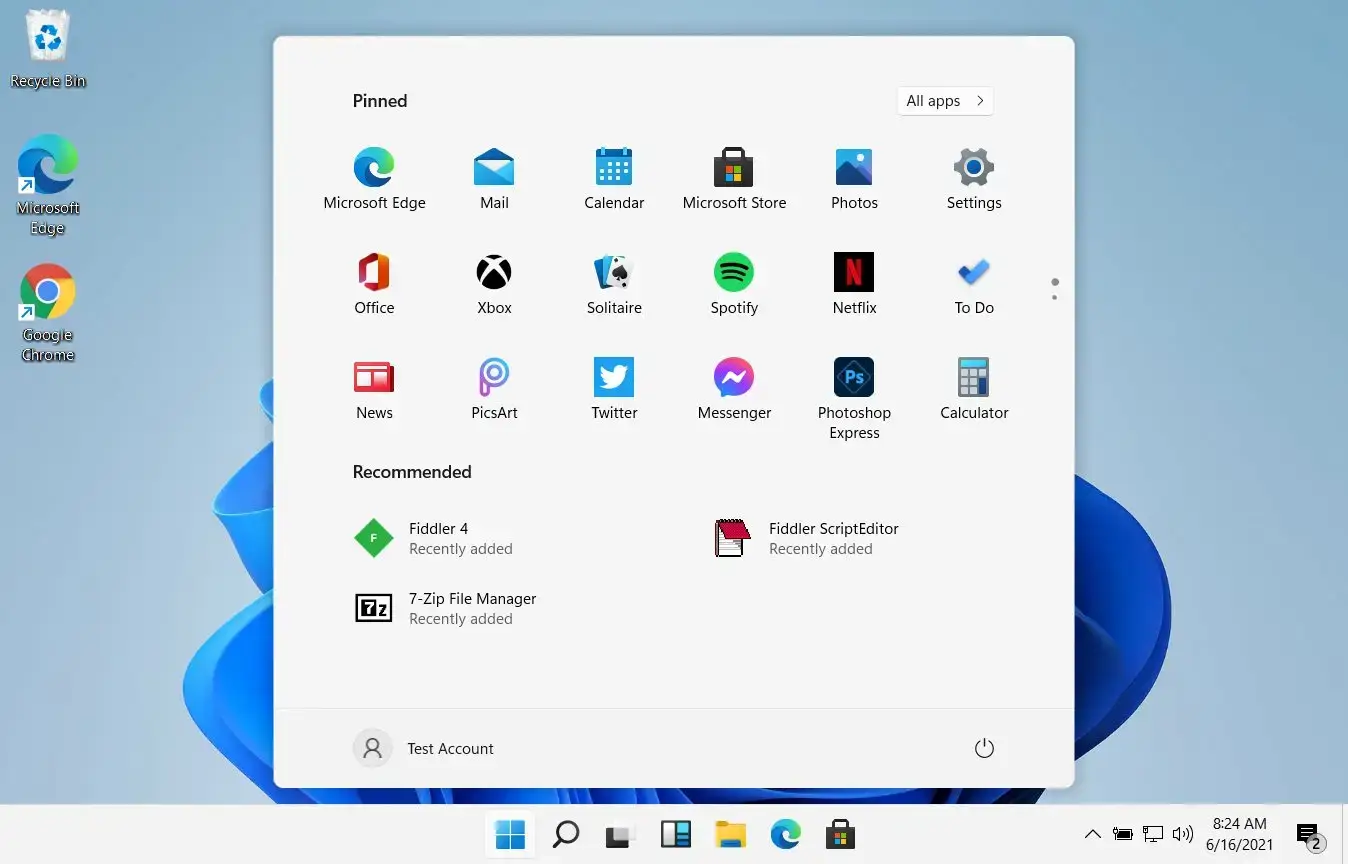
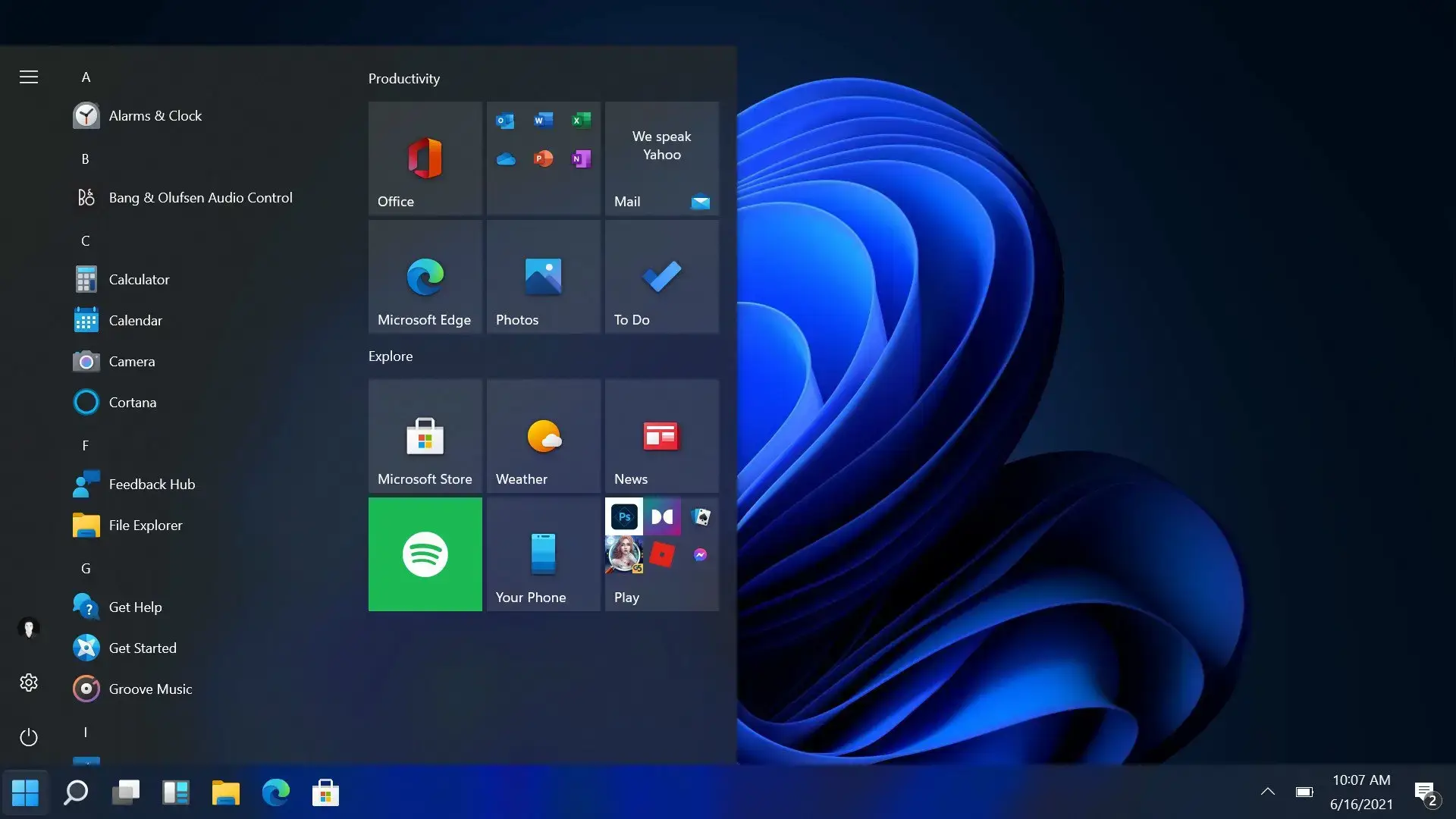
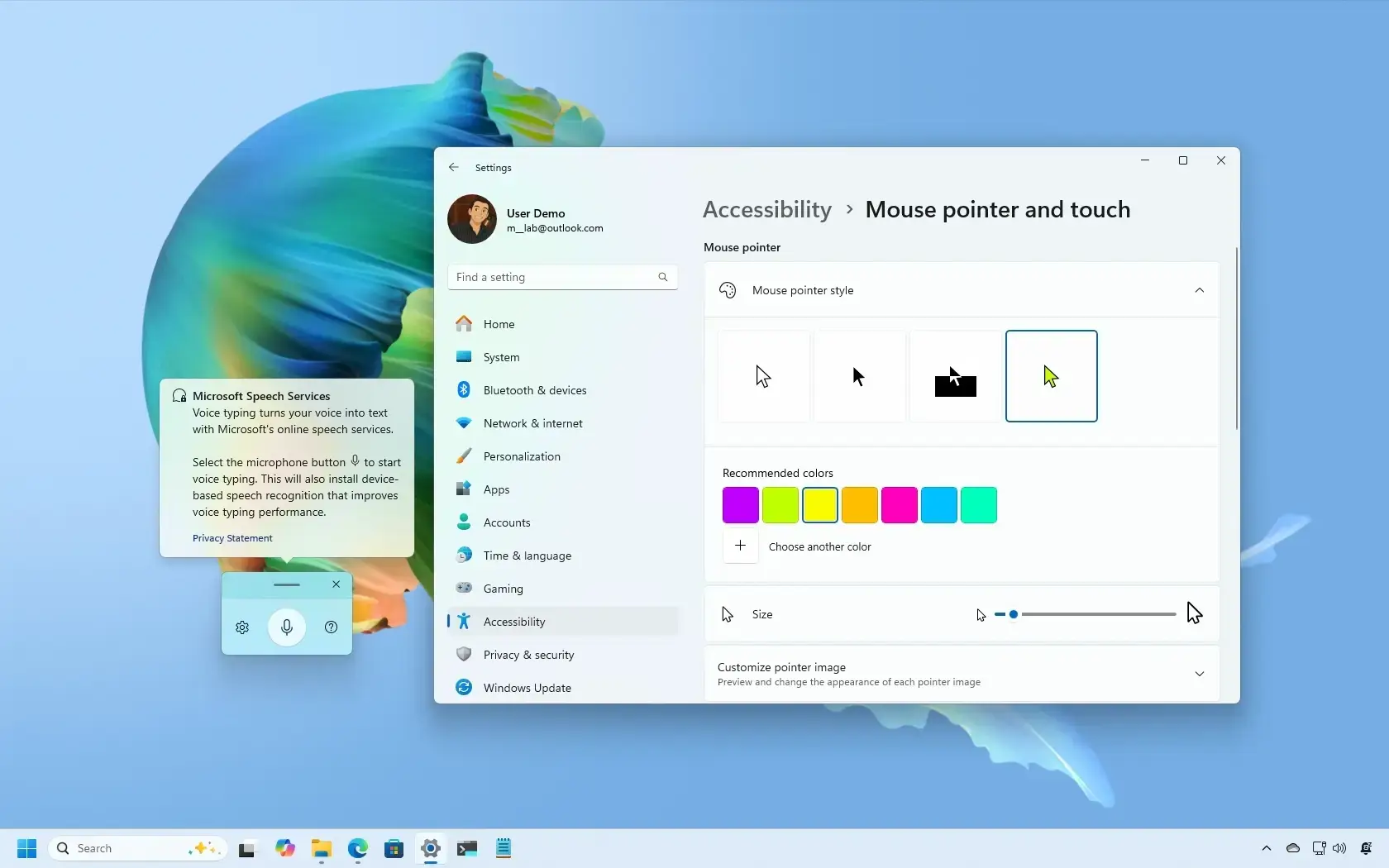
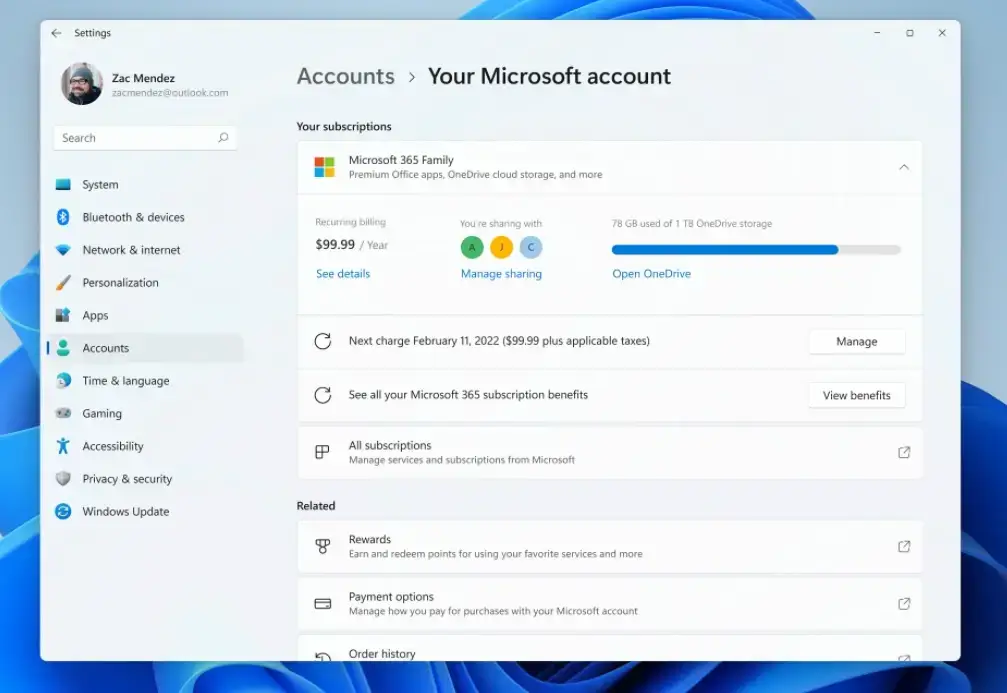
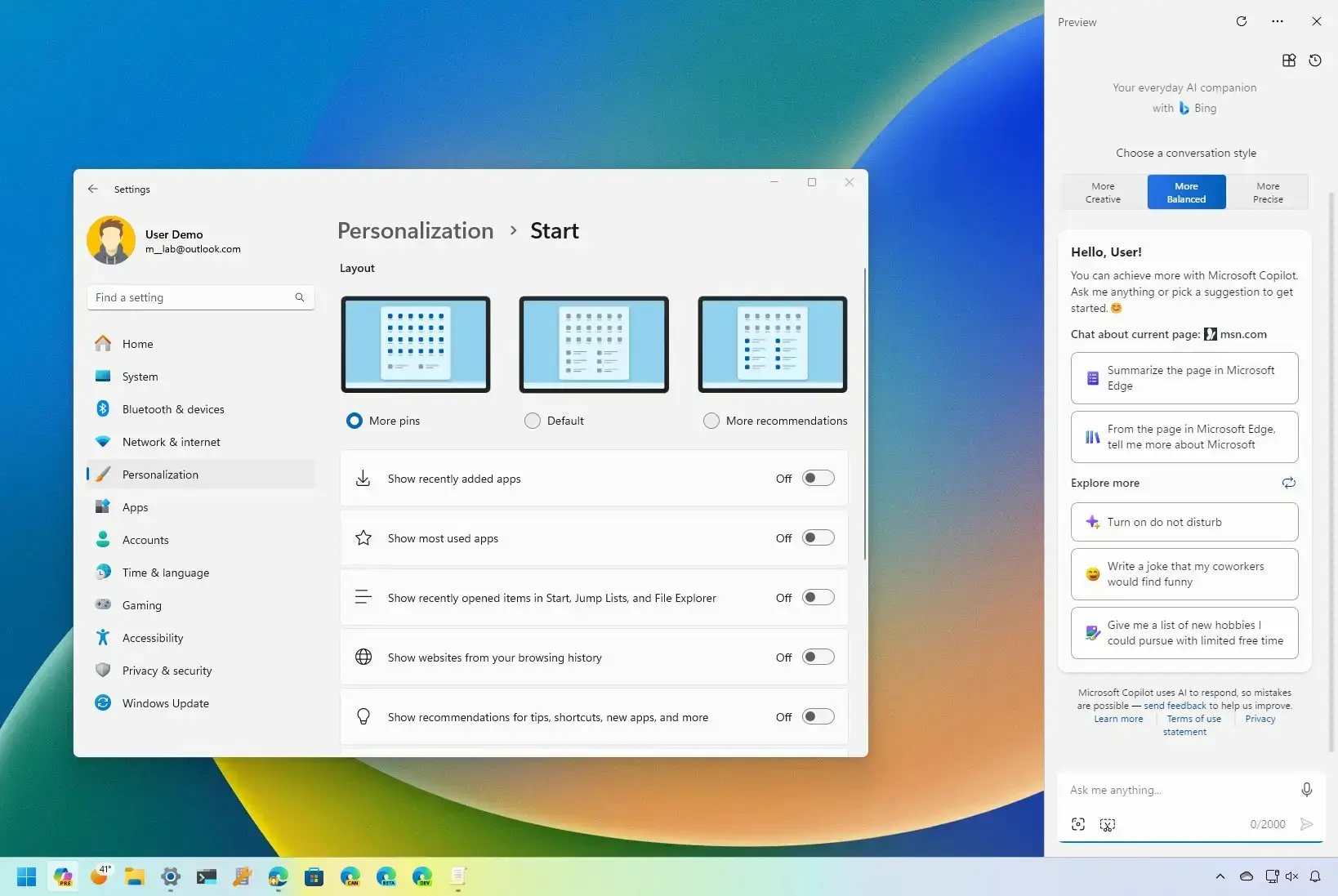
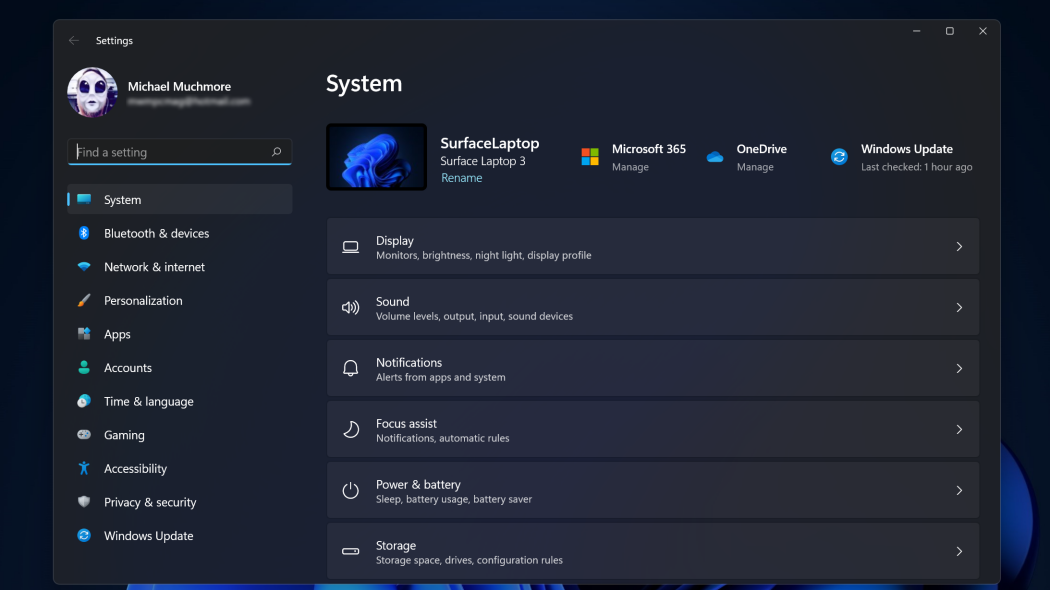
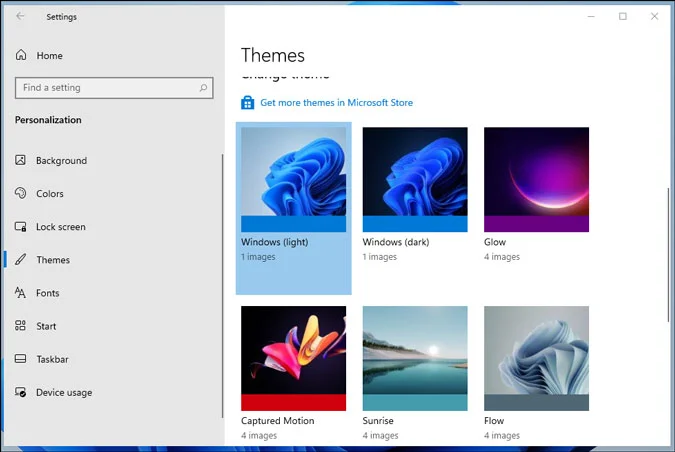
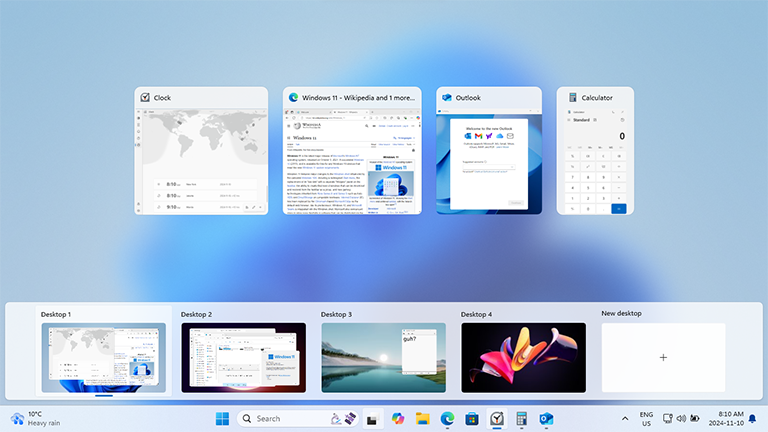
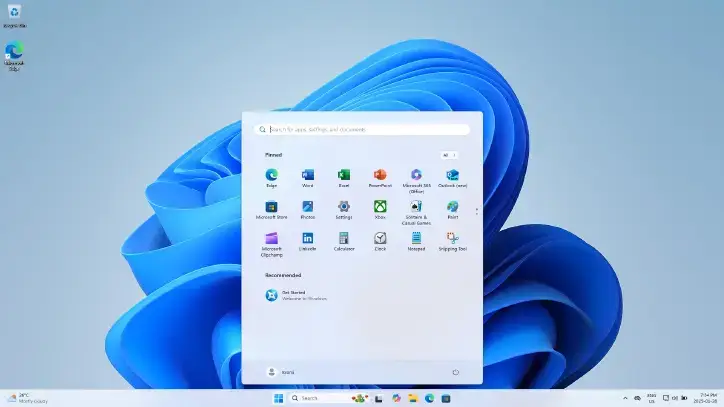
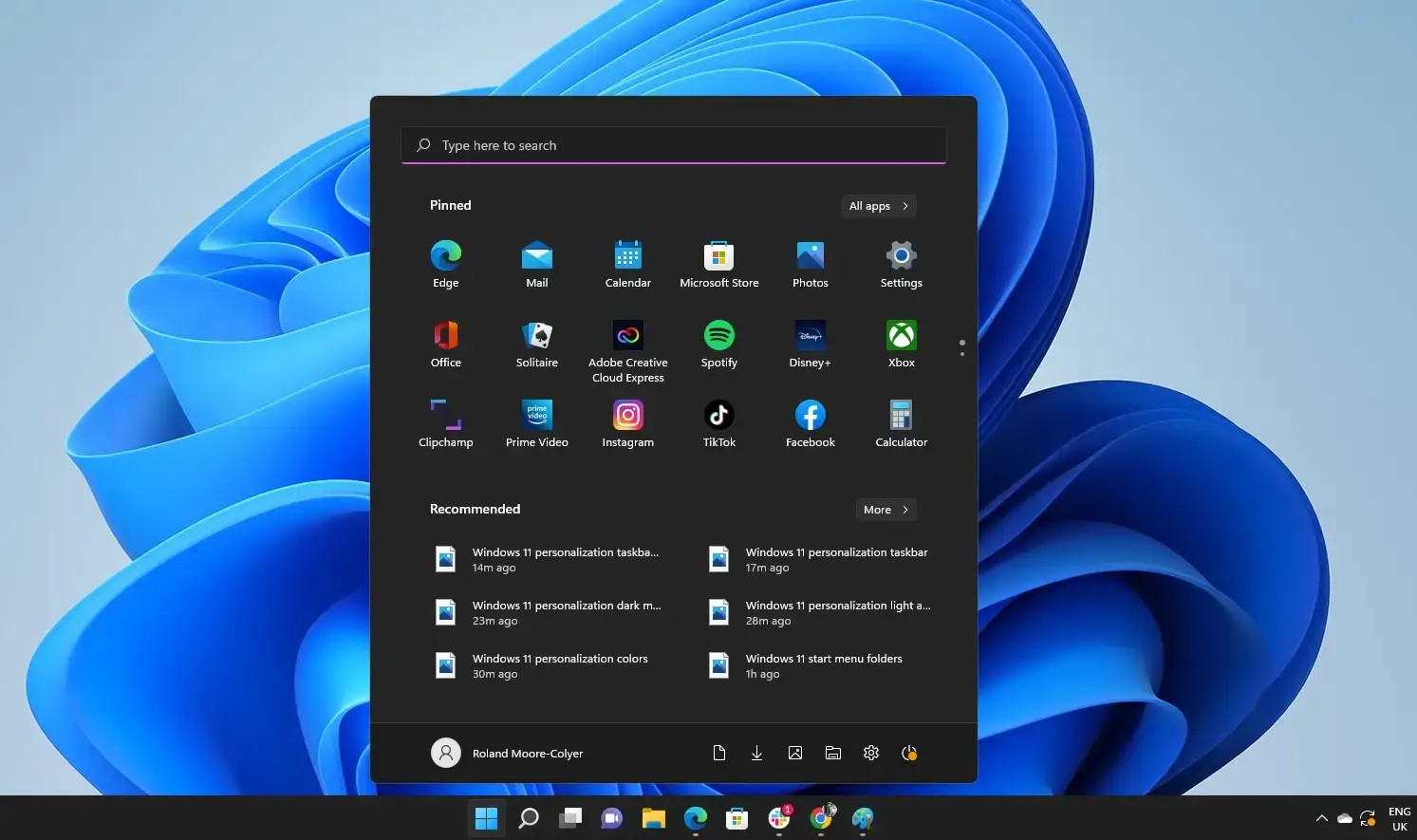
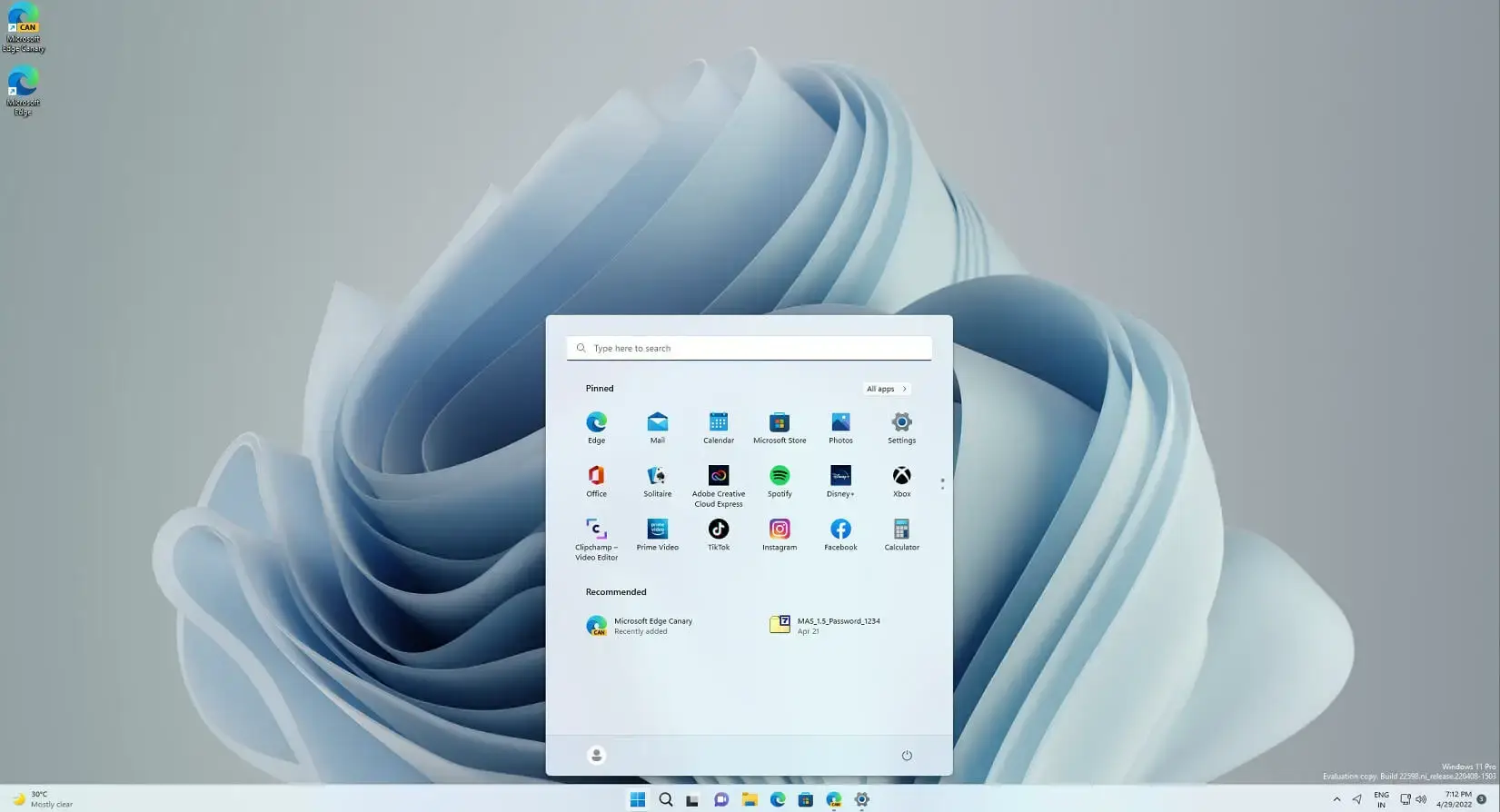
What Windows 11 Looks Like
A quick look at the Start menu, taskbar and overall design.
Common Problems and Fixes
Download link expired
Microsoft’s ISO links last 24 hours. Go back to the download page and generate a new link.
Slow download
Use a wired connection if you can and pause other large downloads on your network.
ISO will not open
Right-click the file and select Mount. If that option is missing, use Open with and choose File Explorer.
USB drive will not boot
Rebuild the drive with the Media Creation Tool. In your PC’s startup settings (BIOS or UEFI), turn on USB boot and check Secure Boot and TPM are on.
Media Creation Tool will not run
Right-click it and select Run as administrator, and make sure your antivirus is not blocking it. Download it again if it still fails.
Windows is not activated
Sign in with the Microsoft account that holds your digital license, then run Windows Update.
More Help
Microsoft’s Ways to install Windows 11 page covers every official install and upgrade option. For unsupported hardware, this Reddit thread on bypassing the TPM and CPU checks is community-tested, but Microsoft does not support it, so use it at your own risk.
More Windows software guides: Windows 11 26H2 · Upgrade to Windows 11 · Media Creation Tool · Installation Assistant · Windows 10 ISO
Discover more from Windows Mode
Subscribe to get the latest posts sent to your email.
















good
Thank you @Juniya!!
You are always welcome!