Readers like you help support this site. When you make a purchase using links on our site, we may earn an affiliate commission. All opinions remain our own.
 To run Meta Llama 4 locally on Windows, we rely on the industry-standard runner: Ollama.
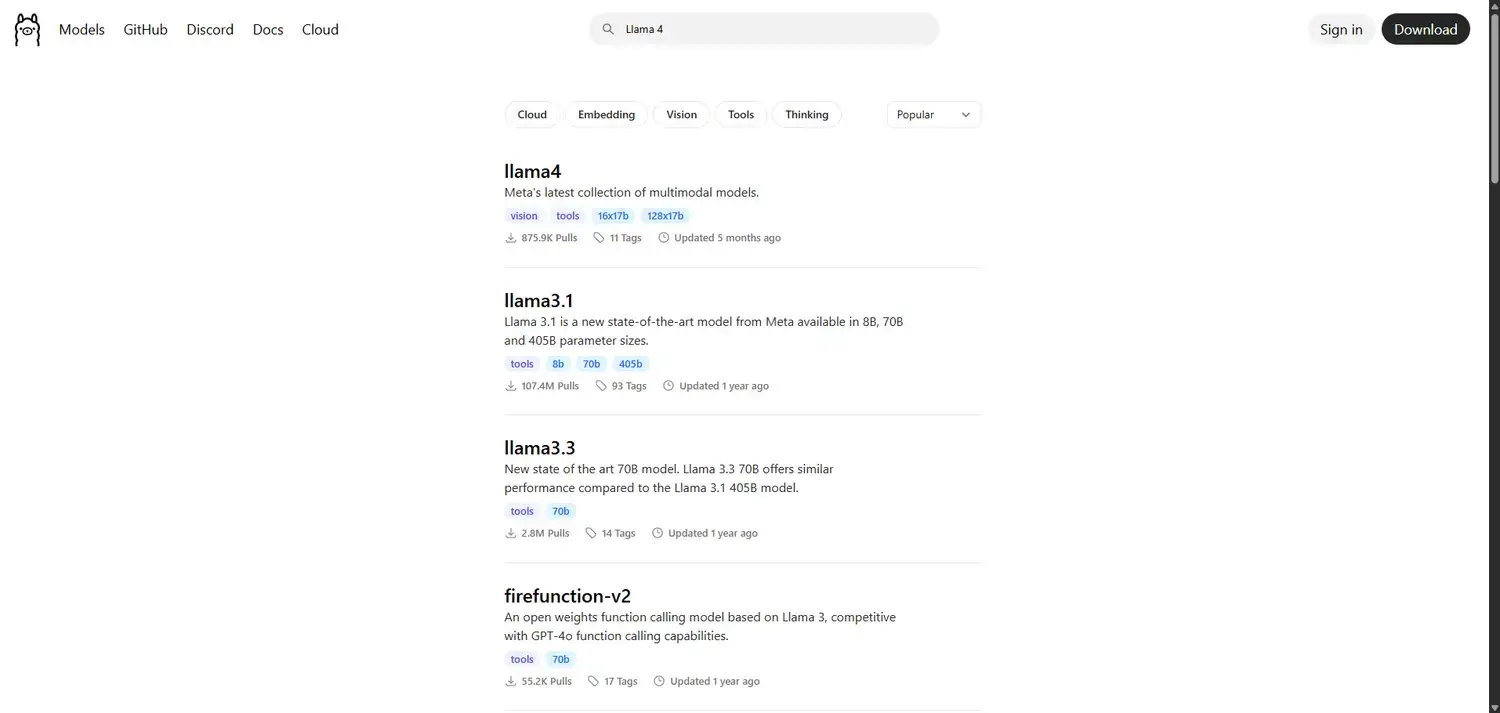
Llama 4 (released April 2025) is Meta’s most advanced AI yet. It uses a “Mixture of Experts” architecture, meaning it combines multiple “brains” to solve complex problems faster than ever before.
However, this power comes at a cost: Llama 4 is massive.
Below is the guide to running the Llama 4 flagship for high-end PCs, and the lightweight Llama 3.2 for standard laptops.
System Requirements
Be honest about your hardware. Llama 4 requires a workstation-class PC. If you have a standard laptop, skip to Option B.
| Component | Option A: Llama 4 (Scout) | Option B: Llama 3.2 (Lightweight) |
|---|---|---|
| Operating System | Windows 11 (64-bit) | Windows 10 / 11 |
| RAM (Memory) | 64 GB – 128 GB System RAM | 8 GB – 16 GB |
| GPU (Graphics) | Dual RTX 3090s or RTX 4090 (24GB+) | Any Dedicated GPU (GTX 1650+) |
Step 1: Install Ollama for Windows
If you already installed Ollama for our other guides, skip to Step 2.
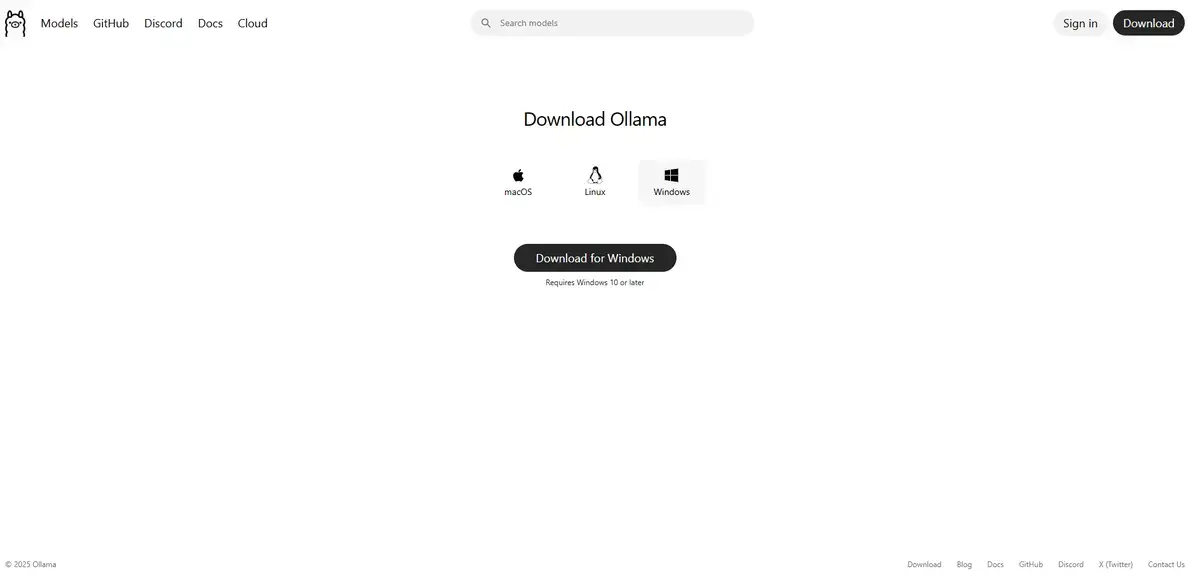
- Navigate to the official Ollama website.
- Click Download for Windows.
- Run the
OllamaSetup.exeinstaller. - Follow the on-screen prompts to complete the installation.
Step 2: Choose Your Llama Model
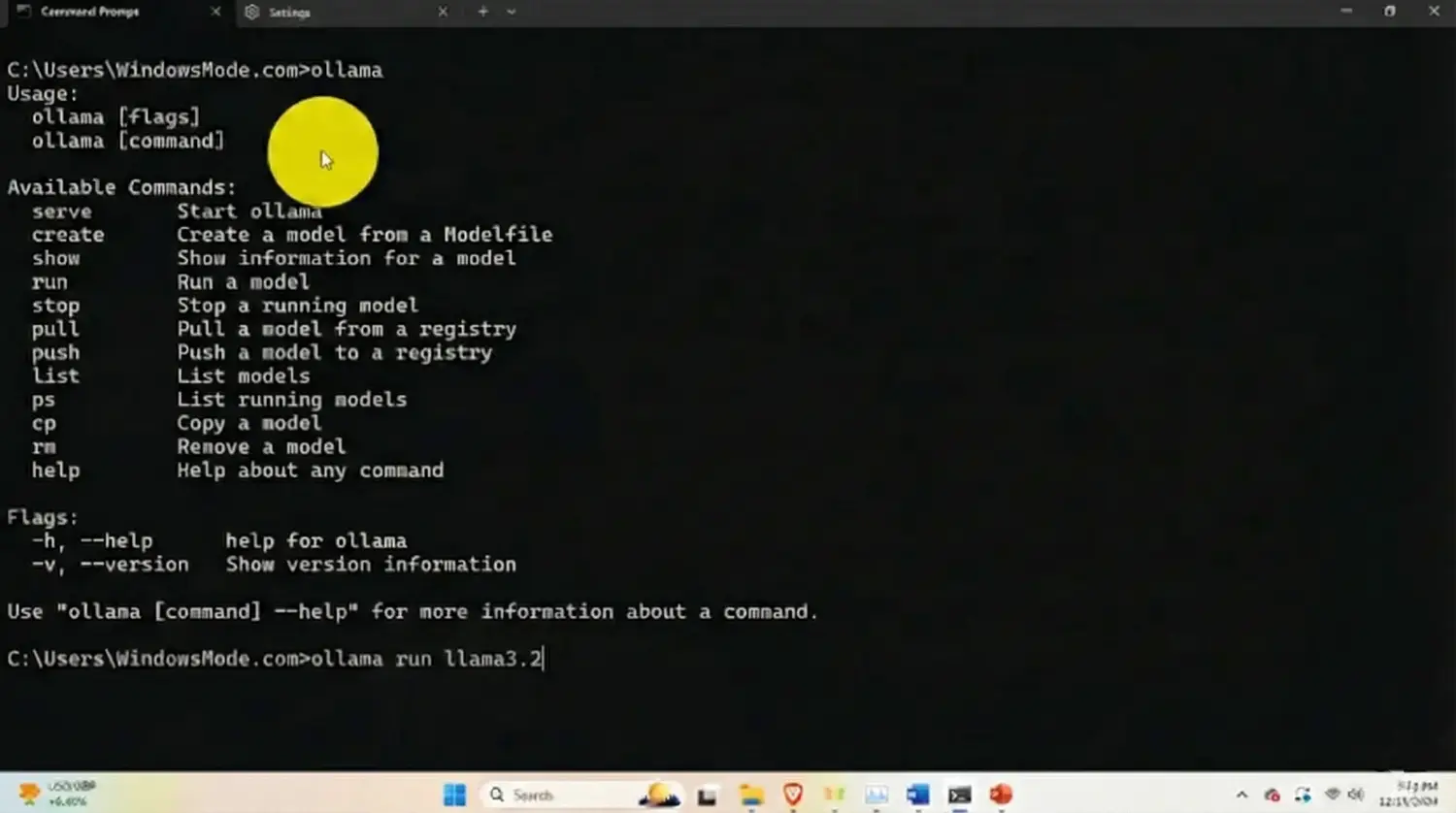
Open your Command Prompt (Press Windows Key, type cmd, press Enter).
Option A: The Flagship (Llama 4 Scout)
Only run this if you have 64GB+ of RAM. This is the 17B “Scout” model with Mixture-of-Experts. It is natively multimodal and incredibly smart.
ollama run llama4:scout
Option B: The Speedster (Llama 3.2 – 3B)
For 95% of users, this is the better choice. It is the latest “Lightweight” model from Meta. It starts instantly, uses almost no battery, and is perfect for quick chats or summarization.
ollama run llama3.2
Once the download finishes (65GB for Llama 4, 2GB for Llama 3.2), you can start chatting immediately.
Step 3: What Can Llama 4 Do? (First Run Examples)
Llama 4 Scout is unique because it is “Natively Multimodal.” This means it understands context better than older text-only models.
1. The Complex Reasoning Test
Use this prompt to test the Mixture-of-Experts architecture.
Analyze the pros and cons of remote work for a manufacturing company versus a software company. Structure the answer as a comparative table.
2. The Creative Spark
Llama 4 is trained on a massive dataset of 200+ languages. Try asking it to translate or write in a specific cultural style.
Write a haiku about a rainy day in Tokyo, first in Japanese, then in English.
Why Run Llama Locally?
Running Llama 4 locally gives you the ultimate privacy. Meta’s latest models are powerful enough to replace many paid cloud tools, but by running them on your own PC, you ensure no data is ever trained on or monitored.
If you chose Llama 3.2, you also gain efficiency. You can leave it running in the background 24/7 as a personal assistant without slowing down your games or work apps.
Troubleshooting Common Errors
“Error: Model not found”
If Ollama says it cannot find llama4, your version of Ollama is likely too old. Llama 4 requires the latest “multimodal engine” update. Re-download the installer from the official site to update.
“System Freeze / Crash”
If your PC freezes immediately after running the command, you likely do not have enough RAM for Llama 4 Scout. Reboot your PC and try ollama run llama3.2 instead. It offers 80% of the intelligence for 5% of the cost.
Reader Poll
Discover more from Windows Mode
Subscribe to get the latest posts sent to your email.
















Add your first comment to this post