Readers like you help support this site. When you make a purchase using links on our site, we may earn an affiliate commission. All opinions remain our own.
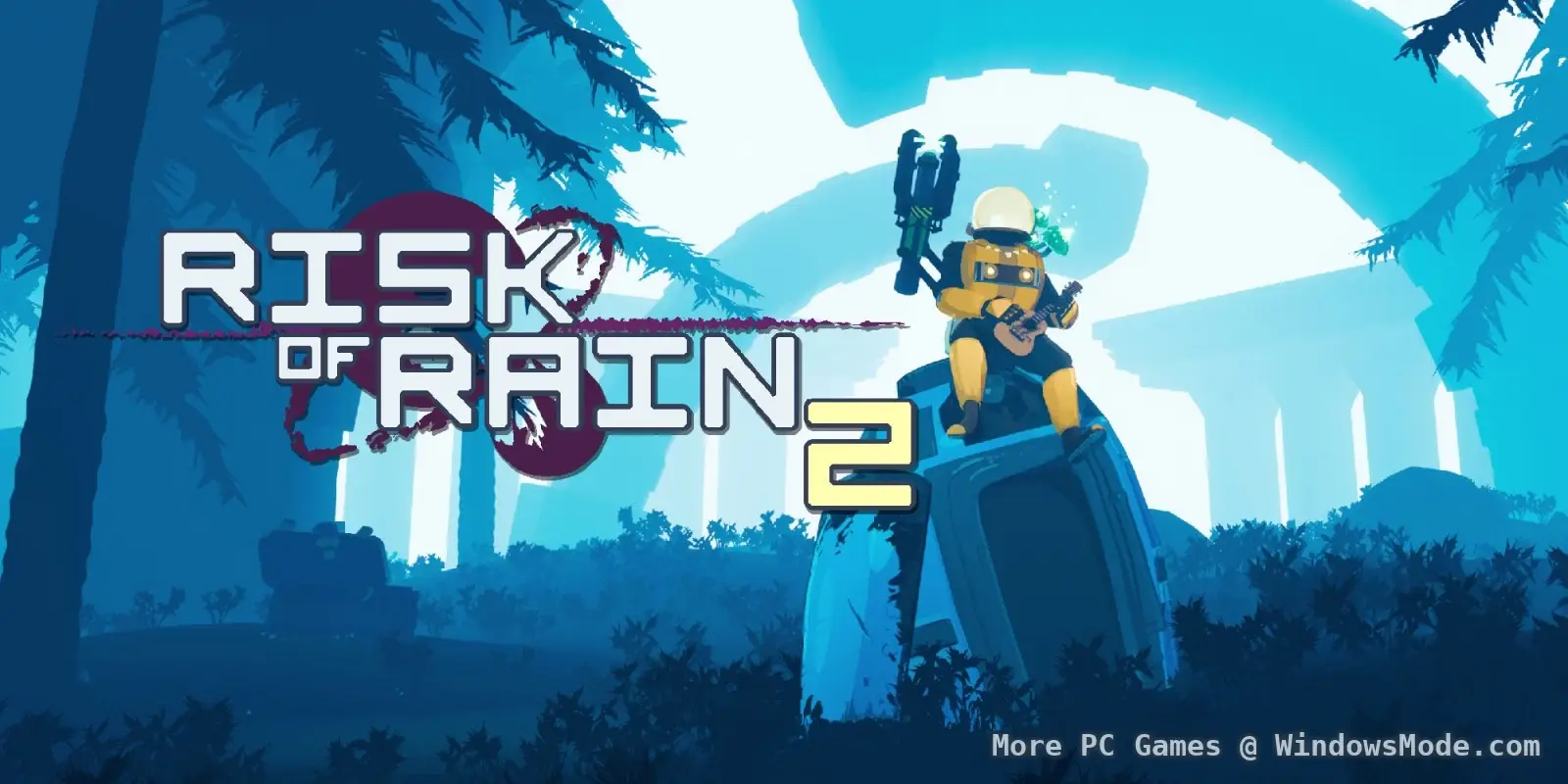
Risk of Rain 2 is the gold standard for 3D roguelite shooters. It takes the loot-stacking chaos of the original 2D game and explodes it into a third-person survival frenzy. You can download the game on PC through Steam and the Epic Games Store.
If you have an older laptop that struggles with the intense particle effects in the late game, you can stream it instantly on Boosteroid without downloading any files.
In this game, time is your enemy. The longer you stay alive, the harder the monsters become. You must land on an alien planet, loot hundreds of items, and fight your way to the final boss or loop endlessly until your computer crashes.
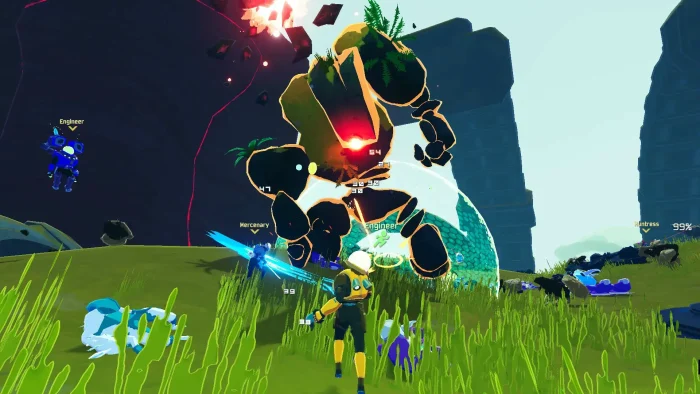
You play as unique “Survivors” like the Huntress, the Engineer, or the Railgunner, each with different abilities that scale wildly as you collect items.
Quick Facts
- 📅 Release Date: Aug 11, 2020 (1.0)
- 🛠️ Developer: Hopoo Games / Gearbox
- 📂 Size: ~4 GB
- ☁️ Cloud Play: Available on Boosteroid
- 💰 Price: ~$24.99 (USD)
How to Download & Install Risk of Rain 2 on PC
Risk of Rain 2 is available on Steam and the Epic Games Store. Follow these steps to start your run.
- Go to the Steam Store or Epic Games Store page.
- Click Add to Cart (or Buy Now) and purchase the game.
- Open your Steam or Epic Launcher and click Install.
- Select your drive (SSD recommended for fast level loading) and wait for the 4 GB download to finish.
What is Risk of Rain 2?
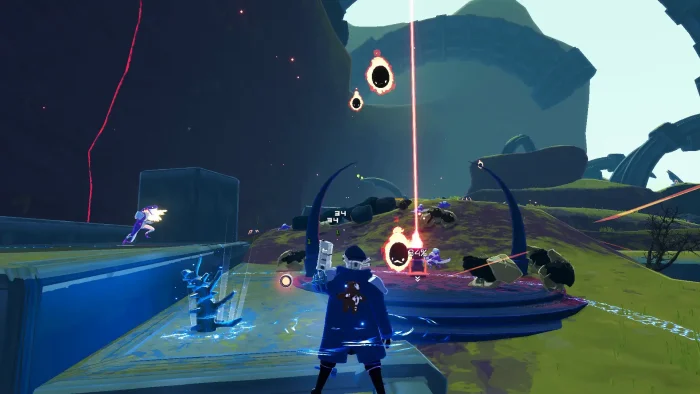
Risk of Rain 2 is a roguelite that scales indefinitely. You land on a planet, kill enemies to earn money, and open chests to get items.
The catch? A timer is constantly ticking. Every few minutes, the difficulty increases.
If you spend too long farming items, the enemies will become impossible to kill. If you rush too fast, you will be too weak to survive the boss. Finding that balance is the core loop.
Key Gameplay Features
- 🎻
Item Stacking: Items stack infinitely. One “Ukulele” shoots chain lightning at 3 enemies. Ten “Ukuleles” turns the entire map into an electric wasteland.
- 👥
Distinct Survivors: Play as the Commando (rapid fire), the Loader (Spider-Man with a grappling hook), or the Acrid (poison melee beast). Every character feels like a different game.
- ⏱️
Scaling Difficulty: The game doesn’t end when you beat it. You can choose to “Loop” and restart the stages with your current items, facing even tougher enemies for maximum chaos.
🤔 Who Would Like This Game?
Risk of Rain 2 is essential for anyone who loves “breaking the game.” If you enjoy seeing numbers fly all over the screen and feeling like a god after a rough start, this is for you.
It is the perfect game for podcast listening or co-op with friends where you don’t need to focus on a heavy story.
Why Play on Windows?
Risk of Rain 2 is available on consoles, but the PC version is the definitive experience:
- Mod Support (Thunderstore): The PC community has created thousands of mods, from new characters like Goku or Vegeta to quality-of-life improvements. Installing them is one click via the Thunderstore manager.
- Precision Aiming: Flying enemies like Wisps are annoying on a controller. On PC, mouse aim makes clearing the sky trivial.
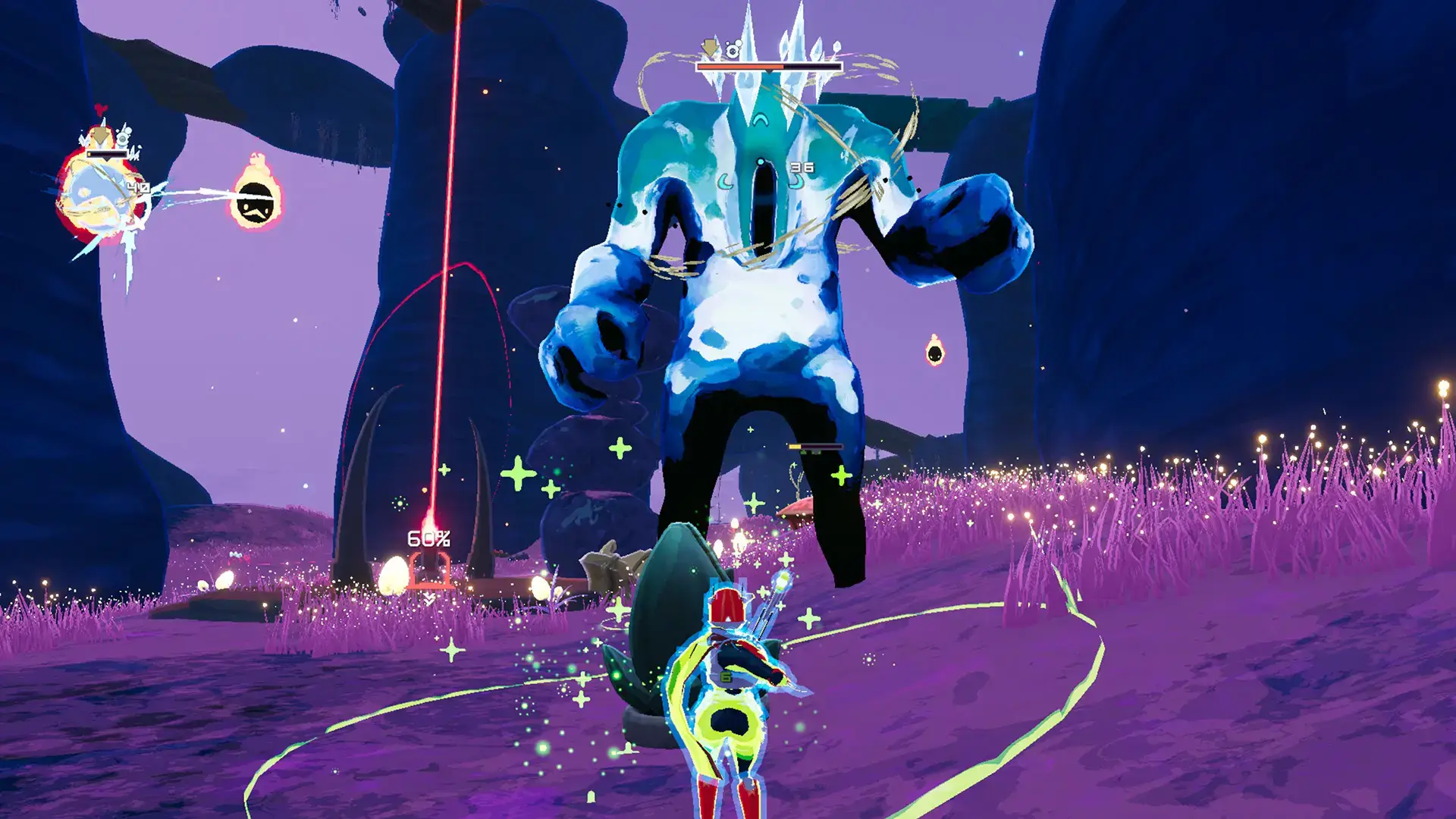
- Performance: When you are 60 minutes into a run, thousands of particles fill the screen. A good PC CPU handles this chaos much better than consoles, which often drop frames in “God Runs.”
5 Tips for Beginners
The first few hours are brutal. Use these tips to survive the planet.
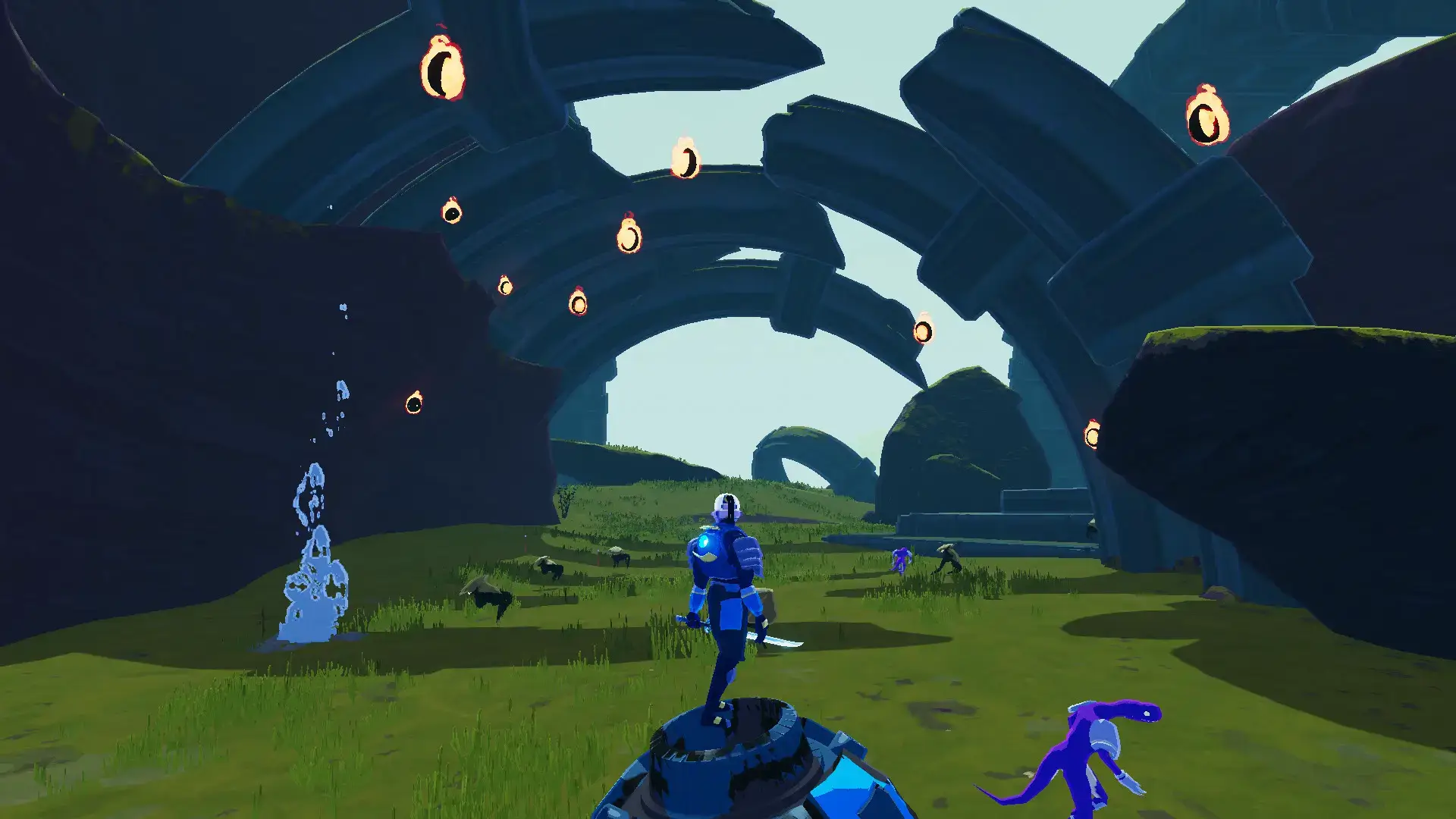
Gameplay Screenshots
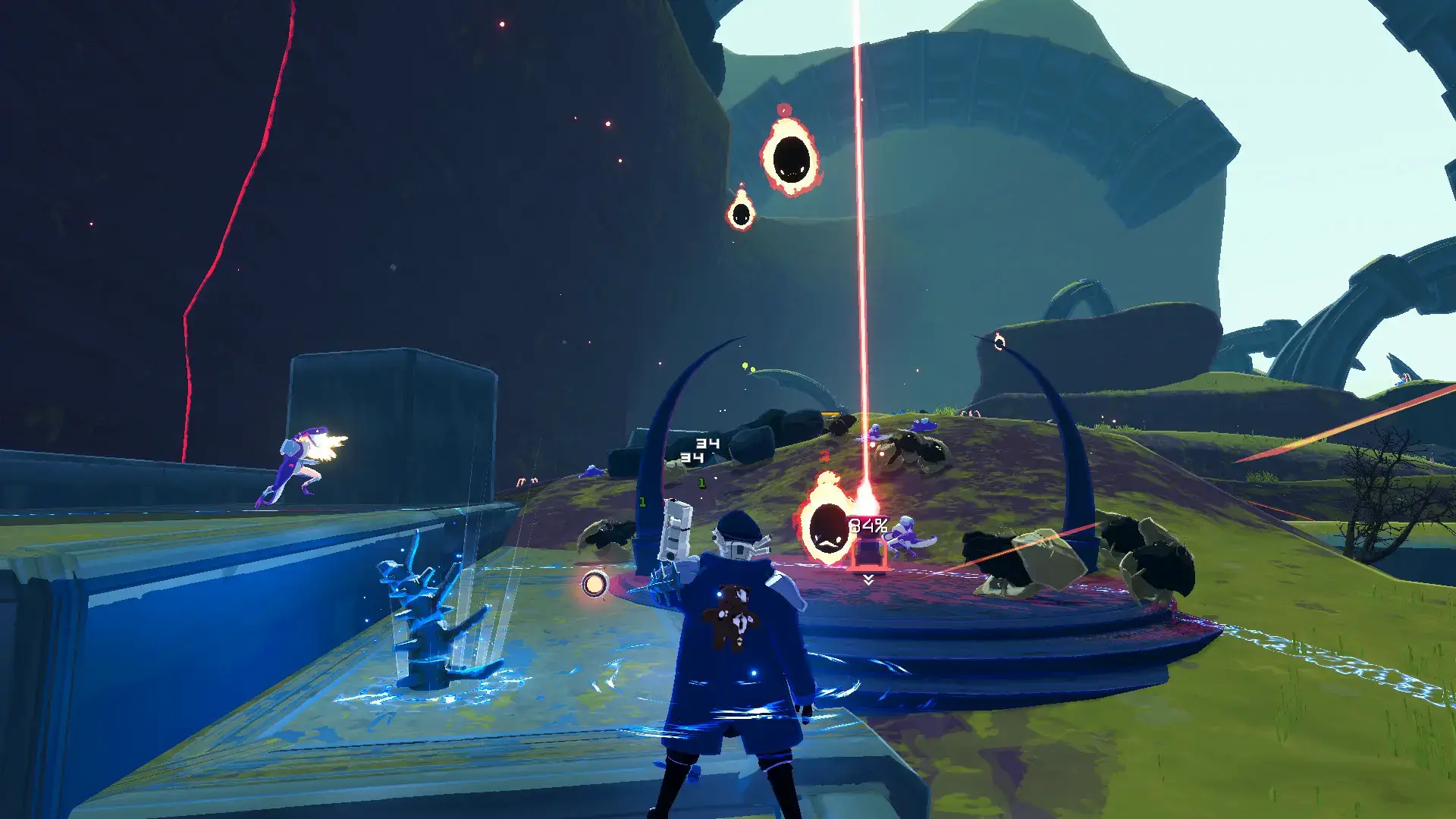
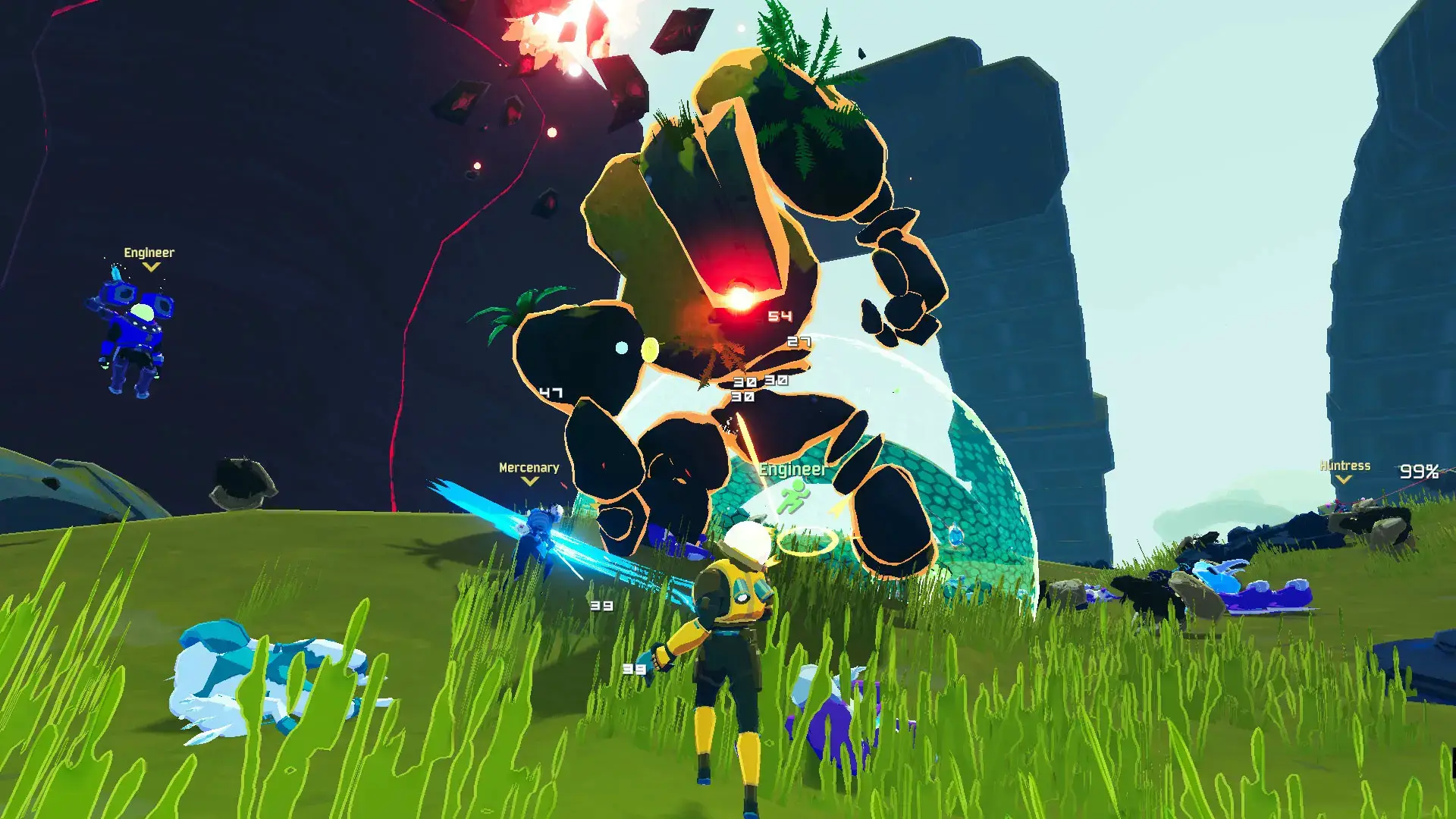
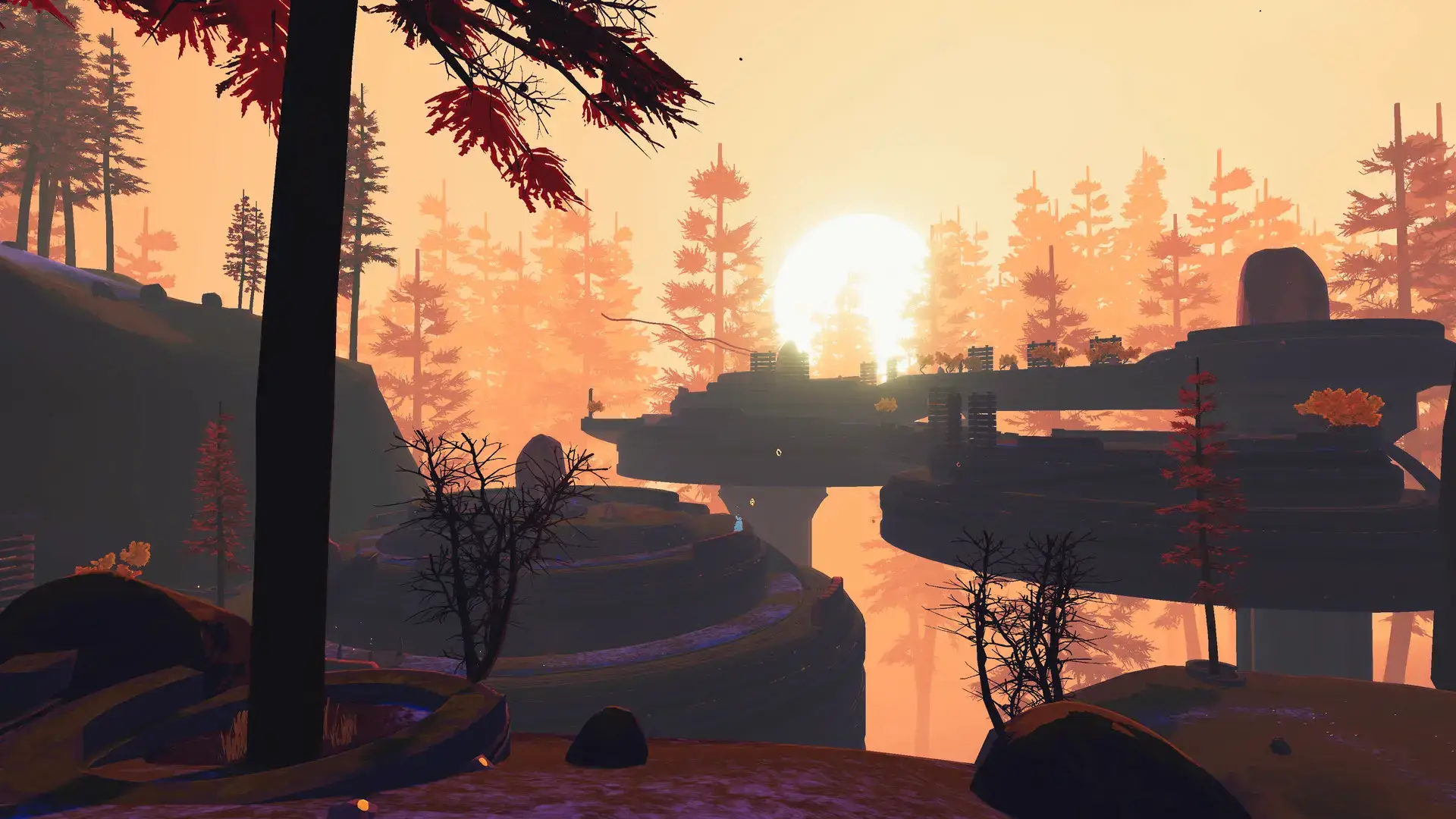
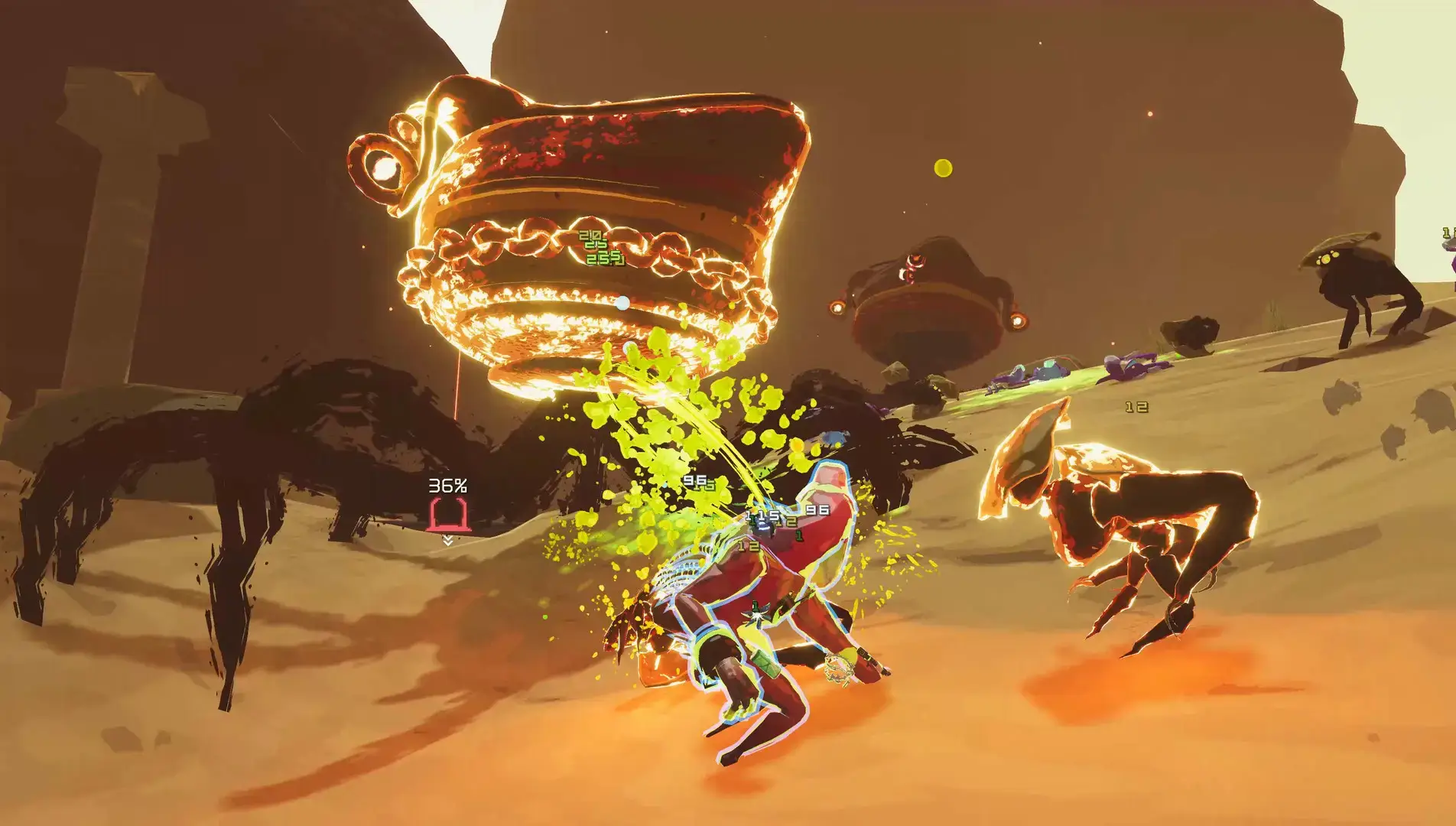
Video Overview
Watch a complete beginner’s guide video by TrentoMento.
System Requirements
The game is well-optimized, but late-game loops can stress any system.
| Component | Minimum | Recommended |
|---|---|---|
| OS | Windows 7 / 10 / 11 (64-bit) | Windows 10 / 11 (64-bit) |
| CPU | Intel Core i3-6100 / AMD FX-8350 | Intel Core i5-4670K / Ryzen 5 1500X |
| RAM | 4 GB | 4 GB+ |
| GPU | GTX 580 / AMD HD 7870 | GTX 680 / AMD HD 7970 |
| Storage | 4 GB available | 4 GB SSD |
Risk of Rain 2 FAQ
- How many players can play co-op?
The game officially supports up to 4 players in online co-op. However, PC players can use simple mods to increase this limit to 16. - Is there crossplay?
Currently, there is crossplay between Steam and Epic Games Store users, but not between PC and consoles (Xbox/PS5/Switch). - Does it have an ending?
Yes, unlike the first game’s infinite loop only, Risk of Rain 2 has a final boss on the moon and a definitive credits roll, though you can choose to skip it and loop forever. - Is it better with a controller or mouse?
It has full controller support, but mouse and keyboard is highly recommended for the precision needed to hit flying enemies.
Explore more Windows games: Best Indie Games · LORT (8-Player Chaos) · Quarantine Zone: The Last Check for PC · No Rest for the Wicked for PC
Discover more from Windows Mode
Subscribe to get the latest posts sent to your email.











Add your first comment to this post