Readers like you help support this site. When you make a purchase using links on our site, we may earn an affiliate commission. All opinions remain our own.
No Rest for the Wicked is a tough Action RPG from Moon Studios. It mixes the top-down camera of Diablo with the hard combat of Dark Souls. You can download the game on PC through Steam.
This game uses heavy graphics. If your PC slows down, you can stream it instantly on Boosteroid without downloading any files.
Most action games let you click fast to kill huge groups of enemies. This game is different. You need patience. You must watch your stamina and block carefully.
You play as a holy warrior called a Cerim. Your job is to stop a plague called the Pestilence. But you are not a superhero. If you make one mistake against a basic enemy, you will die.
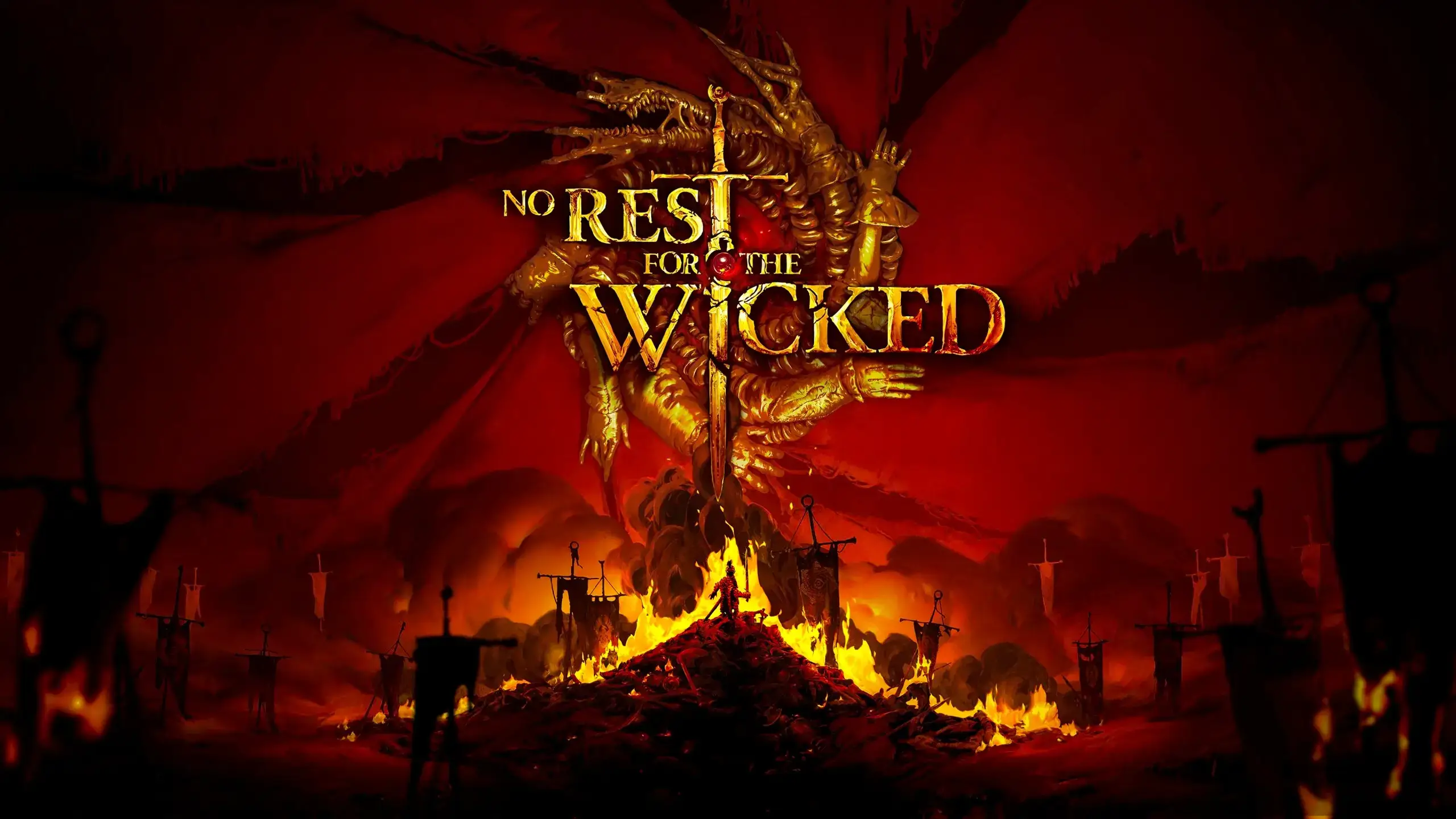
Quick Facts
- 📅 Release Date: Apr 18, 2024 (Early Access)
- 🛠️ Developer: Moon Studios
- 📂 Size: ~35 GB
- ☁️ Cloud Play: Available on Boosteroid
- 💰 Price: ~$39.99 (USD)
How to Download & Install No Rest for the Wicked on PC
No Rest for the Wicked is currently available on Steam Early Access.
- Go to the Steam Store page.
- Click Add to Cart and buy the game.
- Open your Steam Library and click Install.
- Select your drive (SSD is highly recommended to stop lag) and wait for the 35 GB download.
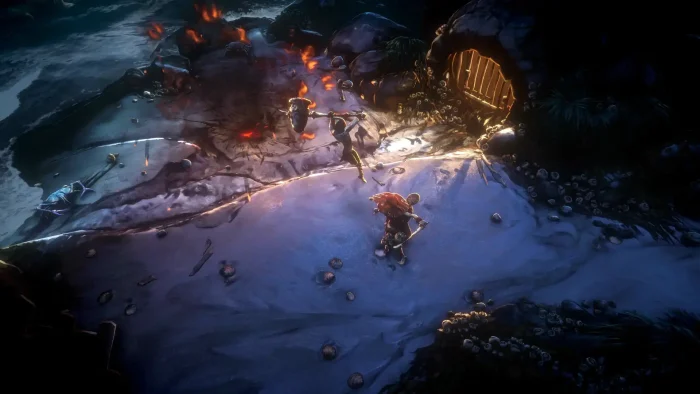
What is No Rest for the Wicked?
It looks like Diablo 4 at first. But when you start playing, you will see it is much closer to Dark Souls or Elden Ring.
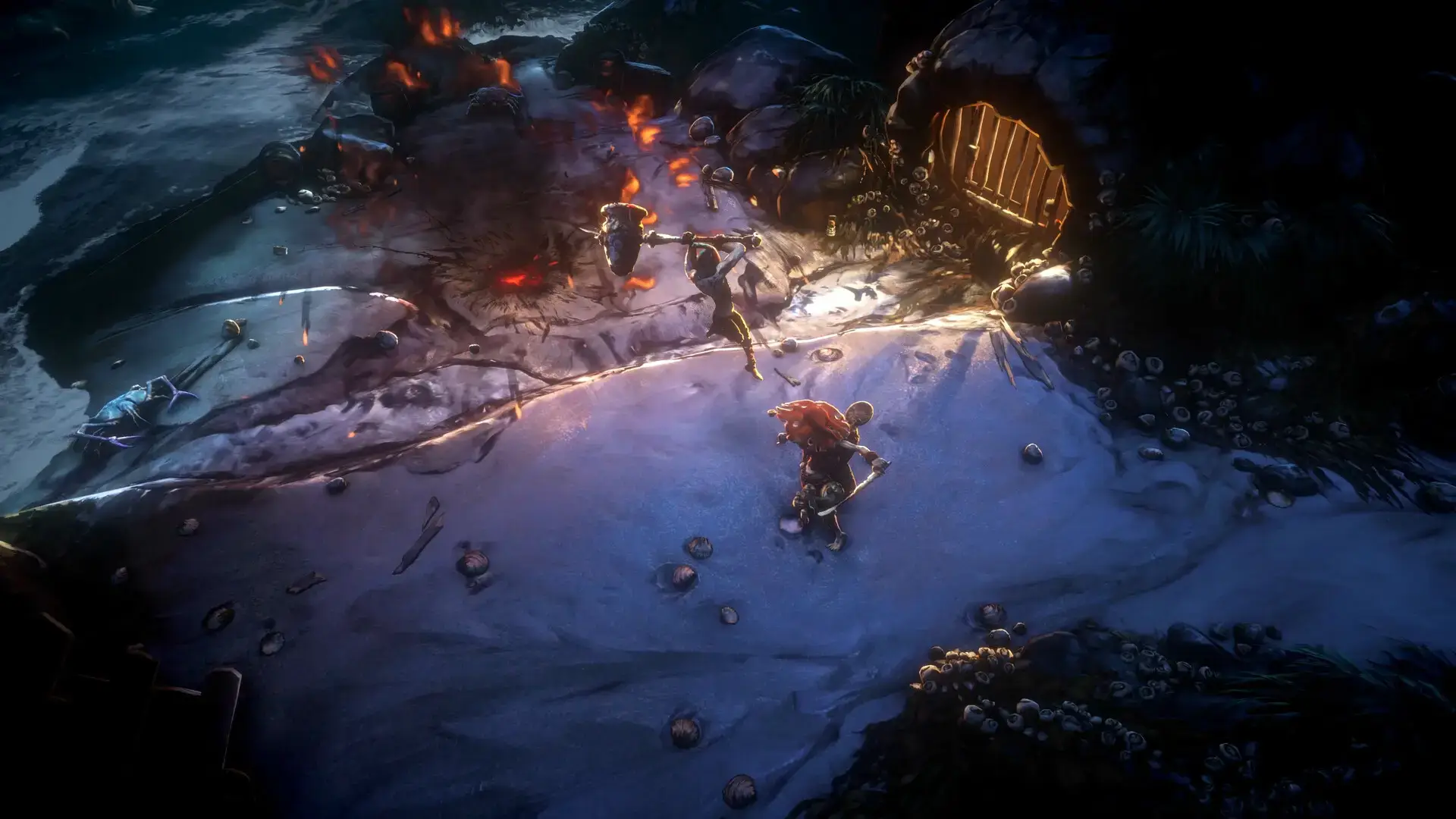
Combat is slow and deliberate. You cannot cancel an attack once you press the button. You have to commit to your move.
The game also has a “living world” system. You don’t just kill monsters. You chop trees, mine ore, and rebuild the town of Sacramento. You can buy a house and make better gear to help you survive the dangerous areas outside the walls.
Key Gameplay Features
- ⚔️
Precision Combat: Button mashing leads to death. You must space your attacks, watch your stamina bar, and learn enemy patterns to block or dodge.
- 🎒
Soft Class System: There are no classes like “Mage” or “Warrior.” Your playstyle depends on your gear. If you want to be a heavy mage, just equip plate armor and a staff.
- 🔨
Rebuild Sacramento: The game has strong survival elements. Gather resources to upgrade the town shops. This unlocks better upgrades for your runs.
🤔 Who Would Like This Game?
This game is for players who love difficult combat but enjoy the top-down view of Diablo. If you like Elden Ring but want a fresh look, this is a must-play.
However, if you want a fast game where you kill 100 enemies in one click (like Path of Exile 2), the slow combat here might frustrate you.
Why Play on Windows?
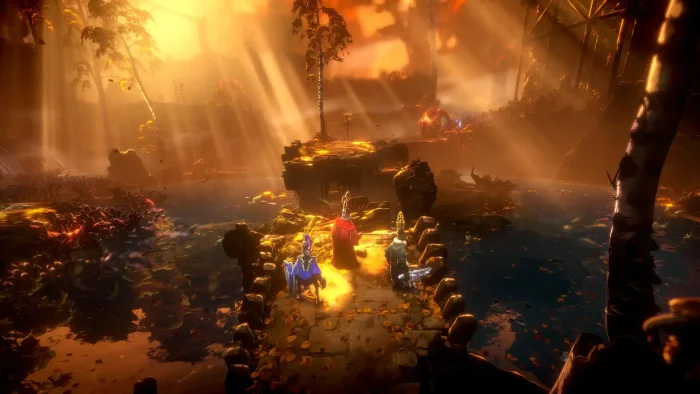
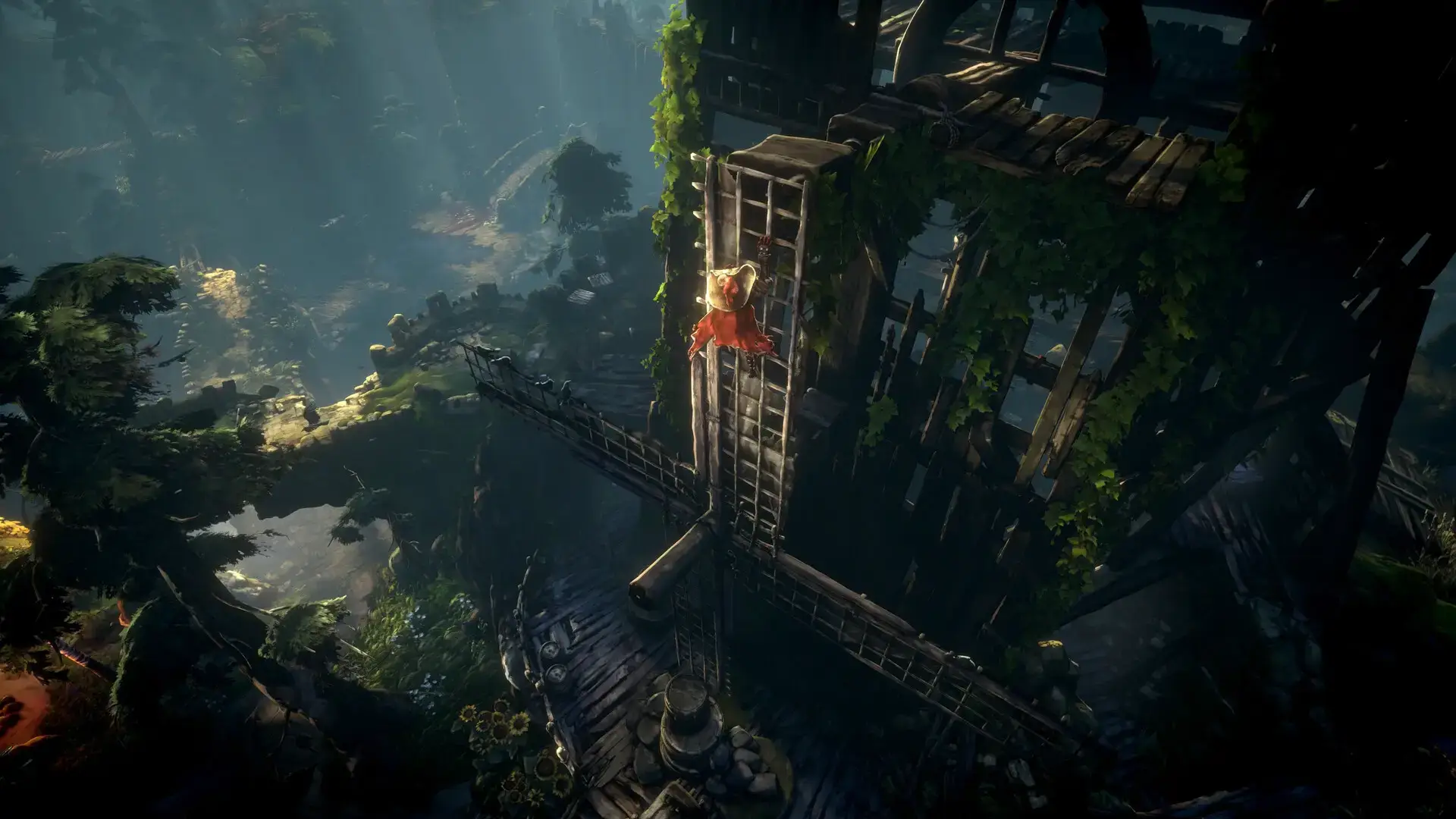
The hand-painted art style shines on PC hardware:
- Ultrawide Support: The game looks amazing on 21:9 monitors. You can see more of the world without the UI blocking your view.
- DLSS/FSR: The game is heavy on the graphics card. PC users can use upscaling tech (DLSS/FSR) to get smooth performance.
- Controller Support: You can use a mouse, but the developers recommend a controller. Windows works perfectly with Xbox and PS5 controllers.
5 Tips for Beginners
The start of the game is very hard. Use these tips to reach the city alive.
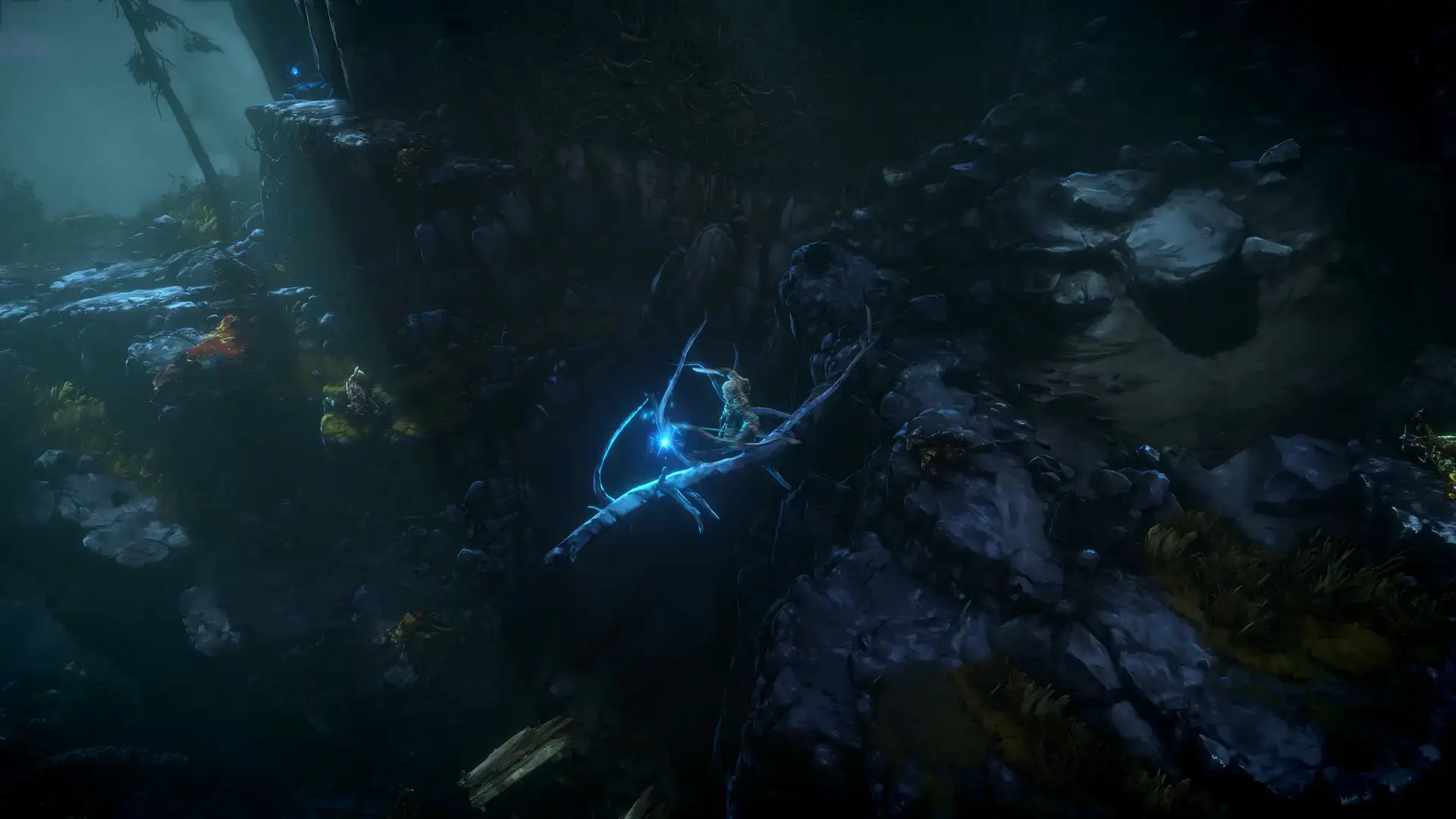
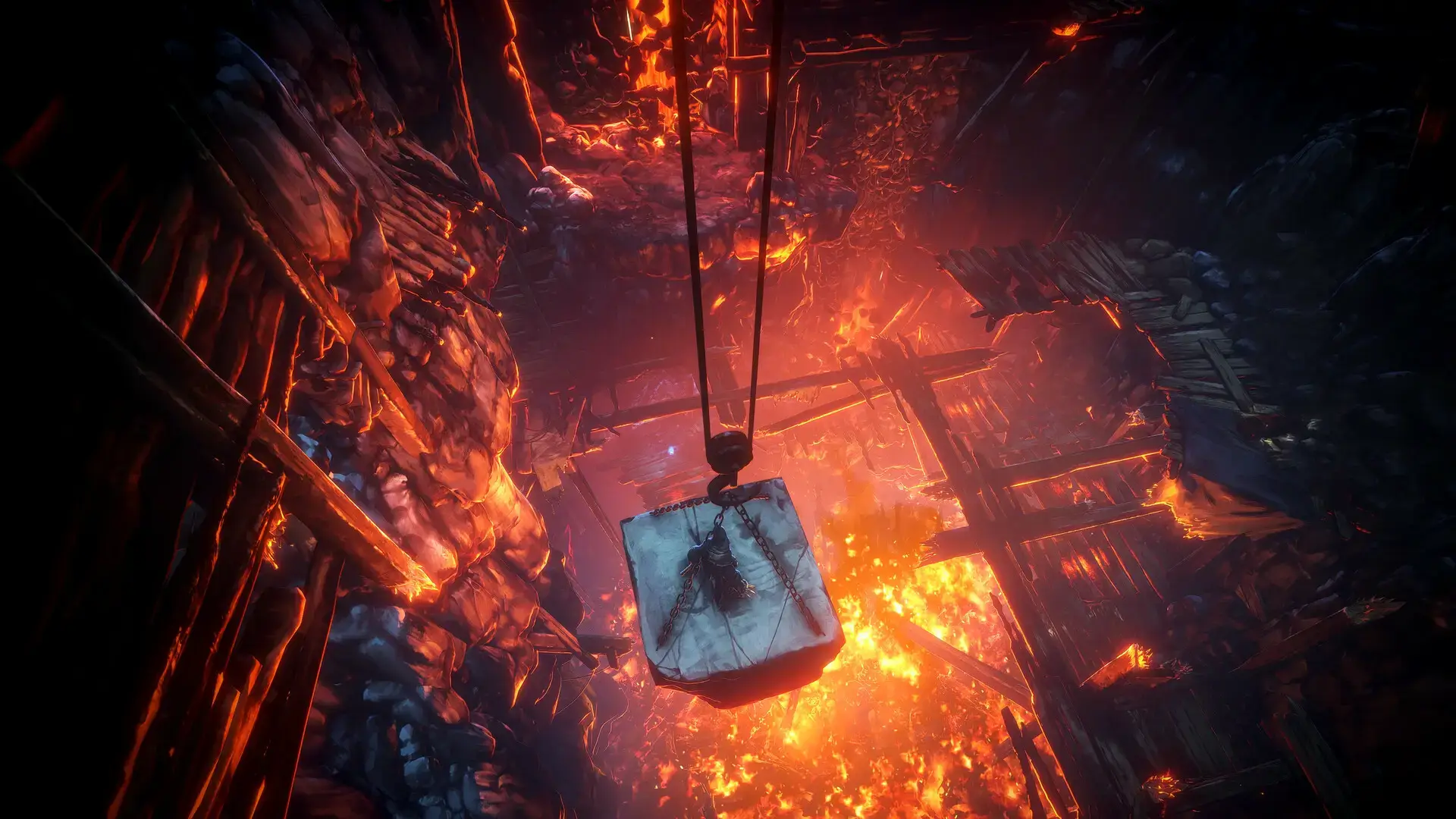
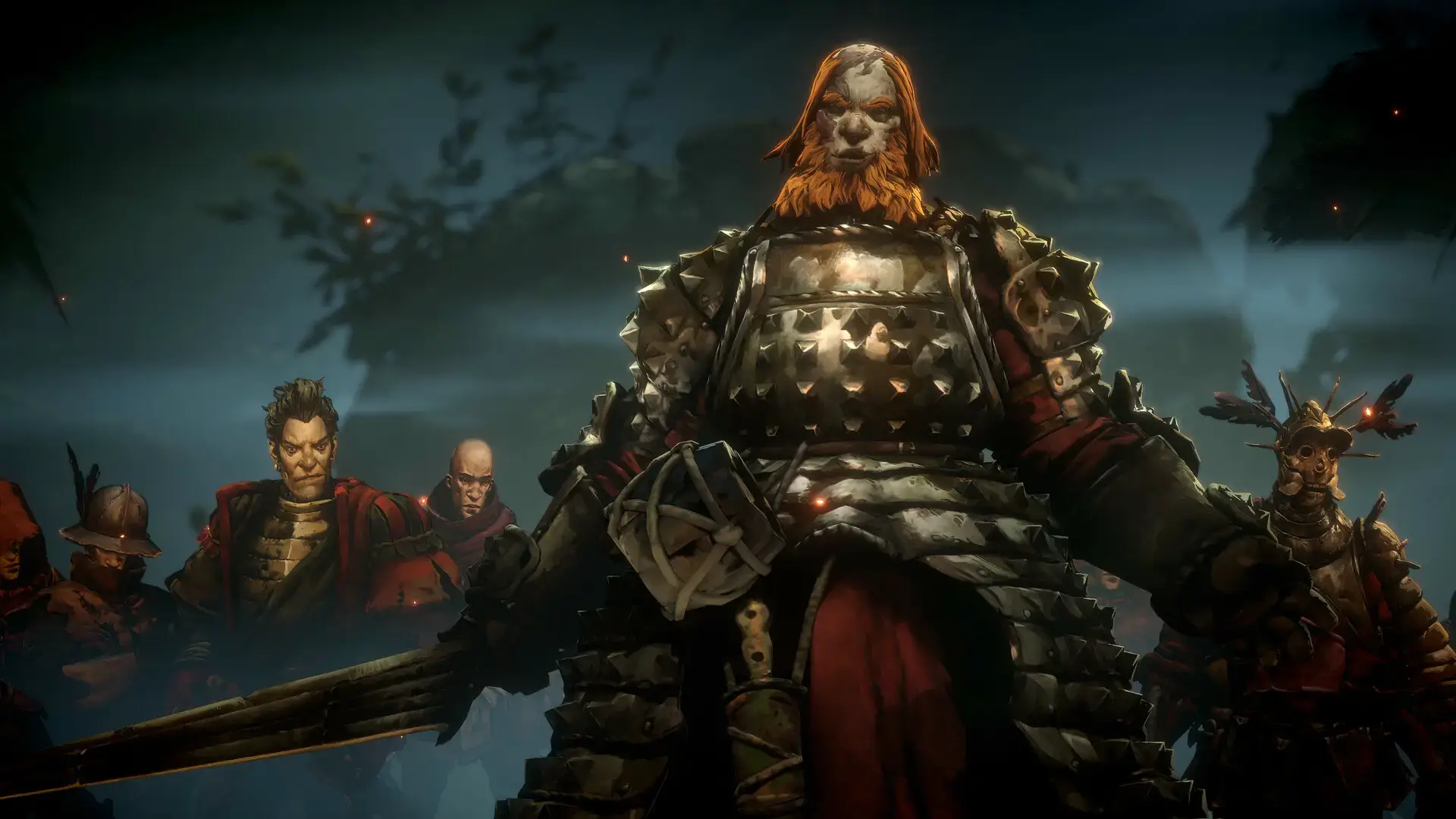
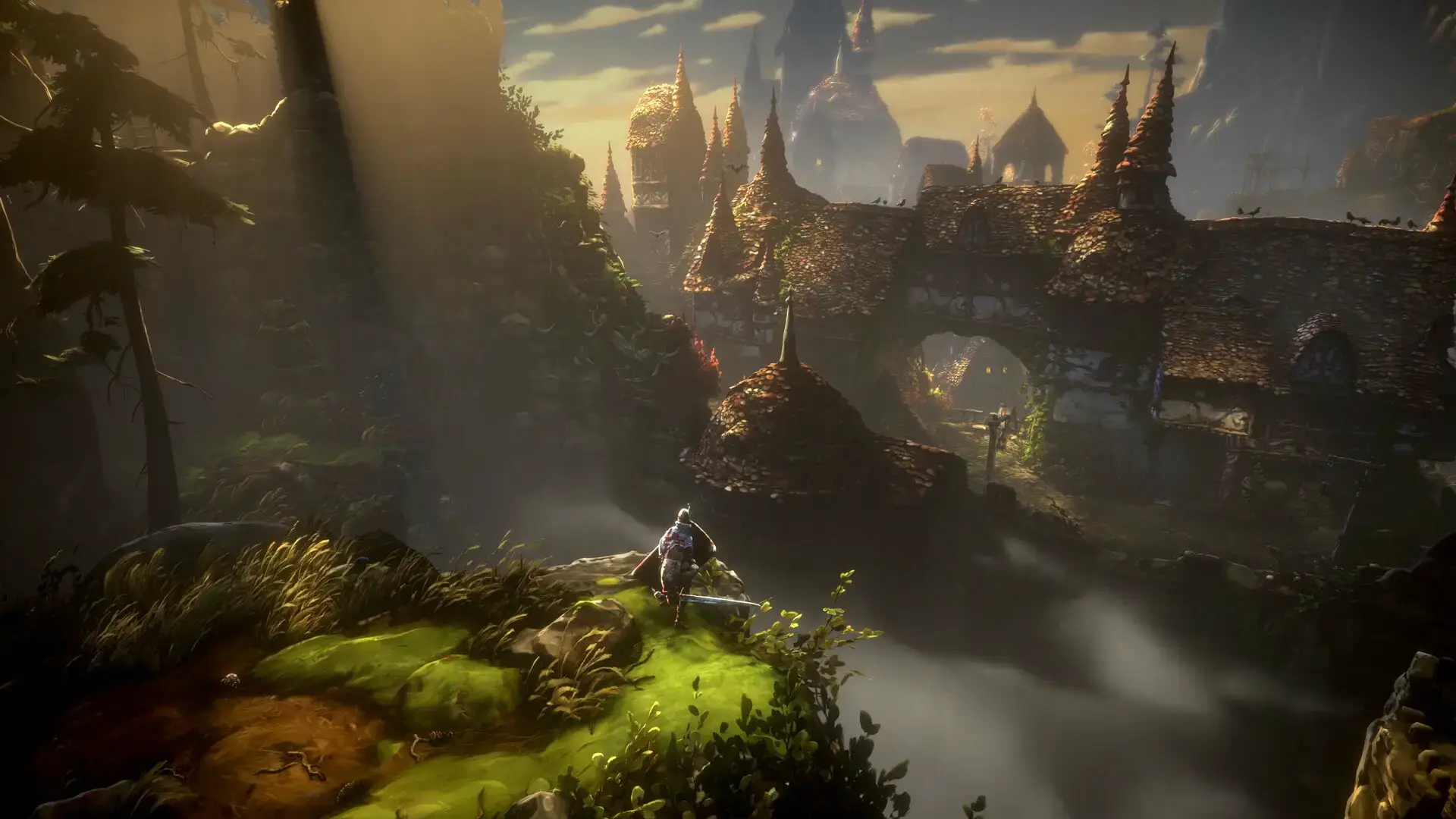
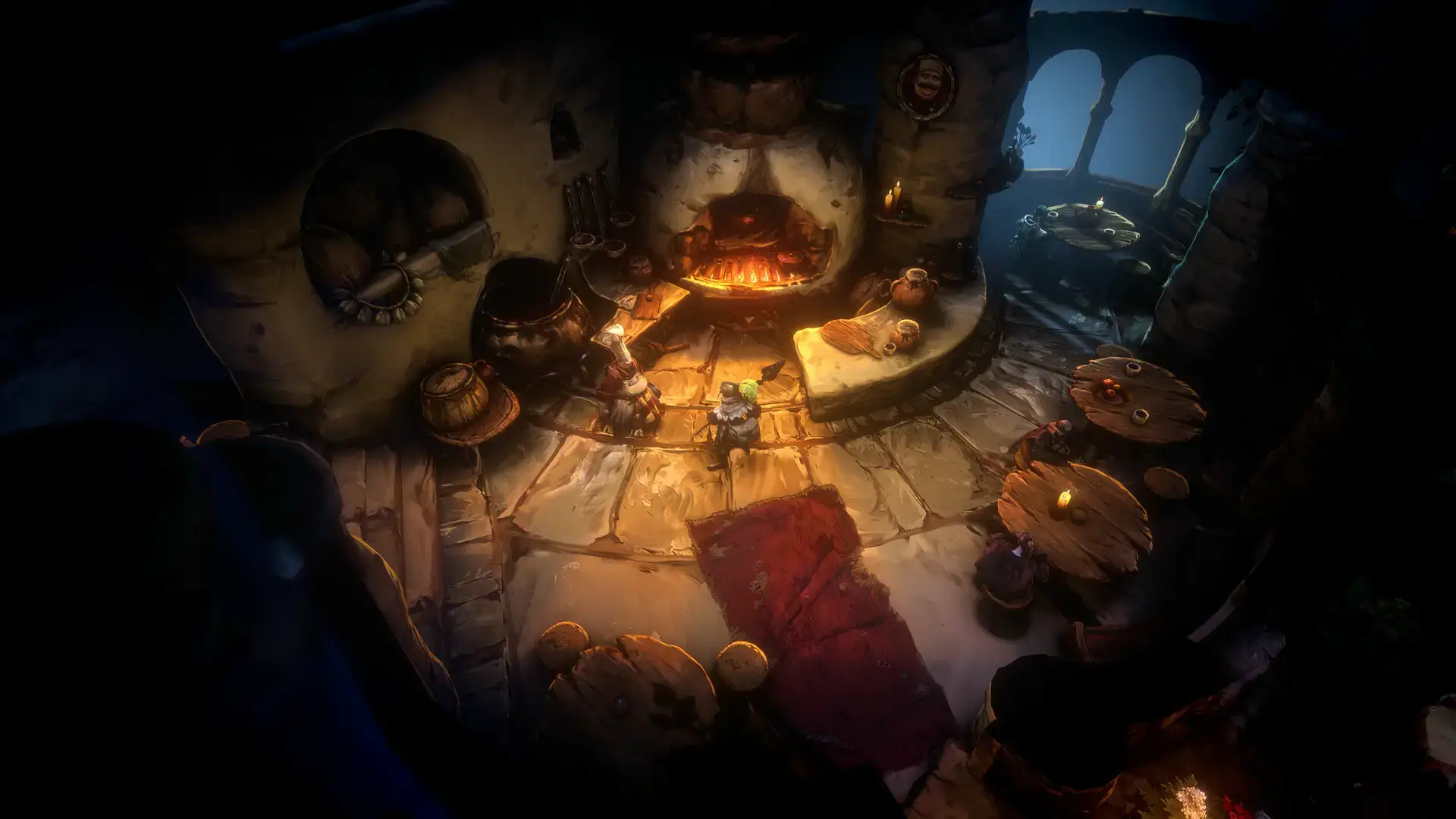
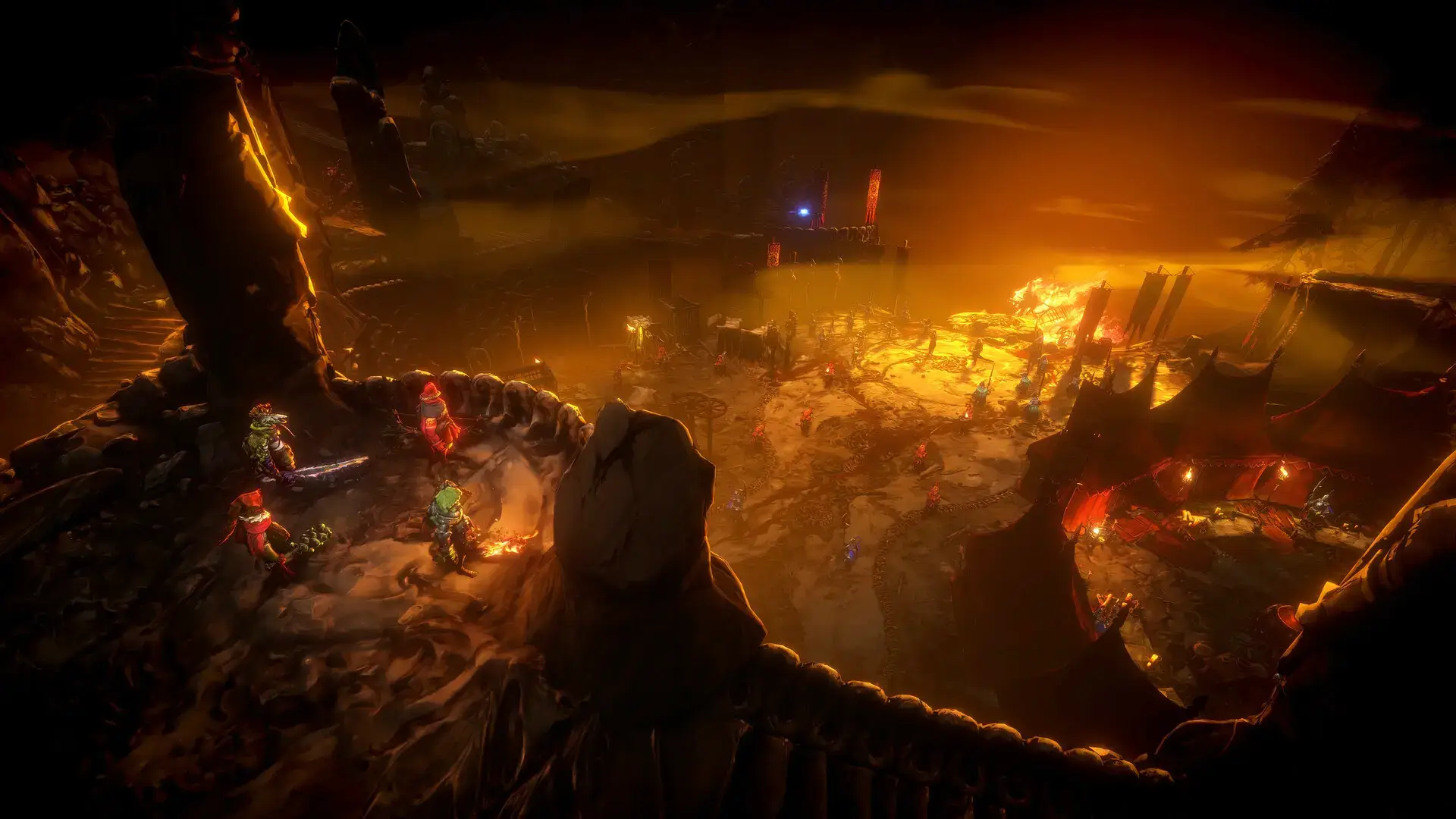
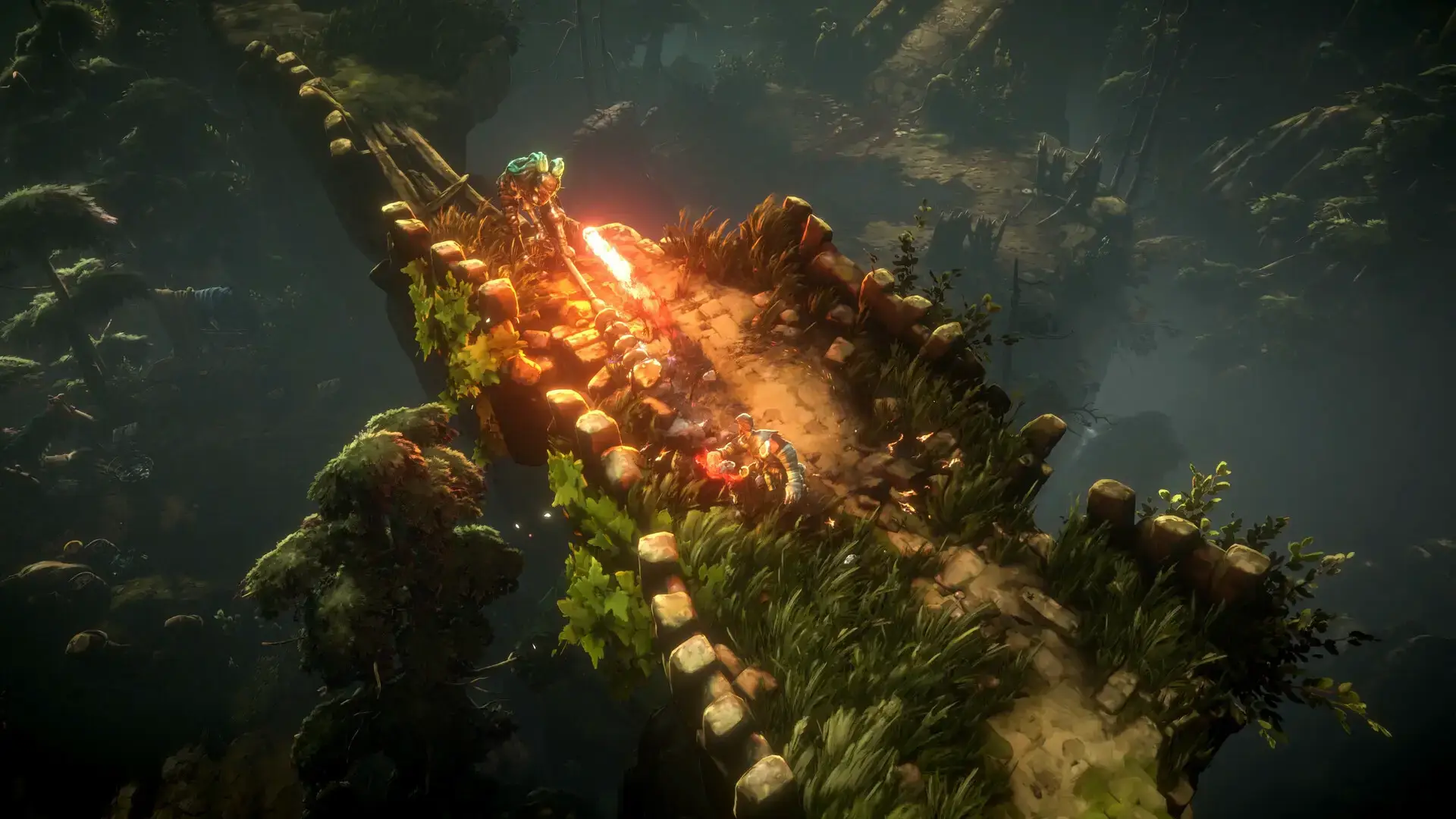
Gameplay Screenshots
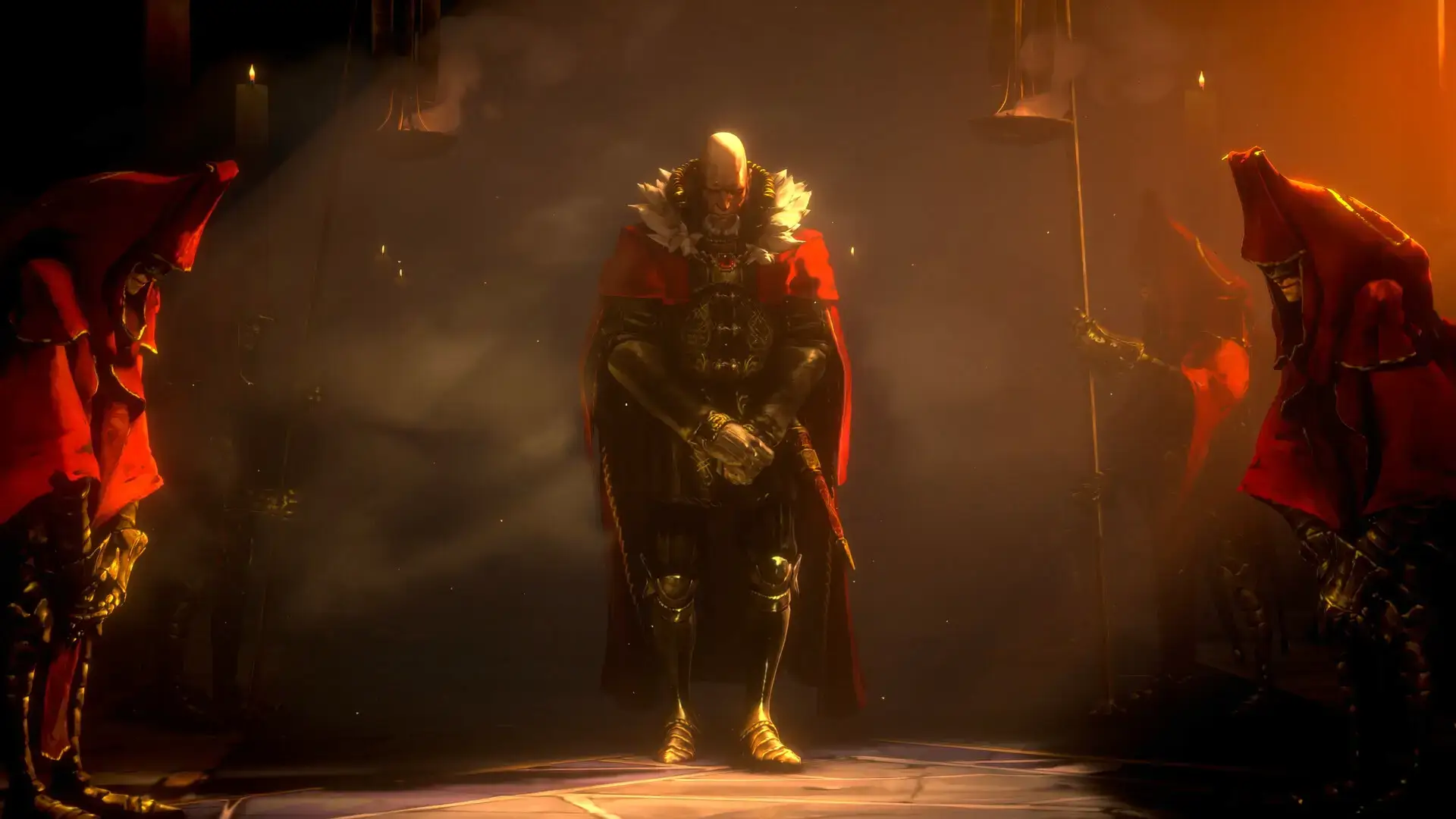
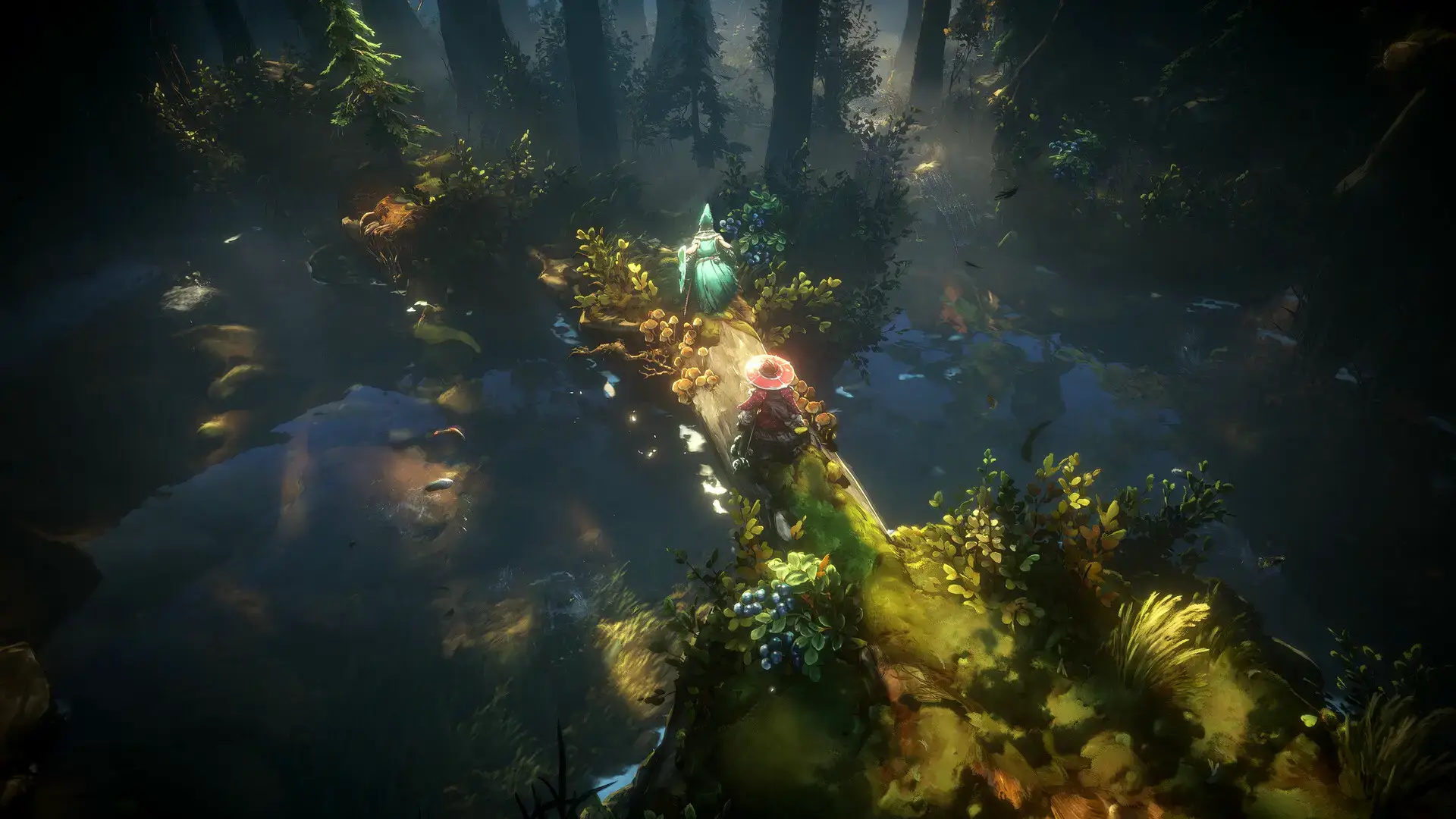
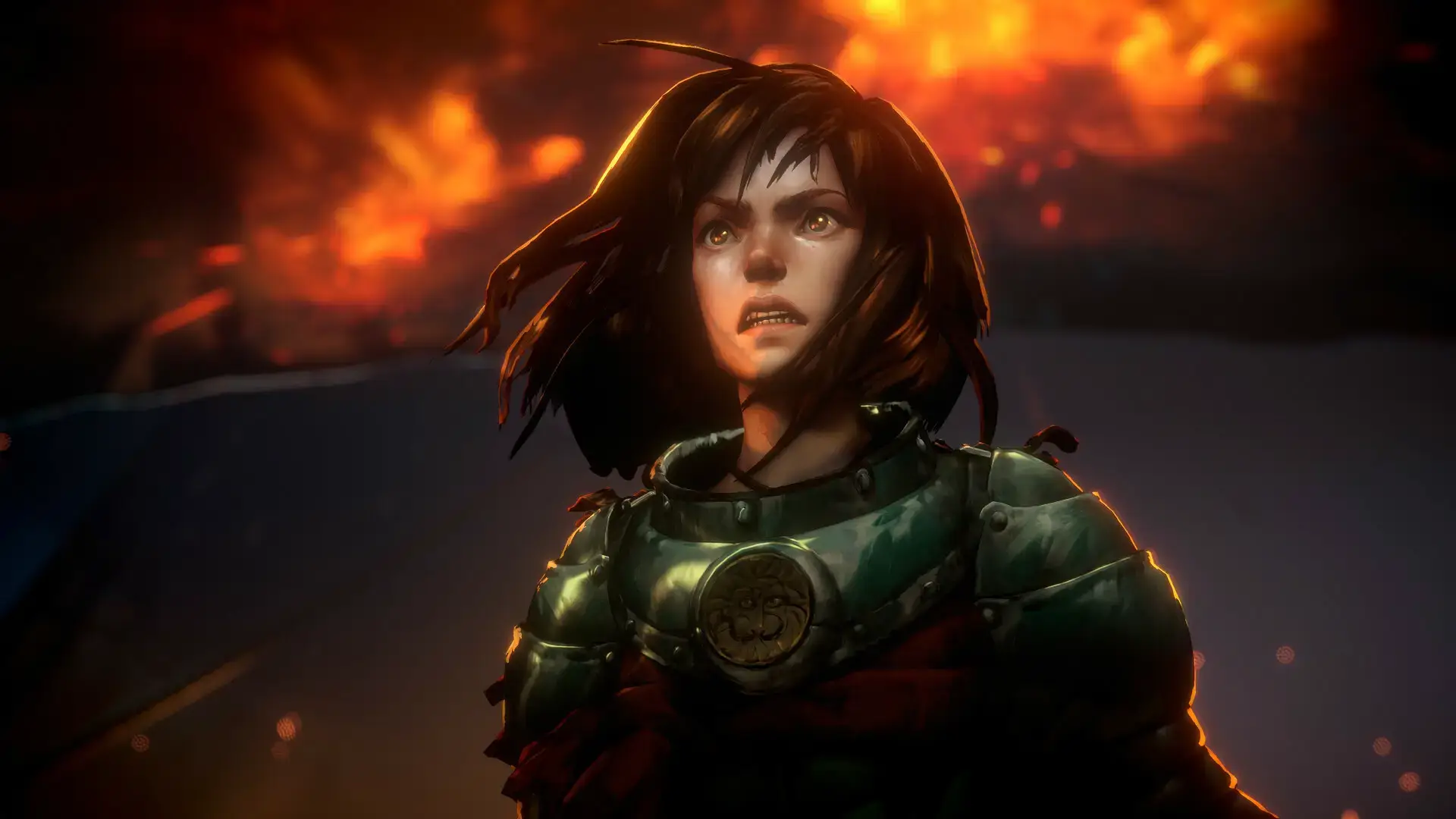
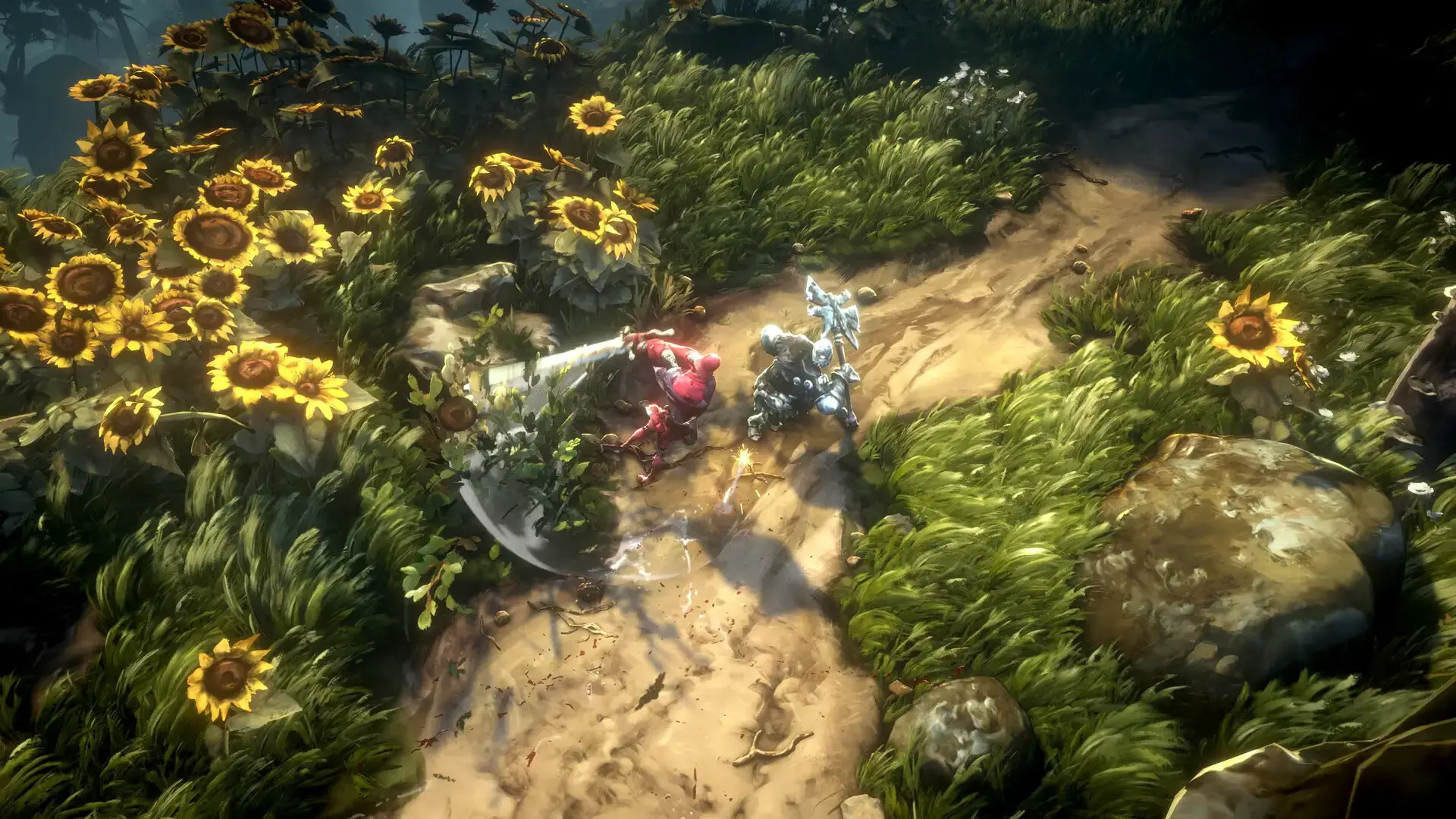
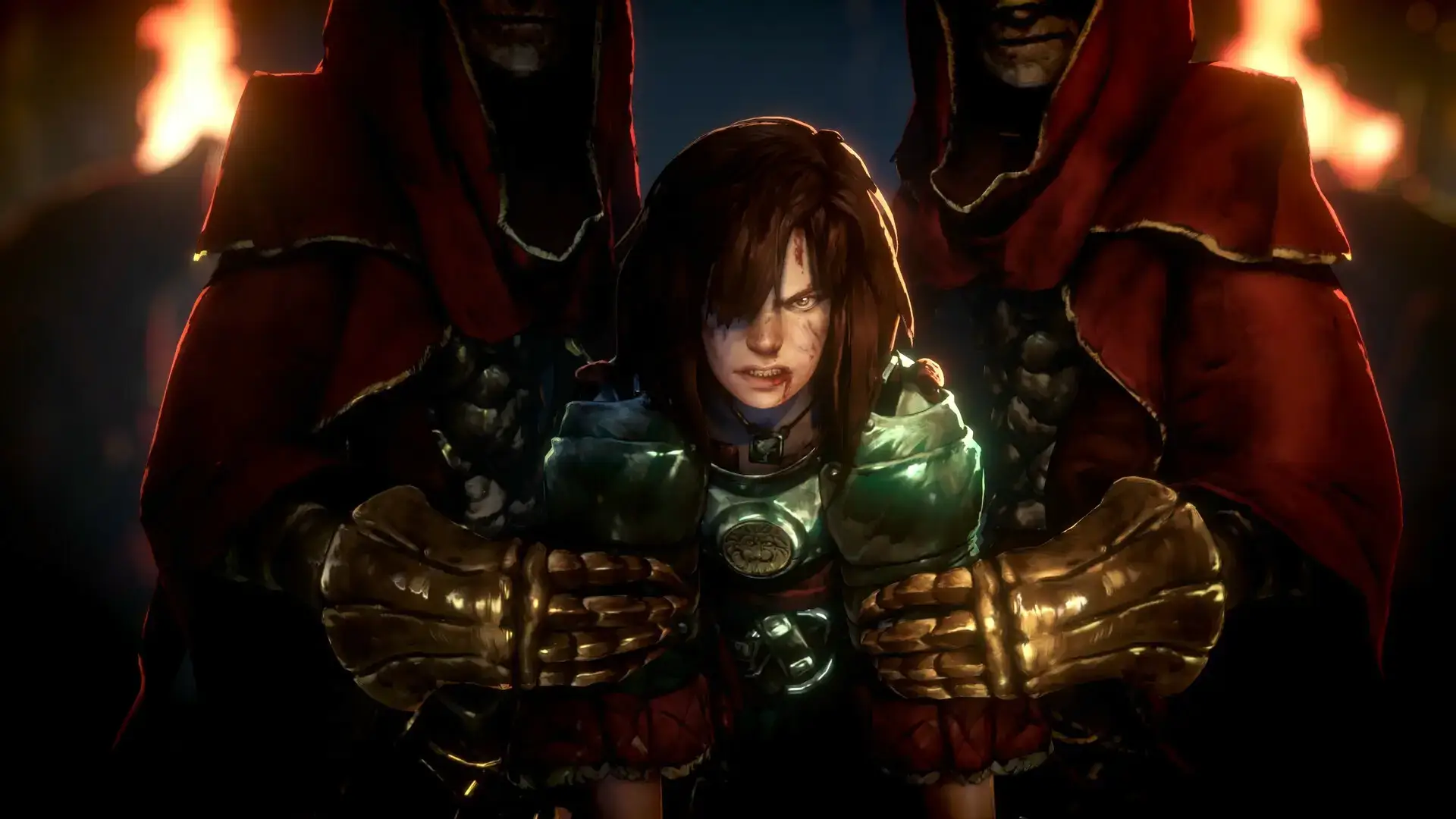
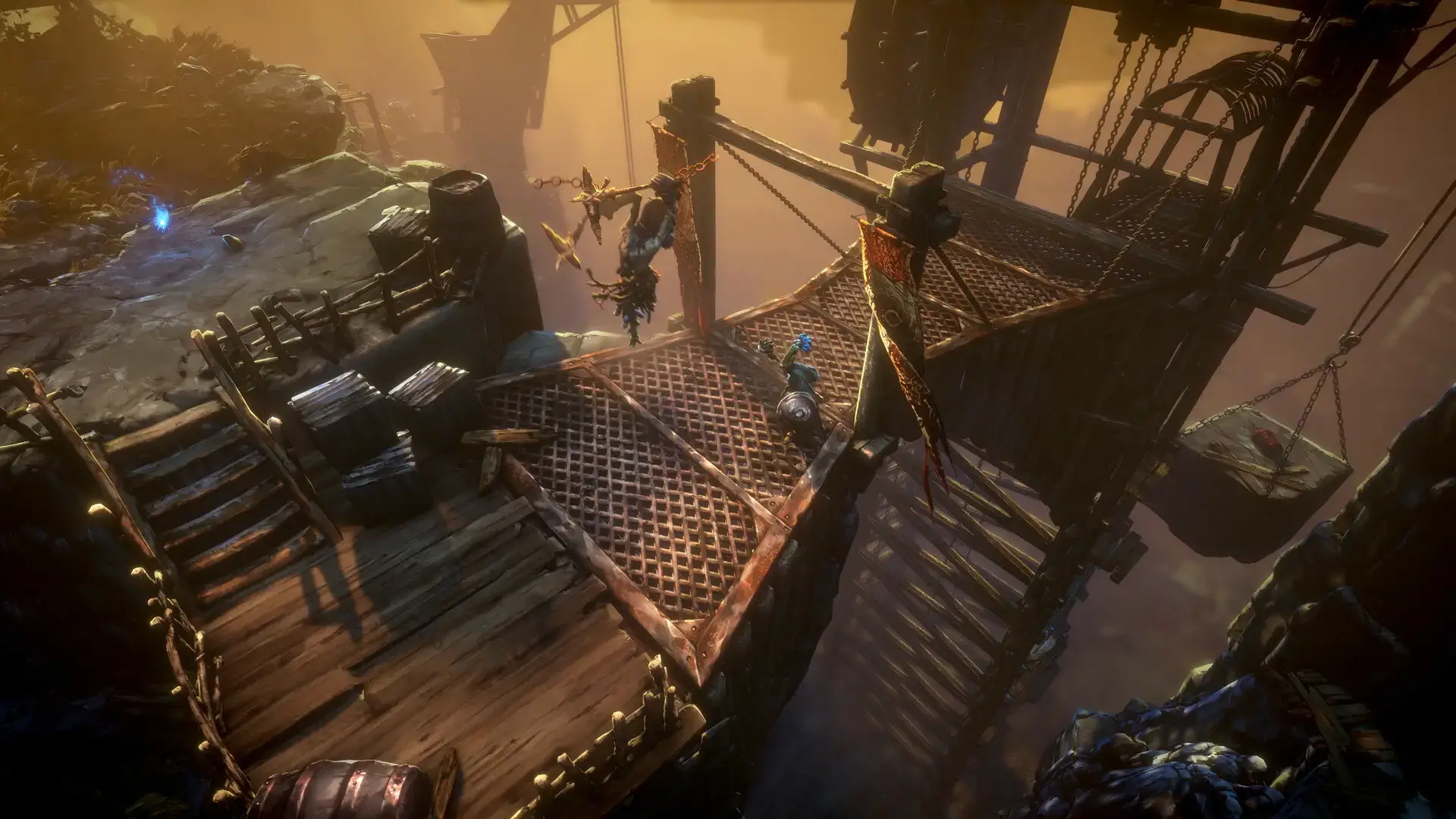
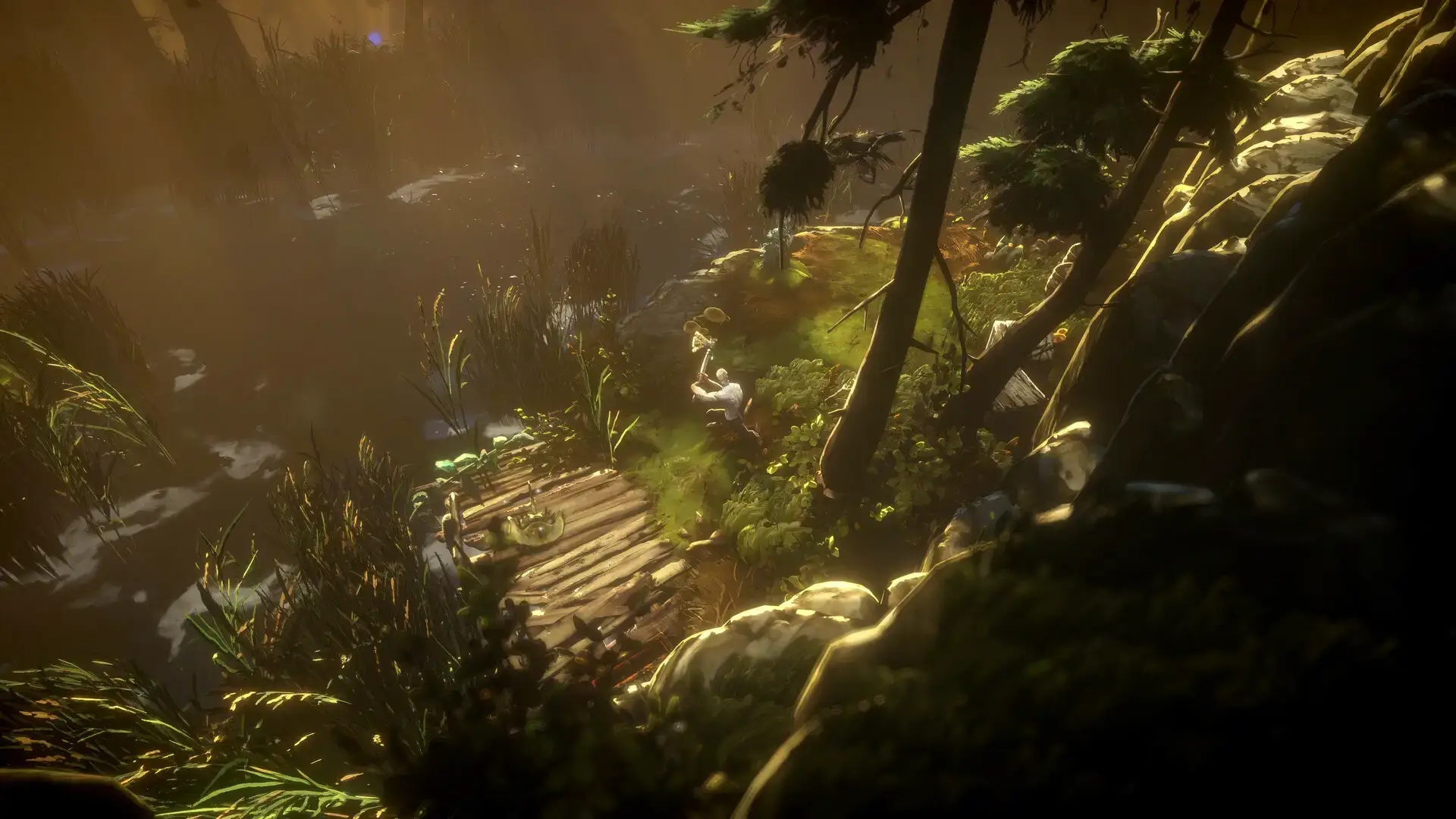
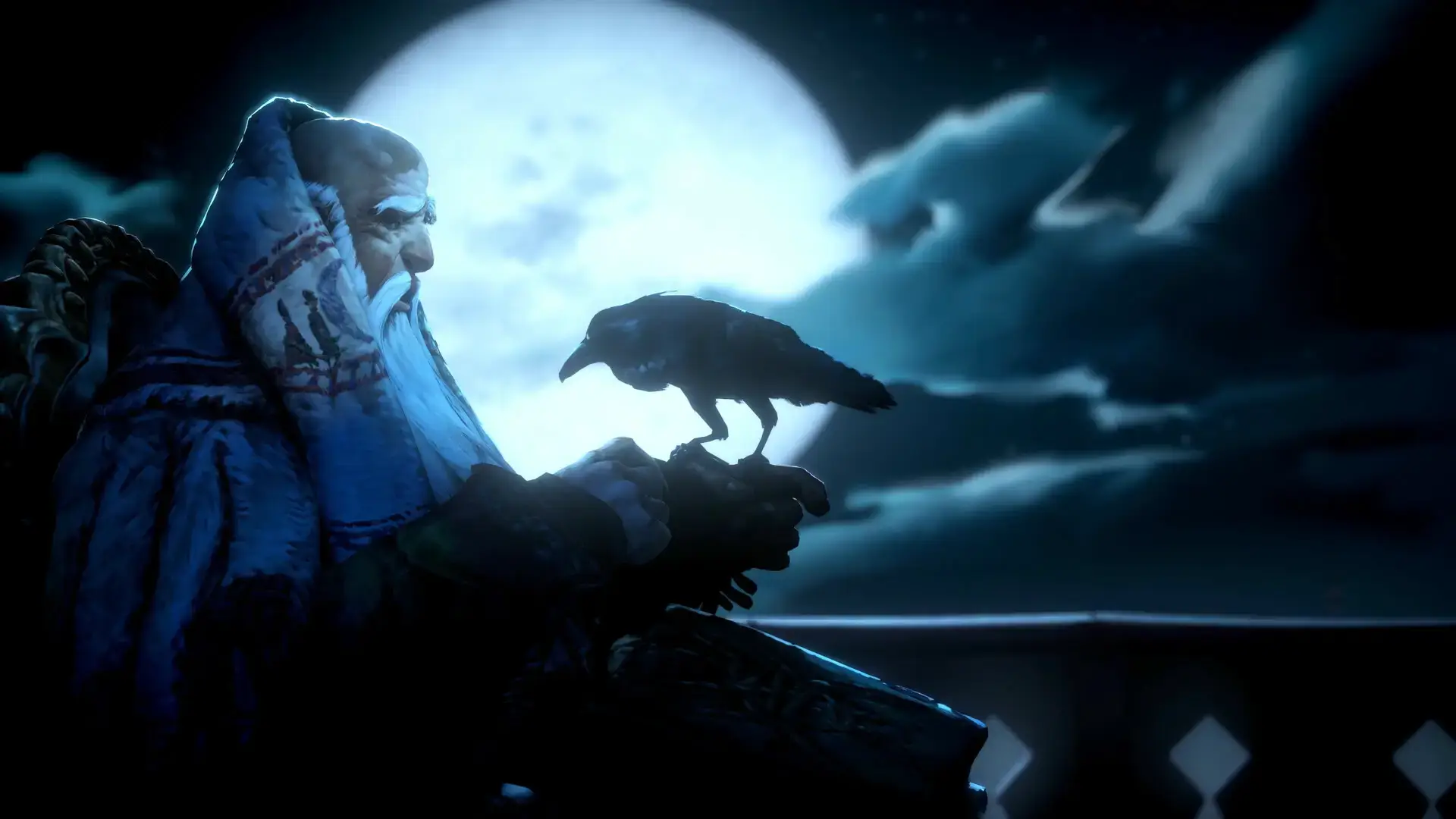
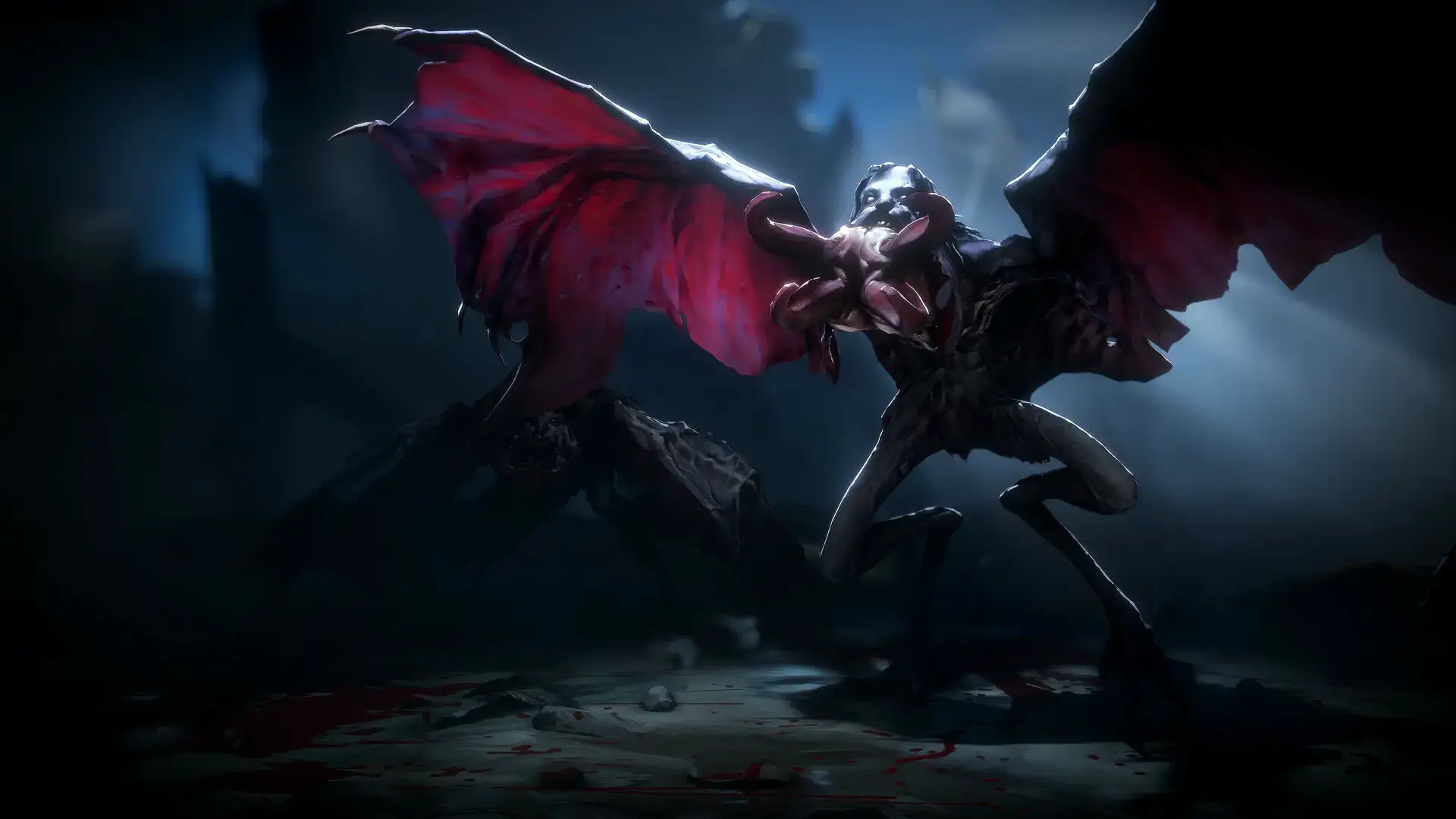
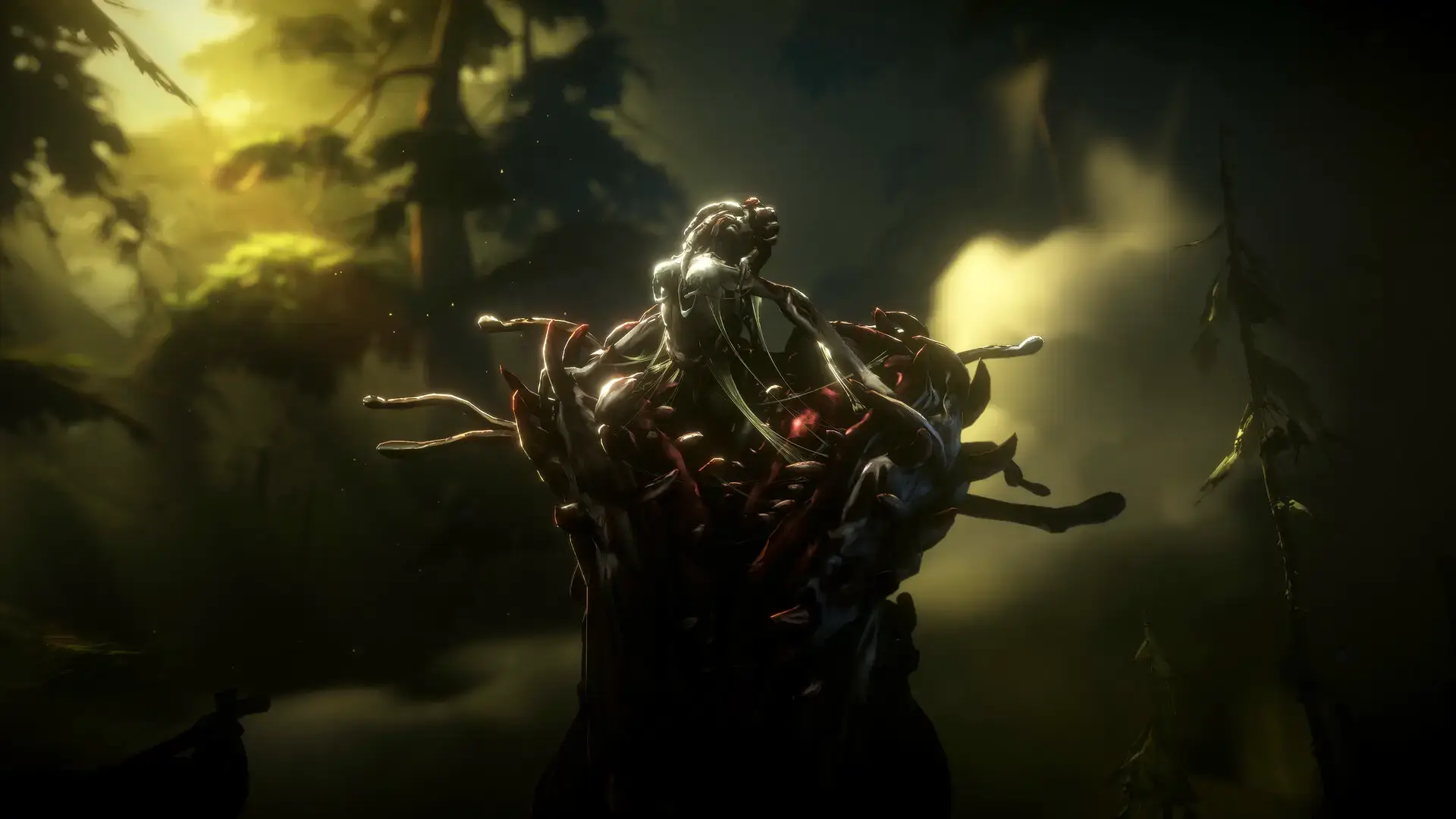
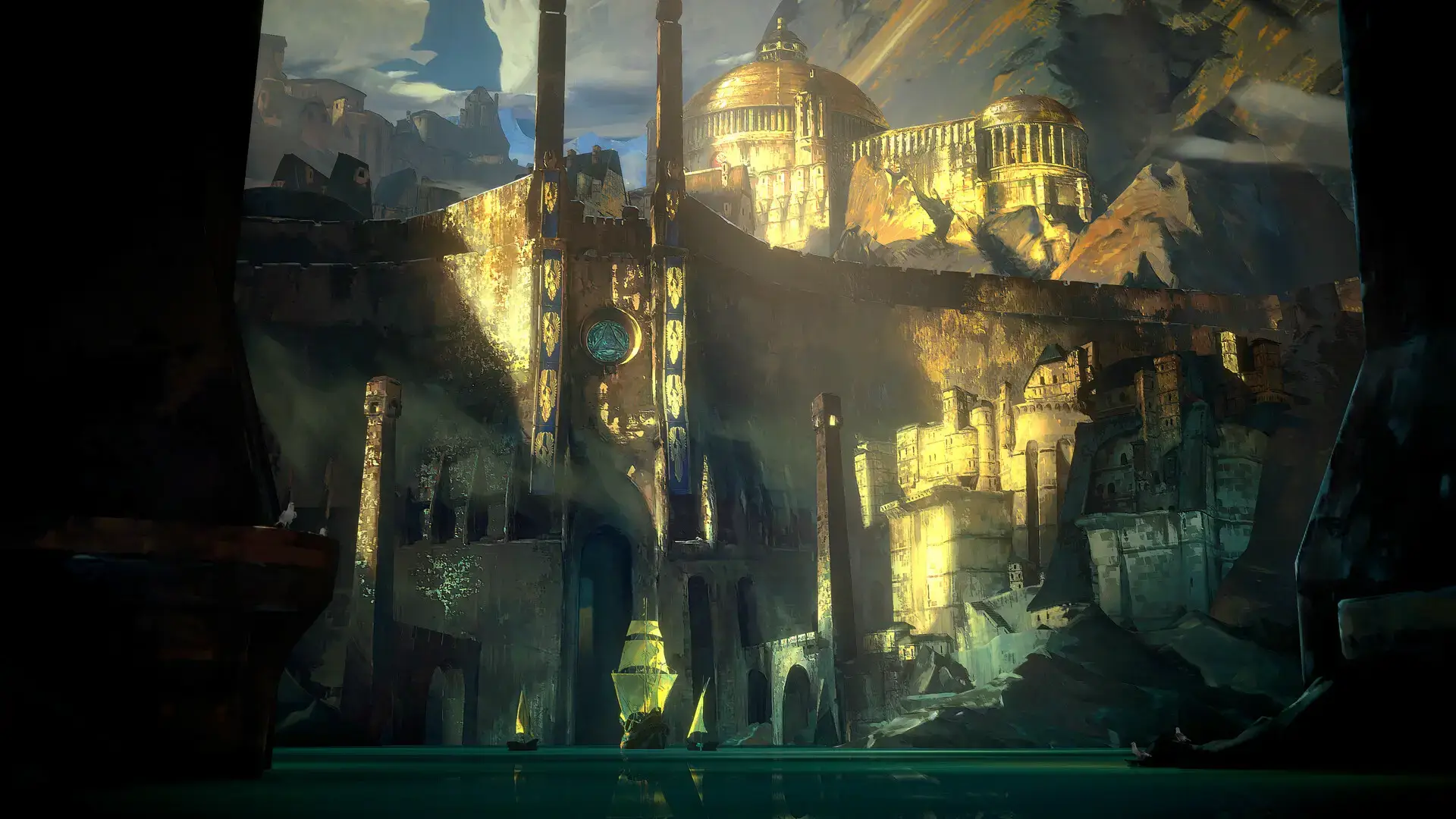
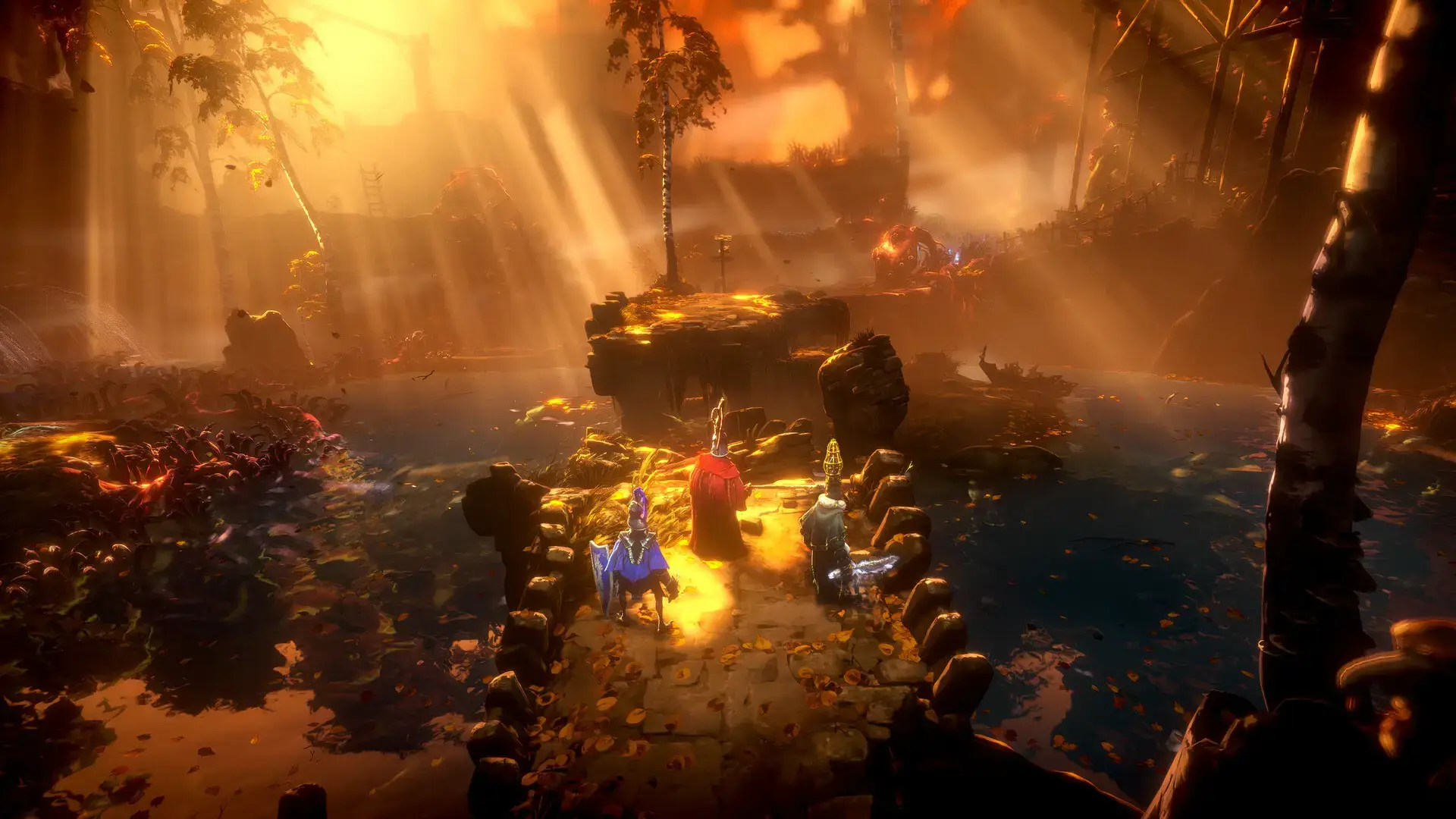
Video Overview
Watch a detailed and easy to understand beginner’s guide for those of you who are new and even those of you who have played it before.
System Requirements
This game is beautiful but demanding. An SSD is required for the open world to load correctly.
| Component | Minimum (1080p / 30 FPS) | Recommended (1080p / 60 FPS) |
|---|---|---|
| OS | Windows 10 / 11 | Windows 10 / 11 |
| CPU | Intel Core i5-8400 / Ryzen 5 2600 | Intel Core i7-11700K / Ryzen 7 5800X |
| RAM | 16 GB | 16 GB+ |
| GPU | GTX 970 / RX Vega 56 | RTX 3070 Ti / RX 6800 XT |
| Storage | 35 GB SSD | 35 GB NVMe SSD |
No Rest for the Wicked FAQ
- Is it multiplayer?
Yes, the game supports 4-player online co-op. You can adventure and rebuild the city together. - Can I play offline?
Yes, “No Rest for the Wicked” includes an offline single-player mode. You do not need an internet connection for solo play. - Is it like Diablo or Dark Souls?
It is a mix. It has the camera angle and loot of Diablo. But it has the difficult combat and weight of Dark Souls. Do not expect to click fast to kill enemies. - Is there character customization?
Yes, there is a character creator at the start. You can also customize your armor and house later in the game.
Explore more Windows games: Best Action Games · LORT (Co-op Chaos) · Risk of Rain 2 for PC · Quarantine Zone for PC · Underground Garage for PC
Discover more from Windows Mode
Subscribe to get the latest posts sent to your email.












Add your first comment to this post