Readers like you help support this site. When you make a purchase using links on our site, we may earn an affiliate commission. All opinions remain our own.
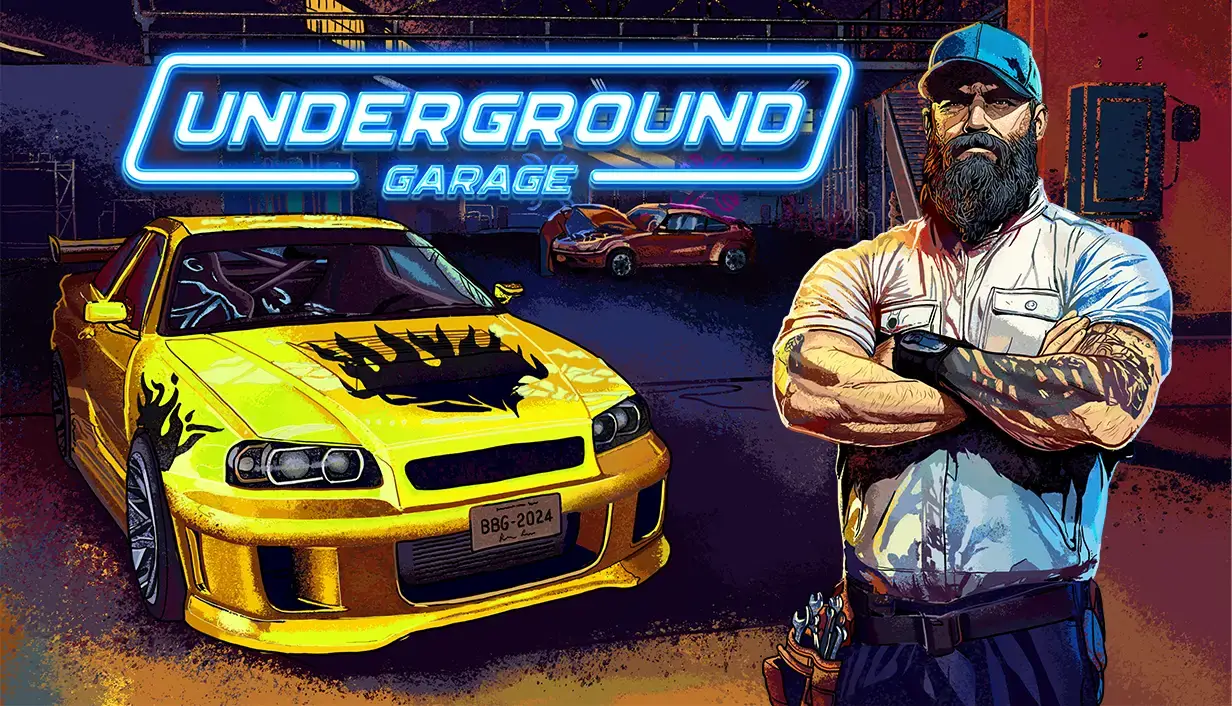
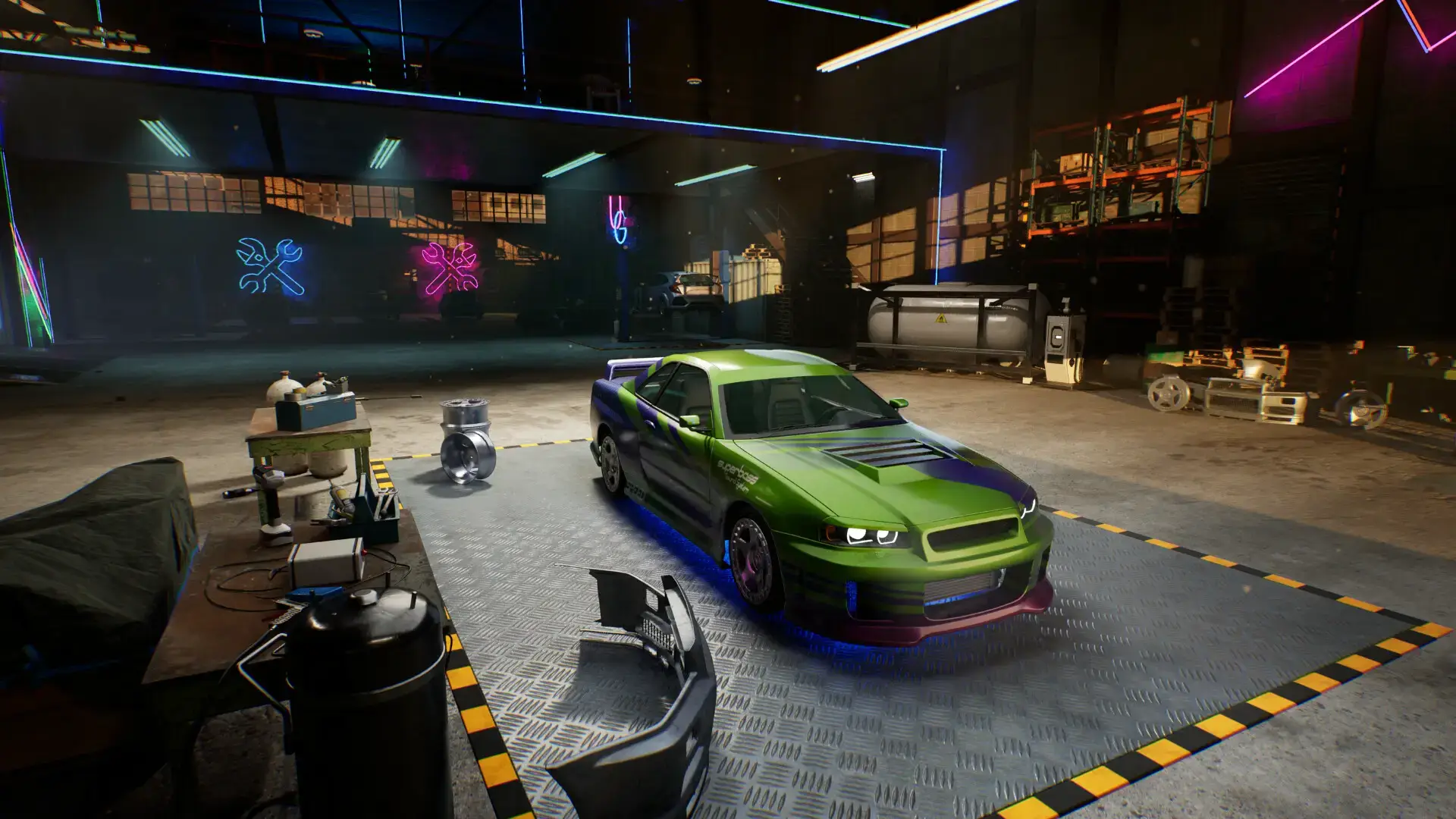
Underground Garage is a car game that mixes mechanic work with street racing. You fix cars, tune engines, and then drive them in an open city. You can download the game on PC through Steam.
This game uses high-quality lights and reflections. If your computer is old, you can stream it instantly on Boosteroid without downloading any files.
Most mechanic games only let you fix cars. This game is different. You run a garage, but you also join underground car meets.
You play as a new mechanic. You must repair broken cars to make money. Then, you use that money to buy and build your own dream ride to race against gangs.
Quick Facts
- 📅 Release Date: Jan 27, 2026
- 🛠️ Developer: BeardedBrothers.games
- 📂 Size: ~14 GB
- ☁️ Cloud Play: Available on Boosteroid
- 💰 Price: ~$19.99 (USD)
How to Download & Install Underground Garage on PC
Underground Garage is available on Steam.
- Go to the Steam Store page.
- Click Add to Cart and buy the game.
- Open your Steam Library and click Install.
- Select your drive (SSD is recommended for fast loading) and wait for the 14 GB download.
What is Underground Garage?
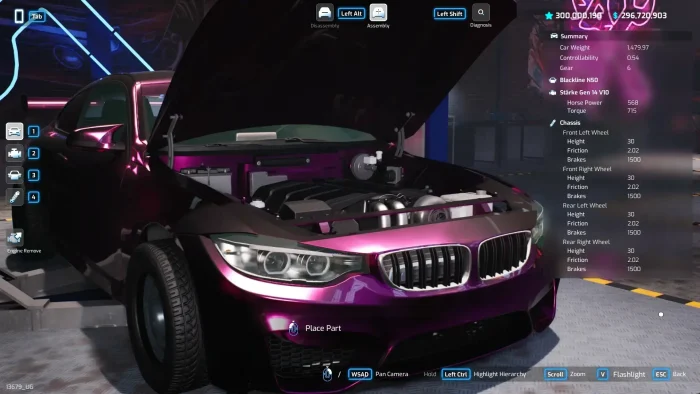
Imagine combining Car Mechanic Simulator with Need for Speed. That is what this game tries to do.
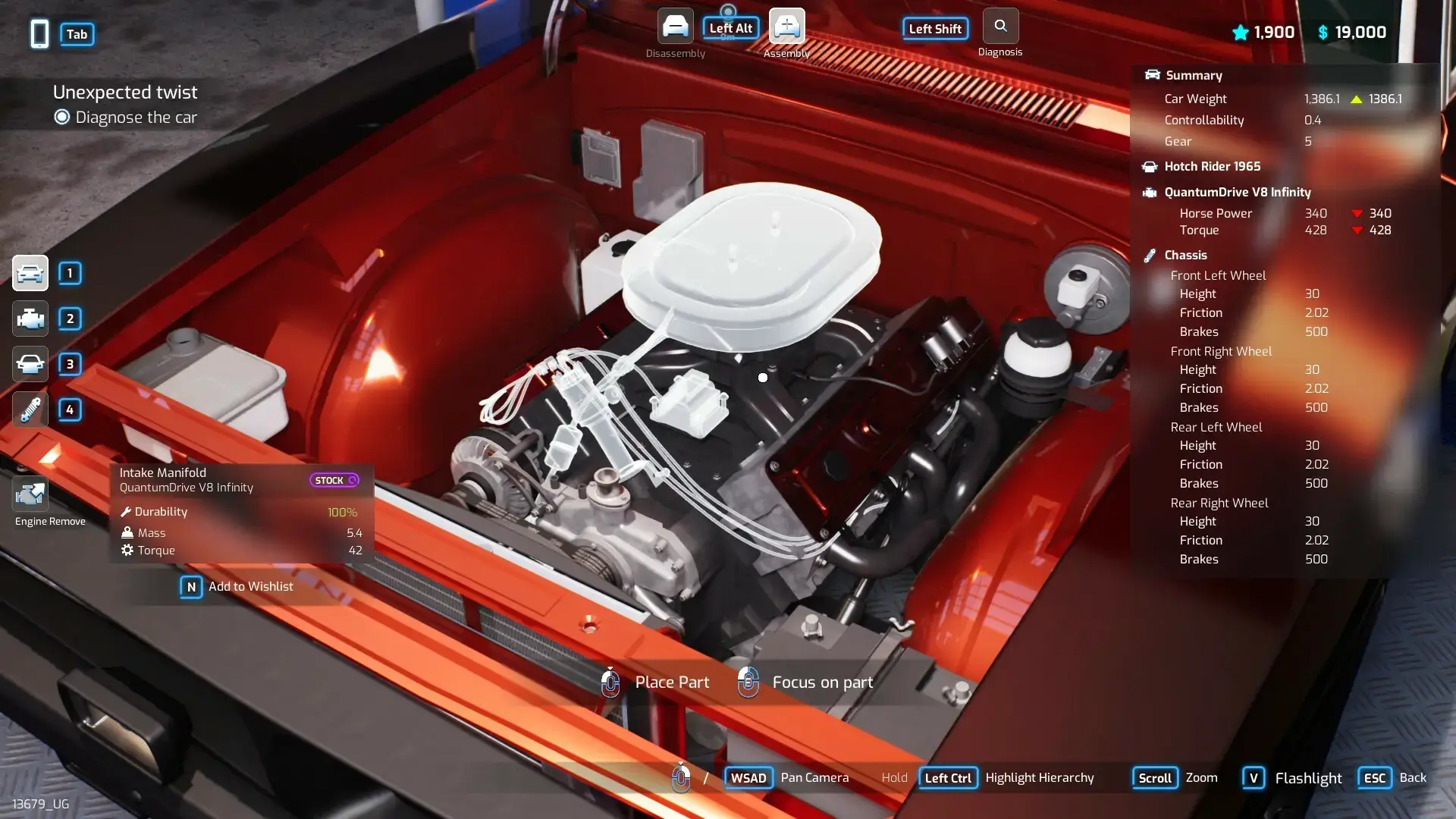
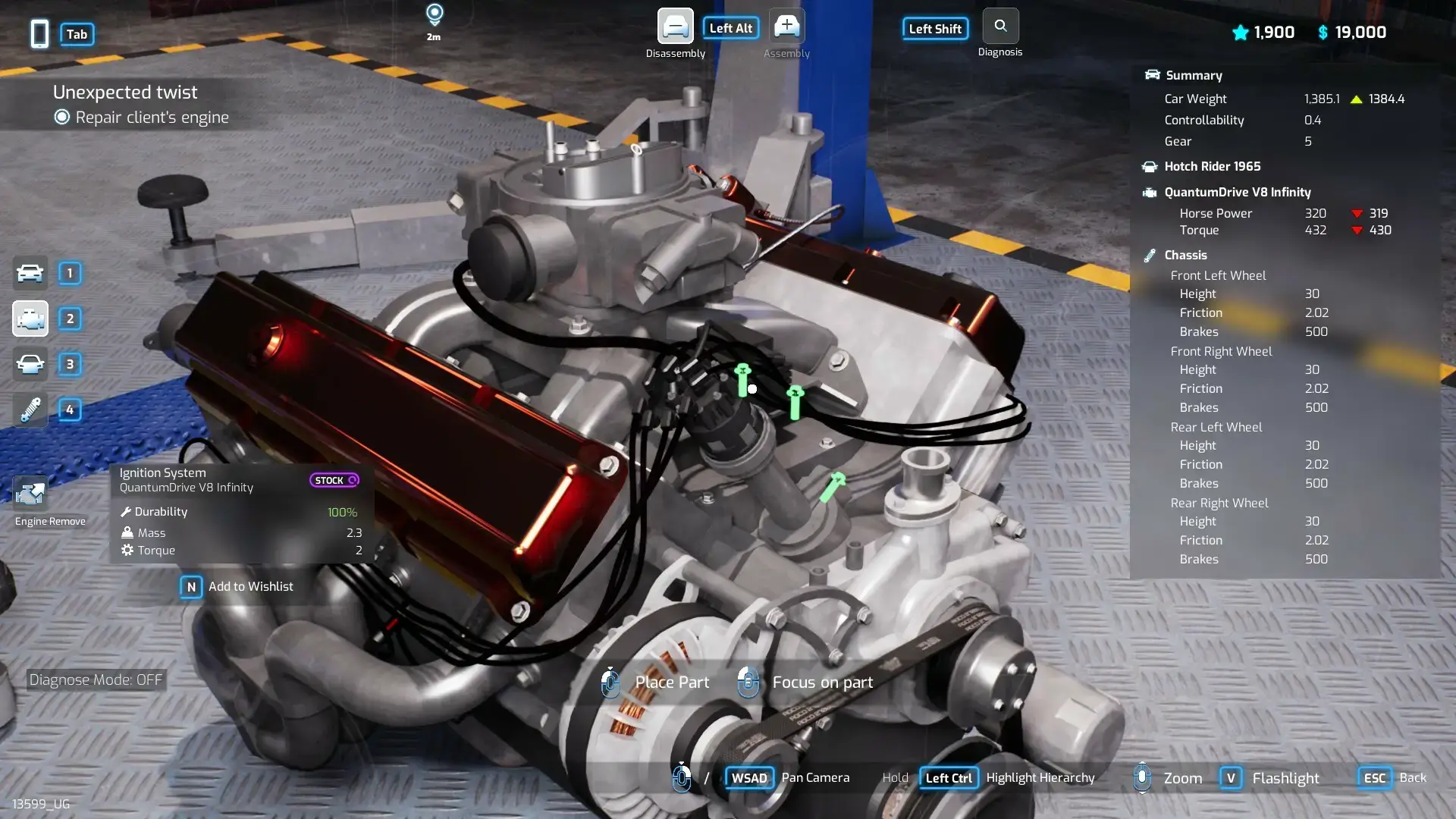
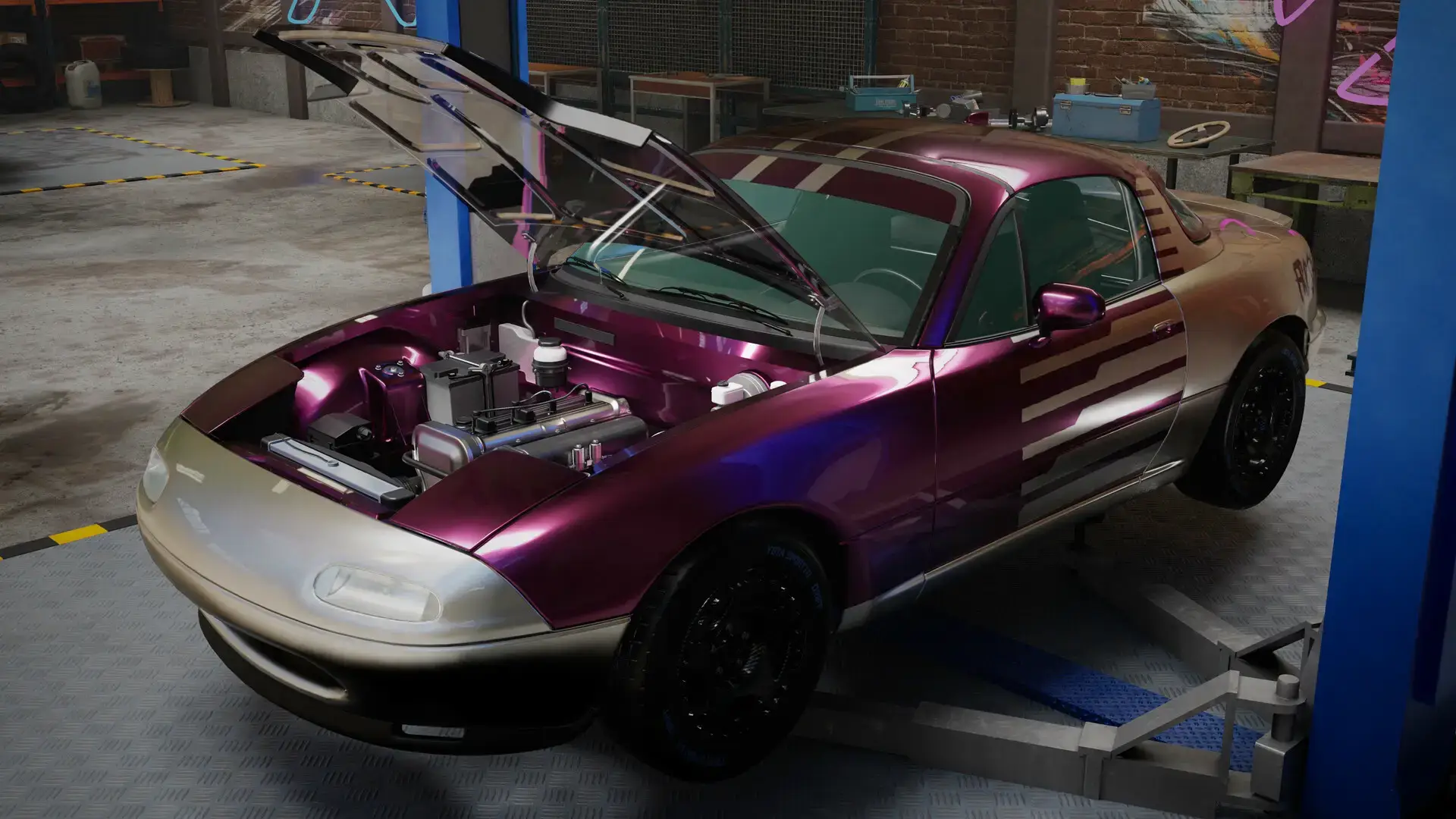
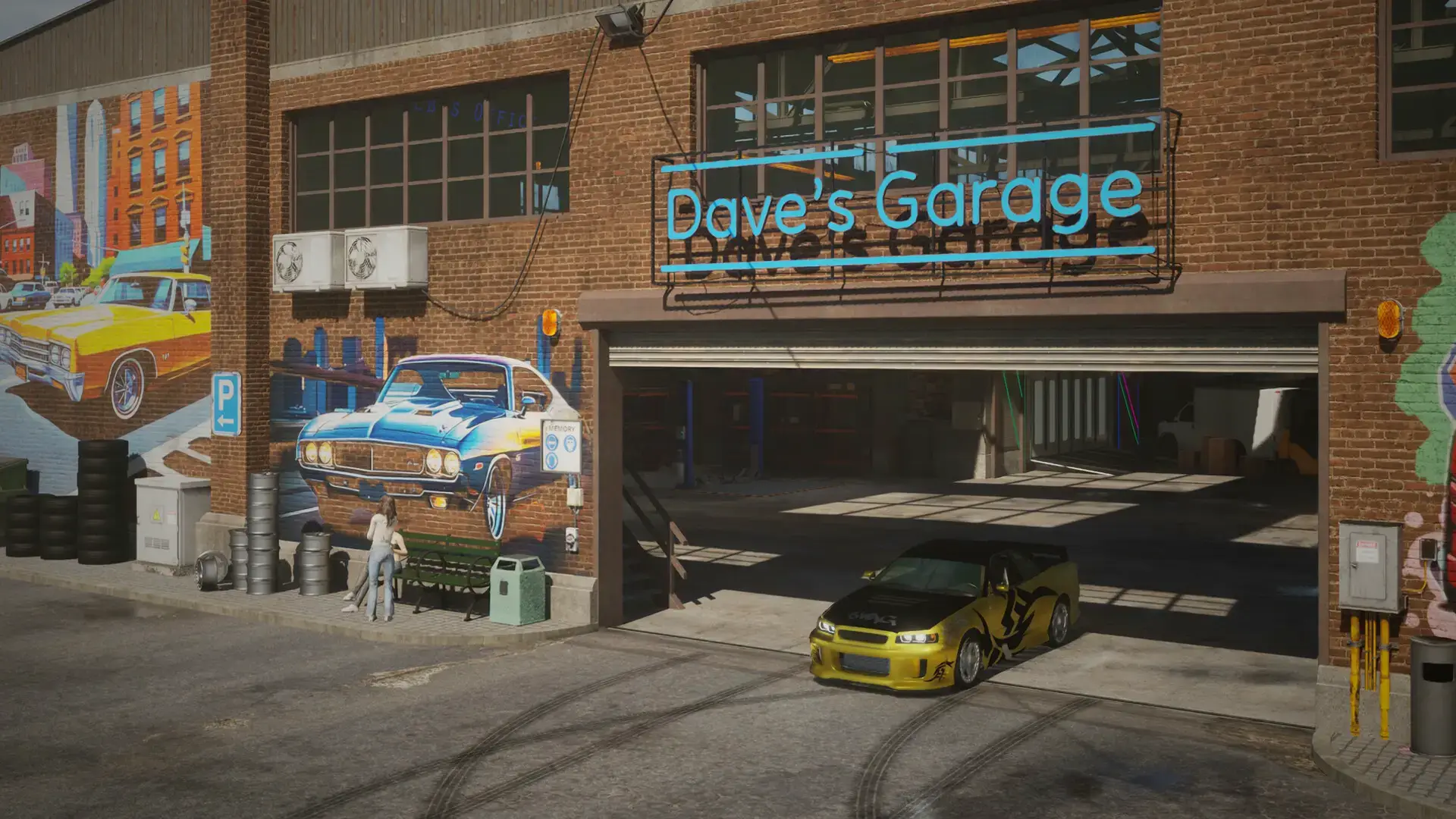
In most mechanic games, you just click bolts to fix cars. In Underground Garage, fixing the car is just step one. Once the engine is running, you take the car out to the city.
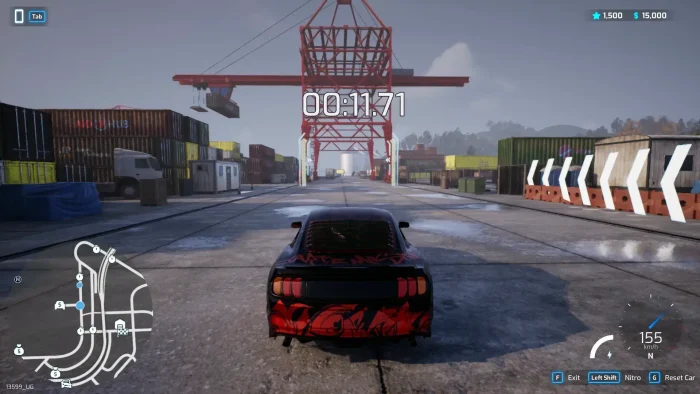
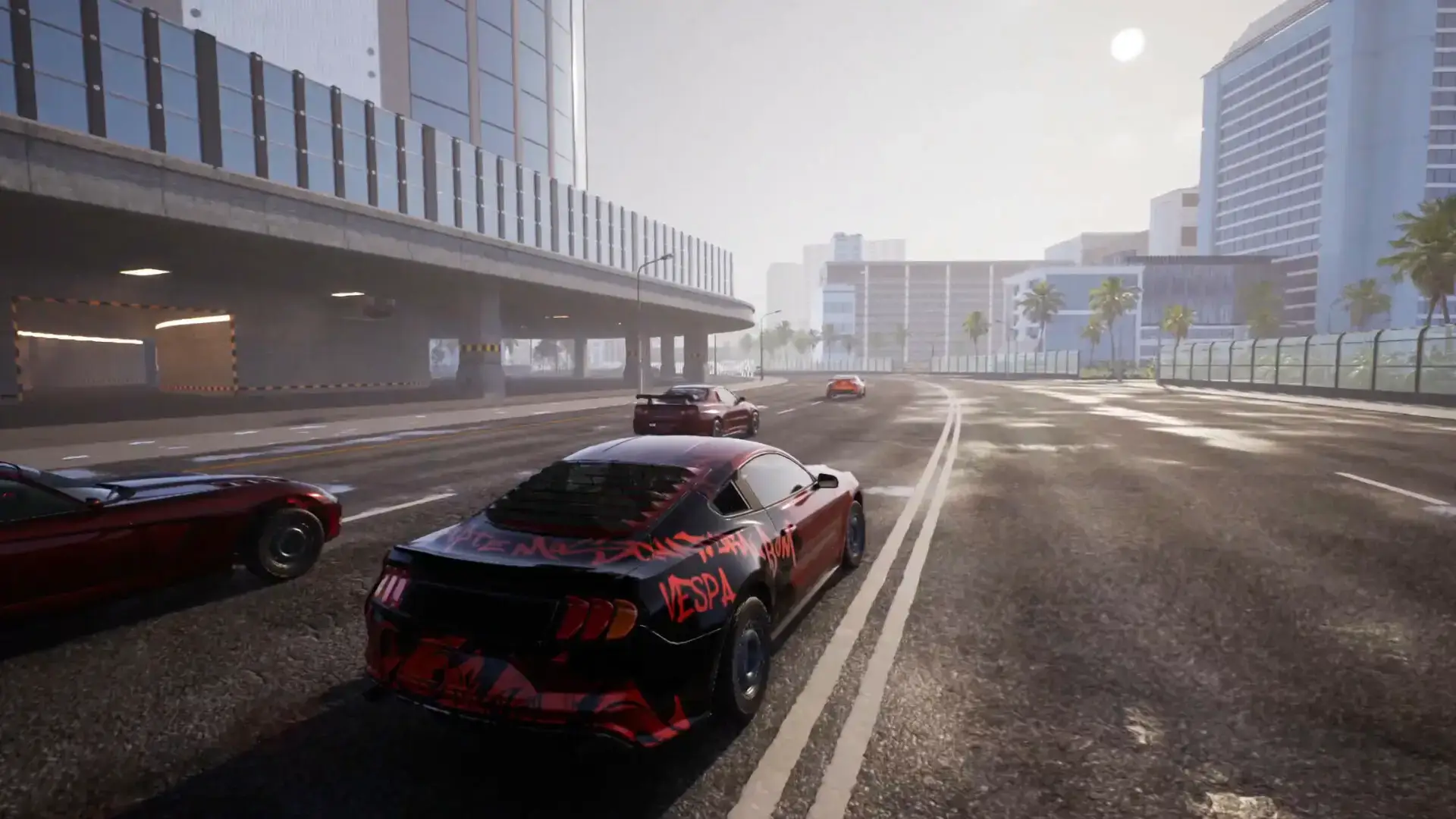
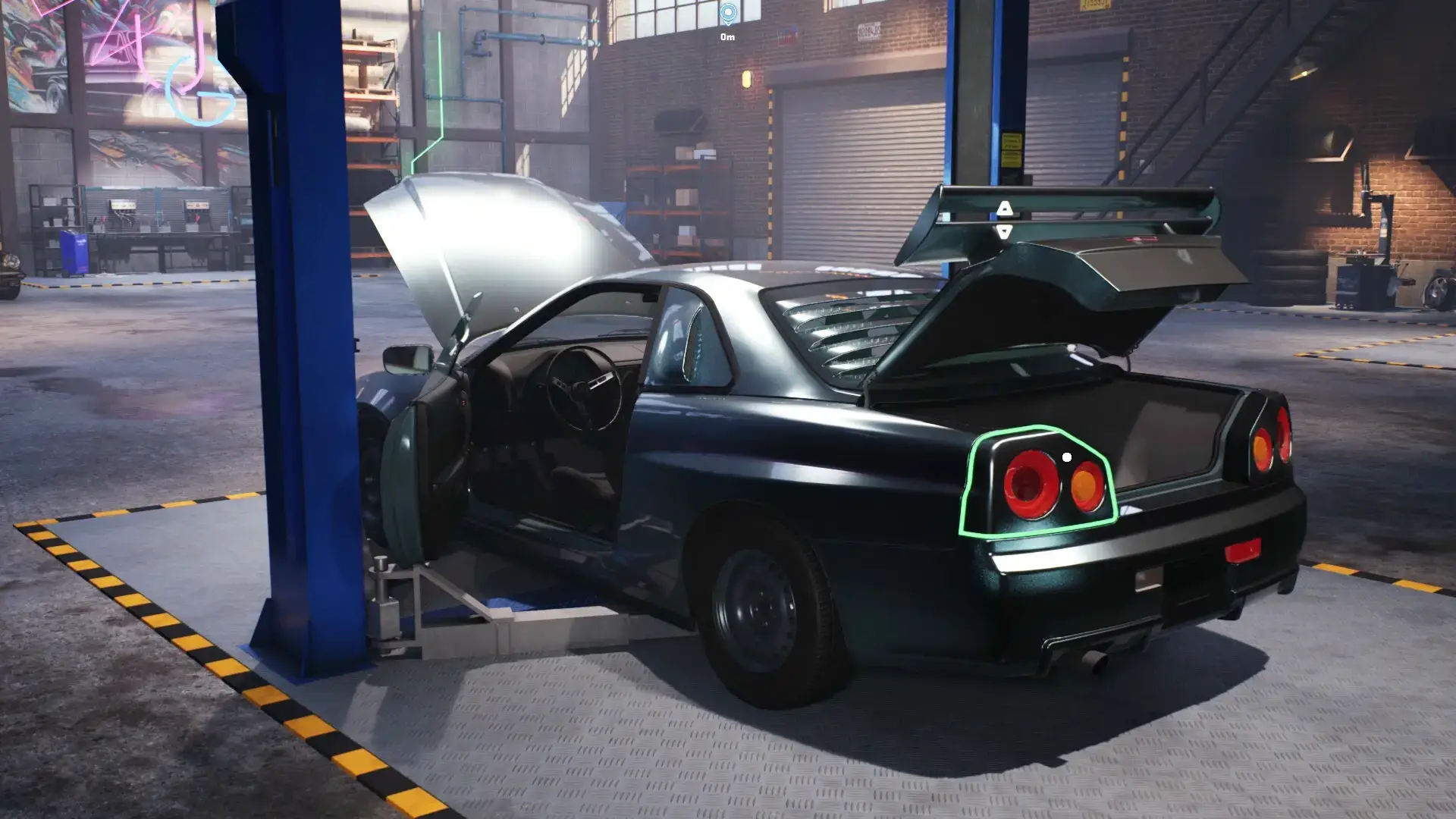
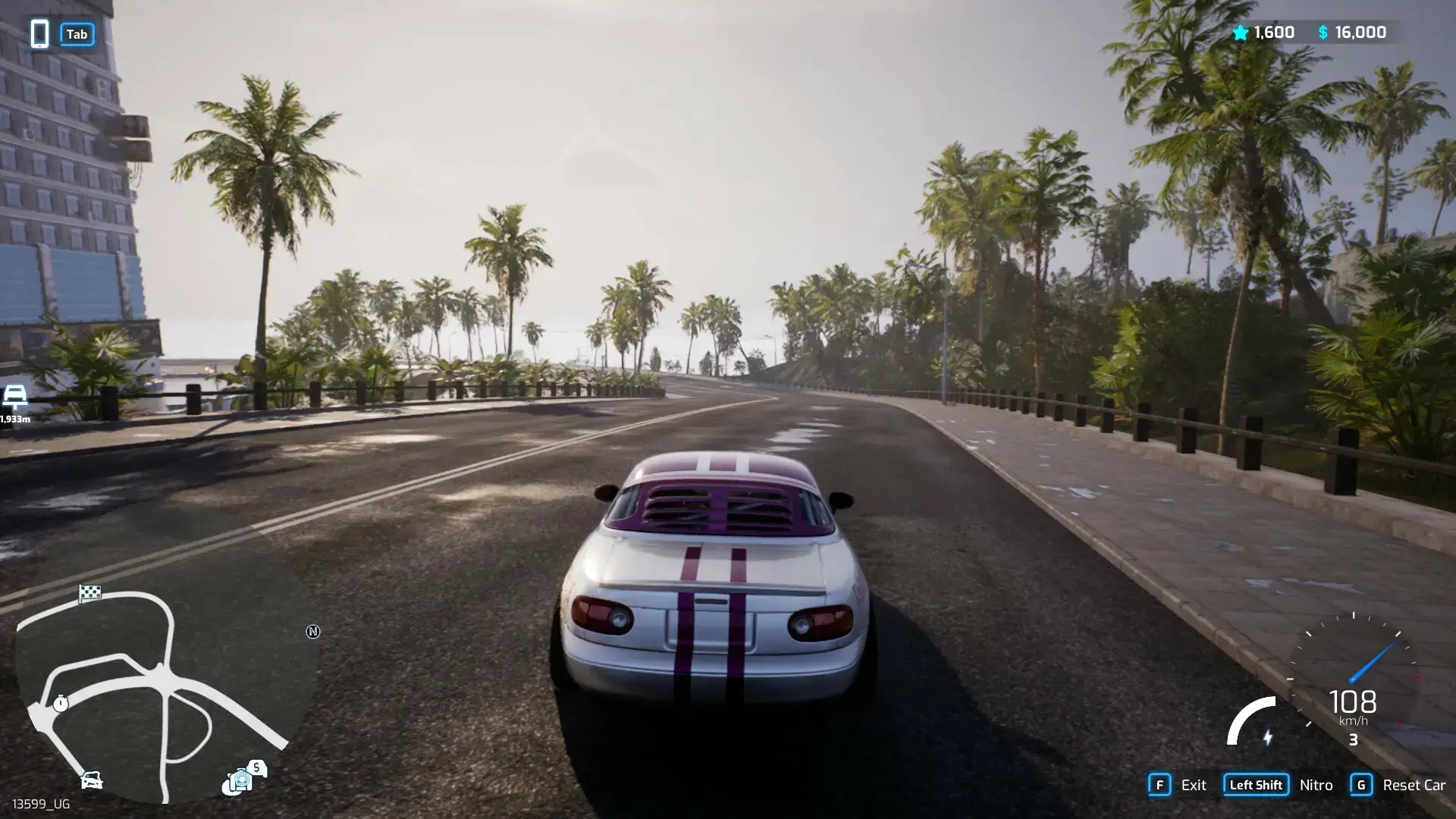
You can test drive, drift, and race against other drivers. The damage system is realistic. If you crash your car during a race, you have to go back to the garage and fix the bodywork yourself.
Key Gameplay Features
- 🔧
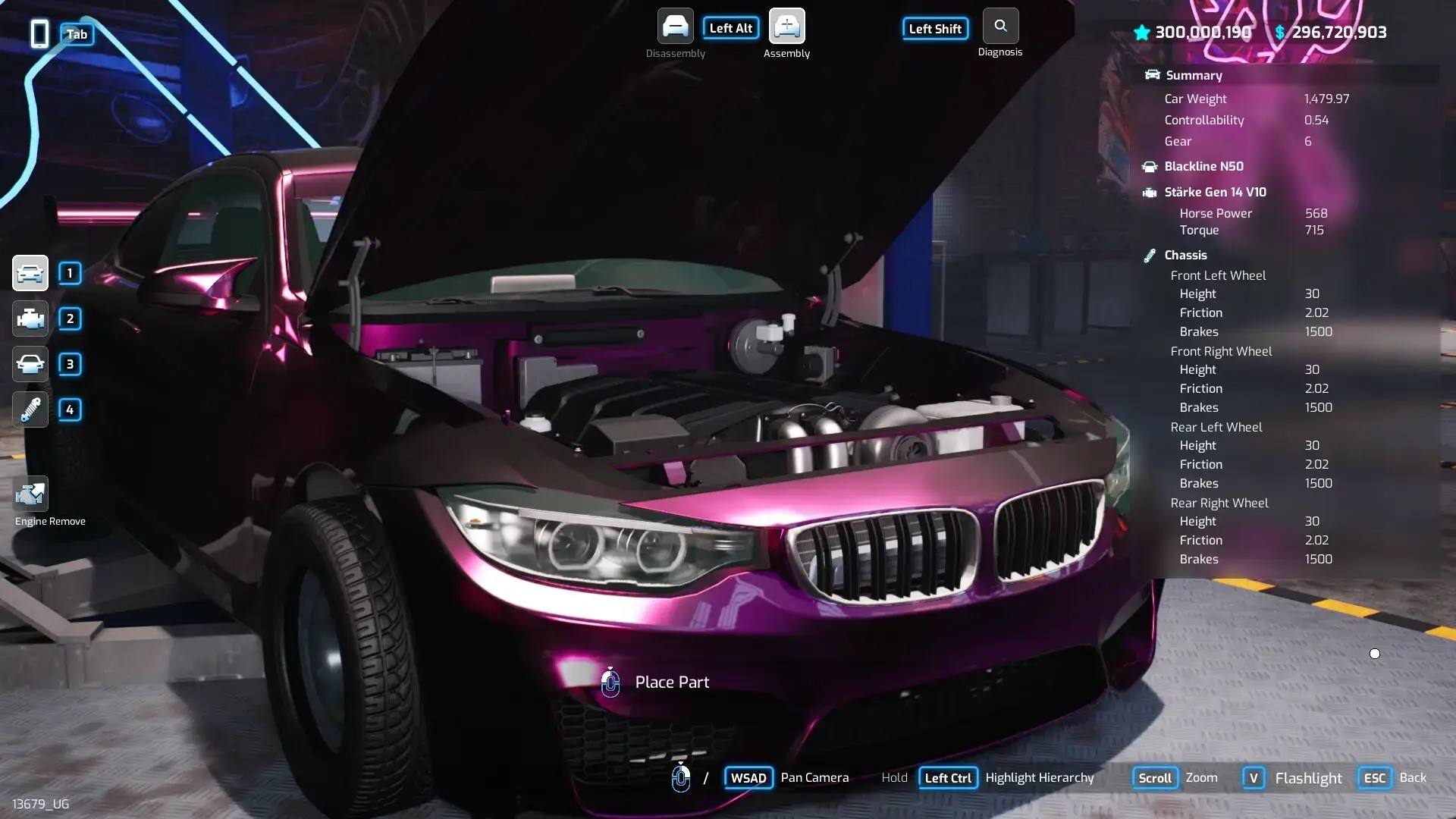
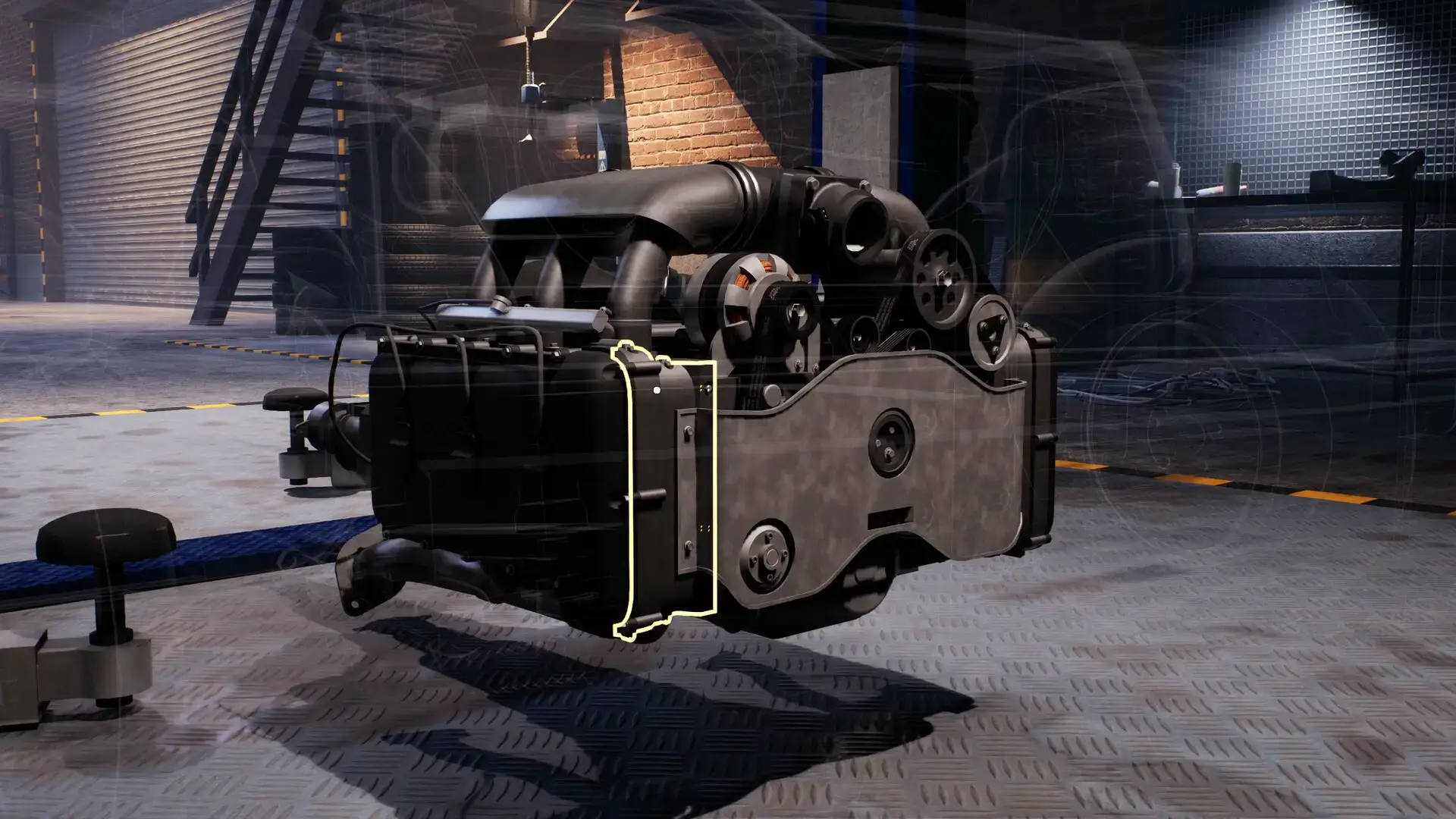
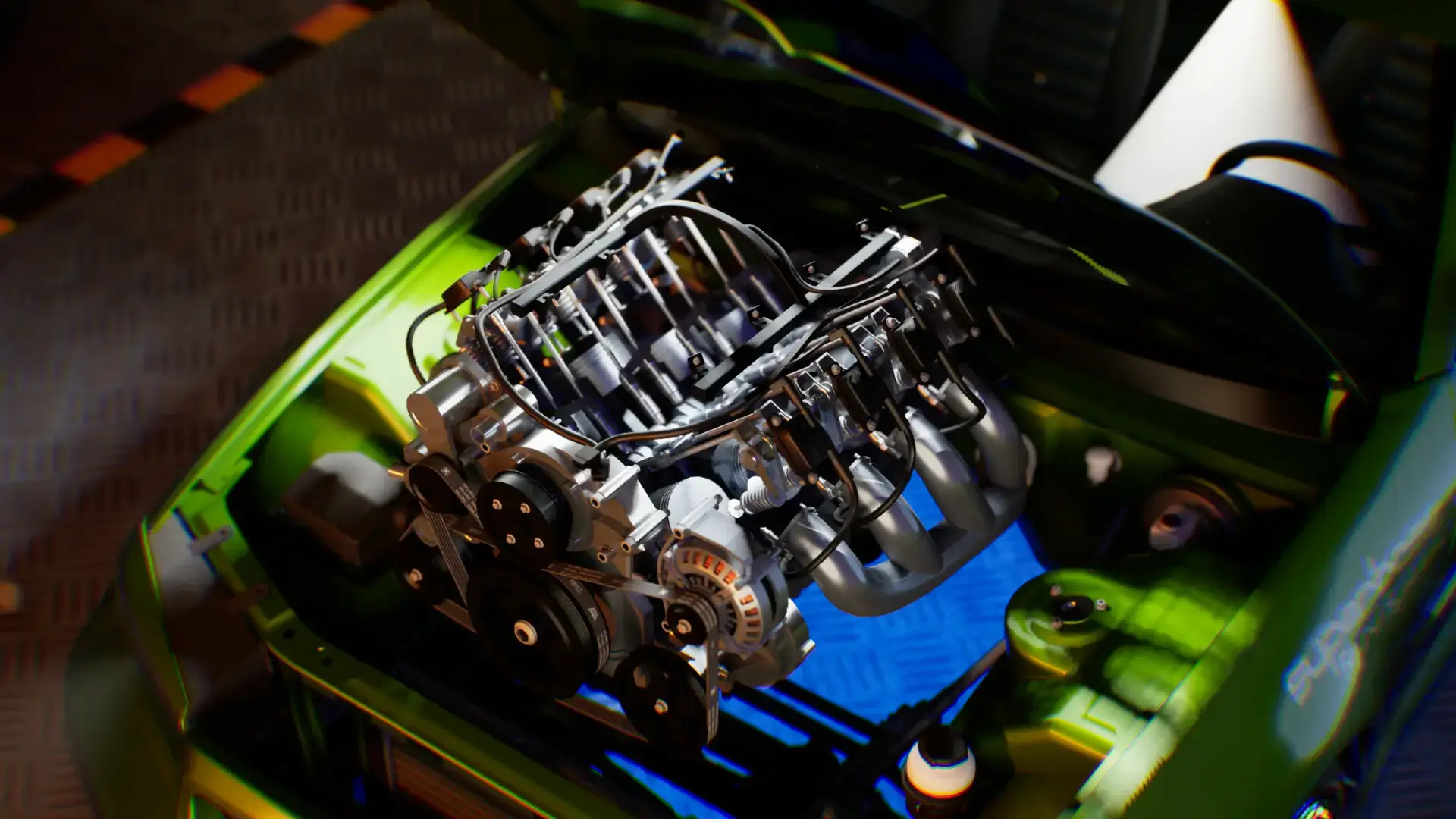
Realistic Simulation: You have to remove thousands of parts. You deal with engines, gearboxes, and suspension systems. It is very detailed.
- 🏎️
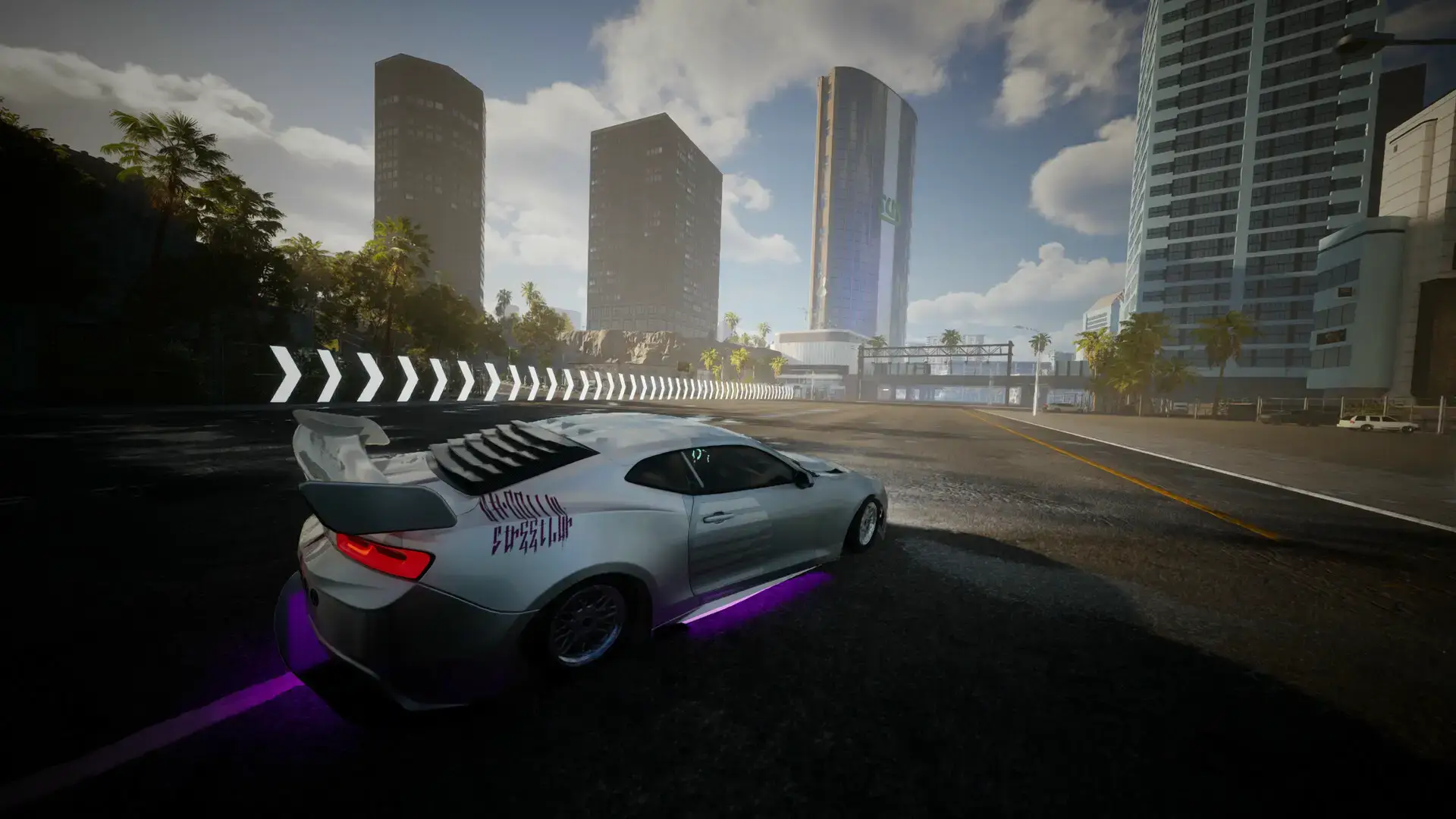
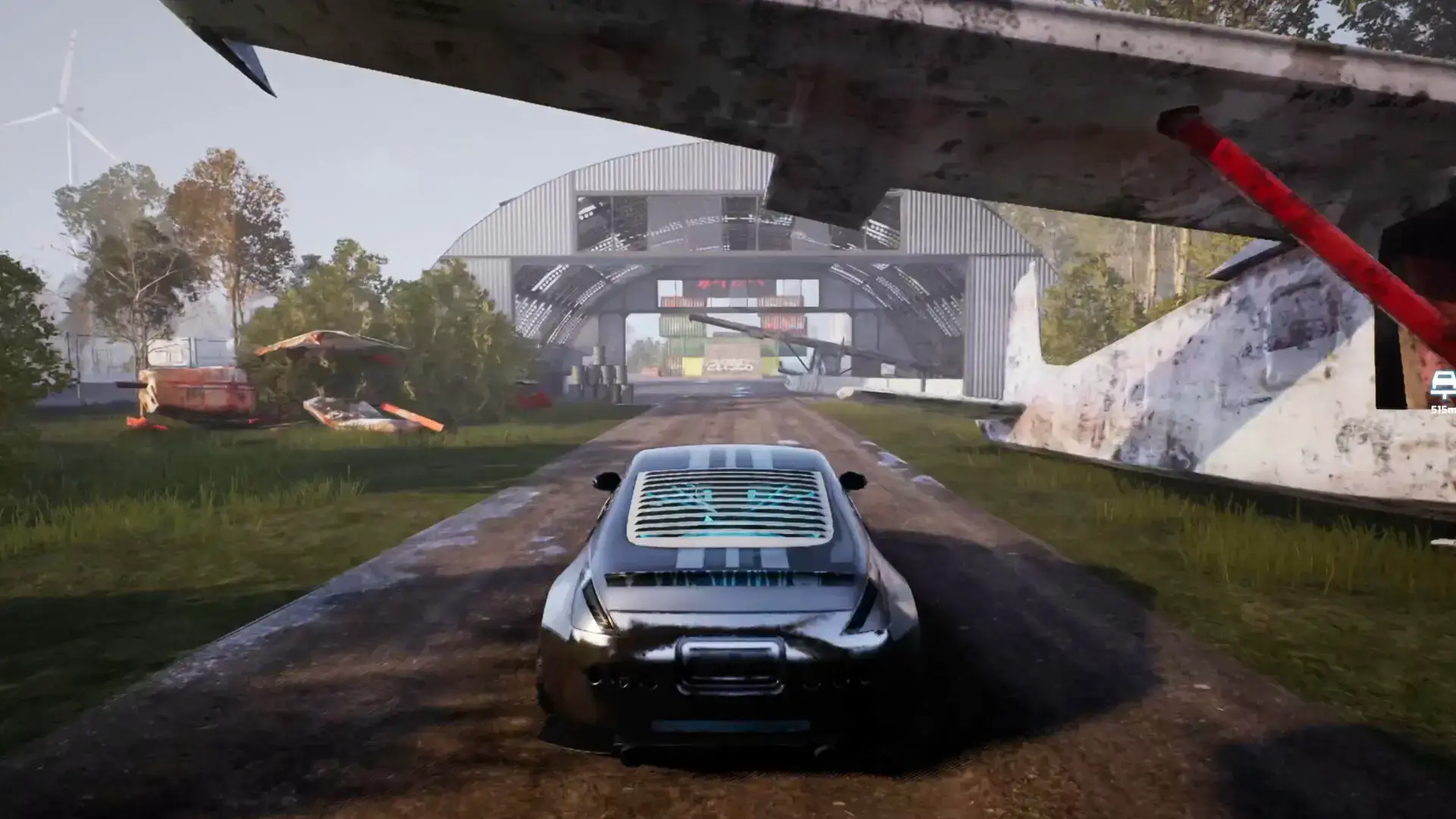
Test Drive Mode: You can drive any car you fix. The game has an open city with night racing and drift challenges.
- 📖
Story Mode: Unlike sandbox games, this has a story. You complete missions for underground gangs to earn respect and money.
🤔 Who Would Like This Game?
This game is for people who love Car Mechanic Simulator but find it boring that they can’t drive the cars. If you like fixing engines and tuning cars for speed, you will love this.
However, if you just want to race without doing work, this might be too slow for you. You have to spend a lot of time in the garage.
Why Play on Windows?
Simulation games work best on PC:
- Mouse Precision: Clicking on small bolts and engine parts is much faster with a mouse than a controller.
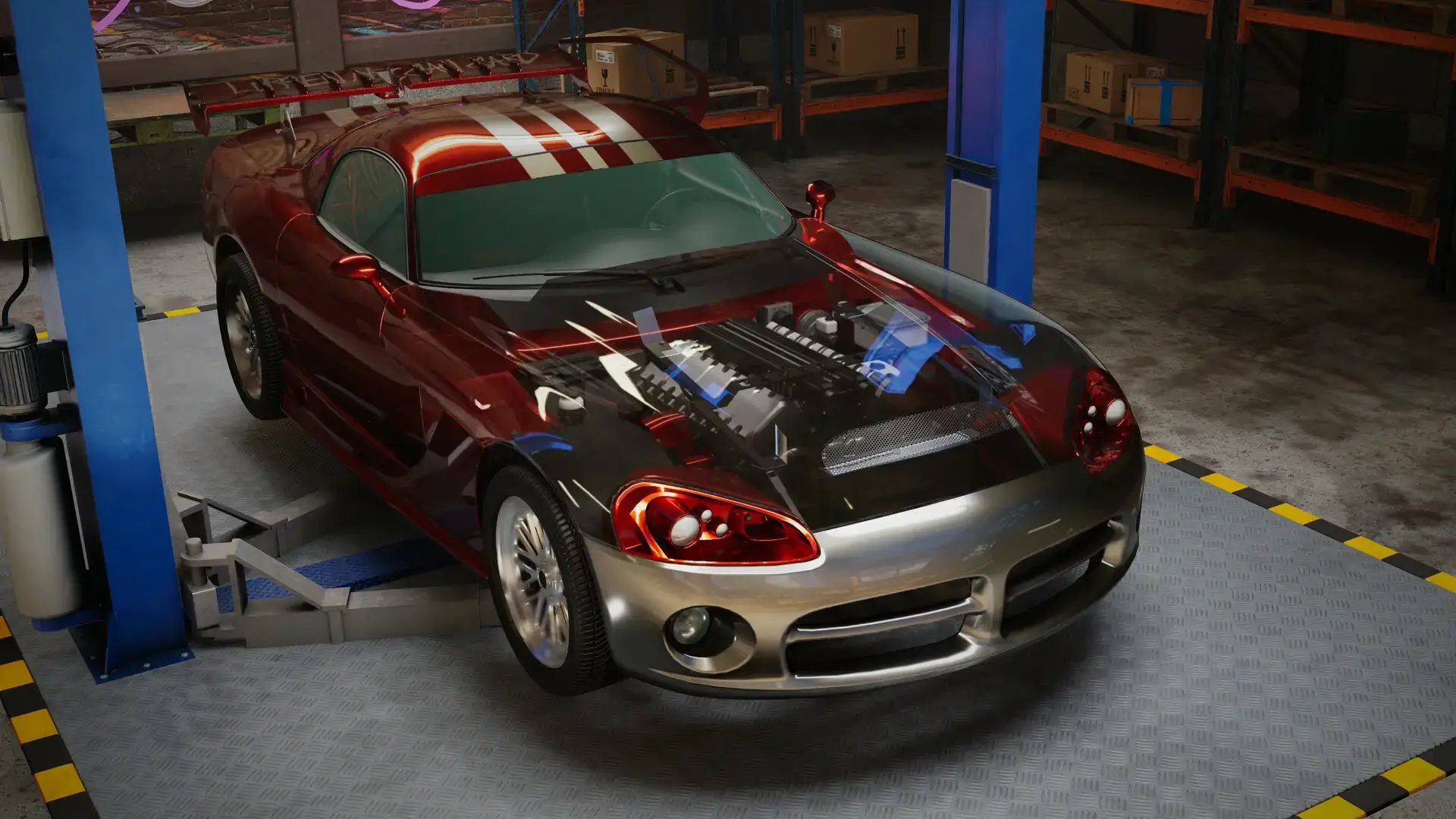
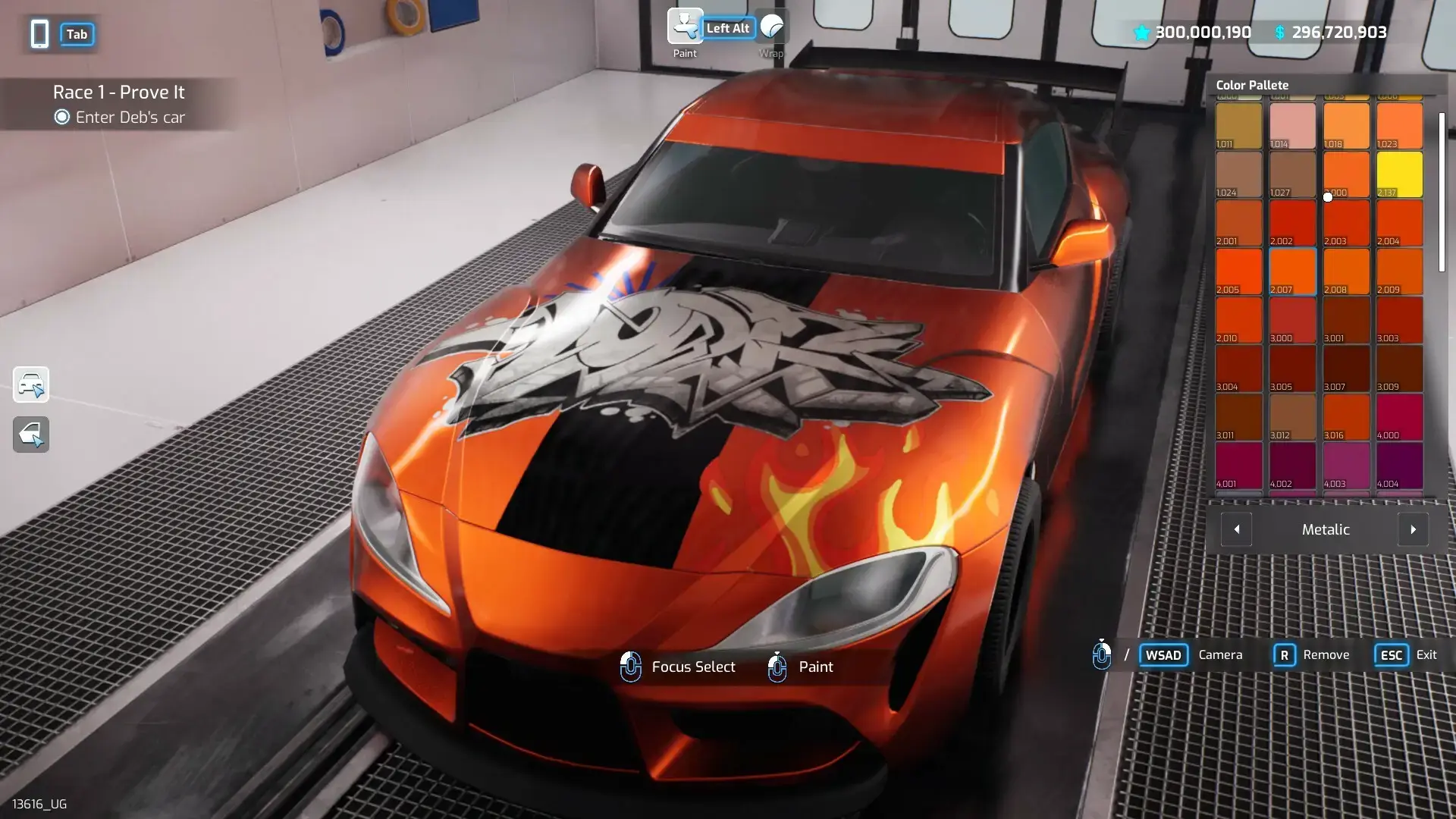
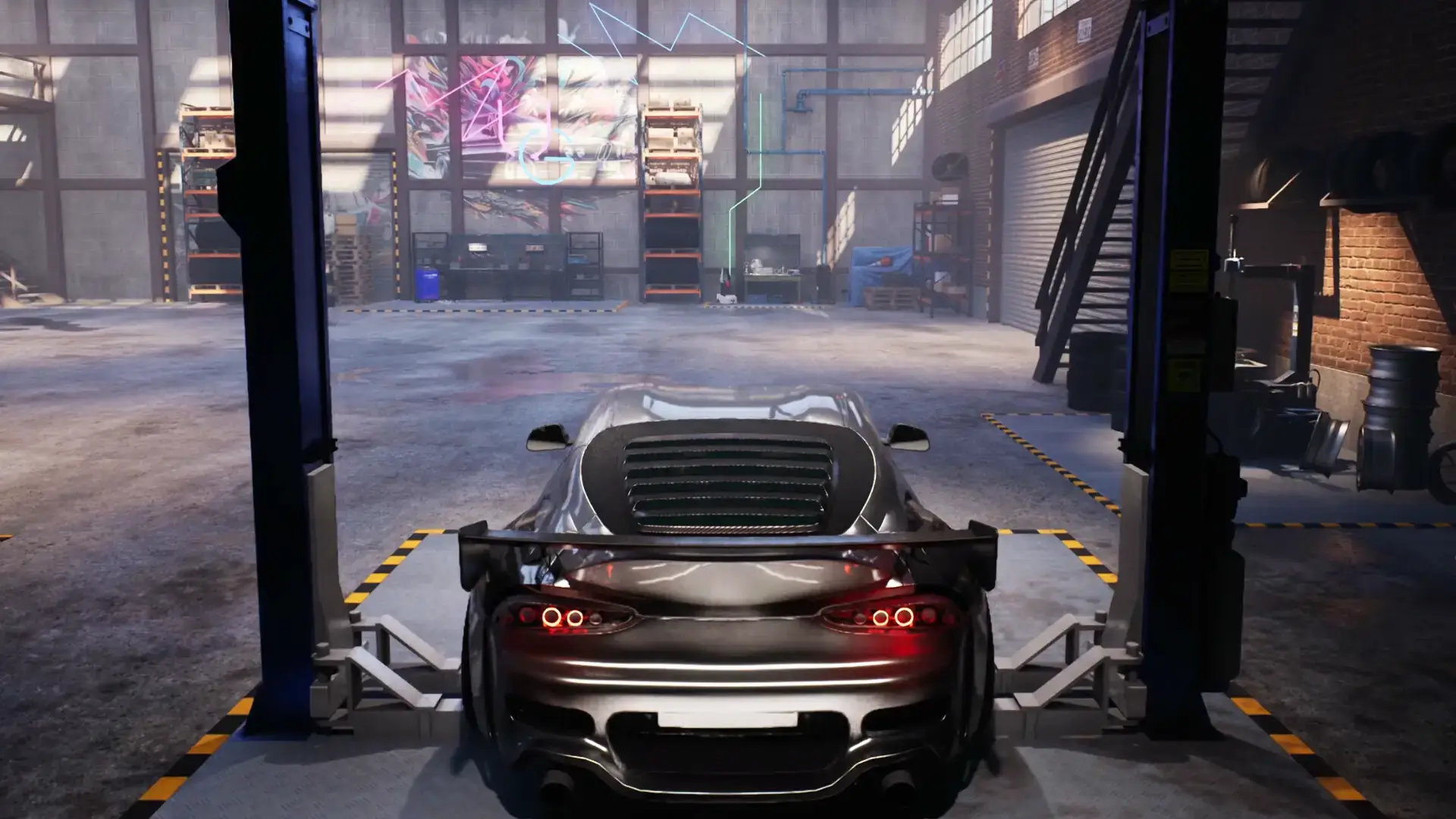
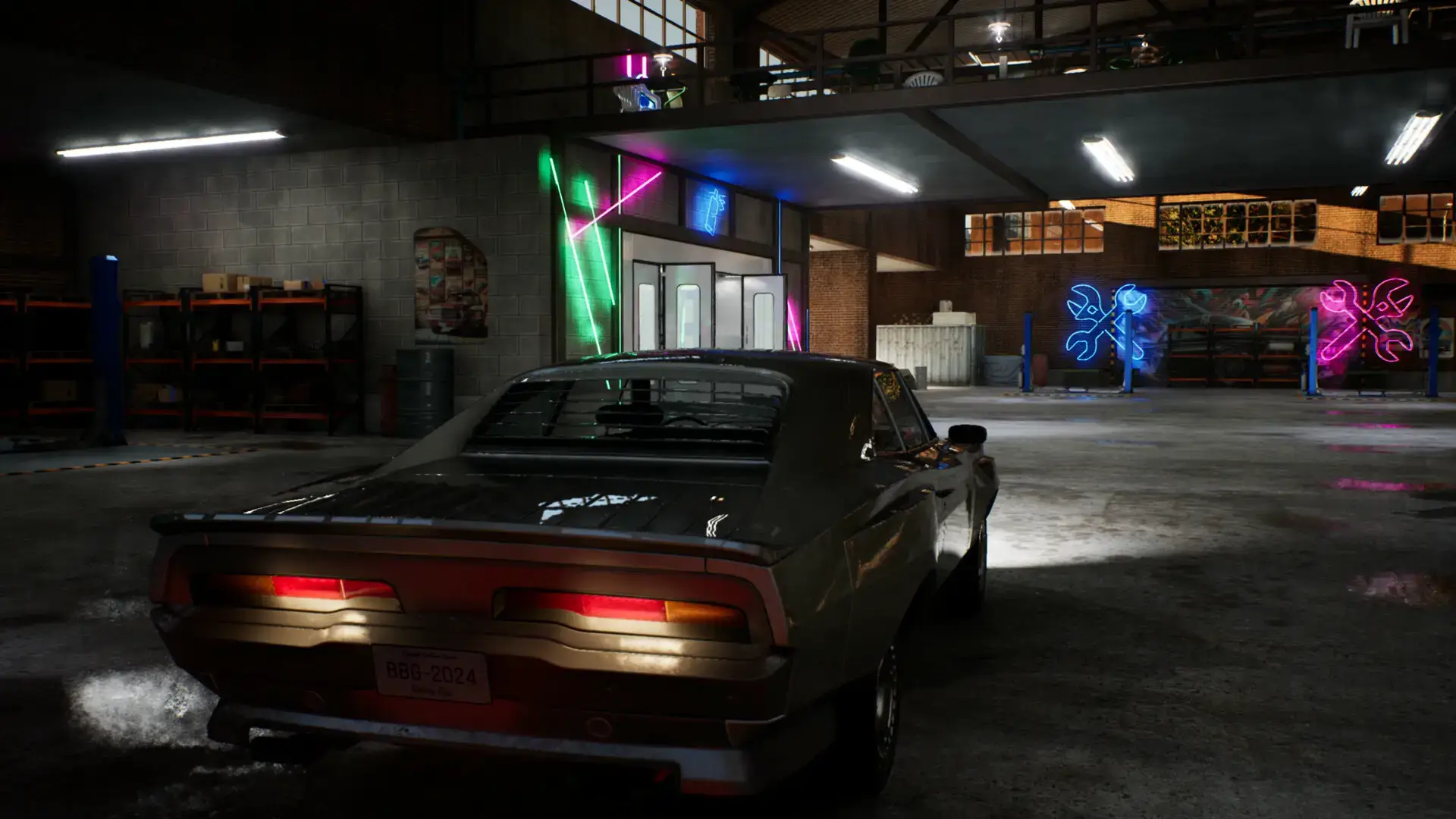
- Graphics: The cars have detailed reflections. On a good PC, the metallic paint and garage lighting look very real.
- Wheel Support: You can play with a keyboard, but the game supports steering wheels for the driving sections.
5 Tips for Beginners
Managing a garage is hard work. Use these tips to make money faster.
Gameplay Screenshots
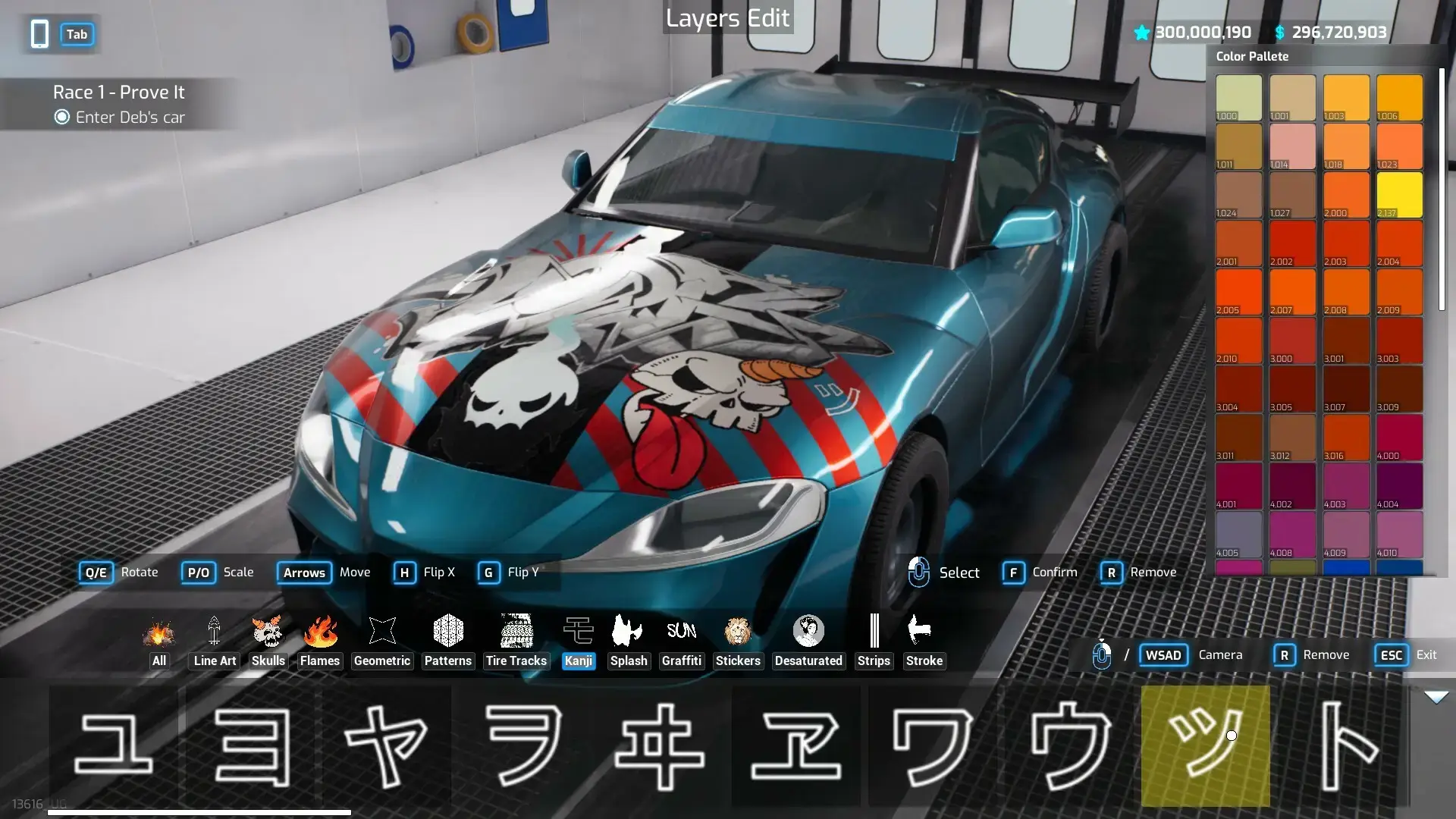
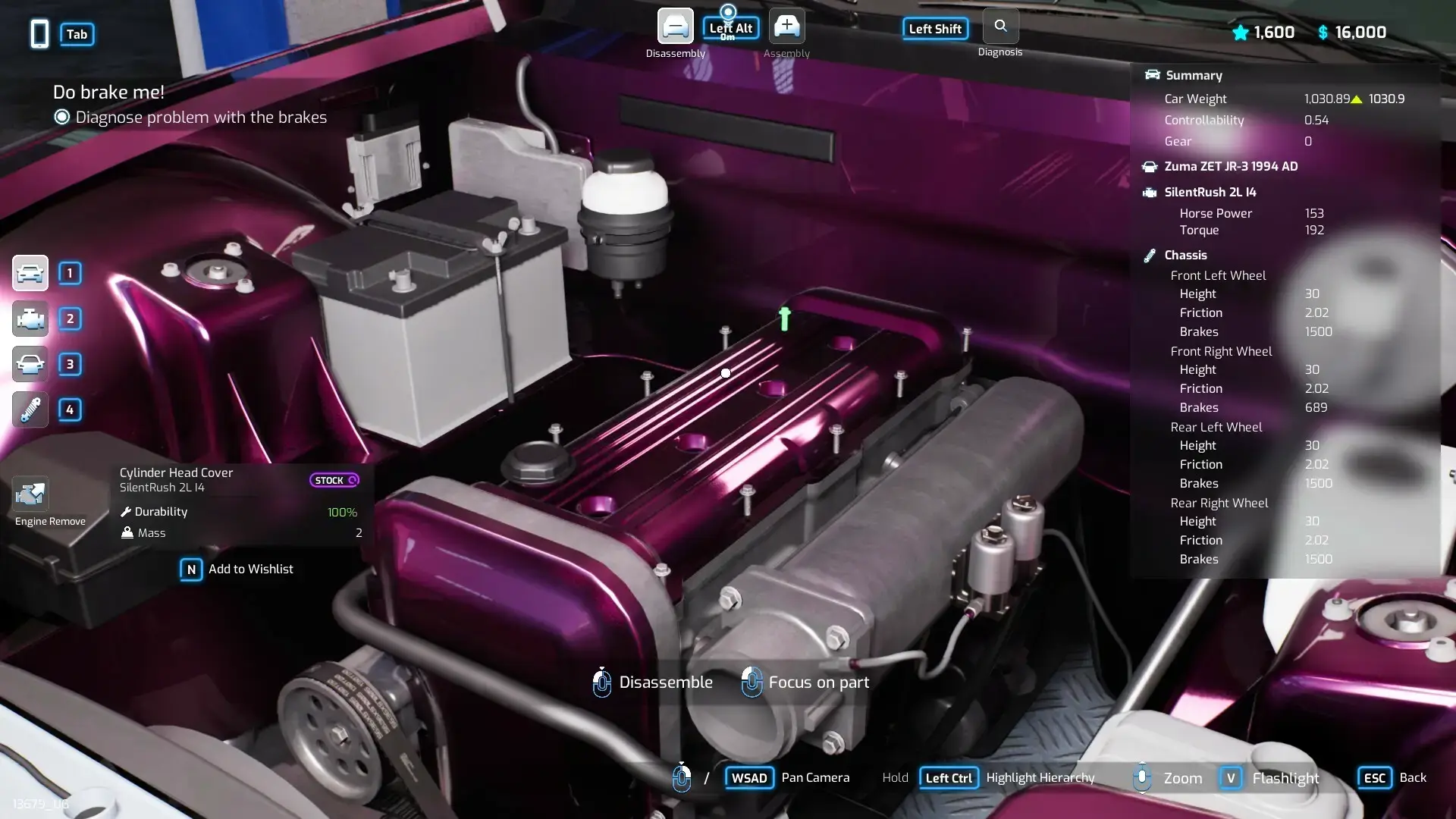
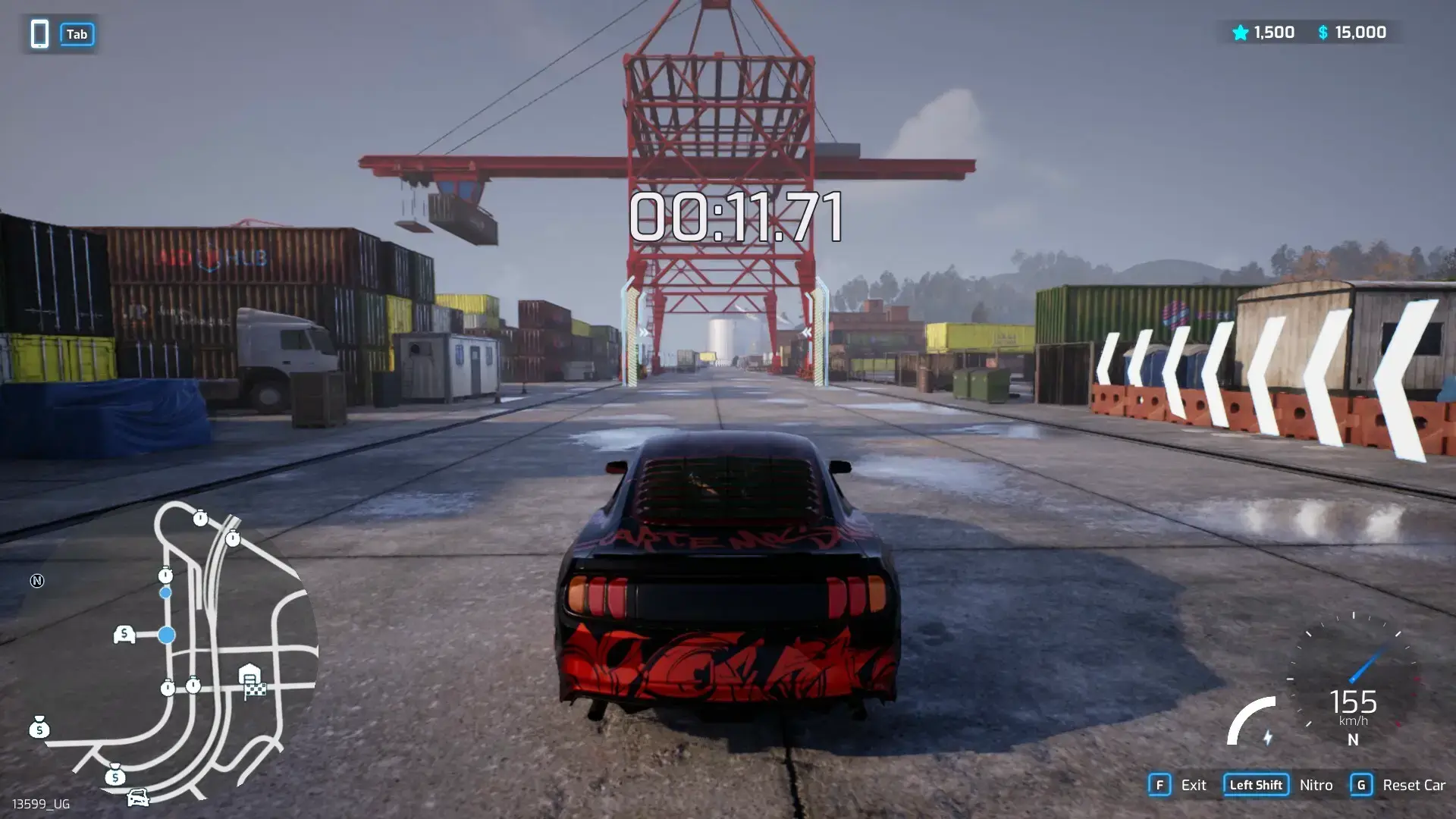
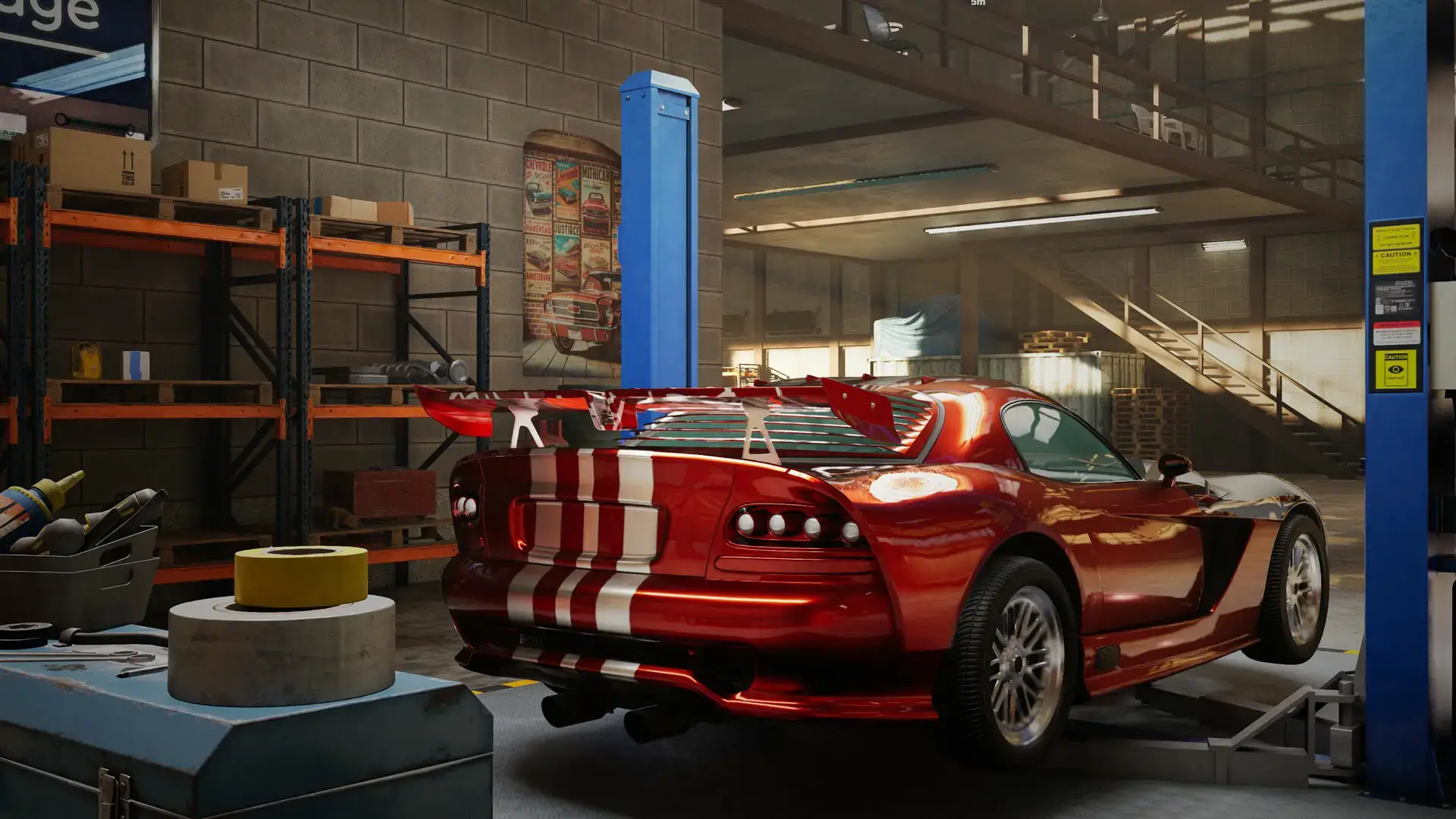
Video Overview
Watch the gameplay trailer to see the mix of mechanics and racing.
System Requirements
The garage scenes are optimized, but driving in the city requires a decent computer.
| Component | Minimum | Recommended |
|---|---|---|
| OS | Windows 10 (64-bit) | Windows 10 / 11 |
| CPU | Intel Core i5-4690 / Ryzen 5 1500X | Intel Core i7-8700K / Ryzen 5 3600X |
| RAM | 8 GB | 16 GB |
| GPU | GTX 970 / RX 480 | RTX 2060 / RX 5700 XT |
| Storage | 14 GB available | 14 GB SSD |
Underground Garage FAQ
- Is there a sandbox mode?
Yes, after you learn the basics in the story mode, you can play in sandbox mode to build whatever you want. - Can I use a steering wheel?
Yes, the game supports most major steering wheels (Logitech, Thrustmaster) for the driving sections. - How many cars are there?
The game launched with dozens of cars, and more are added in updates. They are fictional cars but look like real famous models. - Is it multiplayer?
Currently, it is a single-player game. You compete against AI racers in the city.
Explore more Windows games: Best Simulation Games · Racing Games for PC · No Rest for the Wicked for PC · Half-Life: Alyx for PC · Smite 2 for PC
Discover more from Windows Mode
Subscribe to get the latest posts sent to your email.















Add your first comment to this post