Readers like you help support this site. When you make a purchase using links on our site, we may earn an affiliate commission. All opinions remain our own.
Mozilla Firefox is the last major independent web browser. Unlike Edge, Chrome, Arc, and Opera, Firefox does not run on Google’s Chromium engine. Backed by a non-profit, it is built entirely on its own engine (Gecko) with a massive focus on user privacy and protecting the open web.
In 2026, Firefox has evolved into a powerhouse for power users. This guide breaks down Firefox’s latest features, including the highly requested native keyboard shortcut manager and the “People Over Profit” AI controls, and shows you how to install and optimize it on Windows.
Independent Engine
Not a Chrome clone
Strict Privacy
Blocks trackers natively
Custom Shortcuts
Full key remapping
AI Kill Switch
Total AI control
📋 System Requirements
| Requirement | Details |
|---|---|
| Operating System | Windows 10 or Windows 11 (32-bit or 64-bit) |
| Processor | Pentium 4 or newer (must support SSE2) |
| RAM | 2 GB minimum (4 GB recommended) |
| Storage | ~500 MB available space |
| Account | No built-in account required to use |
What Makes Mozilla Firefox Different
Firefox completely separates itself from the rest of the market by putting the user, not ad revenue or data collection, first. Here is why users continue to swear by Firefox.
🛡️ Enhanced Tracking Protection
By default, Firefox blocks cross-site tracking cookies, social media trackers, crypto-miners, and device fingerprinters. Pages load faster because tons of invisible tracking scripts are stopped before they can run.
🎛️ Local AI and the “Kill Switch”
While other browsers force cloud AI into your search bar, Firefox added a centralized AI Controls menu. You get an “AI Window” to choose your preferred model (like Gemini or a private local LLM), and an “AI Kill Switch” to disable all AI entirely with one click.
⌨️ Native Custom Shortcuts
Introduced in version 147, you can finally map your own keyboard shortcuts without an extension. Just type about:keyboard in the address bar to change, add, or reset shortcuts for almost any browser action.
🗂️ Multi-Account Containers
This incredible extension by Mozilla isolates your browsing data across different “Containers” (e.g., Work, Personal, Banking). This means you can log into two different Twitter or email accounts simultaneously in the exact same window.
📺 Supercharged Picture-in-Picture
Firefox’s PiP mode lets you pop out multiple videos at the same time. You can resize them, lock them around your screen, and easily control volume and playback while surfing other websites.
🎨 Limitless Customization
Firefox is the most customizable browser visually. Beyond standard themes, power users can use the userChrome.css file to completely rewrite the browser’s UI layout, tab shape, and animations.
How to Download and Install Mozilla Firefox on Windows
Firefox is completely free from bloatware and does not require a system restart to install.
1
Navigate to mozilla.org/firefox. Avoid third-party download sites to ensure you get a clean installer.
2
Open the downloaded
Firefox Installer.exe file. The process takes less than a minute and requires barely any clicking.3
Upon first launch, Firefox will open an Import Wizard. You can instantly pull all your bookmarks, history, and passwords from Chrome or Edge directly into Firefox.
Firefox Screenshot Gallery
-
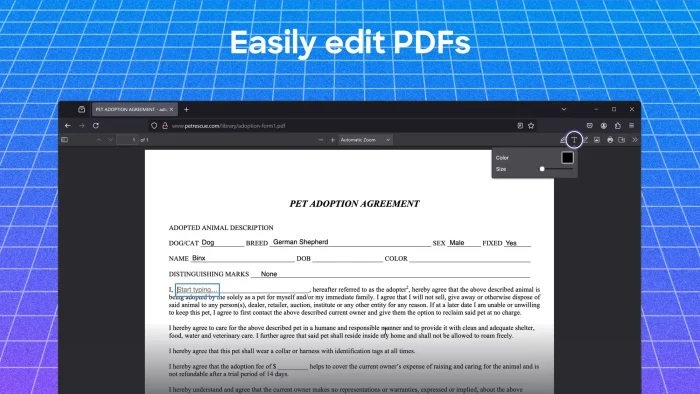
- Edit pdfs in firefox
-
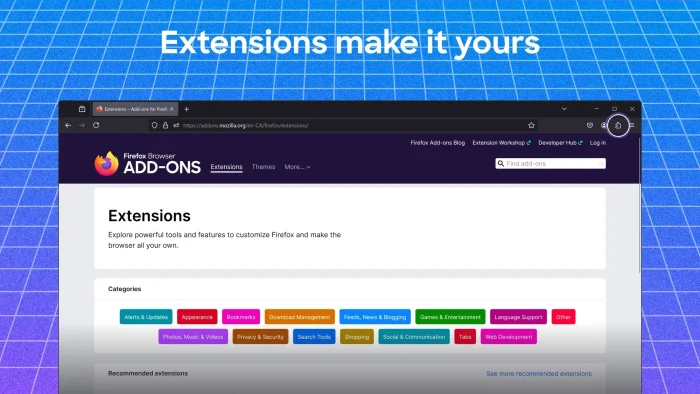
- Firefox extensions add ons
-
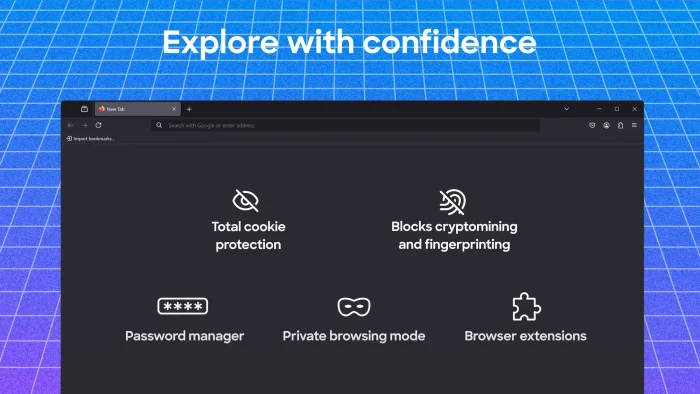
- Firefox features listed
-
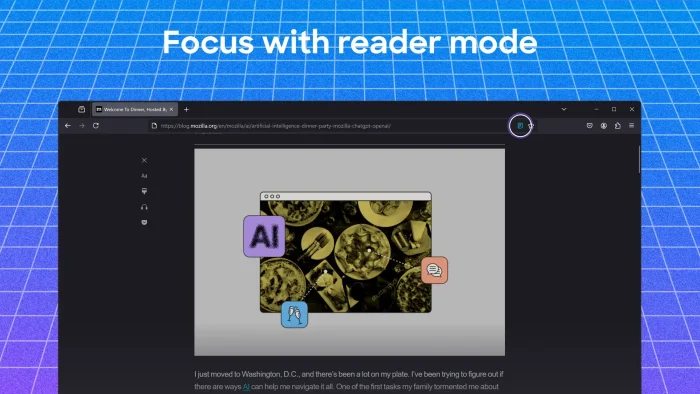
- Focus with reader mode
-
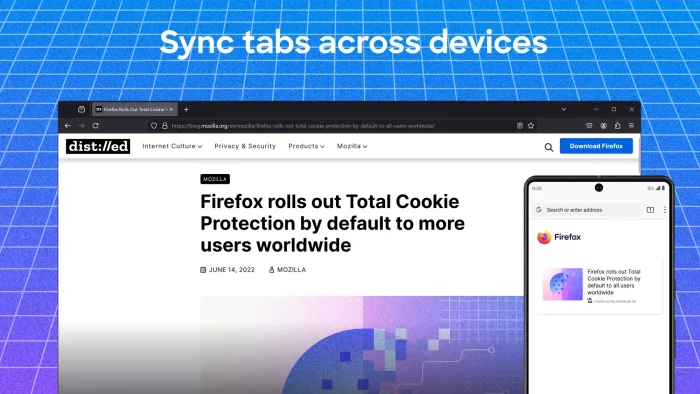
- Sync tabs across devices
-
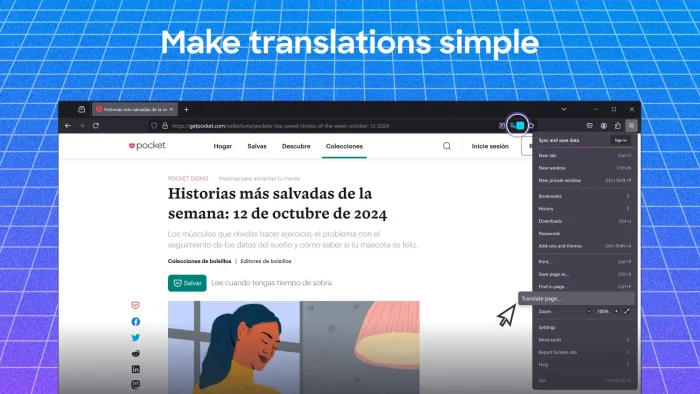
- Translate any webpage
-
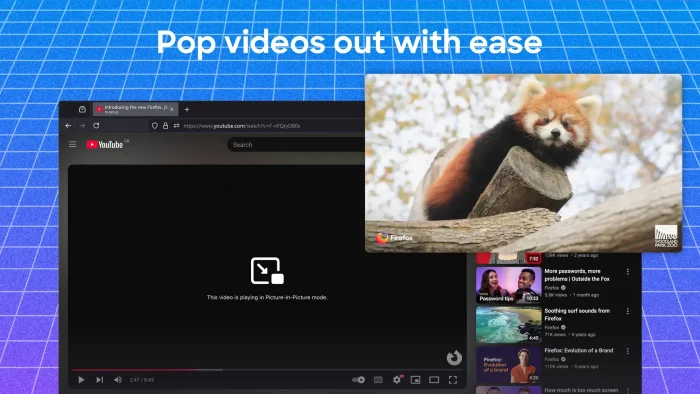
- Youtube pop out videos
Video of Firefox in action
If you prefer to watch a video on how to install Firefox, check out this video which is only about 2 minutes.
Firefox vs. Chrome vs. Edge vs. Opera
Here is how the independent browser shapes up against the Chromium heavyweights.
| Feature | Firefox | Chrome | Edge | Opera |
|---|---|---|---|---|
| Browser Engine | Gecko | Chromium | Chromium | Chromium |
| Native Ad/Tracker Blocker | ✅ Strict | ❌ | ✅ Basic | ✅ Built-in |
| AI Integration | ✅ Choice (w/ Kill Switch) | ✅ Gemini (Forced) | ✅ Copilot (Forced) | ✅ Aria |
| Custom UI/CSS | ✅ Yes (userChrome) | ❌ | ❌ | ❌ |
| Remappable Shortcuts | ✅ Yes | ❌ | ❌ | ❌ |
| RAM Usage (Idle) | ✅ Balanced | ⚠️ Heavy | ✅ Low (w/ Sleeping Tabs) | ✅ Low |
| For Profit Corp? | ❌ No | ✅ Yes | ✅ Yes | ✅ Yes |

Essential Firefox Keyboard Shortcuts
Increase your productivity by keeping your hands off the mouse. Remember, you can map any of these to different keys by typing about:keyboard into your address bar.
| Action | Shortcut |
|---|---|
| New Tab | Ctrl + T |
| Close Current Tab | Ctrl + W |
| Undo Closed Tab | Ctrl + Shift + T |
| New Private Window | Ctrl + Shift + P |
| Jump to Address Bar | Ctrl + L |
| Find on Page | Ctrl + F |
| Reader View | F9 |
| Bookmark Page | Ctrl + D |
| Open Downloads | Ctrl + J |
| Hard Refresh (Ignore Cache) | Ctrl + F5 or Ctrl + Shift + R |
| Show/Hide Bookmarks Sidebar | Ctrl + B |
| Open Keyboard Customizer | Type about:keyboard in Address Bar |
Common Issues and Fixes
Firefox won’t open or keeps crashing
Run Firefox in Troubleshoot Mode. Hold the Shift key while clicking the Firefox shortcut. If it opens successfully, one of your extensions or a hardware acceleration setting is causing the crash. You can disable extensions one by one to find the culprit.
High memory output / PC slowing down
Firefox usually manages memory well, but a leak can happen. Type about:memory in the address bar and click Minimize memory usage exactly as it appears. Also, you can lower your “Content process limit” in the Performance section of Settings to use less RAM.
A specific website won’t load properly
Firefox’s Strict Tracking Protection can occasionally break website layouts. Click the “Shield” icon to the left of the address bar and toggle off “Enhanced Tracking Protection” for just that site. The page will reload and usually fix the issue immediately.
How to completely reset Firefox
If Firefox feels broken entirely, type about:support into the address bar. On the right side of the page, click the button that says Refresh Firefox. This resets all underlying configurations but safely preserves your bookmarks, history, and passwords.
Frequently Asked Questions
Is Mozilla Firefox free?
Yes. Mozilla Firefox is completely free and open-source. It is maintained by the non-profit Mozilla Foundation.
Does Firefox use Chrome extensions?
No. Firefox runs on its own independent engine (Gecko). However, almost all popular extensions available on Chrome have a dedicated version available on the official Firefox Add-ons site.
What is the AI Kill Switch in Firefox?
Introduced in early 2026, Firefox includes a centralized AI Controls section in its settings. It features an “AI Kill Switch” that allows you to cleanly disable all AI chatbot and summarization features with a single click if you prioritize absolute privacy.
Can I customize keyboard shortcuts in Firefox?
Yes! As of version 147 (2026), Firefox features a native shortcut manager. Simply type about:keyboard into your address bar to change, clear, or remap any browser shortcut.
Is Firefox faster than Chrome on Windows?
Firefox uses a more balanced memory management system. While Chrome may win raw speed benchmarks, Firefox generally uses less RAM when you keep dozens of tabs open, keeping your entire PC running smoother.
Will Firefox work on Windows 7 or Windows 8?
No. As of early 2026, Mozilla has ended Extended Support Release (ESR) updates for Windows 7, 8, and 8.1. You must use Windows 10 or Windows 11 to run the browser safely.
Community Poll: Share Your Thoughts
Helpful Resources and Community
Ready to customize Firefox to your liking? Dive into these community hubs and resources.
📚 Mozilla Support (SUMO)
The official knowledge base. Find troubleshooting steps for everything Firefox related.
🧩 Firefox Add-ons (AMO)
The official directory for downloading trusted extensions, containers, and visual themes.
🗨️ r/Firefox
The main subreddit for Firefox news, user discussion, and community help.
🎨 r/FirefoxCSS
An incredible community dedicated entirely to visual customization via userChrome.css.
Get Mozilla Firefox for Windows
The open-source browser that puts privacy and choice first. Features AI Kill Switch, Multi-Account Containers, and Custom Shortcuts.
Download Mozilla Firefox →
Get it on the Microsoft Store →
Compatible with Windows 11 and Windows 10 (32/64-bit)
Related Guides: Google Chrome for Windows, Microsoft Edge for Windows, Opera Browser for Windows, Arc Browser for Windows, Brave Browser for Windows.
Discover more from Windows Mode
Subscribe to get the latest posts sent to your email.














Add your first comment to this post