Readers like you help support this site. When you make a purchase using links on our site, we may earn an affiliate commission. All opinions remain our own.
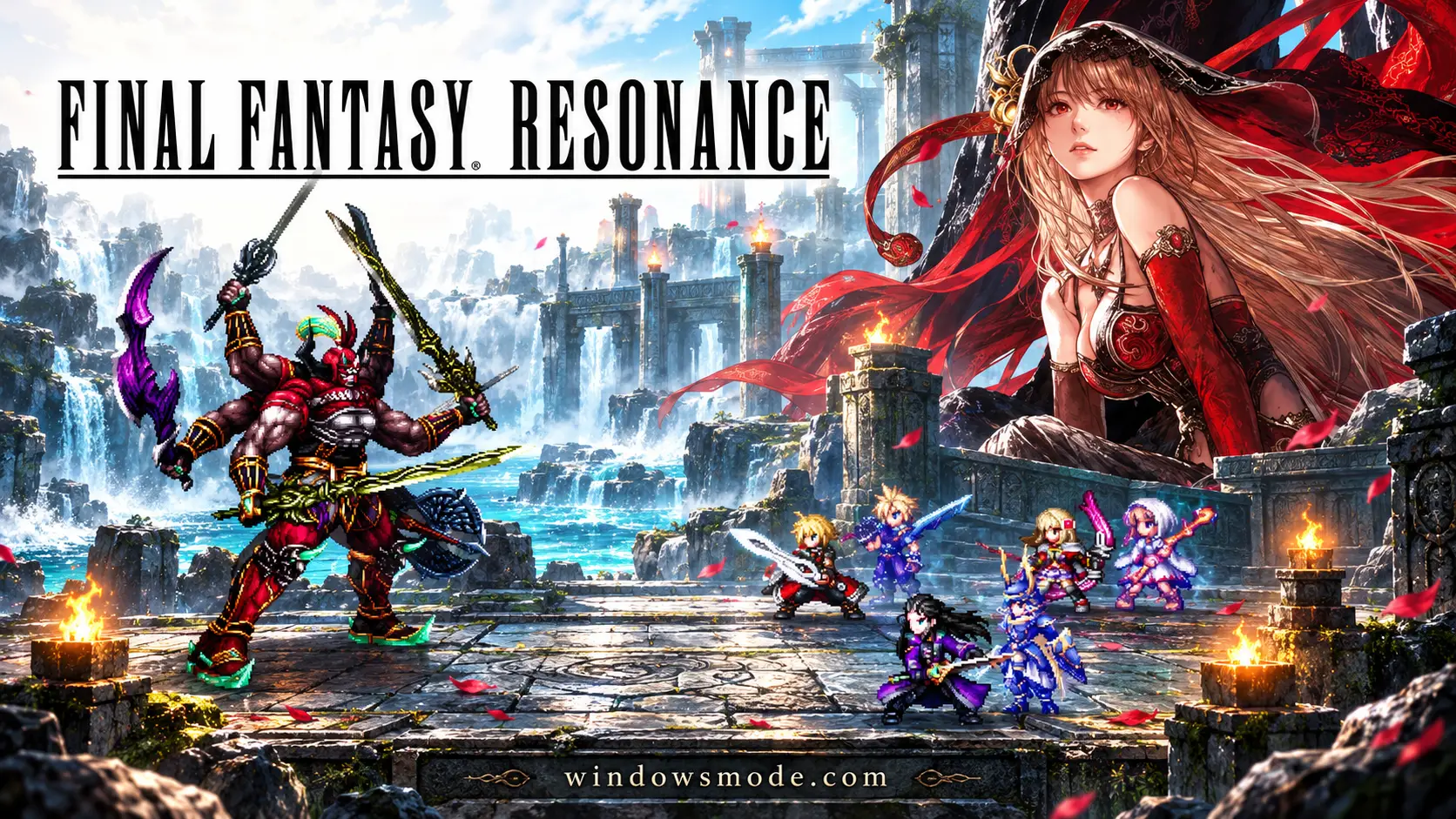
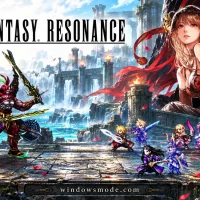
Final Fantasy Resonance on PC. Click to open it full size.
Final Fantasy Resonance is an HD-2D role-playing game for PC from Square Enix, available on Steam and the Xbox app. You lead Rain, a young airship commander, on a journey to protect the world’s crystals. Fights are turn-based, and the world is pixel art set inside detailed 3D scenes.
Visions are what make it different. You can equip echoes of classic Final Fantasy heroes, such as Lightning, Clive and Y’shtola, to give your party their skills. Each Vision changes what a character can do in battle.
It launched on October 22, 2026, and runs on Windows 11 with full controller support. It retells the first story of Final Fantasy Brave Exvius, the mobile game, as a new single-player RPG with no gacha. A free demo covers all of Chapter 1.
Already playing? Tell us which Vision you equipped first. Got questions before buying? Reach out to us directly.
What You Need to Know
- It is a paid game on Steam and the Xbox app on PC. It is not on Epic or GOG.
- Square Enix lists Windows 11 only, not Windows 10.
- The free demo covers Chapter 1, and your save carries over to the full game.
- It is single-player only, with no gacha and no online play.
- Fans have already made mods, such as ultrawide support and map markers.
Quick Facts


How to Download Final Fantasy Resonance on Windows
Steam is the main way to buy it on PC. You need 64-bit Windows 11 and about 15 GB of free space.
- Step 1. Install Steam. Download it from the Steam website and sign in.
- Step 2. Try the demo first. Install the free demo to check how it runs on your PC.
- Step 3. Open the store page. Go to Final Fantasy Resonance on Steam.
- Step 4. Pick an edition and buy it. Choose Standard or Digital Deluxe.
- Step 5. Install and launch it. Pick Continue to load your demo save.
Prefer the Xbox app? Buy it from the Xbox store instead. That copy supports Xbox Play Anywhere, so it also works on an Xbox Series X|S with the same save.
💡 Your PC is too weak? Cloud gaming is an option. Try Boosteroid.
Editions and Price
There are two editions on PC. The Digital Deluxe Edition adds no new story or areas. It adds the Magitek & Grimoire Deluxe Pack: a chocobo skin, one extra Limit Burst (a big special attack) and a stack of starter items.
Prices are the US list prices on Steam and the Xbox store. The Deluxe pack is also sold on its own as the Digital Deluxe Upgrade ($14.99), so do not buy both. Pack items are collected from the postbox in front of the inn in the Town of Mitra once you reach that point in the story.
What Is Final Fantasy Resonance?
Final Fantasy Resonance starts in Grandshelt, a kingdom of knights protected by the power of crystals. Rain, the commander of its airship squadron, and his childhood friend Lasswell are sent to check on the Earth Shrine. A man in black armor, Veritas of the Dark, shatters the Earth Crystal in front of them. The two set out to protect the remaining crystals, joined by Fina, a mysterious girl they meet in Grandshelt.
Fights are turn-based. You pick actions for a party of four, and a bar across the top shows who moves next. Hitting an enemy with what it is weak to wears down its guard until it staggers, which breaks its defenses and gives your party extra turns and stronger Resonance attacks.
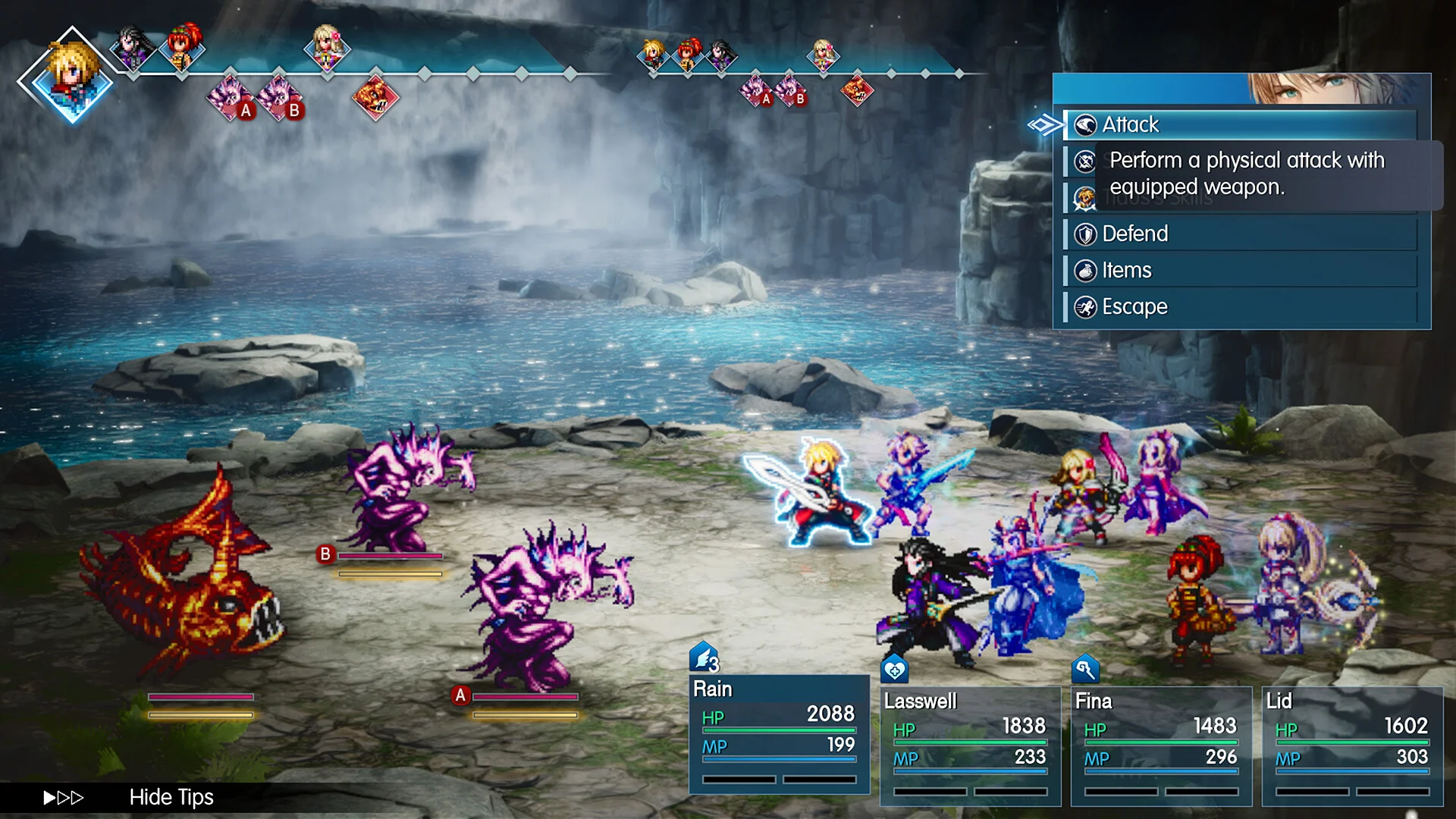
A turn-based fight: the bar at the top shows who acts next.
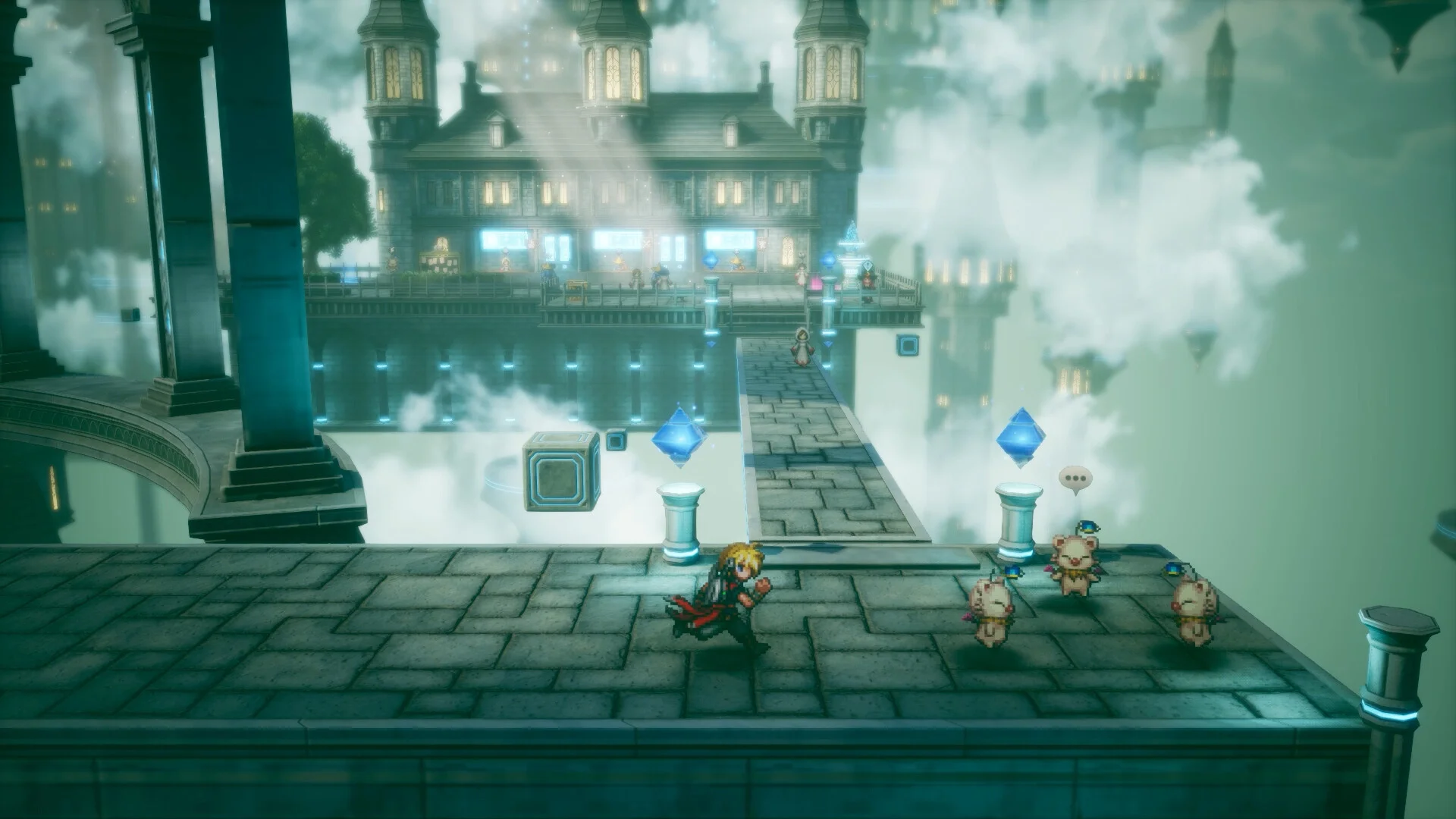
Between fights you explore towns and dungeons in pixel art, and the world map opens up as the story goes on. Classic Final Fantasy pieces are all here: airships, chocobos, crystals, espers (summoned monsters) and moogles.
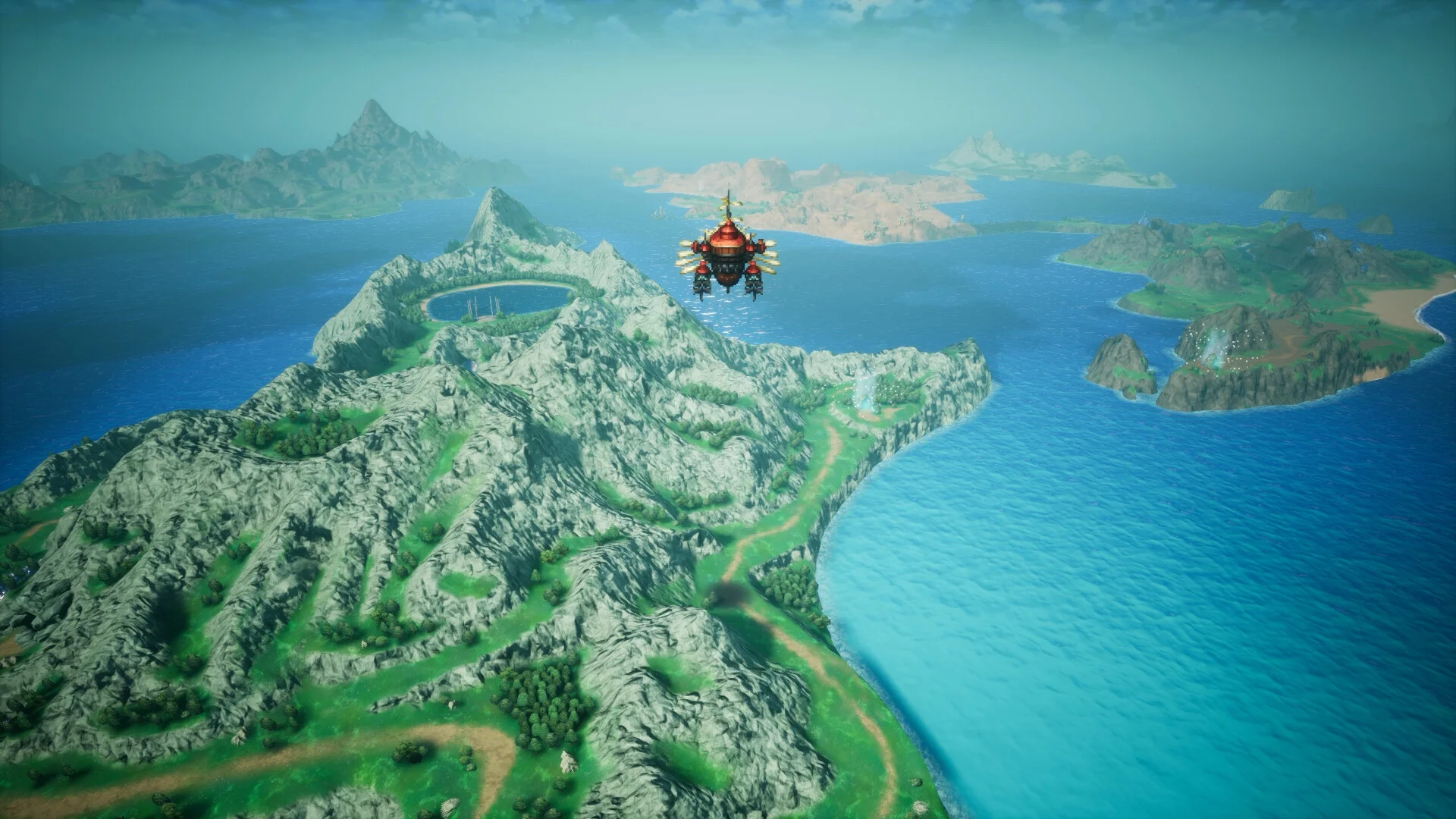
The world map, with your airship flying over it.
Each character has a role, such as Medic, and you equip a Vision alongside their gear. A Vision is an echo of a hero from an older Final Fantasy game. It gives that character abilities to learn, so the same party member plays very differently depending on which Vision you pick.
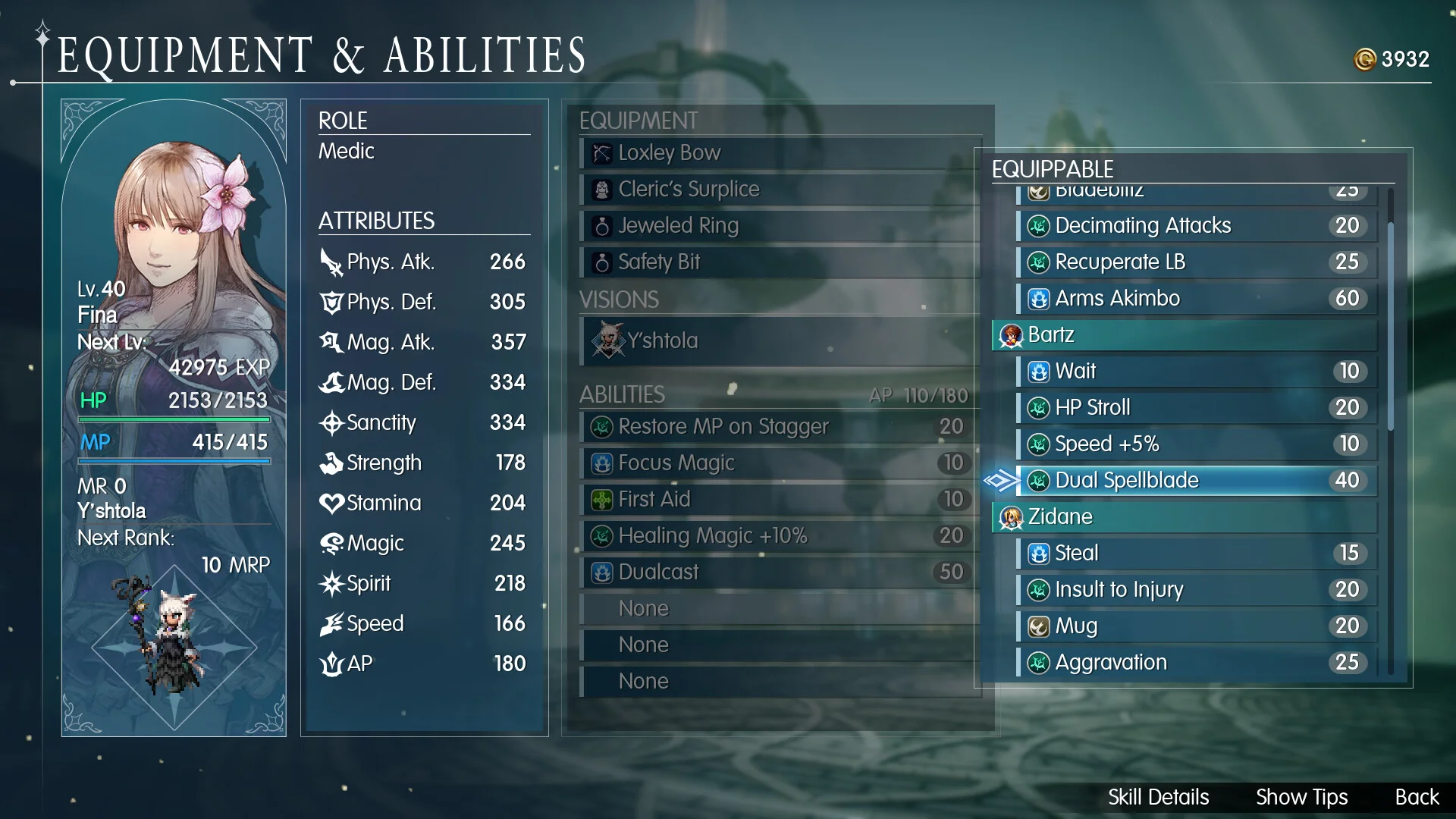
Fina in the Medic role with Y’shtola equipped as her Vision.
Official Trailer
Watch the official launch trailer for Final Fantasy Resonance to see the HD-2D world, the heroes of the story and the turn-based battles in action.
Key Features
Pixel art characters in detailed 3D scenes, with moving cameras that make fights and story scenes feel like a film.
Hit weaknesses to stagger enemies, take extra turns, and finish with powerful Resonance attacks.
Equip echoes of heroes like Lightning, Clive, Y’shtola and the Warrior of Light to shape each party member.
Airships, crystals, chocobos, espers and moogles are all part of the story and the world.
Fight Gilgamesh, clear the Colosseum and the Chamber of Arms, and take on Ultima Weapon.
Adjustable difficulty, a keyboard only option, and no timed button presses in battle.
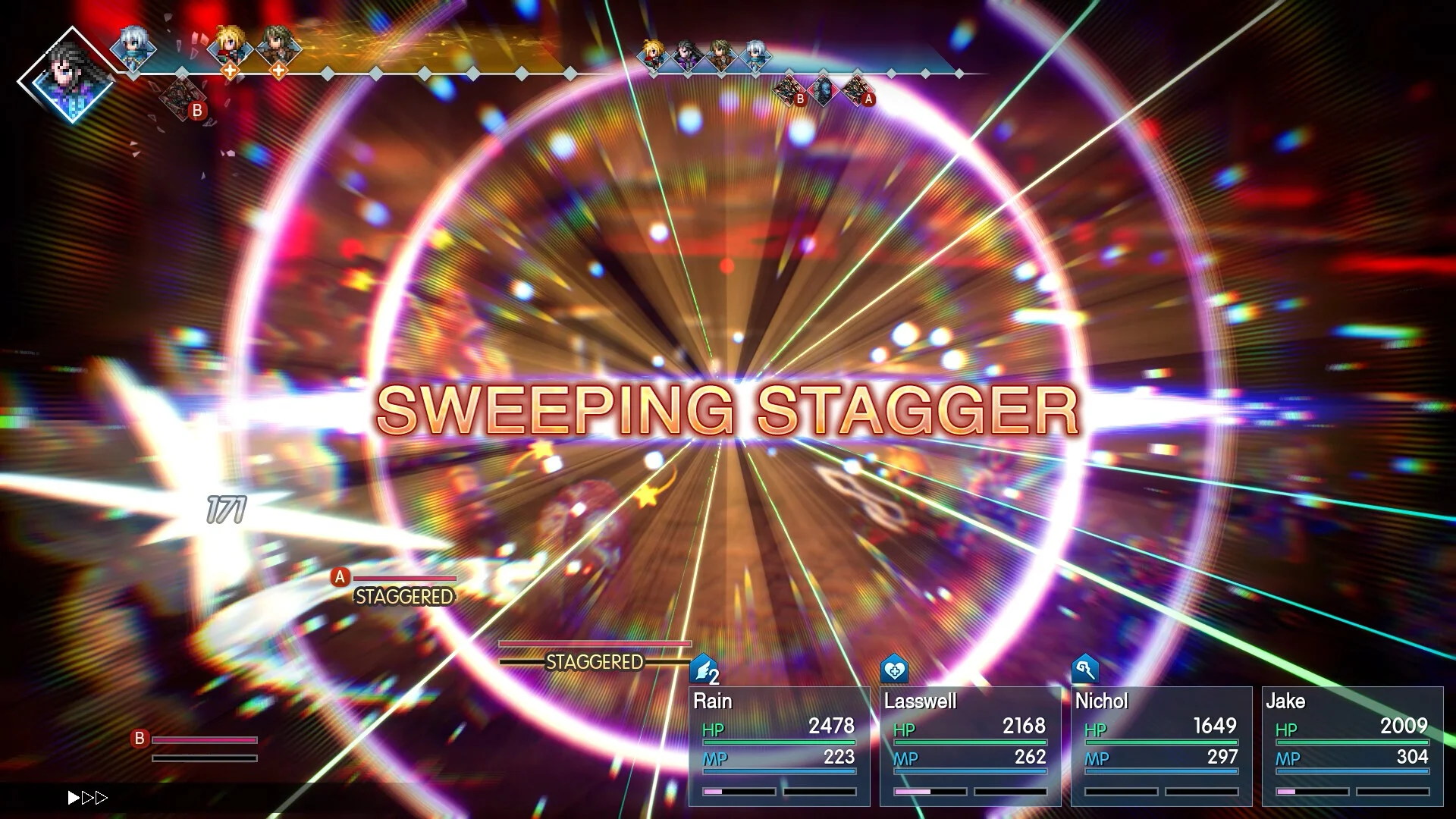
A Sweeping Stagger breaks an enemy’s guard and opens it up for extra turns.
Is This Game for You?
Our Take
🎮 Our Take
Final Fantasy Resonance is the classic Final Fantasy that a lot of fans have been asking for: crystals, airships and turn-based fights, in the HD-2D style that suits the series well. The smartest change is taking a mobile gacha game and turning it into a one-time purchase with no summon draws, so Visions become a party-building tool instead of a slot machine. The weak spots are just as plain. The story is a retelling of Brave Exvius, so veterans of that game know where it goes, and the Windows 11 only spec will catch out anyone still on Windows 10.
If you like turn-based RPGs and missed the older pixel-art Final Fantasy games, it is an easy pick. If you are unsure, play the free Chapter 1 demo first, since your save carries over. If you already finished Brave Exvius and want a brand new story, wait for a sale.
System Requirements
These are the specs Square Enix lists on Steam. The hardware bar is low, but both specs list Windows 11 as the operating system. A five-year-old gaming PC on Windows 11 should run it on the Highest preset.
The quickest test is the free demo: if Chapter 1 runs well, the full game will too. If you are shopping for a new machine, our Best Gaming Desktops guide is a good place to start.
Tips for Beginners
Start with the demo
The demo covers all of Chapter 1, and your save carries over to the full game, so none of that time is lost.
Hunt for weaknesses
Check what an enemy is weak to and hit it there. A stagger gives your party extra turns, which matters most in boss fights.
Match Visions to roles
Give your Medic a healing Vision and your attackers a damage Vision. Swap them again when a boss needs something different.
Pick up your bonus items
Deluxe and early purchase items wait in the postbox in front of the inn in the Town of Mitra once you reach it.
Lower the difficulty if you get stuck
The game has adjustable difficulty, so turning it down for a hard boss costs you nothing but pride.
Best Final Fantasy Resonance Mods to Start With
Final Fantasy Resonance has no official mod support, but fans share mods on Nexus Mods. Most are tested on the Steam version, so check each mod page before installing it on the Xbox app copy. These five are a good place to start.
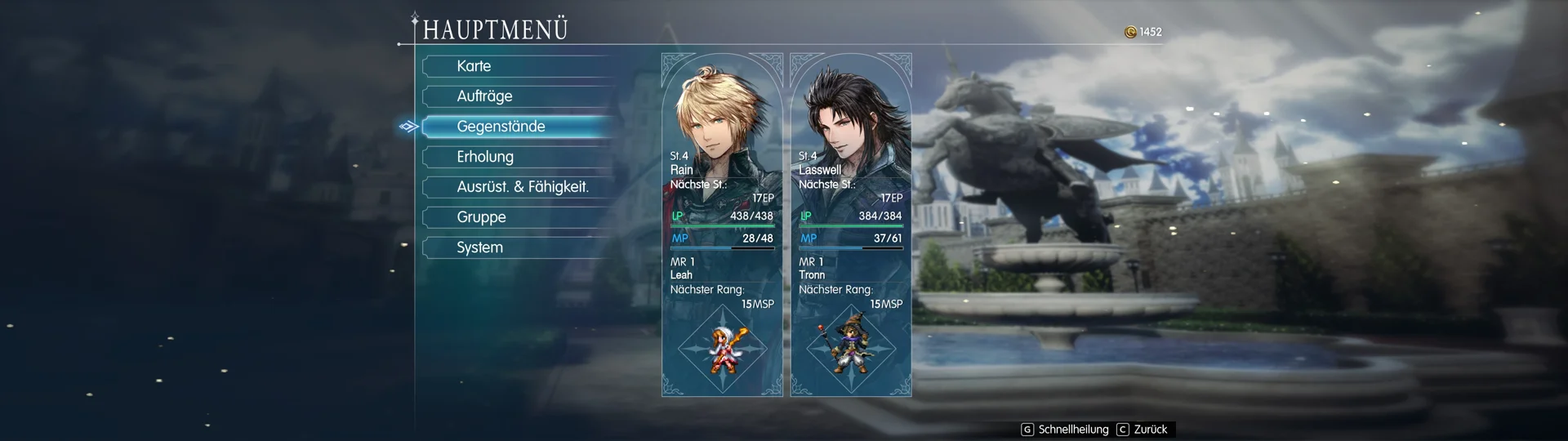
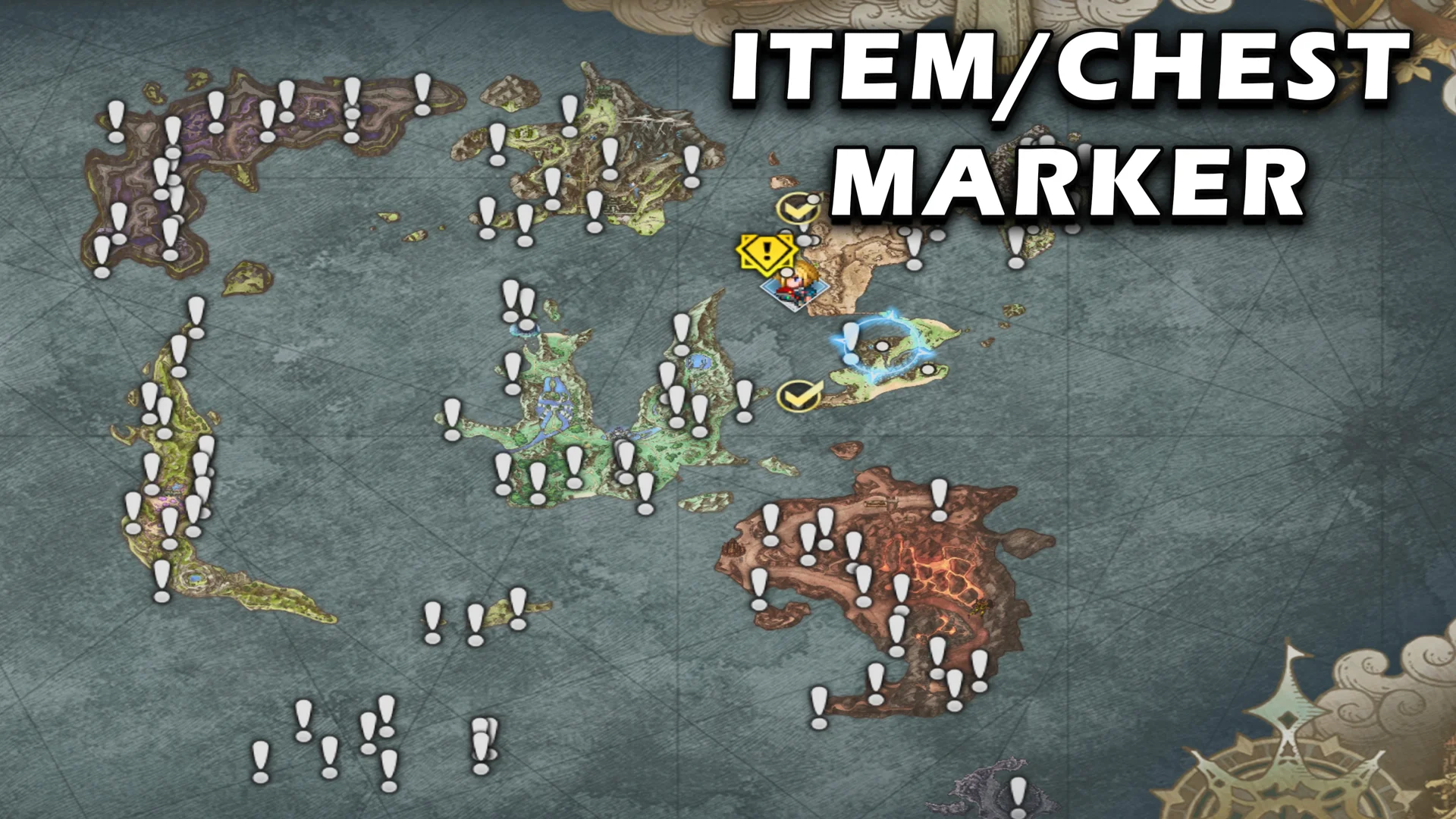
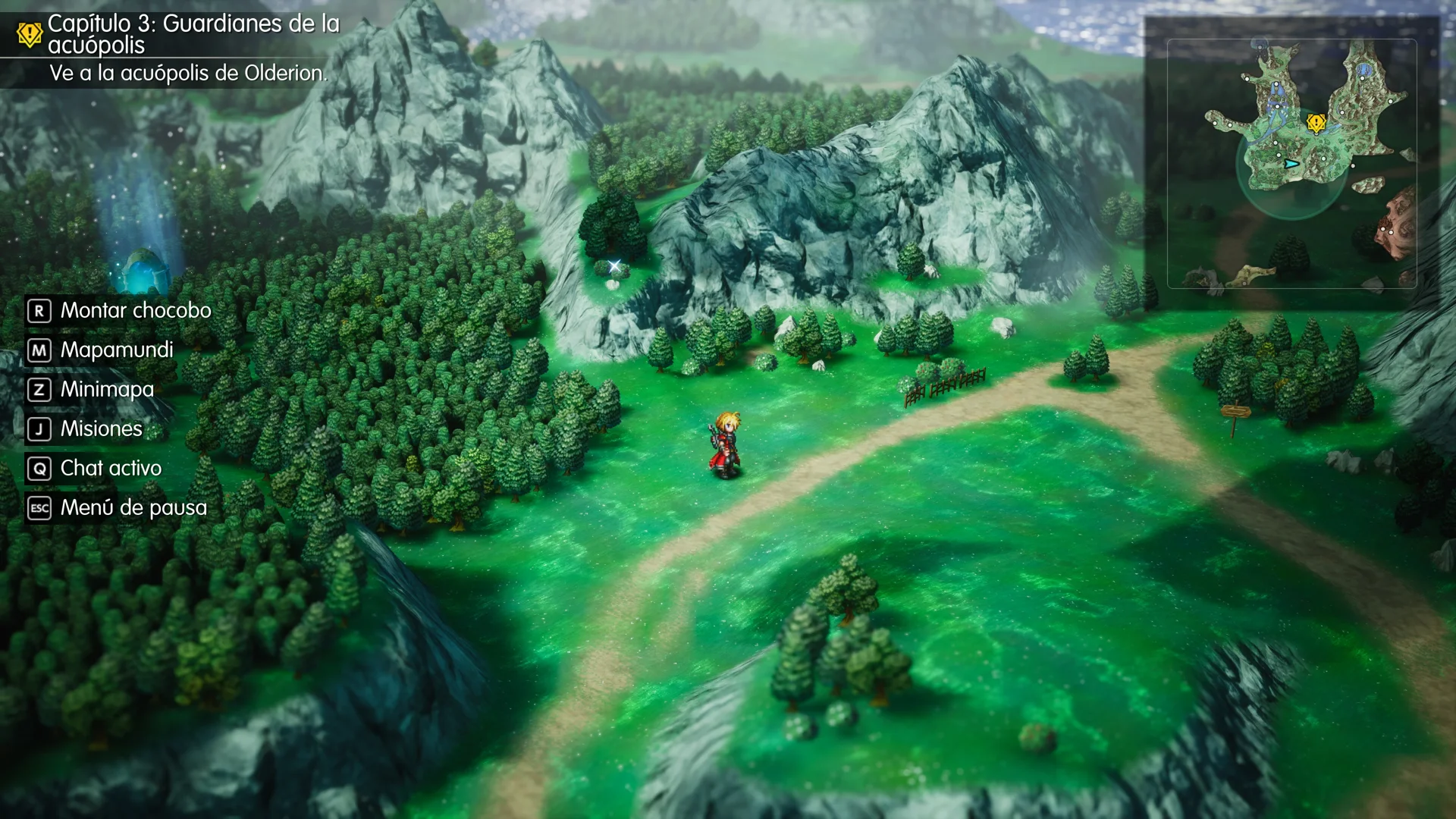
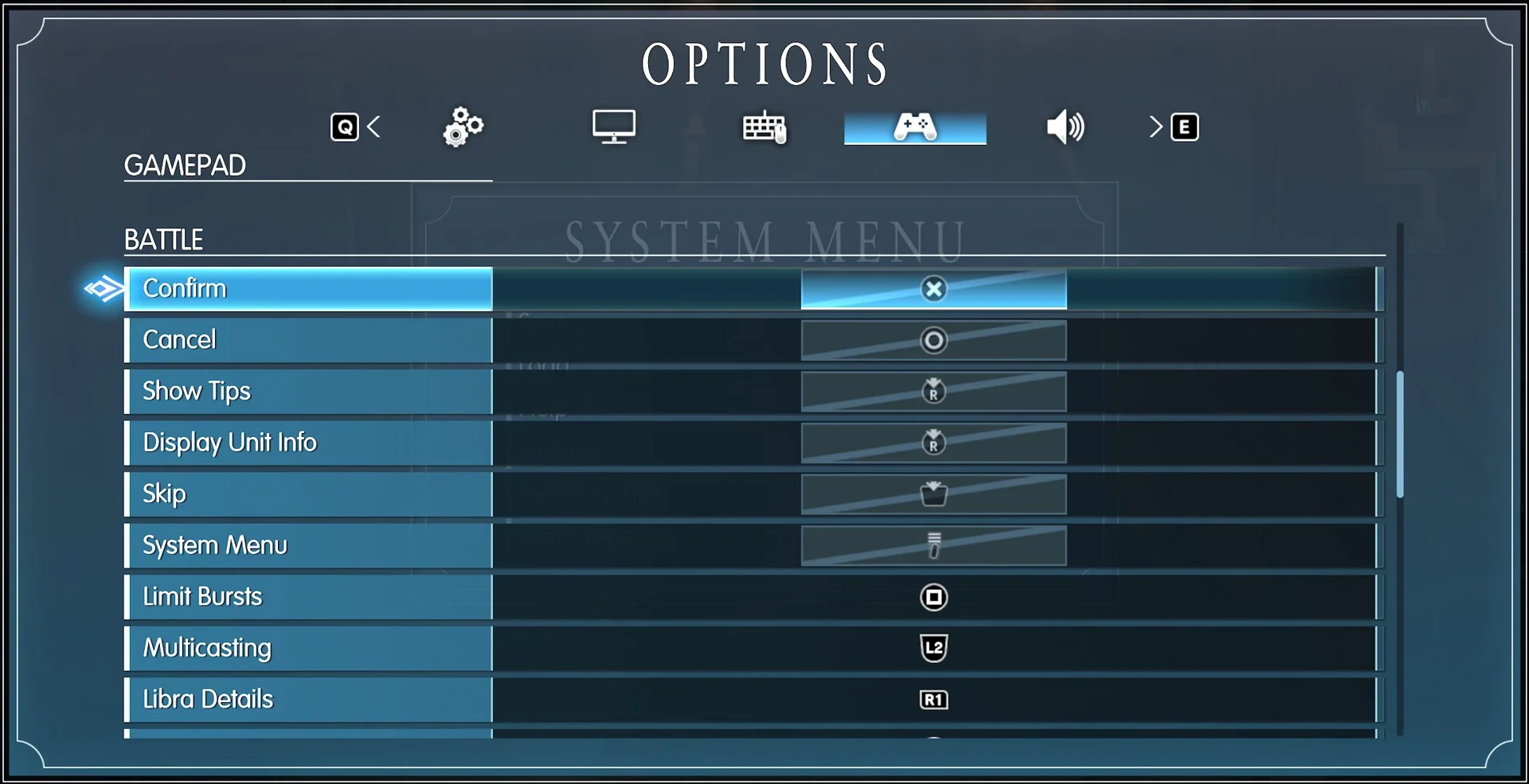
Back up your save folder before you add any mod, and remove mods after a game patch until the author updates them. Square Enix does not support mods, so turn them off before you report a bug.
Final Fantasy Resonance Screenshots
Rain setting out with his party, a dark winged boss, a throne room standoff, fire magic, a Vision cinematic and the fight with Gilgamesh, from the Steam version. Click any image to open it full size.
-
- Final fantasy resonance rain adventure begins from
-
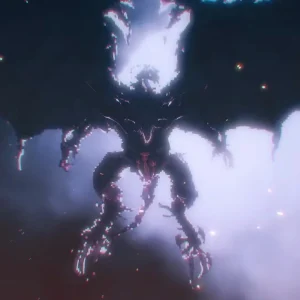
- Final fantasy resonance dark esper boss from
-
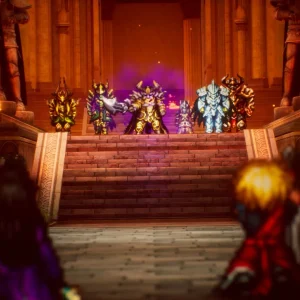
- Final fantasy resonance throne room showdown from
-
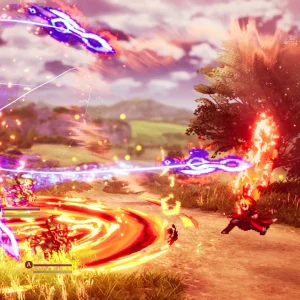
- Final fantasy resonance fire magic battle from
-
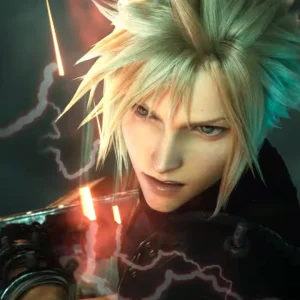
- Final fantasy resonance vision cinematic from
-
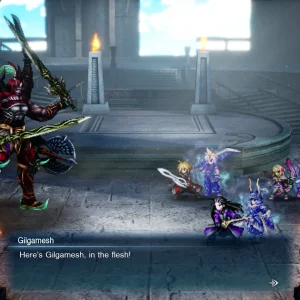
- Final fantasy resonance gilgamesh battle from
Final Fantasy Resonance FAQ
Does Final Fantasy Resonance run on Windows 10?
Do I need to have played Final Fantasy Brave Exvius first?
Does Final Fantasy Resonance have gacha or microtransactions?
Is Final Fantasy Resonance on Xbox Game Pass?
How long is Final Fantasy Resonance?
What are the Final Fantasy Resonance system requirements?
Support and Community
- Square Enix, the developer and publisher’s official website.
- The official Final Fantasy Resonance site, with the story, characters, trailers and store links.
- Square Enix Support Center, for account, purchase and bug help.
- r/FinalFantasyResonance on Reddit, for player discussion, builds and help.
- Steam discussions, for questions and PC performance threads.
- Final Fantasy Resonance on Nexus Mods, for fan-made mods.
- Final Fantasy on YouTube, for trailers and updates.
Explore more Windows games: Final Fantasy XV for Windows · Clair Obscur: Expedition 33 · Metaphor: ReFantazio · Persona 5 Royal · Dragon’s Dogma 2 · Best RPG Games on PC
Discover more from Windows Mode
Subscribe to get the latest posts sent to your email.












Add your first comment to this post