Readers like you help support this site. When you make a purchase using links on our site, we may earn an affiliate commission. All opinions remain our own.
The best free online PDF editors for Windows right now are PDF24, TinyWow, and Sejda PDF. We cover 10 tools in total, including options for basic edits, form filling, e-signatures, AI summaries, and design-heavy documents, all running in your browser with nothing to install.
Eight of these have a genuine free tier you can use right now with no credit card. Two require a trial or account but are worth knowing about. We cover exactly what each tool does for free, where the limits kick in, and which ones use tricks to get you to pay. We also cut two tools from this list entirely because they let you edit your file but then lock the download behind a paywall. You deserve to know that before you upload anything.
If you need a desktop app instead, see our Best Free PDF Editors for Windows guide. Got a question? Reach out and let us know.
What We Look For
Works in any browser on Windows 10/11 · Genuinely free with no card required · Honest about limits before you upload · Files deleted from servers promptly · No tricks (edit free, pay to download)
What are the Top Free Online PDF Editors for Windows?
Editor’s Pick
#1. PDF24
The only truly unlimited free online PDF editor in 2026
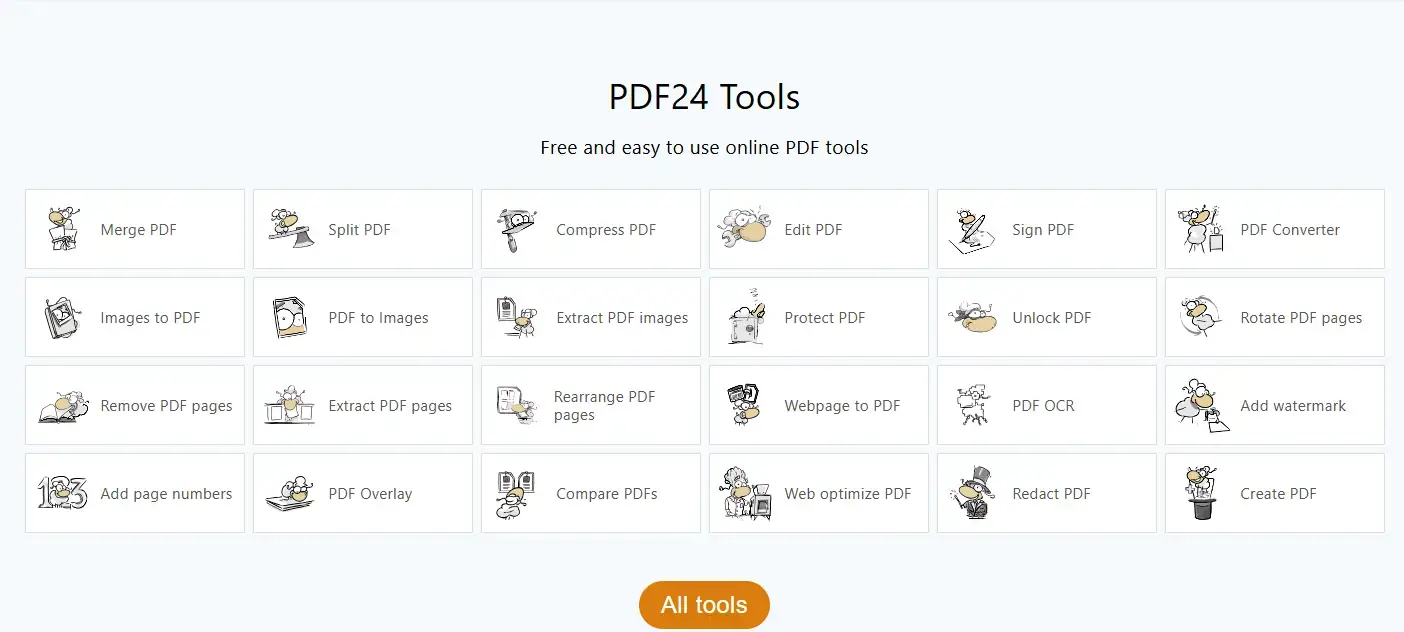
PDF24 is the benchmark. No task limits, no file size caps, no signup, and no paywall anywhere on the site. You get merge, split, compress, convert, OCR, and basic text editing all in one place. The trade-off is ads, which is how they keep the lights on. The ads are not intrusive enough to be a dealbreaker for most people.
Files are deleted from their servers after one hour. You can also delete them manually the moment you are done. No account is ever required.
#2. TinyWow
Fully free, fully featured, no credit card, no signup
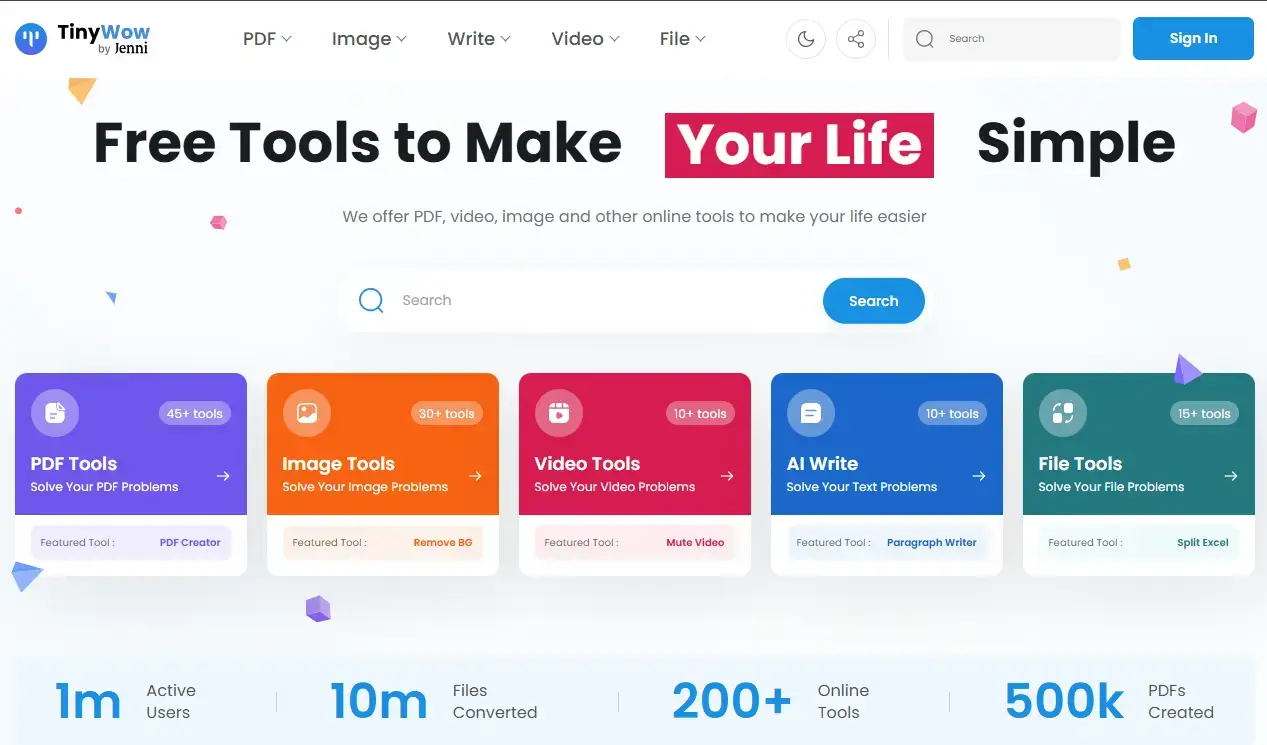
TinyWow gives you text editing, annotations, shapes, form filling, and file conversion all for free. Like PDF24, no account is required and files are deleted within one hour. The difference is TinyWow uses CAPTCHAs and ads as its friction mechanism. Every few tasks you will solve a CAPTCHA. It slows things down but nothing is locked behind a paywall.
If the CAPTCHAs get annoying, they offer a $5.99/month Supporter plan that removes them and speeds up processing. That is optional, not required.
#3. Sejda PDF
Real text editing, no signup, transparent limits
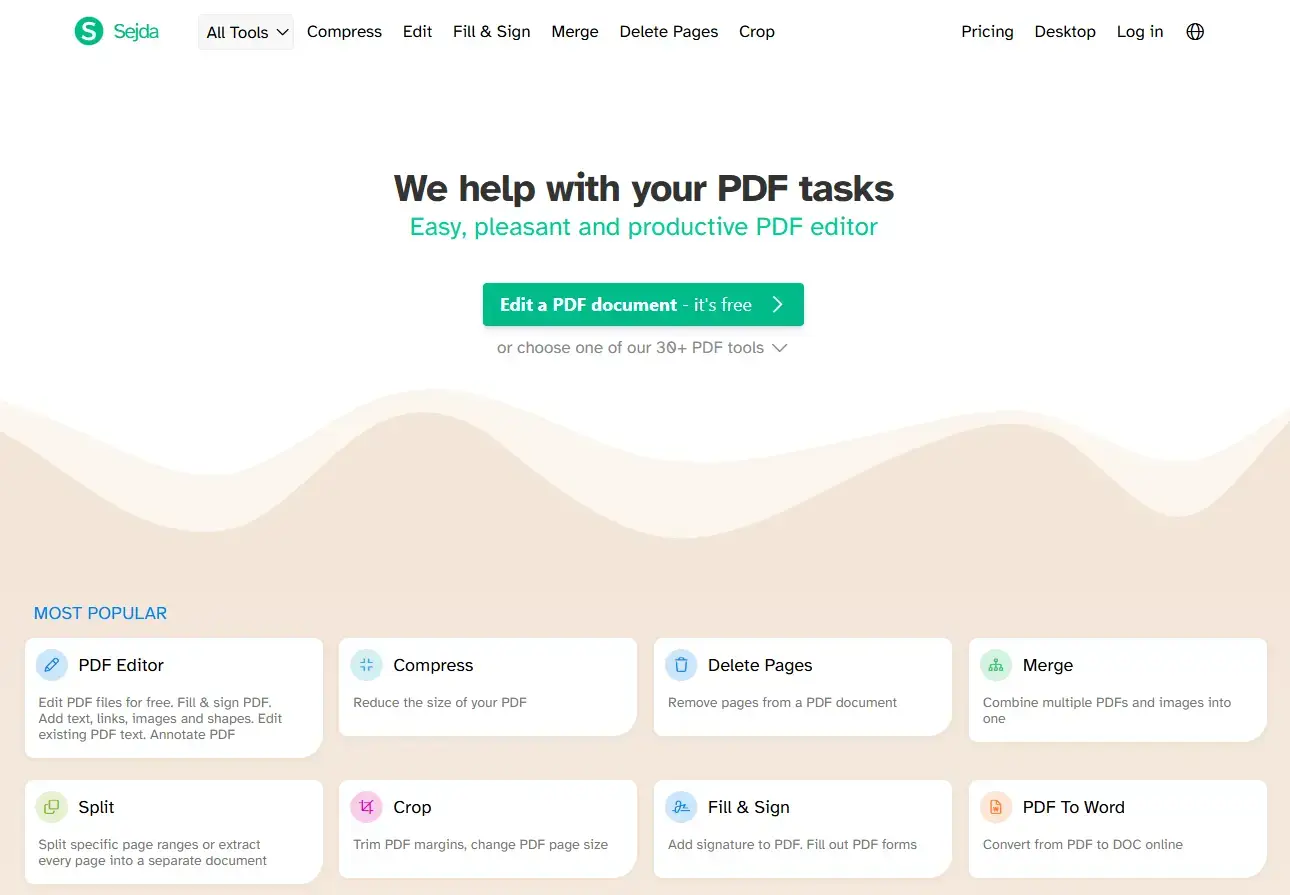
Sejda is the best pick if you need to actually edit the text inside a PDF, not just paste a box on top. It modifies the underlying text layer, which is rare for a free browser tool. The limits are clearly posted: 3 tasks per day, files up to 50MB, documents up to 200 pages. No account needed to start.
If you hit the 3-task daily limit, it will not let you proceed until the next day. No dark patterns, just a hard stop with a clear message. A $5/week or $63/year plan removes all limits if you need more volume.
#4. ILovePDF
Popular, polished, and free for everyday tasks
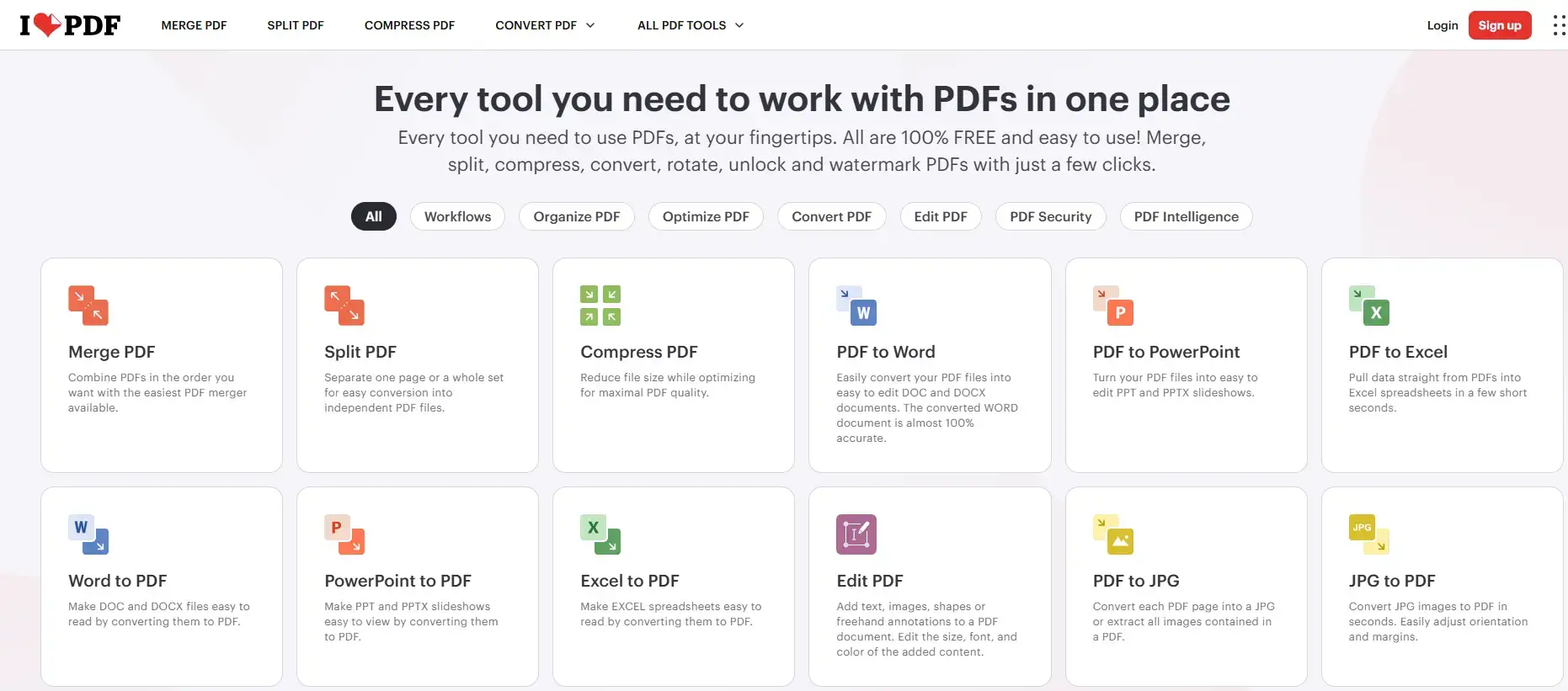 Ilovepdf website from 10 Best Free Online PDF Editors for Windows in 2026: Compared
ILovePDF is one of the most widely used browser PDF tools for a reason. The interface is clean, it covers all the basics (merge, split, compress, convert, annotate, sign), and most single-file tasks work fine on the free tier. The limits are not publicly posted, which is the main downside. They fluctuate based on server load, and you may hit a cap without knowing exactly where it is.
Batch processing (doing the same thing to multiple files at once) is a premium feature. If you only need to work on one file at a time, the free tier holds up well. An account is not required for a single task but is recommended if you use Google Drive or OneDrive integration.
#5. PDFelement Online
AI-powered editing in the browser, 1 free use per tool per day
 Pdfelement website from 10 Best Free Online PDF Editors for Windows in 2026: Compared
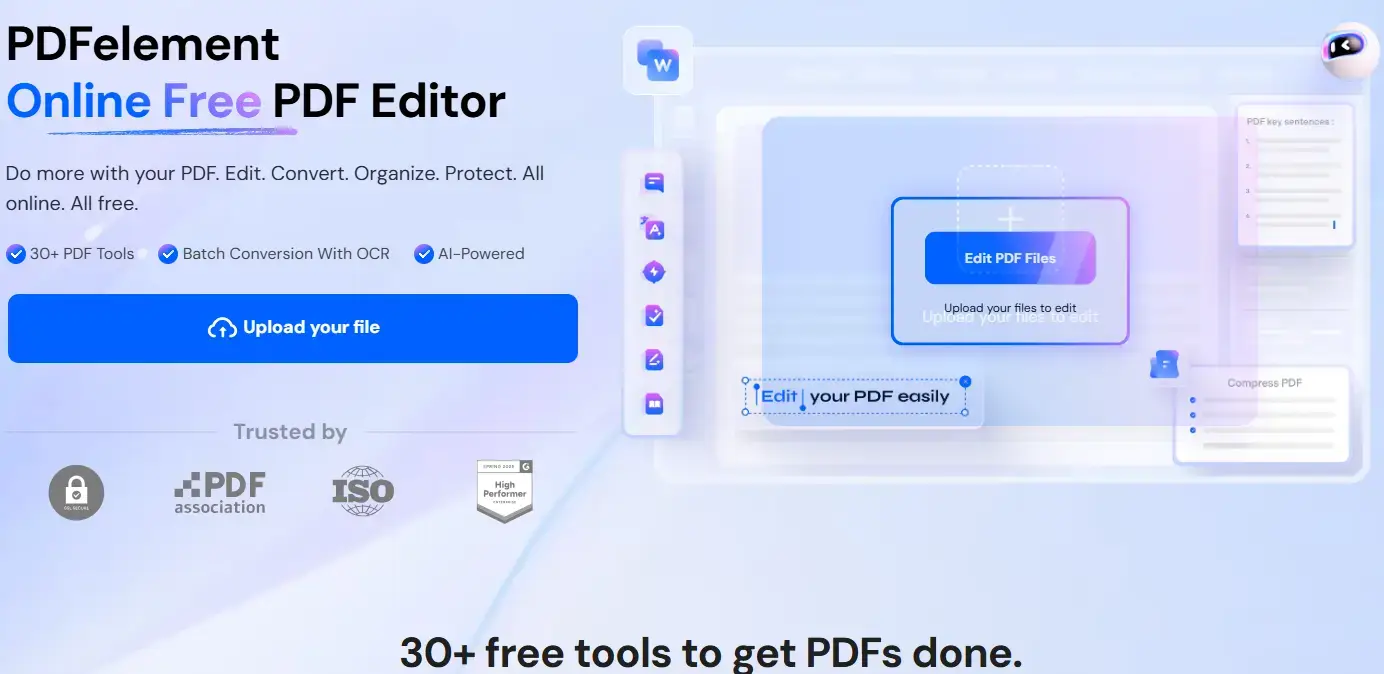
PDFelement Online is Wondershare’s browser version of their popular desktop editor. You get editing, conversion, compression, merging, AI summarization, and translation, all in your browser without installing anything. The free tier gives you one use per tool per day, which is enough for light, occasional work.
One thing to note: some free exports may include a watermark depending on the tool you use. Always check your download before sharing it. If you need the full desktop experience with no watermarks and no limits, the PDFelement desktop app is a separate product with its own pricing.
#6. pdfFiller
Full-featured 30-day trial. Credit card required.
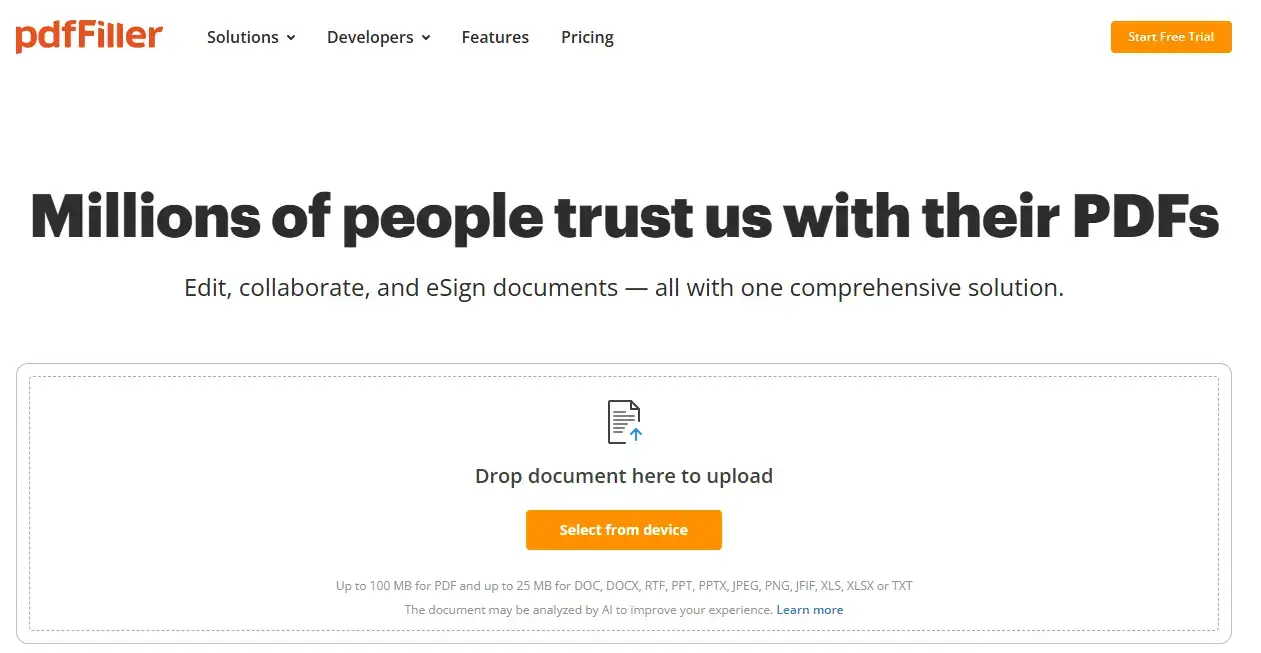
Heads up: pdfFiller is not free forever. It offers a 30-day free trial that requires a credit card. If you do not cancel before the trial ends, it charges you automatically. We are flagging this upfront because you deserve to know before you sign up.
That said, if you have a specific document task coming up and you need a fully professional tool for one month, pdfFiller is genuinely excellent. It covers text editing, AI features, form filling, legally binding e-signatures, redaction, document templates, and fax sending, all in the browser. No other tool on this list matches the feature depth during the trial window.
Set a calendar reminder before the 30 days is up. Cancel via your account settings if you do not want to continue.
#7. Smallpdf
Polished tool with a strict daily limit and account requirement
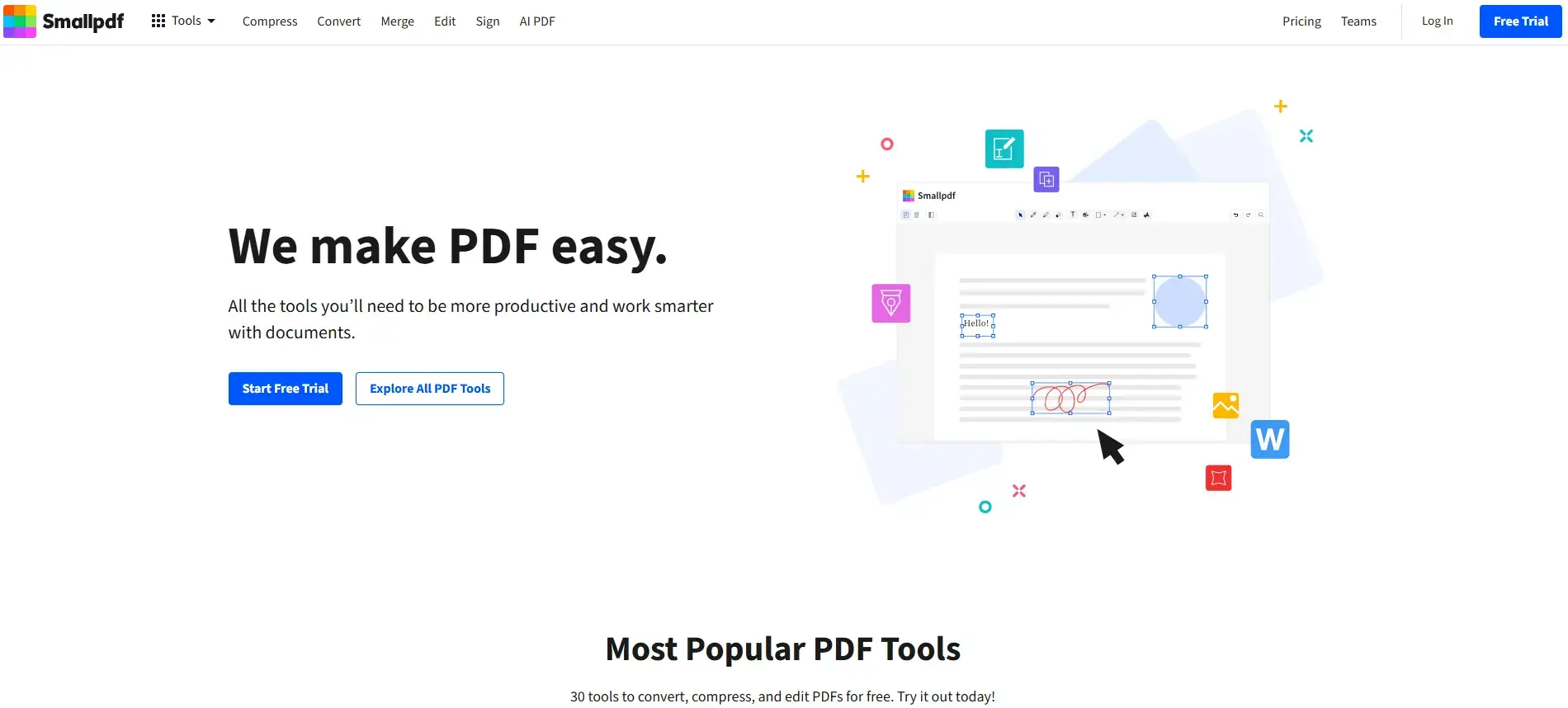
Smallpdf has over 30 PDF tools in the browser and handles the basics well. You can compress, convert, merge, split, and annotate on the free tier. It also gives you limited access to its AI PDF assistant for basic summarization. The interface is one of the cleanest in the market.
The free tier has a daily task limit and a 50MB file size cap. You need an account to track your usage. Strong compression and batch processing both require a paid plan ($10 to $15/month depending on billing cycle).
#8. PDF2Go
Credit-based free tier with AI features and 24-hour file deletion
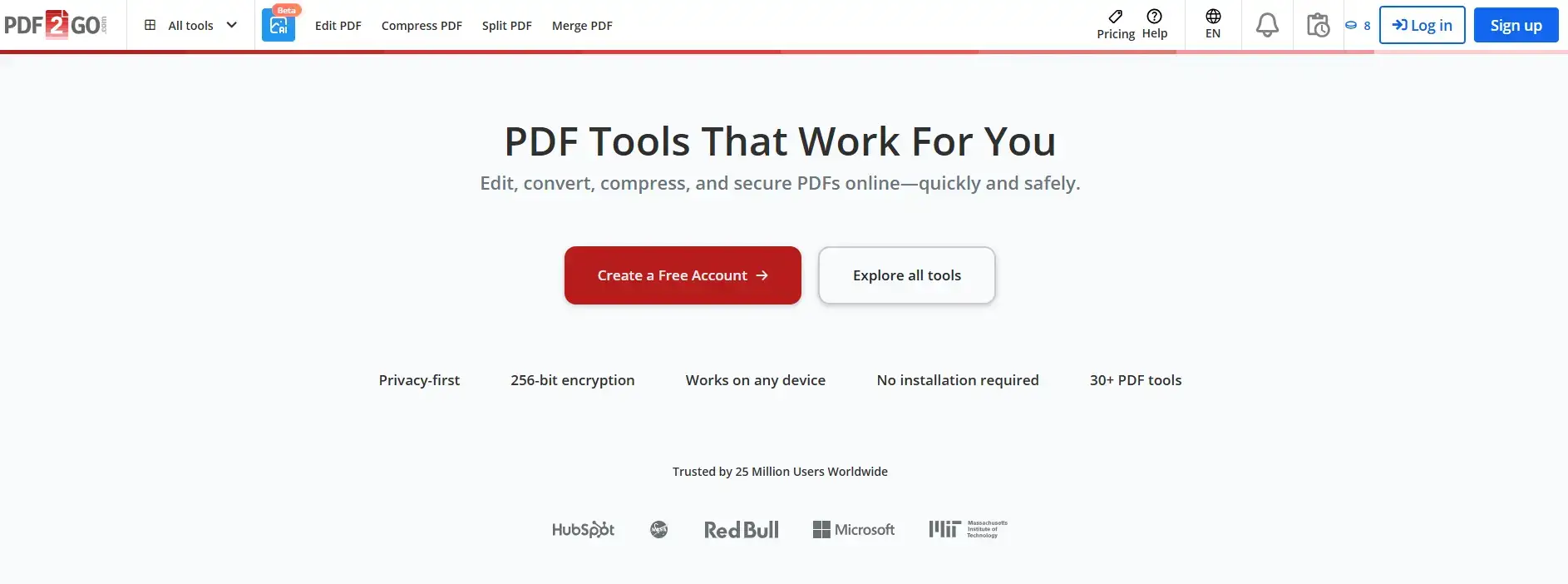
PDF2Go works differently from the others. Instead of a daily task limit, it gives you a pool of free credits that drain as you work. Standard tasks consume credits slowly. AI tasks like summarization and translation drain them much faster. When the credits run out, you hit a paywall.
An account is required to track your balance. Files are automatically deleted after 24 hours. The tool covers editing, conversion, compression, OCR, and basic AI features. If you only need a task or two, the free credits stretch far enough.
#9. Canva
Design-first PDF editing. Great for visual documents, not contracts.
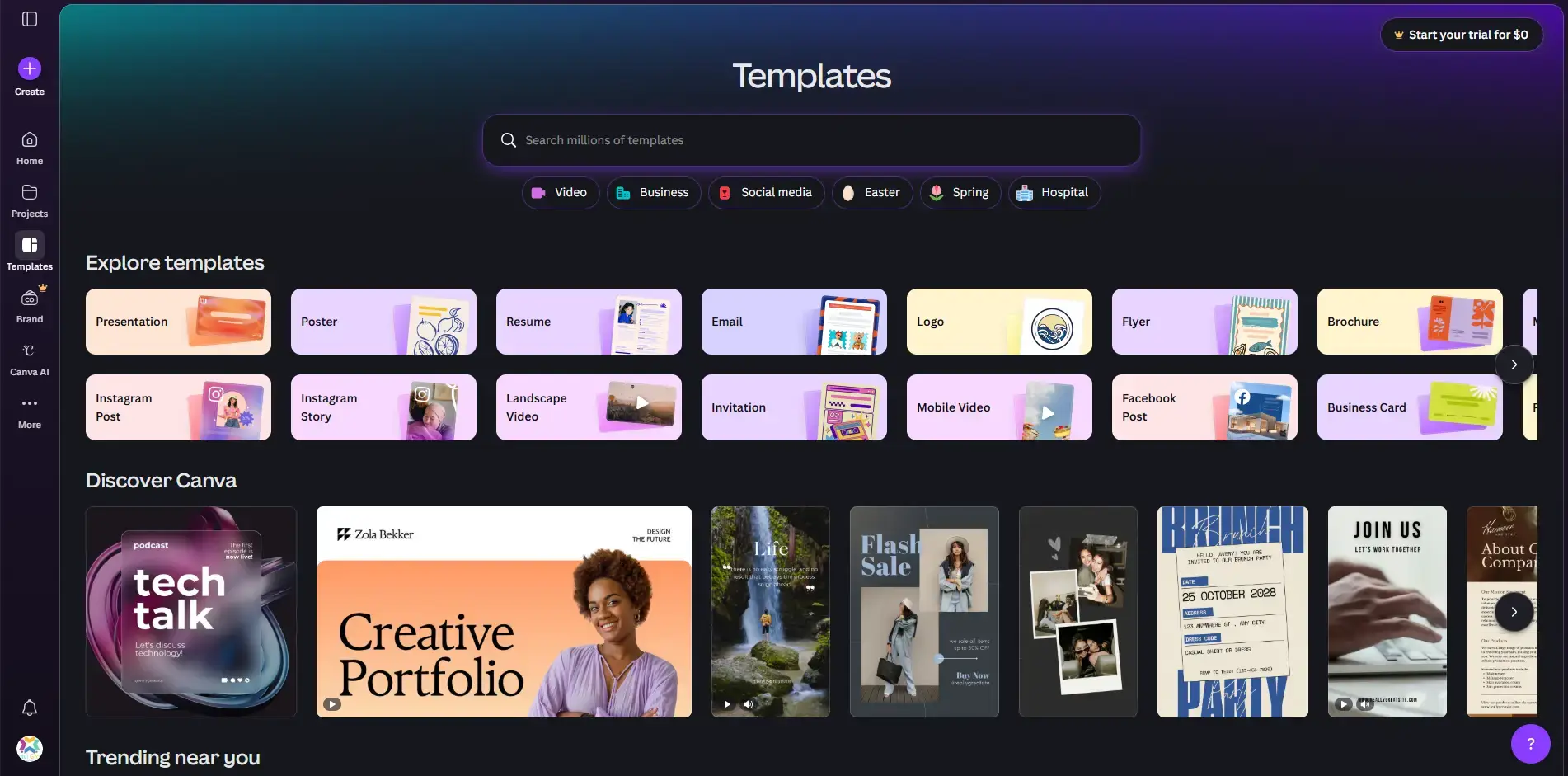
Canva approaches PDF editing from a design angle. When you upload a PDF, it treats every element as a design block you can rearrange, recolor, or swap out. It works well if your document is a poster, brochure, or presentation. It is not the right choice for editing a contract or a legal form.
The free tier gives you 5GB of cloud storage and access to millions of free templates. An account is required. Premium stock assets (marked with a crown icon) and CMYK export for professional printing both require Canva Pro.
#10. PDFgear
Free browser tool that nudges you to the desktop app for deep editing
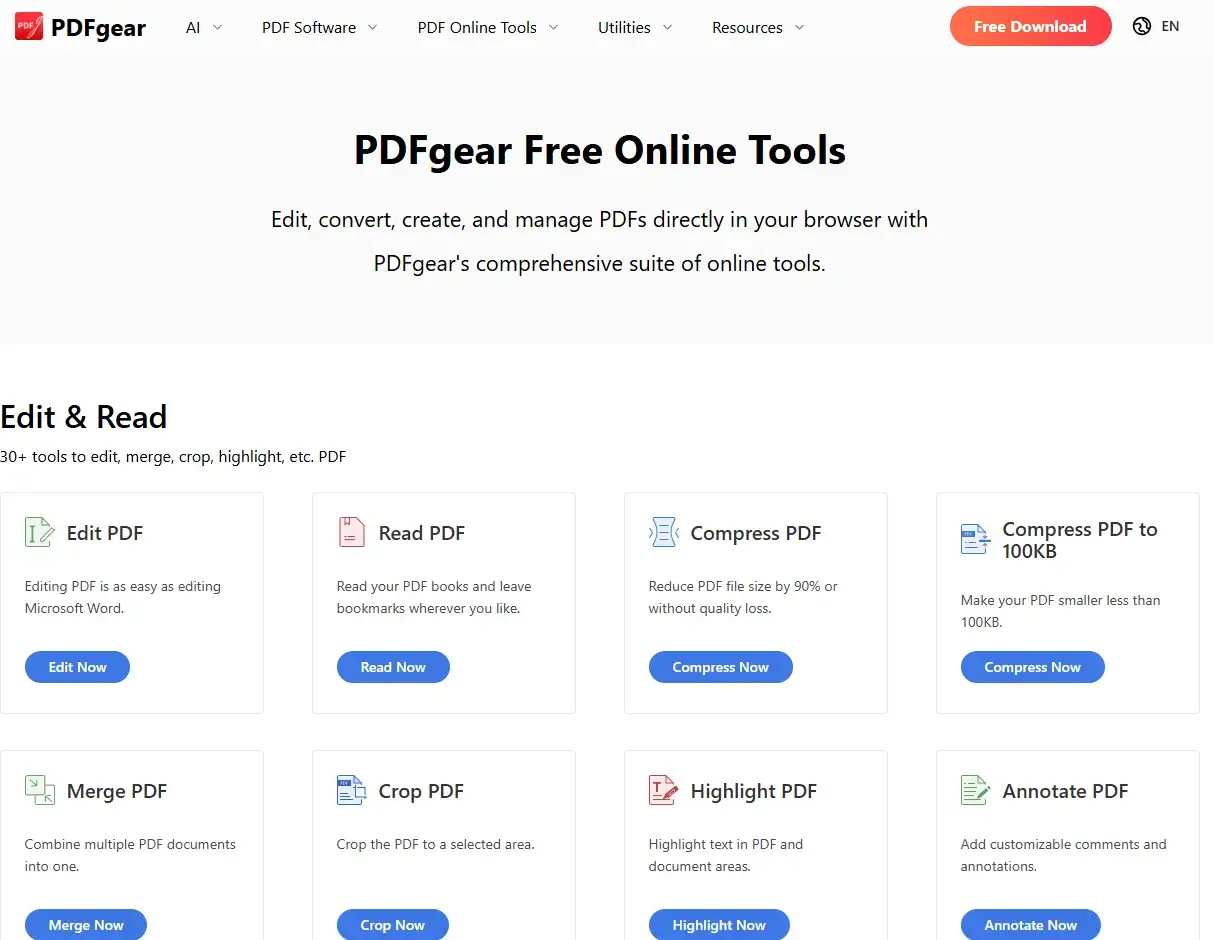
PDFgear’s browser tool handles merging, splitting, compressing, cropping, highlighting, and basic conversions. Files up to 100MB are supported online, no signup required. But if you want to edit the actual text inside a PDF or use AI features, the browser version will redirect you to download the desktop app.
That is not necessarily a bad thing. The desktop app is completely free, processes everything on your own computer (no files sent to any server), and has no watermarks or paywalls. If privacy matters to you, the desktop version is the better choice anyway.
Which One Should You Pick?
Frequently Asked Questions
What is the best free online PDF editor with no limits?
Can I edit PDF text online for free without signing up?
Which free online PDF editor does not add a watermark?
Is it safe to upload sensitive documents to a free online PDF editor?
What is the difference between a free online PDF editor and a free PDF reader?
Support and Community
-
- r/pdf on Reddit: community advice on PDF tools, workflows, and troubleshooting
- r/software on Reddit: broader software help and recommendations
PDF24 Community Forum: official support and feature requests for PDF24
Comparison Table
| Tool | Free Tier | Limits | Signup | Text Editing | Watermark |
|---|---|---|---|---|---|
| PDF24 | Yes | None | No | Basic | No |
| TinyWow | Yes | CAPTCHAs, ads | No | Yes | No |
| Sejda PDF | Yes | 3 tasks/day, 50MB | No | Yes (real) | No |
| ILovePDF | Yes | Undisclosed daily cap | Optional | Annotate only | No |
| PDFelement Online | Yes | 1 use/tool/day | Yes | Yes | Sometimes |
| pdfFiller | Trial only | 30 days, card needed | Yes | Yes | No |
| Smallpdf | Yes | Daily task limit, 50MB | Yes | Annotate only | No |
| PDF2Go | Yes | Credit pool depletes | Yes | Yes | No |
| Canva | Yes | 5GB storage, premium assets locked | Yes | Design elements only | No |
| PDFgear | Yes (browser limited) | 100MB, no text editing online | No | Desktop app only | No |
More Windows software guides: Best Free PDF Editors for Windows · Drawboard PDF for Windows · Adobe Acrobat Reader for Windows · Best Free Windows Software · VS Code Themes
Discover more from Windows Mode
Subscribe to get the latest posts sent to your email.