Readers like you help support this site. When you make a purchase using links on our site, we may earn an affiliate commission. All opinions remain our own.

Brave is a free, privacy-first browser for Windows that blocks ads and trackers by default, loads pages up to 3x faster than Chrome, and uses 33% less RAM. It is built on Chromium (the same engine as Chrome) so it works with all your favorite websites and extensions. Brave also includes Leo, a built-in AI assistant that can summarize pages and answer questions without tracking your data.
This guide covers what makes Brave different, how it compares to Chrome and Edge, how its Leo AI works, and how to install it safely from the Microsoft Store.
Free
Chromium
Leo (Private)
Win, Mac, Linux
📋 System Requirements
Operating System
Windows 10 or 11 (64-bit)
Processor
Intel Pentium 4 or newer (SSE3)
RAM
4 GB minimum (8 GB recommended)
Storage
500 MB free space
Brave Editions: Which Version Should You Install?
Most users should choose the “Stable” release, but developers can opt for “Beta” or “Nightly” to test new features like the latest AI models early.
| Version | Best For | Stability | Download |
|---|---|---|---|
| Brave Stable | Daily browsing (Recommended) | ⭐⭐⭐⭐⭐ | Get Stable → |
| Brave Beta | Previewing next month’s features | ⭐⭐⭐ | Get Beta → |
| Brave Nightly | Developers & Testing | ⭐ (Updates nightly) | Get Nightly → |
Brave Interface Screenshots
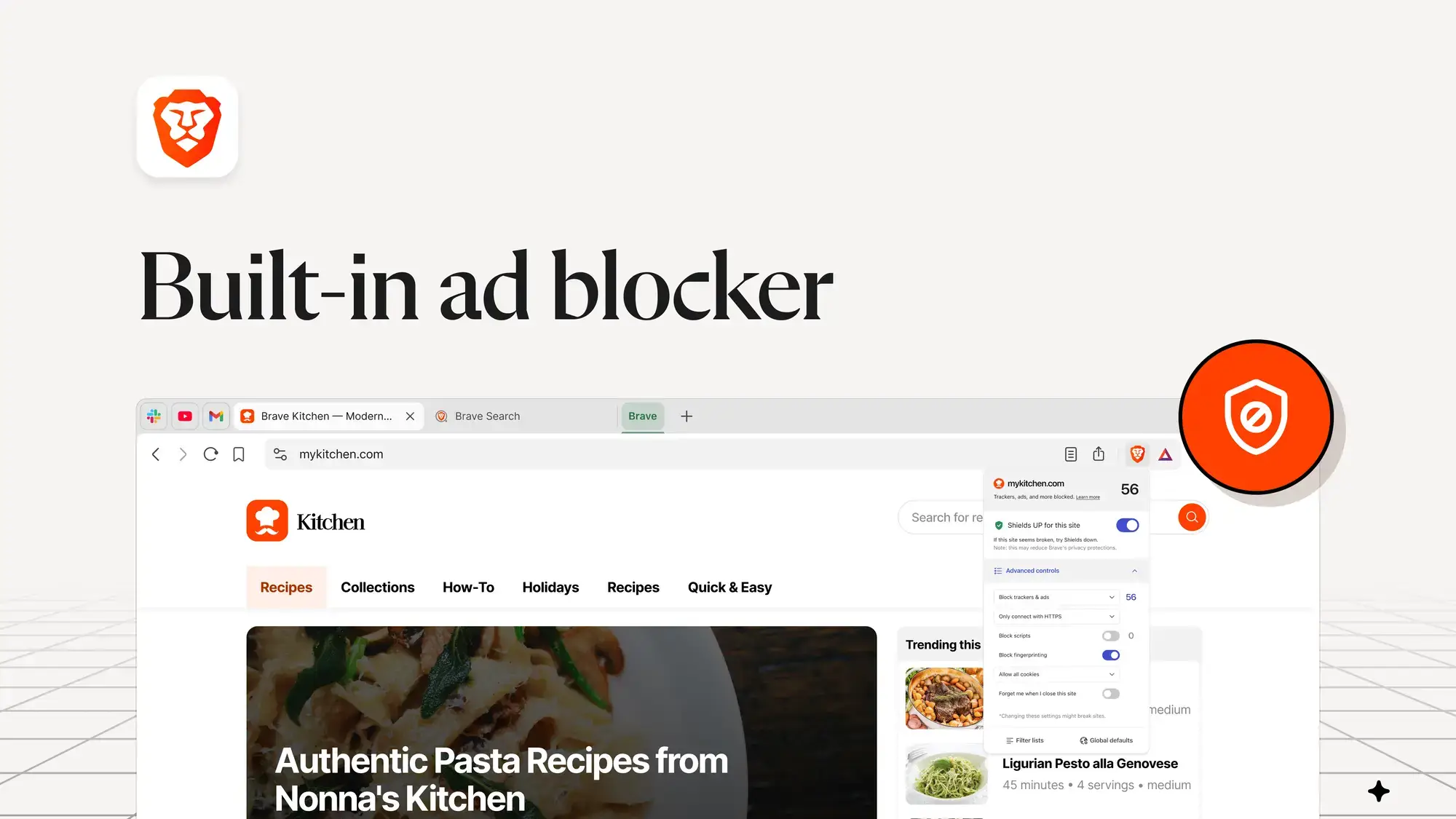
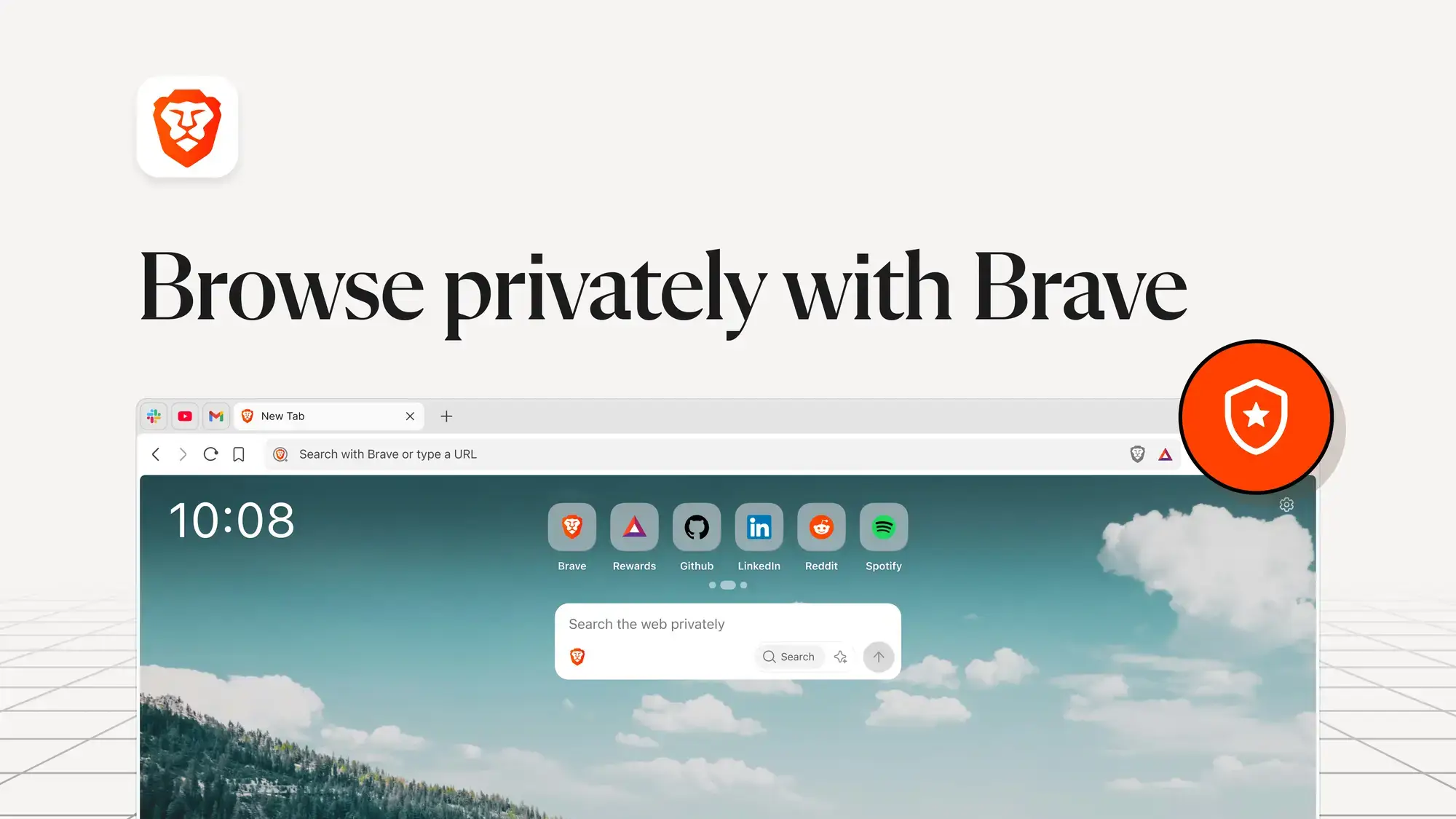
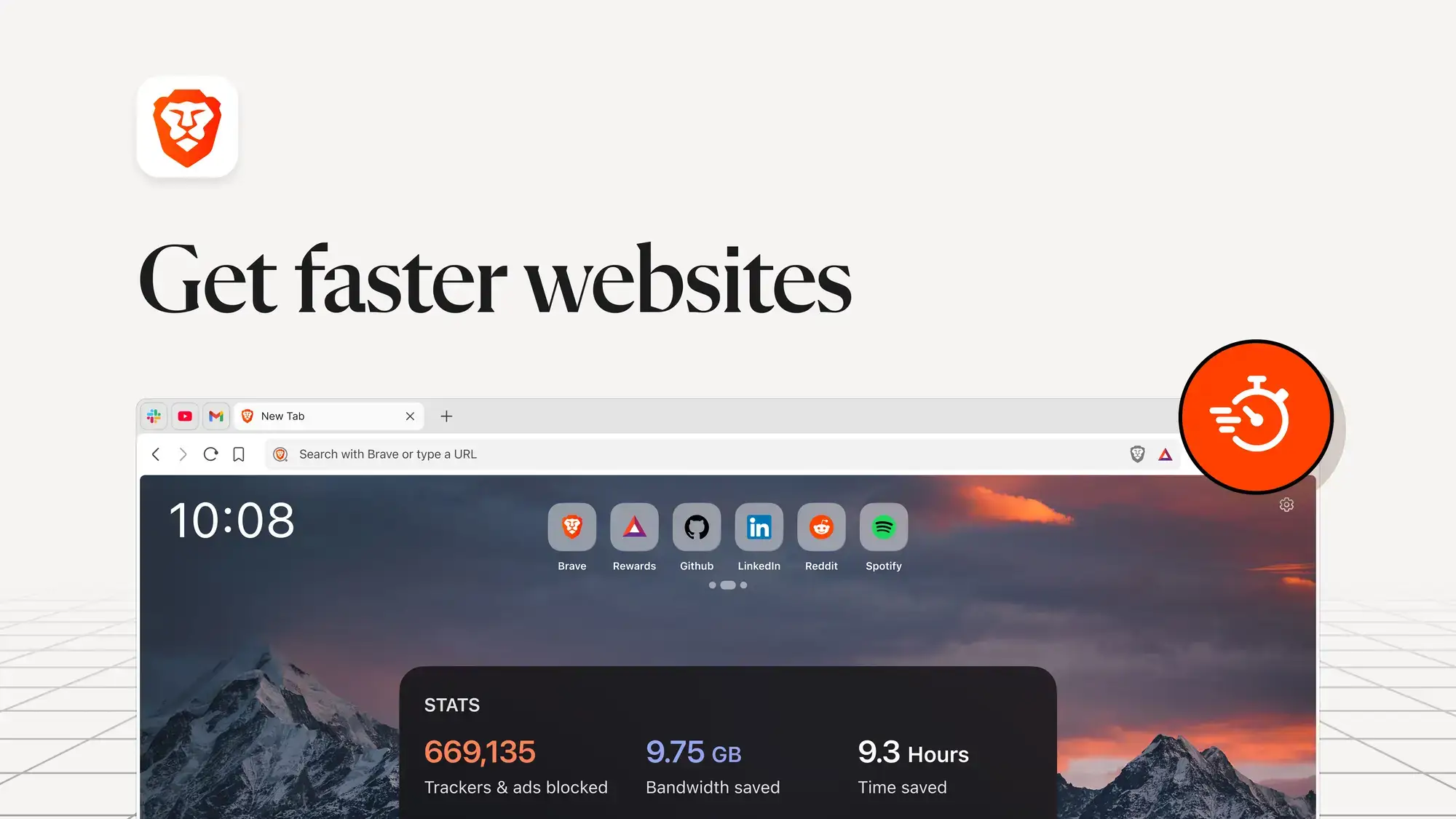
Here is what Brave looks like on Windows. It is clean, familiar, and devoid of clutter. Click any image to enlarge it.
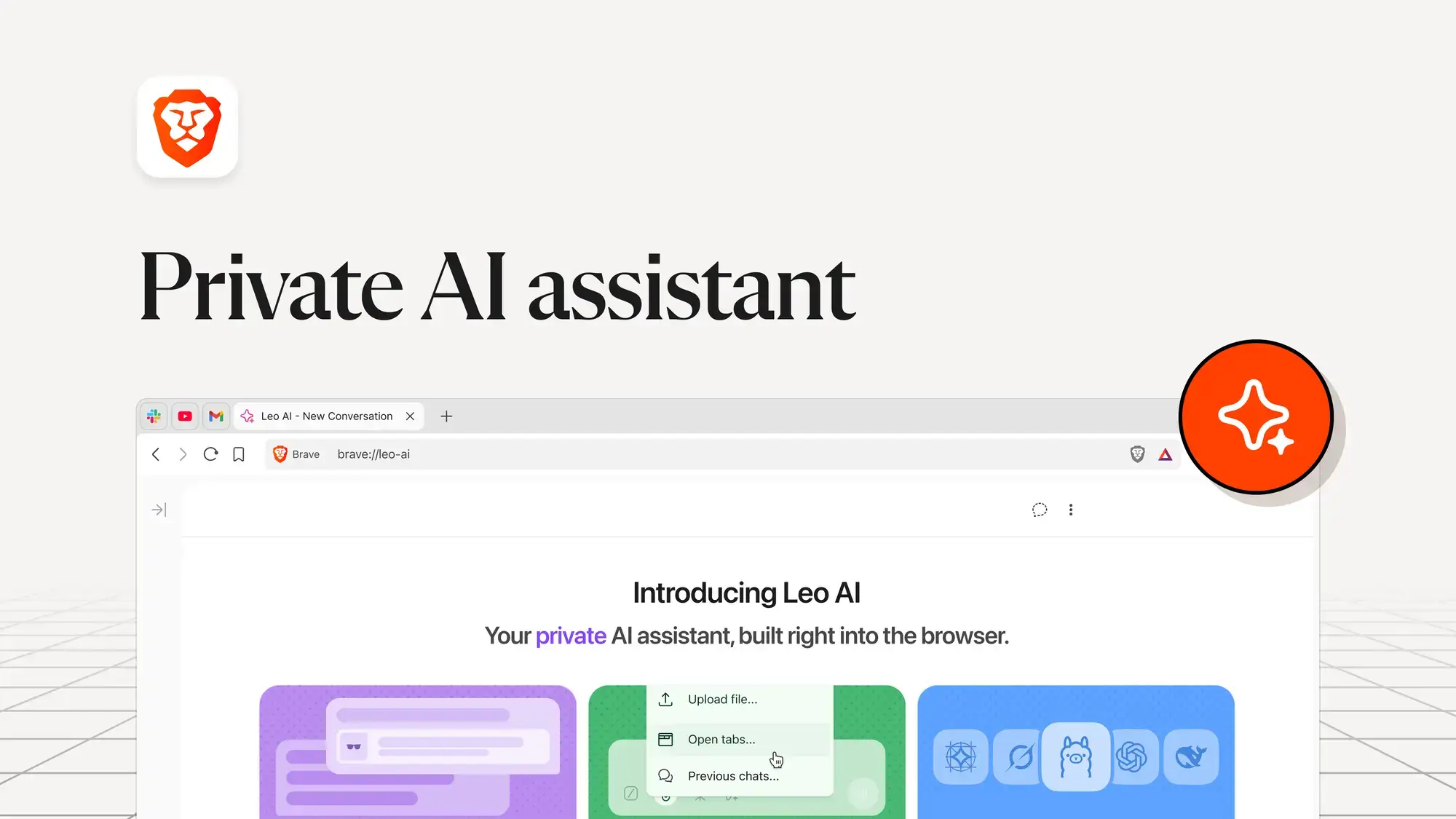
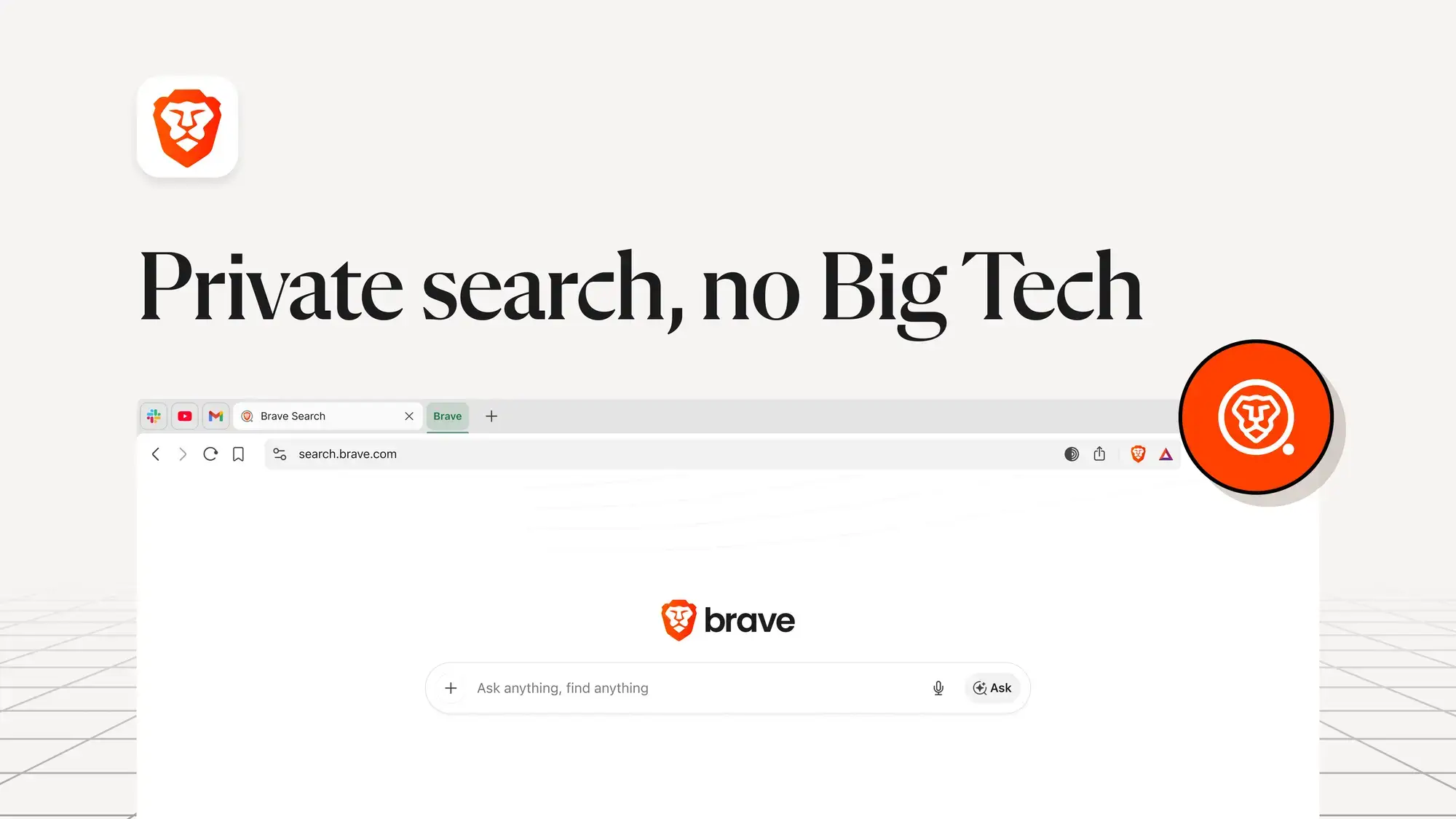
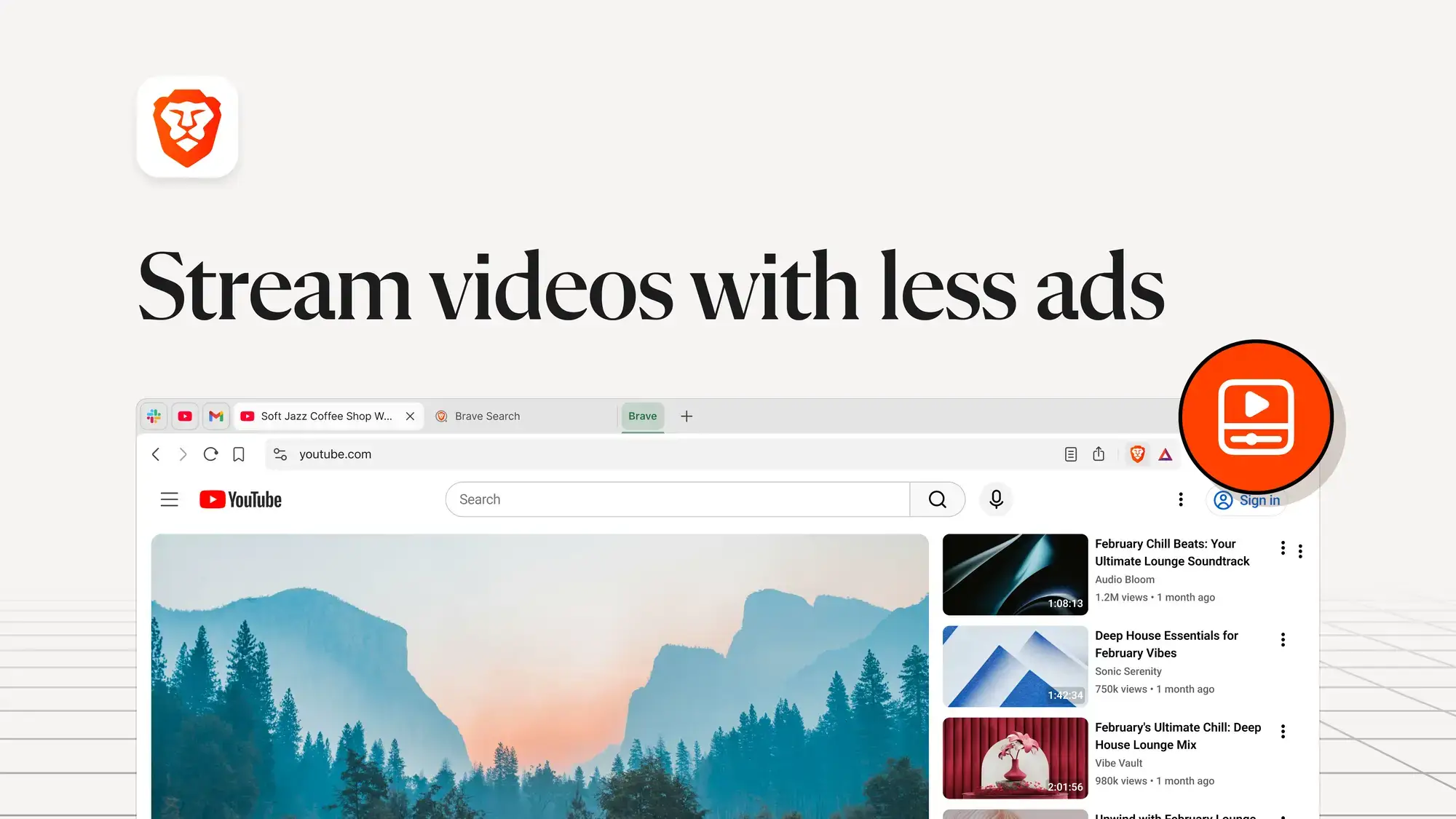
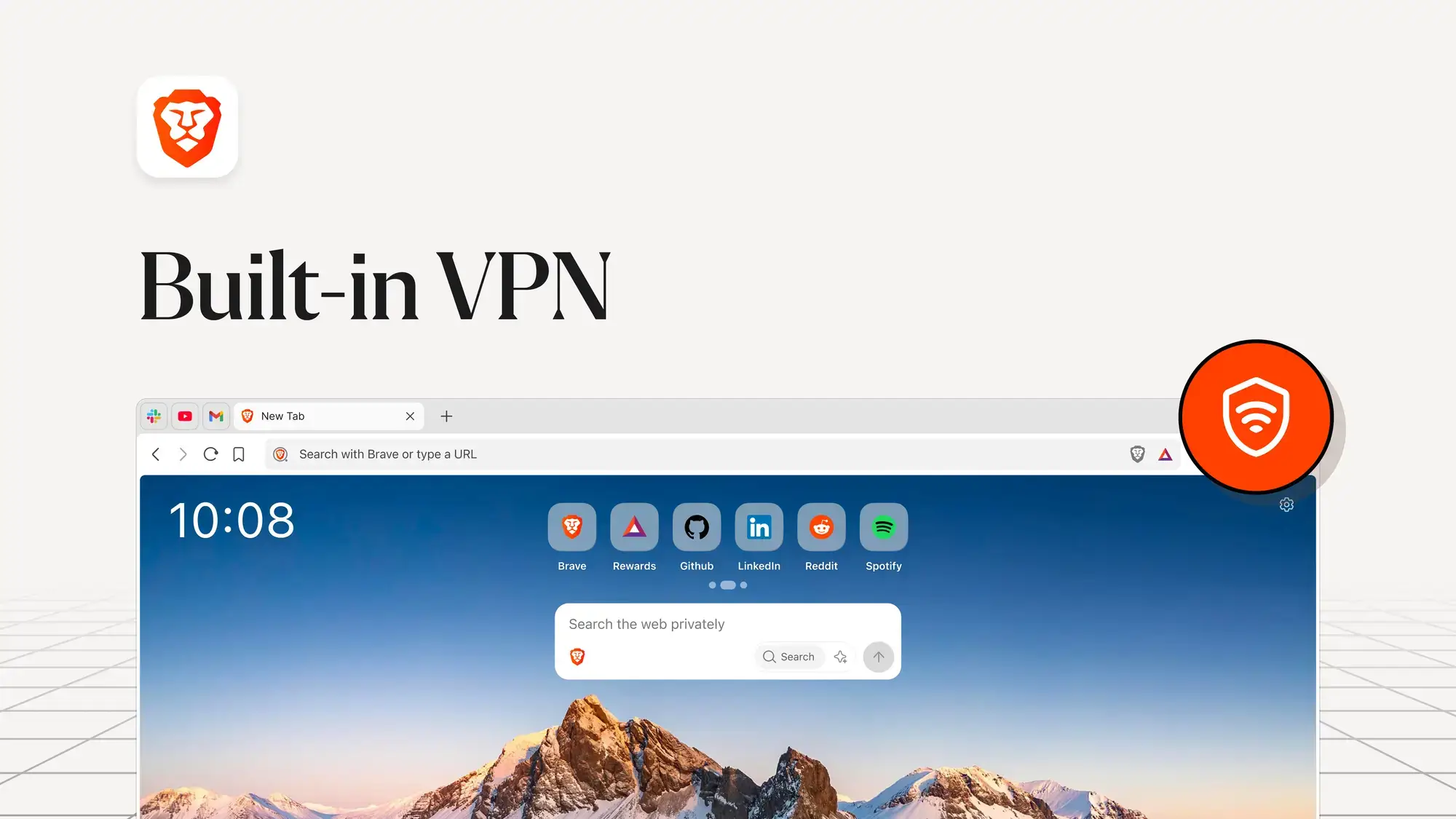
Why Switch to Brave?
Brave’s biggest strength is what it removes: ads, trackers, and cookie pop-ups. Here are the core features.
🦁 Leo AI Assistant
Leo is built directly into the browser. You can ask it to summarize the page you are reading, rewrite emails, or explain code snippets. Unlike other AI bots, Leo preserves your privacy and offers “unlinkable” requests.
🛡️ Brave Shields (Ad Block)
Brave blocks invasive ads, cross-site trackers, and fingerprinting scripts automatically. This makes websites load 3x to 6x faster than Chrome because your computer isn’t downloading junk.
🕵️ Tor Integration
For true anonymity, Brave allows you to open a “Private Window with Tor.” This routes your traffic through the Tor network, hiding your IP address completely from the sites you visit.
📹 Brave Talk
Start unlimited private video calls directly from your browser. No extra apps or Zoom downloads required. Just share a link and chat.
🔄 Chrome Extension Support
Because Brave uses the Chromium engine, it supports almost all extensions from the Chrome Web Store. You can switch without losing your favorite tools.
⚡ Memory Saver
Brave automatically snoozes inactive tabs to save memory. Tests show it uses up to 33% less RAM than Google Chrome, which is ideal for laptops and older PCs.
Brave vs. Chrome vs. Edge vs. Firefox
How does Brave stack up against the other major browsers? It wins on privacy and speed.
| Feature | Brave | Chrome | Edge | Firefox |
|---|---|---|---|---|
| Ad Blocker | ✅ Built-in (Shields) | ❌ Needs extension | ❌ Needs extension | Basic (Enhanced TP) |
| AI Assistant | ✅ Leo (Private) | Gemini (tracks data) | Copilot (tracks data) | ❌ |
| YouTube No-Ads | ✅ Yes (by default) | ❌ | ❌ | With extensions only |
| RAM Usage | ✅ Low (~33% less) | High | Medium | Medium |
| Private Search | ✅ Brave Search | Google (tracks data) | Bing (tracks data) | Google (changeable) |
| Tor Integration | ✅ Built-in | ❌ | ❌ | ❌ (separate Tor Browser) |
| Chrome Extensions | ✅ | ✅ Native | ✅ | ❌ (own store) |
| Open Source | ✅ | ❌ | ❌ | ✅ |
Which Browser Should You Pick?
Choose Brave if you want the fastest, most private browsing experience with built-in ad blocking and YouTube without ads. Choose Chrome if you are deeply tied to Google services (Gmail, Drive, Calendar). Choose Edge for the best integration with Windows and Microsoft 365. Choose Firefox if open-source software and maximum customization matter most to you.
How to Install Brave on Windows
✅ Tip: Using the Microsoft Store version ensures you get automatic background updates.
1
Download from Microsoft Store
Visit the Brave Browser Store page and click Install.
2
Import Data
On the first run, click “Import” to pull your bookmarks, passwords, and history from your previous browser (Chrome/Edge).
3
Set as Default
Go to Settings > Get Started and click “Make default” to ensure links open in Brave automatically.
Compatible with Windows 10 and 11
Download Brave Offline Installer (Standalone Full Setup)
If you need to install Brave on a PC that has no internet connection, or you simply want to keep a copy of the installer, use the standalone offline installer from Brave’s official GitHub.
1
Go to Brave’s GitHub Releases
Open the latest Brave release page. This always points to the newest stable version.
2
Expand the “Assets” section
Scroll down past the release notes. Click “Assets” to reveal the list of downloadable files.
3
Download the standalone installer
Look for BraveBrowserStandaloneSetup.exe (64-bit) or BraveBrowserStandaloneSetup32.exe (32-bit). Click the filename to download it. This is the full installer — no internet needed during installation.
When to use the offline installer: You are setting up a PC without Wi-Fi, your workplace restricts the Microsoft Store, you want to install the same version on multiple computers, or you simply want a backup copy of the installer on a USB drive.
Brave Shortcuts
Brave uses standard Chromium shortcuts, plus a few unique ones for its privacy features.
| Action | Shortcut |
|---|---|
| Open new tab | Ctrl + T |
| Open Private Window | Ctrl + Shift + N |
| Open Tor Window | Alt + Shift + N |
| Ask Leo AI | Ctrl + B (Sidebar) |
| Reopen last closed tab | Ctrl + Shift + T |
| Close current tab | Ctrl + W |
| Open browser settings | Ctrl + , |
| View Blocked Ads Stats | Click Lion Icon (Address Bar) |
Common Issues and Fixes
A website looks broken or won’t load correctly
This is usually caused by Brave Shields blocking something the site needs. Click the Lion icon in the address bar and toggle Shields off for that specific site. This is common with banking sites, payment pages, and some government portals. You can leave Shields on everywhere else.
Brave is not blocking ads on YouTube
Make sure Shields is enabled (the Lion icon should show a colored number, not gray). If ads still appear, go to Settings > Shields > Content Filtering and make sure the default filter lists are enabled. YouTube occasionally changes how it serves ads, but Brave typically patches this within days.
Leo AI is not responding or showing errors
Leo works without an account, but some features require a connection to Brave’s AI servers. Try clicking the Leo icon in the sidebar to restart the session. If it still does not work, check your internet connection and make sure you are running the latest version of Brave (Menu > About Brave).
Chrome extension won’t install or work on Brave
Brave supports Chrome extensions natively, just visit the Chrome Web Store and click “Add to Brave.” If an extension installs but does not work, it may conflict with Shields. Try disabling Shields on the extension’s settings page. A very small number of extensions that depend on Google-specific APIs may not be compatible.
Brave Rewards (BAT) is not working or not showing earnings
Make sure Rewards is enabled in Settings > Brave Rewards. BAT earnings depend on your region, not all countries receive the same number of ad offers. Earnings are typically deposited on the 8th of each month. If your balance seems stuck, try restarting the browser.
Bookmarks and passwords did not import from Chrome
You can re-import anytime by going to Menu > Bookmarks > Import Bookmarks and Settings. Select Chrome or Edge from the dropdown, choose what to import, and click Import. Make sure the source browser is closed first for best results.
Frequently Asked Questions
Is Brave Browser completely free?
Yes. Brave is 100% free to download and use. It makes money through optional privacy-preserving ads (Brave Rewards) and premium subscriptions like Brave VPN and Leo Premium, but the core browser, Shields ad blocker, and basic Leo AI are all free with no account required.
Does Brave work with my bank and school websites?
Yes. Since Brave uses Chromium (the same engine as Chrome), it works with virtually every website. If a site looks broken, simply click the Lion icon in the address bar and turn off Shields for that specific page. Banking, government, and university portals all work fine.
What is Brave Rewards (BAT)?
Brave lets you opt-in to view small, privacy-respecting ads as notifications. If you do, you earn Basic Attention Tokens (BAT) which you can keep as cryptocurrency or tip to your favorite websites and content creators. It is completely optional and disabled by default.
Can I use my Chrome extensions on Brave?
Yes. Visit the Chrome Web Store in Brave and install extensions just like you would on Chrome. Popular extensions like uBlock Origin, Grammarly, LastPass, and Bitwarden all work perfectly. You do not need to enable any special settings; it works out of the box.
Is Brave really faster than Chrome?
Yes, in real-world browsing. Because Brave blocks ads and trackers before they load, web pages load significantly faster. Brave claims up to 3x faster page loads compared to Chrome. Your experience will vary depending on how ad-heavy the sites you visit are, but most users notice an immediate difference.
Is Brave safe and does it collect my data?
Brave is one of the most privacy-focused browsers available. It blocks third-party trackers by default and does not build a profile of your browsing habits. Brave is fully open source, so its code is publicly auditable. The Leo AI feature processes requests without logging them to your identity. Independent audits consistently rate Brave among the top browsers for privacy.
What is the difference between Private Window and Tor Window?
A Private Window does not save your browsing history, cookies, or form data after you close it, but your ISP can still see which sites you visit. A Private Window with Tor routes your traffic through the Tor network, hiding your IP address from both the websites you visit and your ISP. Tor is slower but provides much stronger anonymity.
Does Brave block YouTube ads?
Yes. Brave Shields blocks most YouTube ads by default, including pre-roll, mid-roll, and banner ads. This works without any extensions. YouTube occasionally changes how it serves ads, but Brave actively maintains its filter lists to keep up.
Can I sync Brave across multiple devices?
Yes. Go to Settings > Sync and create a sync chain. You can sync bookmarks, settings, history, and passwords across your Windows PC, phone, and other devices. Unlike Chrome, Brave Sync does not require a Google account, it uses encrypted sync chains that Brave’s servers cannot read.
Helpful Resources and Community
Get help with Shields settings, troubleshoot issues, or explore what others are building with Brave:
📖 Brave Help Center
Official guides on Shields, Rewards, Leo AI, and browser settings.
💬 Brave Community Forum
Official support forums for bug reports, feature requests, and troubleshooting.
🗨️ Reddit Community
Active discussions on BAT earnings, privacy tips, and browser comparisons.
🔓 Brave GitHub
Brave is fully open source. View the code, report issues, or contribute.
📰 Brave Blog
Latest news, feature announcements, and privacy research from the Brave team.
Get Brave Browser for Windows
Block ads, speed up your PC, and browse privately with Leo AI.
Compatible with Windows 11 and Windows 10 (64-bit)
Related Guides: Opera for Windows, Google Antigravity for PC, Chrome for PC, Firefox for PC, Edge for PC.
Discover more from Windows Mode
Subscribe to get the latest posts sent to your email.