Readers like you help support this site. When you make a purchase using links on our site, we may earn an affiliate commission. All opinions remain our own.
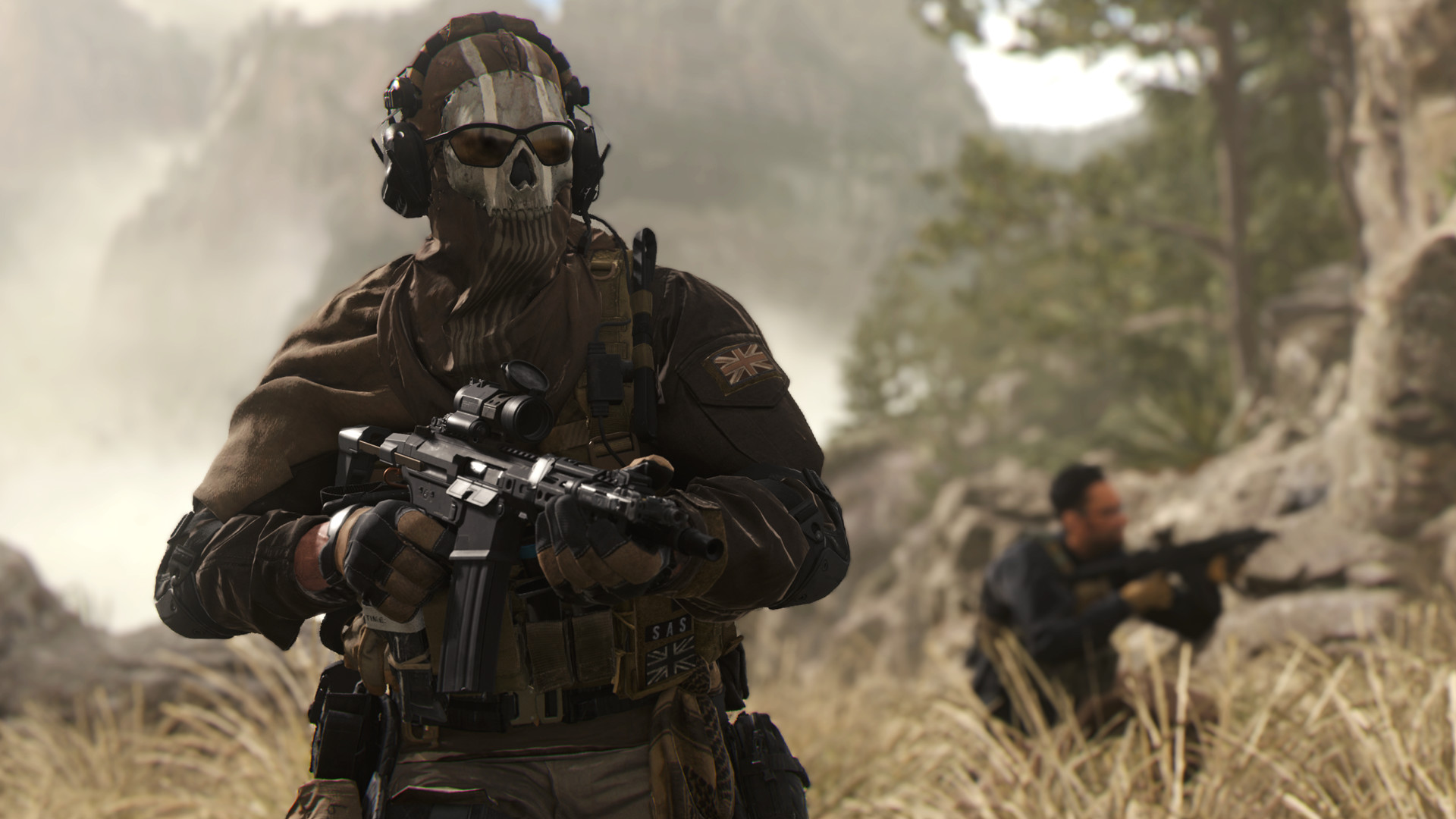
Call of Duty: Modern Warfare II on PC. Click to open it full size.
The next chapter: Modern Warfare II came out in 2022. Infinity Ward's Modern Warfare story continues in Call of Duty: Modern Warfare 4, and our guide covers how to get it on PC and the system requirements.
Call of Duty: Modern Warfare II is a first-person shooter for PC from Infinity Ward, available on Steam and the Xbox app. You join Task Force 141 for a story campaign, team up with a friend in Special Ops, and fight other players in Multiplayer. All three modes come in one purchase.
It is the 2022 reboot of the series, not the 2009 game with the same name. On PC it is included with PC Game Pass and Game Pass Ultimate, so subscribers can play it at no extra cost. Everyone else buys it once on Steam or in the Xbox app.
It launched on October 28, 2022 for PC, PlayStation and Xbox, published by Activision. Since July 2025 it installs as its own game, separate from the Call of Duty launcher that holds the newer games. You need an internet connection and an Activision account to play.
Already playing? Tell us your favorite campaign mission or Special Ops run. Got questions before buying? Reach out to us directly.
What You Need to Know
- On PC it is sold on Steam and in the Xbox app for $69.99.
- PC Game Pass, Game Pass Ultimate and Game Pass Premium include it.
- Even the campaign needs an internet connection and an Activision account.
- Activision may ask you to link a mobile phone number to your account.
- Steam and Xbox copies are separate purchases.
Quick Facts


How to Download Modern Warfare II on Windows
You can buy it on Steam or in the Xbox app, or play it through Game Pass. These steps use Steam.
- Step 1. Install Steam. Download it from the Steam website and sign in.
- Step 2. Open the store page. Go to Modern Warfare II on Steam.
- Step 3. Buy the game. Click Add to Cart and finish checkout.
- Step 4. Install it. Find it in your Library and click Install. You need 125 GB free.
- Step 5. Launch it and sign in. Link or create your Activision account when the game asks.
Have Game Pass? Open the Xbox app on your PC, search for Modern Warfare II and click Install. Owned it before July 2025? Modern Warfare II now has its own Steam page and install, separate from the Call of Duty launcher, so look for it as its own game in your Library.
Modern Warfare II Price and Game Pass
There is one paid version on PC, the Standard Edition. The other way in is a Game Pass plan. Both give you the campaign, Special Ops and Multiplayer.
Prices are the US list prices on Steam and the Xbox store. The game also sells optional extras, such as operator bundles and COD Points (the in-game currency), and you never need them to play. Game Pass plan prices change, so check Xbox Game Pass before you subscribe.
What Is Call of Duty: Modern Warfare II?
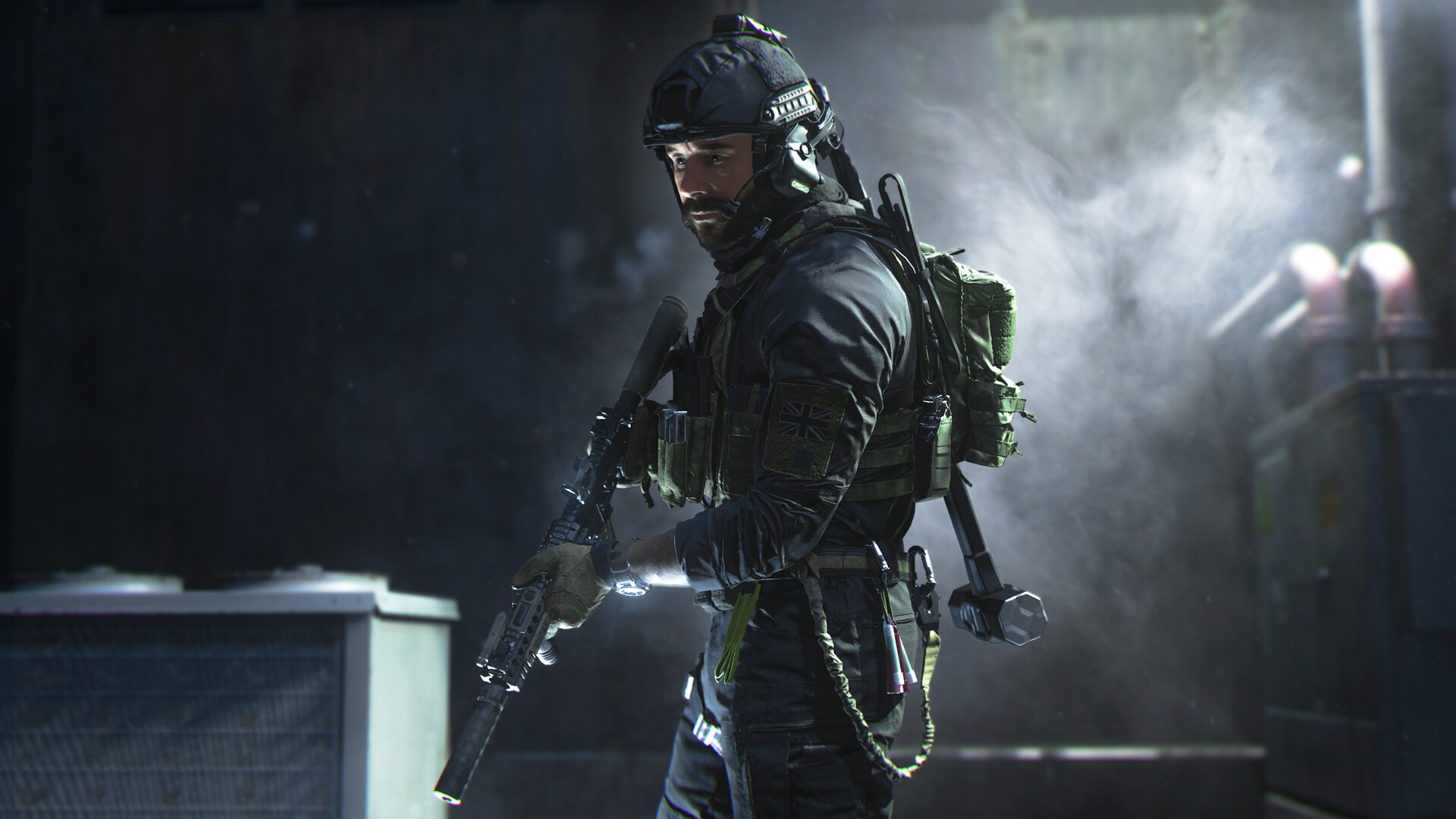
Modern Warfare II is the follow-up to Infinity Ward's 2019 Modern Warfare reboot. Task Force 141 returns, with Captain Price, Ghost, Soap and Gaz chasing a threat across the world.
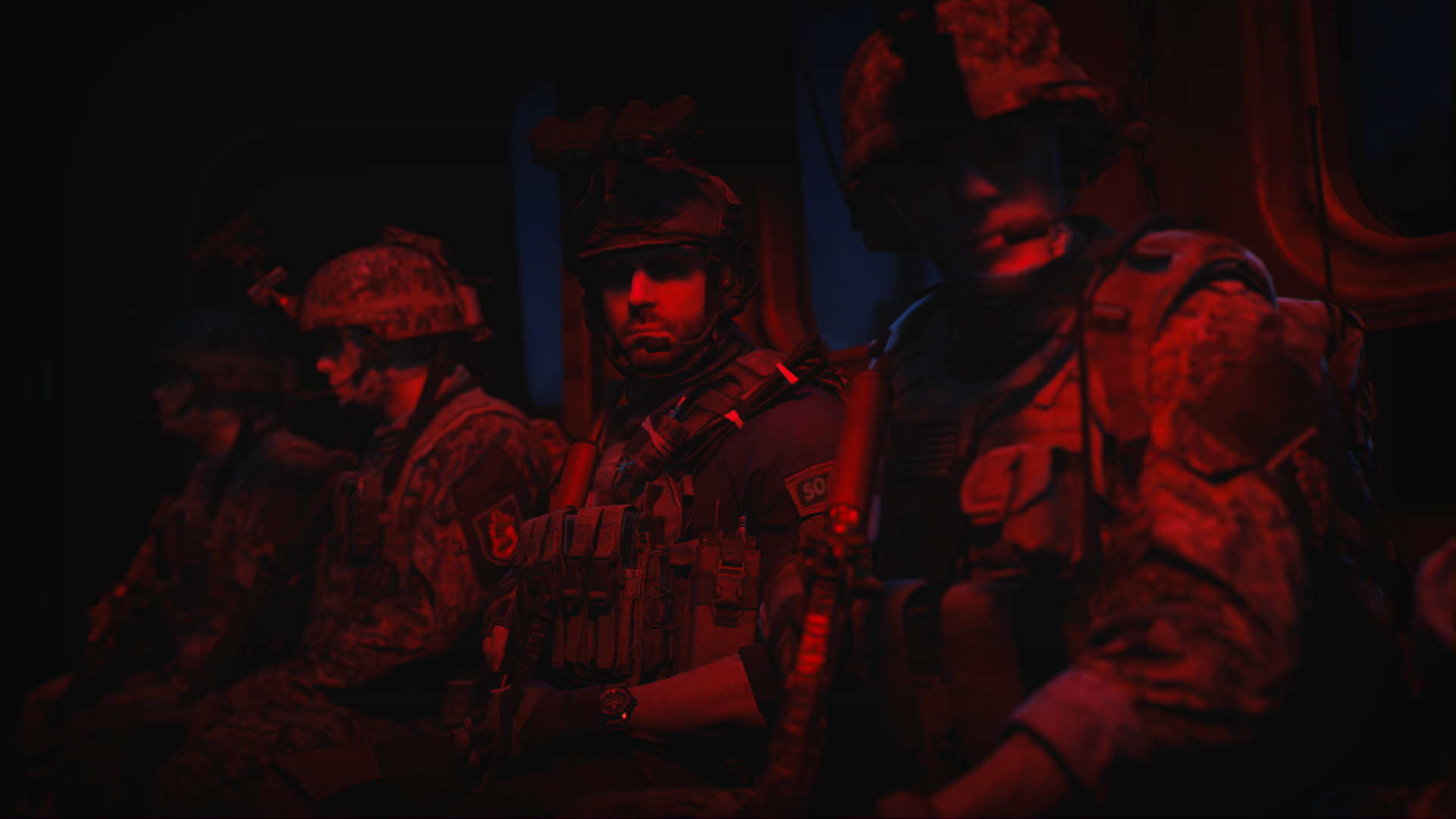
Task Force 141 heads out on a mission.
The campaign mixes small stealth missions with big set pieces. You fight underwater, break into a guarded enemy base, move along canals and rescue allies from a black site in the mountains. Special Ops is a separate co-op mode for two players, with missions like defending an observatory from waves of enemies.
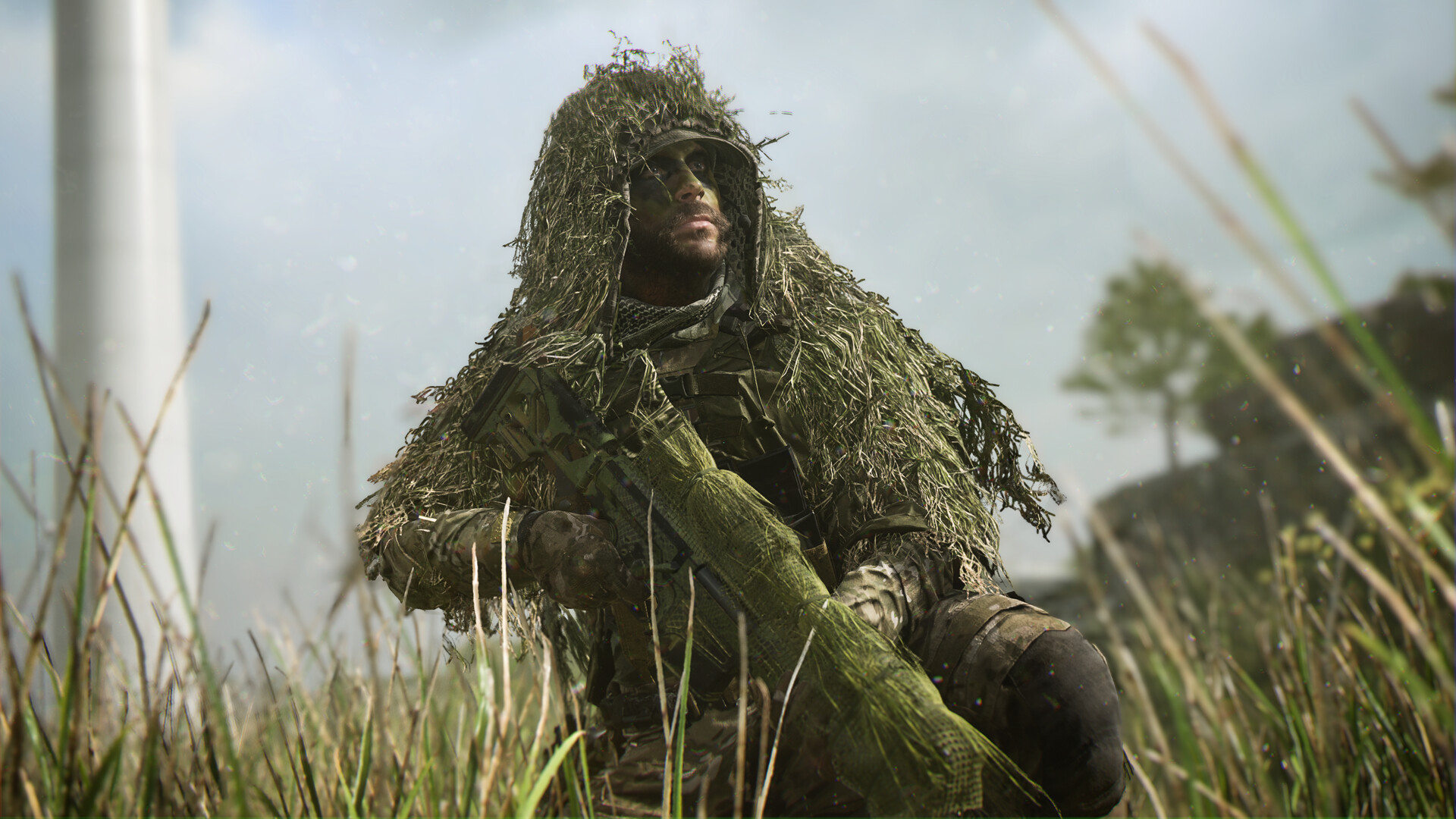
A sniper waits in the grass.
Multiplayer brings back classic modes and added new ones, like Prisoner Rescue and Knock Out, plus a third-person playlist. The new Gunsmith lets you build and tune each weapon in detail. Want the newest game in this story? Our Modern Warfare 4 guide covers it, and Call of Duty: Warzone is the free battle royale.
Official Trailer
Watch the official Modern Warfare II launch trailer to see Price, Ghost and Soap in the field with Task Force 141.
Key Features
A story with Price, Ghost, Soap and Gaz, from stealth missions to big set pieces.
Team up with a friend online for missions built for two.
Prisoner Rescue and Knock Out, alongside the classic modes.
A Multiplayer option that pulls the camera behind your character.
Build and tune each weapon, attachment by attachment.
The campaign takes you underwater and onto boats, not just on land.
Is This Game for You?
Our Take
🎮 Our Take
Modern Warfare II is worth playing today mainly for its campaign. Task Force 141 is the heart of this reboot, and the missions mix quiet stealth with big set pieces well. Special Ops is a nice extra if you have a friend to play with. Multiplayer is solid, but if Multiplayer is your main reason to buy, a newer yearly game is the better pick.
If you have PC Game Pass or Game Pass Ultimate, play the campaign there before you start Modern Warfare 4, since it costs you nothing extra. Without Game Pass, $69.99 is full price for a 2022 game, so wait for a sale. If you mainly want Multiplayer, buy Modern Warfare 4 instead.
System Requirements
These are the requirements Activision published for PC. The game runs on fairly old hardware, but it needs a lot of free space and an internet connection at all times.
Activision's store lists 12 GB of RAM for Recommended, while Steam lists 8 GB. An SSD makes loading much faster. Thinking about an upgrade? Our Best Gaming Desktops guide is a good place to start.
Tips for Beginners
Link your phone number first
Activision may ask for a mobile number on your account. Add it before you launch to avoid a lockout.
Play the campaign first
It teaches the controls and the gunplay before you jump into Multiplayer.
Bring a friend to Special Ops
The missions are built for two players, so they are much easier as a pair.
Tune one gun in Gunsmith
Pick a weapon you like and build it up, rather than spreading out across many.
Pick one store
Steam and Xbox copies are separate. Choose one so your library stays in one place.
Modern Warfare II Screenshots
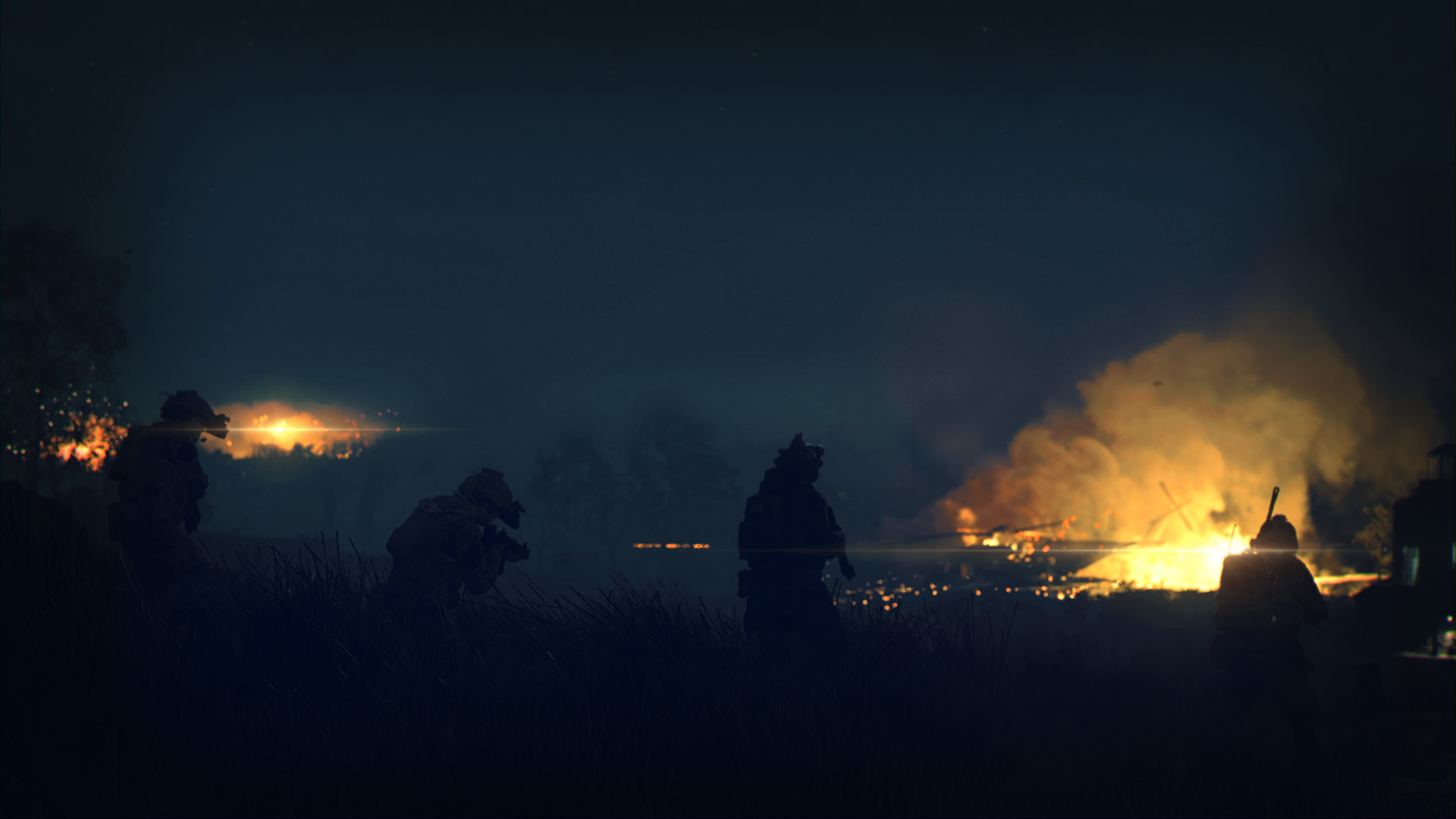
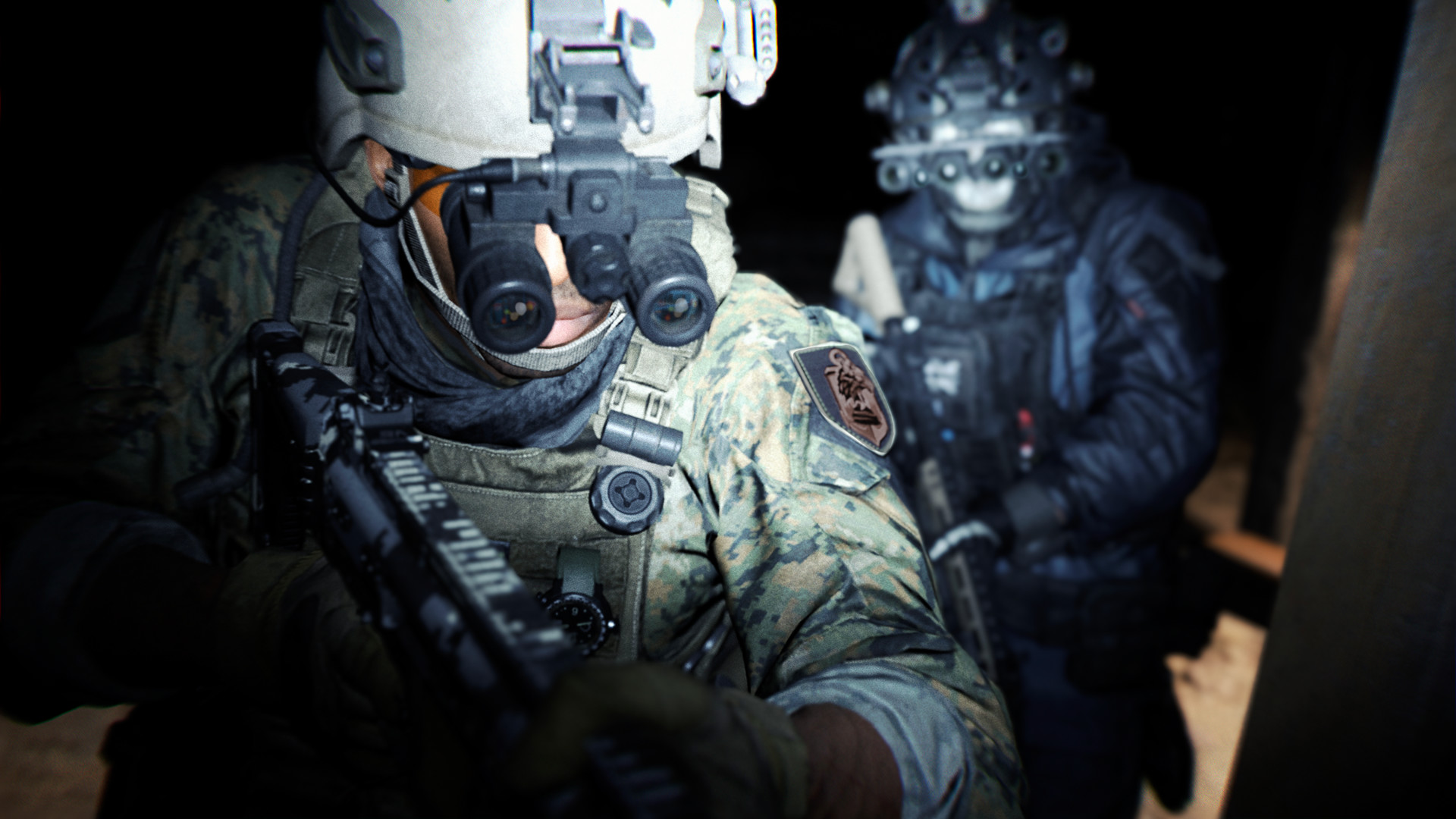
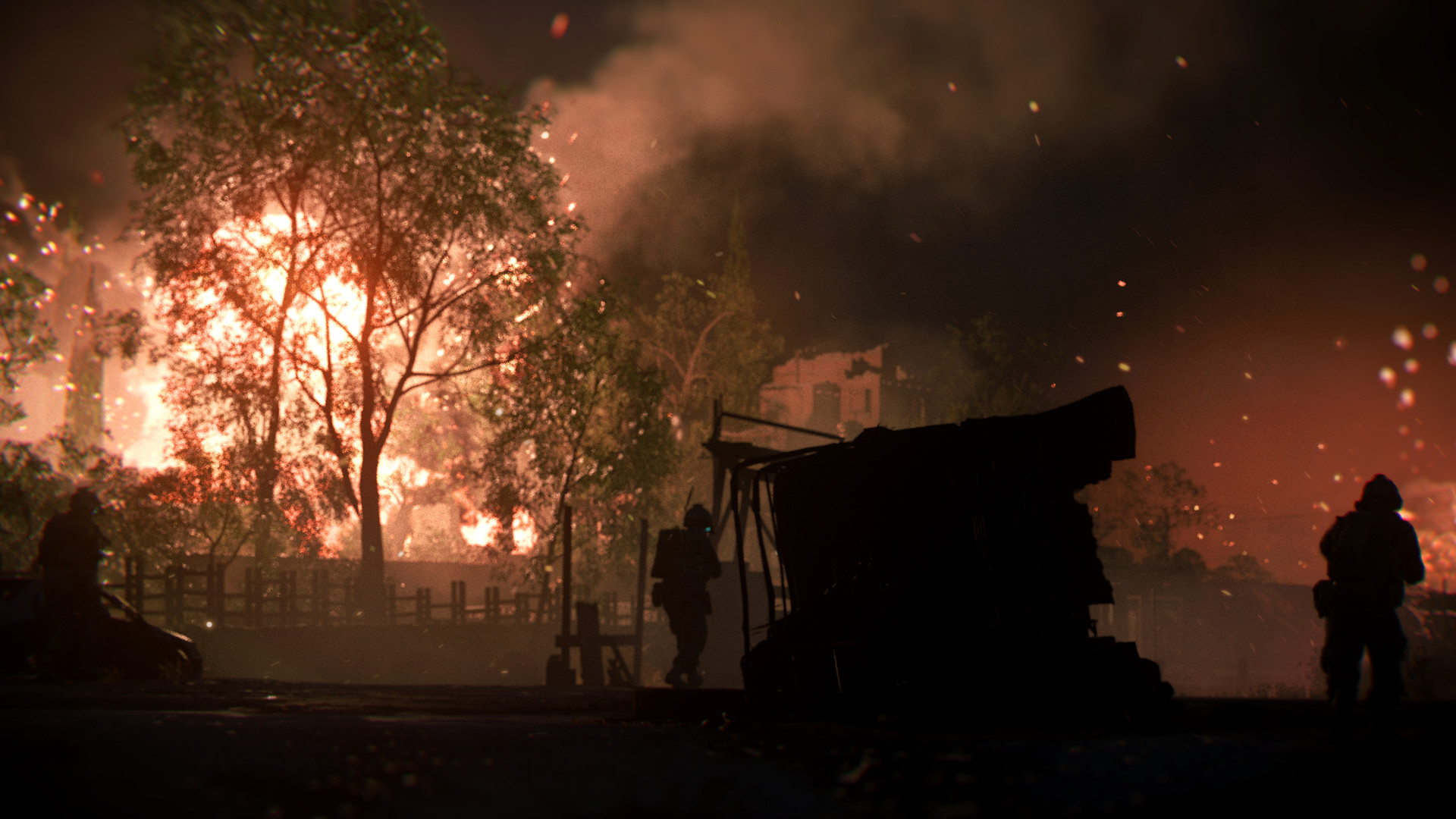
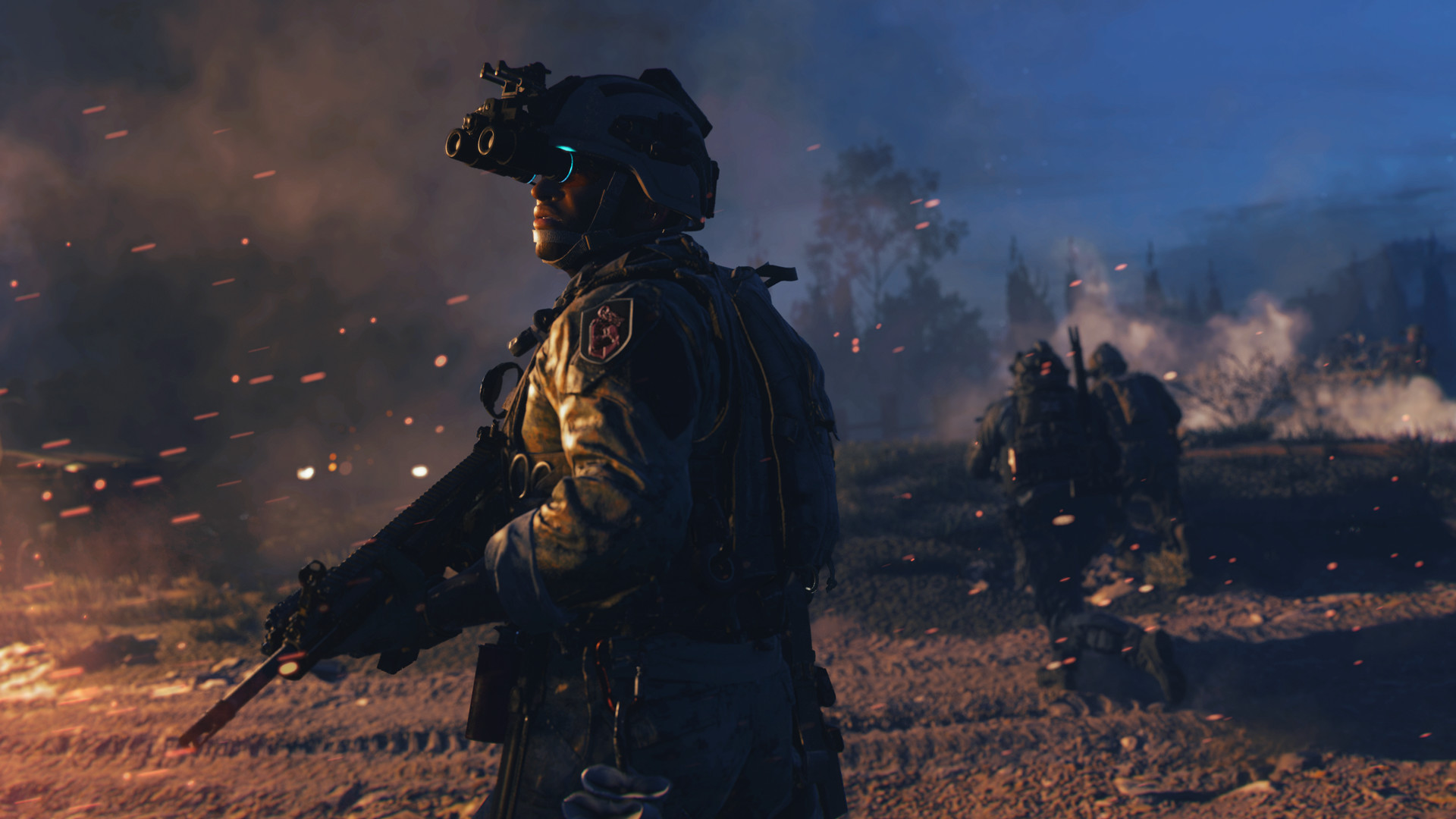
Night fighting, soldiers in night vision, a burning tree line and a battlefield full of sparks. Click any image to open it full size.
Modern Warfare II FAQ
Is Modern Warfare II on Game Pass for PC?
Is this the same game as Modern Warfare 2 from 2009?
Can I play Modern Warfare II offline?
Does Modern Warfare II need a phone number?
Does Modern Warfare II work with a controller on PC?
What are the Modern Warfare II system requirements?
Support and Community
- Modern Warfare II on Call of Duty's official site, Activision's own page for the game, with modes and PC requirements.
- Activision Support for Modern Warfare II, for account, crash and connection problems.
- r/ModernWarfareII on Reddit, the game's own subreddit, for clips, help and discussion.
- Steam news for Modern Warfare II, for updates and announcements.
Explore more Windows games: Call of Duty: Modern Warfare 4 for Windows · Call of Duty: Black Ops 7 for Windows · Call of Duty: Black Ops 6 for Windows · Call of Duty: Warzone for Windows · Battlefield 6 for Windows · Best Action Games for Windows
Discover more from Windows Mode
Subscribe to get the latest posts sent to your email.













Add your first comment to this post