Genshin Impact for PC: Free Download, Tips & System Requirements
Kenya Motala
Readers like you help support this site. When you make a purchase using links on our site, we may earn an affiliate commission. All opinions remain our own.
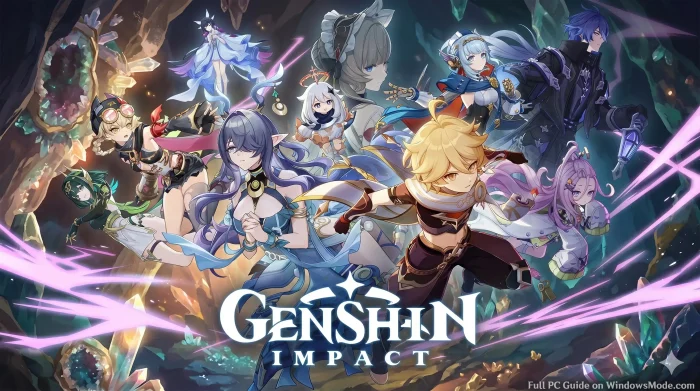
Genshin Impact is a free open-world action RPG for PC from HoYoverse, available through the official launcher and Epic Games.
You explore the world of Teyvat, switch between a team of elemental characters mid-fight, and solve puzzles tied to wind, fire, water, and ice. There is no subscription. You can play through every region and main story quest without paying anything.
The character system is what sets it apart from most free open-world games. You pull for new playable characters and weapons through a gacha system using in-game currency called Primogems. You can earn Primogems just by playing, or buy them directly if you want to speed things up.
Released September 28, 2020, and still updated on a regular patch cycle today. Runs on Windows 10 and 11. Supports both keyboard and mouse and a plugged-in Xbox or PlayStation controller.
Already playing? Tell us your favorite team comp in the comments below. Got questions before installing? Reach out to us directly.
What You Need to Know
The full game is free. You only spend money if you choose to buy Genesis Crystals for extra character pulls.
Progress carries over between PC, mobile, PlayStation, and Xbox through cross-save, as long as you sign in with the same account.
The game needs close to 100 GB of free storage and grows with every content update.
Genshin Impact is free on the official HoYoverse launcher and on the Epic Games Store for Windows 10 and 11. Both versions use the same account system, so it does not matter which one you pick. You need close to 100 GB of free space before you start.
Step 2. Run the installer and choose a drive with enough free space for the full install.
Step 3. Sign in with an existing HoYoverse account or create one for free.
Step 4. Pick your server. This choice matters for cross-save later, so use the same server on every device.
Step 5. Wait for the download to finish, then launch the game and complete the short tutorial.
Step 6. Pick your starting character and begin the opening story quest in Teyvat.
💡 Your PC is too weak? Cloud gaming is an option. Try Boosteroid.
What Is Genshin Impact?
Genshin Impact is an open-world action RPG (a game where you freely explore a connected map and fight in real time rather than through menus) set in the fantasy world of Teyvat. You build a party of four characters, each tied to an element like fire, water, or wind, and swap between them mid-fight to chain elemental reactions.
The world is split into distinct nations, each with its own story arc, culture, and elemental theme. New characters and weapons come from a gacha system (a randomized pull mechanic where you spend in-game currency for a chance at specific rewards) rather than a shop where you pick exactly what you want.
Official Trailer
Watch the official trailer for Genshin Impact to see the open world of Teyvat, elemental combat between party members, and a glimpse of the story quests that drive the game forward.
Key Features
Elemental Combat
Combine fire, water, wind, ice, lightning, and earth abilities mid-fight to trigger reactions that deal extra damage.
Open World Exploration
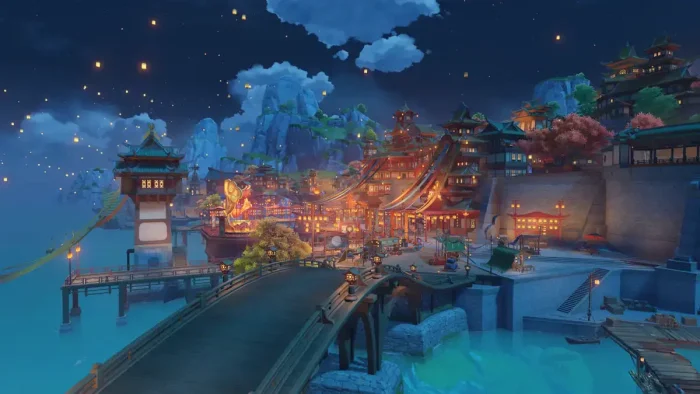
Climb any surface, glide across the map, and dive underwater across a world that keeps expanding with new regions.
Character Collecting
Pull for new playable characters through banners, each with unique skills, voice lines, and elemental skillsets.
Story Quests
Follow a long-running main story plus region-specific arcs, each fully voiced with cutscenes and choices.
Co-op Mode
Join up to three friends to explore, fight bosses, and farm resources together once you reach the right Adventure Rank.
Regular Content Updates
New characters, story chapters, and limited-time events arrive on a steady patch cycle throughout the year.
Is This Game for You?
You Will Love It If:
✅ You enjoy open-world exploration with climbing, gliding, and puzzles
✅ You like collecting characters and experimenting with team builds
✅ You want a long story you can follow for years without paying upfront
✅ You enjoy anime-style art and fully voiced cutscenes
✅ You are comfortable with a gacha system for unlocking new characters
You Might Not If:
❌ You dislike gacha systems or want to choose characters directly
❌ You want a short game you can finish in a weekend
❌ You are not willing to grind for artifacts and character upgrades
❌ You want full open-world co-op rather than a party-based single story
❌ You are short on storage space, since the game keeps growing
🎮 Our Take
Genshin Impact earned its audience honestly. The exploration and elemental combat are still some of the most polished in any free game, and the steady stream of new regions keeps the world feeling alive years after launch. The gacha system is the real dividing line. You can play through the entire story and most content using only free pulls if you are patient, but pulling for a specific character you want without spending money takes real time and luck.
If you like open-world games and do not mind a slow-burn unlock system, install it and play the early story for free before deciding whether to spend anything. If gacha mechanics put you off on principle, this game will frustrate you no matter how good the combat feels.
System Requirements
Minimum
OS: 64-bit Windows 10
Processor: Intel Core i5 or equivalent
Memory: 8 GB RAM
Graphics: NVIDIA GeForce GT 1030 or similar
Storage: 100 GB available space
Recommended
OS: 64-bit Windows 10 or 11
Processor: 7th Gen Intel Core i7 or AMD Ryzen 5000 series
Memory: 16 GB RAM
Graphics: NVIDIA GeForce GTX 1060 6GB or better
Storage: 100 GB available space, more for future updates
The game will launch below the minimum specs, but expect problems. Devices under the minimum requirements can still start Genshin Impact, but you may see frame drops, stutters, or crashes, especially in busy areas with lots of characters and effects on screen.
Tips for Getting Started
1
Finish the early story before chasing side content
Story progress unlocks new regions, characters, and game systems. Side activities are more rewarding once those are open.
2
Do your daily commissions
These short daily tasks reward Primogems for very little time spent. Skipping them adds up to a real loss over weeks.
3
Save your Primogems before pulling
Wait for a character or weapon you actually want rather than spending on the first banner you see. Pulls are random and limited.
4
Build a balanced team early
Mix elements so you can trigger reactions instead of relying on one damage type. This matters more than any single strong character.
5
Link your account before switching devices
Set up cross-save before you need it. Trying to recover progress after the fact is far more frustrating than doing it up front.
Genshin Impact Screenshots & Characters
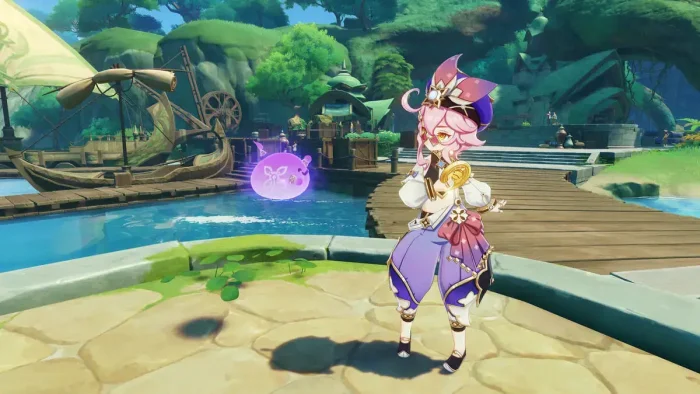
A gallery of most in-game characters and gameplay screenshots.
Aino genshin impact from Genshin Impact for PC: Free Download, Tips & System Requirements
Alhaitham genshin impact sumeru from Genshin Impact for PC: Free Download, Tips & System Requirements
Amber genshin impact from Genshin Impact for PC: Free Download, Tips & System Requirements
Arataki itto genshin impact from Genshin Impact for PC: Free Download, Tips & System Requirements
Attack from Genshin Impact for PC: Free Download, Tips & System Requirements
Barbara mondstadt from Genshin Impact for PC: Free Download, Tips & System Requirements
Beidou genshin impact from Genshin Impact for PC: Free Download, Tips & System Requirements
Candace sumeru from Genshin Impact for PC: Free Download, Tips & System Requirements
Charlotte genshin impact from Genshin Impact for PC: Free Download, Tips & System Requirements
Chasca natlan from Genshin Impact for PC: Free Download, Tips & System Requirements
Chevreuse genshin impact from Genshin Impact for PC: Free Download, Tips & System Requirements
Chongyun liyue from Genshin Impact for PC: Free Download, Tips & System Requirements
Citlali natlan from Genshin Impact for PC: Free Download, Tips & System Requirements
Collei genshin impact from Genshin Impact for PC: Free Download, Tips & System Requirements
Cyno genshin impact from Genshin Impact for PC: Free Download, Tips & System Requirements
Cyno sumeru from Genshin Impact for PC: Free Download, Tips & System Requirements
Dehya from Genshin Impact for PC: Free Download, Tips & System Requirements
Diluc mondstadt from Genshin Impact for PC: Free Download, Tips & System Requirements
Dori genshin impact from Genshin Impact for PC: Free Download, Tips & System Requirements
Faruzan genshin impact sumeru from Genshin Impact for PC: Free Download, Tips & System Requirements
Flins genshin impact from Genshin Impact for PC: Free Download, Tips & System Requirements
Freminet genshin impact from Genshin Impact for PC: Free Download, Tips & System Requirements
Furina fontaine from Genshin Impact for PC: Free Download, Tips & System Requirements
Gorou inazuma from Genshin Impact for PC: Free Download, Tips & System Requirements
Graphics gameplay from Genshin Impact for PC: Free Download, Tips & System Requirements
Hd from Genshin Impact for PC: Free Download, Tips & System Requirements
Hd map from Genshin Impact for PC: Free Download, Tips & System Requirements
Iansan genshin impact from Genshin Impact for PC: Free Download, Tips & System Requirements
Ifa genshin impact from Genshin Impact for PC: Free Download, Tips & System Requirements
Illuga nod krai from Genshin Impact for PC: Free Download, Tips & System Requirements
Ineffa nod krai from Genshin Impact for PC: Free Download, Tips & System Requirements
Jahoda nod krai from Genshin Impact for PC: Free Download, Tips & System Requirements
Jean genshin impact from Genshin Impact for PC: Free Download, Tips & System Requirements
Kachina genshin impact from Genshin Impact for PC: Free Download, Tips & System Requirements
Kaedehara kazuha inazuma from Genshin Impact for PC: Free Download, Tips & System Requirements
Kaeya mondstadt from Genshin Impact for PC: Free Download, Tips & System Requirements
Kamisato ayaka genshin impact from Genshin Impact for PC: Free Download, Tips & System Requirements
Kaveh genshin impact sumeru from Genshin Impact for PC: Free Download, Tips & System Requirements
Keqing liyue from Genshin Impact for PC: Free Download, Tips & System Requirements
Kinich genshin impact from Genshin Impact for PC: Free Download, Tips & System Requirements
Kokomi inazuma from Genshin Impact for PC: Free Download, Tips & System Requirements
Kujou sara inazuma from Genshin Impact for PC: Free Download, Tips & System Requirements
Kuuta genshin impact from Genshin Impact for PC: Free Download, Tips & System Requirements
Lauma genshin impact from Genshin Impact for PC: Free Download, Tips & System Requirements
Layla genshin impact from Genshin Impact for PC: Free Download, Tips & System Requirements
Linnea nod krai from Genshin Impact for PC: Free Download, Tips & System Requirements
Lisa genshin impact from Genshin Impact for PC: Free Download, Tips & System Requirements
Lynette fontaine from Genshin Impact for PC: Free Download, Tips & System Requirements
Lyney genshin impact from Genshin Impact for PC: Free Download, Tips & System Requirements
Mavuika natlan from Genshin Impact for PC: Free Download, Tips & System Requirements
Mona mondstadt from Genshin Impact for PC: Free Download, Tips & System Requirements
Monster from Genshin Impact for PC: Free Download, Tips & System Requirements
Mualani genshin impact from Genshin Impact for PC: Free Download, Tips & System Requirements
Multiplayer from Genshin Impact for PC: Free Download, Tips & System Requirements
Nahida genshin impact from Genshin Impact for PC: Free Download, Tips & System Requirements
Navia fontaine from Genshin Impact for PC: Free Download, Tips & System Requirements
Nefer nod krai from Genshin Impact for PC: Free Download, Tips & System Requirements
Neuvillette genshin impact from Genshin Impact for PC: Free Download, Tips & System Requirements
Nilou genshin impact from Genshin Impact for PC: Free Download, Tips & System Requirements
Ningguang genshin impact from Genshin Impact for PC: Free Download, Tips & System Requirements
Ororon natlan from Genshin Impact for PC: Free Download, Tips & System Requirements
Qiqi genshin impact from Genshin Impact for PC: Free Download, Tips & System Requirements
Raiden shogun inazuma from Genshin Impact for PC: Free Download, Tips & System Requirements
Razor mondstadt from Genshin Impact for PC: Free Download, Tips & System Requirements
Sayu genshin impact from Genshin Impact for PC: Free Download, Tips & System Requirements
Sethos genshin impact sumeru from Genshin Impact for PC: Free Download, Tips & System Requirements
Tartaglia liyue from Genshin Impact for PC: Free Download, Tips & System Requirements
Thoma genshin impact from Genshin Impact for PC: Free Download, Tips & System Requirements
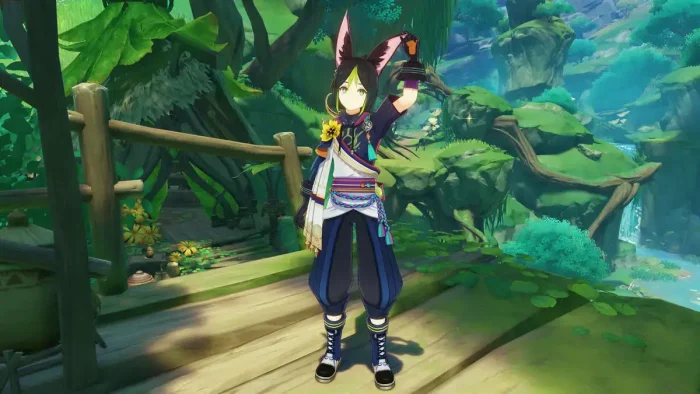
Tighnari genshin impact from Genshin Impact for PC: Free Download, Tips & System Requirements
Varesa genshin impact from Genshin Impact for PC: Free Download, Tips & System Requirements
Venti mondstadt from Genshin Impact for PC: Free Download, Tips & System Requirements
Wanderer sumeru genshin impact from Genshin Impact for PC: Free Download, Tips & System Requirements
Wriothesley genshin impact from Genshin Impact for PC: Free Download, Tips & System Requirements
Xiangling genshin impact from Genshin Impact for PC: Free Download, Tips & System Requirements
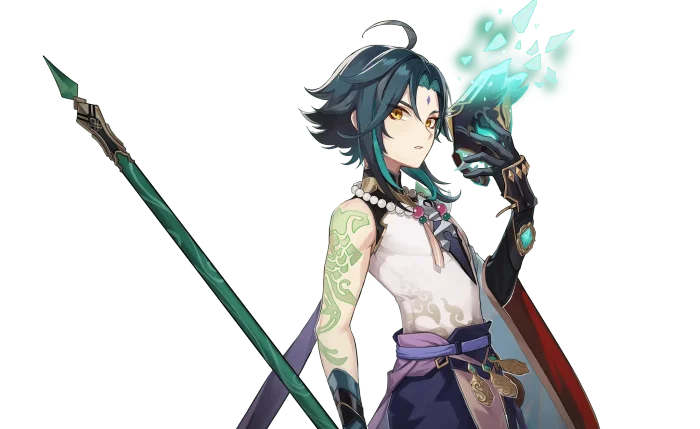
Xiao genshin impact from Genshin Impact for PC: Free Download, Tips & System Requirements
Xilonen natlan from Genshin Impact for PC: Free Download, Tips & System Requirements
Xingqiu liyue from Genshin Impact for PC: Free Download, Tips & System Requirements
Yoimiya genshin impact from Genshin Impact for PC: Free Download, Tips & System Requirements
Zhongli liue from Genshin Impact for PC: Free Download, Tips & System Requirements
Skirk genshin impact from Genshin Impact for PC: Free Download, Tips & System Requirements
FAQ
Is Genshin Impact really free on PC?
Yes. The full game is free to download and play, including every region and every story quest. You only spend money if you choose to buy Genesis Crystals to pull for extra characters or weapons.
Can I use my mobile or PlayStation progress on the PC version?
Yes. Genshin Impact supports cross-save across PC, mobile, PlayStation, and Xbox. Sign in with the same HoYoverse account and pick the same server, and your characters, items, and progress carry over.
Does Genshin Impact support a controller on PC?
Yes. Plug in an Xbox or PlayStation controller and switch the control type to Controller in the settings menu. Note that this turns off keyboard and mouse input until you switch back with the controller.
Can I play Genshin Impact through cloud gaming if my PC is too weak?
Yes. Genshin Impact is playable through Boosteroid using your own HoYoverse account, so a weaker PC can still stream the game instead of running it locally.
Do I lose my Genesis Crystals if I switch from PlayStation to PC?
Genesis Crystals bought on PlayStation stay locked to PlayStation and will not show up on PC or mobile. Crystals bought on PC or mobile work on both of those platforms but not on PlayStation.
How much storage does Genshin Impact need on PC?
Plan for at least 100 GB of free space. The base install runs close to 90 GB, and regular content updates add several more gigabytes every patch.
What are the system requirements for Genshin Impact on Windows?
Minimum needs 64-bit Windows 10, an Intel Core i5 or equivalent, 8 GB RAM, and a GeForce GT 1030 or similar GPU. Recommended specs are a 7th generation Intel Core i7 or AMD Ryzen 5000 series processor, 16 GB RAM, and a GeForce GTX 1060 6GB or better.