Readers like you help support this site. When you make a purchase using links on our site, we may earn an affiliate commission. All opinions remain our own.
Half-Life: Alyx is the return of the Half-Life series. It was built from the ground up for Virtual Reality (VR). You play as Alyx Vance and fight the Combine to save your father.
You can download the game on PC through Steam.
🥽 VR Headset Required
This is a VR-exclusive game. You need a compatible headset (like a Valve Index, HTC Vive, or Meta Quest with PC Link) and controllers to play it officially.
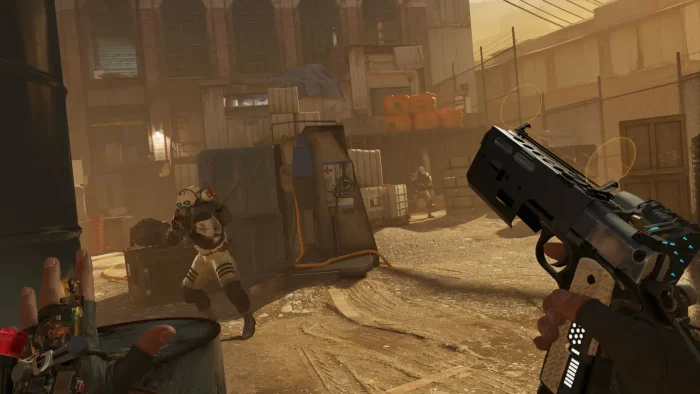
This is not just a shooting game. It uses advanced physics. You have to manually reload your gun, lean around corners, and use gravity gloves to pull items into your hands.
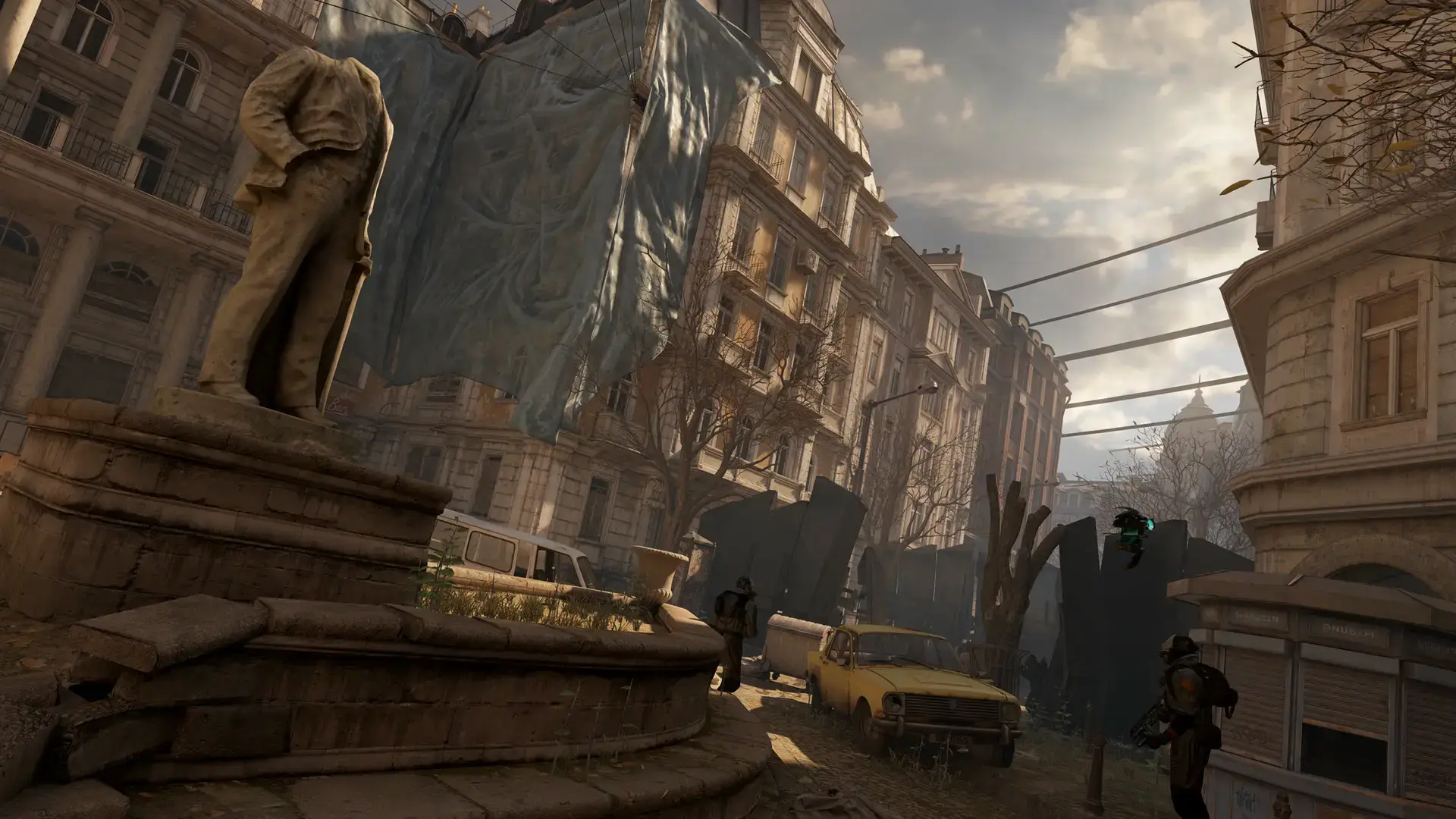
The story takes place before Half-Life 2. You will explore City 17, solve puzzles, and face scary enemies like Headcrabs in the dark.

Quick Facts
- 📅 Release Date: Mar 23, 2020
- 🛠️ Developer: Valve
- 📂 Size: ~67 GB
- 🥽 VR Support: SteamVR Compatible
- 💰 Price: ~$59.99 (USD)
How to Download & Install Half-Life: Alyx on PC
Half-Life: Alyx is available on Steam. You need to set up your VR equipment first.
- Install SteamVR from the Steam store and set up your room boundaries.
- Go to the Half-Life: Alyx Store page.
- Click Add to Cart and buy the game.
- Open your Steam Library and click Install.
- Select your drive (SSD is required for smooth loading) and wait for the 67 GB download.
What is Half-Life: Alyx?
This game set a new standard for VR. In most games, you press a button to reload. In Half-Life: Alyx, you have to physically eject the magazine, grab a new one from your backpack, and slide it into the gun.
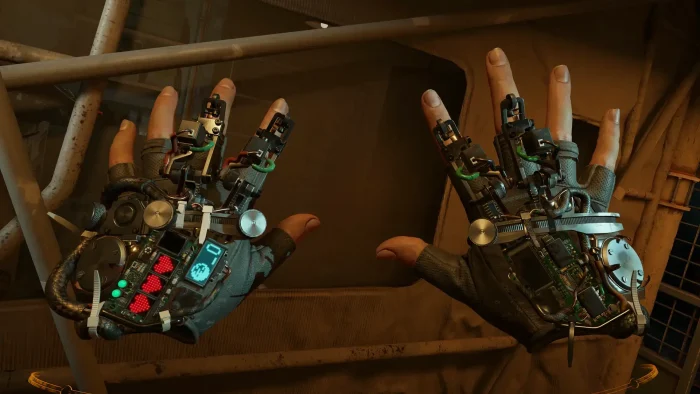
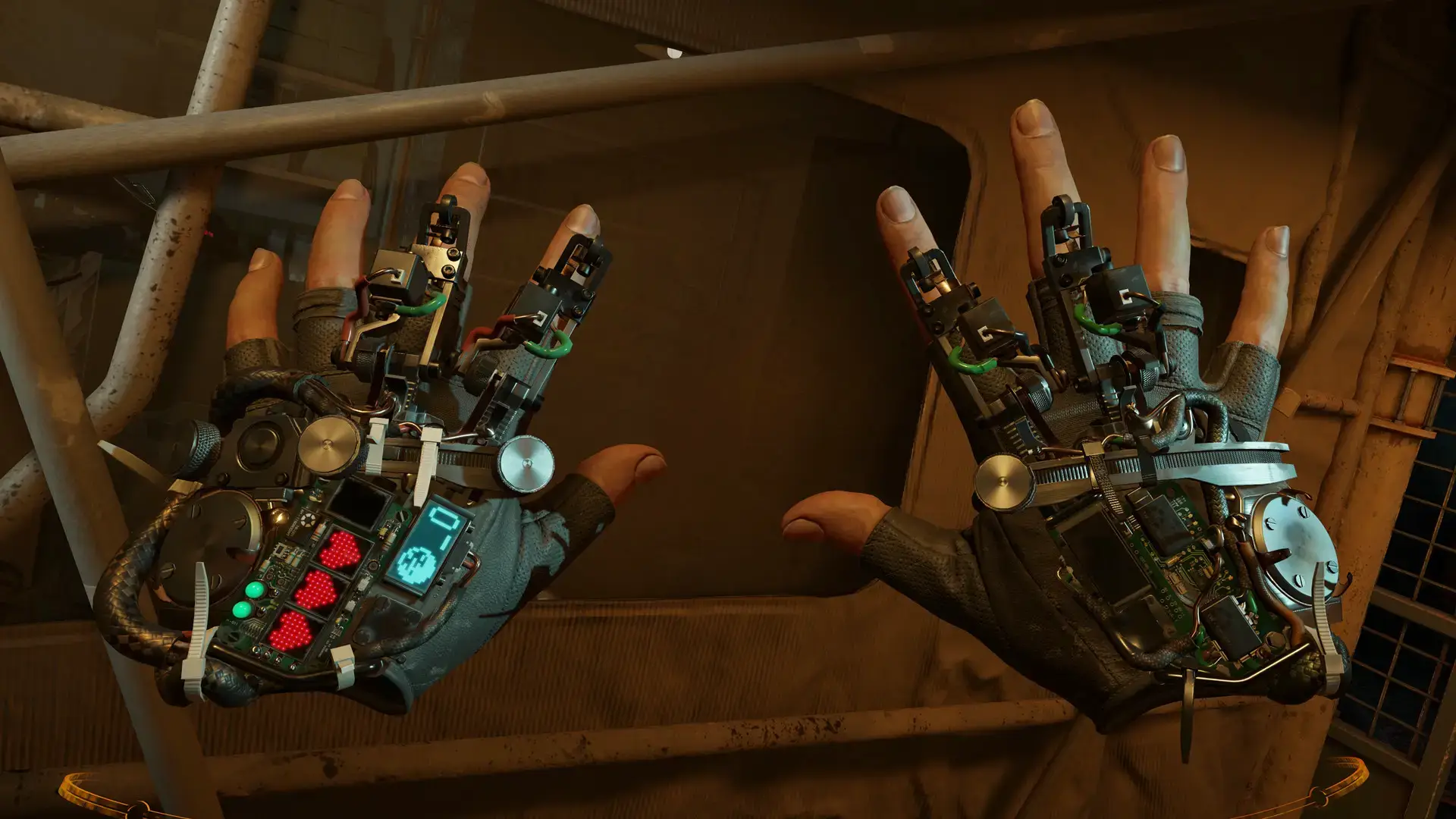
It sounds hard, but it feels natural. The game uses “Gravity Gloves” (the Russells). These let you flick your wrist to pull ammo and health items toward you from across the room.
The world is very interactive. You can pick up markers to draw on windows, crush cans, or wear a bucket on your head to stop barnacles from eating you.
Key Gameplay Features
- 🔫
Manual Reloading: You must learn the muscle memory of your weapons. In a panic, dropping a magazine can mean death.
- 🧤
Gravity Gloves: Looting is fun. You don’t have to walk over to every shelf. Just flick your wrist and catch the item in mid-air.
- 👾
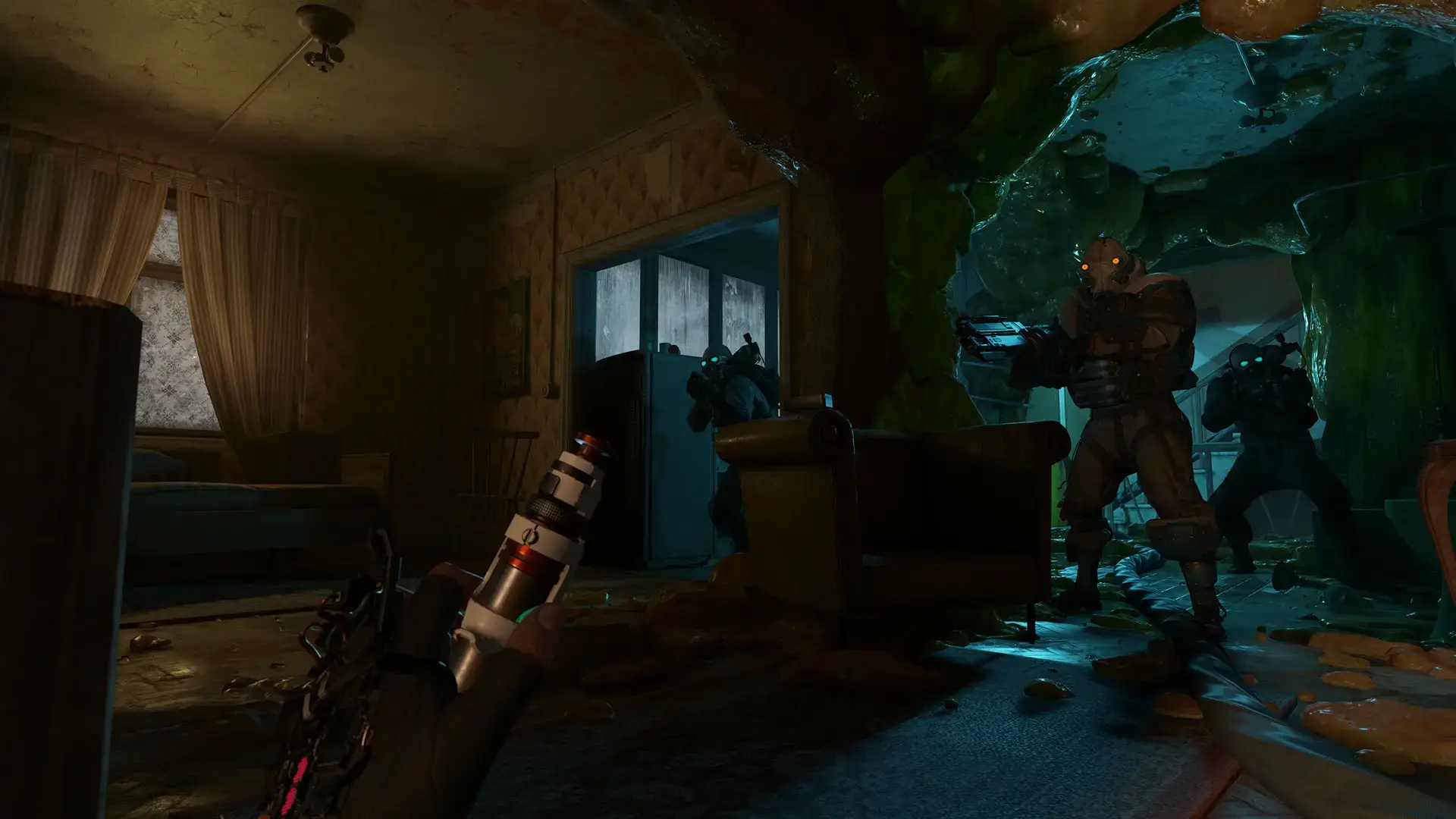
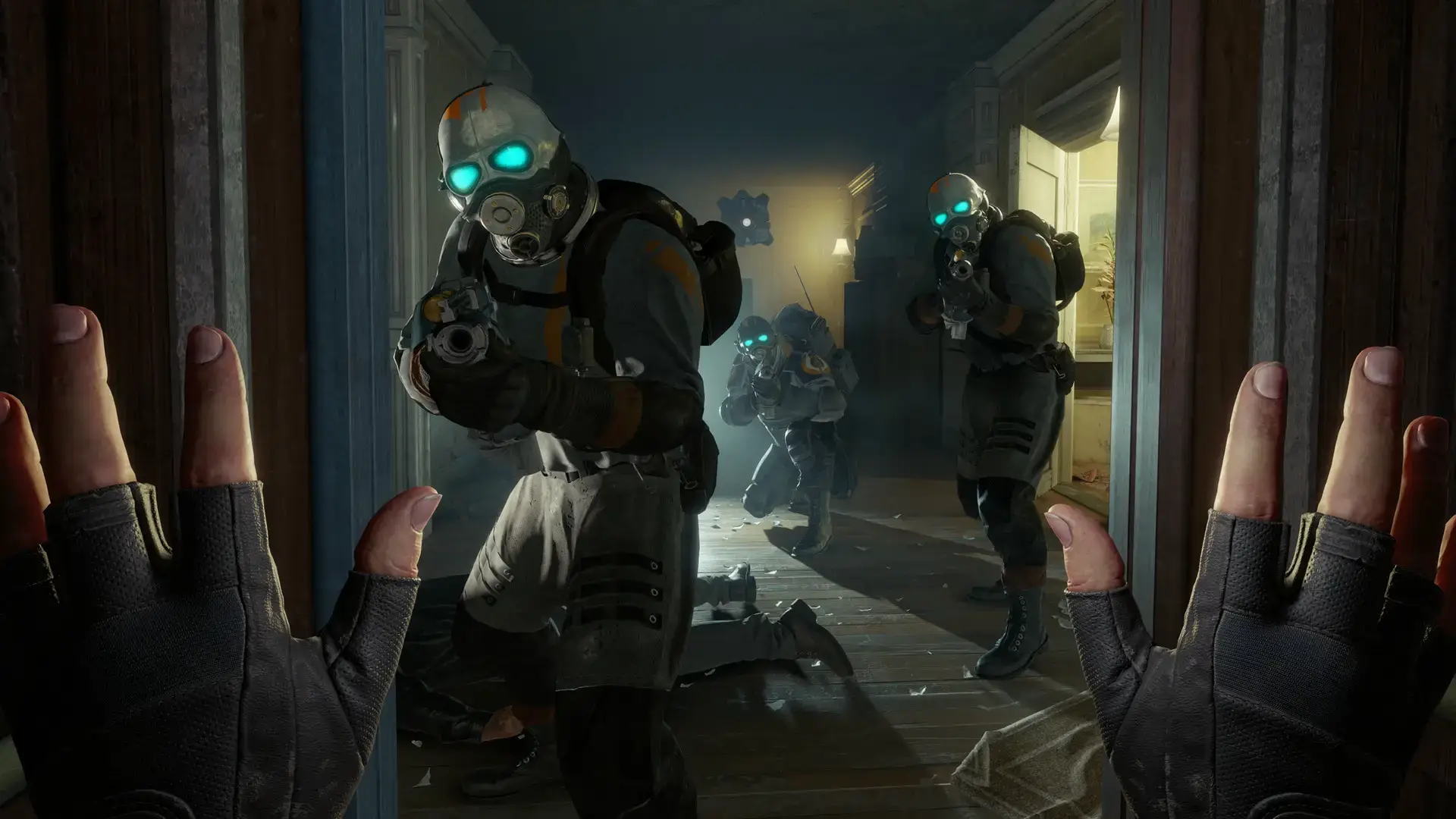
Horror Elements: Headcrabs and zombies are scary in 2D. In VR, they are terrifying. You have to physically aim for the head while they jump at your face.
🤔 Who Would Like This Game?
This is the best VR game ever made. If you own a headset, you must play this. It feels like a true AAA adventure, not just a tech demo.
However, if you get motion sick easily, be careful. The game has teleport movement options to help, but it can still be intense.
Why Play on Windows?
VR requires a powerful PC environment:
- Mod Support (Workshop): The Steam Workshop on Windows is huge. You can download custom levels, new weapons, and even campaign mods like Levitation.
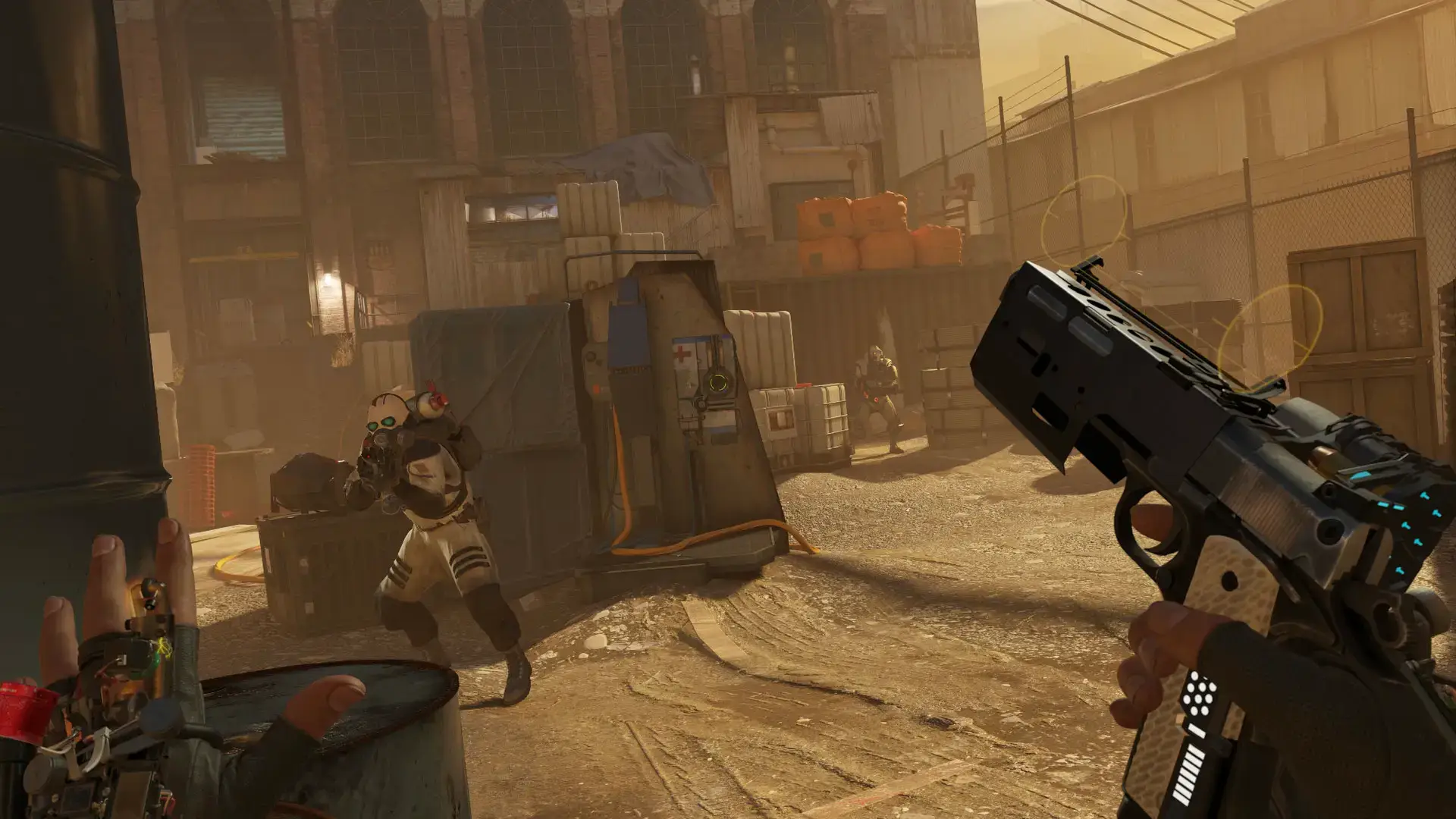
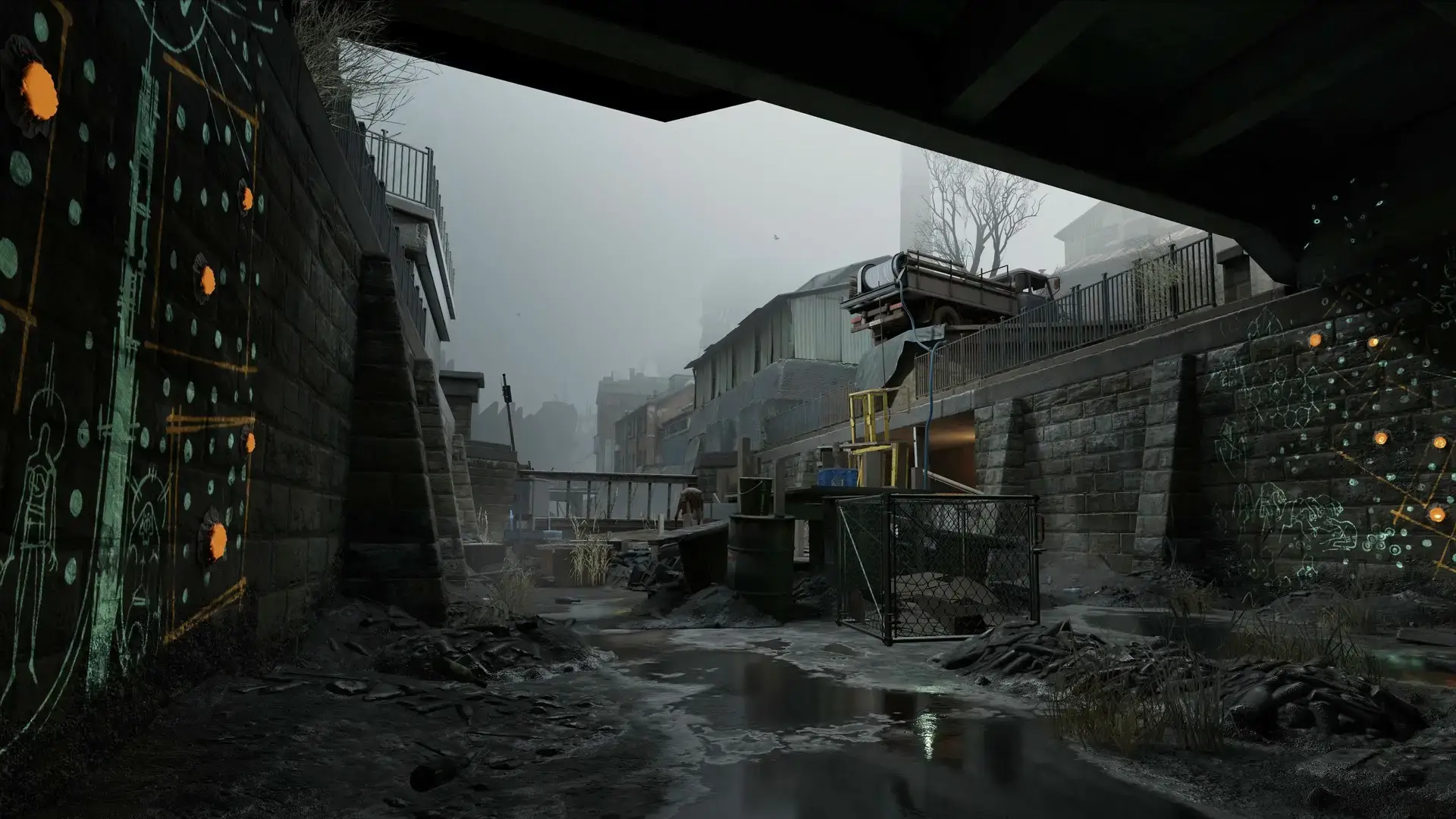
- High Fidelity: The Source 2 engine looks incredible on PC. The lighting and textures in the quarantine zone are very realistic.
- Input Flexibility: Windows supports almost every VR headset. You can mix and match controllers (like using Index controllers with a Vive headset).
5 Tips for Beginners
VR controls take time to learn. Use these tips to survive City 17.
Gameplay Screenshots






Video Overview
Watch a quick but detailed beginner’s guide video showing you exactly how the physics and gameplay are different from the usual VR games you might have played.
System Requirements
VR renders the game twice (once for each eye), so you need a good computer.
| Component | Minimum | Recommended |
|---|---|---|
| OS | Windows 10 (64-bit) | Windows 10 / 11 |
| CPU | Core i5-7500 / Ryzen 5 1600 | Core i7-9700K / Ryzen 7 3700X |
| RAM | 12 GB | 16 GB+ |
| GPU | GTX 1060 (6GB) / RX 580 | RTX 2070 / RX 5700 XT |
| Storage | 67 GB available | 67 GB SSD |
Half-Life: Alyx FAQ
- Can I play without a VR headset?
Officially, no. But you can install the “NoVR Mod” created by fans. This lets you play the full story on a normal screen with mouse and keyboard. - Which headsets work?
It works with any SteamVR headset. This includes Valve Index, HTC Vive, Windows Mixed Reality, and Meta Quest (using a Link Cable or Air Link). - Is this Half-Life 3?
No, this is a prequel. It takes place 5 years before Half-Life 2. However, the story is very important for the future of the series. - Is it scary?
Yes, some parts are scary. It is darker than previous games. Headcrabs jumping at your face in VR can be intense.
Explore more Windows games: Underground Garage · Top Horror Games · Smite 2 for PC · Tabletop Simulator for PC
Discover more from Windows Mode
Subscribe to get the latest posts sent to your email.
















Add your first comment to this post