Readers like you help support this site. When you make a purchase using links on our site, we may earn an affiliate commission. All opinions remain our own.

Waterfox is a privacy-first browser for Windows built on Firefox’s Gecko engine that you can download from the official Waterfox website or from GitHub Releases. It takes the familiar Firefox experience and strips out all data collection, tracking, and sponsored content, giving you a fast, clean browser that respects your privacy out of the box.
Originally created in 2011 by a 16-year-old developer, Waterfox has grown into a serious Firefox alternative for users who want full Mozilla extension support without the tracking. The developer has also publicly refused to add AI features, keeping the browser lightweight and traditional.
In this guide, we cover the standout features, installation steps, common fixes, and FAQs.
If you need any help along the way, feel free to contact us or leave a comment below.
No Tracking
No data collection
Anti-AI
No built-in chatbots
Cookie Jars
Isolates cross-tracking
Firefox Core
Gecko engine powered
📋 System Requirements
| Requirement | Details |
|---|---|
| Operating System | Windows 10 or Windows 11 |
| Architecture | 64-bit primarily |
| Memory | 4 GB RAM |
| Processor | Intel Pentium 4 or newer that supports SSE2 |
What Makes Waterfox Different
Mozilla Firefox is a great browser, but recently it has begun pushing sponsored content, collecting usage data by default, and investing heavily in AI algorithms. Waterfox takes the excellent underlying technology of Firefox but caters it entirely to power users who want a distraction-free environment.
🛡️ Complete Privacy from Mozilla
Waterfox does not send your usage data, crash reports, or search statistics back to anyone. It explicitly disables network-based regional lookups and provides a pure, unmonitored browsing environment.
🍪 Total Cookie Protection
Normally, a cookie from Facebook can follow you to a news website to track what you read. Waterfox prevents this by creating a separate, isolated “cookie jar” for every single website you visit, locking trackers inside their original domains.
🧩 Universal Extension Support
Because of its Firefox roots, every single add-on in the official Mozilla store works perfectly. However, Waterfox takes it a step further by offering built-in experimental support to install extensions meant for Google Chrome and Opera, so you get access to extensions from both browsers.
🔒 Oblivious DNS (ODNS)
Your internet provider often knows which websites you are asking to load. Waterfox partners with Fastly to provide ODNS by default, which encrypts your website requests so no one in the middle can see where you are going online.
How to Download and Install Waterfox on Windows
1
Head to the official Waterfox website and click the download button for Windows. You can also grab the installer directly from their GitHub Releases page.
2
Run the downloaded installer. When you open the browser for the first time, you will be prompted to easily import your bookmarks, passwords, and history directly from Firefox, Chrome, or Edge.
3
Head over to the Mozilla Add-ons page and install powerful privacy tools like uBlock Origin. Your private, tracking-free browser is now ready for use.
Screenshots of Waterfox Browser
-
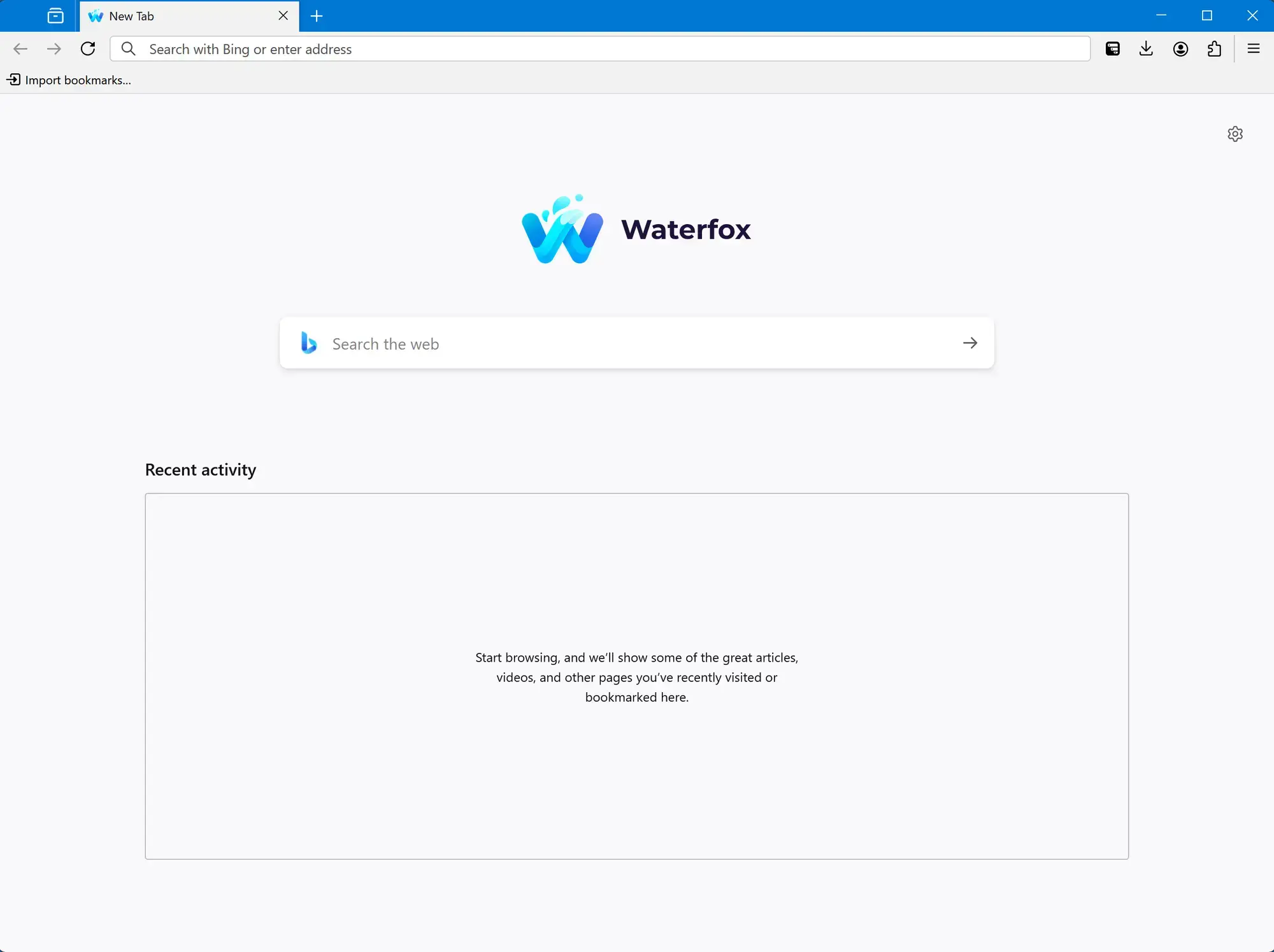
- Homepage from Waterfox for Windows – Firefox Without the Tracking
-
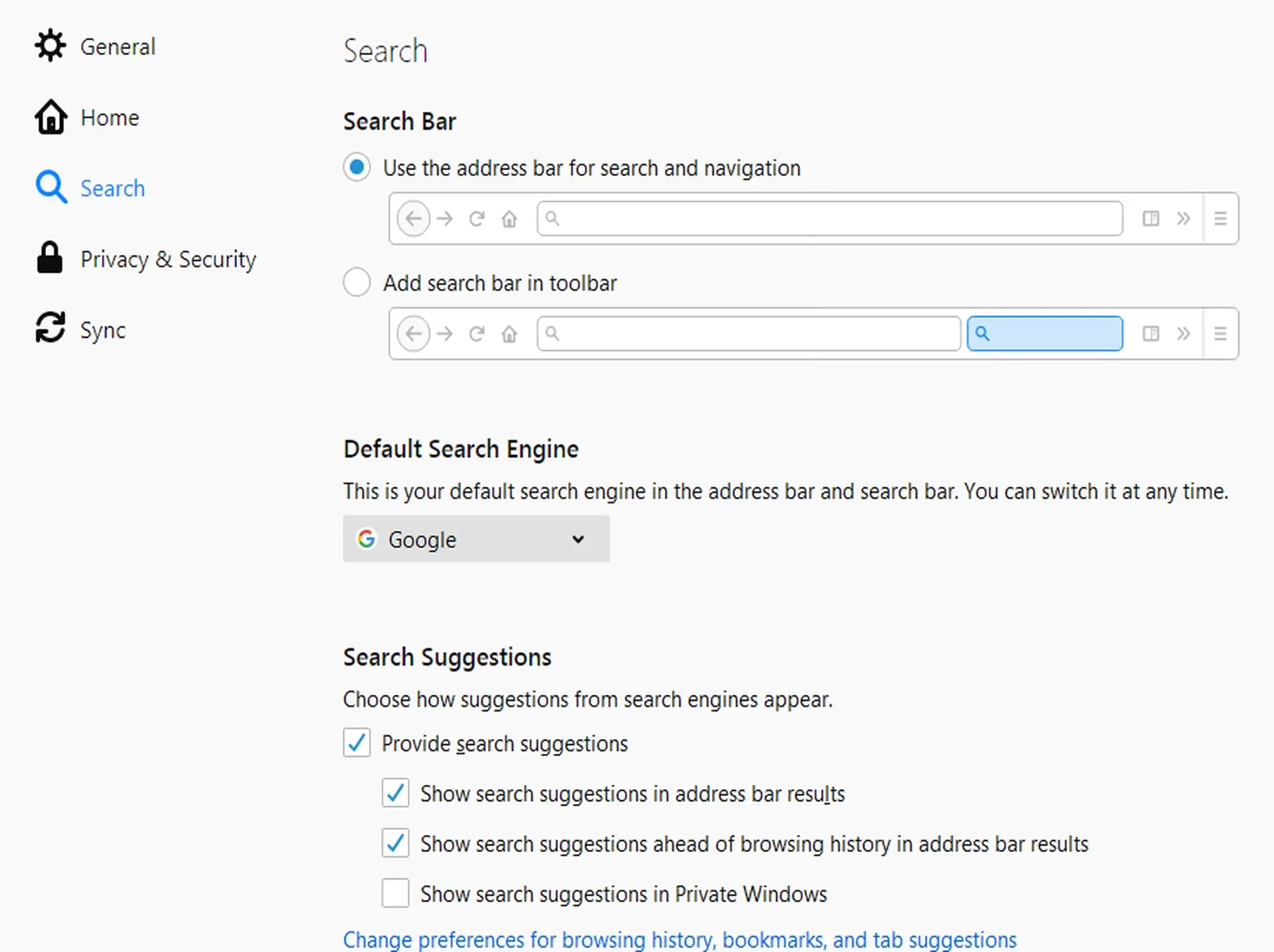
- Search bar from Waterfox for Windows – Firefox Without the Tracking
-
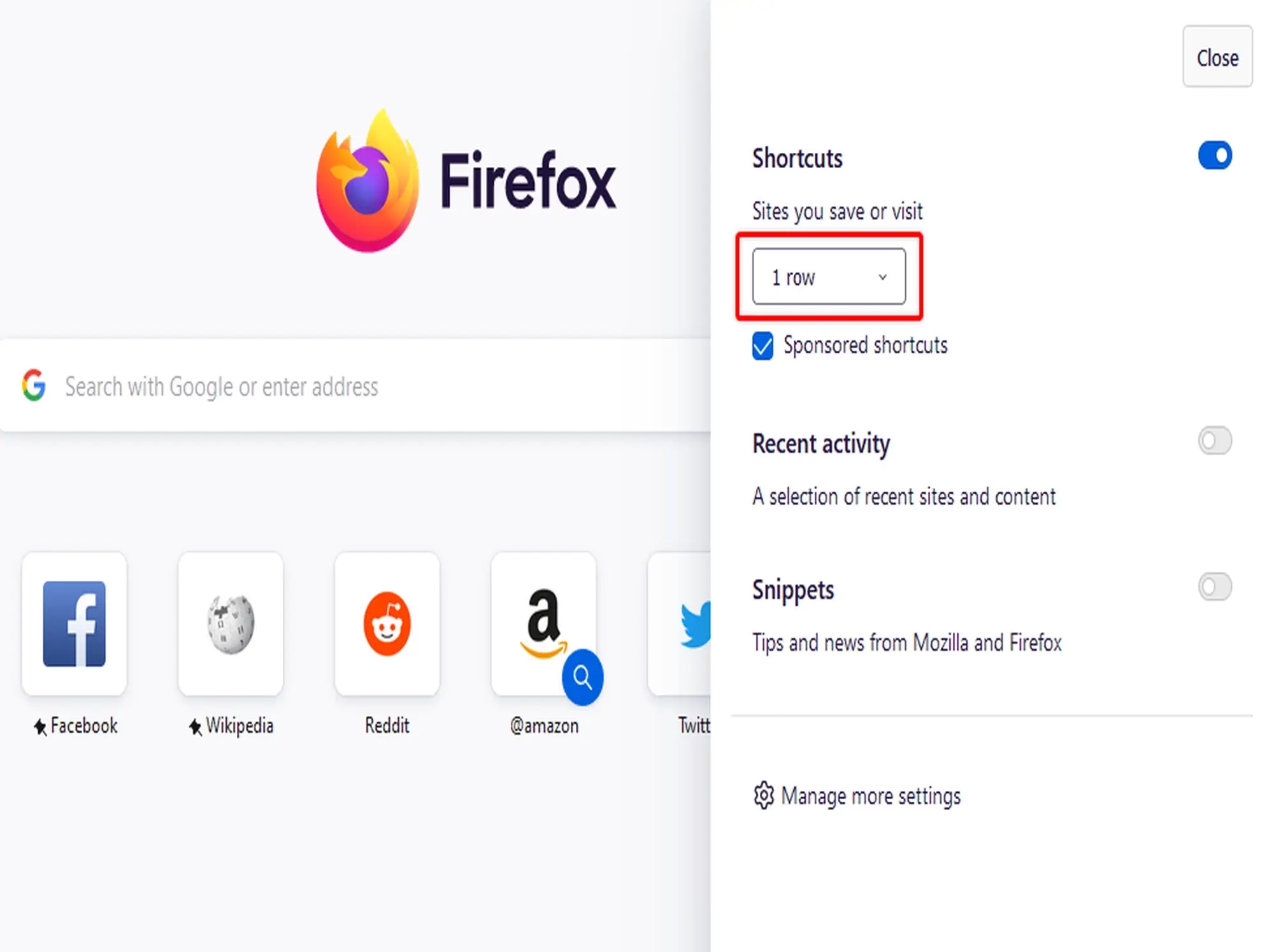
- Shortcuts from Waterfox for Windows – Firefox Without the Tracking
-
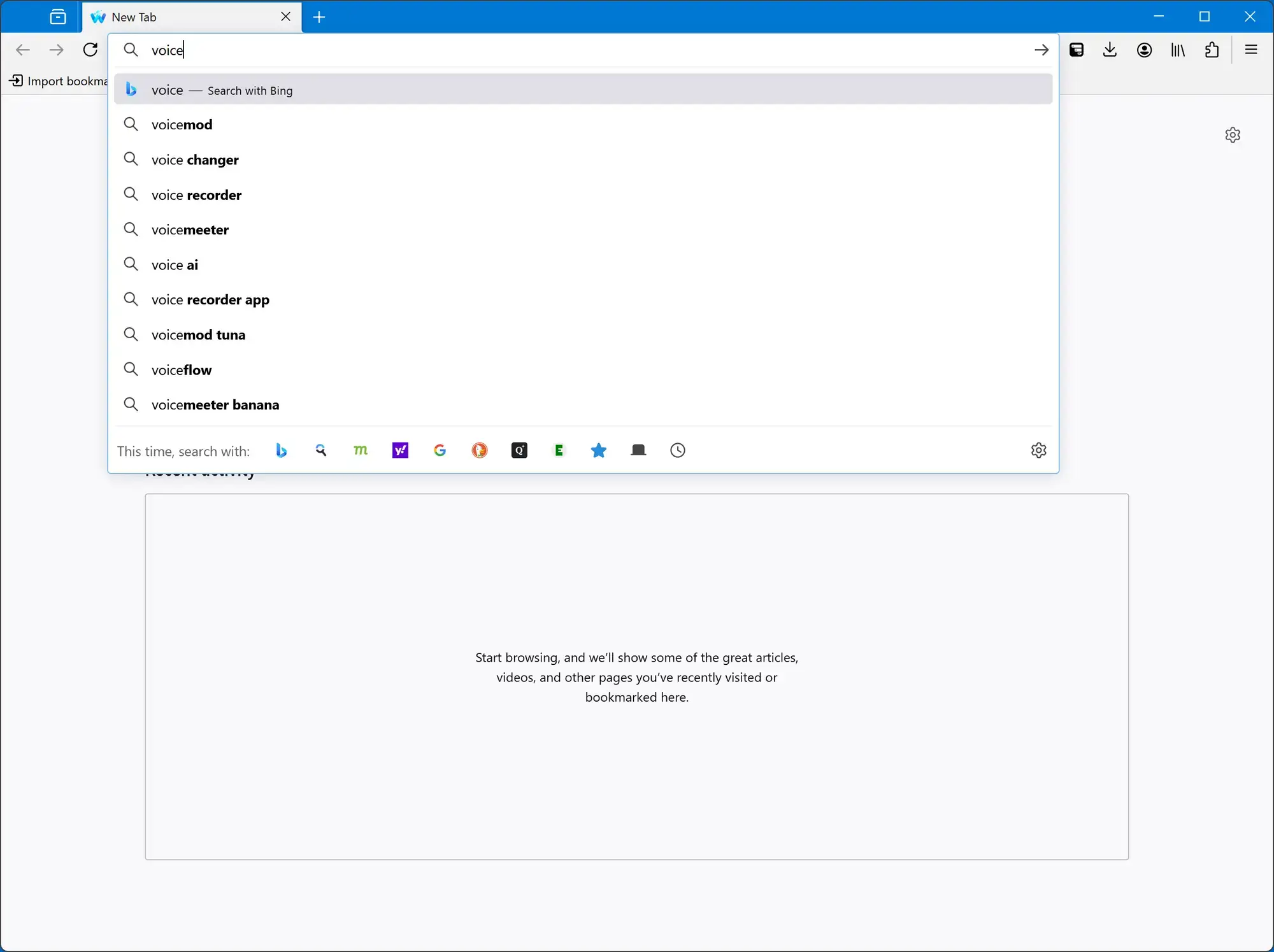
- Search new tab from Waterfox for Windows – Firefox Without the Tracking
Video of Waterfox Browser in Action
Common Issues and Fixes
Waterfox is stable, but its strong privacy stance and tracker blocking can sometimes cause unexpected website behavior.
Certain webpages will not load or appear broken
If a website flat out refuses to load properly, it is usually because Waterfox’s built-in tracking shields are blocking a script the website requires. You can quickly fix this by clearing your cache (Privacy & Security Settings > Clear Data) or by disabling any third-party ad-blocker extensions specifically for that page to see if it resolves the conflict.
The browser is using too much CPU or Memory
Modern browsers isolate tabs into separate processes to prevent crashes, which uses more RAM. If things slow down, go to Settings > General > Performance and lower the “Content Process Limit” to reduce memory usage. You can also click the shield icon and use the “Tab Unload” feature, which puts unused background tabs to sleep.
Waterfox refuses to open or instantly crashes
If the browser won’t launch at all, a previous session is likely stuck in the background. Press “Ctrl + Shift + Esc” to launch Task Manager and forcefully close all Waterfox processes. If that fails, hold down the “Shift” key on your keyboard while clicking the Waterfox icon. This launches it in “Troubleshoot Mode,” which disables all extensions and themes so you can find out what is causing the crash.
Frequently Asked Questions
Is Waterfox better than Mozilla Firefox?
For many privacy-conscious users, yes. While it is built on the exact same core engine as Firefox (Gecko), Waterfox actively removes all of Mozilla’s data collection, tracking, and sponsored content. It provides the familiar Firefox experience but respects your privacy by default.
Does Waterfox have built-in AI like other browsers?
No. In complete contrast to modern browsers, the lead developer of Waterfox has explicitly stated they will not integrate Large Language Models (LLMs) or AI chatbots into the browser, ensuring a lightweight and traditional web experience.
Can I use my old Firefox extensions on Waterfox?
Absolutely. Waterfox is fully compatible with the official Mozilla Add-ons store. In fact, it even offers experimental support for installing extensions designed for Google Chrome and Opera.
What is “Oblivious DNS” in Waterfox?
This is a big privacy feature built into the browser. Normally, your internet service provider can see the websites you request even if you use HTTPS. Oblivious DNS encrypts those requests and hides your identity from the server resolving them, which makes it much harder for anyone to track your browsing.
Why is Waterfox using so much of my computer’s RAM?
Like all modern browsers, Waterfox isolates different tabs into different background processes to prevent a single crashed website from taking down the whole browser. If you have limited RAM, you can go into Settings > General > Performance and lower the “Content Process Limit” to reduce memory usage.

Community Poll: Share Your Thoughts
Helpful Resources and Community
📚 Waterfox Support
Official support pages covering privacy settings, extension compatibility, Oblivious DNS configuration, and migrating from Firefox.
🗨️ r/waterfox
The main subreddit for Waterfox users. Discuss updates, troubleshoot issues, and share your experience with the privacy-first community.
📦 Waterfox GitHub
The open-source repository where you can report bugs, track development progress, and view the source code behind Waterfox.
Get Waterfox for PC
Tired of your browser collecting data and shoving AI into every search bar? Waterfox is a fully independent, privacy-first alternative to Firefox.
Requires Windows 10 or Windows 11
Related Browsers: Thorium Browser for PC, Samsung Internet for Windows, Zen Browser for PC, Floorp Browser for Windows, Helium Browser for Windows or check out our list of the best browsers for PC.
Discover more from Windows Mode
Subscribe to get the latest posts sent to your email.

















Add your first comment to this post