Windows Error Codes

Are frustrating Windows 11 and Windows 10 errors making your PC unusable?

Don’t let those annoying pop-ups, critical system crashes, or slow performance issues caused by various error codes hold you back any longer.

This comprehensive category provides all the solutions you need.

Each guide is crafted to be incredibly easy to follow, featuring clear, step-by-step instructions complemented by helpful video walkthroughs. Dive in and gain the confidence to fix your Windows errors effectively and efficiently.

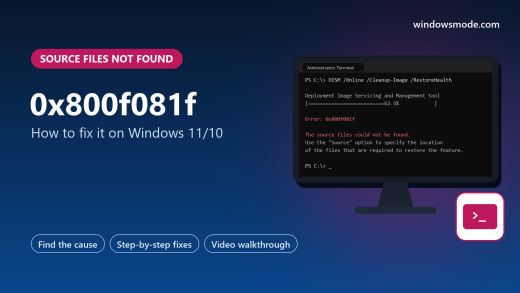
Illustration of a monitor showing a Terminal window where DISM fails with error 0x800f081f, the source files could not be found

How to Fix Error 0x800f081f on Windows 11/10

Error 0x800f081f means Windows could not find the source files it needed to add a feature, repair itself or finish an update. This guide covers the three places it appears, .NET Framework 3.5, DISM and Windows Update, with Microsoft’s own commands for each.

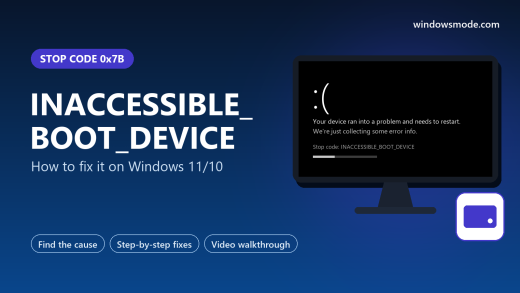
Illustration of a monitor showing a Windows crash screen with stop code INACCESSIBLE_BOOT_DEVICE, beside the title and a drive icon

How to Fix INACCESSIBLE_BOOT_DEVICE on Windows 11/10

INACCESSIBLE_BOOT_DEVICE (stop code 0x7B) appears when Windows loses access to its own drive while starting up. Your files are usually safe. This guide shows how to reach the recovery screen, then eight fixes in order, from BIOS storage settings to removing a stuck update.

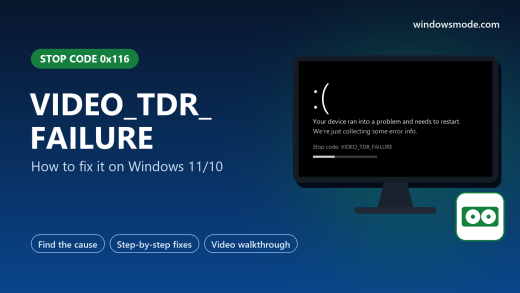
Illustration of a monitor showing a Windows crash screen with stop code VIDEO_TDR_FAILURE, beside the title and a graphics card icon

How to Fix VIDEO_TDR_FAILURE on Windows 11/10

VIDEO_TDR_FAILURE (stop code 0x116) means your graphics card stopped responding and Windows could not restart its driver. This guide explains the 2-second TDR timer, matches each driver file to its maker, and walks through eight fixes from a clean driver install to heat and power.

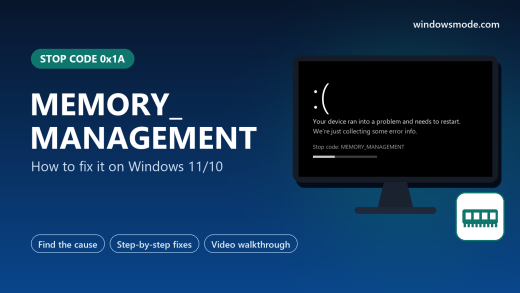
Illustration of a monitor showing a Windows crash screen with stop code MEMORY_MANAGEMENT, beside the title and a RAM stick icon

How to Fix MEMORY_MANAGEMENT on Windows 11/10

MEMORY_MANAGEMENT (stop code 0x1A) means Windows found its memory map damaged and restarted to protect your files. Faulty or overclocked RAM is the most common cause, so this guide starts with testing it properly, then covers drivers, the page file and the rest.

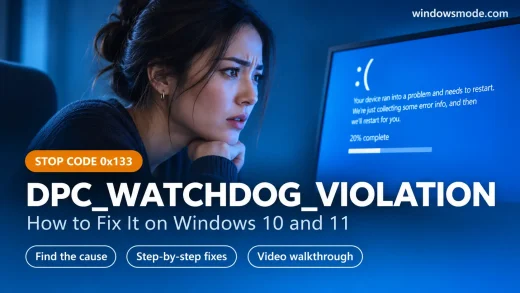
A worried woman resting her chin on her hand in front of a monitor showing a Windows crash screen, with the title DPC_WATCHDOG_VIOLATION, stop code 0x133, how to fix it on Windows 10 and 11

How to Fix DPC_WATCHDOG_VIOLATION on Windows 11/10

DPC_WATCHDOG_VIOLATION (stop code 0x133) means a driver took too long to finish its work and Windows restarted to avoid freezing. This guide shows how to find the driver behind it, then eight fixes in order, from unplugging new hardware to SSD firmware and system repairs.