Ready for the next level? Microsoft has officially launched Visual Studio 2026, the latest and greatest version of their flagship coding tool for Windows.
Building on what made 2022 great, Visual Studio 2026 brings deep AI helpers, support for the newest .NET 10 apps, lightning-fast load times, and a super clean modern look. Whether you are building mobile apps, websites, creating games with Unity or Unreal Engine, or making classic Windows software, this is everything you need in one place.
Here is a complete breakdown of what is new in 2026, the system requirements you need to run it, and direct links to get started.
Have questions about migrating your projects? Let us know in the comments or contact us.
Key Takeaways
- Deep AI Co-Pilot: Visual Studio 2026 goes beyond autocomplete, actively analyzing your entire solution to suggest massive architectural upgrades.
- Massive Speed Boosts: Heavily updated 64-bit architecture cuts project load times down to mere seconds and prevents UI freezes.
- Future-Proof: Ships with out-of-the-box support for the newest .NET 10, Unity, and Unreal Engine workflows.
Get Visual Studio 2026
Download the free Community edition, or get the Professional and Enterprise installers directly from Microsoft.
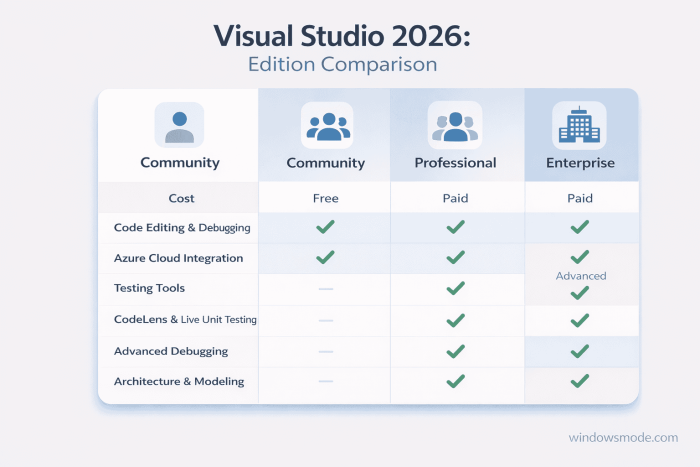
Which Edition is Right for You?
Community
Free for Individuals
Perfect for students, hobbyists, open-source contributors, and independent developers. It includes all the core features you need to build top-tier apps without costing a dime.
Professional
For Small Teams
A paid subscription designed for small businesses. It unlocks advanced testing tools, agile project planning features, and deeper team collaboration utilities.
Enterprise
For Large Organizations
The ultimate package for massive enterprise teams. It includes advanced architecture validation, live dependency testing, and enterprise-grade performance diagnostics.
How to Download and Install
Grabbing the new software is simple. Microsoft provides a small installer program that lets you pick exactly the tools (workloads) you need.
- Step 1: Visit the official Microsoft Visual Studio downloads page.
- Step 2: Choose your edition: Community (Free for individuals), Professional (For small teams), or Enterprise (For large orgs).
- Step 3: Run the downloaded installer (vs_setup.exe).
- Step 4: In the installer, select only the Workloads you need (like .NET desktop development, Web development, or Game development with C++). This keeps your computer from filling up with stuff you do not need!
- Step 5: Click Install, sign in with your Microsoft account, and start coding!
Migration Tip
You do not need to uninstall older versions. Visual Studio 2026 can safely run side-by-side with Visual Studio 2022 or 2019 without conflicts.
Key Features: What is New in Visual Studio 2026?
Deeper AI Copilot Workflow
GitHub Copilot is now woven deeply into the fabric of the IDE. It doesn’t just autocomplete code; it analyzes your entire solution context to suggest architectural improvements, generate complex unit tests, and explain legacy code directly in your editor.
Unmatched 2026 Performance
Slow load times are a thing of the past. VS 2026 is fully optimized for speed. Massive projects that used to take minutes to open now load in seconds, and searching through thousands of files is practically instant.
.NET 10 & Game Development Ready
It is built from the ground up for the future. You get out-of-the-box support for the newest .NET 10 features, plus massive improvements for game developers using Unity or Unreal Engine.
Next-Gen Hot Reload
Hot Reload has been completely overhauled to support more complex code changes across more application types (including extensive C++ and Blazor improvements) without ever needing to pause your debug sessions.
Must-Know Visual Studio Shortcuts
Save time and code faster with these essential Windows keyboard shortcuts:
| Action | Shortcut |
|---|---|
| Build Solution | Ctrl + Shift + B |
| Start Debugging | F5 |
| Format Document (Clean up code) | Ctrl + K, Ctrl + D |
| Go To Definition | F12 |
| Search Entire Project (Go to All) | Ctrl + T |
| Trigger AI GitHub Copilot | Alt + / |
Visual Studio 2026 System Requirements
| Spec | Minimum Requirement |
|---|---|
| Operating System | Windows 11 or Windows 10 (version 21H2+) |
| Processor | 1.8 GHz+ 64-bit processor (Quad-core recommended) |
| RAM | 4 GB (16 GB highly recommended) |
| Storage | 20 GB to 50 GB of free space (SSD strongly recommended) |
Visual Studio 2026 Screenshots
-
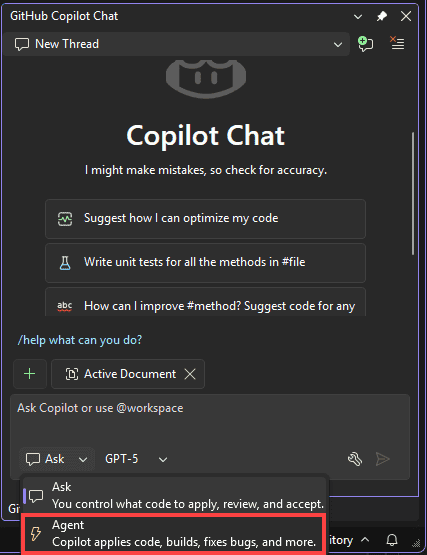
- Use agent mode from Visual Studio 2026: New Features, System Requirements & Download
-
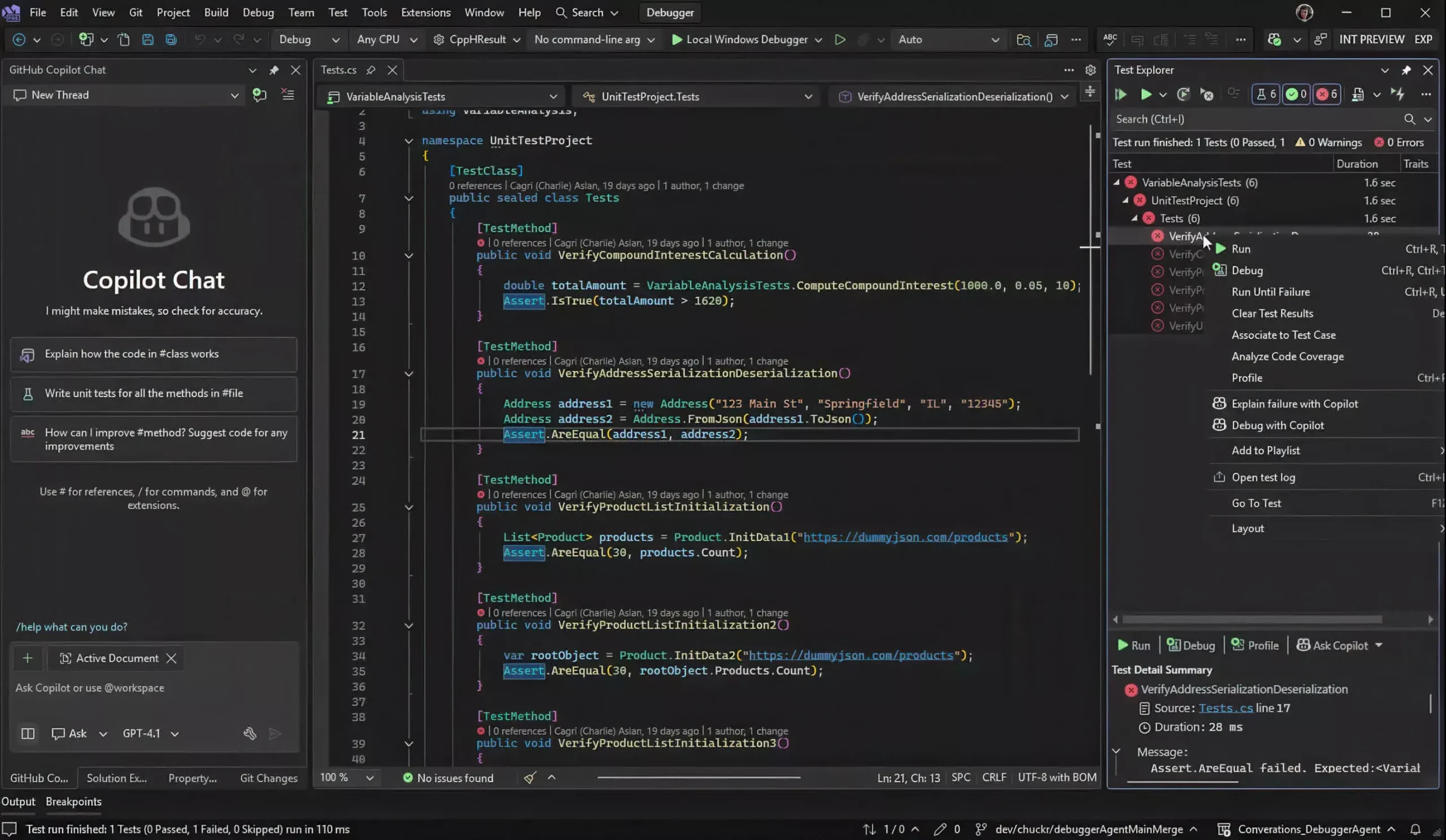
- Copilot chat inside vs2026 from Visual Studio 2026: New Features, System Requirements & Download
-
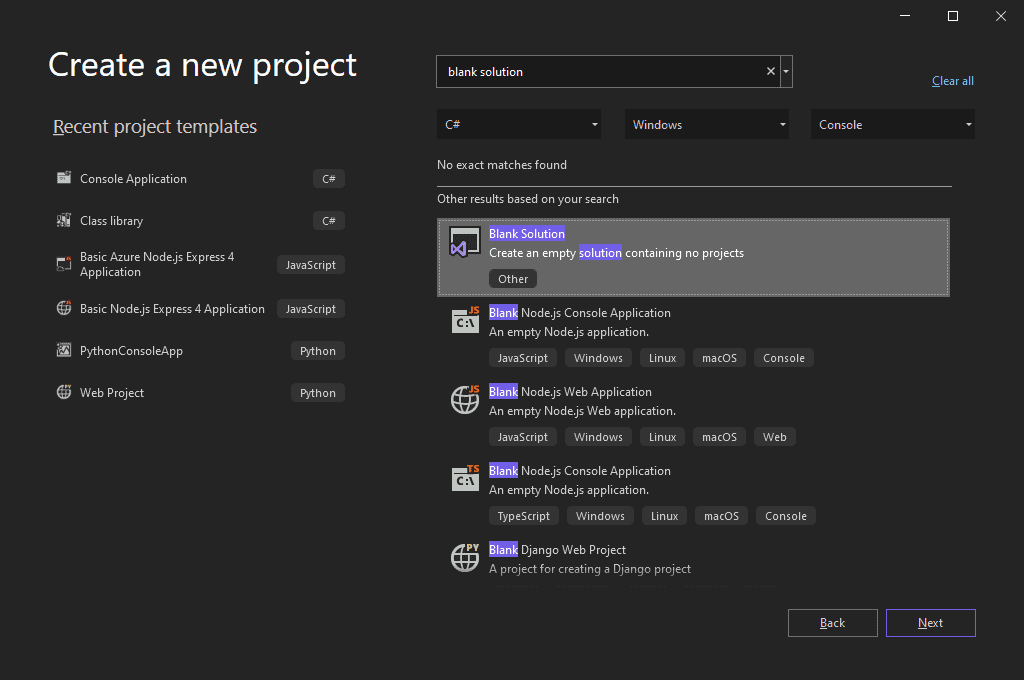
- Create new project from Visual Studio 2026: New Features, System Requirements & Download
-
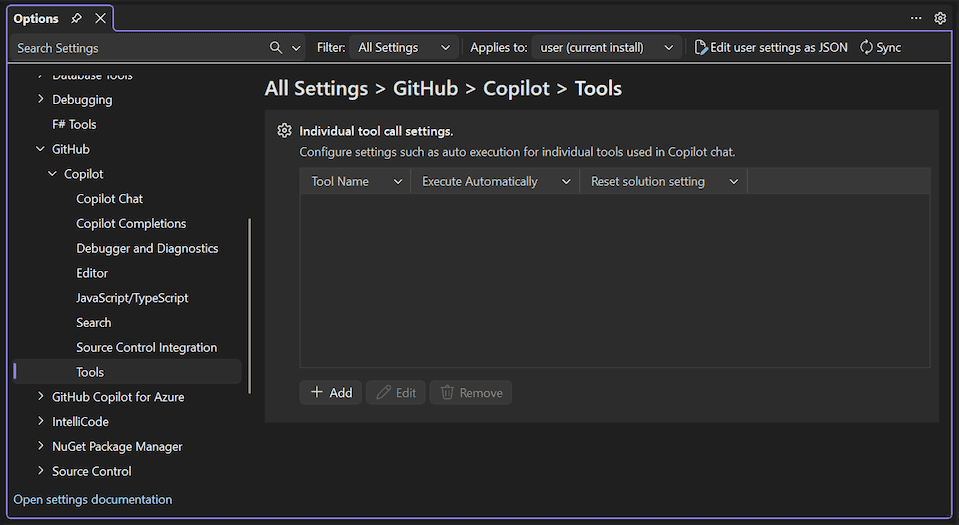
- Tools from Visual Studio 2026: New Features, System Requirements & Download
-
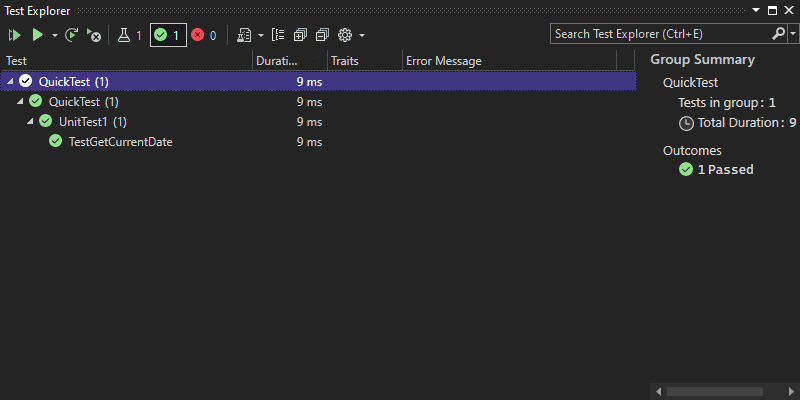
- Speed from Visual Studio 2026: New Features, System Requirements & Download
-
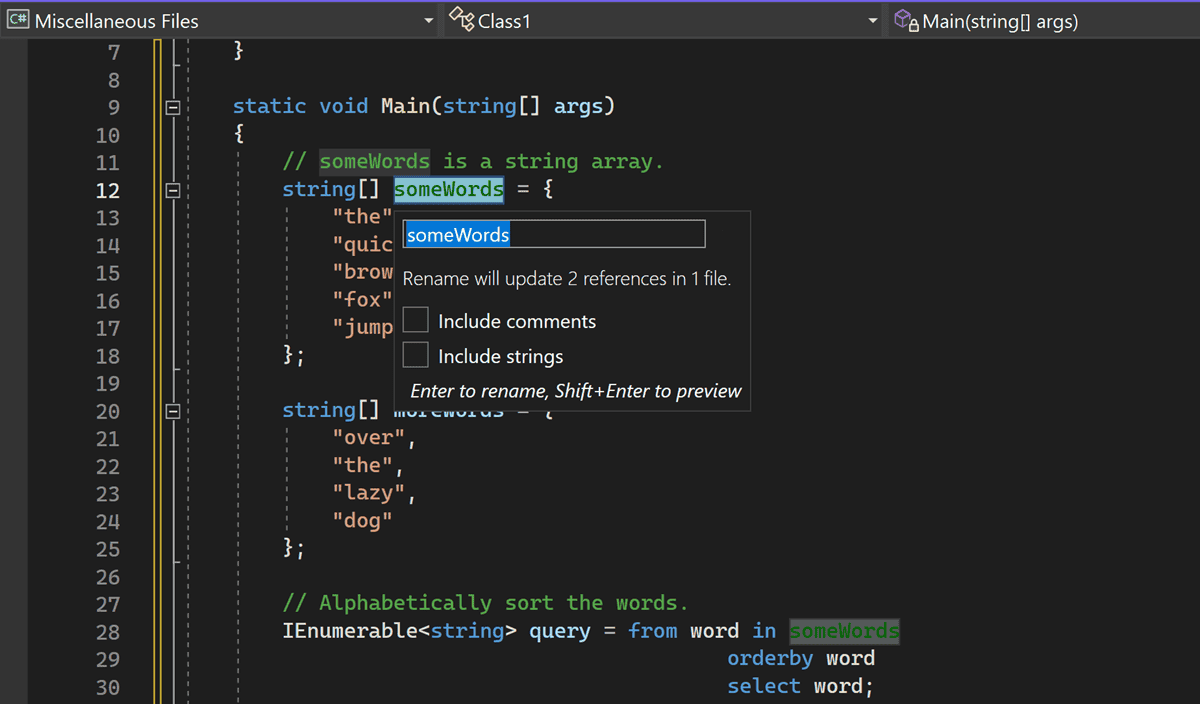
- Rename string from Visual Studio 2026: New Features, System Requirements & Download
-
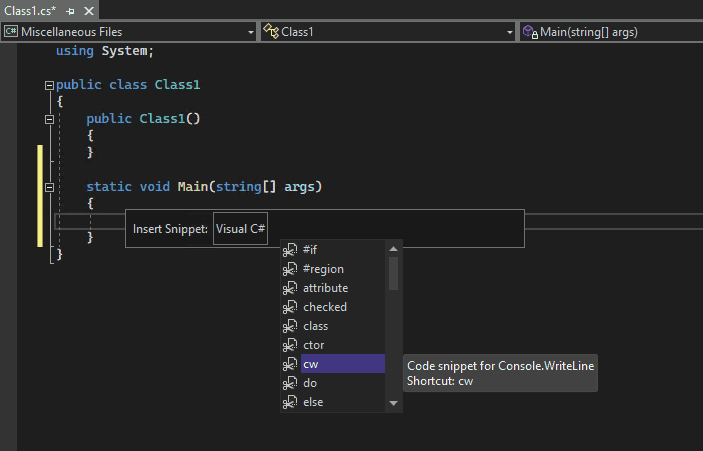
- Listing code snippet from Visual Studio 2026: New Features, System Requirements & Download
-
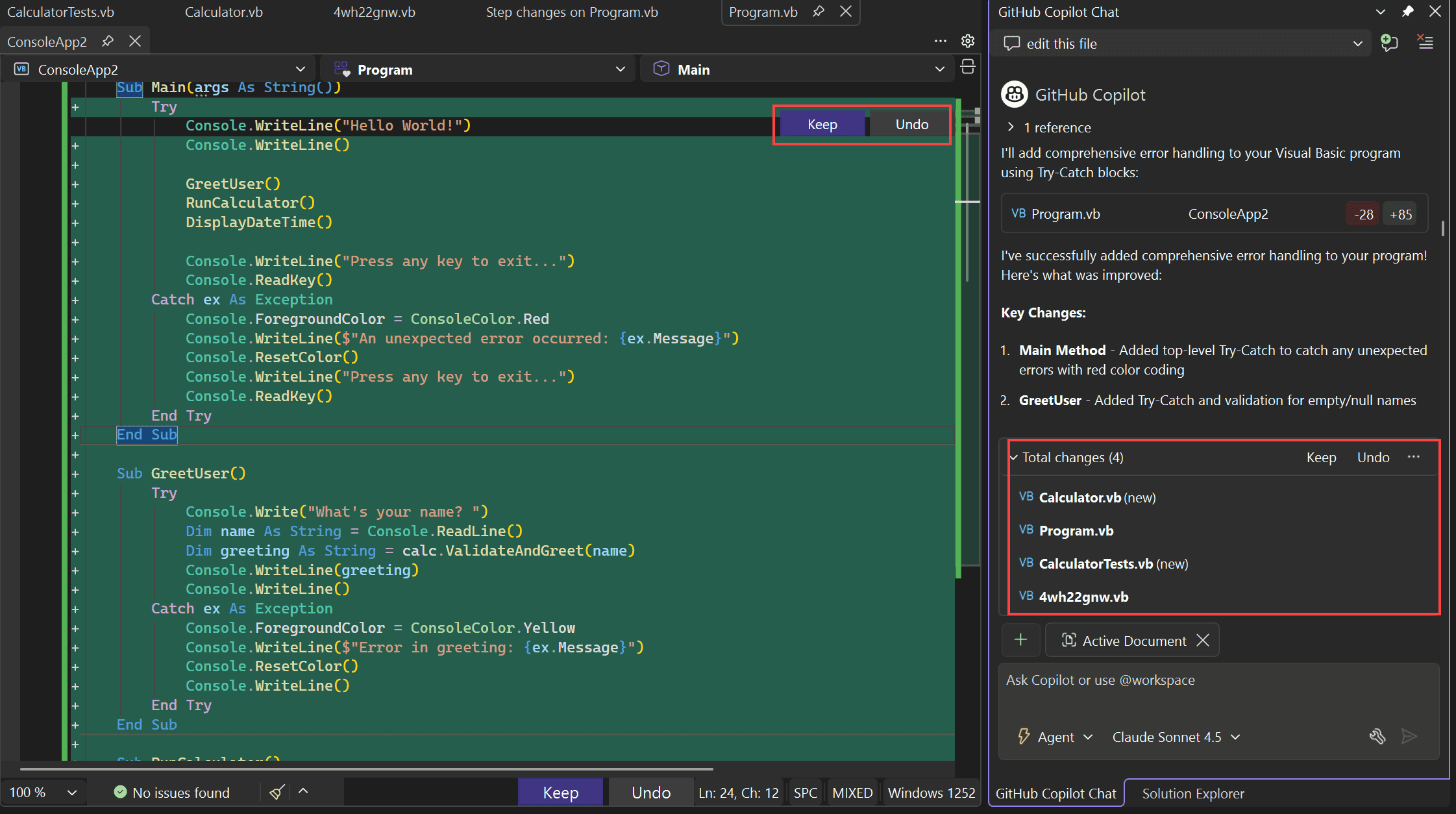
- Highlight code from Visual Studio 2026: New Features, System Requirements & Download
-
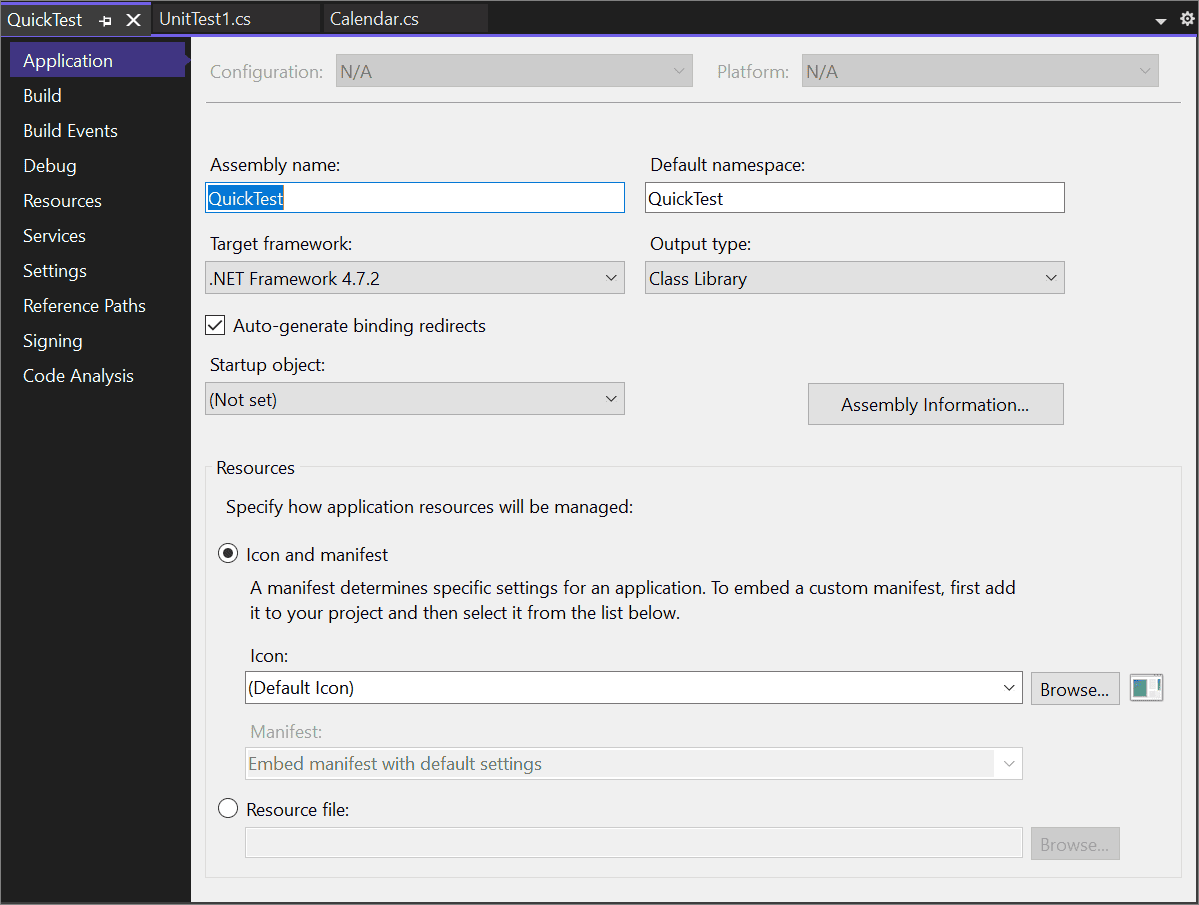
- Editing project details from Visual Studio 2026: New Features, System Requirements & Download
-
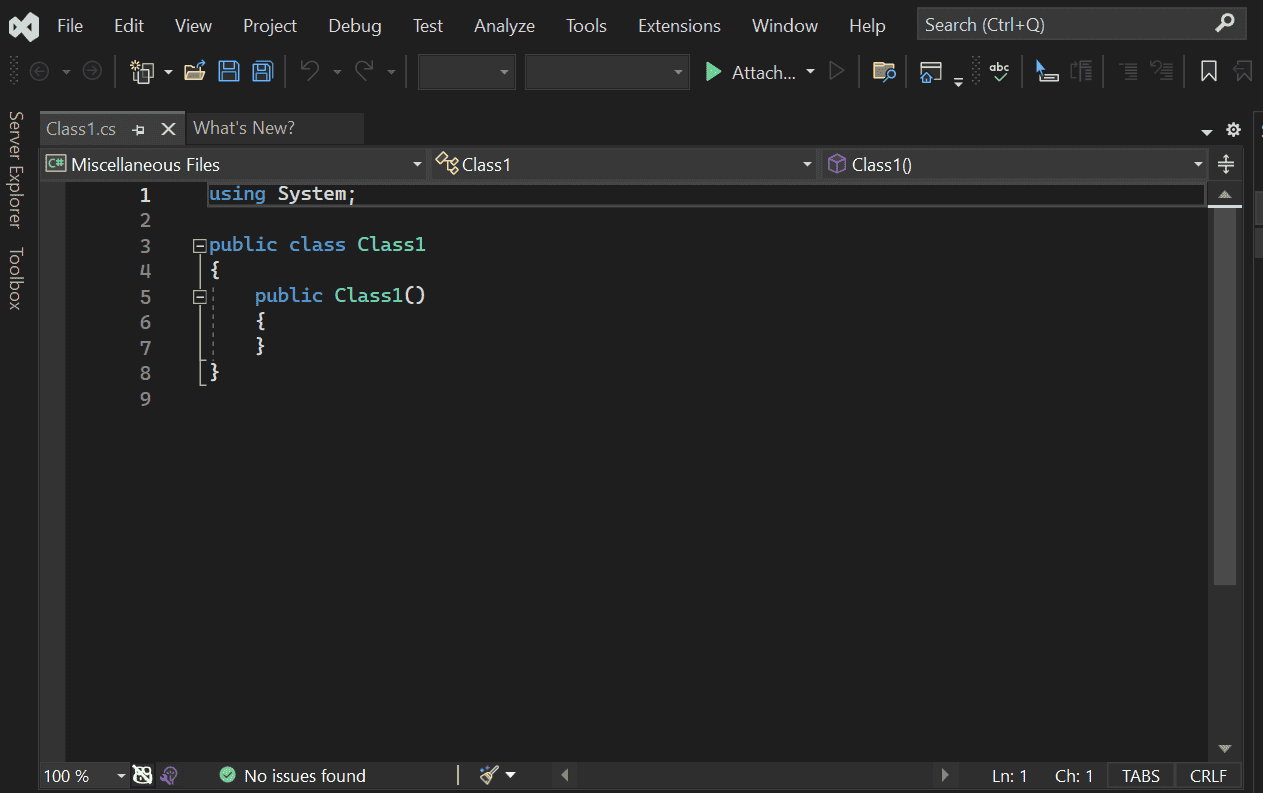
- Editing from Visual Studio 2026: New Features, System Requirements & Download
Visual Studio 2026 Overview Video
Watch this quick video that shows you how to install Visual Studio 2026 by following along a step-by-step guide:
Frequently Asked Questions
Is Visual Studio 2026 free to download?
Yes, Microsoft offers Visual Studio 2026 Community Edition completely free for students, open-source contributors, and individual developers. Professional and Enterprise editions require a paid subscription.
Can I run Visual Studio 2026 on Windows 10?
Yes, Visual Studio 2026 supports Windows 10 (version 21H2 or higher) and Windows 11. However, running it on Windows 11 is recommended for the best performance and UI integration.
Do I need GitHub Copilot to use it?
No, you can use Visual Studio 2026 as a standalone IDE without AI features. However, GitHub Copilot is deeply integrated into the 2026 workflow, offering enhanced code completion, unit test generation, and intelligent debugging if you have an active subscription.
Does it support older .NET frameworks?
Yes, while Visual Studio 2026 is built for .NET 10 and modern C#, it maintains backward compatibility with older .NET frameworks, allowing you to maintain legacy code alongside modern projects.
Have Your Say!
We want to know what the community thinks! Cast your vote below:
Support and Community
Ready to start coding?
Download the free Community edition today and experience the new AI-powered IDE.
Related Guides: Visual Studio Older Versions, Getting Started with VS Code, More VS Code Guides
Discover more from Windows Mode
Subscribe to get the latest posts sent to your email.














Add your first comment to this post