Readers like you help support this site. When you make a purchase using links on our site, we may earn an affiliate commission. All opinions remain our own.
 Bloons TD 6 on Windows
Ready to pop in 2025? Imagine defending with monkey towers in a colorful chaos. You can download Bloons TD 6 on your Windows 10 or 11 PC via Steam or Microsoft Store for a top-tier tower defense game, now with the Merry Mermonkey Christmas DLC.
Released by Ninja Kiwi on December 18, 2018, it holds ‘Overwhelmingly Positive’ Steam reviews as of March 2025, with Patch 47.1 (December 11, 2024) as the latest update, per Steam.
This guide covers installing Bloons TD 6 on Windows, its key features, and tips for PC beginners. Share your fave tower in the comments, or contact us for help.
How to Install Bloons TD 6 on Windows 11 and 10
To play Bloons TD 6 on your Windows PC, download it via Steam or Microsoft Store. Follow the steps below:
- Method 1: Steam
- Visit the Steam page: Steam.
- Click Add to Cart ($13.99 as of March 2025).
- Sign into your Steam account (or create one).
- Complete the purchase and click Install in your Steam Library.
- Wait for the download to finish (~4 GB).
- Launch the game from your Steam Library or desktop shortcut.
- Method 2: Microsoft Store
- Visit the Microsoft Store page: Microsoft Store.
- Click Buy ($13.99 as of March 2025).
- Sign into your Microsoft account (or create one).
- Install via the Microsoft Store app.
- Wait for the download to finish (~4 GB).
- Launch the game from the Start menu or Store.
Quick Tip: 💡 Start with Dart Monkeys, they’re cheap and pop fast.
Get via Steam | Get via Microsoft Store
What is Bloons TD 6 About?
Bloons TD 6, released in 2018 by Ninja Kiwi, is a tower defense game for Windows 10 and 11, blending strategy with playful chaos.
Core Gameplay: Build monkey defenses to pop waves of invading Bloons across vibrant maps.
Key Features
- Monkey towers
- Hero units
- Co-op fun
- Boss battles
- Deep upgrades
Why Play Bloons TD 6 on Windows?
It’s a blast. Windows 10 and 11 users get crisp 3D visuals, keyboard precision, and endless replay value in 2025.
Tips for PC Beginners in Bloons TD 6
New to Bloons TD 6 on PC? Here are five tips to win:
- Set Keys: Map ‘place tower’ to Q in Options > Controls, it’s quick.
- Boost FPS: Lower effects to Medium in Graphics, keeps it smooth.
- Start Easy: Pick Easy mode (difficulty), learn the ropes.
- Mix Towers: Pair Dart with Bomb (shop), pops all types.
- Use Heroes: Place Quincy early (hero select), auto-bows help.
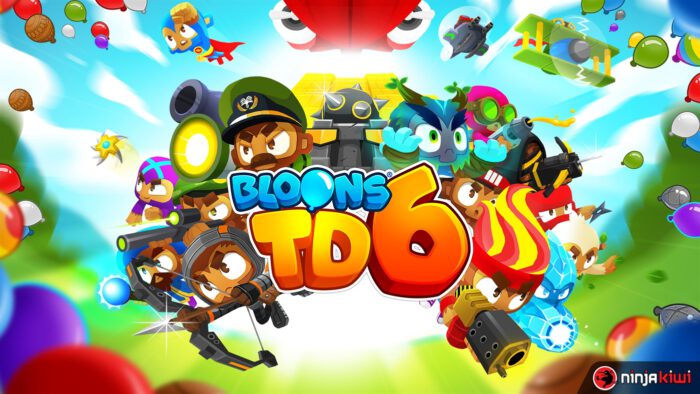
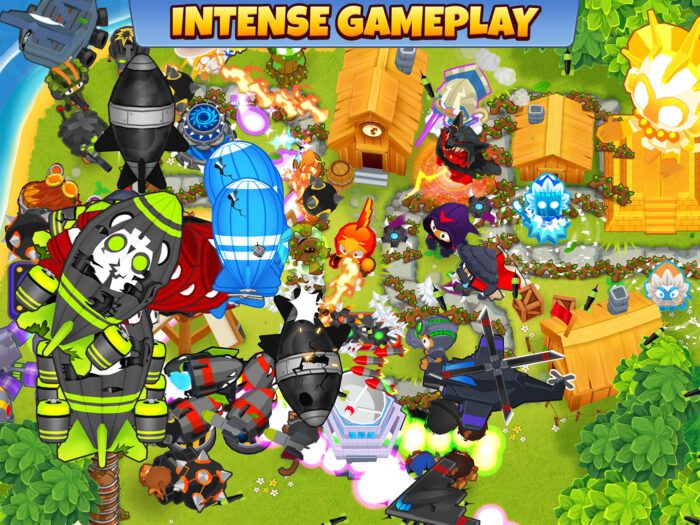
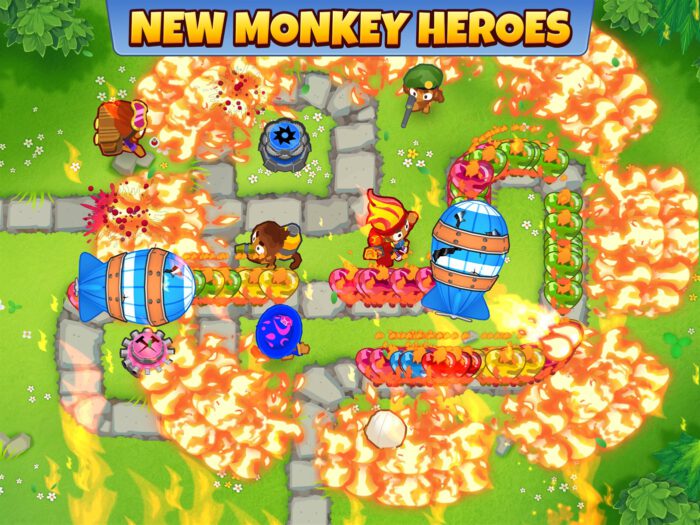
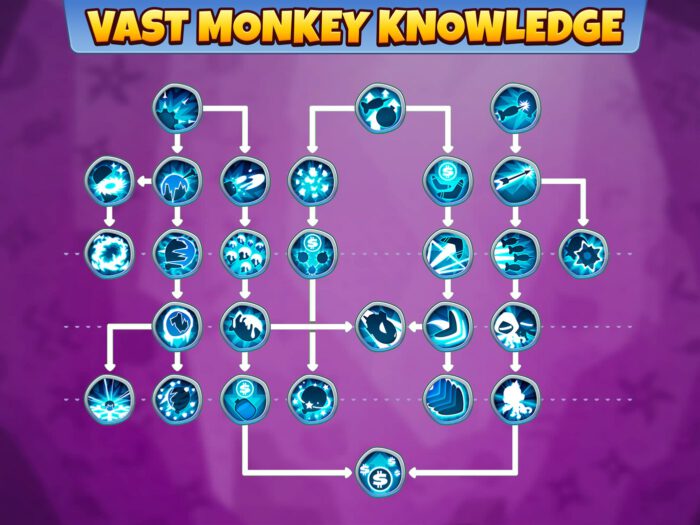
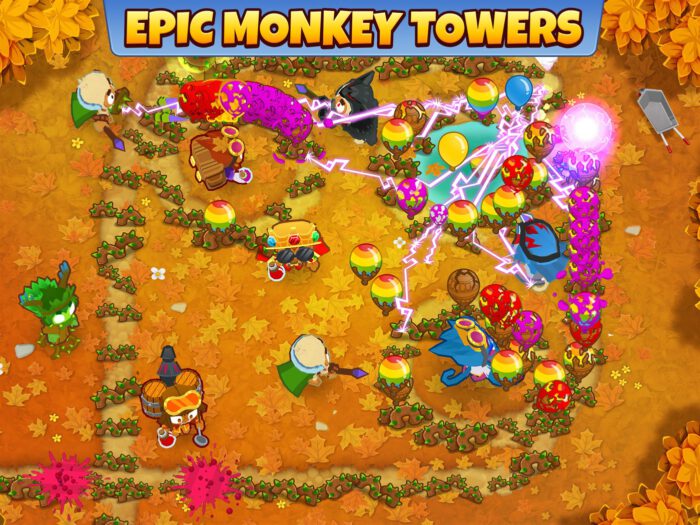
Bloons TD 6 Gameplay Screenshots
Bloons TD 6 Beginners Guide Video
Watch the beginners guide of BTD6 to get you started:
Bloons TD 6 PC Requirements for Windows
Minimum:
- OS: Windows 10 64-bit (version 1909 or later)
- CPU: 1.5 GHz or better (x86-64)
- RAM: 4 GB
- Storage: 4 GB free
- GPU: OpenGL 2.0 compatible (ATI, Nvidia, or Intel HD)
- DirectX: Version 11
- Internet: Broadband for updates
Recommended:
- OS: Windows 11 64-bit
- CPU: 2 GHz or better (x86-64)
- RAM: 8 GB
- Storage: 4 GB SSD
- GPU: NVIDIA GTX 970 or AMD RX 480
- DirectX: Version 11
Bloons TD 6 on Windows FAQ
- Is it free? No, it’s $13.99.
- Can I play offline? Yes, after initial setup.
- Does it run on Windows 11? Yes, fully optimized.
- What’s the download size? ~4 GB.
Support and Community
Explore More Windows Games: Best Adventure Games, Ninja Gaiden 4 on PC
Discover more from Windows Mode
Subscribe to get the latest posts sent to your email.











Add your first comment to this post