Readers like you help support this site. When you make a purchase using links on our site, we may earn an affiliate commission. All opinions remain our own.

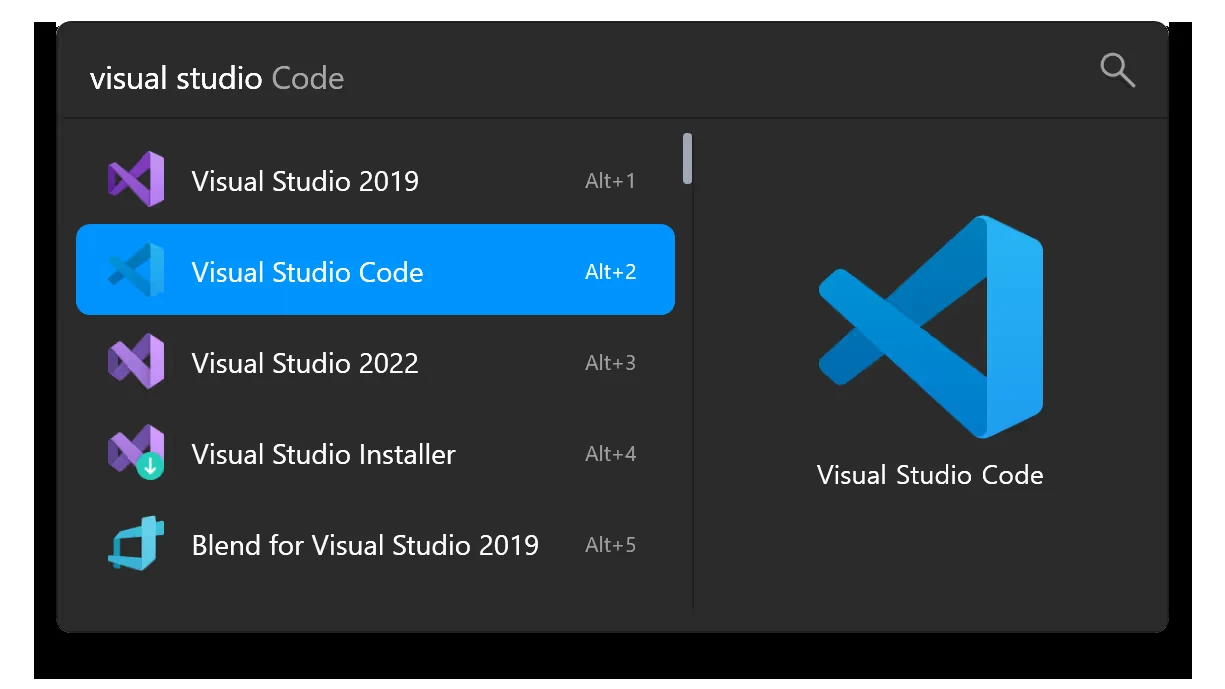
Flow Launcher sits idle until you press Alt and Space, then it takes over the middle of the screen.
Flow Launcher is a free, open source app launcher for Windows that opens with one keystroke and searches your apps, files, bookmarks and the web from a single box. It is available from the official website or through winget, scoop and Chocolatey. Press Alt and Space, start typing, press Enter.
Most launchers stop at opening programs. Flow Launcher runs a plugin store inside the search box, so the same keystroke can launch a Steam game, skip a Spotify track, paste from clipboard history or convert a color code. Plugins install by typing a command, not by hunting through a website.
It is built by the Flow Launcher team on GitHub under the MIT license, runs on Windows 10 and newer, and ships with the .NET runtime bundled in, so there is nothing to install first. There is no paid tier, no account and no sign-in screen.
This guide covers how to install it, how to point file search at Everything, six plugins worth adding, the shortcuts that make it fast, and how it compares to Raycast on Windows. Got a plugin we missed? Tell us about it.
What You Need to Know
- Flow Launcher itself is completely free. There is no paid Flow tier and no account requirement, and the source code is public under the MIT license. Some plugins connect to third-party services that have their own subscriptions.
- Alt and Space is the default hotkey, and you can change it in Settings if it clashes with something else.
- File search works better with Everything installed. Flow can fetch and install it for you, but only version 1.4.x, not the 1.5 alpha.
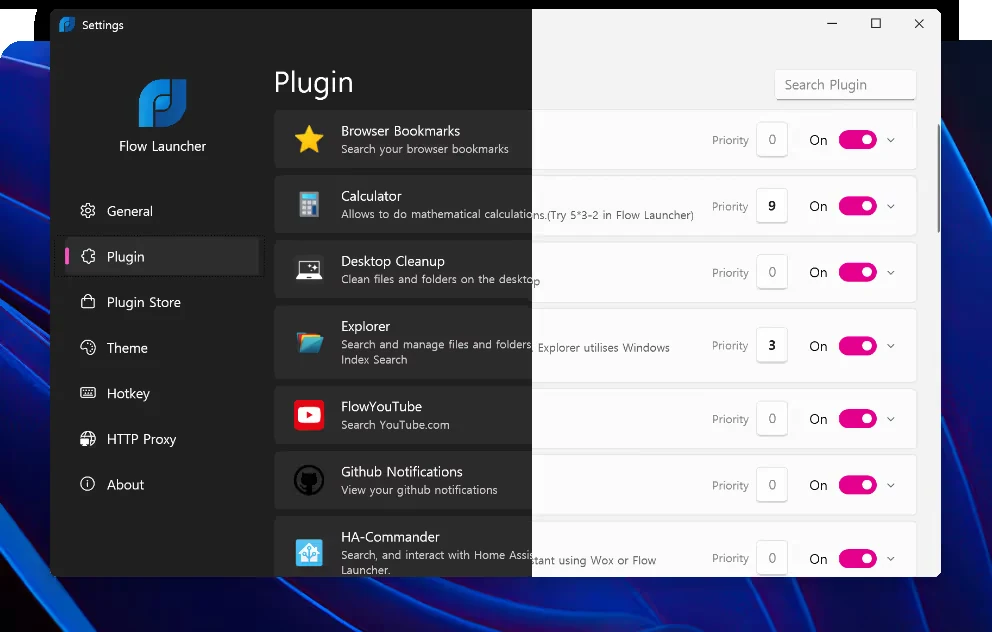
- The plugin store is the reason to pick it. Plugins are written in C#, F#, Python and JavaScript, so the community is not limited to one language.
What Is Flow Launcher?
Flow Launcher is a search box that floats over whatever you are doing and runs almost anything on your PC. It replaces the trip to the Start menu, the desktop shortcut hunt and the File Explorer dig with one text field.
The results come from plugins rather than from one hard-coded search engine. Twelve core plugins ship with the app, covering programs, files, browser bookmarks, web searches, the calculator, shell commands, Windows settings and system commands like restart and sleep. Everything else is optional.
Typing narrows the list as you go, and it is forgiving about how you type. Acronyms and partial words both work, so “gk” finds GitKraken and “acr” finds Acrobat Reader. Press Enter on the top result, or arrow down first.
One box, one keystroke. Results update as you type, and Enter runs the highlighted row.
Key Features
Flow Launcher does the usual launcher jobs well, then adds a few things most of its rivals charge for or leave out.
A plugin store inside the search box
Type pm install followed by a plugin name and it downloads, installs and is ready on the next keystroke. There is a visual store in Settings too, but you never have to leave the keyboard.
File search that uses Everything
Point the Explorer plugin at Everything and file search becomes instant across the whole drive. Windows Index is the fallback if you would rather not add another tool.
Calculator, shell and web search built in
Type a sum and copy the answer. Type a shell command and run it, or press Ctrl and Shift and Enter to run it as an administrator. Type a search and it opens in your browser.
A preview panel for files
Press F1 on a result to show a preview. Images render full size, and text and markdown files show with code highlighting, so you can check you have the right file before opening it.
Themes, and a builder for your own
The look is not fixed. Flow ships with several themes, the community publishes more, and there is a theme builder for making your own colors and spacing.
Game Mode
Global hotkeys are a problem when a game already uses them. Ctrl and F12 in the search window pauses Flow’s hotkey until you turn it back on, so it stays out of the way mid-match.
How to Install Flow Launcher on Windows
There are two routes. The installer from the official site is the normal one. If you already use a package manager, one line does the whole job.
1 Open the Flow Launcher website and choose the installer.
2 Run the downloaded file. Windows may show a SmartScreen warning, covered further down.
3 Pick roaming or portable when the installer asks. Roaming is the normal choice.
4 Press Alt and Space when it finishes to open the search box.
5 Press Ctrl and I to open Settings, then set Flow to start with Windows.
Prefer a package manager? Any one of these installs the same build.
winget install “Flow Launcher”
scoop install Flow-Launcher
choco install Flow-Launcher
Note: download only from flowlauncher.com or the official GitHub releases page. Copies on download portals are not maintained by the project.
Set Up File Search With Everything
File search is the part most people get wrong on day one, because Flow ships pointed at the Windows index rather than at the fastest option.
The Explorer plugin handles files and folders, and it can search using either the Windows index or Everything (a free tool from voidtools that keeps its own index of every file name on your drives). Everything is noticeably faster and finds files the Windows index skips. If it is not installed, run a file search in Flow and click the “Warning: Everything is not running” result, and Flow will fetch and install it for you.
One real catch: Flow supports Everything 1.4.x only. The 1.5 alpha branch is not supported, so if you already run the alpha, file search will not connect to it. Install the stable 1.4 release instead.
Once it is connected, open Settings, go to the Explorer plugin, and set the index, content and recursive search engines to Everything. The Search keyword combines path and name search, so you do not have to remember which one to use. Content search inside documents defaults to the doc: keyword because it is slow.
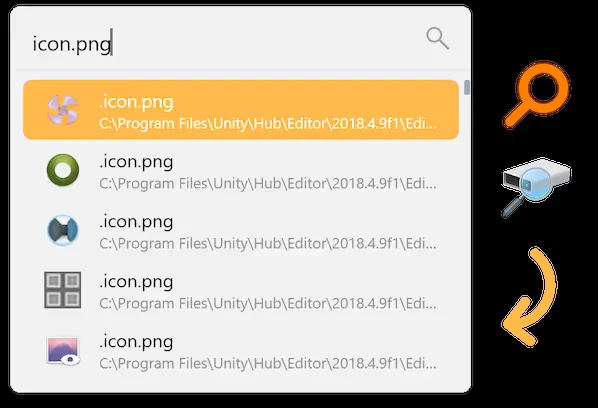
File results show the full path underneath, and Ctrl and Enter opens the containing folder instead of the file.
Six Flow Launcher Plugins Worth Installing
The plugin store carries hundreds of entries and the quality varies. These six are the ones we would install on a fresh machine, in the order we would install them.
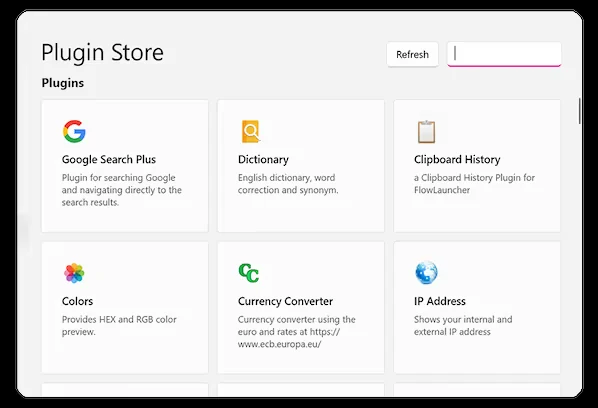
The visual store lives in Settings, but pm install plus a name does the same job without leaving the search box.

Launches your Steam library from the search box. It reads the library locally, so results appear instantly and it keeps working with no connection.
pm install Steam SearchPlugin page
Clipboard history for text, images and files, searchable from the same box. It can read Windows Clipboard History as well, so you are not running two separate stores.
pm install Clipboard+Plugin page
An Alt and Tab replacement. Type part of a window title and jump straight to it, which beats cycling through fifteen thumbnails when you have a lot open.
pm install Window WalkerPlugin page
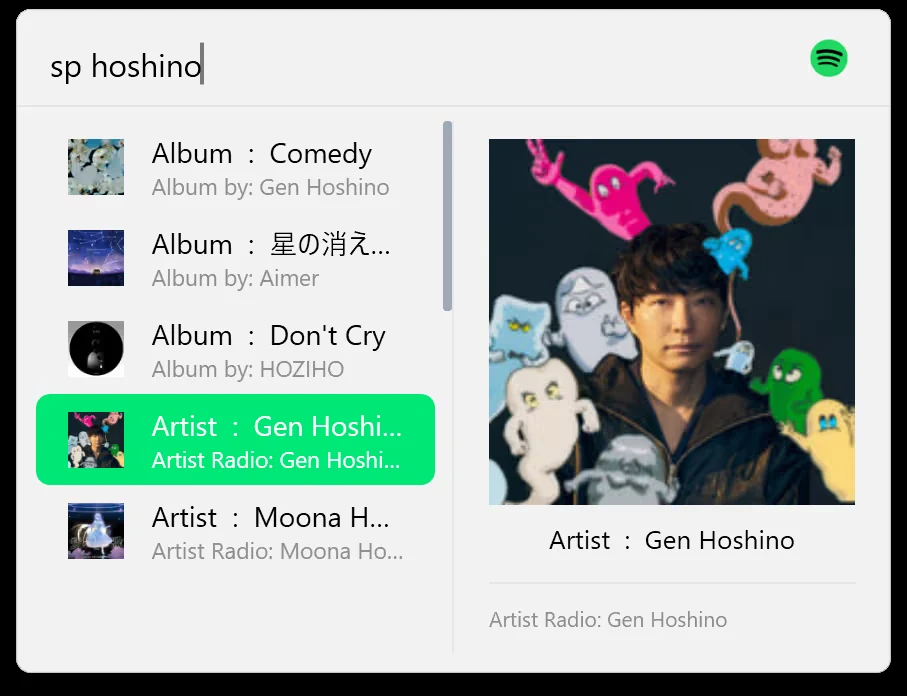
Search, play, pause and skip without switching windows. It drives the Spotify app through the official API, and a Premium account is required for playback control.
pm install SpotifyPremiumPlugin page
Type a hex or RGB value and see the color rendered in the results list, then copy it in the other format. Small, but it saves a browser tab every time.
pm install ColorsPlugin page
Search emoji by what they mean and copy the one you want. Windows has its own picker on Win and period, but this one searches better and stays on the keyboard.
pm install Emoji+Plugin pageEvery one of these installs by typing pm install and the plugin name into Flow itself. Browse the rest in the official plugin store, and check the plugins tab in Settings if one does not trigger, because some are limited to a specific keyword.
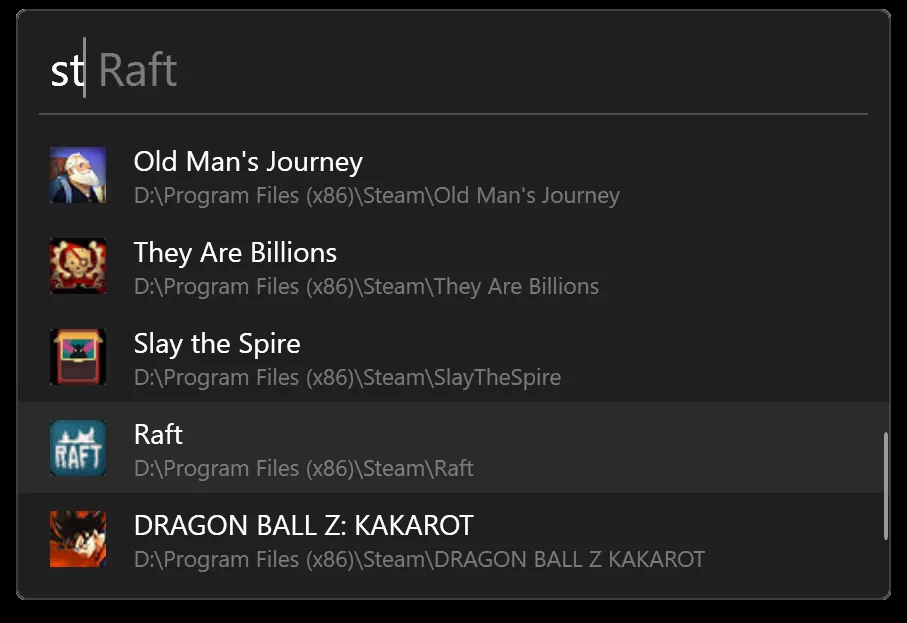
Steam Search returns your installed games with cover art, and Enter launches straight into the game.
Flow Launcher vs Raycast for Windows
Raycast arrived on Windows with a polished interface, an extensions store and a paid tier, and it is the launcher most people will have heard of. The split is simple: Raycast sells a finished product with AI on top, and Flow Launcher gives you an open one you assemble yourself.
Both cover the same basics for free. The differences that matter are what happens when you want more, and what happens if the company behind the app changes direction. Our full breakdown of the paid side is in the Raycast for Windows guide.
Pick Flow Launcher if you want to own your setup and never see a paywall. Pick Raycast if you want AI in the launcher and would rather not tinker. If neither appeals, PowerToys Run does the plain launcher job with nothing to configure, and it comes with Microsoft’s own PowerToys tool set.
Is Flow Launcher Safe?
Windows will almost certainly show a Microsoft Defender SmartScreen warning the first time you run the installer. That is a reputation check, not a virus alert. It appears because the installer has not been downloaded enough times for Microsoft to trust it automatically. The project says the same thing in its own documentation. Some third-party antivirus tools flag it for the same reason.
The honest caveat is the plugin store. A plugin runs code on your machine and can read what you type into the search box, and the store is open to anyone. Check who wrote a plugin and look at its source before installing it, which is easy here because every entry links to its GitHub repository.
Two things reduce the risk. Flow is not signed by a big vendor, so download it from flowlauncher.com or the project’s GitHub releases and nowhere else. And if a plugin handles anything sensitive, such as clipboard history, remember it stores that data on disk in your user folder.
Is Flow Launcher Free?
Flow Launcher is released under the MIT license, which means the source is public and anyone can read, change or fork it. There is no paid Flow Launcher tier, trial or feature locked behind a login. The plugin store is free too, and plugins are hosted on their authors’ own repositories.
The project takes voluntary donations through GitHub Sponsors, one-off or recurring. Nothing in the app changes if you give, and nothing is withheld if you do not.
Shortcuts Worth Learning
Flow is only fast if your hands stay on the keyboard. These are the defaults, and every one of them can be reassigned in Settings.
Flow prints the shortcut for the highlighted action on the right of the row, so you learn them without looking them up.
Tips for Getting Started
1 Type a question mark to see every active keyword. It lists what each plugin responds to, which is faster than opening Settings when you forget one.
2 Raise the priority of the plugin you use most. Open that plugin’s page in Settings and change the number next to Priority. Higher weight pushes its results up the list.
3 Back up your UserData folder. Type flow user data to open it. Copying that one folder carries your settings and installed plugins to a new machine.
4 Change the theme before you decide you dislike the look. Type set flow launcher theme in the search box to cycle through what is installed, then add more from the community.
5 Turn on Game Mode before a session, not during one. Ctrl and F12 in the search window stops Flow’s hotkey firing over a game that already uses Alt and Space.
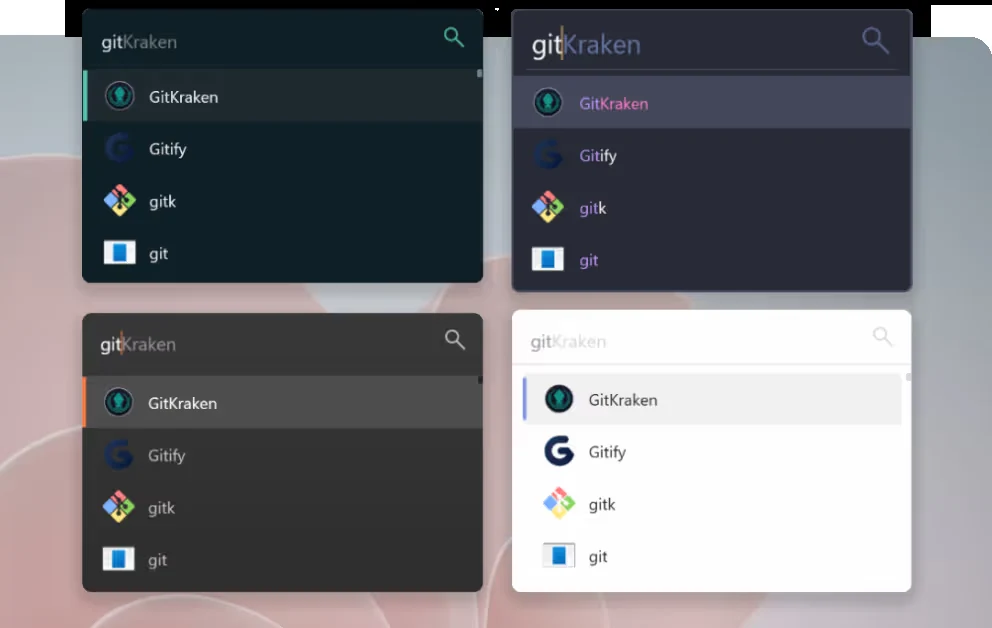
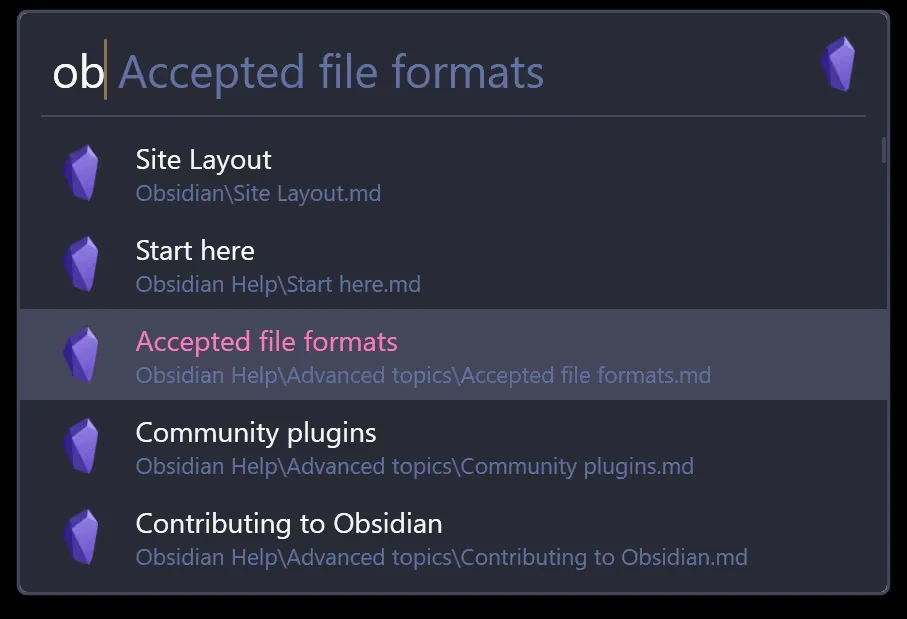
The same app under two themes. The theme builder lets you change colors, spacing and the result row height.
Flow Launcher Screenshots
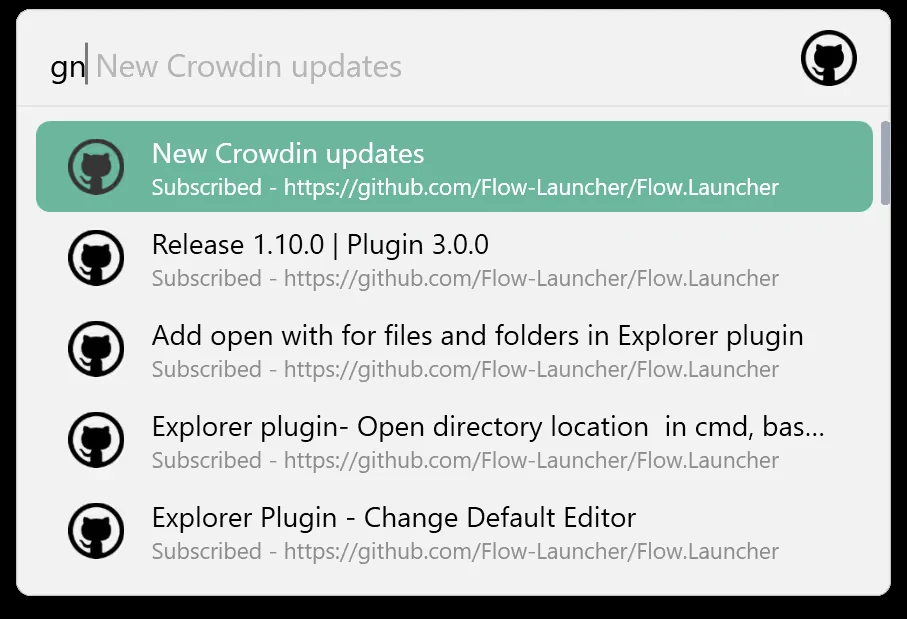
The rest of what the search box does, from the calculator and web search to the GitHub, Obsidian and Spotify plugins.
-
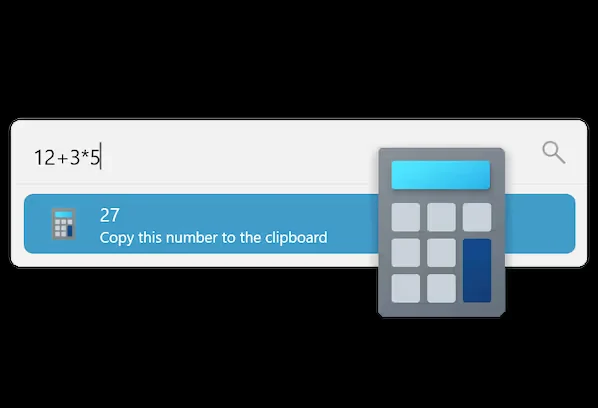
- Flow launcher calculator from
-
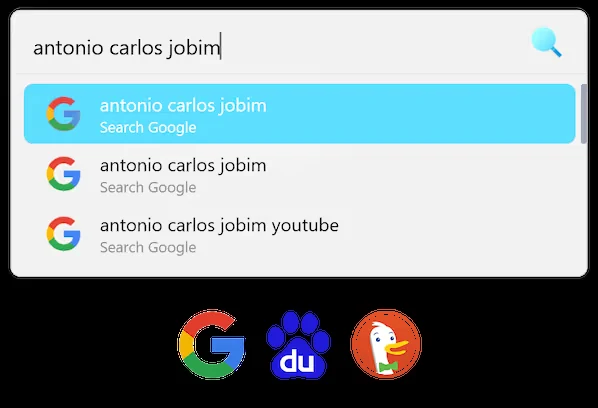
- Flow launcher web search from
-
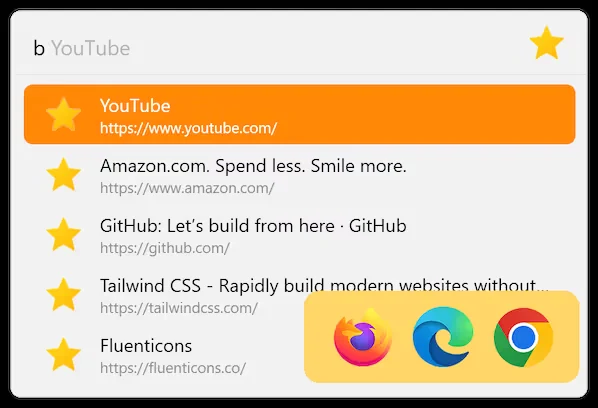
- Flow launcher browser bookmarks search from
-
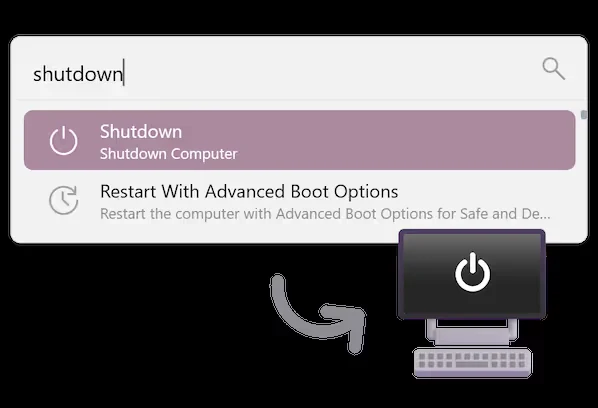
- Flow launcher system commands from
-
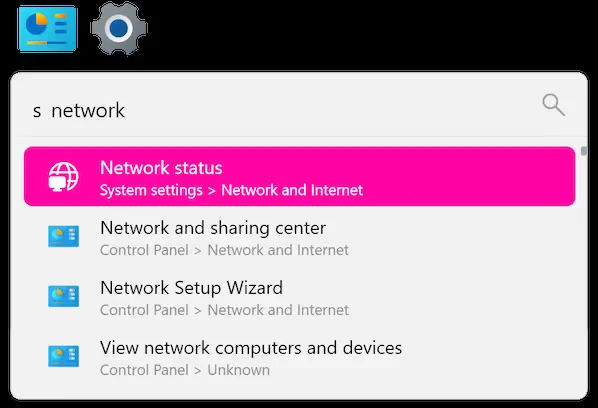
- Flow launcher windows settings search from
-
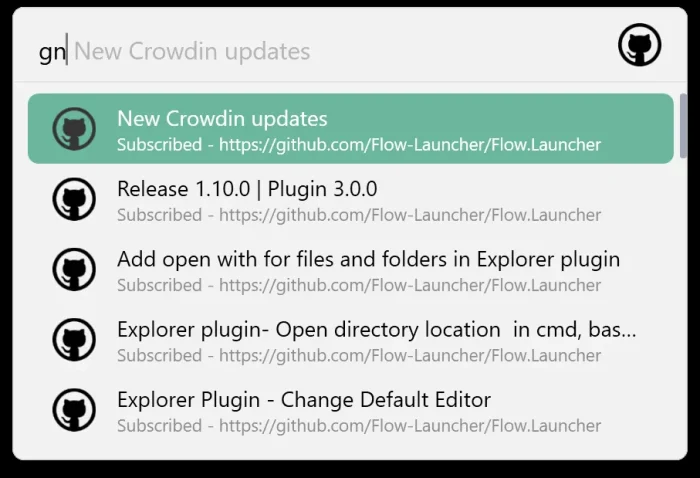
- Flow launcher github plugin from
-
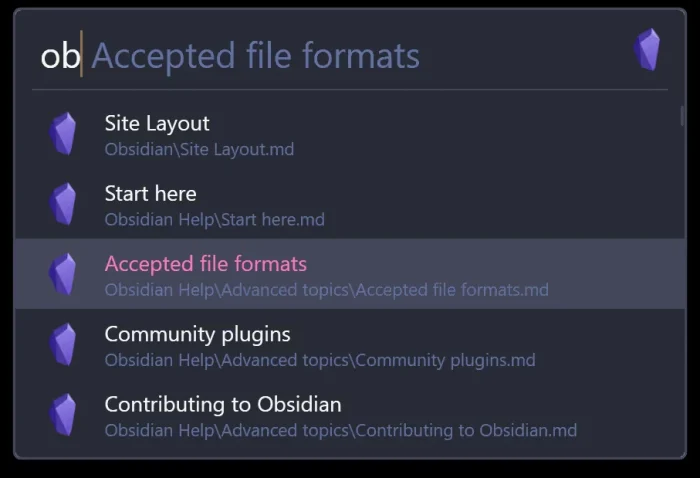
- Flow launcher obsidian plugin from
-
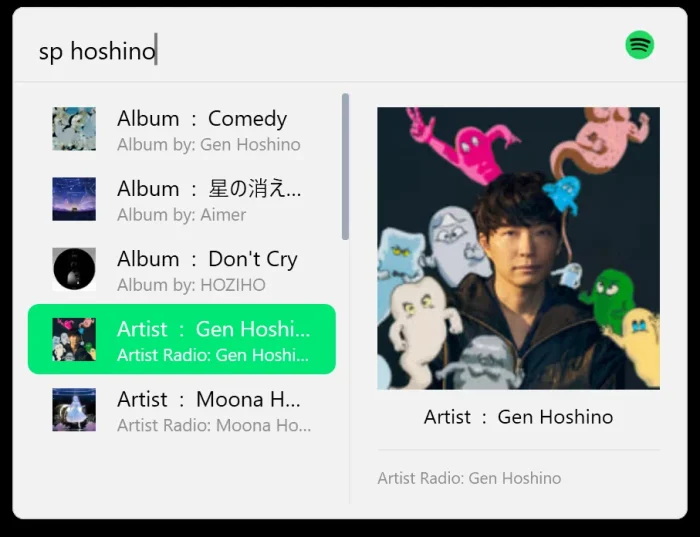
- Flow launcher spotify plugin from
Flow Launcher FAQ
Can I run Flow Launcher from a USB drive?
Do I need to install .NET before Flow Launcher?
How do I change the Alt and Space hotkey?
Does Flow Launcher support languages other than English?
How do I fully uninstall Flow Launcher?
Support and Community
Flow Launcher is run by volunteers, so most help comes from the community rather than a support desk.
- flowlauncher.com, the project’s own site, with the documentation and the plugin store.
- GitHub Issues, for bugs and for checking whether your problem is already known.
- The Flow Launcher Discord, for questions the docs do not answer and for plugin help.
- r/FlowLauncher on Reddit, for setups, themes and plugin recommendations from other users.
More Windows software guides: Raycast for Windows · Windhawk for Windows · Seelen UI for Windows · Rainmeter for Windows
Discover more from Windows Mode
Subscribe to get the latest posts sent to your email.
















Add your first comment to this post