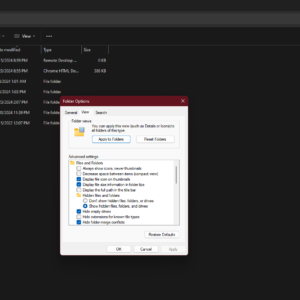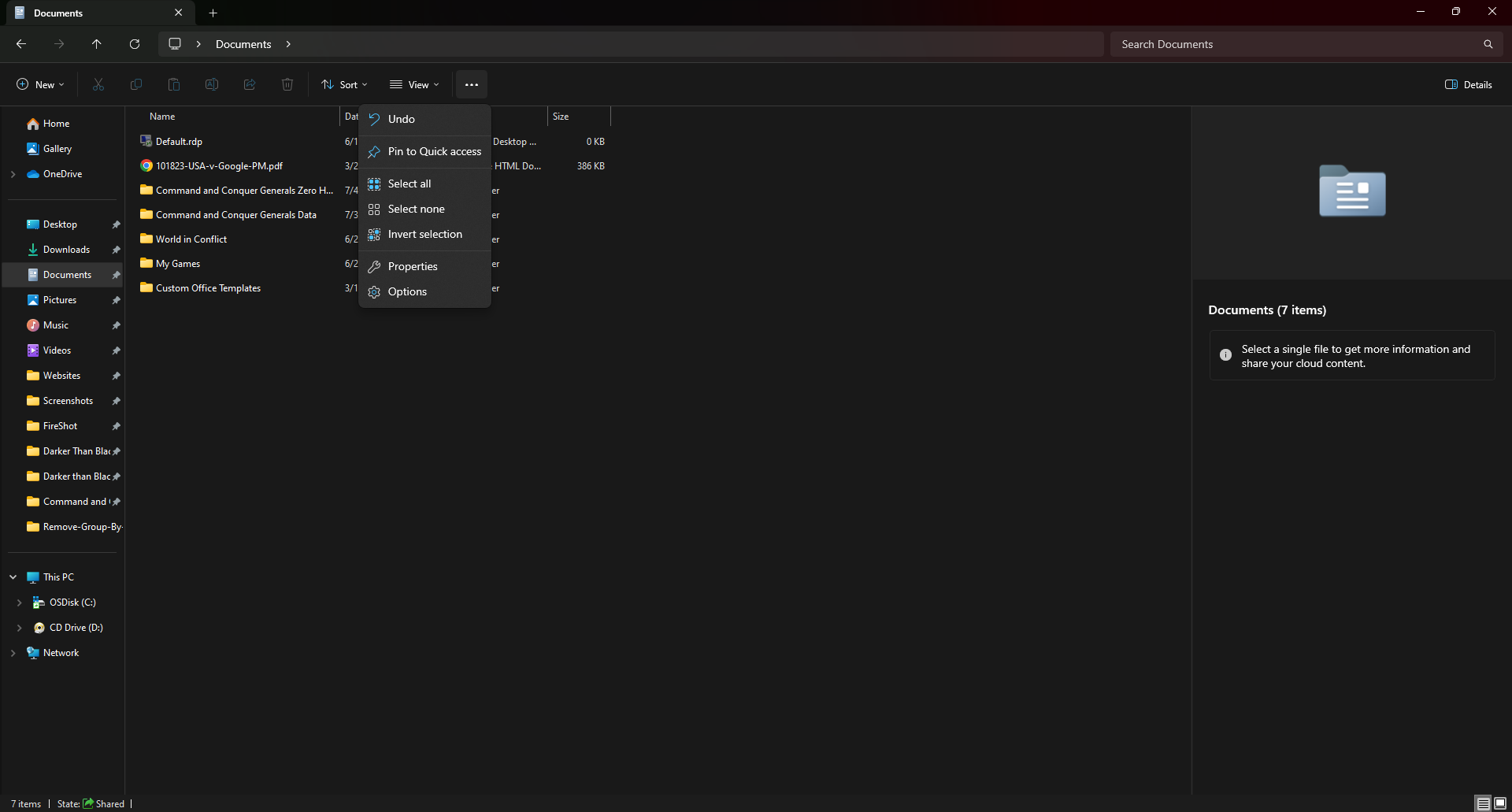
Find the 3 dots on the toolbar, click on it and then click Options
Dimensions
1920 × 1031
File Size
128 KB
Format
PNG
License
Free
Download the full-resolution image in high quality for free.
⬇ Download Full Size Photo1920 × 1031 • 128 KB