Readers like you help support this site. When you make a purchase using links on our site, we may earn an affiliate commission. All opinions remain our own.
 To run DeepSeek-R1 locally on Windows, you use the same trusted engine we used for our other guides: Ollama.
DeepSeek-R1 is currently the most talked-about “open” AI model because it rivals OpenAI’s o1 in reasoning. Unlike standard chatbots that just guess the next word, DeepSeek-R1 “thinks” before it speaks.
It actually outputs a “Chain of Thought” (shown in <think> tags) so you can watch it solve logic puzzles or math problems step-by-step.
Below is the guide to running this “reasoning engine” offline. If you missed our previous guides, check out how to run Google Gemma 3 or Microsoft Phi-4.
System Requirements
DeepSeek-R1 uses a “Distill” method, meaning they squeezed the intelligence of a massive supercomputer model into smaller sizes that fit on your laptop.
| Component | Minimum (1.5B / 7B Version) | Recommended (14B Version) |
|---|---|---|
| Operating System | Windows 10 | Windows 11 (Latest Update) |
| RAM | 8 GB | 16 GB – 32 GB |
| GPU (Graphics) | Integrated Graphics (Intel/AMD) | NVIDIA RTX 3060 (12GB VRAM) or higher |
Step 1: Install Ollama for Windows
Ollama is the standard utility for running local AI. If you already installed it for Phi-4 or Gemma, skip to Step 2.
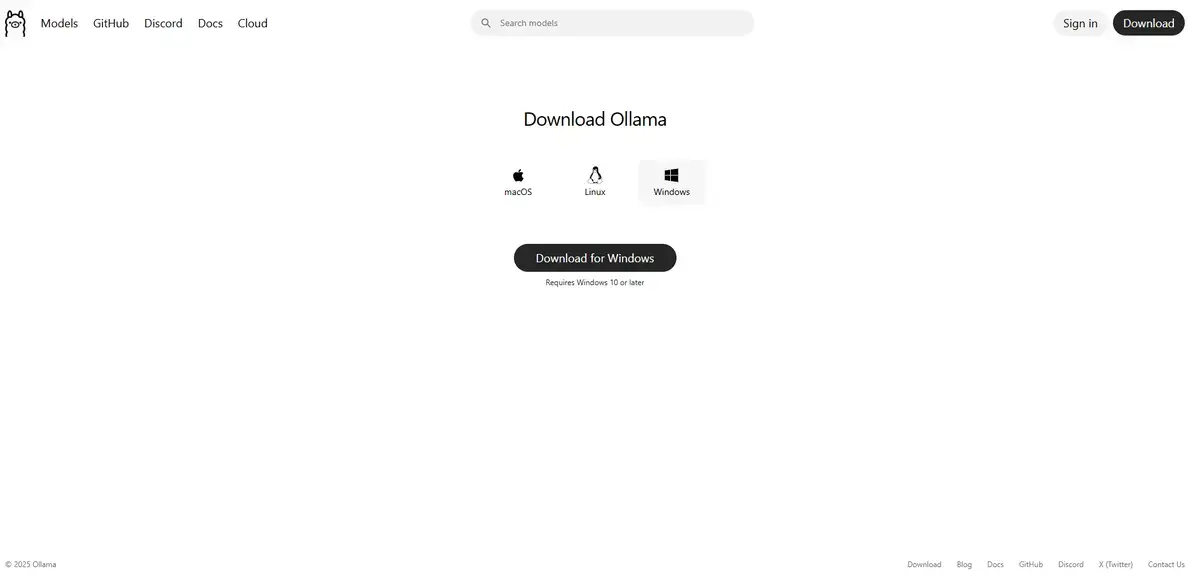
- Navigate to the official Ollama website.
- Click Download for Windows.
- Run the
OllamaSetup.exeinstaller. - Follow the on-screen prompts to complete the installation.
Step 2: Download and Run DeepSeek-R1
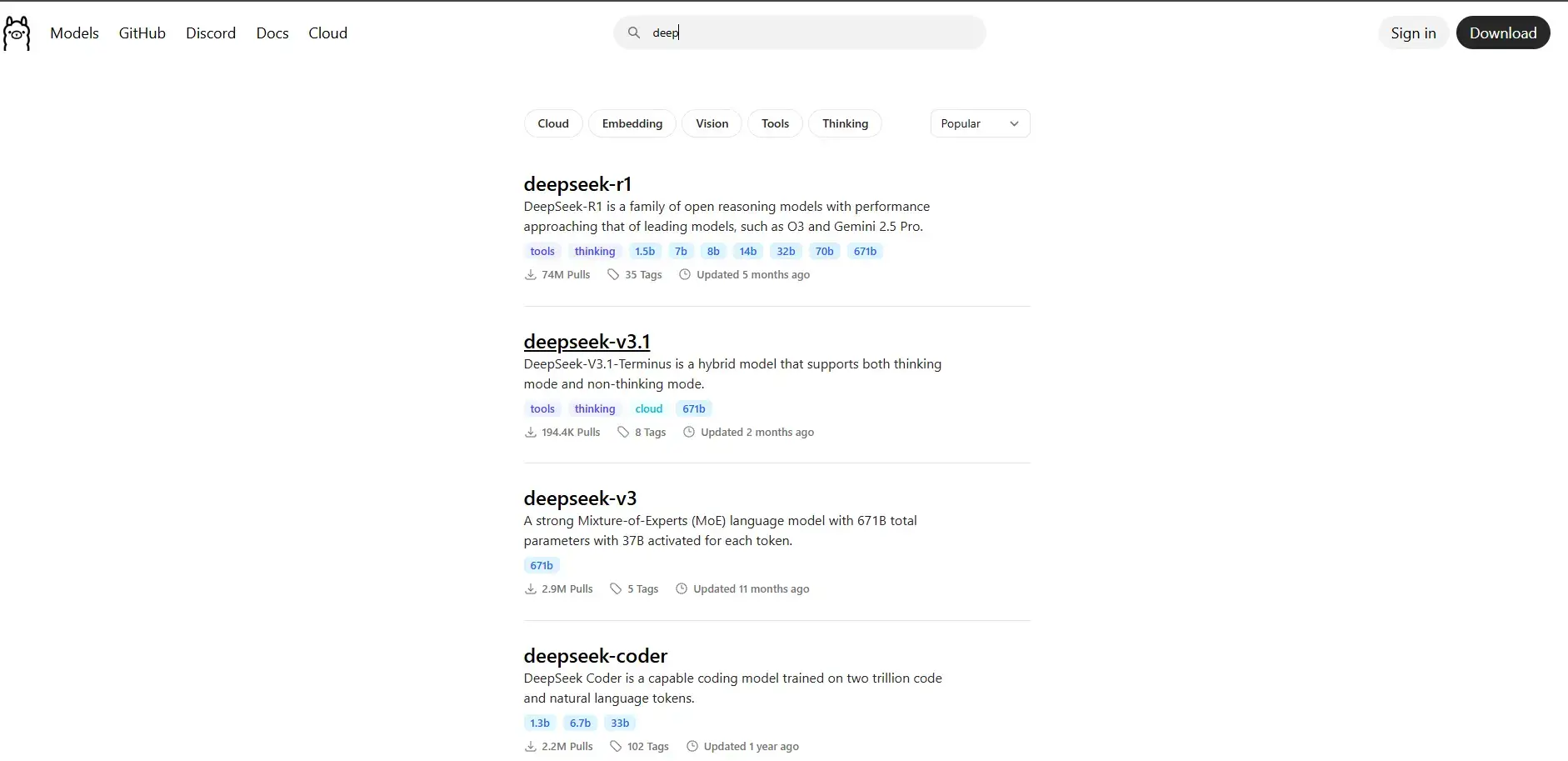
Once installed, open your Command Prompt. You have a few choices depending on how powerful your computer is.
Option A: For Standard Laptops (Balanced Speed & Smarts)
The 7-billion parameter version is the “sweet spot” for most users. It is fast but still has excellent reasoning capabilities.
- Press the Windows Key, type
cmd, and press Enter. - Type this command and press Enter:
ollama run deepseek-r1
Option B: For High-End PCs (Maximum Intelligence)
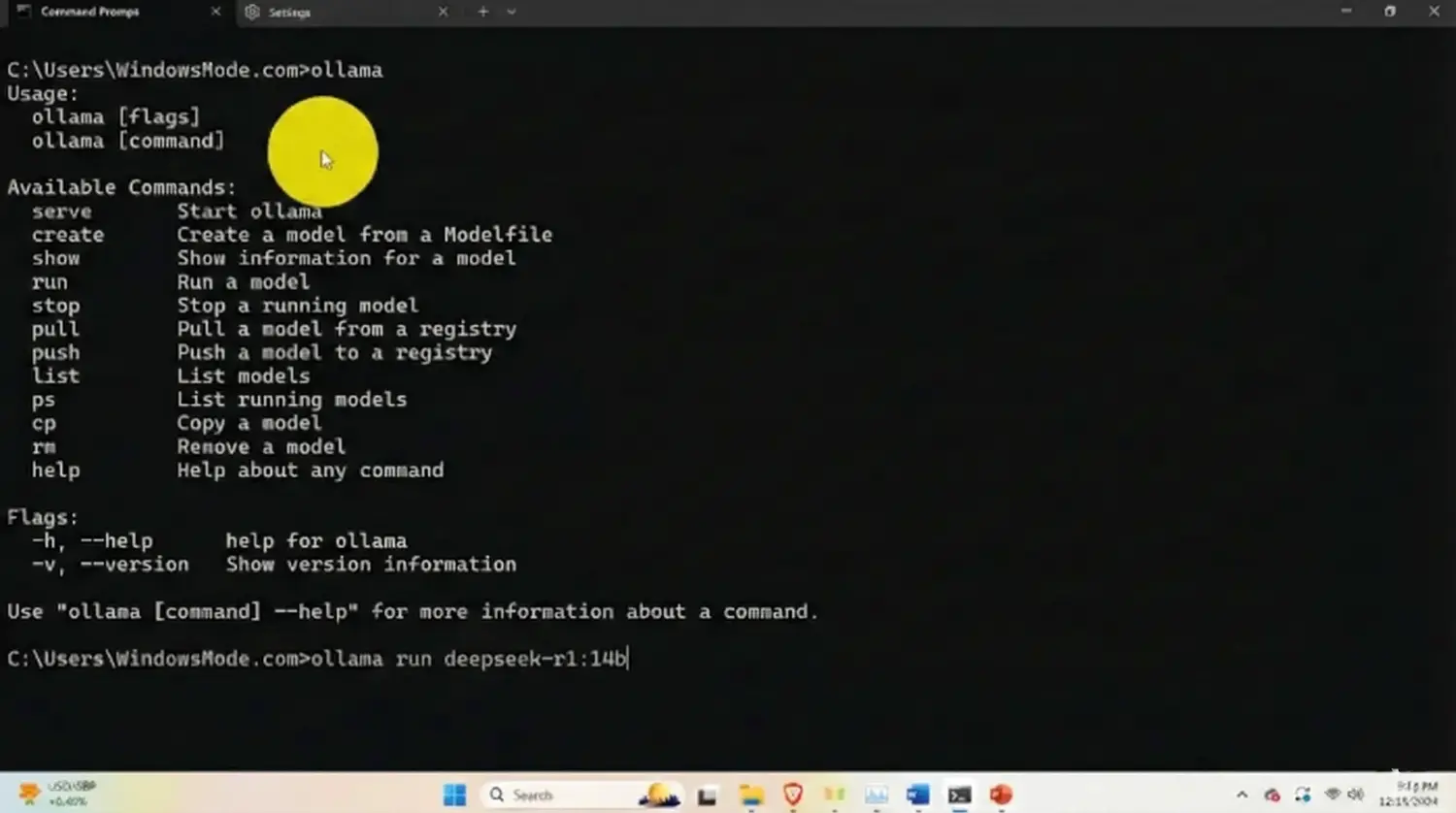
If you have a dedicated graphics card with 12GB+ of VRAM (like an RTX 3060 or 4070), use the 14B version. It is noticeably smarter at complex math.
ollama run deepseek-r1:14b
Ollama will automatically download the model layers. Once it hits 100%, the prompt will appear, and you can start chatting.
Step 3: Watch It Think (First Run Examples)
The magic of DeepSeek-R1 is the Chain of Thought. When you ask it a hard question, it will first output a <think> block where it whispers its internal monologue to itself before giving you the final answer.
1. The Strawberry Test
This logic puzzle famously trips up many AIs. Watch R1 “count” the letters in its head.
How many times does the letter 'r' appear in the word "Strawberry"? Explain your count.
2. The Coding Interview
DeepSeek is exceptional at writing code. Ask it to solve a classic interview problem.
Write a Python script to solve the Fibonacci sequence using recursion, but optimize it with memoization. Explain the optimization.
3. The Math Riddle
Test its reasoning path.
If it takes 5 machines 5 minutes to make 5 widgets, how long would it take 100 machines to make 100 widgets? Show your thinking process.
Why Run DeepSeek-R1 Locally?
The main reason to run DeepSeek locally is to unlock “Reasoning” capabilities without paying $20/month for a premium subscription. This model offers logic performance that rivals the best paid tools, but it runs entirely on your own hardware for free.
Privacy is another huge factor. Because this model is excellent at code and math, many developers use it to debug proprietary software or analyze sensitive spreadsheets. By running it offline with Ollama, you ensure that your intellectual property never touches a cloud server.
Troubleshooting Common Errors
If you try to run the 14B model and your computer freezes or the response is incredibly slow, you likely ran out of VRAM (Video RAM). Press Ctrl + C to stop it, and try running ollama run deepseek-r1:1.5b instead. This “tiny” version is shockingly capable and runs on almost any laptop from the last five years.
Reader Poll
Discover more from Windows Mode
Subscribe to get the latest posts sent to your email.