Readers like you help support this site. When you make a purchase using links on our site, we may earn an affiliate commission. All opinions remain our own.
 To run Microsoft’s Phi-4 locally on Windows, you must use a model runner called Ollama. Unlike standard apps like Word or Excel, Phi-4 is a raw AI engine that lives in your command line, allowing it to run incredibly fast without an internet connection.
This is Microsoft’s most powerful “small language model” to date. It is designed to rival massive cloud AIs in reasoning and math, but it is efficient enough to run on a standard Windows laptop.
Below is the direct method to install Ollama and launch Phi-4 in under five minutes. If you are looking for Google’s alternative, check our guides on how to run Gemma 3 locally or DeepSeek-R1.
System Requirements
Phi-4 comes in two main sizes: the standard Phi-4 (14B) for power users, and Phi-4-Mini (3.8B) for standard laptops.
| Component | Minimum (Phi-4 Mini) | Recommended (Standard Phi-4) |
|---|---|---|
| Operating System | Windows 10 | Windows 11 (Latest Update) |
| RAM | 8 GB | 16 GB or higher |
| GPU (Graphics) | Integrated Graphics (Intel/AMD) | NVIDIA RTX 3060 (12GB VRAM) |
Step 1: Install Ollama for Windows
Ollama is the utility that downloads and runs the AI model. It is open-source and widely trusted by the developer community.
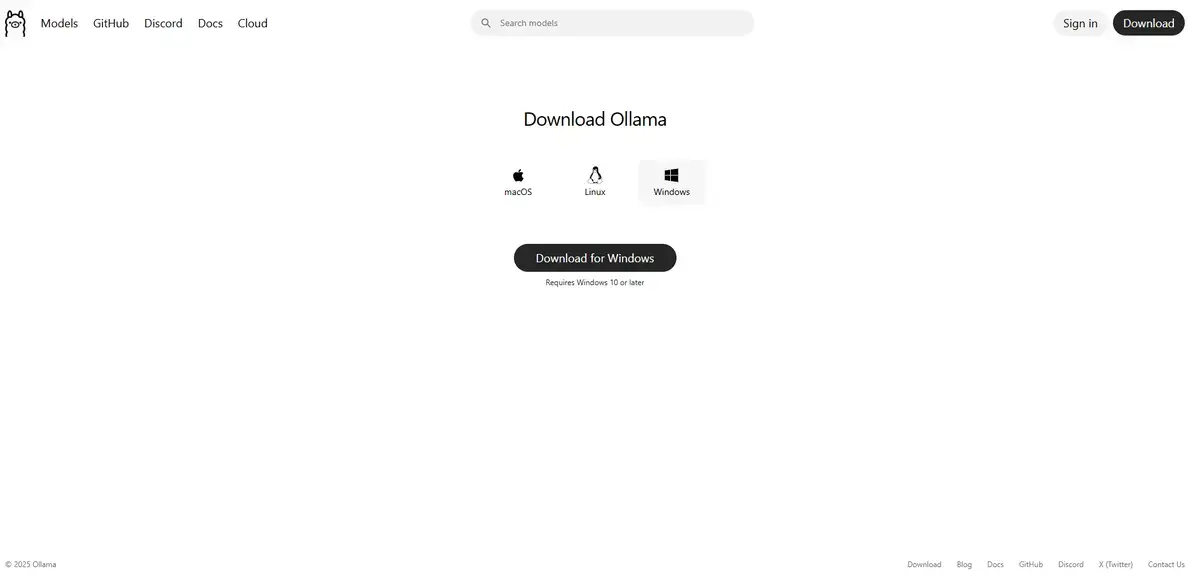
- Navigate to the official Ollama website.
- Click Download for Windows.
- Run the
OllamaSetup.exeinstaller. - Follow the on-screen prompts to complete the installation.

Step 2: Download and Run Phi-4
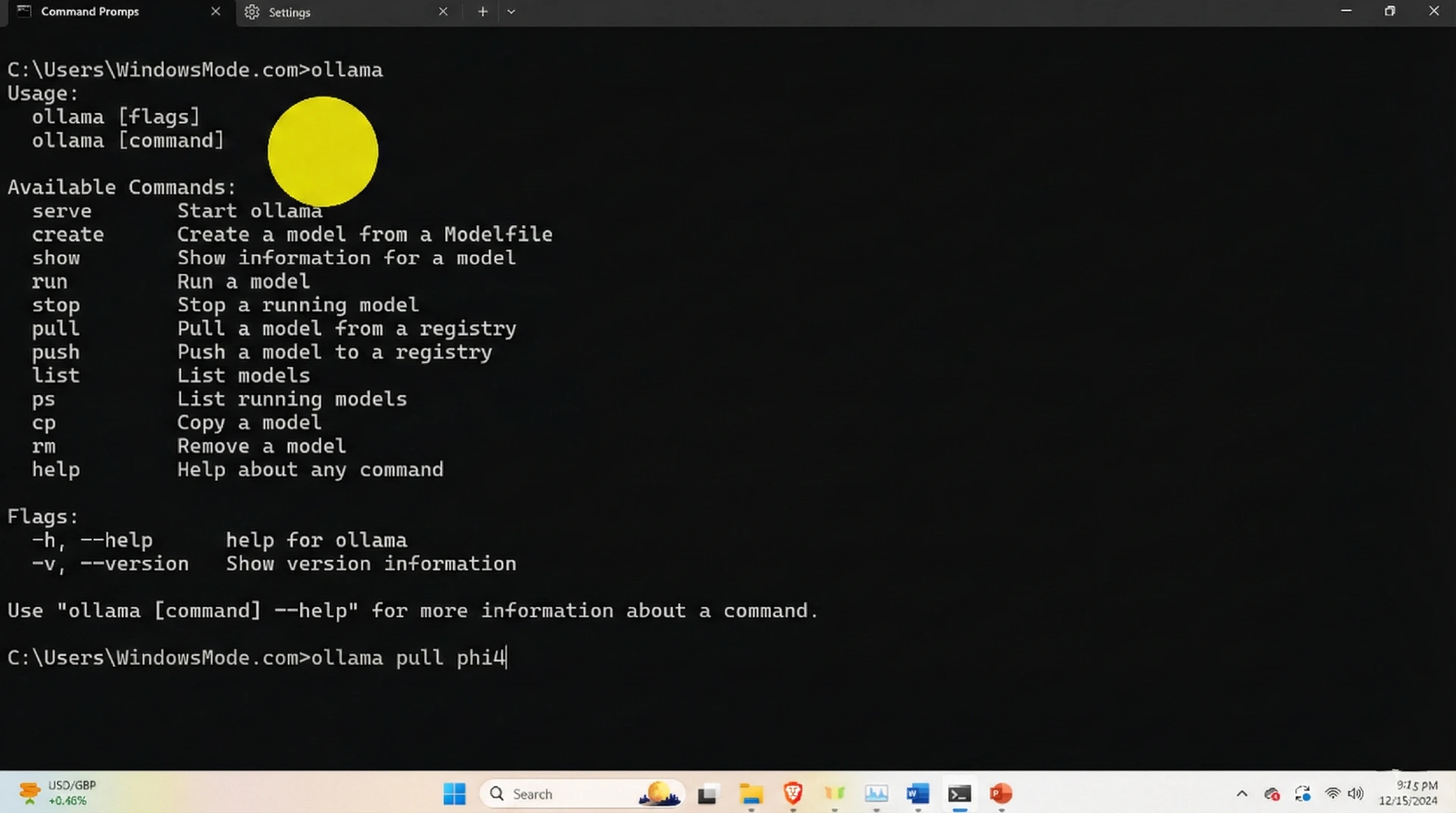
Once installed, Ollama runs silently in the background. You control it entirely via the Command Prompt. You have two choices here depending on your hardware.
Option A: For High-End PCs (Best Intelligence)
Use the 14-billion parameter version if you have a dedicated graphics card.
- Press the Windows Key, type
cmd, and press Enter. - Type this command and press Enter:
ollama run phi4
Option B: For Standard Laptops (Fastest Speed)
If you have an older laptop or less than 16GB of RAM, use the “Mini” version. It is incredibly fast and still very smart.
ollama run phi4-mini
Ollama will automatically download the necessary model files. Once the download finishes, the prompt will change, allowing you to chat immediately.
Step 3: What Can You Do? (First Run Examples)
Microsoft optimized Phi-4 specifically for reasoning and coding. It is less “chatty” than other models and more focused on solving problems effectively.
1. The Logic Puzzle
Phi-4 excels at multi-step logic riddles that often confuse other small models.
The day before yesterday, Chris was 17. Next year, he will be 20. How is this possible? Explain the logic step-by-step.
2. The Windows PowerShell Script
Since this is a Microsoft model, it is excellent at generating Windows automation scripts.
Write a PowerShell script that lists all processes using more than 500MB of RAM and exports the list to a text file on my desktop.
3. The Summarizer
Paste a long technical document or email thread to get a clean summary.
[Paste your text here]
Summarize the key action items from this text in 3 bullet points.
Why Run Phi-4 Locally?
The biggest reason to switch to local AI is privacy. When you run Phi-4 on your own hard drive, you can safely feed it sensitive work emails, financial data, or private code without that data ever leaving your room. It is completely yours.
You also get the benefit of zero latency. Because the “brain” of the AI is running directly on your graphics card, you don’t have to wait for a server to think or worry about your internet cutting out. It works on a plane, in a cabin, or just when your Wi-Fi is acting up.
Troubleshooting Common Errors
If you see a message saying “Pulling manifest” that seems to be stuck, don’t panic. This usually just means your internet connection dropped for a split second during the download. Press Ctrl + C to cancel the command, then type it again to resume.
Also, keep an eye on speed. If the AI is typing out answers painfully slowly (like one word per second), you are likely running the full 14B model on a computer that can’t quite handle it. Try switching to ollama run phi4-mini instead—it is significantly faster and often just as smart for daily tasks.
Reader Poll
Discover more from Windows Mode
Subscribe to get the latest posts sent to your email.

















This is nice and it should be build in on low end PCs, I don’t see why not!