Readers like you help support this site. When you make a purchase using links on our site, we may earn an affiliate commission. All opinions remain our own.
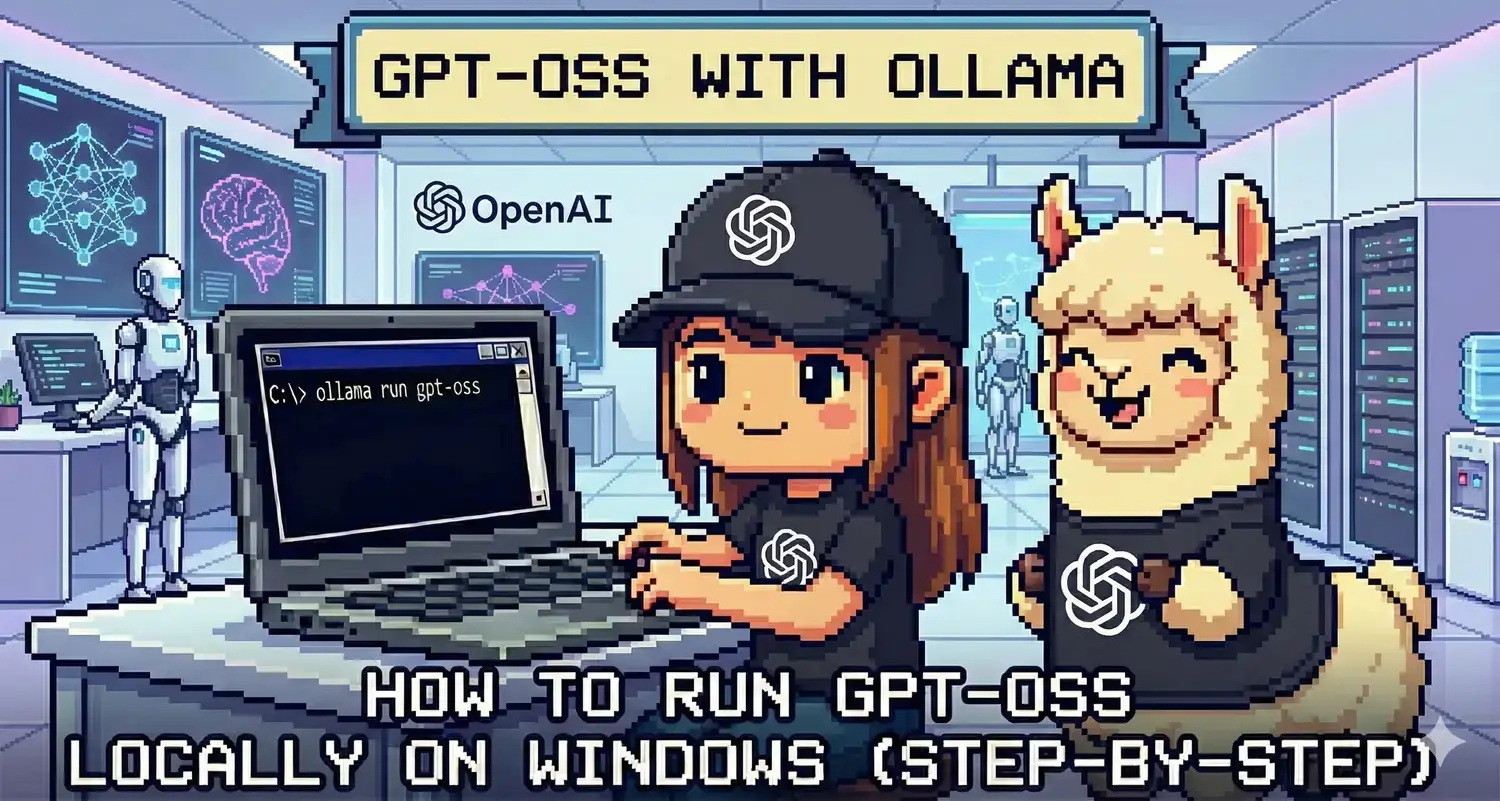 To run GPT-OSS (OpenAI’s first open-source model) locally on Windows, we use the industry-standard engine: Ollama.
Released in August 2025, GPT-OSS marks a historic shift: OpenAI has finally released the weights for a powerful “ChatGPT-class” model that you can run offline. It is designed specifically for “Agentic” tasks, meaning it is exceptionally good at using tools, searching files, and complex reasoning.
However, unlike the lightweight Gemma 3, this is a heavy model.
Below is the guide to running the standard 20B version on high-end PCs.
Compare this model with the heavyweight Llama 4, the reasoning expert DeepSeek-R1, the native Phi-4, or the efficient Gemma 3.
System Requirements
GPT-OSS does not have a “tiny” version. The “Small” version is 20 Billion parameters, which is double the size of a standard Llama model.
| Component | Minimum (GPT-OSS 20B) | Enterprise (GPT-OSS 120B) |
|---|---|---|
| Operating System | Windows 10 / 11 | Linux / Server Only |
| RAM | 16 GB – 32 GB (Required) | 128 GB+ |
| GPU (Graphics) | RTX 3060 (12GB VRAM) or better | Dual A100 / H100s |
Step 1: Install Ollama for Windows
If you already installed Ollama for our other guides, skip to Step 2.
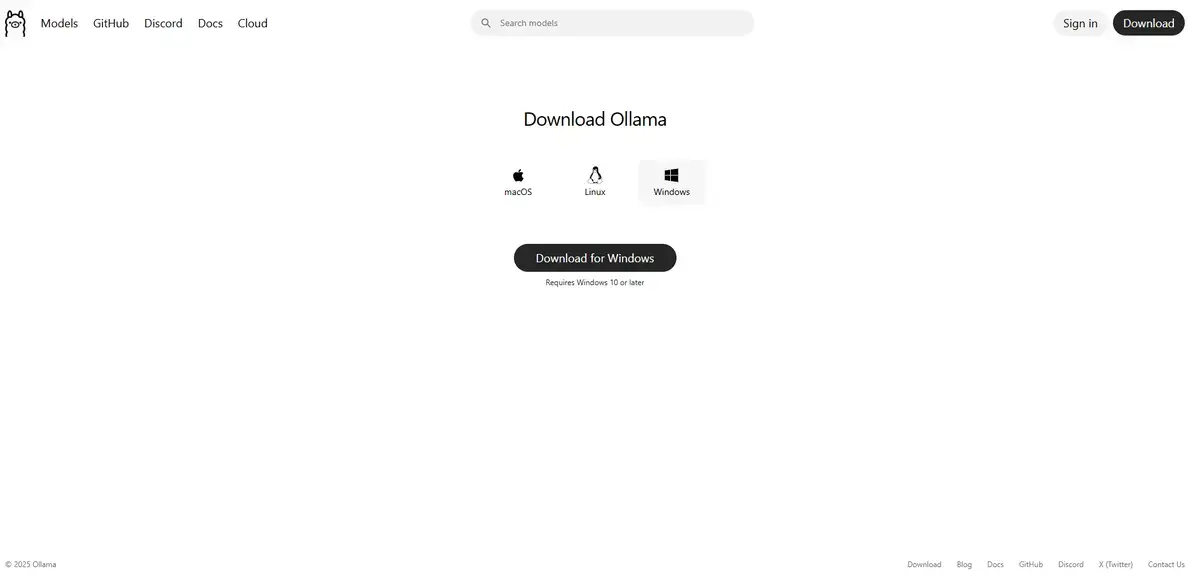
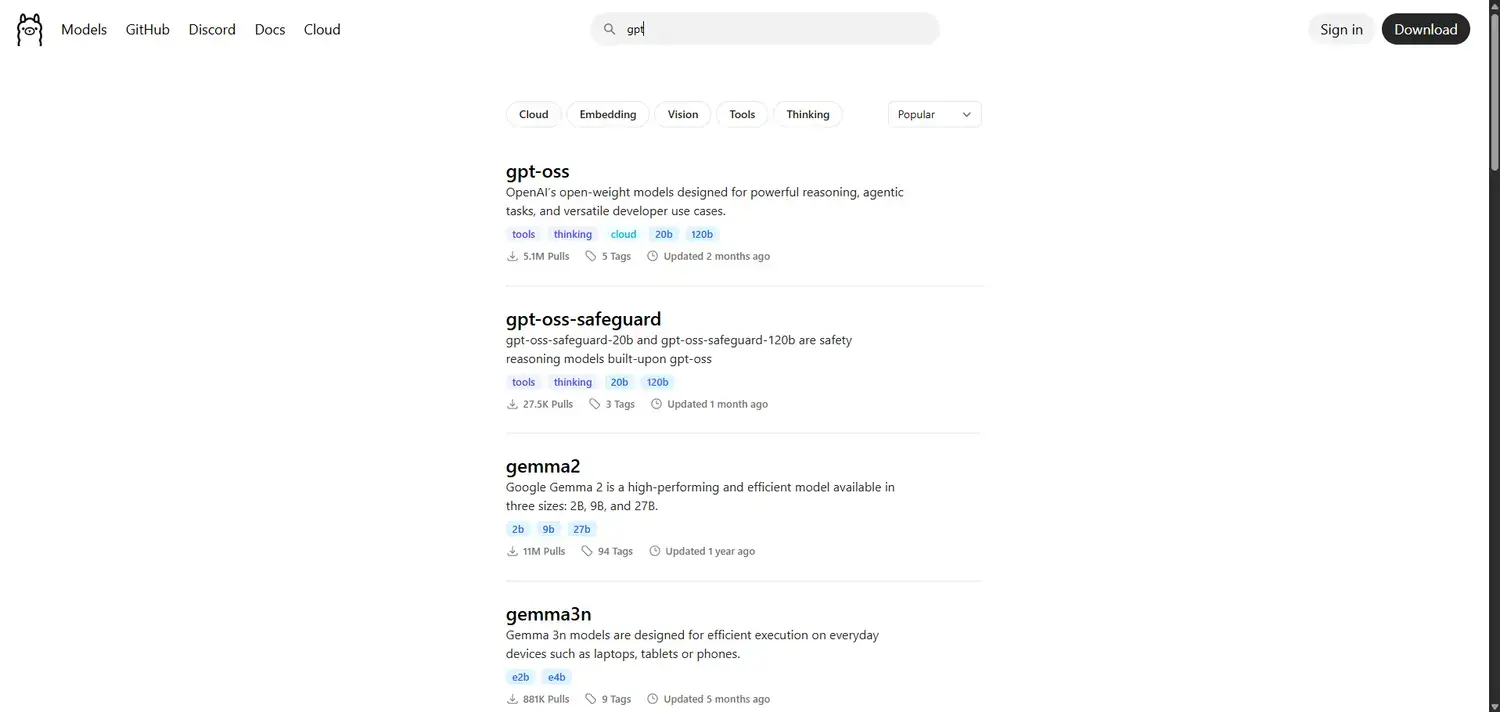
- Navigate to the official Ollama website.
- Click Download for Windows.
- Run the
OllamaSetup.exeinstaller. - Follow the on-screen prompts to complete the installation.
Step 2: Download and Run GPT-OSS
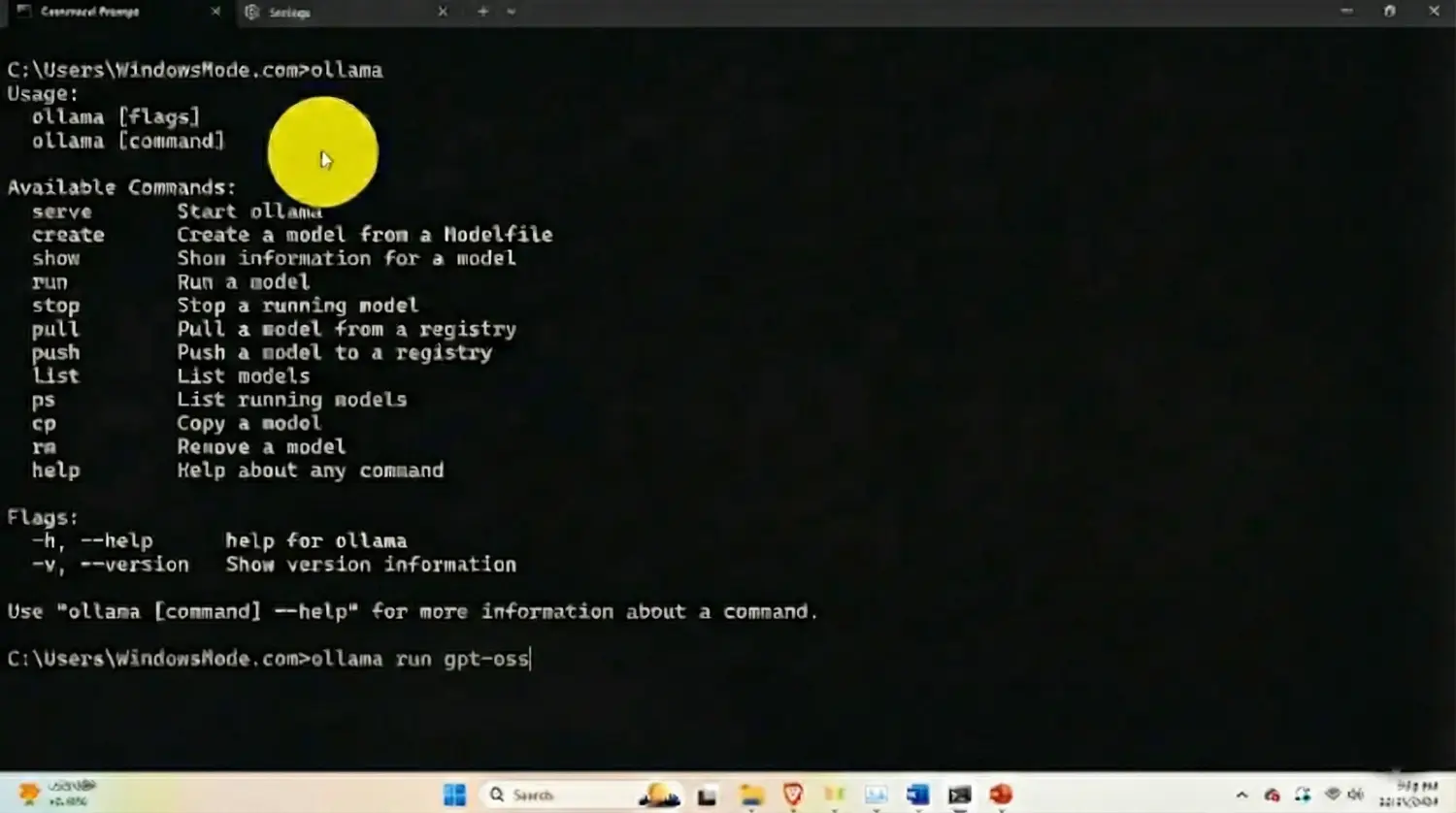
Open your Command Prompt. Be warned: The download is approximately 14GB, so ensure you have space and a stable internet connection.
The Standard Command (20B Model)
This pulls the optimized version for consumer hardware. It uses a “Mixture of Experts” (MoE) technique to run faster than you might expect for its size.
ollama run gpt-oss:20b
For Testing Only (The 120B Monster)
Do not run this unless you have a dedicated AI workstation. It will crash a standard gaming PC immediately.
ollama run gpt-oss:120b
Once the download finishes, you are essentially talking to “Offline ChatGPT”.
Step 3: What Can GPT-OSS Do? (First Run Examples)
This model is built for “Agency.” It excels at planning multi-step tasks rather than just answering simple questions.
1. The “Agent” Plan
Ask it to structure a complex project. It will often break it down better than Llama or Gemma.
Create a step-by-step marketing plan for launching a new coffee brand in 2026. Include budget estimates and specific social media channels.
2. The Reasoning Test
GPT-OSS includes “Full Chain of Thought” capabilities, allowing you to see its logic.
If I have a 5-liter bucket and a 3-liter bucket, how do I measure exactly 4 liters? Explain your moves.
Why Run GPT-OSS Locally?
The biggest reason is Unlimited “GPT-4” Class Usage.
Usually, models of this intelligence require a $20/month subscription. By running GPT-OSS locally, you get that level of reasoning for free, forever.
Privacy is the second factor. This is the only way to use OpenAI’s technology without sending your data to OpenAI’s servers.
Troubleshooting Common Errors
“Error: Out of Memory”
This is the most common error with GPT-OSS. The 20B model requires significant RAM. If it crashes, try closing all other apps (Chrome, Photoshop). If it still crashes, unfortunately, your hardware may be too weak, and you should switch to Phi-4 (14B) instead.
“Slow Response Time”
If the model types at 1 word per second, it is running on your CPU instead of your GPU. This happens if you have less than 12GB of VRAM. It works, but it requires patience.
Reader Poll
Discover more from Windows Mode
Subscribe to get the latest posts sent to your email.