Readers like you help support this site. When you make a purchase using links on our site, we may earn an affiliate commission. All opinions remain our own.
Opera One is a free Chromium-based browser for Windows with a built-in AI assistant (Aria), a built-in browser VPN, a native ad blocker, and automatic tab grouping called Tab Islands.
The Opera One R3 update adds Aria “Page Context” (so it can read and summarize the page you are viewing) and Split Screen with up to four tabs in a grid.
This guide covers what Opera One is, how it compares to Chrome, Edge, and Firefox, how to install it safely from the Microsoft Store, how Aria(AI) works, and which Opera version is right for you.
Free
Chromium
Aria (Built-in)
Win, Mac, Linux
📋 System Requirements
Operating System
Windows 10 or 11 (64-bit)
Processor
Intel i3 / AMD Ryzen 3 or better
RAM
4 GB minimum (8 GB recommended)
Account
Opera account recommended (needed for Aria and sync)
Opera Browser Versions: Which One Is Right for You?
Opera offers specialized browsers for different types of users. Here is a quick breakdown to help you pick the right one.
| Version | Best For | Key Feature | Download |
|---|---|---|---|
| Opera One | Everyday browsing, work, and students | Tab Islands + Aria AI + Split Screen | Get Opera One → |
| Opera GX | PC gamers and streamers | RAM/CPU limiters + gaming UI | Get GX → |
Opera Interface Screenshots
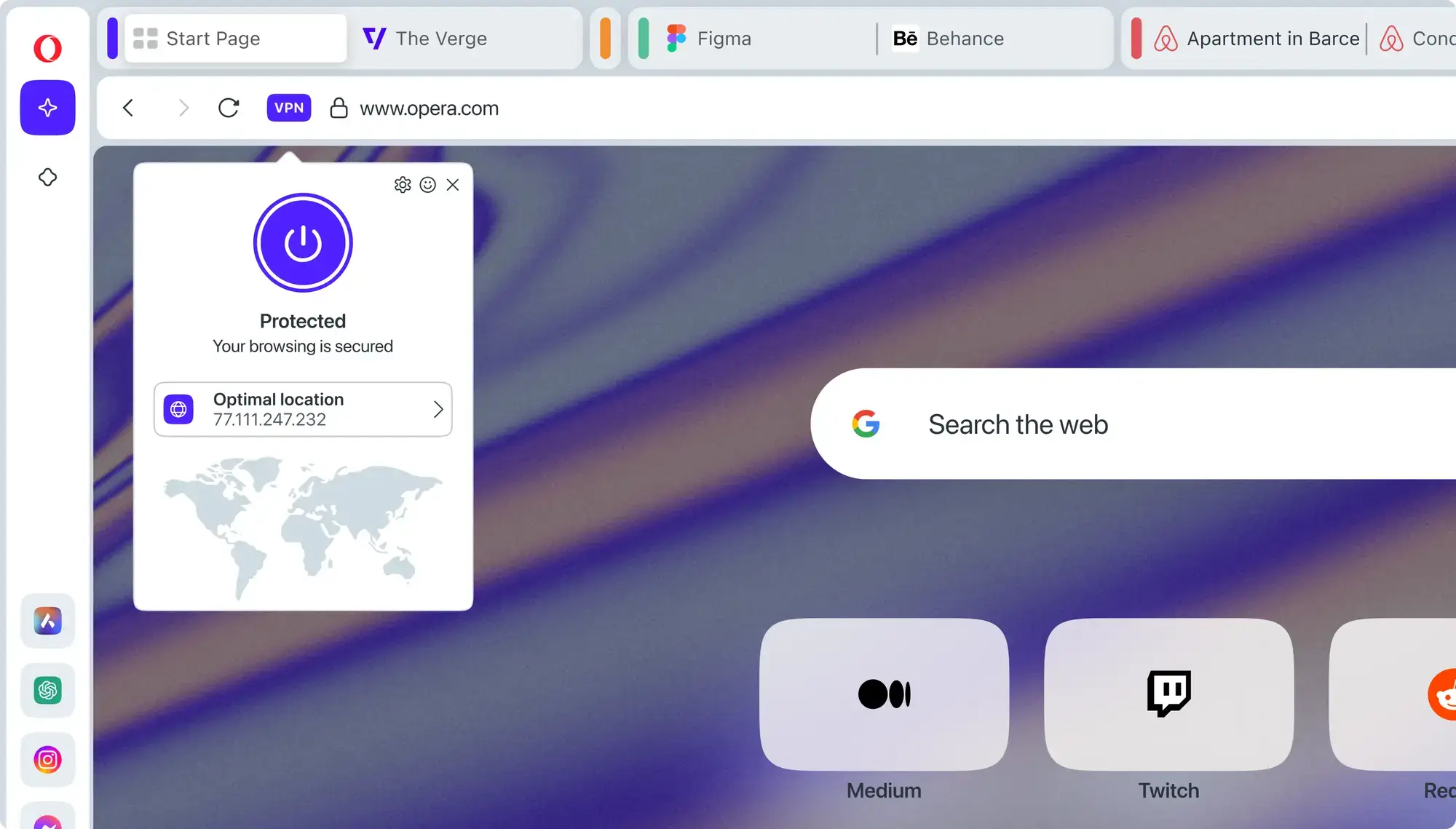
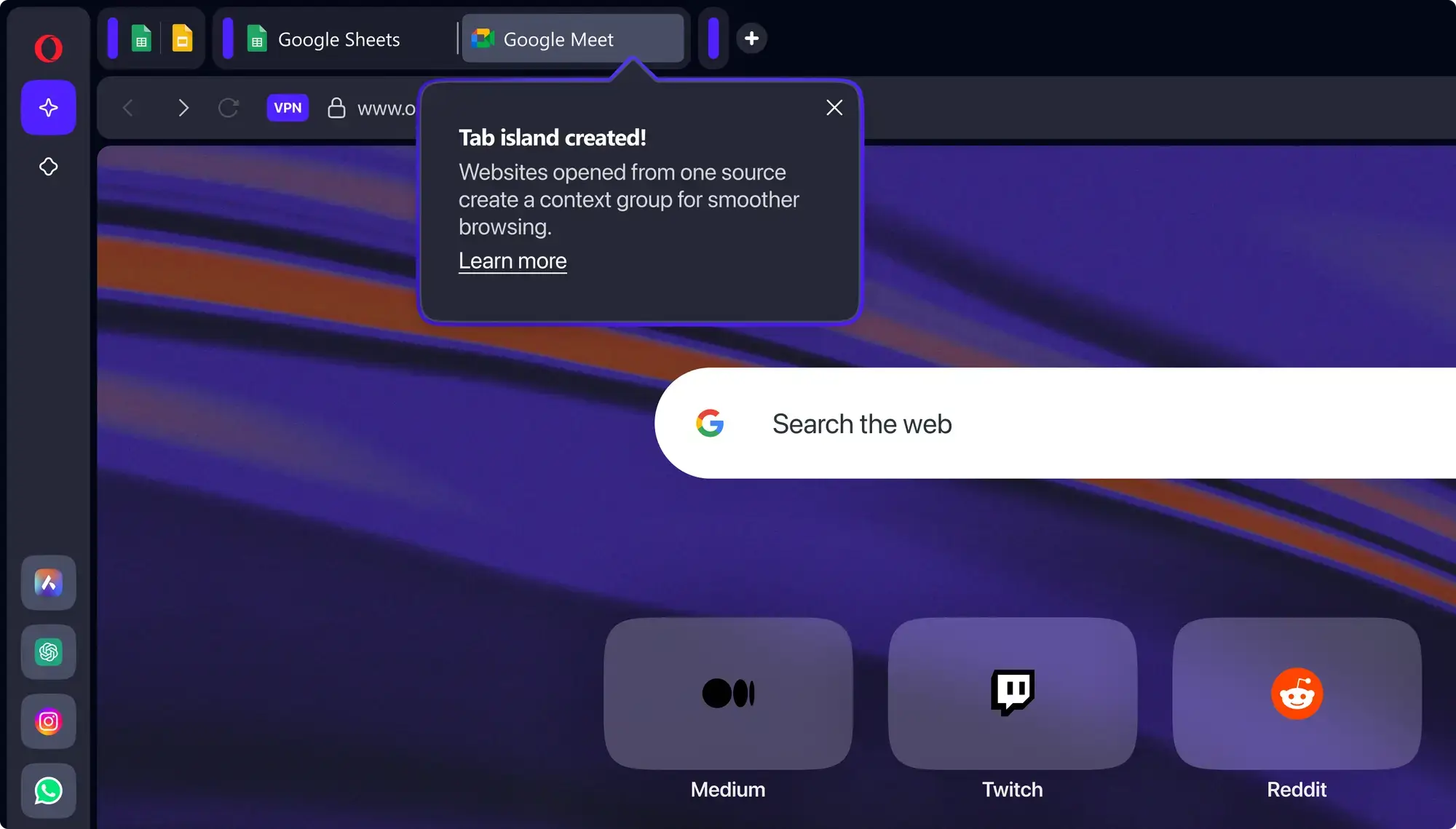
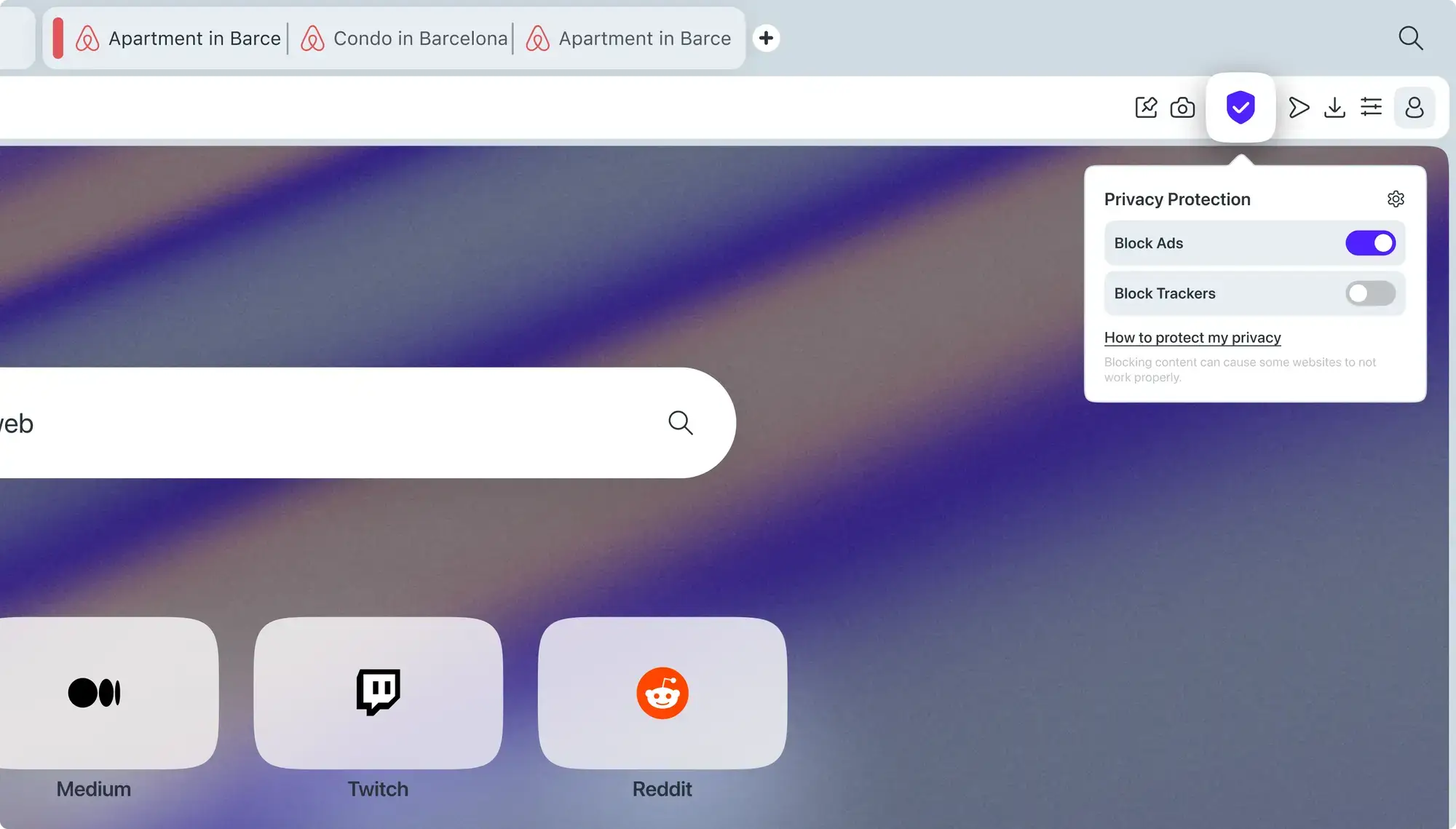
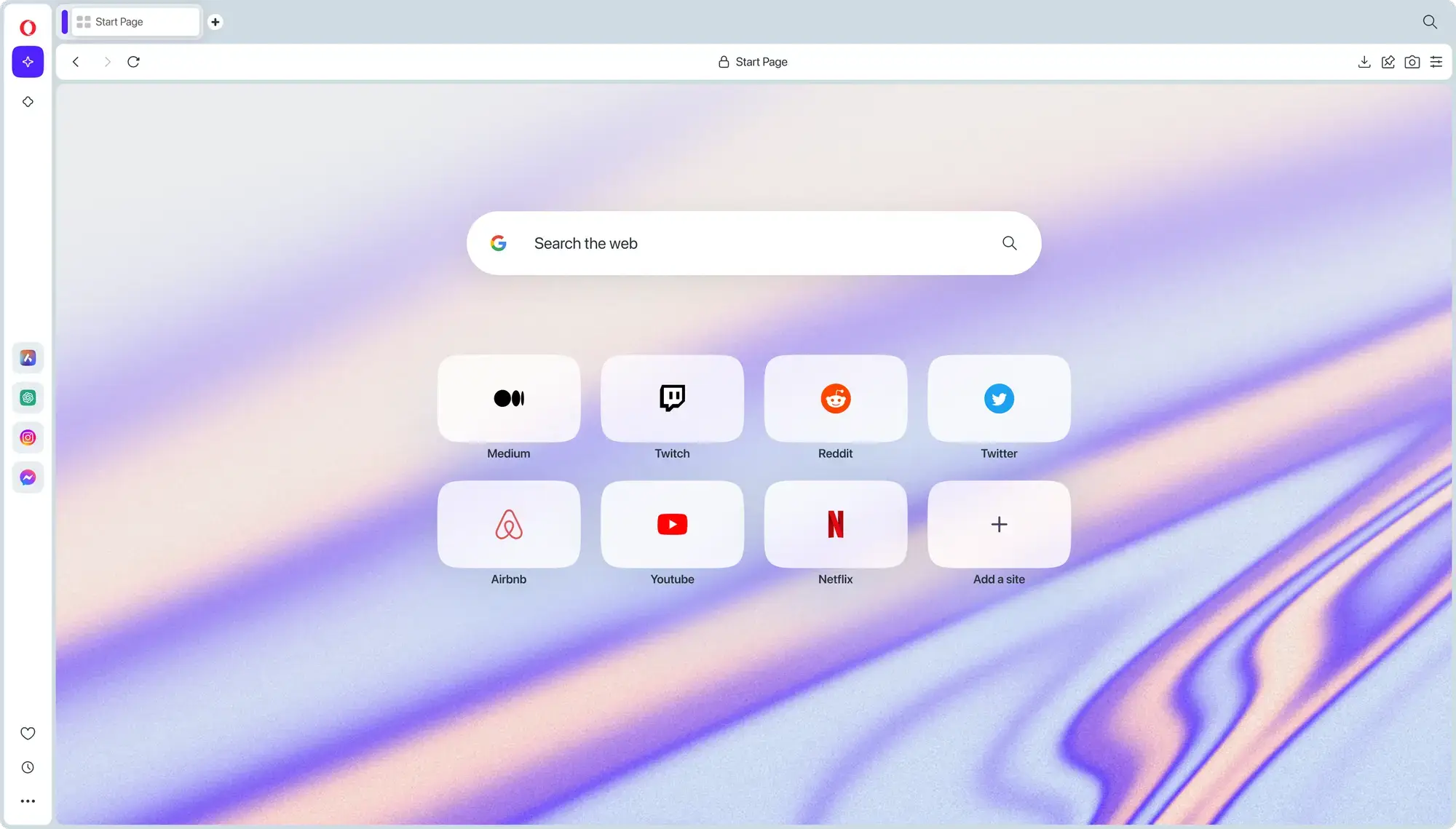
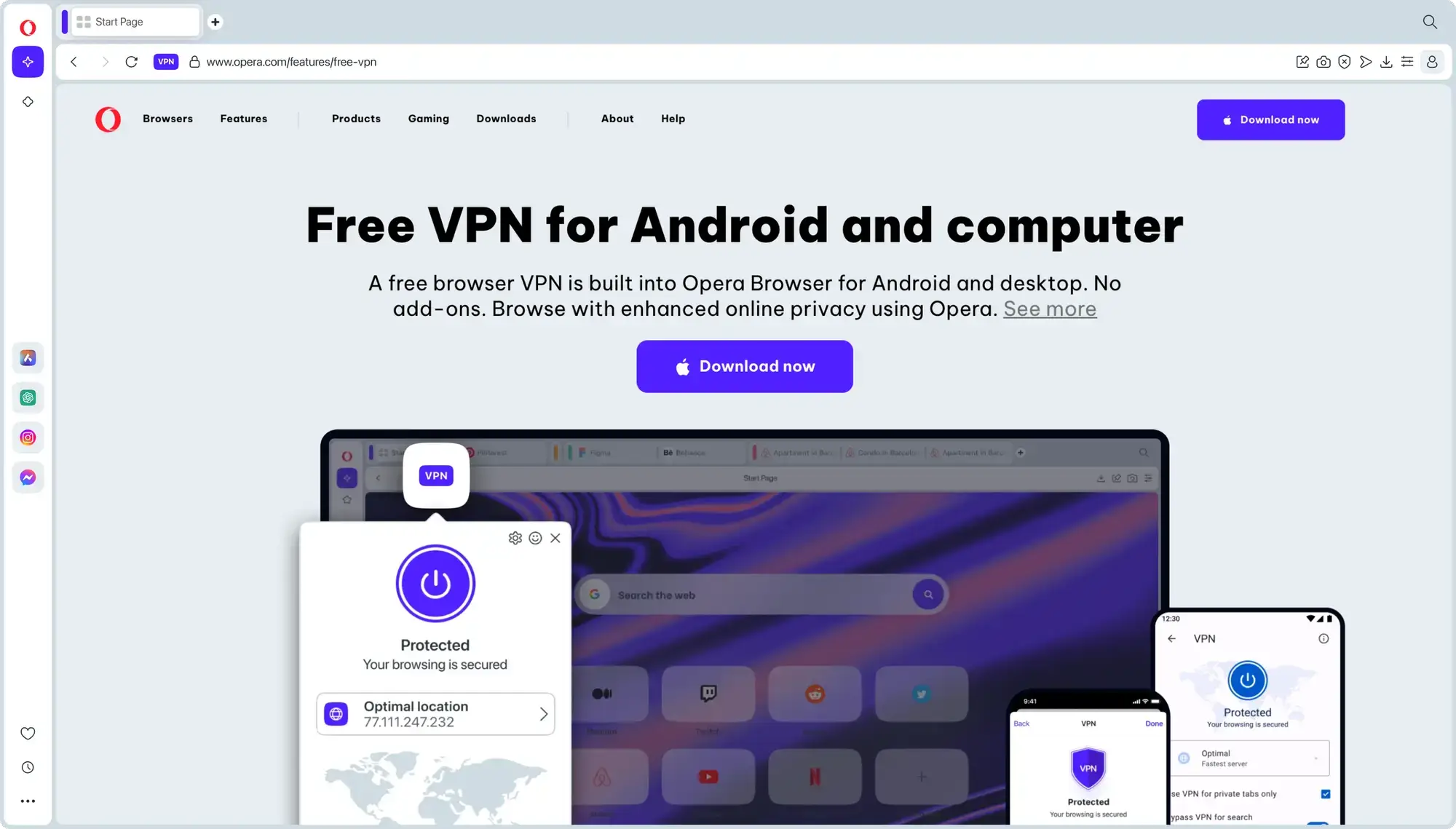
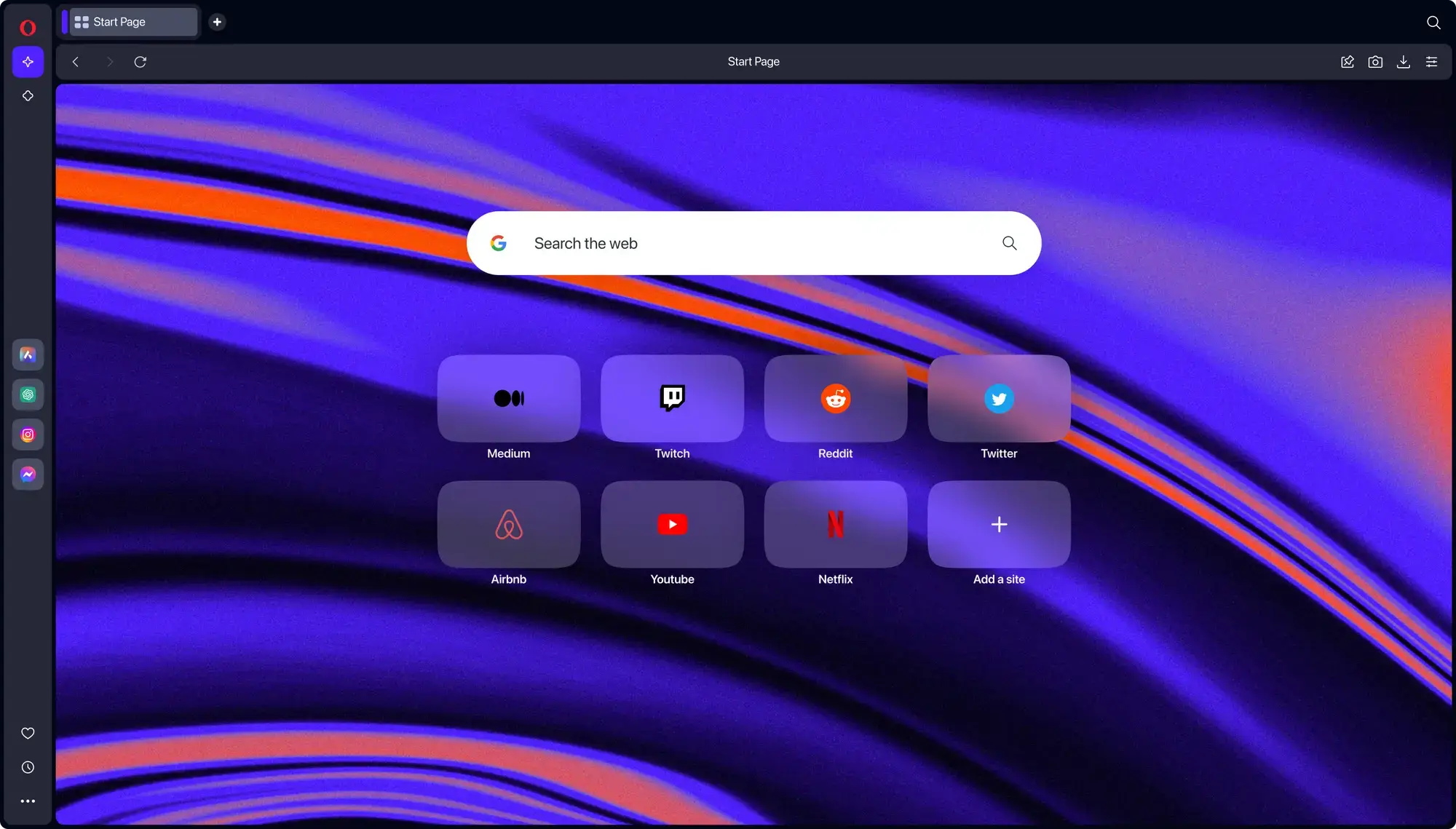
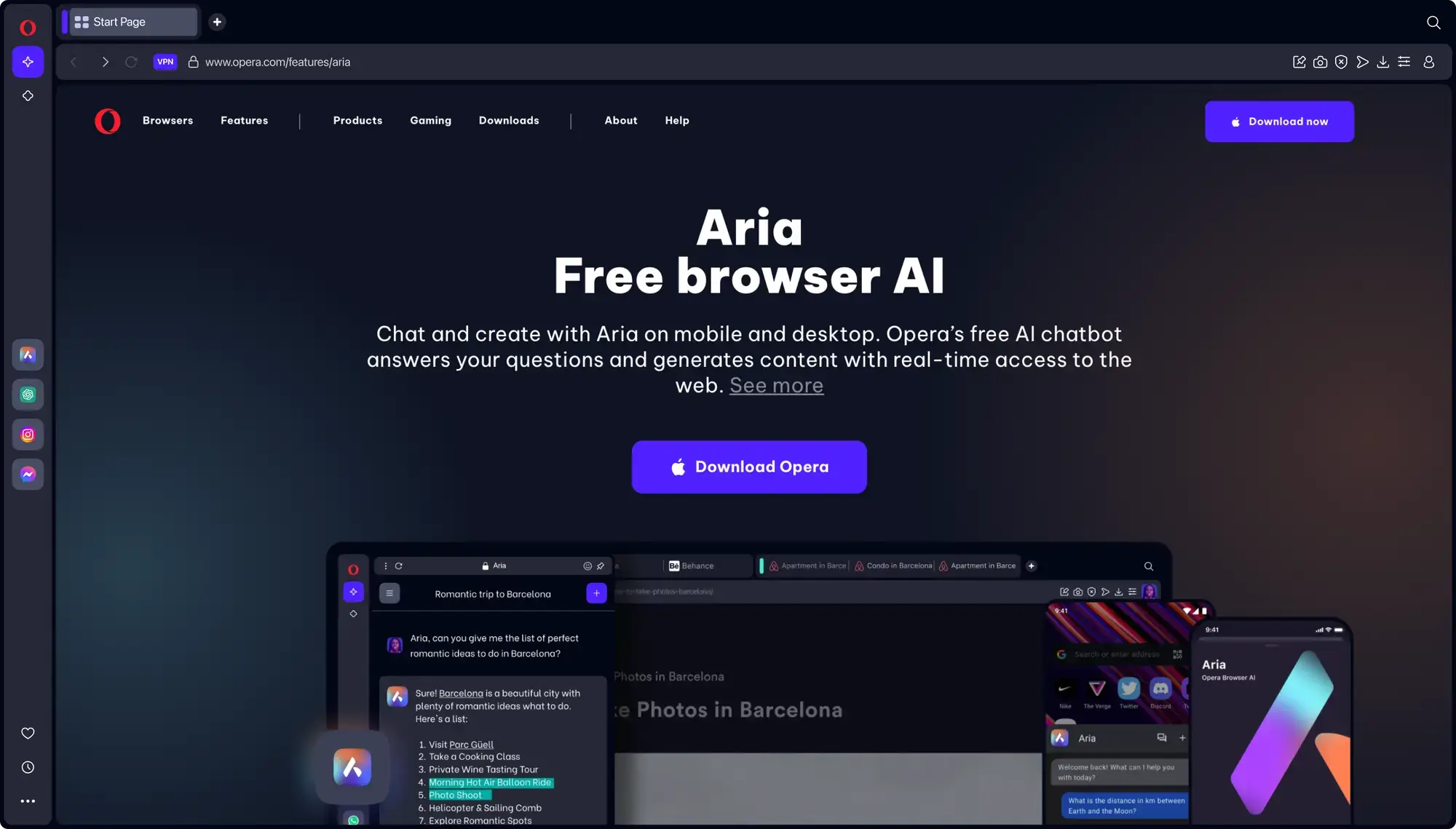
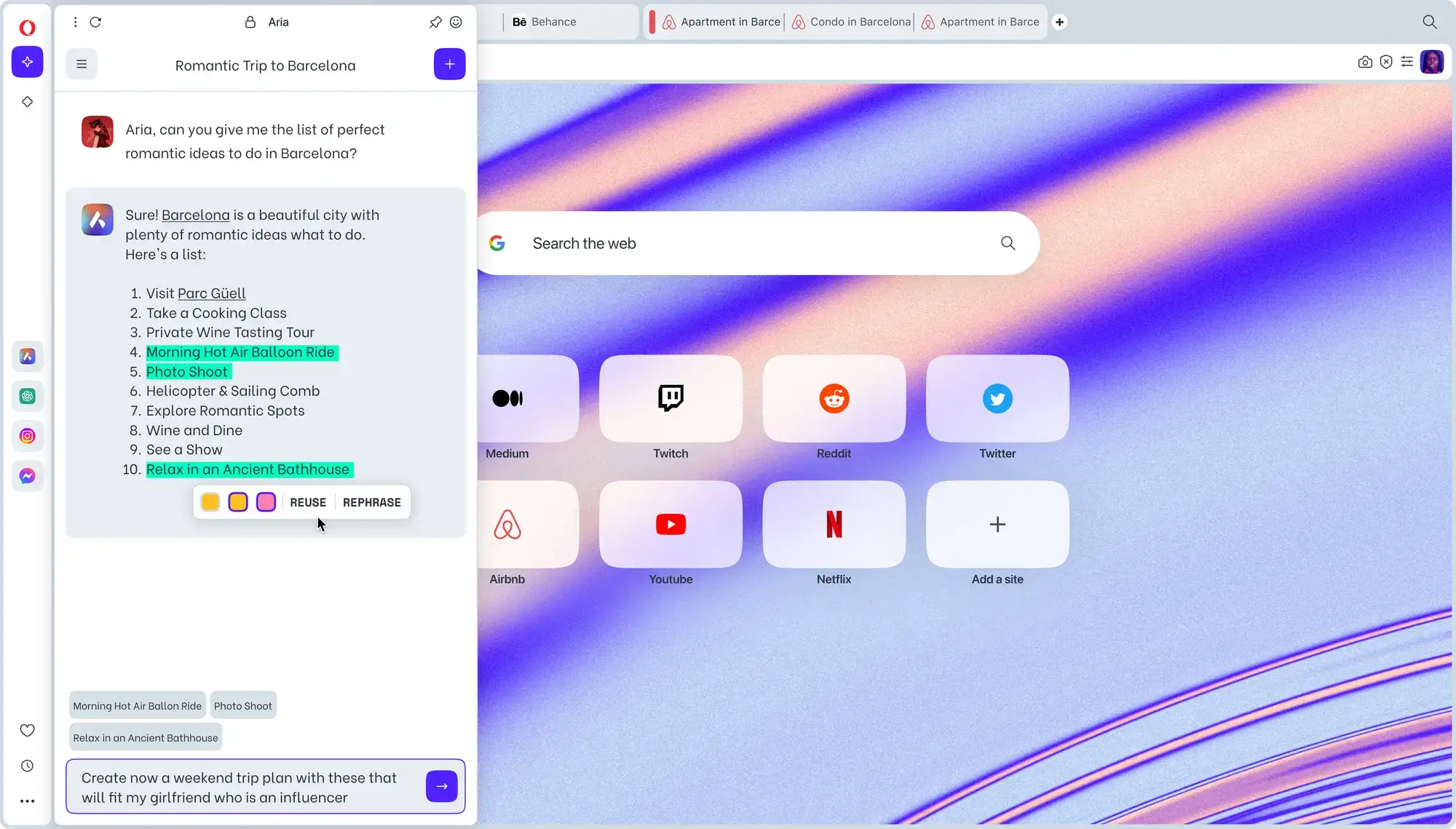
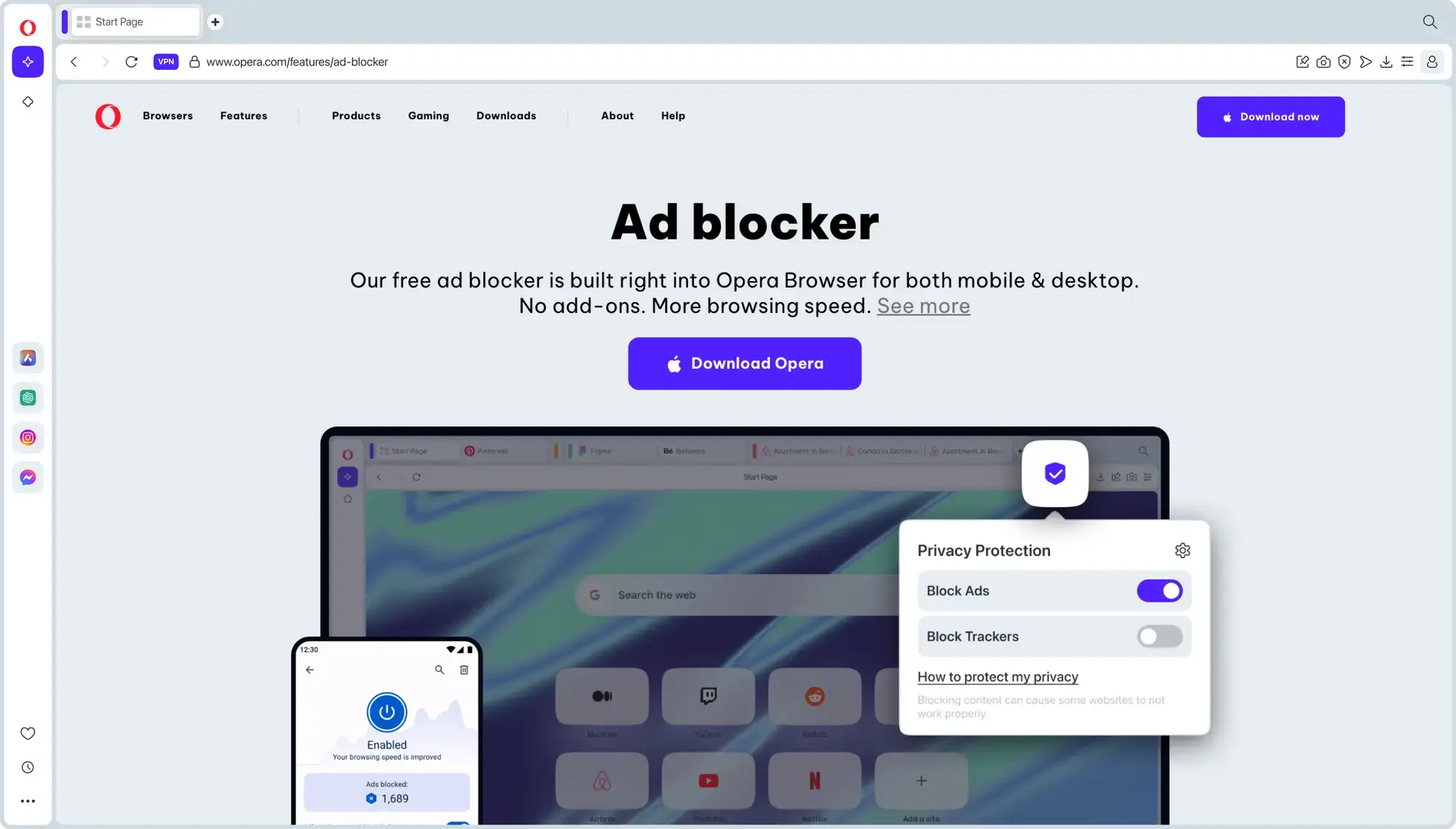
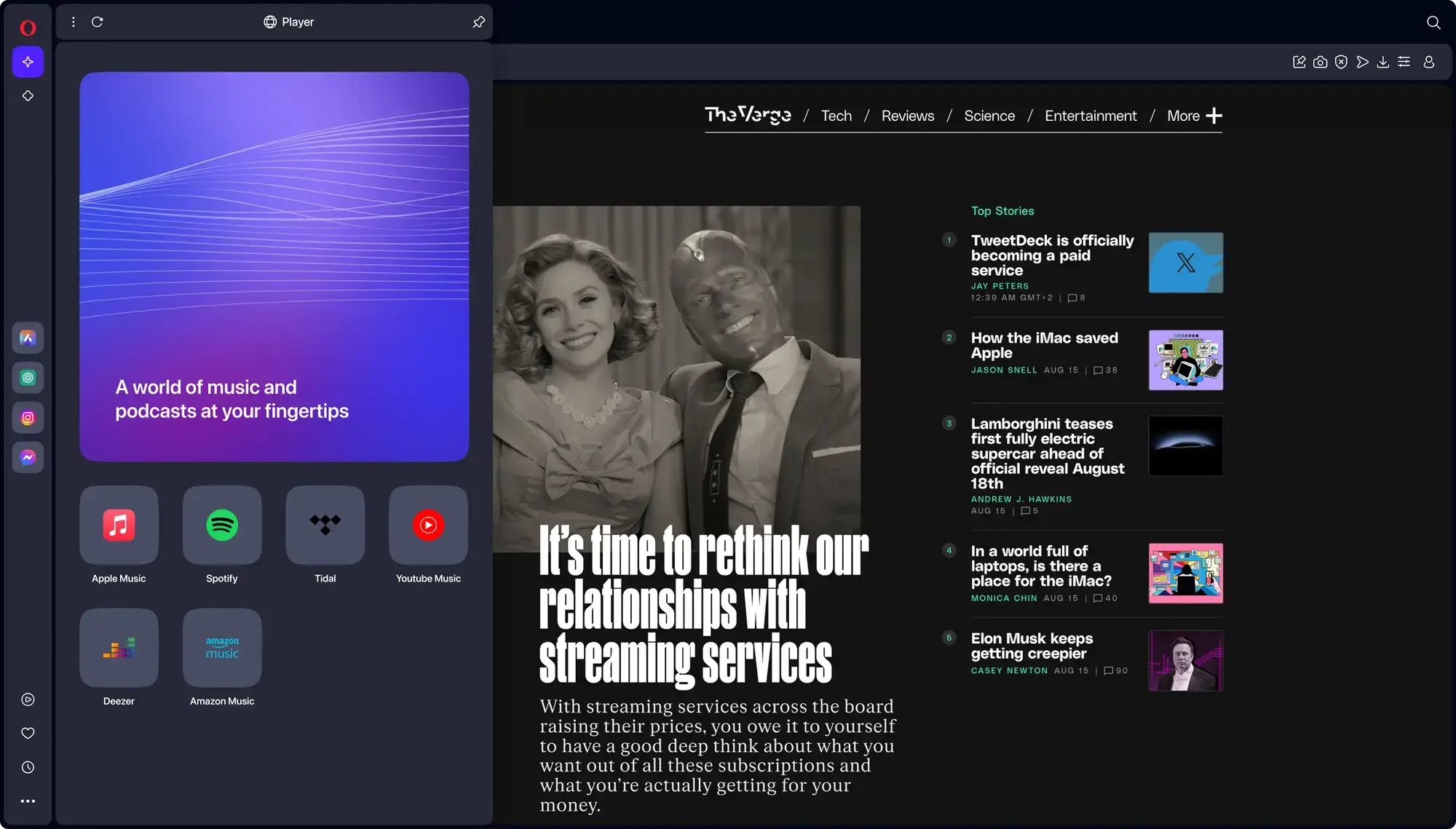
Here is what Opera One looks like on Windows. Click any image to enlarge it.
Opera One includes privacy and productivity features that reduce how many extensions you need. Here are the highlights.
🤖 Aria AI (Page Context)
Aria can work with the page you are viewing. You can ask it to summarize an article, explain a complex topic, or pull key points from a page without copy-pasting. (Availability can vary by region and account status.)
🏝️ Tab Islands (Auto-Grouping)
Opera automatically groups related tabs into an “Island.” You can collapse, rename, and color-code groups so your tab bar stays readable.
🪟 Split Screen (Up to 4 Tabs)
View multiple tabs at once. Opera supports split screen and a grid layout with up to four tabs, which is great for research, shopping comparisons, and multitasking.
🛡️ Built-in Ad Blocker + Browser VPN
Opera includes a built-in ad blocker and a built-in browser VPN. The VPN feature protects traffic inside the Opera browser (it does not cover other apps).
🔌 Chrome Extension Support
Opera runs on Chromium, so most Chrome Web Store extensions work. You may need to enable “Allow extensions from other stores” first.
💬 Built-in Messengers
Access WhatsApp, Telegram, Messenger, Instagram, and Discord from the sidebar without keeping extra tabs open.
How to Install Opera One on Windows
✅ Tip: Installing from the Microsoft Store is the easiest option and keeps updates simple.
1
Download from the Microsoft Store
Visit the Opera One Store page and click Install.
2
Import your data
On first launch, Opera can import bookmarks and passwords from Chrome, Edge, or Firefox. Saying Yes makes the switch fast.
3
Enable Aria (optional)
Click the Aria icon in the sidebar and sign in with an Opera account to use AI features and sync across devices.
Available on Windows 10 and Windows 11 (64-bit)
Opera One vs. Chrome vs. Edge vs. Firefox
How does Opera stack up against other browsers on Windows? Here is a practical comparison.
| Feature | Opera One | Chrome | Edge | Firefox |
|---|---|---|---|---|
| Built-in AI | ✅ Aria | Varies by rollout/region | ✅ Copilot | Optional (experiments/add-ons) |
| VPN | ✅ Built-in browser VPN | ❌ | 5 GB/month (Secure Network) | Paid add-on |
| Built-in Ad Blocker | ✅ | ❌ | ❌ | Tracking protection |
| Split Screen | ✅ Up to 4 tabs | ❌ | ✅ (two panes) | ❌ |
| Tab Grouping | ✅ Auto (Tab Islands) | Manual | Manual | Manual |
| Open Source | ❌ | ❌ | ❌ | ✅ |
So which browser should you pick?
Opera One is strong if you want built-in tools (ad blocker, browser VPN, sidebar messengers) and productivity features (Tab Islands, split screen) without loading your browser with extensions.
Chrome is the default choice for the Google ecosystem and wide compatibility.
Edge integrates tightly with Windows and Microsoft services.
Firefox is a solid option if open source and customization matter to you.
Essential Opera Keyboard Shortcuts
These shortcuts work on Opera One and Opera GX. Master them to browse faster without reaching for your mouse.
| Action | Shortcut |
|---|---|
| Open new tab | Ctrl + T |
| Close current tab | Ctrl + W |
| Reopen last closed tab | Ctrl + Shift + T |
| Open Aria AI chat | Ctrl + / |
| Toggle sidebar | Ctrl + Shift + S |
| Toggle VPN on/off | Click VPN badge (address bar) |
| Snapshot (screen capture) | Ctrl + Shift + 5 |
| Switch between tabs | Ctrl + Tab |
| Open private window | Ctrl + Shift + N |
| Open browser settings | Alt + P |
Common Issues and Fixes
Opera is using too much RAM
Open Opera’s task manager (Shift + Esc) to find heavy tabs or extensions, then close or remove what you do not need. Also search Settings for Snooze inactive tabs to suspend tabs you are not using.
VPN is not working or will not turn on
Go to Settings and search for VPN, then enable it. If a network blocks VPN/proxy traffic (common on work or school Wi-Fi), it may not connect. Try a different network and restart Opera.
Aria AI is not responding
Confirm you are signed into an Opera account, then restart the browser. If it still fails, check Opera’s status page in case services are degraded.
A website is broken or will not load
First disable the ad blocker for that site (shield icon), then try again. Also turn off VPN for banking, government, or streaming sites if they block VPN/proxy traffic.
Chrome extension will not install
Go to opera://extensions and enable Allow extensions from other stores. Then install from the Chrome Web Store. Some extensions may still be incompatible, but most work fine.
Bookmarks and passwords did not import
Re-import from Settings by searching for Import bookmarks and settings. Close Chrome or Edge before importing for best results.
Frequently Asked Questions
Is Opera One completely free?
Yes. Opera One is free to download and use. Opera may show optional promoted content (for example, suggestions on Speed Dial), but the browser itself does not require a subscription.
Is Opera’s VPN a full device VPN?
No. Opera’s built-in VPN is a browser VPN, meaning it covers traffic inside the Opera browser only. It does not protect other apps on your PC.
Can I use Chrome extensions on Opera?
Yes. Opera is built on Chromium, so most Chrome Web Store extensions work after you enable Allow extensions from other stores.
Opera One vs Opera GX: what is the difference?
Opera One is designed for everyday browsing and productivity. Opera GX targets gamers with CPU/RAM limiters and a gaming-focused interface. Both are free.
Should I install Opera from the Microsoft Store or the website?
Both are official. The Microsoft Store version is simplest and updates via the Store. The website installer can be useful if you want beta/developer builds.
Does Opera work with all websites?
Yes. Opera uses Chromium, so it is compatible with virtually any site that works in Chrome on Windows.
Helpful Resources and Community
Want to customize Opera or troubleshoot issues? These official and community resources help.
🗨️ Reddit Community
Unofficial community with tips, themes, and troubleshooting.
Get Opera One for Windows
Free browser with Aria AI, a built-in browser VPN, an ad blocker, and split screen.
Compatible with Windows 11 and Windows 10 (64-bit)
Related Guides: Google Antigravity for PC, Brave Browser for PC, Firefox for PC, Chrome for PC, Edge Browser for PC.
Discover more from Windows Mode
Subscribe to get the latest posts sent to your email.