Readers like you help support this site. When you make a purchase using links on our site, we may earn an affiliate commission. All opinions remain our own.
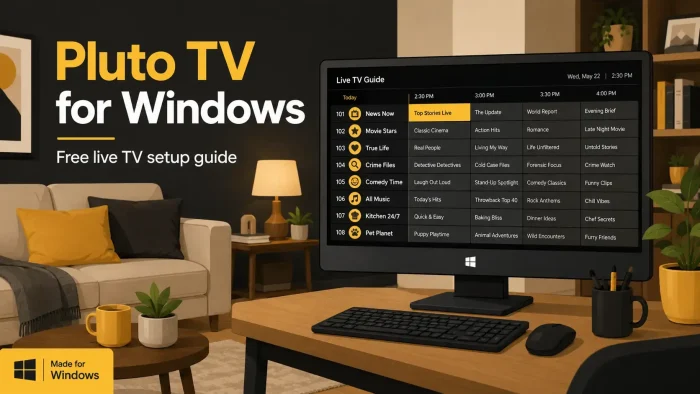
Pluto TV is a free live TV and movie streaming app for Windows from Paramount, available via the Microsoft Store or the official website.
It works like regular television, with dozens of channels playing on a schedule, plus a library of on-demand movies and shows you can start anytime. There is no subscription and no payment info required to watch.
The channel lineup is what sets Pluto TV apart from on-demand-only apps. Pluto TV organizes hundreds of live channels into genres like news, comedy, true crime, and classic TV, so you can flip through them like a cable box. If you would rather pick something specific, the on-demand library covers thousands of movies and shows on top of the live channels.
Pluto TV runs on Windows 10 and 11 through any modern browser or the Microsoft Store app. No account is required to start watching, though creating a free one unlocks extras like favorites and a watchlist.
Already using Pluto TV? Browse the channel guide to find something new tonight. Got questions before you start? Reach out to us directly.
What You Need to Know
- Pluto TV is 100% free with ads. There is no paid tier and never has been.
- You do not need an account to watch, but a free one adds favorites, a watchlist, and resume-where-you-left-off.
- Video tops out at 720p with stereo sound. There is no 4K, HDR, or offline downloads on any platform.
Who Should Use the Pluto TV App on Windows?
- Use it if you want free live TV and movies without signing up for anything or entering payment info.
- Skip it if you need 4K, offline downloads, or a single specific movie or show that you already know isn’t on Pluto TV’s schedule.
- Be careful if you are looking for a Paramount Plus replacement. Pluto TV’s library is much smaller and does not include full current seasons or new releases.
How to Get Pluto TV on Windows
- Step 1. Open the Microsoft Store on your PC and search for Pluto TV, or go straight to the Pluto TV Microsoft Store page.
- Step 2. Click Install. The app downloads and installs automatically, no separate setup file needed.
- Step 3. Open Pluto TV from the Start menu once installed.
- Step 4. Pick a channel from the guide or browse on-demand titles. You can start watching immediately without signing in.
- Step 5. If you want to save favorites or resume shows later, click Sign In and create a free account with just an email and password.
What Is Pluto TV?
Pluto TV is a free, ad-supported streaming service owned by Paramount. It works like a cable box rather than a typical on-demand app. Channels run on a fixed schedule, organized into categories like news, comedy, drama, true crime, and classic TV.
Alongside the live channels, Pluto TV has an on-demand section with thousands of movies and TV episodes you can start whenever you want, no schedule involved. The catalog mixes licensed content with shows from Paramount-owned networks like Comedy Central, MTV, Nickelodeon, and BET, plus some SHOWTIME clips.
Pluto TV launched in 2014 and has grown into one of the largest free streaming services in the US. It is supported by ads that play during shows, the same way broadcast TV works.
Key Features
Live Channels
Hundreds of channels organized by genre, running on a fixed schedule like regular TV.
On-Demand Library
Thousands of movies and shows you can start anytime, no schedule needed.
No Account Needed
Start watching right away. An account is optional, not required.
Kids Mode
A PIN-protected mode that limits playback to kids content only.
Free Account Perks
Signing up unlocks favorites, a watchlist, and resume-where-you-left-off.
No Payment Info Ever
There is no paid tier. Pluto TV never asks for a card on file.
System Requirements
| Requirement | Minimum |
|---|---|
| OS | Windows 10 or 11 |
| Internet | Stable broadband connection |
| Storage | Minimal, app only (no offline downloads) |
| Video Output | Up to 720p, stereo audio, no 4K or HDR |
How Pluto TV Makes Money
Pluto TV has no subscription, ever, on any platform. It earns money entirely from ads that play between and during shows and channels, the same way broadcast TV works.
This means there is no plan to choose, no upgrade to consider, and no price to track. The tradeoff is ad breaks, and a smaller library than paid services like Paramount Plus.
Keyboard Shortcuts
These shortcuts work on Pluto TV’s web player in the United States. Playback controls like play, pause, rewind, and fast forward only work for on-demand video, not live channels. Sourced directly from Pluto TV’s own official help center.
| Key | Action |
|---|---|
| Space or Enter | Toggle play/pause (on demand only) |
| J | Rewind 15 seconds (on demand only) |
| K | Toggle play/pause (on demand only) |
| L | Fast forward 15 seconds (on demand only) |
| T | Enter or exit theater mode |
| F | Enter or exit fullscreen mode |
| M | Mute or unmute |
| C | Toggle closed captions |
| S | Open or close the audio and subtitles menu |
Common Issues and Compatibility Notes
A channel buffers or freezes.
Live channels depend on a steady connection. Close other apps using bandwidth, or refresh the channel by switching away and back.
A sign-in screen blocks the home page.
Pluto TV has tested a prompt that nudges new users toward creating an account. Look for an option to continue without signing in, it is usually still there.
Video looks soft or blocky.
Pluto TV caps out at 720p on every platform. This is normal and not a setting you can change.
A show or channel disappears.
Pluto TV’s catalog rotates regularly since licensing deals expire. This is expected behavior, not a bug.
Tips for Getting Started
1
Browse channels by category first. The guide groups them by genre, which is faster than scrolling the full list.
2
Create the free account if you plan to come back. It only takes an email and password, and it saves your favorites.
3
Set up Kids Mode with a PIN if children will use the same PC. It blocks access to anything outside the kids section.
4
Check the on-demand section if nothing on the live channels grabs you. It has more variety than the live guide alone.
5
If a channel cuts out, switch to another and back. It usually resets the stream faster than waiting it out.
Pluto TV App Screenshots
-
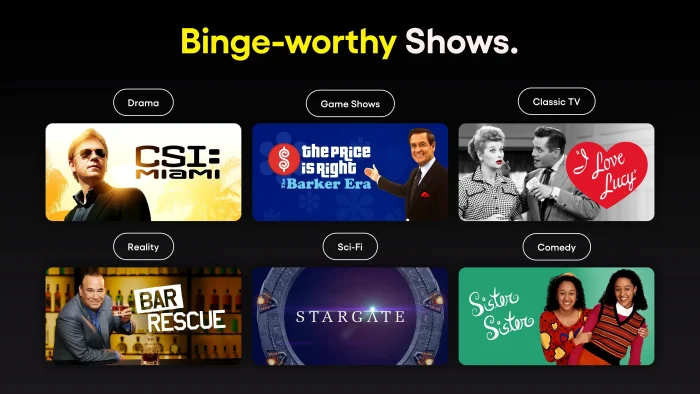
- Binge worthy shows from Pluto TV for Windows – Setup, Channels & Tips
-
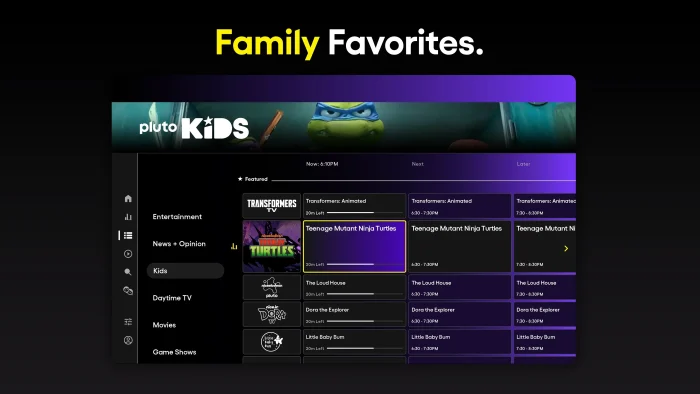
- Kids channels content list from Pluto TV for Windows – Setup, Channels & Tips
-
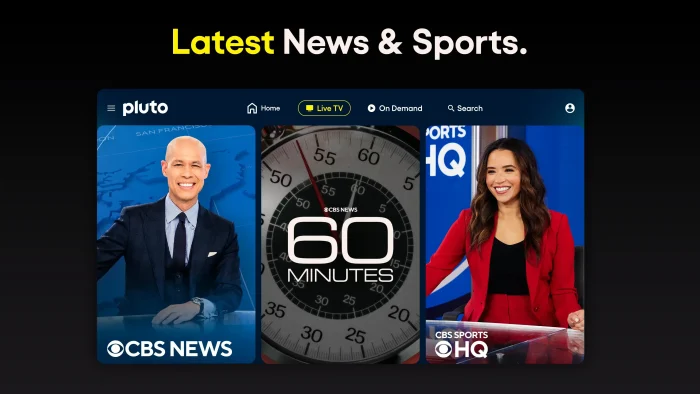
- Latest news live from Pluto TV for Windows – Setup, Channels & Tips
-
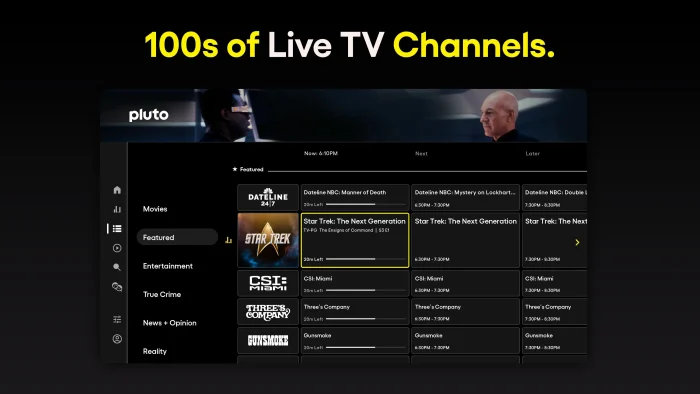
- Live tv channels listed from Pluto TV for Windows – Setup, Channels & Tips
-
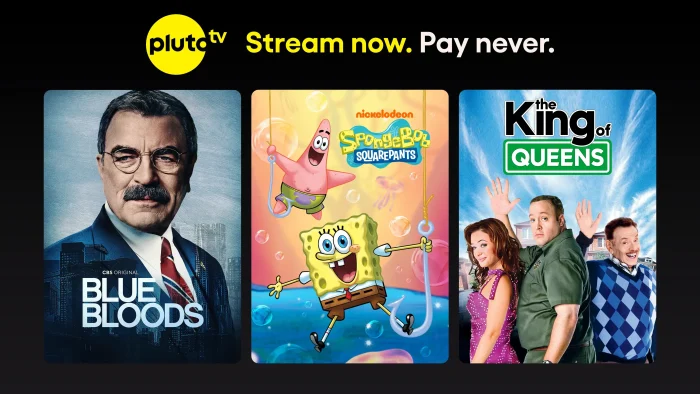
- Pluto tv ad with shows from Pluto TV for Windows – Setup, Channels & Tips
-
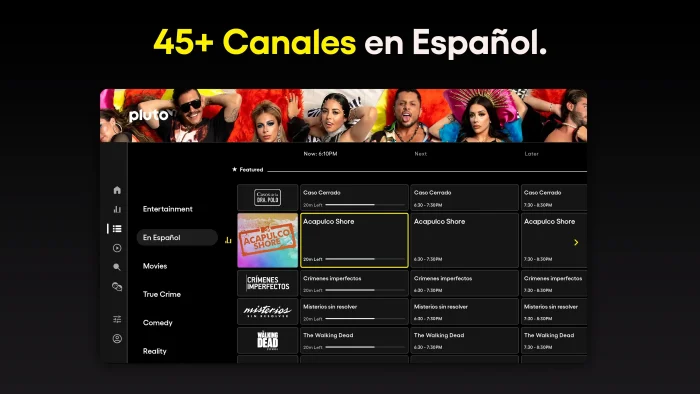
- Spanish channels from Pluto TV for Windows – Setup, Channels & Tips
-
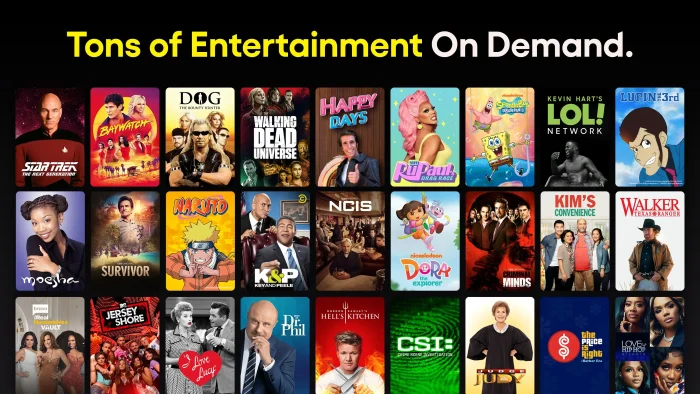
- On demand shows movies from Pluto TV for Windows – Setup, Channels & Tips
FAQ
Support and Community
Official help: Pluto TV Support Center. Community discussion: r/PlutoTV.
More Windows software guides: Paramount Plus for Windows · Netflix for Windows · Disney Plus for Windows · Tubi for Windows
Discover more from Windows Mode
Subscribe to get the latest posts sent to your email.














Add your first comment to this post