Readers like you help support this site. When you make a purchase using links on our site, we may earn an affiliate commission. All opinions remain our own.
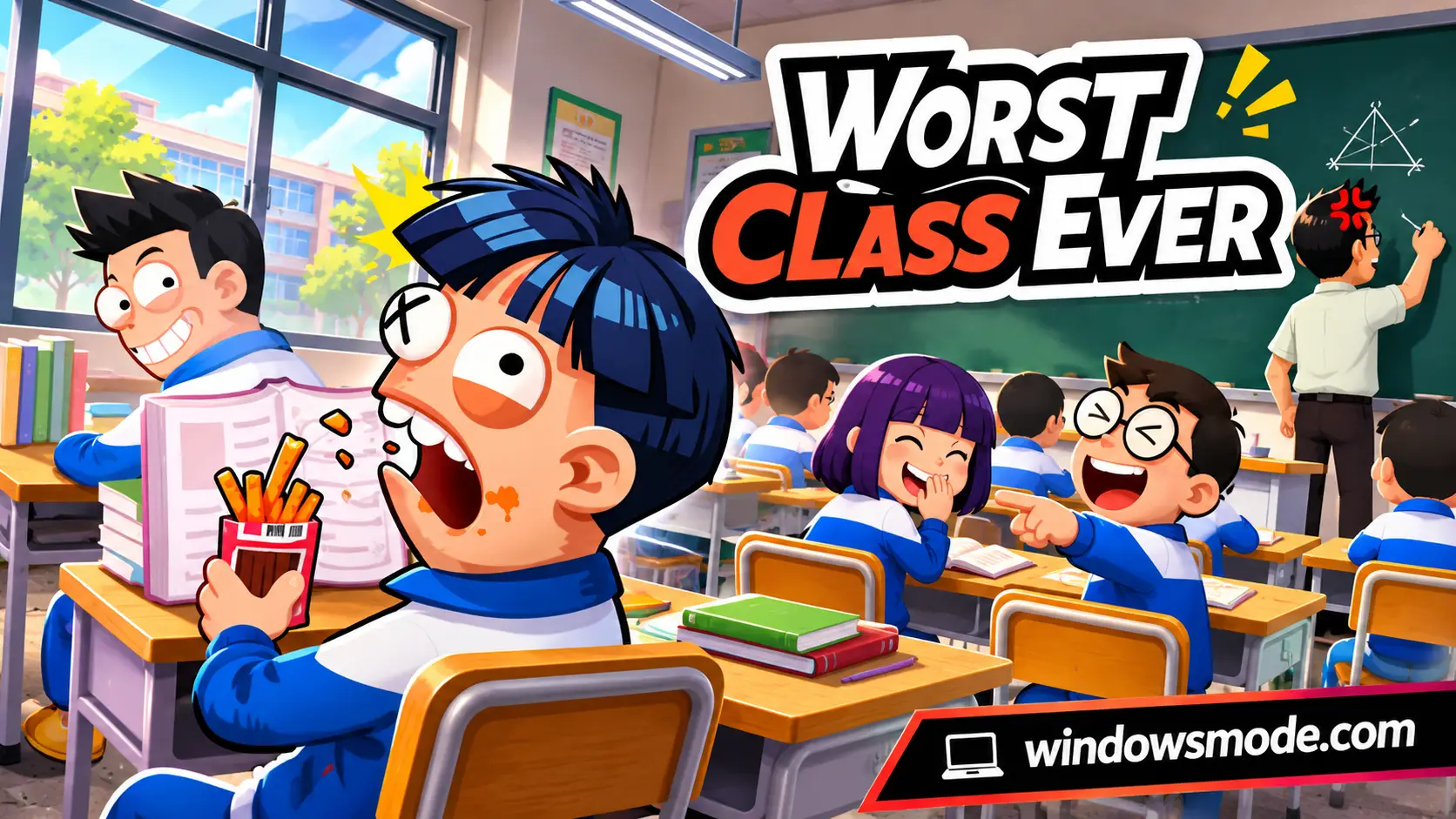
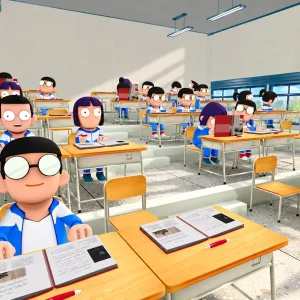
Worst Class Ever on PC. Click to open it full size.
Worst Class Ever is an asymmetric party game for PC from Funcore Games, available on Steam. One player is the strict teacher and up to seven others are students. The students sneak snacks, text and pull pranks, and the teacher tries to catch them in the act.
The twist is the crowd. Real players hide among dozens of computer-controlled classmates who look exactly like them. The teacher has to spot who is human by the way they move.
The full game came out on November 9, 2026, after a free demo that the developer says passed 1 million downloads. It is published by 2P Games and Elegoose Games, runs on 64-bit Windows 10 and 11, and plays with mouse and keyboard.
Already in class? Tell us if you prefer playing teacher or student. Got questions before buying? Reach out to us directly.
What You Need to Know
- It is multiplayer only. Up to 8 players online or over LAN, with no mode against bots.
- It is a full release, not Early Access.
- It is sold on Steam only. It is not on the Epic Games Store or GOG.
- The host can change around 20 room rules, including the number of teachers.
- Fan mods are on the Steam Workshop.
- It runs on older PCs: Steam asks for a GTX 750 Ti and 4 GB of space.
Quick Facts
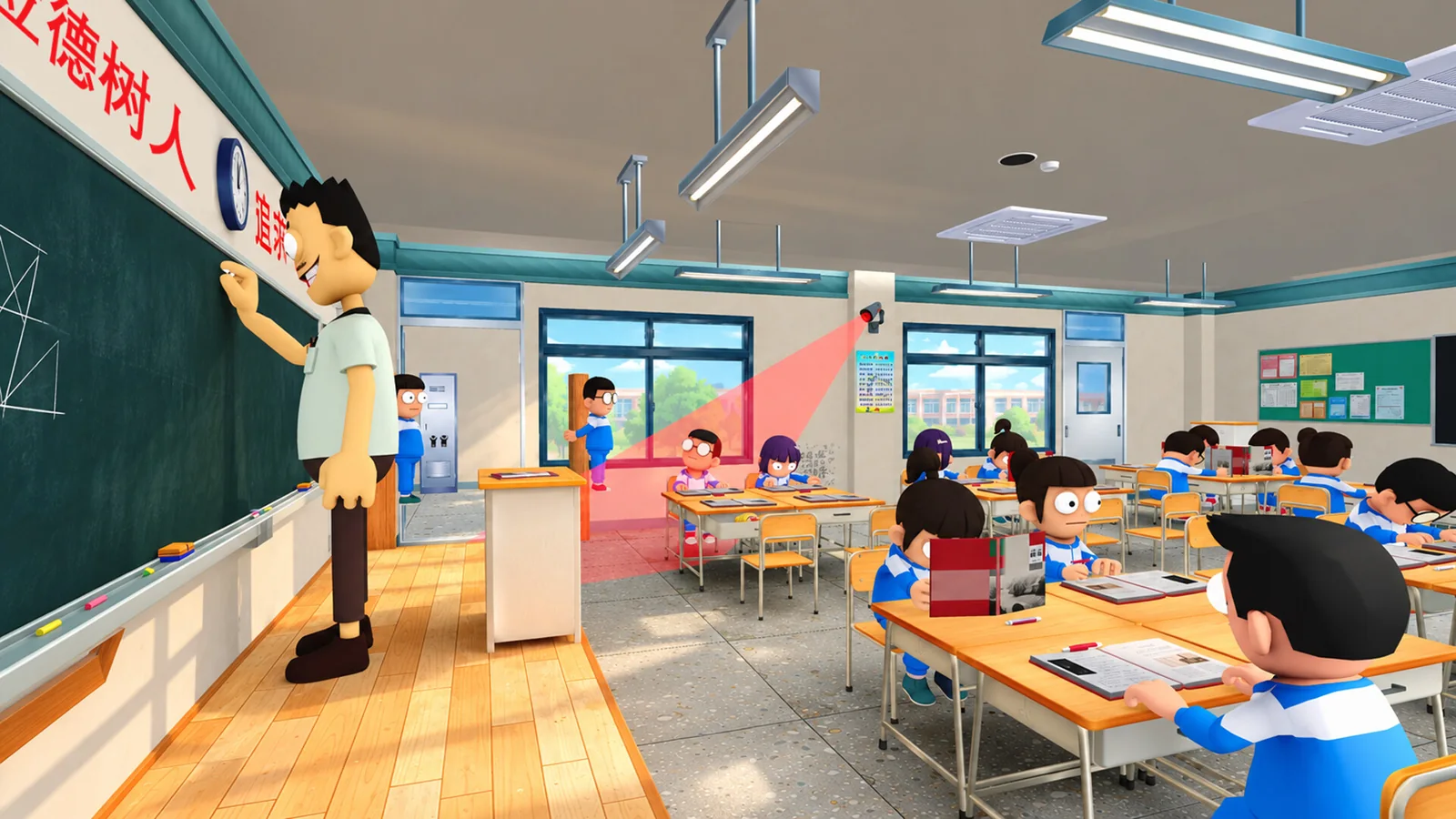


How to Download Worst Class Ever on Windows
Worst Class Ever is on Steam only, and it is a small download of about 4 GB.
- Step 1. Install Steam. Get Steam and sign in.
- Step 2. Open the store page. Go to Worst Class Ever on Steam.
- Step 3. Buy the game. Click Add to Cart and check out.
- Step 4. Install it from your Steam library.
- Step 5. Create or join a room with a room code, the room list or a Steam invite.
Each friend needs their own copy. Playing in the same house? Pick LAN when you create the room.
Worst Class Ever Price and Editions
Worst Class Ever costs $6.99 on Steam, with regional pricing in other countries. There is one edition and no DLC, so one purchase gets you everything.
The low price matters for a party game. Every player needs their own copy, so getting a group of eight together costs less than one copy of most new releases.
💡 Your PC is too weak? Cloud gaming is an option. Check on Boosteroid.
What Is Worst Class Ever?
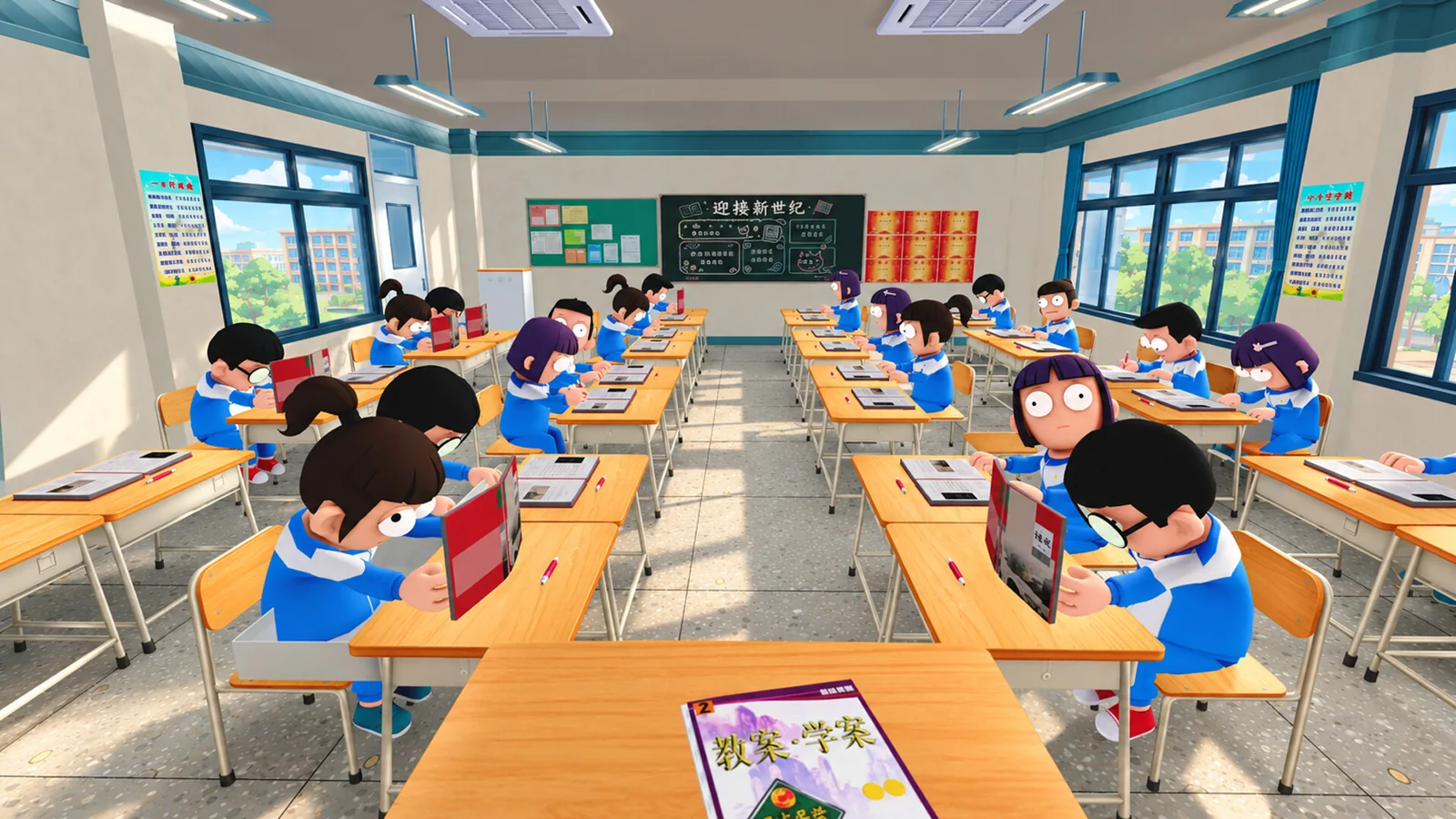
Worst Class Ever turns a school day into a game of hide and seek. Each match, one player takes the teacher’s desk and everyone else sits among the class. The students score Mischief Points by breaking the rules, and the teacher wins by catching every one of them.
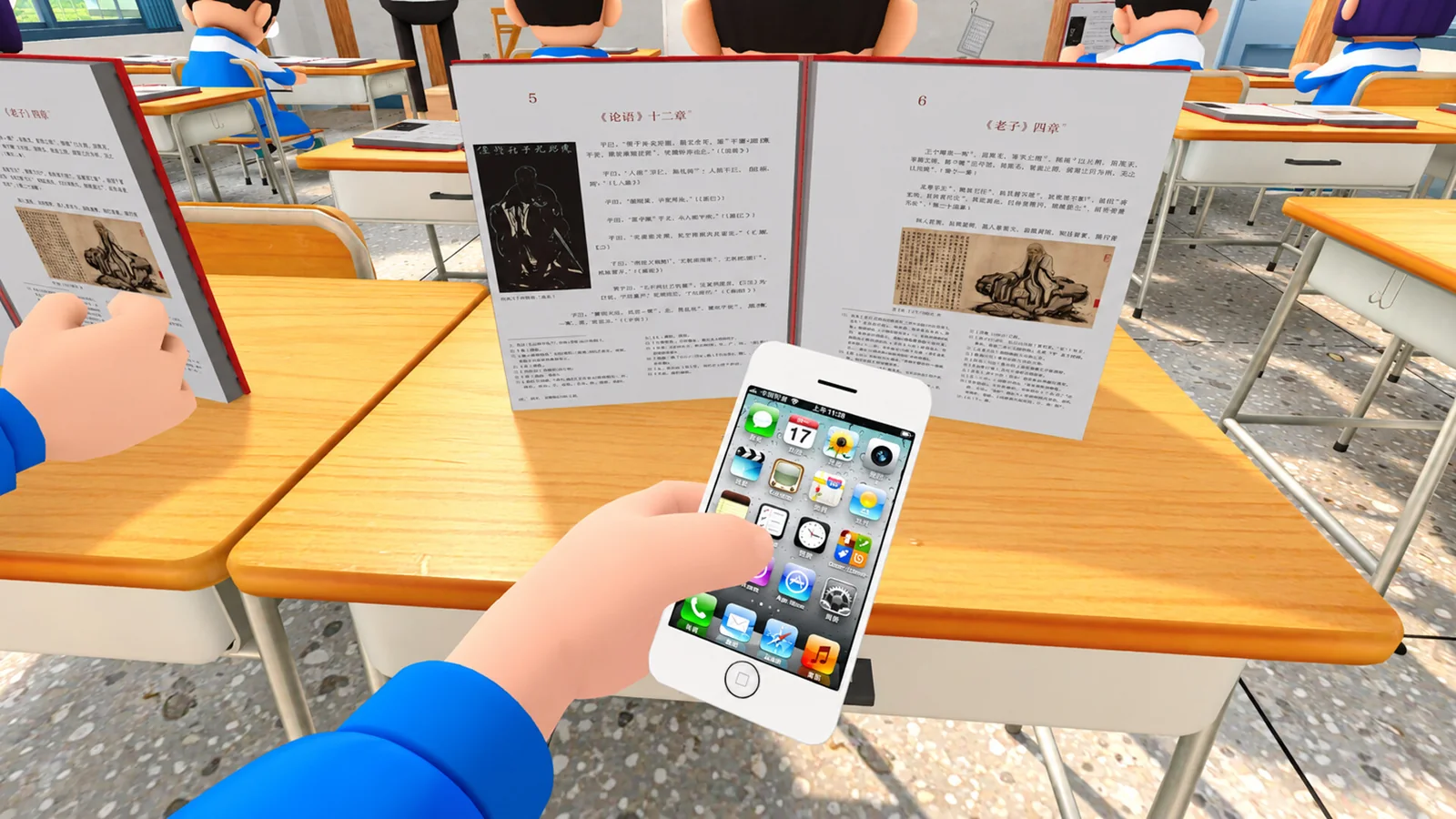
As a student, you look just like the computer classmates around you. When the teacher turns to the board, you pull a burger out of your desk, check your phone or pass a note. The trick is acting normal at the right moment, because a sudden head turn or a rushed movement gives you away.
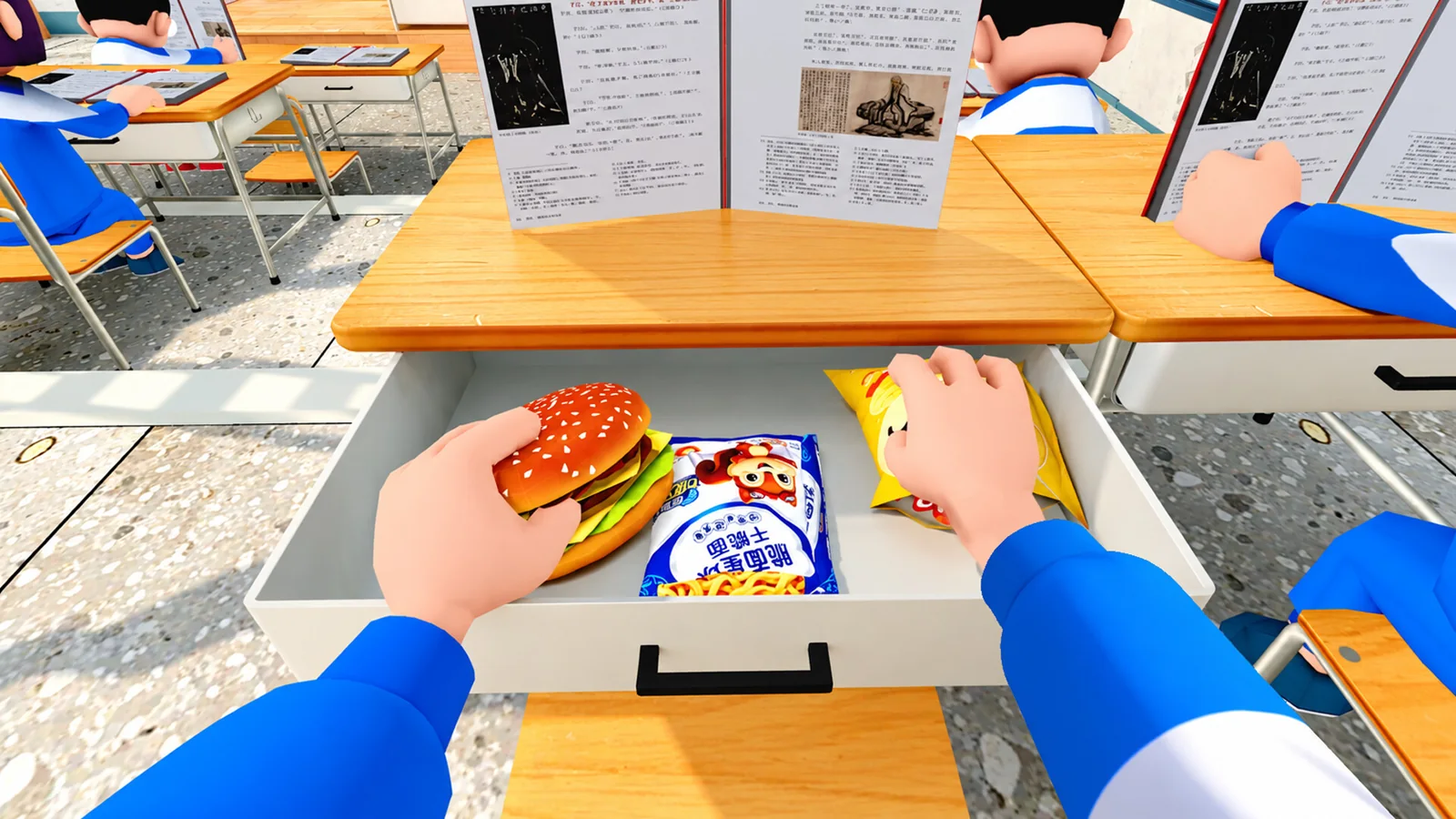
Students hide snacks in their desks and eat them behind a propped-up textbook.
As the teacher, you watch the room, throw chalk at anyone acting strange and carry caught students to a punishment pillar. Students can rescue friends who get tied up, so the teacher has to keep moving. The full game adds a second teacher character, the female homeroom teacher, with her own skills.
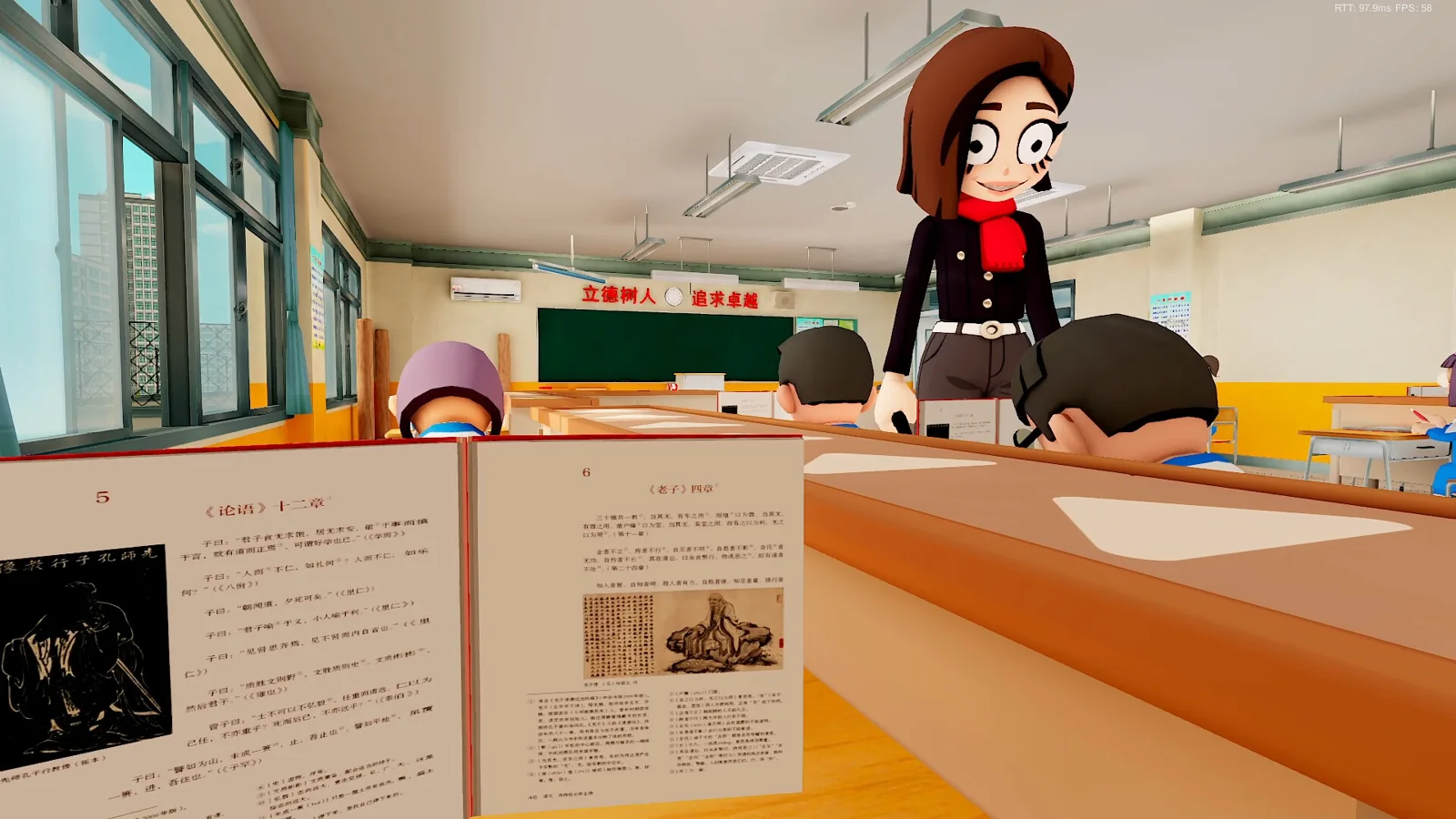
The female homeroom teacher patrols the rows in the full game.
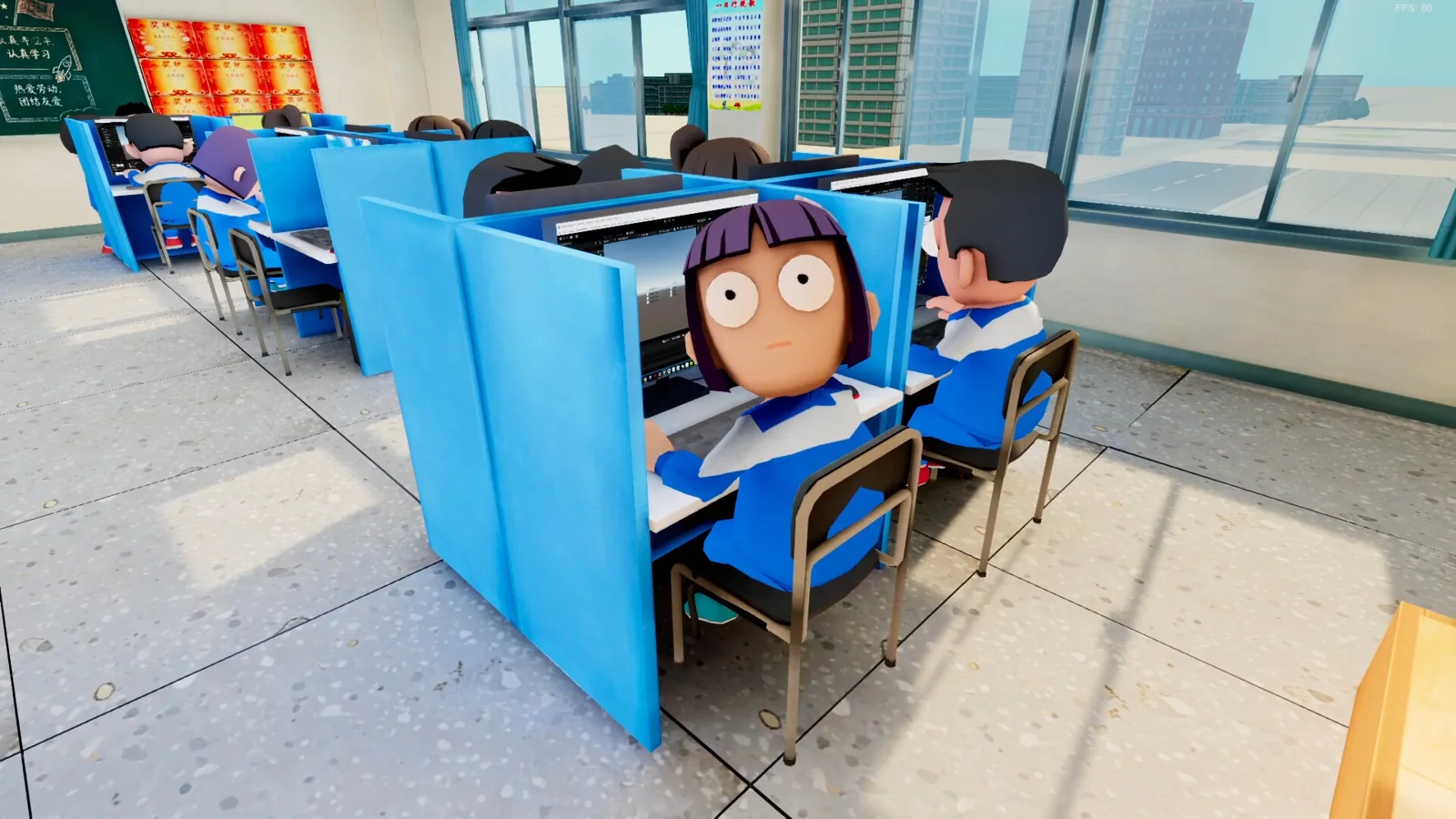
Matches move across 10 themed classrooms on different floors, from bright daytime classes to a night study hall and a computer lab. Each has its own hiding spots and prank tasks. Items shake things up on both sides: students get smoke bombs, tranquilizer guns and drones, while the teacher gets tools for seeing through disguises.
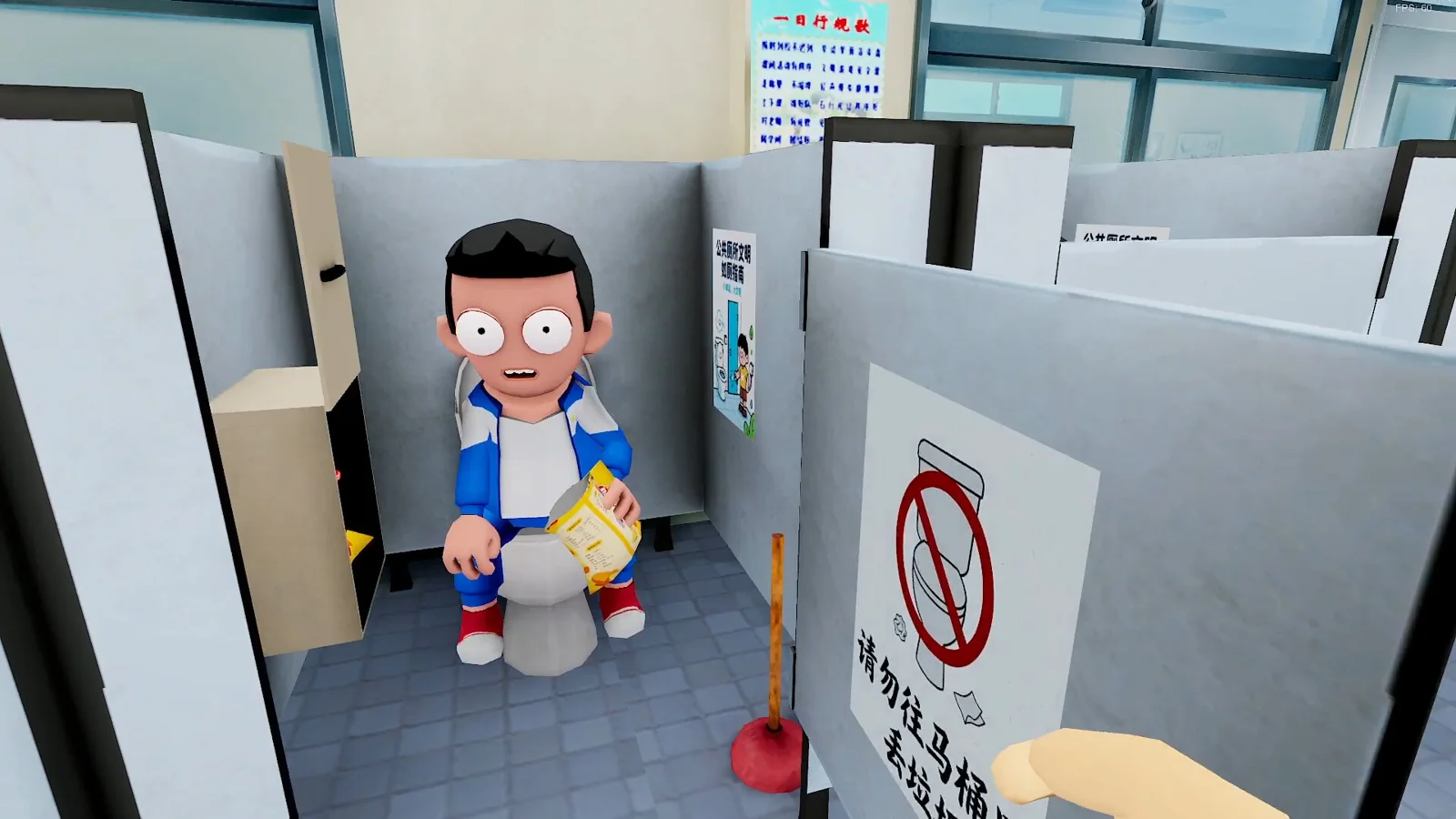
Some of the best hiding spots are outside the classroom.
Official Trailer
Watch the official launch trailer for Worst Class Ever to see the classrooms, the students’ pranks and the teacher hunting them down.
Key Features
Asymmetric matches for up to 8 players, where both sides play by different rules.
Real students blend in with dozens of computer classmates who look exactly the same.
Snacks, phones, smoke bombs, drones and tranquilizer darts, with tools for the teacher too.
Each room has its own hiding spots, tasks and things to interact with.
The host can change around 20 settings, from the player count to the number of teachers.
Play over a home network, and add fan mods through the Steam Workshop.
Is This Game for You?
Our Take
🎮 Our Take
Worst Class Ever takes a party game idea that has been done before, hiding among bots and acting normal, and puts it somewhere everyone already understands. Nobody needs the rules explained: you are in class, you are not supposed to eat a burger, and the teacher is watching. That makes it easy to pick up for friends who do not play much. The teacher role is a nice change of pace, and the room rules let a group keep things fresh. The catch is that it lives or dies by your group. With strangers in public rooms it is thinner, there is nothing to do alone, and a small team’s launch means some rough edges while patches roll in.
If you have three or more friends who will jump into voice chat, buy it: it costs very little and a few rounds are worth the price on their own. If you mostly play solo or only want a game for public matchmaking, skip it or wait until you have a group. If you liked hide-among-the-bots games before, this is the same fun with a better setting.
System Requirements
Worst Class Ever is a light game. The minimum spec is a GeForce GTX 750 Ti, 4 GB of RAM and 4 GB of space, so most PCs from the last ten years can run it. The recommended spec jumps to 16 GB of RAM, which helps when a classroom is packed with players and computer students.
It is an online game, so a steady connection matters more than a fast graphics card. Thinking of a new gaming PC? See our Best Gaming Desktops guide.
Tips for Beginners
Copy the computer students
Watch how the computer classmates read, write and look around, then match them. Moving faster or more often than they do is what gets you caught.
Prank when the teacher turns away
The safest moment to eat or check your phone is when the teacher faces the board or walks the other way. Stop the second they turn back.
Rescue tied-up friends
Caught students end up at a punishment pillar, and other students can free them. A quick rescue keeps your side in the game.
Teachers: aim your chalk
Chalk is how you stop a student in their tracks. Catching students also gives the teacher back stamina, so keep the pressure on.
Hosts: tune the rules
If one side keeps winning, change the room settings. Adding a second teacher or changing item spawns balances a big lobby.
Best Worst Class Ever Mods to Start With
The full release added Steam Workshop support, and players started uploading mods within a day. Subscribe to a mod on its Workshop page, turn it on in the game’s Mods menu, then restart the game. Most of these mods change the rules for the whole room, so check whether everyone needs to install it.
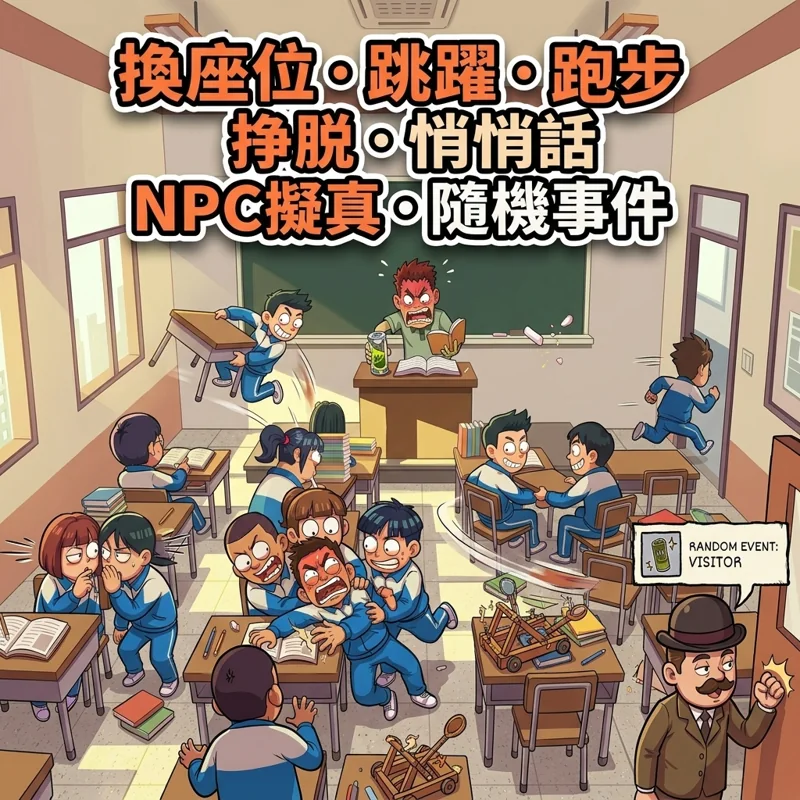
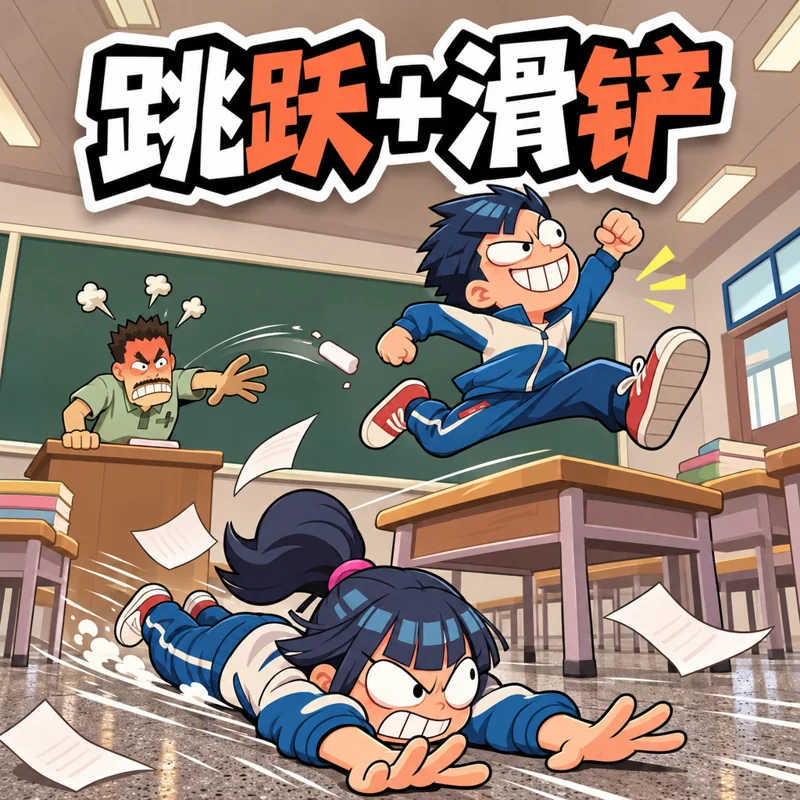
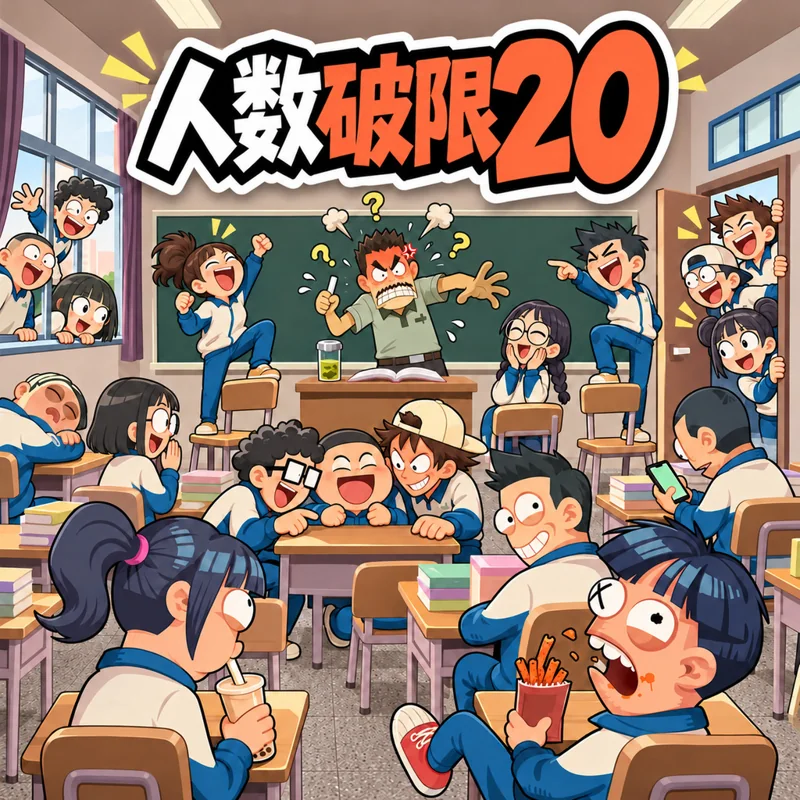
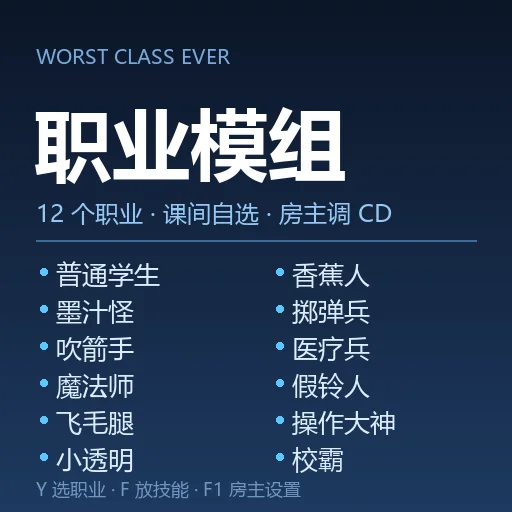
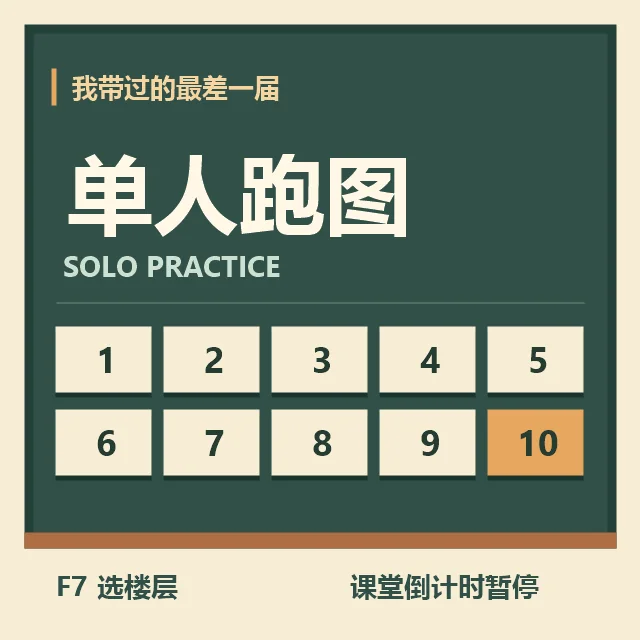
💡 These are fan-made mods, not official ones, and most Workshop pages are written in Chinese. Use mods in private rooms with friends, not in public rooms, so you do not change the game for strangers. When all players use a mod, everyone needs the same version. A game update can break mods until their authors catch up, so turn them off if the game starts acting up.
Worst Class Ever Screenshots
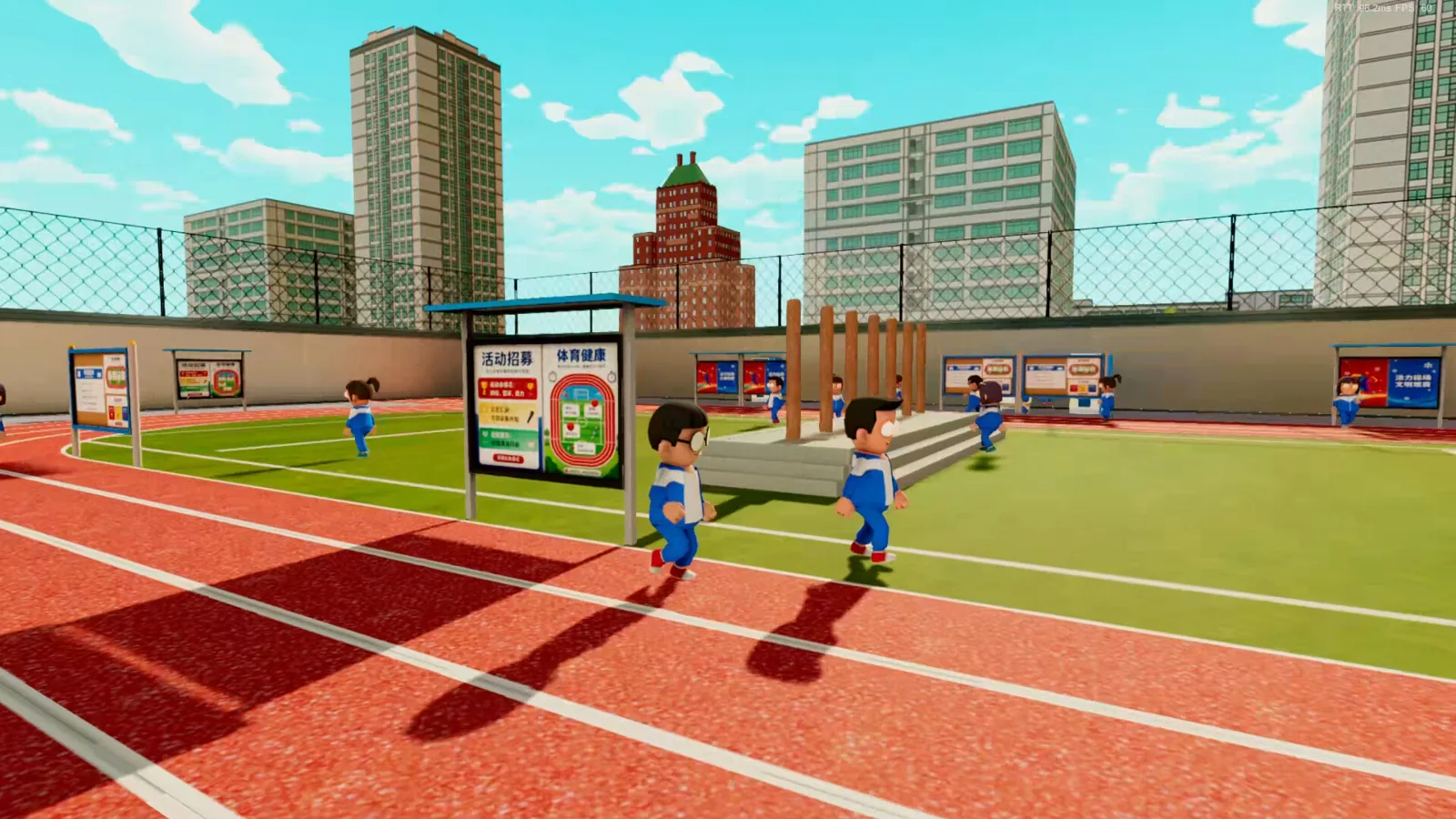
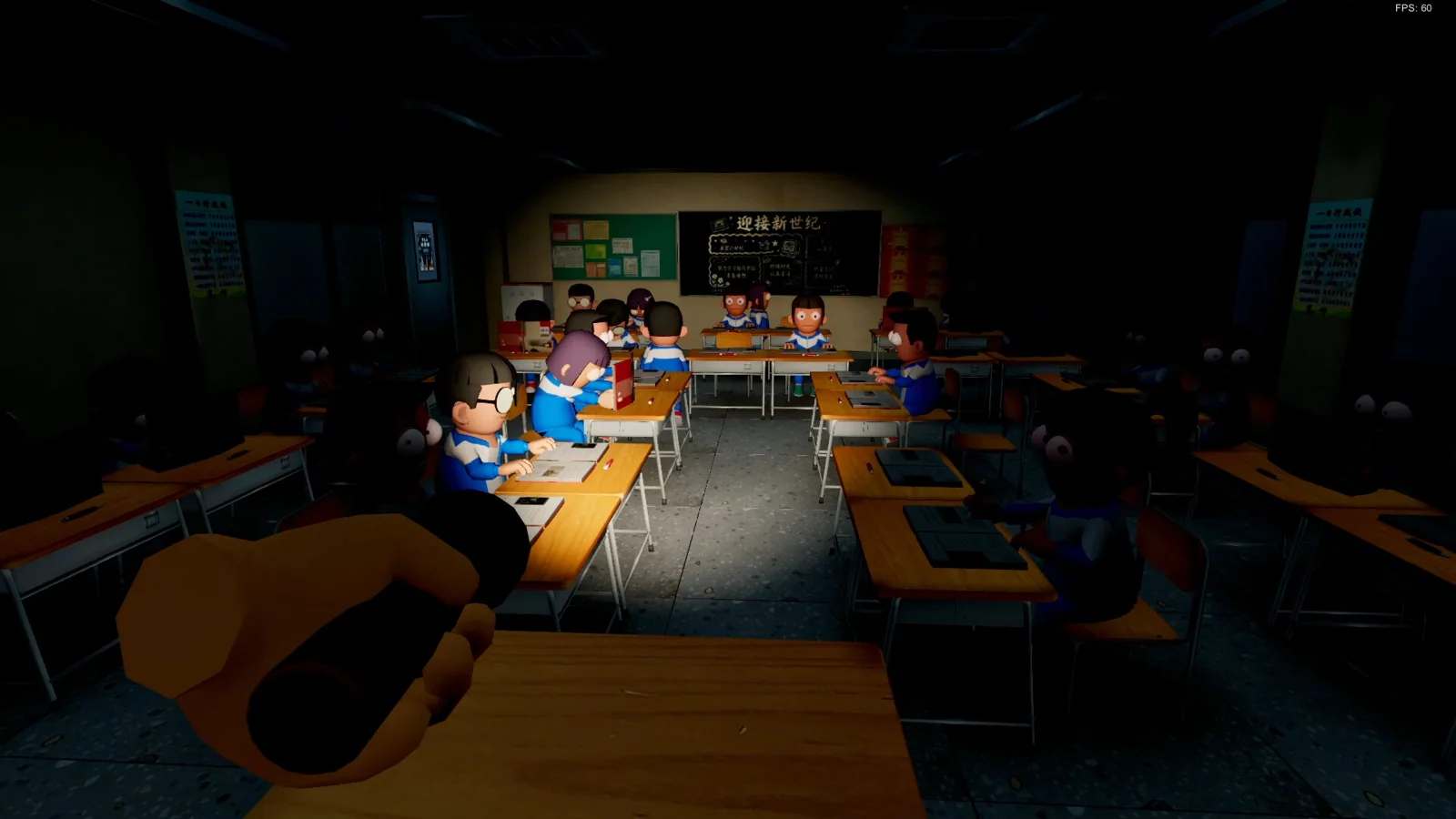
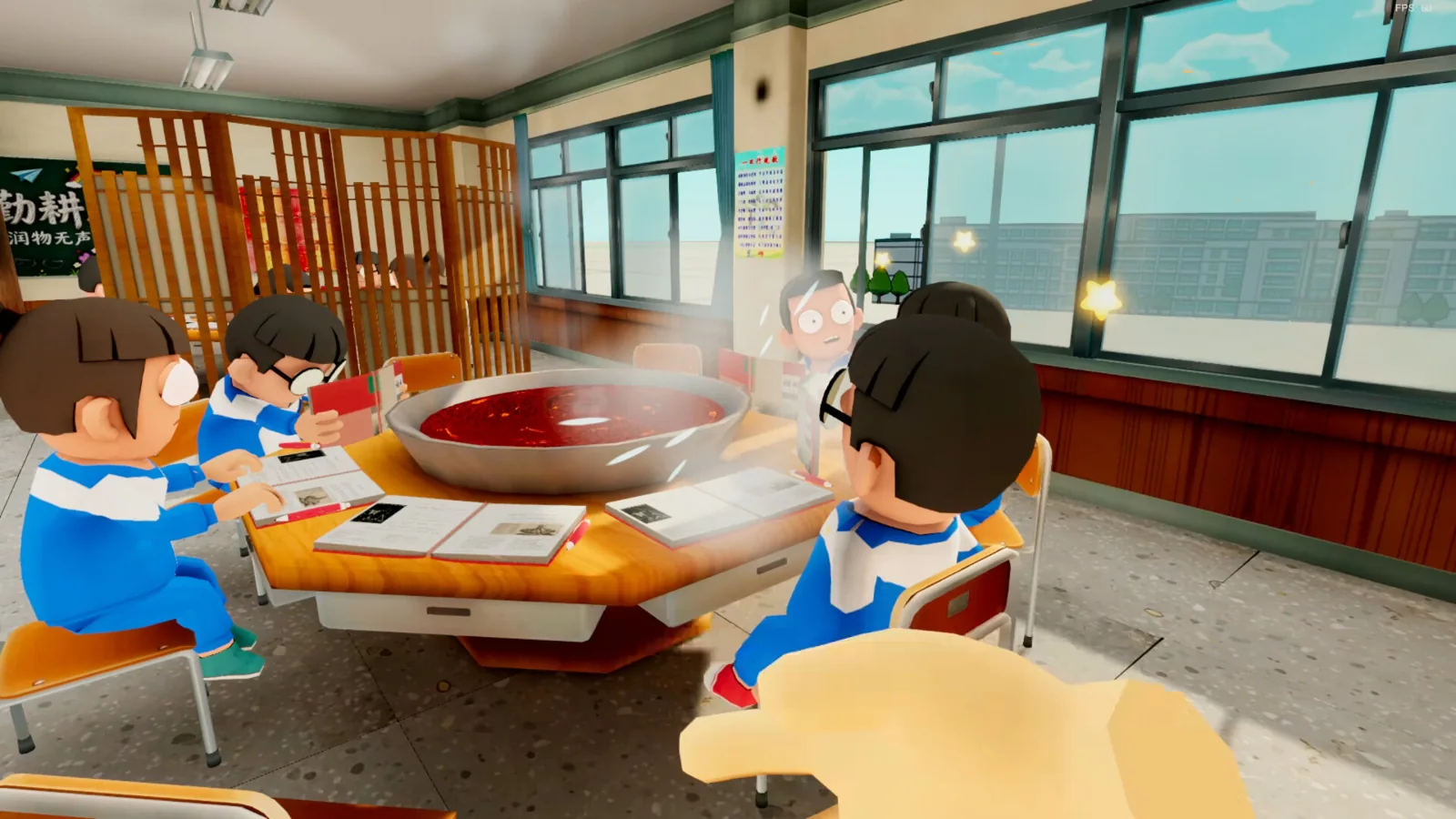
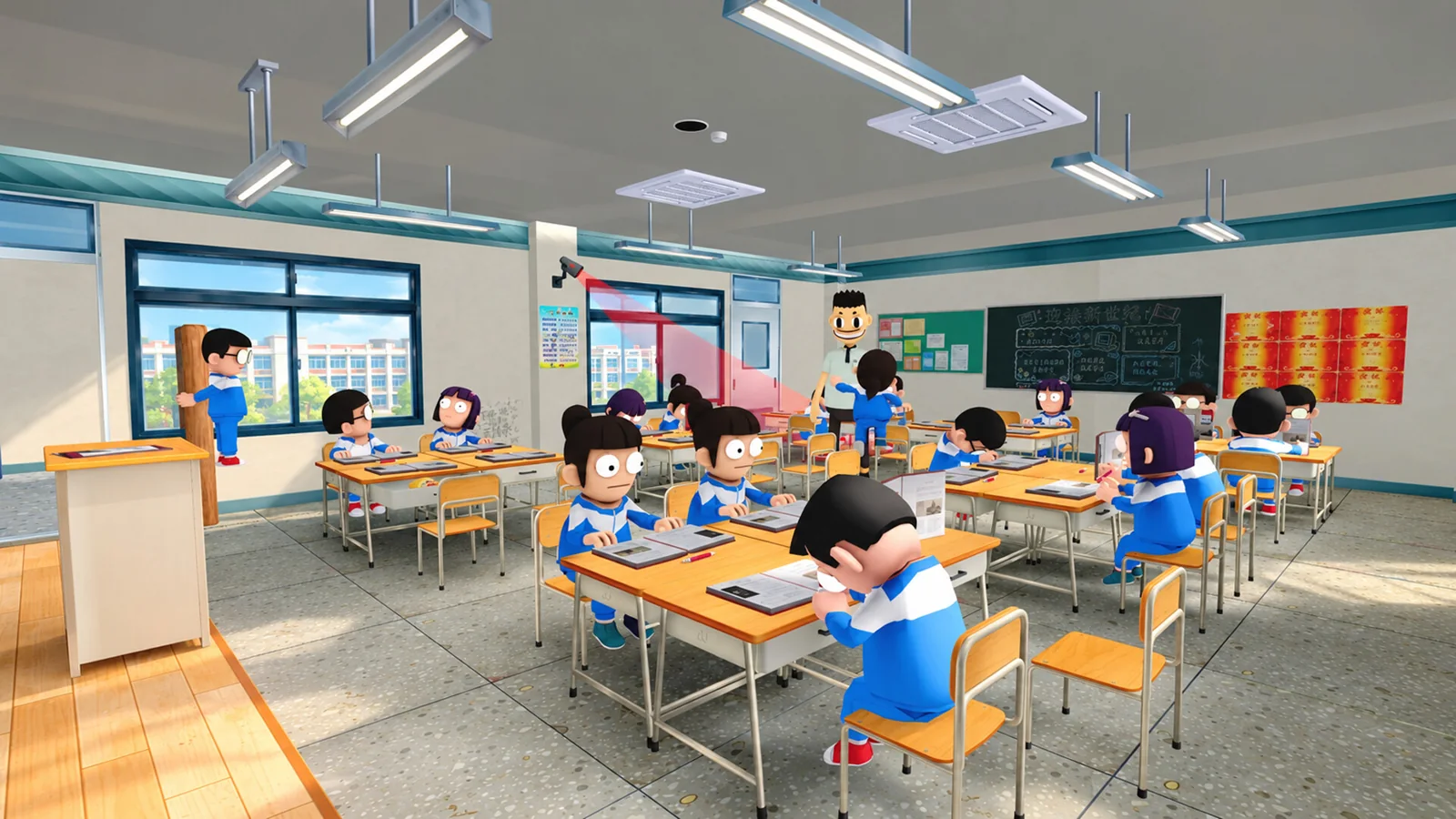
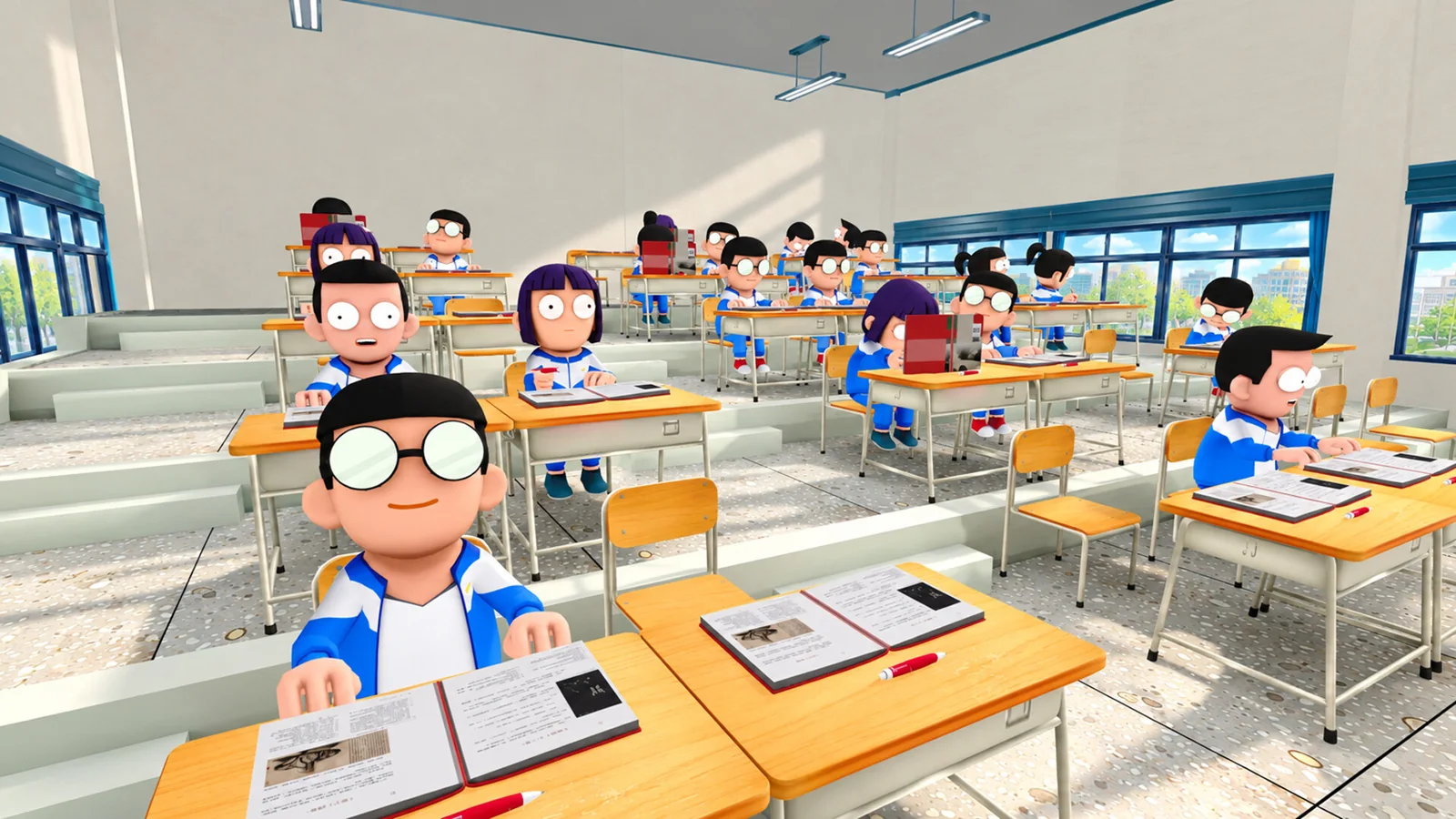
The sports field, a night study hall, the computer lab, a hotpot classroom and the packed classrooms where students hide. Click any image to open it full size.
-
- Worst class ever school sports field from
-
- Worst class ever night study hall from
-
- Worst class ever computer lab from
-
- Worst class ever hotpot classroom from
-
- Worst class ever teacher scanning class from
-
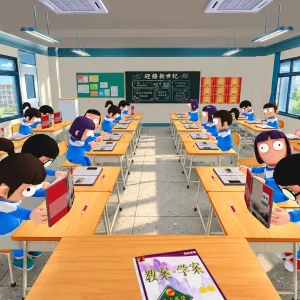
- Worst class ever full classroom rows from
-
- Worst class ever phone behind textbook from
-
- Worst class ever tiered lecture hall from
Worst Class Ever FAQ
Can you play Worst Class Ever solo?
Does Worst Class Ever have voice chat?
Is the Worst Class Ever demo still available?
Does Worst Class Ever support controllers?
Is Worst Class Ever on consoles, Epic or GOG?
What are the Worst Class Ever system requirements?
Support and Community
- 2P Games, the publisher’s official website.
- Funcore Games on Steam, the developer’s page with its other games.
- Funcore Games on X, for news from the developer.
- News and patch notes on Steam, for every update.
- Steam discussions, for questions, bug reports and finding players.
- The Steam Workshop, for fan mods.
- r/gaming on Reddit, for general PC gaming talk, since the game has no subreddit of its own.
Explore more Windows games: Fall Guys for Windows · R.E.P.O. for Windows · PEAK for Windows · Lethal Company for Windows · Best Party Games on PC · Best Indie Games on PC
Discover more from Windows Mode
Subscribe to get the latest posts sent to your email.















Add your first comment to this post