Readers like you help support this site. When you make a purchase using links on our site, we may earn an affiliate commission. All opinions remain our own.
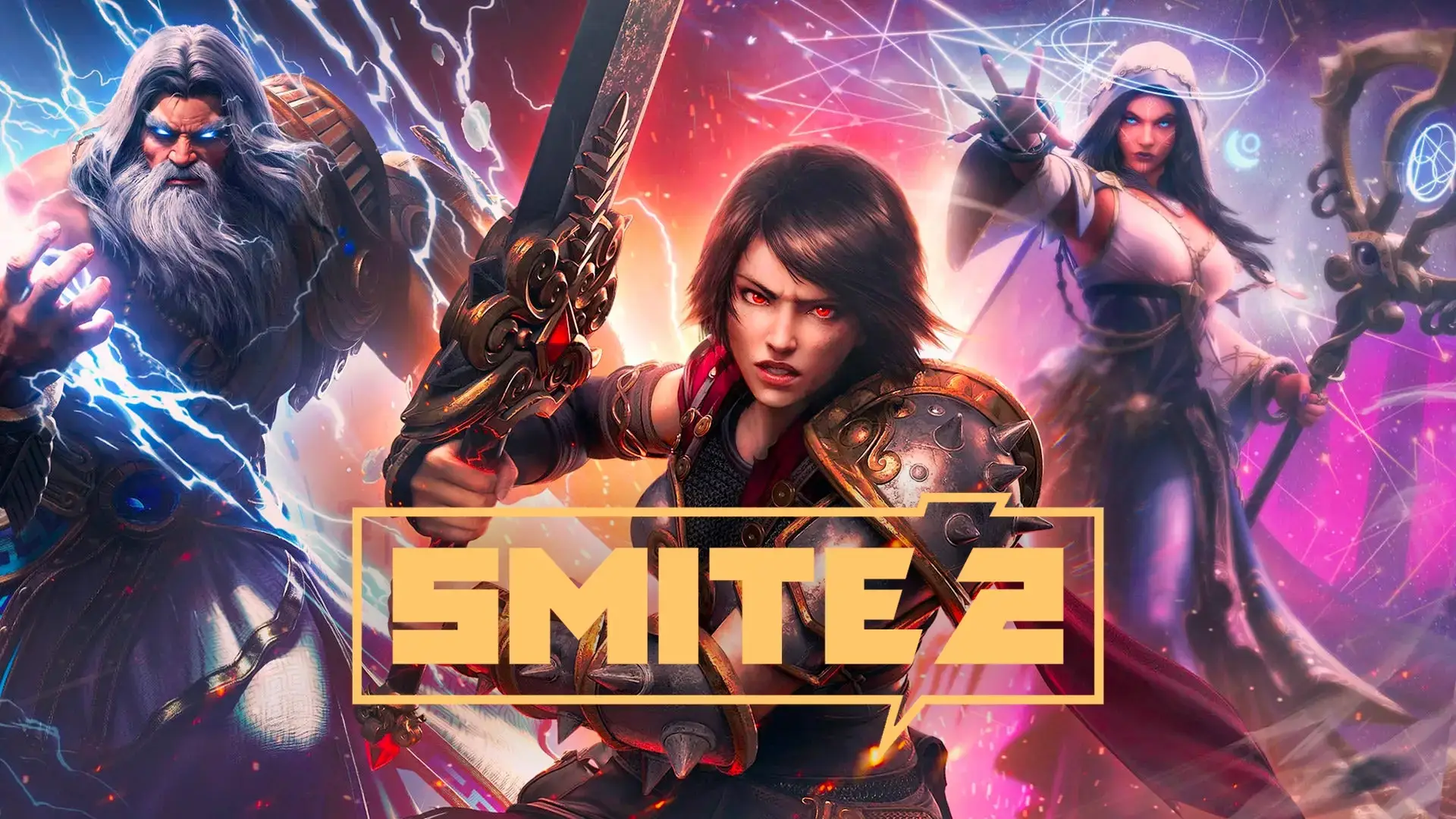
SMITE 2 is the sequel to the popular action MOBA, SMITE. It is built on Unreal Engine 5 to improve the graphics and physics. You can download the game on PC through Steam and the Epic Games Store.
Because this game uses a new engine, it requires a good computer. If your PC struggles with the new graphics, you can stream it instantly on Boosteroid without downloading any files.
Unlike other MOBAs like League of Legends, you do not click the ground to move. You use the WASD keys to move and the mouse to aim your attacks, just like a third-person shooter.
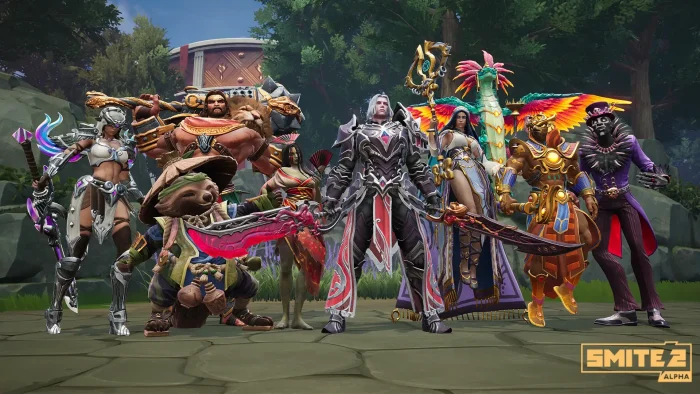
You play as a God from mythology, such as Zeus, Anubis, or Odin. You fight in a 5v5 arena to destroy the enemy team’s Titan.
Quick Facts
- 📅 Release Date: Aug 27, 2024 (24/7 Alpha)
- 🛠️ Developer: Titan Forge Games
- 📂 Size: ~30 GB
- ☁️ Cloud Play: Available on Boosteroid
- 💰 Price: Free-to-Play (Founder’s Packs available)
How to Download & Install SMITE 2 on PC
SMITE 2 is available on Steam and the Epic Games Store.
- Go to the Steam Store or Epic Games Store page.
- Click Play Game (or Buy Founder’s Pack for early access).
- Open your Steam or Epic Games Launcher and click Install.
- Select your drive (SSD is recommended for Unreal Engine 5) and wait for the 30 GB download.
What is SMITE 2?
This is a remake and a sequel. The developers moved the game to Unreal Engine 5 to allow for better lighting, clearer effects, and a new interface.
The core gameplay is similar to the first game, but the items and stats are different. In SMITE 2, you can build Strength or Intelligence items on any character. This allows for more freedom in how you play.
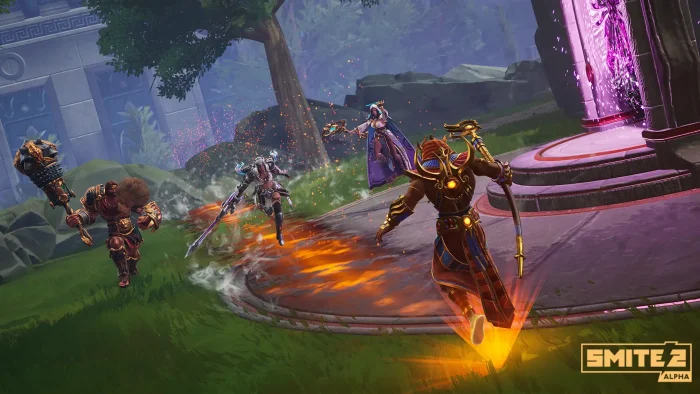
The map is also interactive. It features “stealth grass” where you can hide from enemies, and interactive jungle camps that give your team buffs.
Key Gameplay Features
- ⚡
Action Combat: Every attack is a skill shot. You must aim your basic attacks and spells manually. You can also dodge enemy attacks with movement.
- ⚔️
Flexible Builds: Items are not locked by damage type. You can build magical items on a warrior or physical items on a mage if you want to experiment.
- 💎
Legacy Gems: If you played SMITE 1, your money carries over as “Legacy Gems.” You can use these to pay for up to 50% of the price of new skins in SMITE 2.
🤔 Who Would Like This Game?
This game is for players who enjoy the strategy of MOBAs but prefer direct control over their character. If you like third-person action games, this will feel natural.
It is also good for existing SMITE players who want updated graphics and modern mechanics. However, if you have a very old PC, you might find it hard to run compared to the first game.
Why Play on Windows?
While the game is on consoles, PC offers some advantages:
- Mouse Aim: Since every attack is a skill shot, using a mouse allows for faster and more precise turns than a controller thumbstick.
- High Refresh Rate: In a competitive game, seeing animations smoothly is important. PC supports 144Hz+ monitors for fluid motion.
- Chat Communication: MOBAs require teamwork. Typing quick plans to your team is easier with a keyboard than using console ping systems.
5 Tips for Beginners
The item system is new and can be confusing. Use these tips to start strong.
Gameplay Screenshots
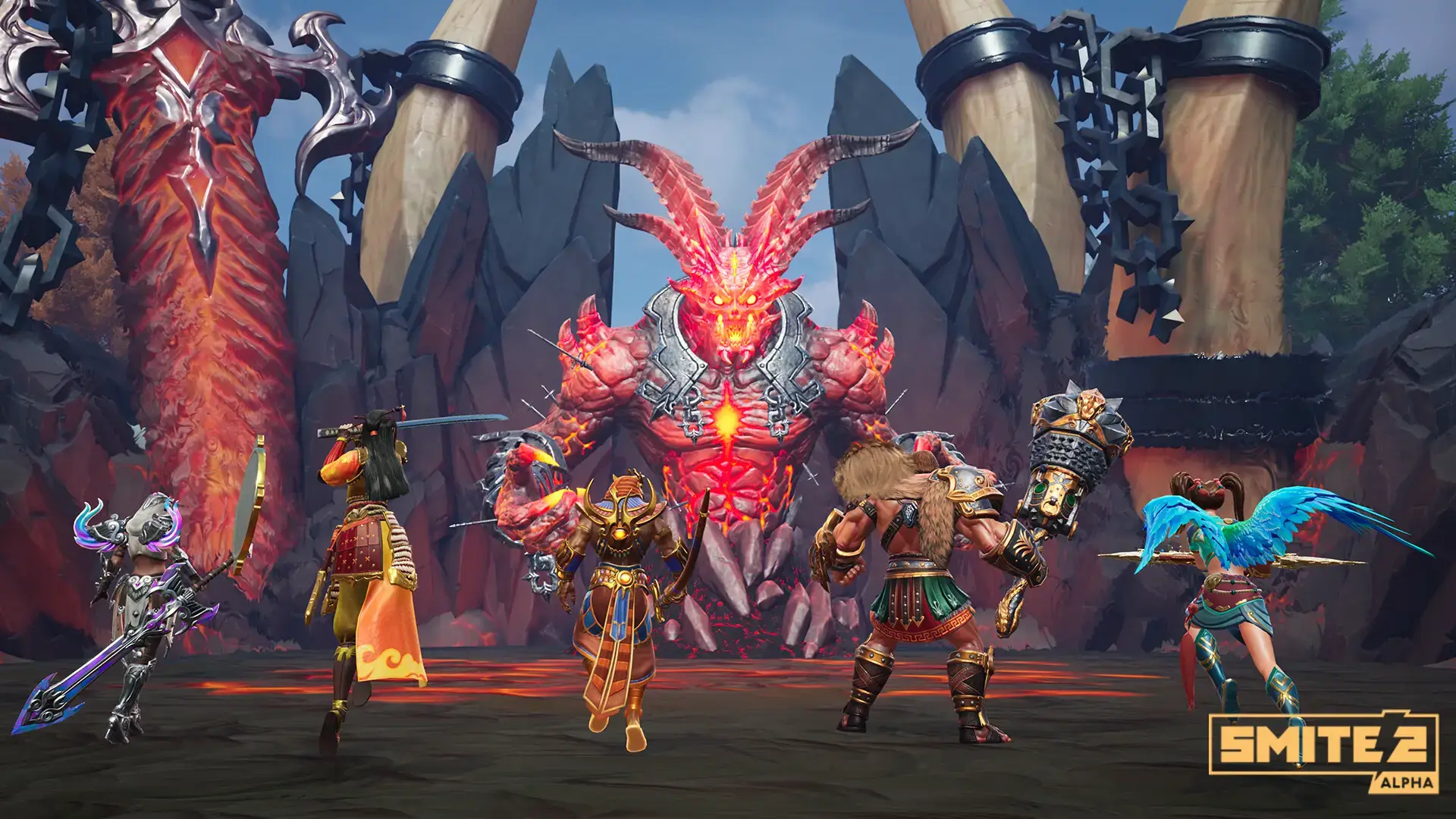
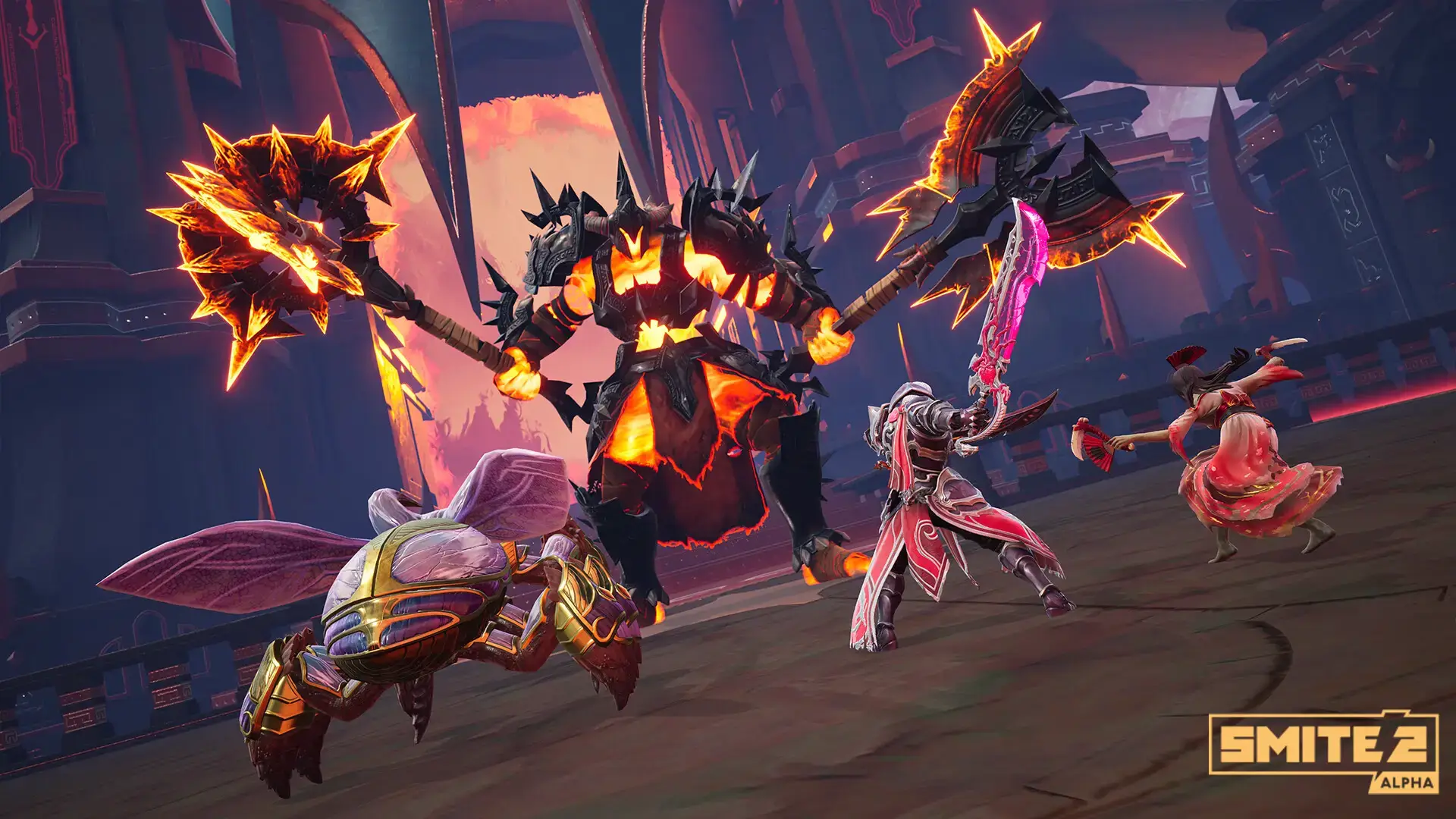
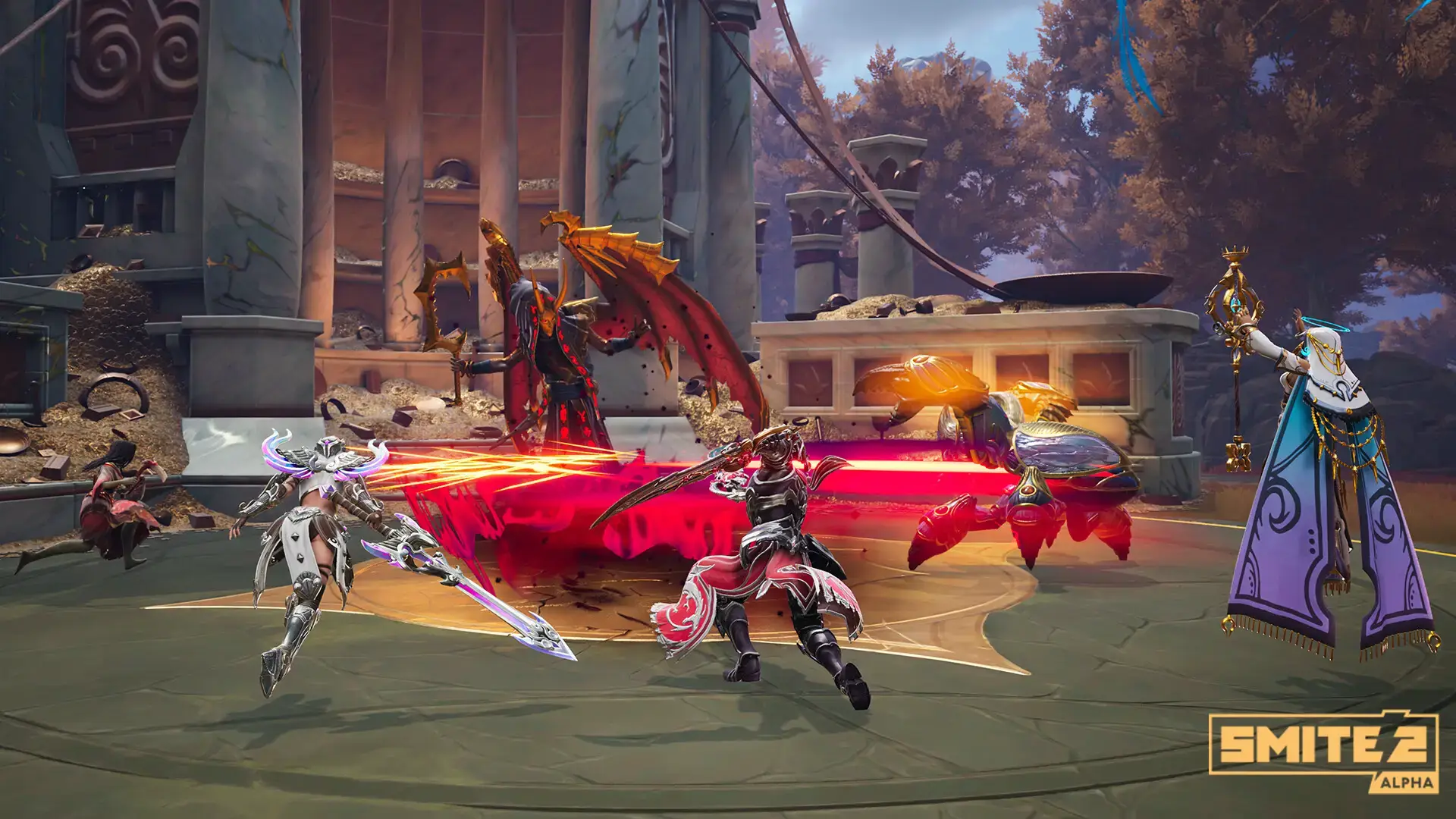
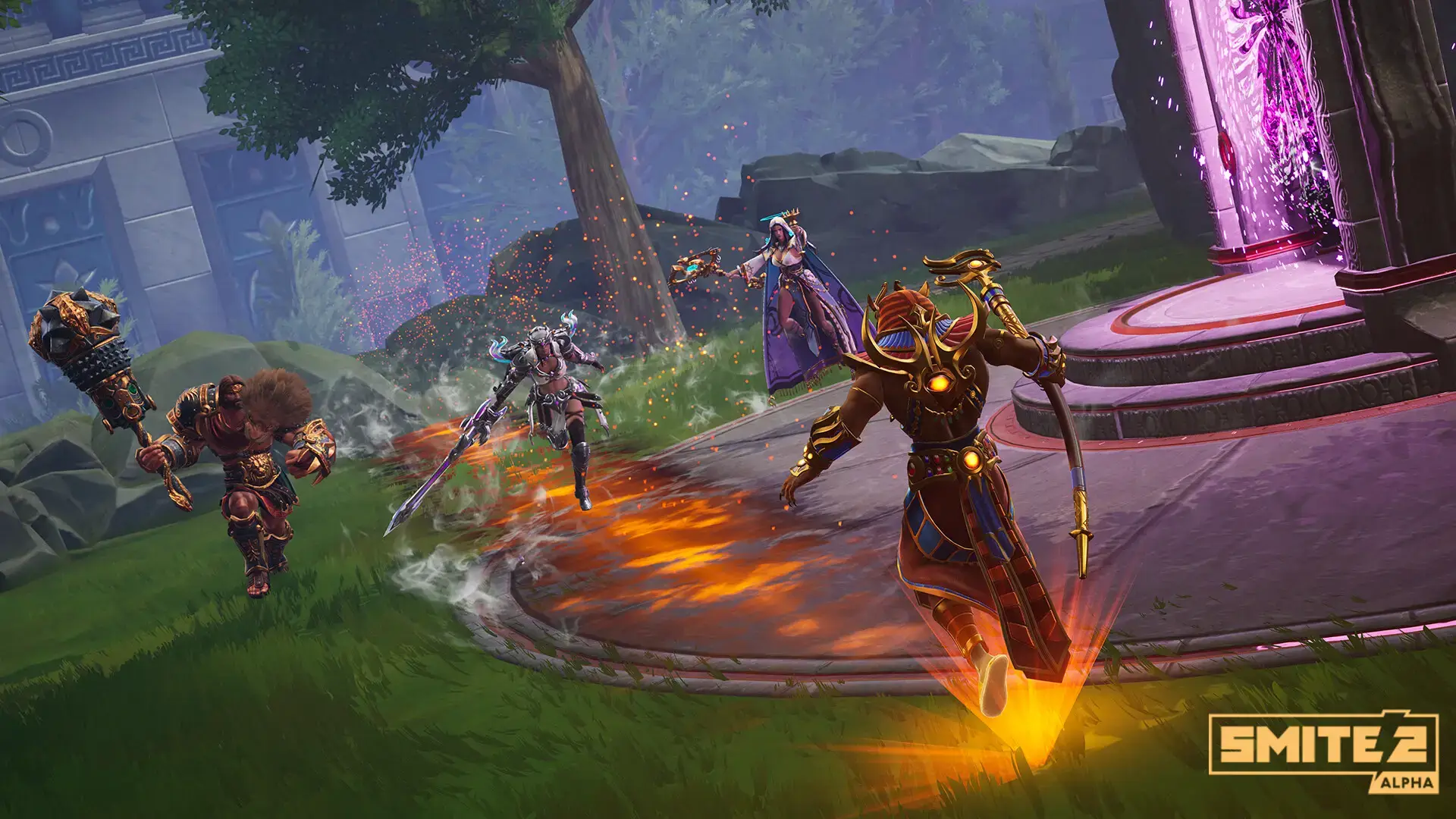
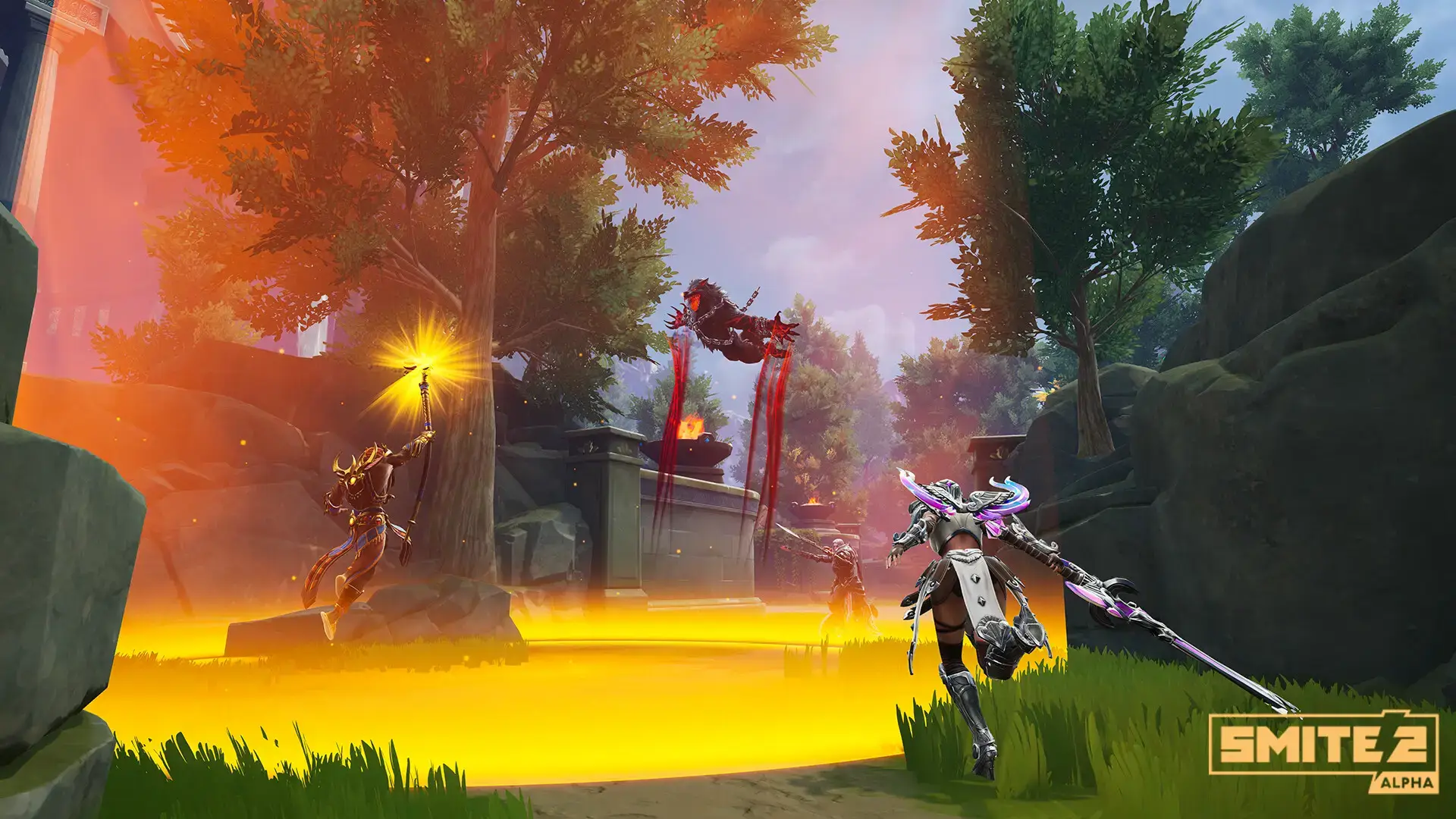
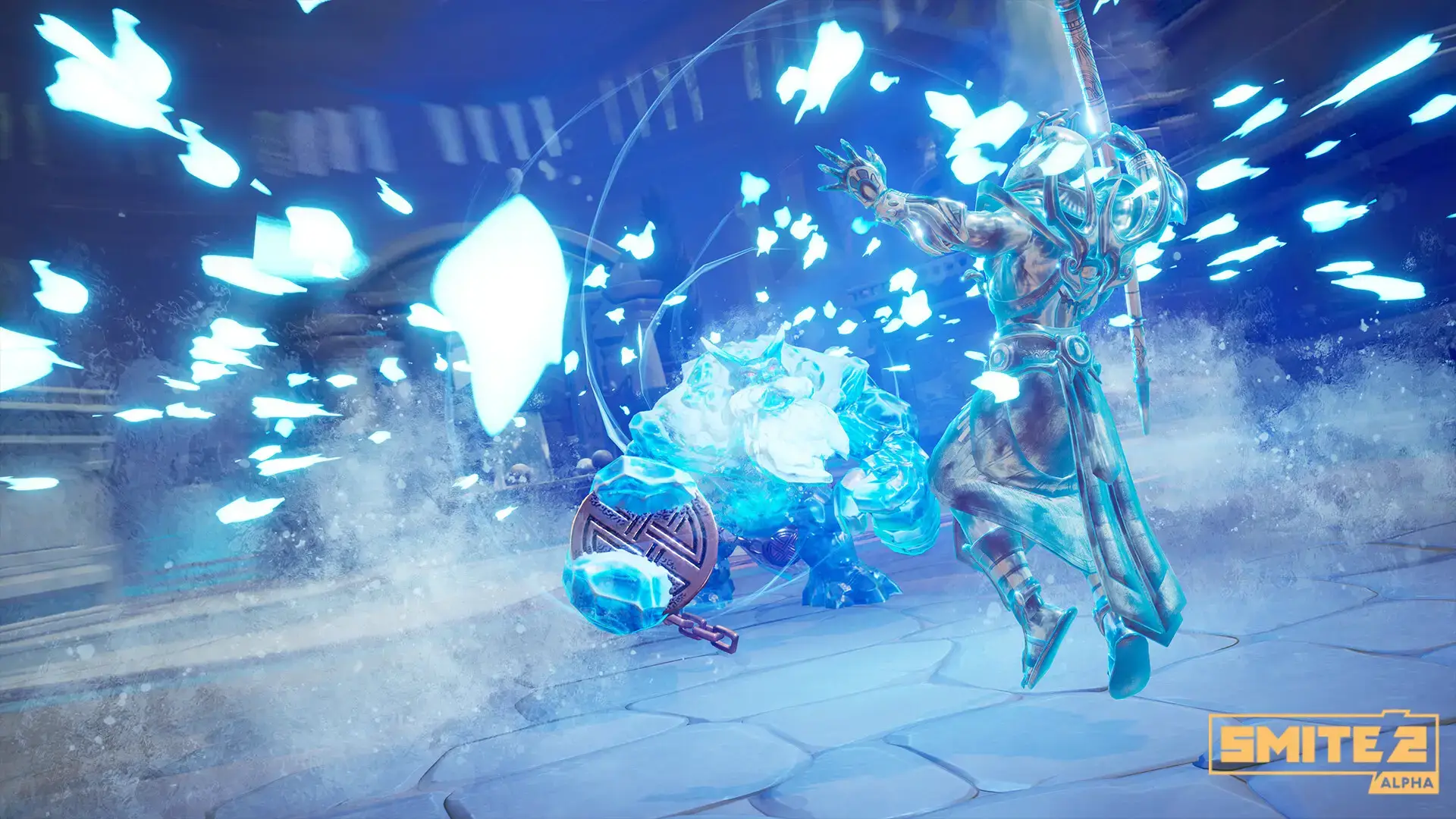
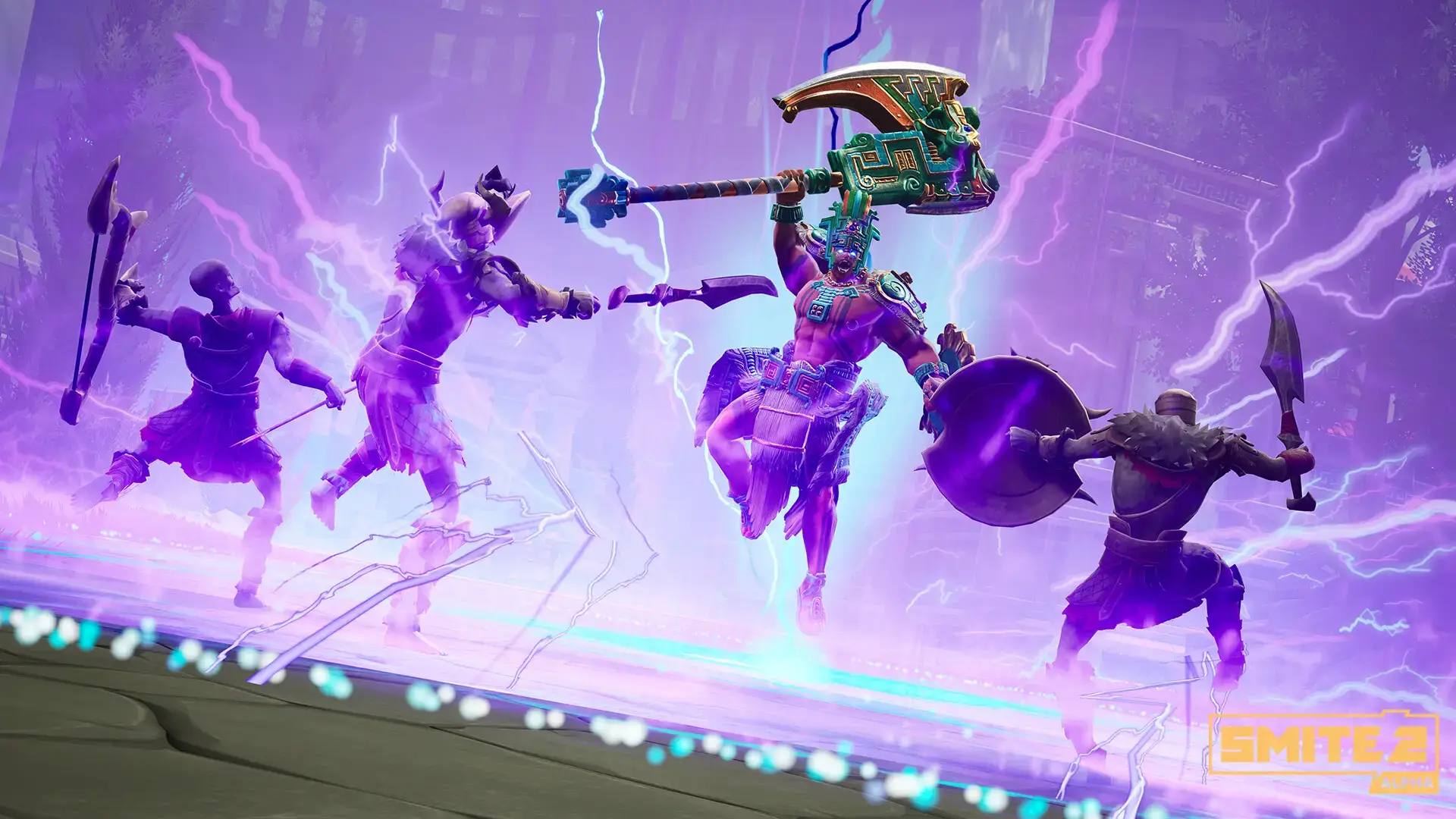
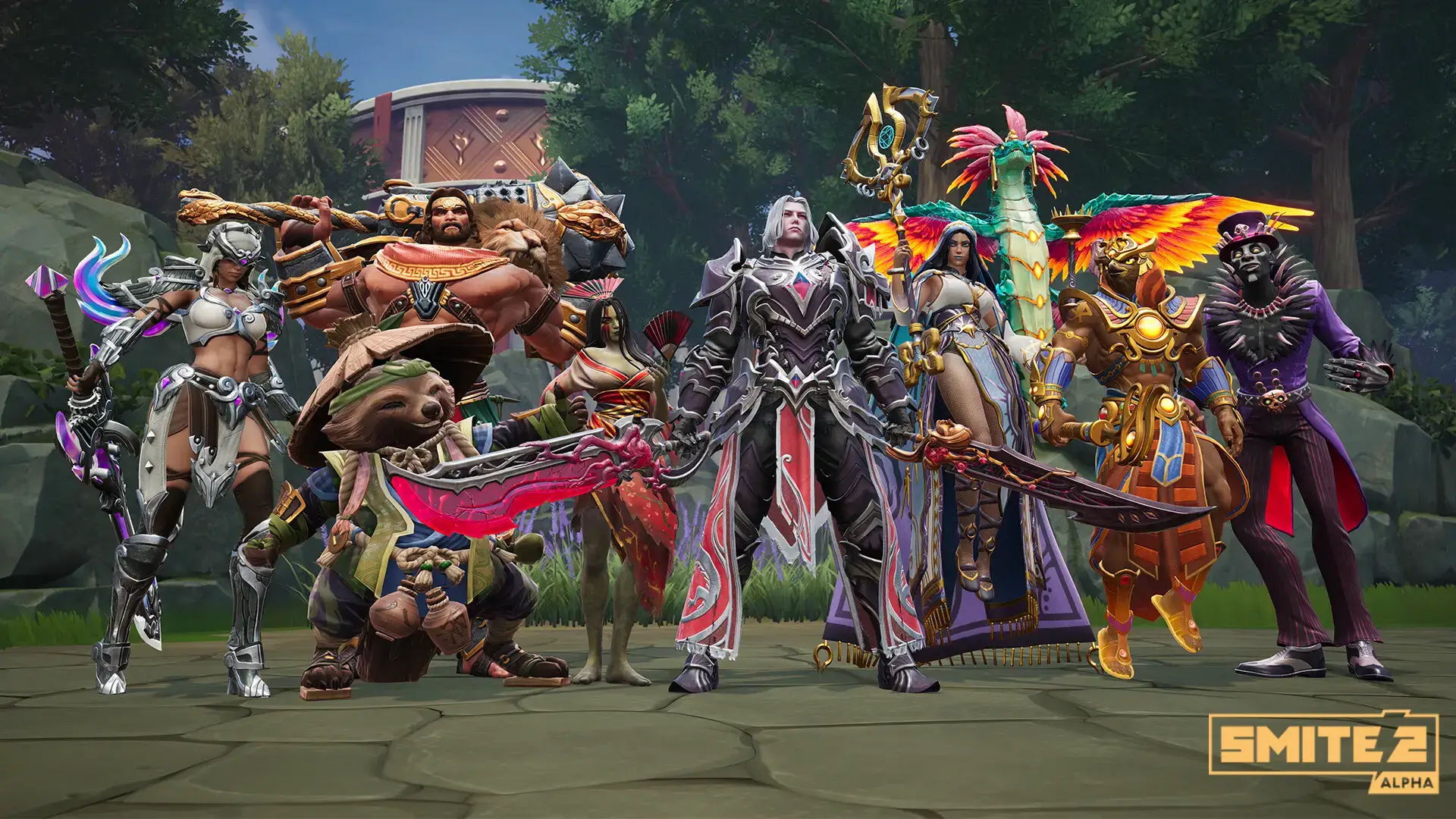
Video Overview
Watch a 30 minute Smite 2 beginner guide that covers everything from controls and roles to builds, objectives, and core strategy.
System Requirements
SMITE 2 is more demanding than the original game due to the new engine.
| Component | Minimum | Recommended |
|---|---|---|
| OS | Windows 10 (64-bit) | Windows 10 / 11 |
| CPU | Core i5-9400F / Ryzen 5 2600 | Core i7-10700K / Ryzen 5 5600X |
| RAM | 8 GB | 16 GB |
| GPU | GTX 1050 Ti / RX 560 | RTX 3060 / RX 6600 XT |
| Storage | 30 GB available | 30 GB SSD |
SMITE 2 FAQ
- Do my skins transfer from SMITE 1?
Most skins do not transfer directly because the game uses a new engine. However, you get “Legacy Gems” for every dollar you spent in SMITE 1 to buy new skins in SMITE 2. - Is SMITE 2 free?
Yes, the full game will be free-to-play. During the Early Access / Alpha phase, you may need to buy a Founder’s Pack to play immediately. - Is there crossplay?
Yes, SMITE 2 supports full crossplay. You can play with friends on Xbox, PlayStation, and PC in the same match. - Does it support controllers?
Yes, the game has full controller support on PC. It feels very natural since you move with the stick instead of clicking.
Explore more Windows games: Half-Life: Alyx for PC · Best free to play Games · Underground Garage · Tabletop Simulator for PC · Task Force Admiral for PC
Discover more from Windows Mode
Subscribe to get the latest posts sent to your email.