Readers like you help support Windows Mode. When you make a purchase using links on our site, we may earn an affiliate commission. All opinions remain my own.
In today’s digital world, staying protected online is more important than ever. With cyber threats constantly evolving, relying on outdated or no antivirus software can leave your personal data vulnerable to attacks.
The good news? In 2025, there’s a range of powerful antivirus programs that offer robust protection without slowing down your system. Whether you’re worried about phishing scams, ransomware, or malware, these tools have you covered.
Having tested and compared the best options, I’ve rounded up the top antivirus software you should try this year. Let’s dive in and find the perfect solution to keep your devices and data safe, and don’t forget to leave a comment and tell us what you think.
Best Windows Antivirus Software in 2025
1. Avast Antivirus
Key Features
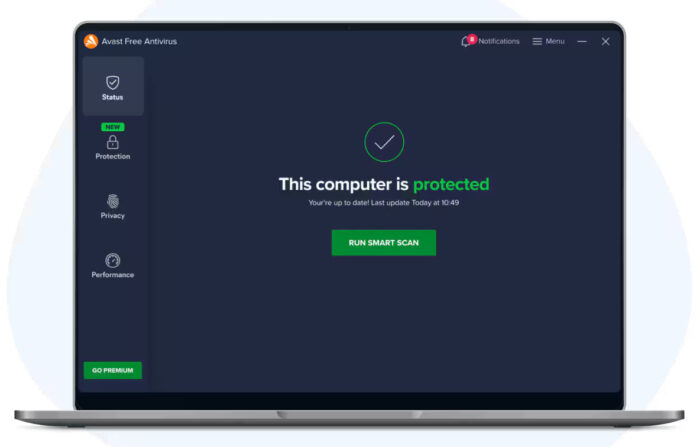
- 🛡️ Real-Time Protection: Guards against malware, spyware, and ransomware.
- 🌐 Web Shield: Protects against unsafe websites and downloads.
- 🧹 System Cleaner: Removes unnecessary files to improve device performance.
Why We Like It
Avast is one of the most trusted free antivirus solutions and I have been using it for the last 10+ years and it is by far, my favorite because the free version is good enough for most computers and it doesn’t slow your computer down either. It’s simple to install and even easier to use and for us gamers, it has a gamers-mode(silent mode) where it can minimize any distractions including notifications, background scans etc so that you can focus on your gaming in peace.
2. Bitdefender Antivirus
Key Features
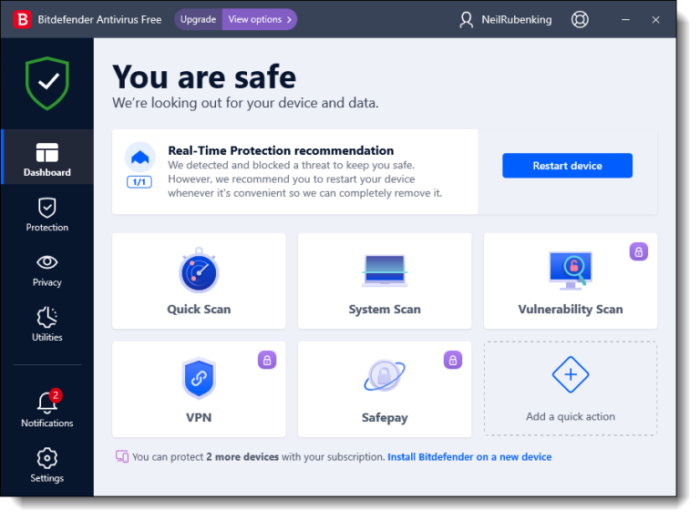
- 🛡️ Advanced Threat Defense: Detects and blocks complex malware.
- ⚡ Lightweight Performance: Minimal system impact for fast operations.
- 🔄 Automatic Updates: Keeps protection up to date without manual effort.
Why We Like It
Bitdefender’s free version is ideal for users who want no-frills protection but their paid version is worth it. This is my 2nd favorite antivirus for a reason, it also gets the job done. It operates silently in the background, delivering strong security without interruptions.
3. Kaspersky Security Cloud Free
Key Features
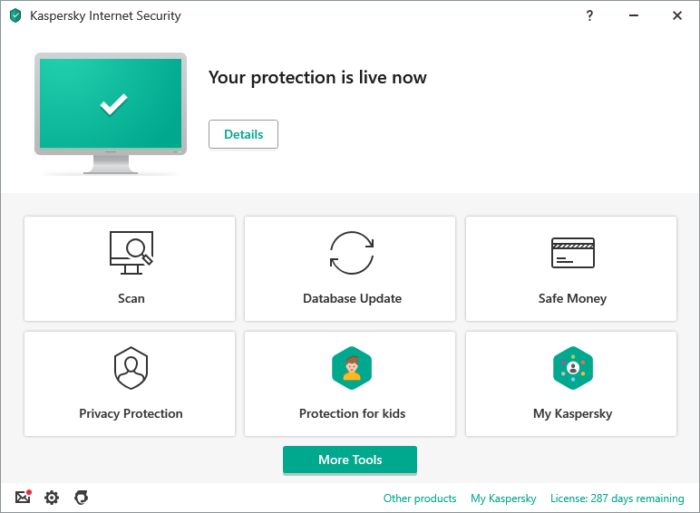
- 🔍 Real-Time Scanning: Continuous monitoring for threats.
- 🌐 VPN Included: Offers limited free VPN for secure browsing.
- 🧩 Password Manager: Free access to Kaspersky’s basic password manager.
Why We Like It
Kaspersky Security Cloud Free combines antivirus with extra features like VPN and password management, providing comprehensive protection at no cost.
👉 Download Kaspersky Security Cloud Free
4. AVG Antivirus Free
Key Features
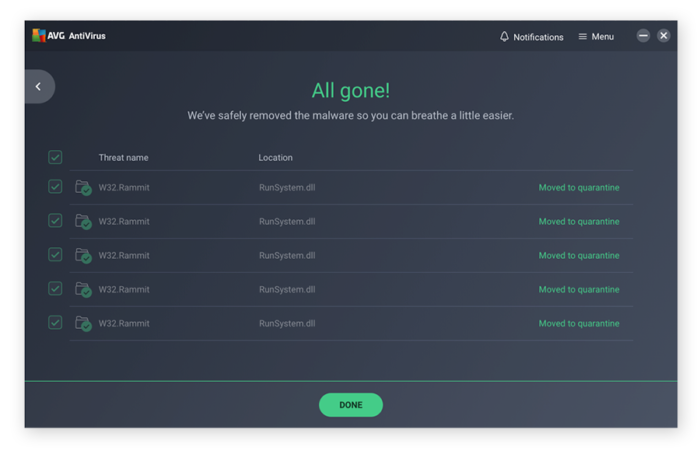
- 🛡️ Basic Protection: Defends against viruses, malware, and spyware.
- 🌐 Web & Email Shield: Blocks dangerous links and email attachments.
- ⚙️ Automatic Updates: Ensures your antivirus is always up to date.
Why We Like It
AVG offers reliable protection with a focus on simplicity. It’s an excellent choice for users who want basic, no-cost antivirus software.
5. Windows Defender (Microsoft Defender)
Key Features
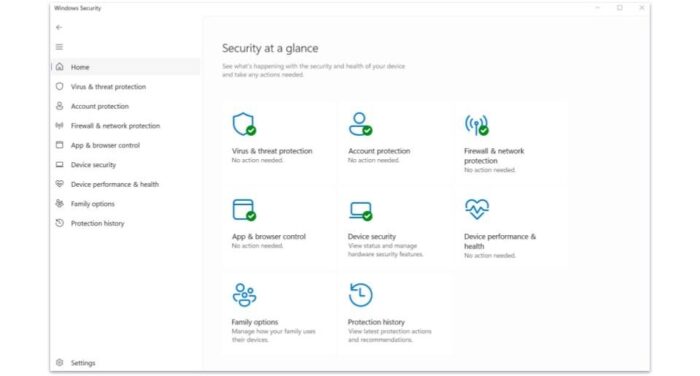
- 🛡️ Built-In Protection: Comes pre-installed on Windows 10 and 11.
- 🔍 Real-Time Threat Detection: Scans files and apps for potential risks.
- 🌐 Firewall & Network Protection: Adds an extra layer of security to your system.
Why We Like It
Windows Defender is a solid choice for users who want basic protection without installing additional software. It’s already integrated into Windows, making it hassle-free to use.
👉 Learn More About Microsoft Defender
Do you need an Antivirus Software on Windows?
Yes, yes you do need some sort of antivirus app for your Windows OS and my reason for saying that is simple. 90% of all viruses are targeted towards people like you and me, people who have Windows OS installed on our computers.
To me, it’s a requirement to have some sort of Antivirus App on any and every Windows system you have, I don’t care if you are reading this on a Windows XP or Windows 11 laptop, you must protect yourself, your files and the best way to do that is to get a good and trusted Antivirus app installed right away, with that said, lets begin with our list.
You might also enjoy reading our guide on the best Microsoft Office alternatives.
The Best Antivirus Software FAQ
1. Do I really need antivirus software in 2024?
Yes, cyber threats like malware, ransomware, and phishing scams are constantly evolving. Antivirus software helps protect your personal data, devices, and online privacy.
2. Are free antivirus programs effective?
Free antivirus programs like Avast, AVG, and Windows Defender offer reliable basic protection. However, premium versions often provide additional features like advanced ransomware protection, VPNs, and parental controls.
3. What’s the difference between free and paid antivirus software?
Free antivirus software focuses on essential protection against viruses and malware. Paid versions usually include extra features like multi-device support, real-time protection, and enhanced security tools like firewalls and VPNs.
4. Can antivirus software slow down my computer?
Modern antivirus programs are designed to run efficiently in the background. Lightweight options like Bitdefender Free Edition are known for minimal impact on system performance.
5. Is Windows Defender enough for protection?
Windows Defender offers good basic protection and is sufficient for casual users. However, advanced users may prefer additional features found in third-party antivirus programs.
Discover more from Windows Mode
Subscribe to get the latest posts sent to your email.















another vote for Avast, it hasn’t let me down the past 2 years I have been using it.
trying out Panda antivirus right now
avast #1 for a reason
what happened to Norton/McAfee are those companies still reliable these days?
Yeah, What about Comodo free antivirus? I’m using this antivirus for past 3 years, I didn’t face any system issues.
Ekonomik ve Kaliteli Kompresör