Readers like you help support this site. When you make a purchase using links on our site, we may earn an affiliate commission. All opinions remain our own.
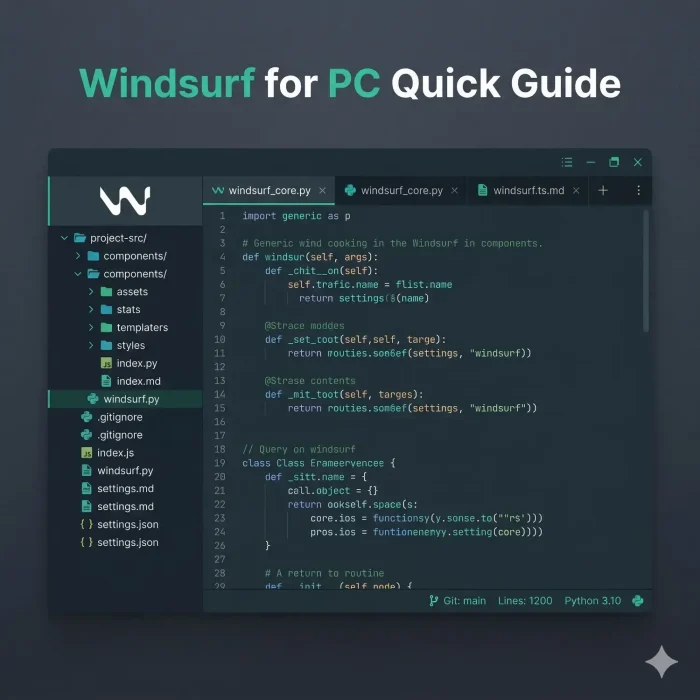
Windsurf is a free AI code editor for Windows from Codeium, available at windsurf.com. It is built around an agent called Cascade that reads your entire codebase and makes changes across multiple files from a single instruction. You describe what you want. Cascade plans it, edits it, and runs the terminal commands to make it happen.
The core idea behind Windsurf is called Flow awareness. The editor tracks everything you do: file edits, terminal output, clipboard, and browser previews, then uses all of that context to predict what you need next. You stay in the zone instead of stopping to re-explain your project every time you ask the AI something.
It is a fork of VS Code, so your existing extensions, settings, and keybindings move over. The Free plan includes unlimited Tab completions and a daily usage allowance for the AI agent. Paid plans add higher allowances, access to all premium models, and a new Max tier for developers who run heavy sessions every day.
Already using it? Tell us in the poll below. Got questions? Reach out to us directly.
What You Need to Know
- Tab completions and inline edits are free on every plan. They never touch your usage allowance.
- Cascade is the AI agent. It does not just suggest code, it plans and executes changes across your whole project.
- The usage allowance refreshes daily and weekly. Windsurf says it is set to cover normal dev workflows comfortably. Check windsurf.com/pricing for the latest numbers.
Price
Free plan available
Developer
Codeium / Cognition
Windows
10 / 11
Based On
VS Code fork
Also On
Mac, Linux
Download Windsurf for Windows (Free)
How to Get Windsurf on Windows
Download and install takes about two minutes. No account required to install, but you will need a free account to use AI features.
- Step 1. Go to windsurf.com/download and click the Windows download button.
- Step 2. Run the installer. It sets up like any standard Windows app.
- Step 3. Open Windsurf. You will be prompted to create a free account or log in.
- Step 4. Open a folder with your project. Your existing VS Code extensions can be imported in the Extensions panel.
- Step 5. Press Ctrl+L to open the Cascade panel on the right side. Type your first instruction to get started.
If you already use VS Code, your settings, themes, and keybindings will feel familiar. Windsurf reads the same config format.
What Is Windsurf?
Windsurf is an AI code editor made by Codeium, which was acquired by Cognition (the company behind Devin, an autonomous AI software engineer) in late 2025. The editor is a fork of VS Code with Codeium’s own AI systems built in rather than using OpenAI or Anthropic APIs directly.
The biggest difference from tools like GitHub Copilot is the level of autonomy. Copilot suggests the next line. Windsurf’s Cascade agent reads your entire codebase, forms a plan, and executes changes across many files at once. You still review and approve, but the AI does the legwork.
Windsurf also ships its own AI model family built specifically for software engineering tasks rather than general conversation. The current flagship is SWE-1.5. SWE-1-mini powers Tab autocomplete at near-zero latency. All plans also access models from providers including OpenAI, Anthropic, Google, and xAI.
As of early 2026, Windsurf ranked first in LogRocket’s AI Dev Tool Power Rankings, ahead of Cursor and GitHub Copilot.
Key Features
Cascade Agent
Describe what you want in plain language. Cascade reads your project, plans the changes, edits files, and runs terminal commands to get there. It works across your whole codebase, not just the file you have open.
Flow Awareness
Windsurf tracks your edits, terminal output, clipboard, and browser previews as a shared timeline. The AI always knows where you are in a task without you having to repeat yourself.
Supercomplete
Goes beyond autocomplete. Supercomplete predicts your next move by analyzing your coding patterns and project context, then suggests entire code blocks and functions, not just the next line.
SWE-1 Model Family
Windsurf builds its own AI models for coding, not adapted from general-purpose chat models. SWE-1.5 is the current flagship. SWE-1-mini powers Tab autocomplete at near-zero latency. All plans access models from OpenAI, Anthropic, Google, xAI, and Windsurf’s own SWE family.
Windsurf Previews
Preview web apps inside the editor as you build. Cascade can see the preview too, so if something looks wrong visually, it can catch and fix it without you describing the problem.
VS Code Compatible
Windsurf is a VS Code fork. Your themes, extensions, keybindings, and settings work as expected. Switching from VS Code takes minutes, not hours.
System Requirements
| Requirement | Minimum |
|---|---|
| Operating System | Windows 10 or Windows 11 (64-bit) |
| Architecture | x64 or ARM64 |
| RAM | 4 GB minimum, 8 GB recommended |
| Storage | 2 GB free disk space |
| Internet | Required for AI features (all AI runs in the cloud) |
| GPU | Not required. AI processing is server-side. |
Plans and Pricing
| Plan | Price | What’s Included |
|---|---|---|
| Free | $0/mo | Light daily/weekly usage allowance for AI agent, unlimited Tab completions, unlimited inline edits, limited model access |
| Pro | $20/mo | Higher daily/weekly allowance, all premium models (OpenAI, Claude, Gemini, xAI), extra usage available to purchase |
| Teams | $40/seat/mo | Everything in Pro, centralized billing, admin dashboard with analytics, priority support, automated zero data retention |
| Max | $200/mo | Significantly higher allowance than Pro, priority support, built for developers who run long, heavy agent sessions every day |
| Enterprise | Contact sales | Everything in Teams, RBAC, SSO, dedicated account management, hybrid deployment options |
Tab completions and inline edits are free on all plans. The usage allowance refreshes daily and weekly, so most developers will never hit the ceiling. Check windsurf.com/pricing for the current numbers.
Keyboard Shortcuts
| Action | Windows Shortcut |
|---|---|
| Open Cascade (AI chat panel) | Ctrl+L |
| Inline AI edit | Ctrl+I |
| Accept AI suggestion | Alt+A |
| Reject AI suggestion | Alt+R |
| Follow up on AI suggestion | Alt+F |
| Command palette | Ctrl+Shift+P |
| Quick file search | Ctrl+P |
| Go to line | Ctrl+G |
| Go to definition | F12 |
| View all keyboard shortcuts | Ctrl+K Ctrl+S |
How Windsurf Works
Open your project
Open any folder in Windsurf. It reads your code structure automatically.
Tell Cascade what you want
Press Ctrl+L and describe the change in plain language.
Cascade plans and edits
It reads the relevant files, plans the changes, and edits across your codebase.
Review the diff
See exactly what changed. Accept, reject, or ask Cascade to revise.
Keep building
Cascade remembers the session context. Your next instruction picks up where the last one left off.
Windsurf vs. the Alternatives
| Tool | Price | AI Approach | Best For |
|---|---|---|---|
| Windsurf | Free plan available | Agentic, Flow-aware. Cascade handles multi-file tasks autonomously. | Devs who want the AI to do the heavy lifting |
| Cursor | Free / $20/mo | AI-assisted with strong developer control | Devs who want to stay in charge of every edit |
| GitHub Copilot | $10/mo | Inline suggestions and chat inside VS Code | Teams already on GitHub with VS Code |
| VS Code + Extensions | Free | Mix-and-match via extensions | Devs who want full control over their setup |
Tips for Getting Started
Tip 1. Start Cascade with a clear goal, not a vague question
Instead of asking “how do I add auth?”, say “Add email/password login to this Express app using Passport.js and store sessions in Redis.” The more specific you are, the less Cascade has to guess, and shorter sessions use less of your daily allowance.
Tip 2. Use Ctrl+I for small edits, Ctrl+L for big tasks
Ctrl+I opens an inline edit box for quick, single-location changes. Inline edits are free on all plans and do not touch your daily allowance. Save Cascade (Ctrl+L) for tasks that span multiple files or need real reasoning.
Tip 3. Review the diff before you accept
Cascade shows you exactly what changed before anything is saved. Read through it. AI-generated code is usually good but not always perfect. Catching a small logic error at the diff stage takes 10 seconds. Finding it in production takes much longer.
Tip 4. Import your VS Code extensions on day one
Go to the Extensions panel and look for the import option. Bringing over your linters, formatters, and themes means Windsurf feels like home immediately and Cascade works within your existing code style rules.
Tip 5. Let Tab completions do the repetitive work for free
Tab completions are free on all plans and do not touch your daily allowance. For boilerplate, repeated patterns, and predictable code, just type the start and hit Tab. Save the agent for decisions that actually need reasoning.
Video
Windsurf’s official intro video, showing the editor and Cascade agent in action.
Screenshots
Windsurf running on Windows 11, showing the Cascade panel, inline edits, and the Supercomplete suggestions in a live project.
-
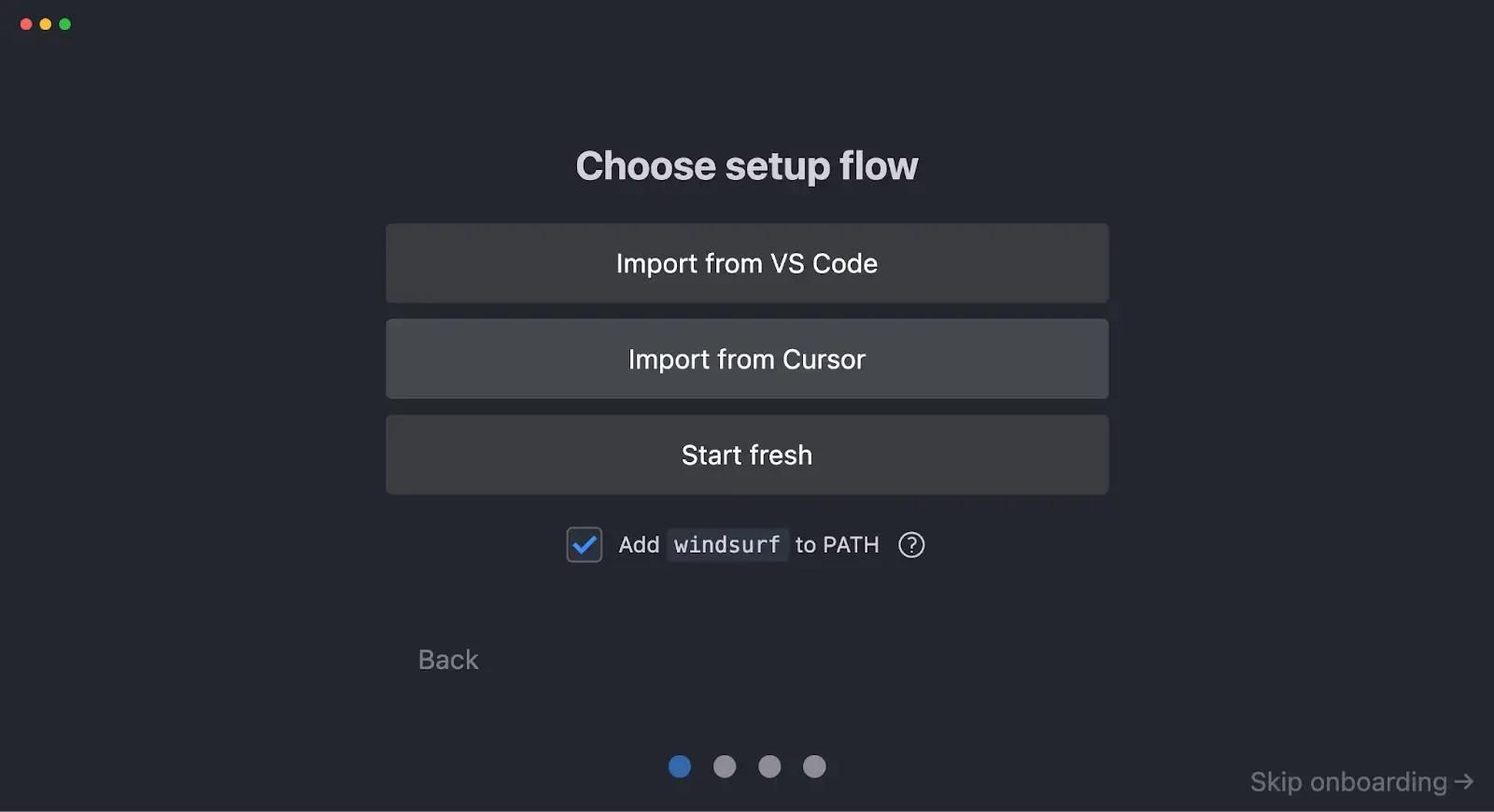
- Choose setup from Windsurf for Windows: Complete Setup Guide (2026)
-
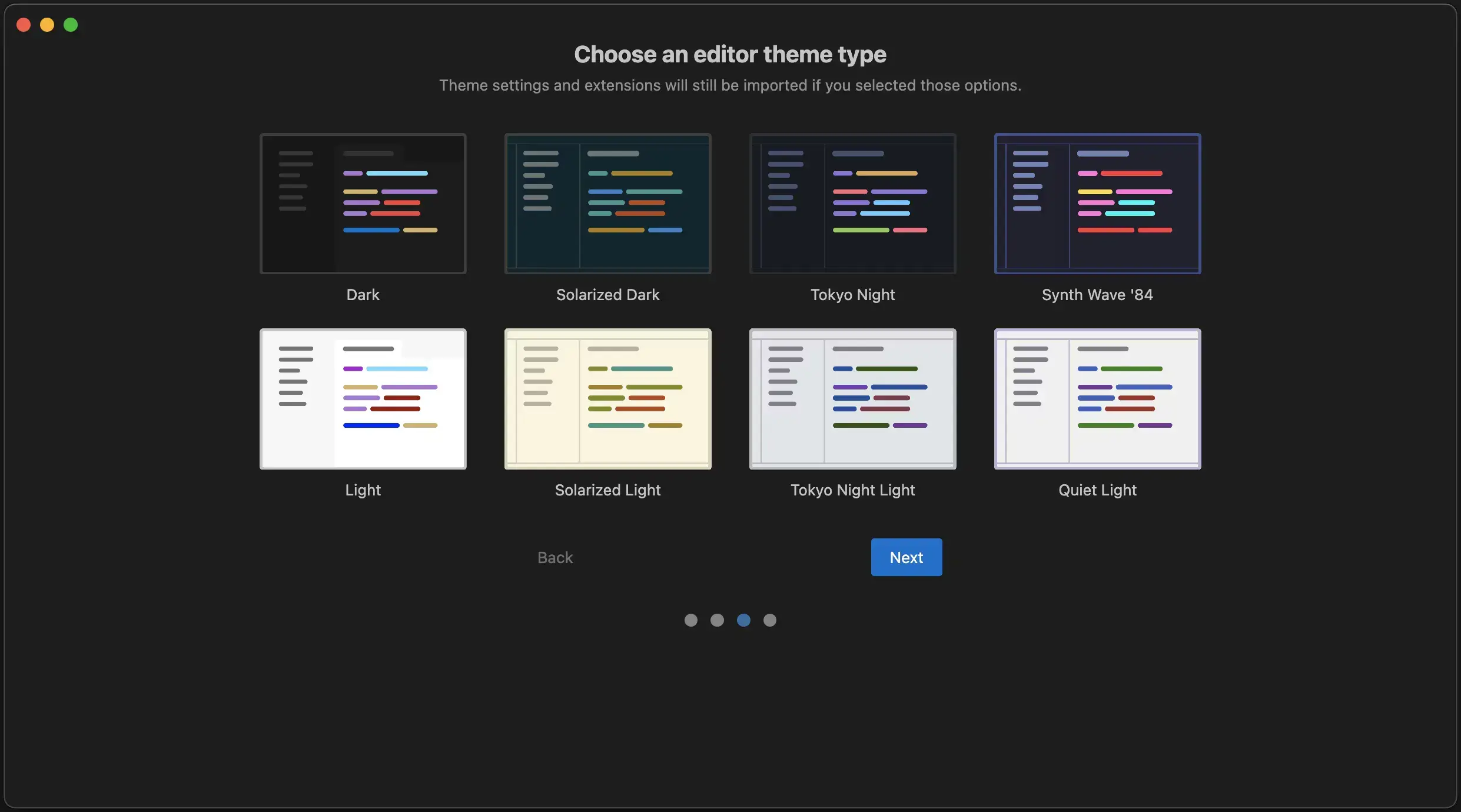
- Choose theme from Windsurf for Windows: Complete Setup Guide (2026)
-
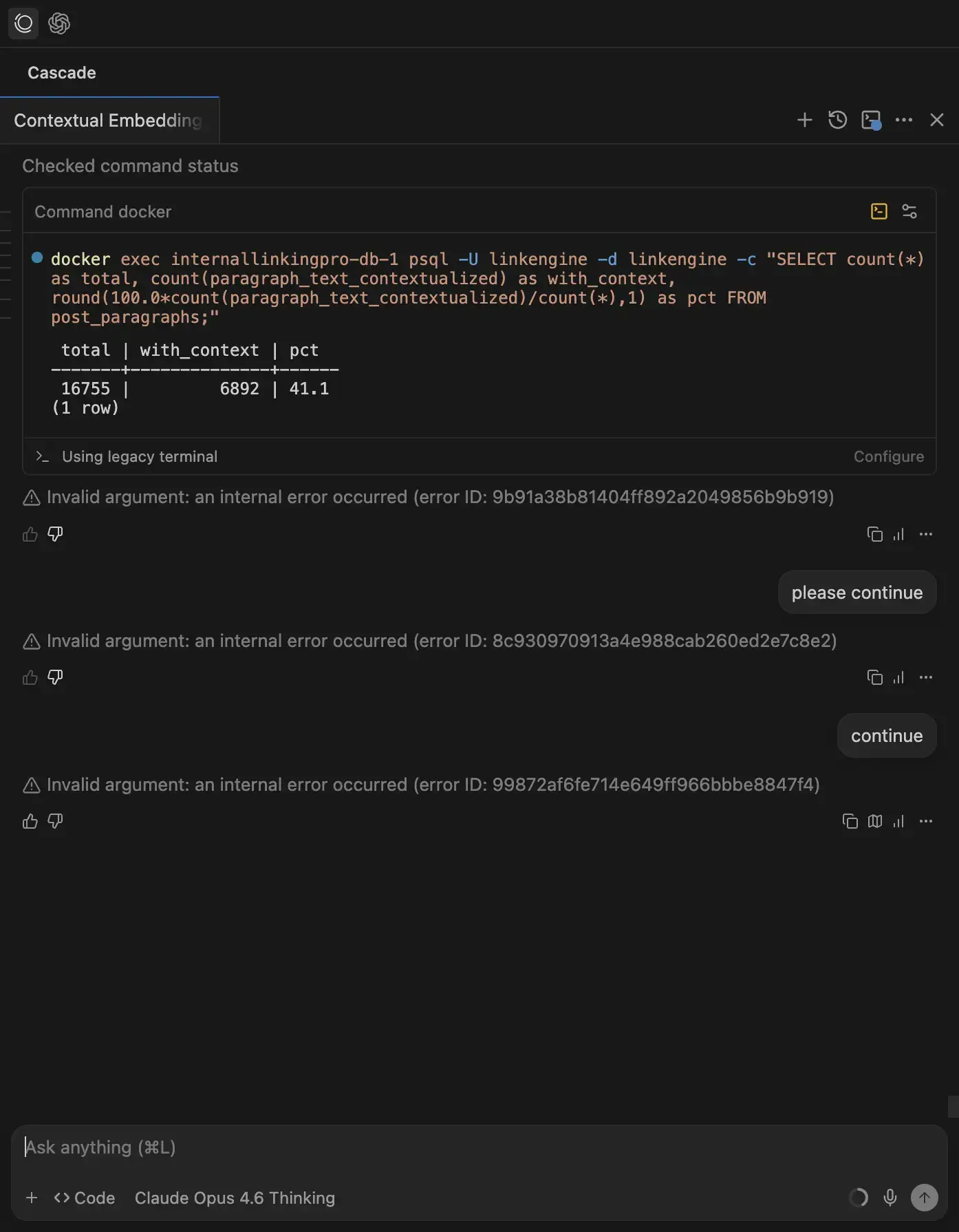
- Internal error from Windsurf for Windows: Complete Setup Guide (2026)
-
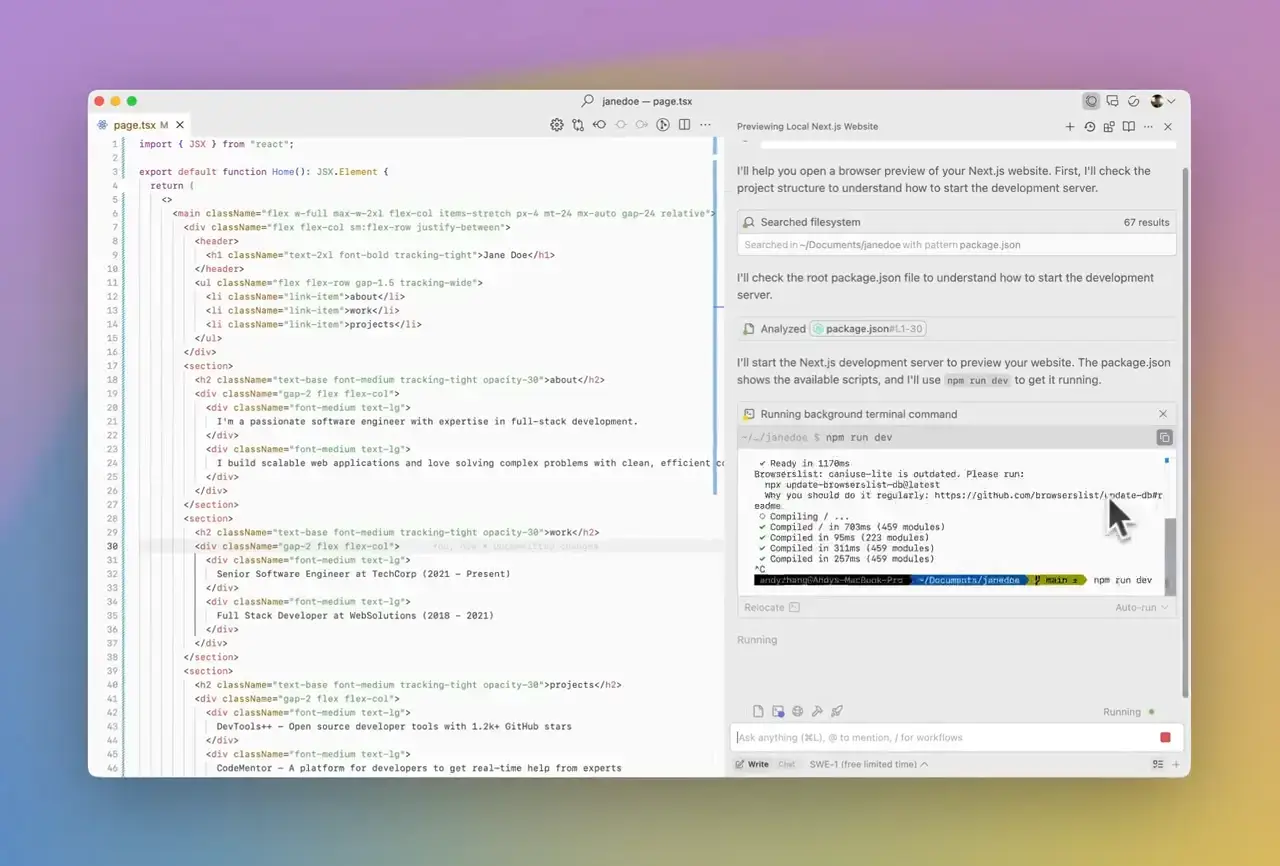
- Live website from Windsurf for Windows: Complete Setup Guide (2026)
-
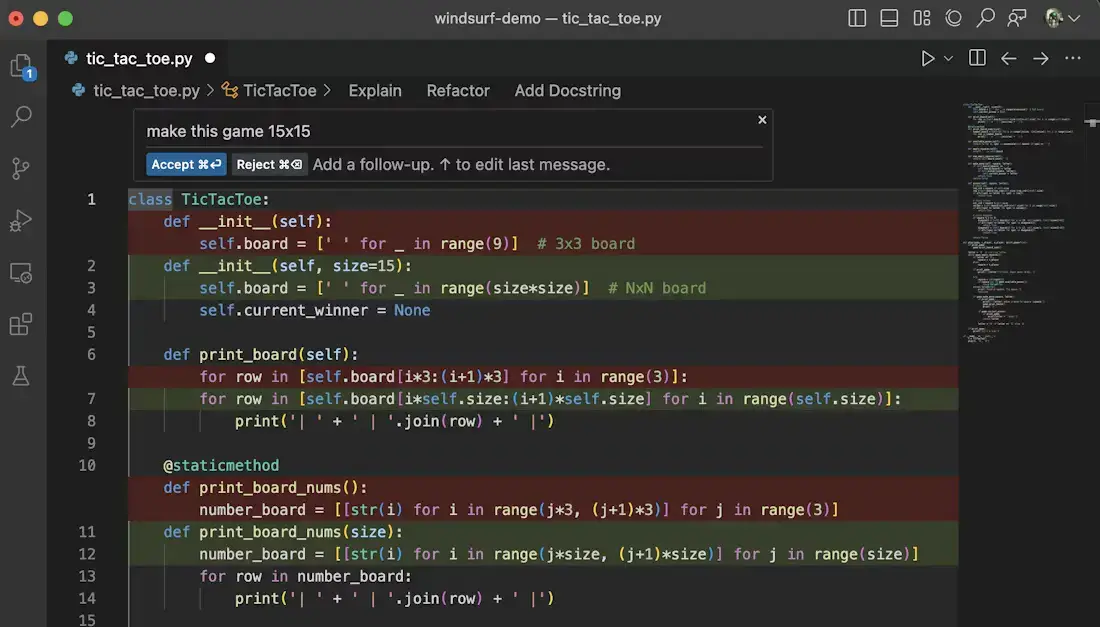
- Python demo from Windsurf for Windows: Complete Setup Guide (2026)
-
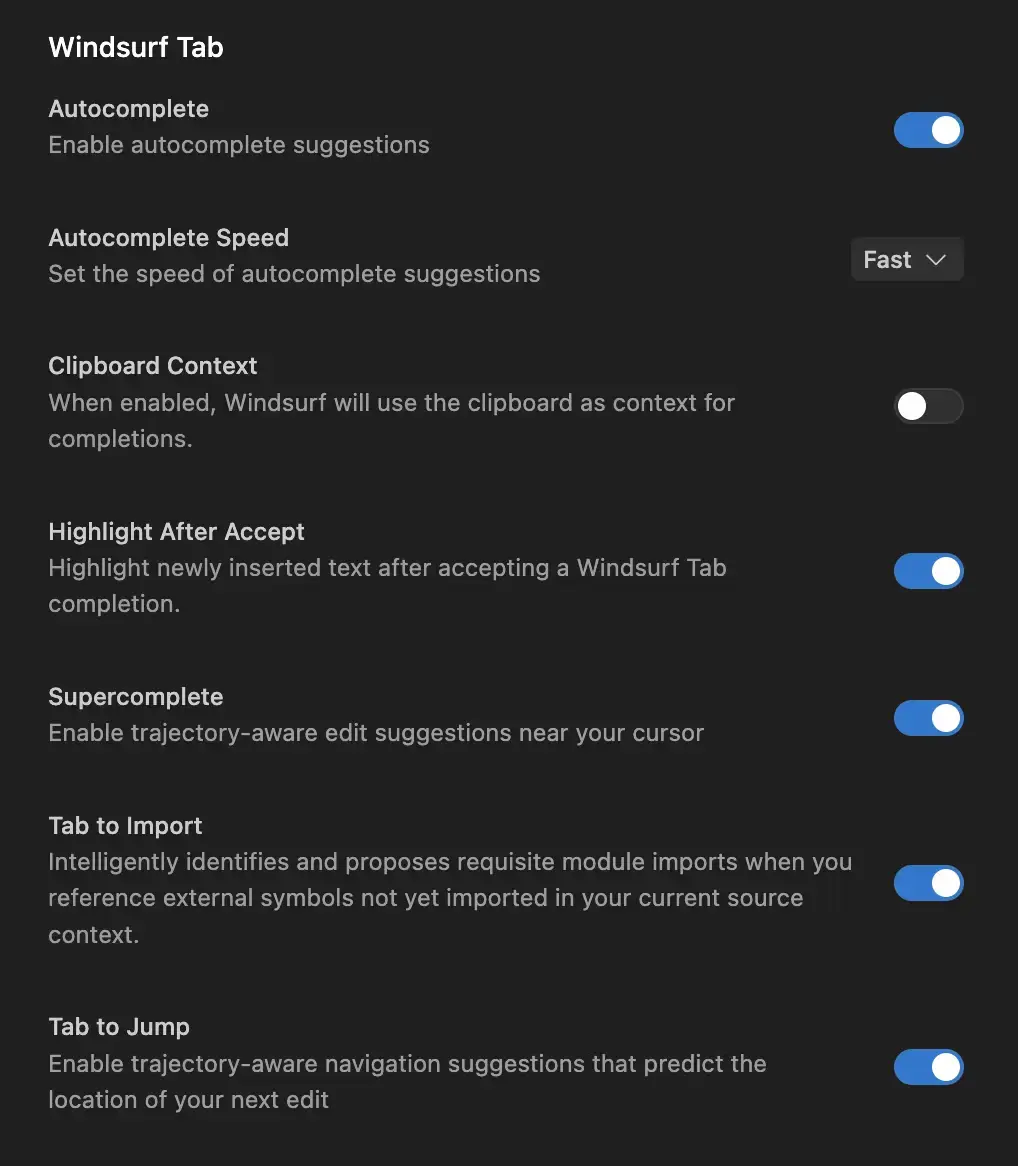
- Settings from Windsurf for Windows: Complete Setup Guide (2026)
-
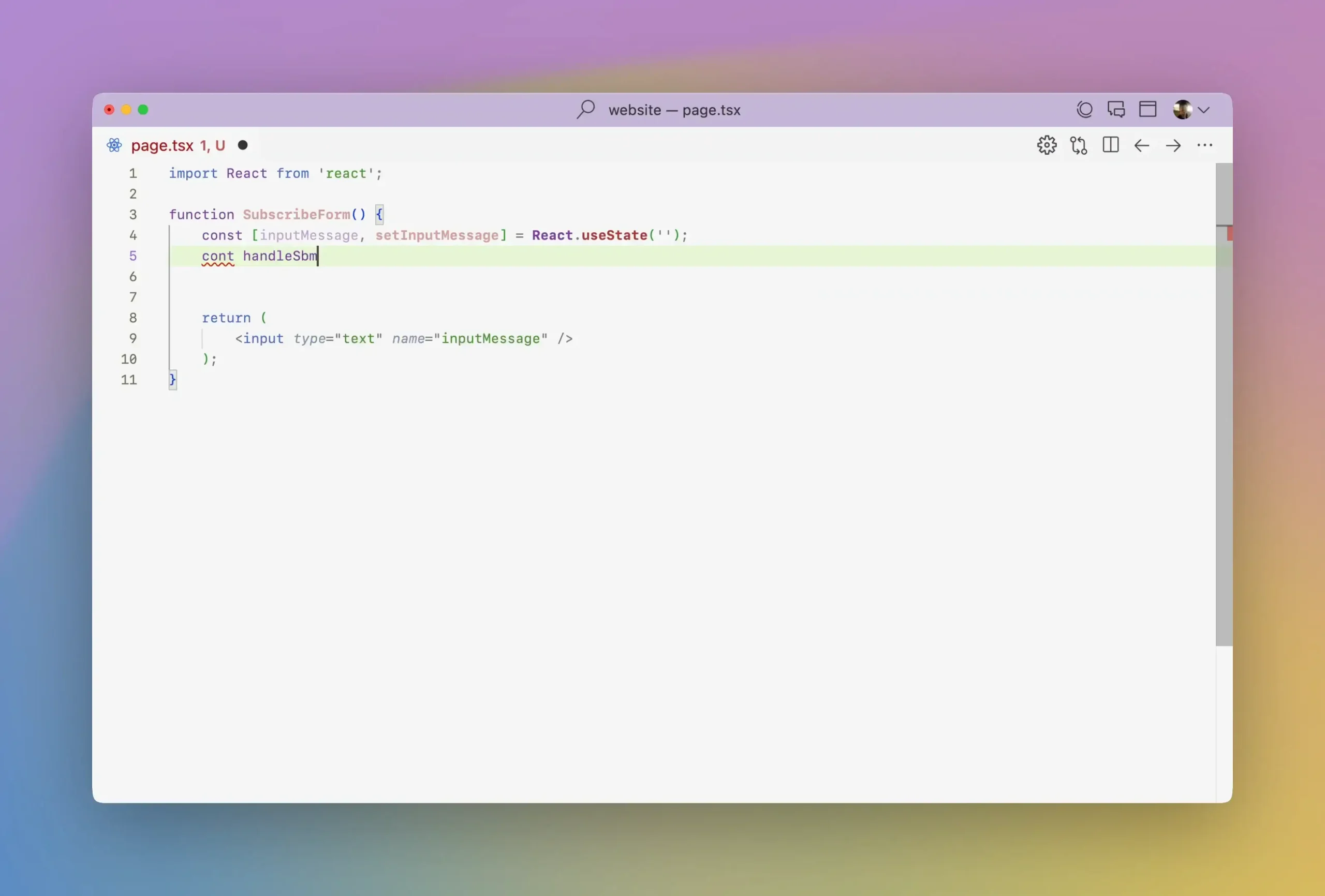
- Tab from Windsurf for Windows: Complete Setup Guide (2026)
-
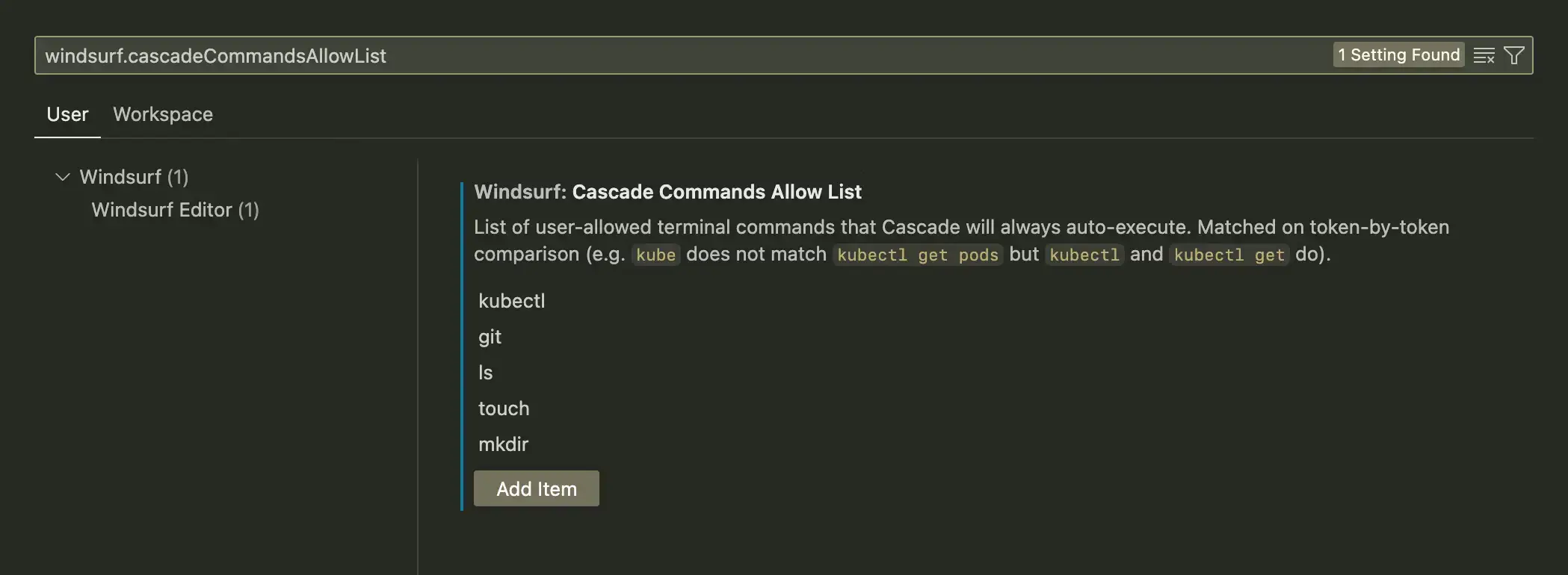
- Workspace from Windsurf for Windows: Complete Setup Guide (2026)
FAQ
What is Windsurf?
Windsurf is a free AI code editor built by Codeium (acquired by Cognition). It includes an AI agent called Cascade that can read your entire codebase and make changes across multiple files based on a single instruction.
Is Windsurf free?
Yes. Windsurf has a free plan with unlimited Tab completions, unlimited inline edits, and a daily usage allowance for the AI agent. Paid plans add higher allowances, access to all premium models, and a Max tier for heavy daily use. Check windsurf.com/pricing for the current plan details.
Does Windsurf work on Windows 10?
Yes. Windsurf runs on Windows 10 and Windows 11, on both x64 and ARM64 machines.
What is Cascade in Windsurf?
Cascade is Windsurf’s built-in AI agent. You describe what you want to build or change, and Cascade reads your code, plans the edits, and makes changes across multiple files. It can also run terminal commands on your behalf.
How is Windsurf different from Cursor?
Both are AI code editors built on VS Code. Windsurf focuses on agentic, hands-off workflows through Cascade and Flow awareness. Cursor leans toward giving the developer more control over every edit. The choice comes down to whether you want the AI to drive or assist.
Support and Community
Official links for help, updates, and discussion.
More AI coding tools for Windows: Cursor IDE · Visual Studio Code · Best AI Coding Extensions · Visual Studio 2026
Discover more from Windows Mode
Subscribe to get the latest posts sent to your email.