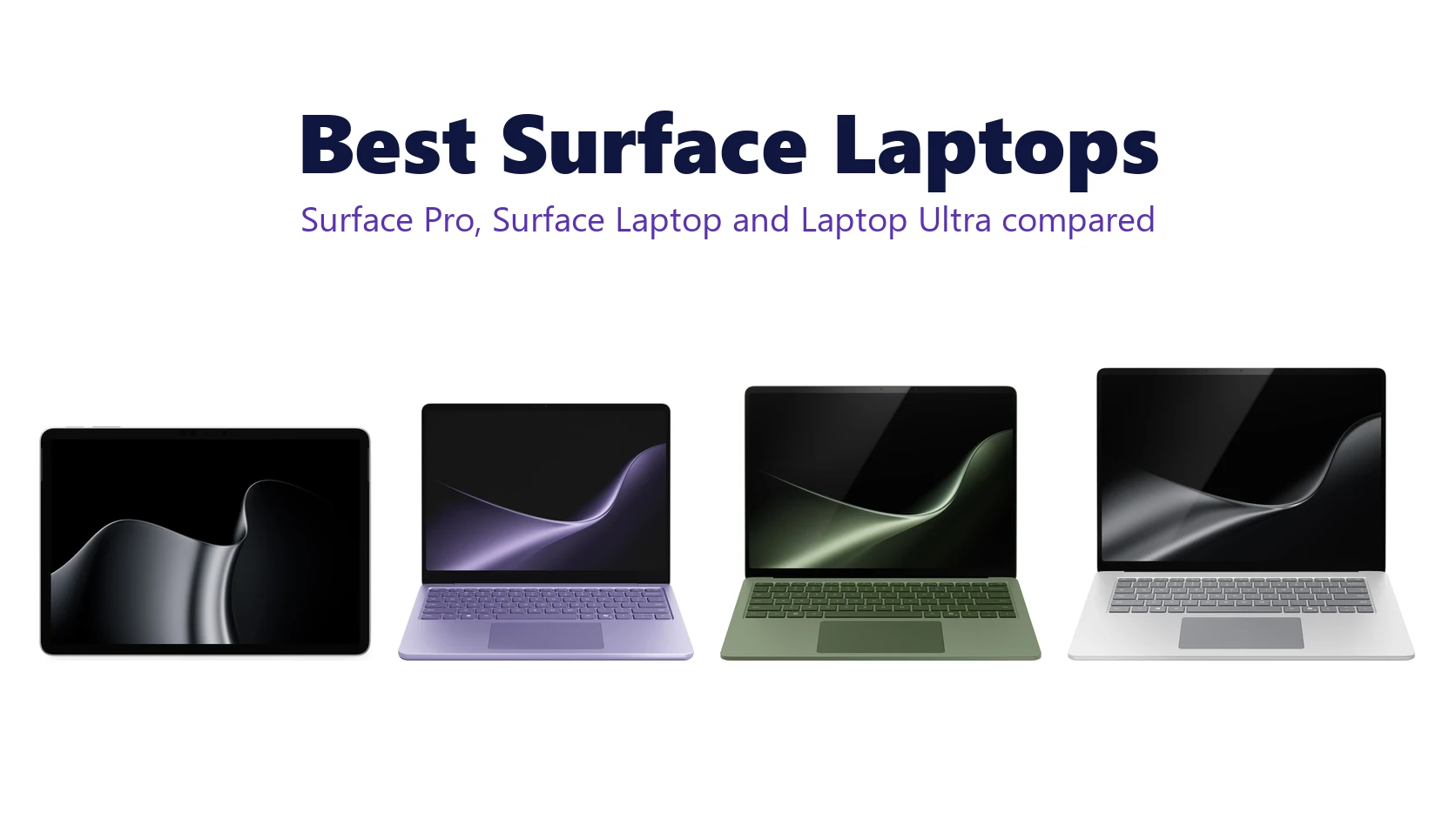
The current Surface lineup, from the Surface Pro 12-inch to the Surface Laptop 15-inch. Images: Microsoft.
The top Surface laptops right now are the Surface Pro 12-inch, the Surface Laptop 13-inch and the Surface Laptop 13.8-inch, with Surface Laptop Ultra for anyone who needs serious power. Every model in this list runs Windows 11 on a Snapdragon or NVIDIA Arm chip and is a Copilot+ PC, except the 8GB budget model.
We picked from what Microsoft sells today and checked every spec and price against Microsoft’s own store. Prices shown are Microsoft’s list prices in the US, and both Microsoft and Amazon often sell below them. Have a question about a model? Get in touch with us.
- Best 2-in-1: Surface Pro 12-inch
- Best everyday laptop: Surface Laptop 13-inch
- Best all-rounder: Surface Laptop 13.8-inch
- Best for creators: Surface Laptop Ultra
- Best budget option: Surface Laptop 13-inch (1st Edition)
Best Surface Laptops to Buy
Each pick shows Microsoft’s starting price, the screen, the chip and the battery life Microsoft measured for video playback.
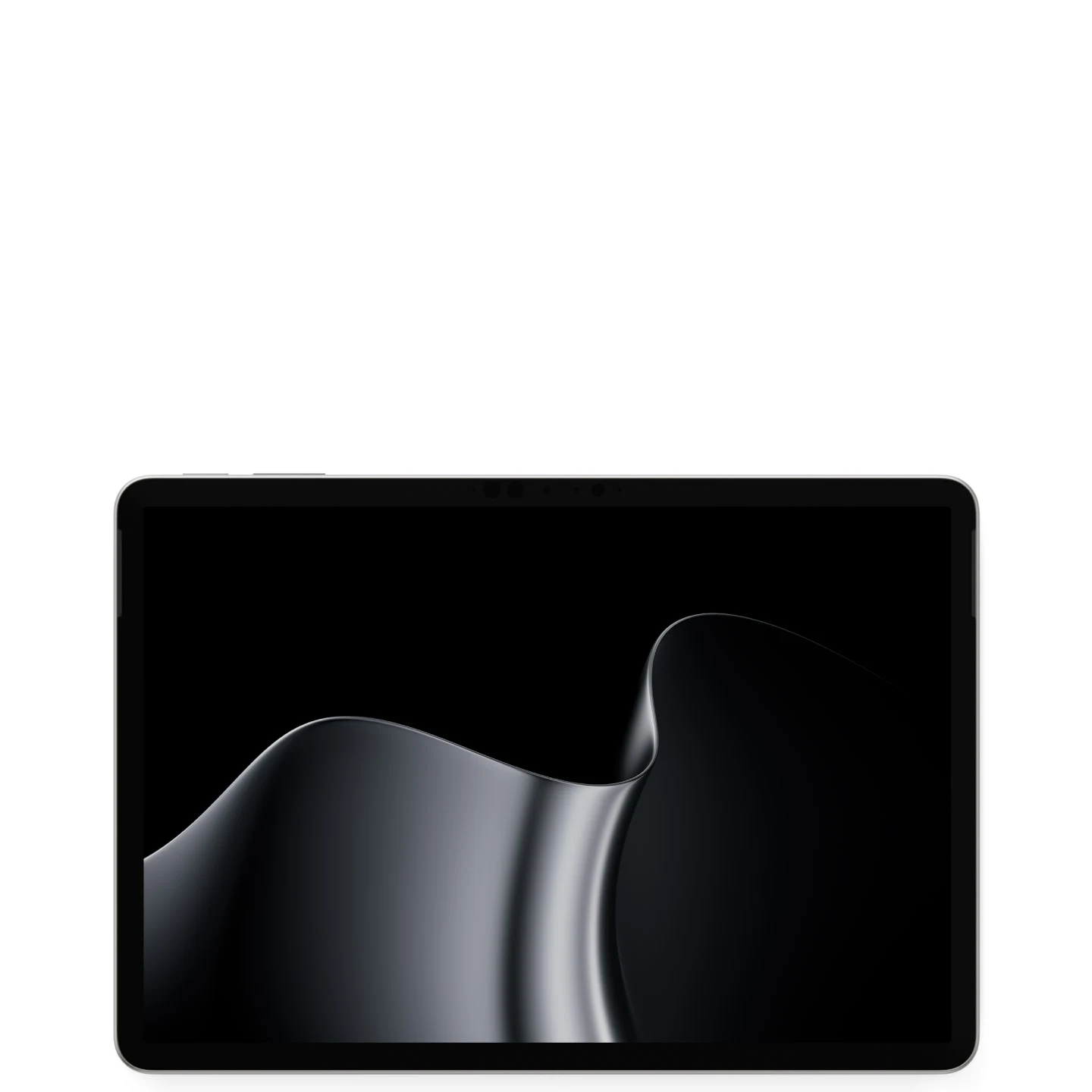
1. Surface Pro 12-inch (2nd Edition)
Best 2-in-1 for most people
The lightest Surface you can buy, at 1.5 lb without a keyboard. It is a tablet first, with a fanless design that makes no noise, a brighter 500-nit screen, and a Slim Pen that charges on its back. Add the keyboard and it covers everyday work as well as a small laptop.
From
$1,149.99
Screen
12-inch, 90Hz
Chip
Snapdragon X2 Plus
Battery
Up to 15.5 hrs
Good to know: the keyboard, pen and a USB-C charger are all sold separately.
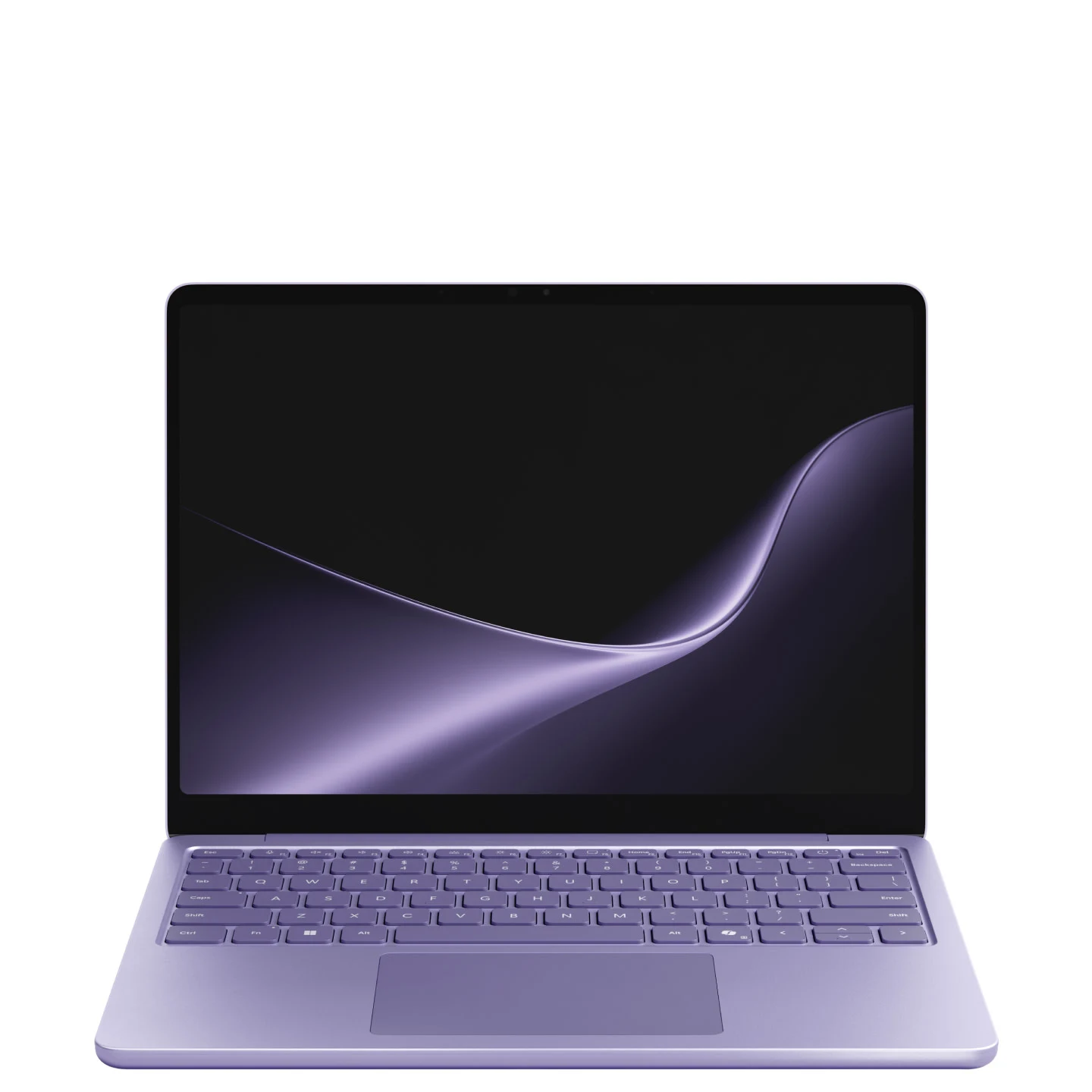
2. Surface Laptop 13-inch (2nd Edition)
Best everyday laptop
The simplest pick for school, email and Office work. It has the longest battery life of any Surface, a USB-A port next to two USB-C ports, a fingerprint power button, and a 45W charger in the box. It is the cheapest new Copilot+ Surface laptop.
From
$1,199.99
Screen
13-inch, 60Hz
Chip
Snapdragon X2 Plus
Battery
Up to 22.5 hrs
Good to know: the screen runs at 60Hz and there is no face sign-in camera, two things the bigger models add.
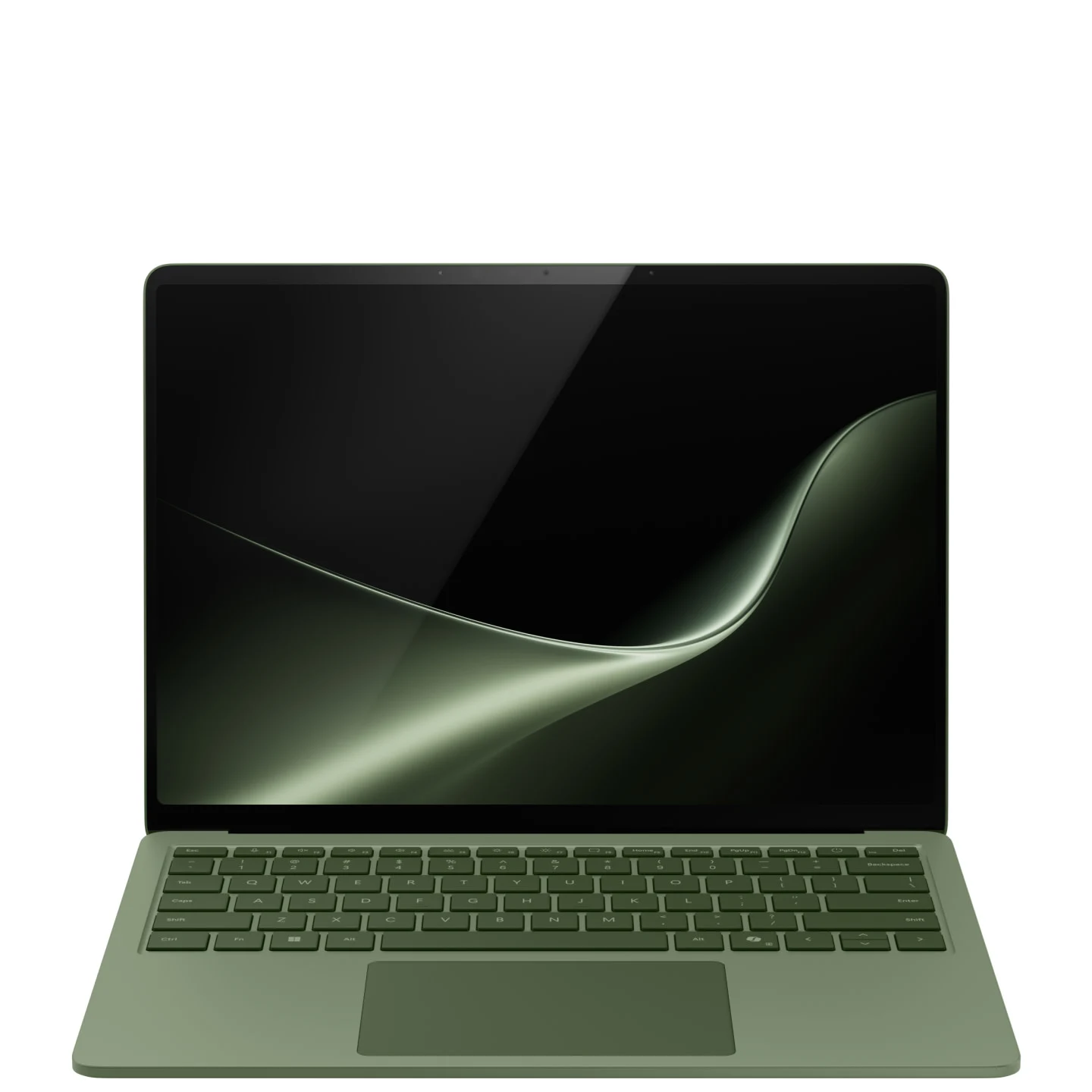
3. Surface Laptop 13.8-inch (8th Edition)
Best all-rounder
The sweet spot of the range. You get a sharper 120Hz screen, a haptic touchpad, Windows Hello face sign-in, and USB4 ports that can run three 4K monitors. Choose the X2 Elite chip if you edit photos or keep many apps open.
From
$1,599.99
Screen
13.8-inch, 120Hz
Chip
X2 Plus or X2 Elite
Battery
Up to 20 hrs
Good to know: it comes in four colors (Jade, Dune, Black and Platinum), and the SSD can be replaced later.
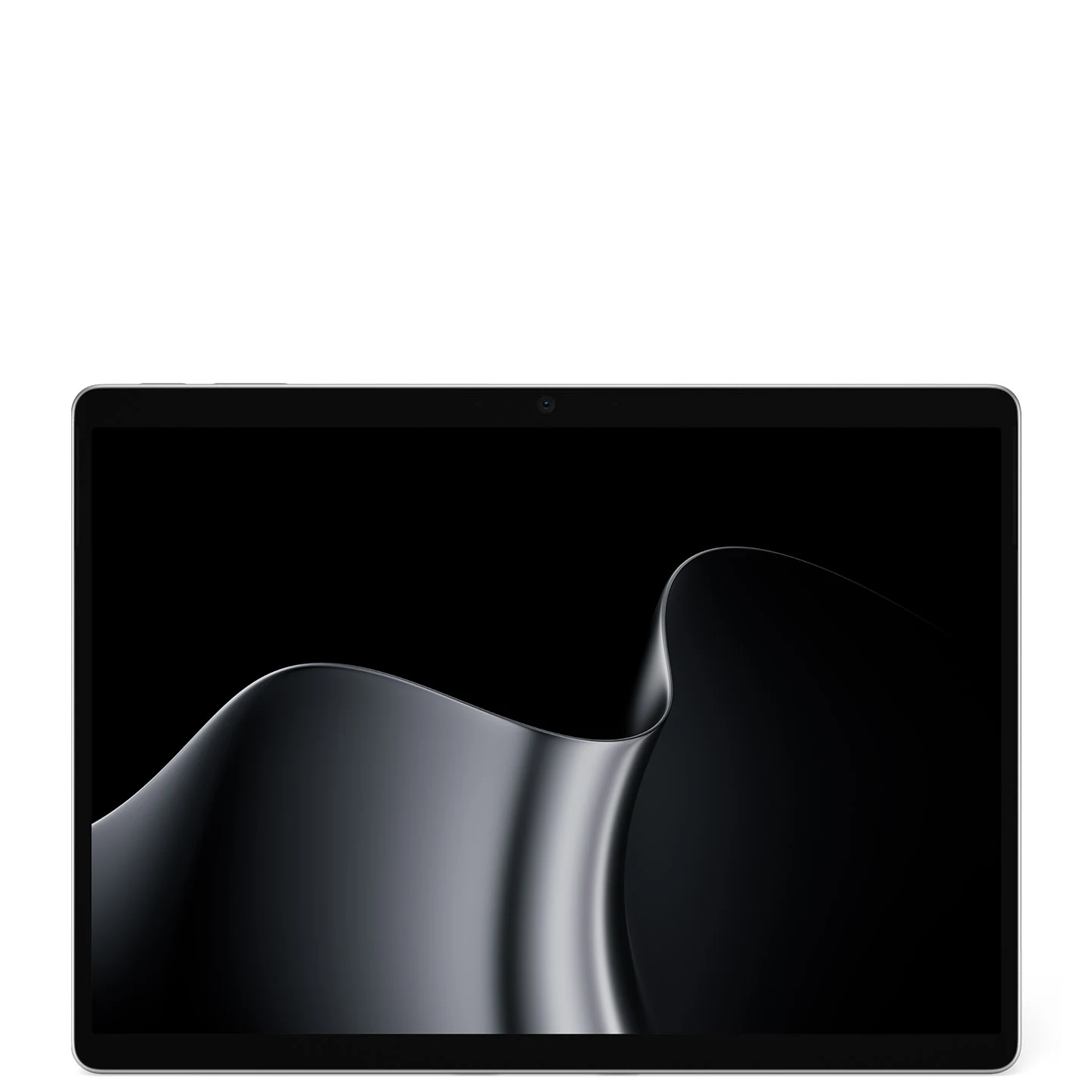
4. Surface Pro 13-inch (12th Edition)
Best 2-in-1 for power users
The bigger Surface Pro, with a 120Hz screen, an optional OLED panel, USB4 ports and up to 64GB of memory. It suits artists and power users who want a tablet that can replace a laptop. It also works with older Surface Pro Signature keyboards.
From
$1,499.99
Screen
13-inch, 120Hz
Chip
X2 Plus or X2 Elite
Battery
Up to 15.5 hrs
Good to know: the keyboard and pen are sold separately, but a charger is in the box.
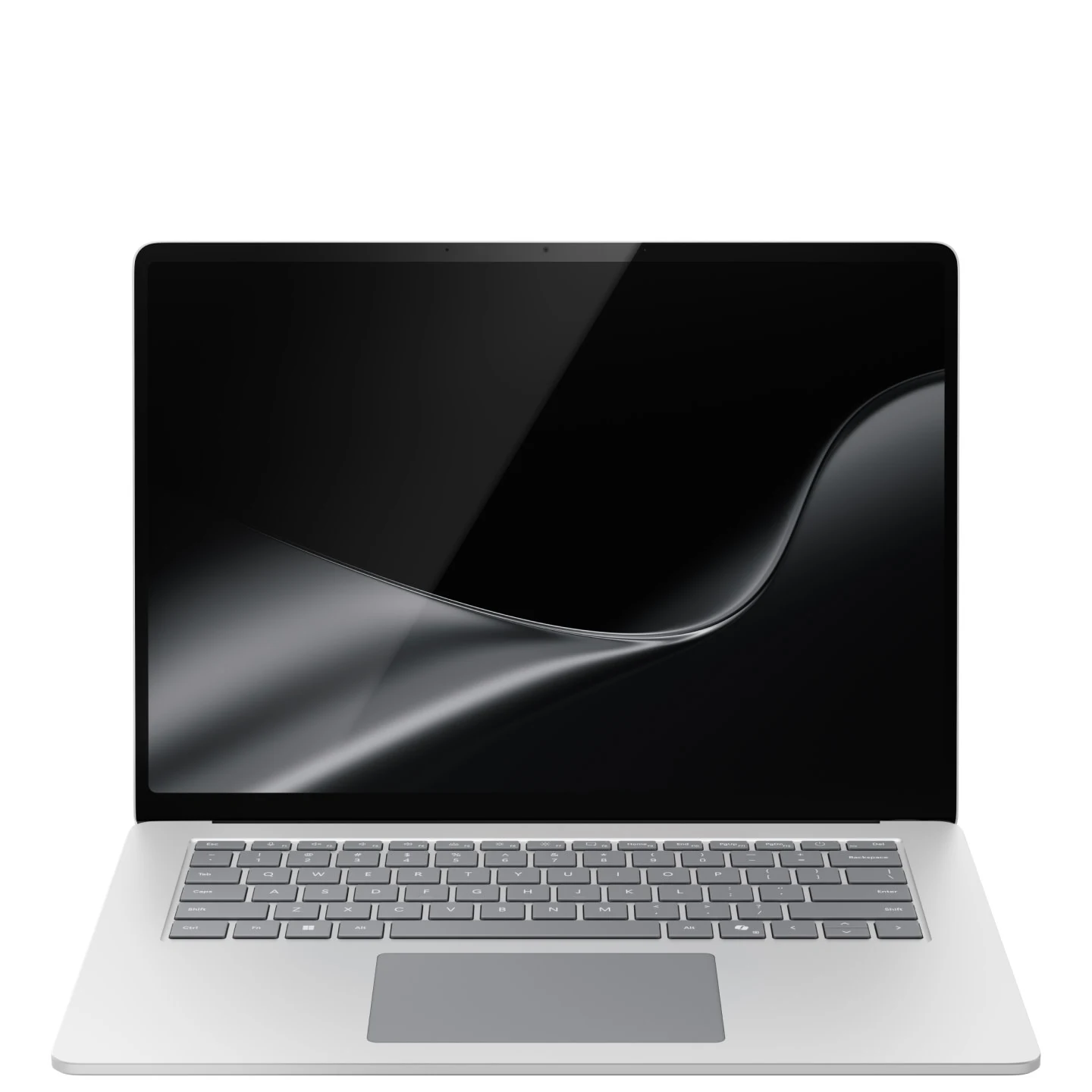
5. Surface Laptop 15-inch (8th Edition)
Best big screen
The most screen space in a regular Surface Laptop, with a sharp 3270 x 2180 display at up to 120Hz. It is the one to pick for spreadsheets, coding or side-by-side windows, and it adds a microSD Express card reader for photographers.
From
$1,699.99
Screen
15-inch, 120Hz
Chip
X2 Plus or X2 Elite
Battery
Up to 19 hrs
Good to know: at 3.67 lb it is heavier to carry around, and it only comes in Platinum and Black.
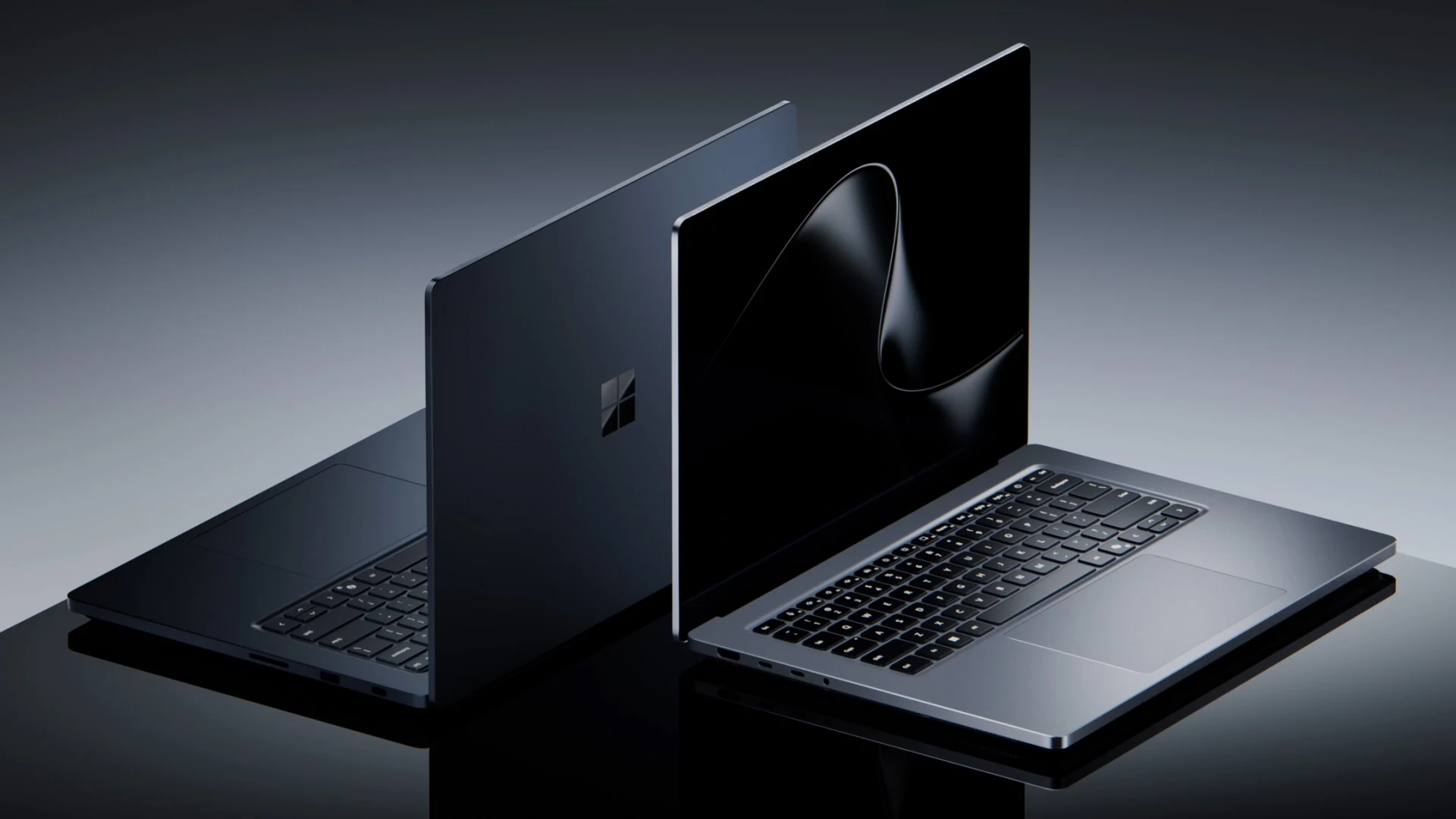
6. Surface Laptop Ultra
Best for creators and AI work
Microsoft’s most powerful laptop, built around the NVIDIA RTX Spark chip with up to 128GB of memory. It is made for video editing, 3D work, games and running AI models on the laptop itself. It also brings back HDMI, USB-A and an SD card reader.
From
$2,599.99
Screen
15-inch, 120Hz
Chip
NVIDIA RTX Spark
Memory
24GB to 128GB
Good to know: it ships from October 16, 2026, and at 4.41 lb it is the heaviest Surface laptop.
Windows Mode may earn a commission from Amazon purchases.
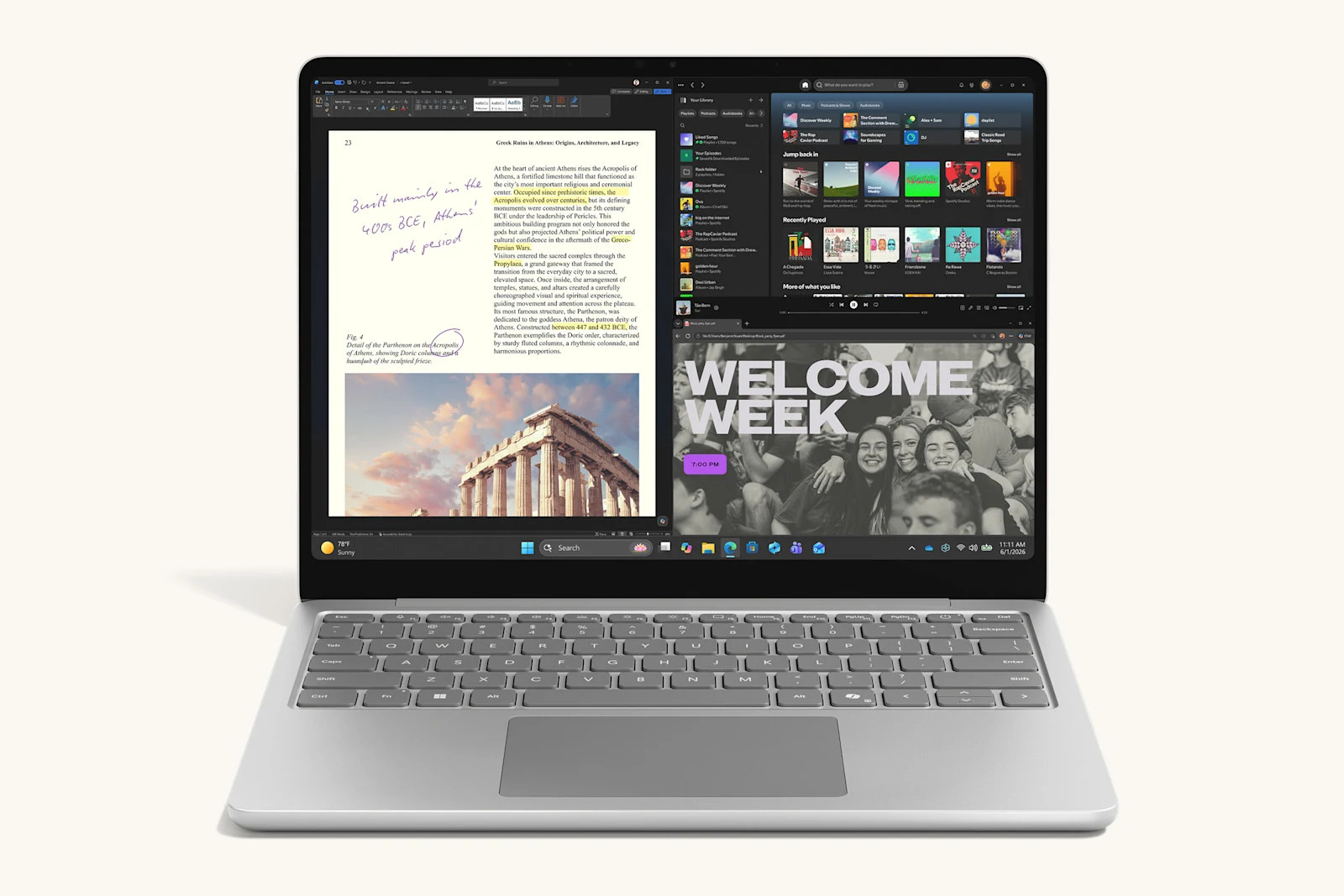
7. Surface Laptop 13-inch (1st Edition)
Best budget option
The previous 13-inch model, with a Snapdragon X Plus chip, and the cheapest Surface laptop Microsoft sells. The 8GB model is fine for browsing, email and documents, and it keeps the same thin and light design as the new one.
From
$949.99
Screen
13-inch, 60Hz
Chip
Snapdragon X Plus
Memory
8GB or 16GB
Good to know: the 8GB model is not a Copilot+ PC, so it misses the on-device AI features. The 16GB version costs only $50 less than the new model above, so at 16GB, buy pick #2 instead.
Surface Laptops Compared
Every pick side by side, using Microsoft’s spec sheets and US list prices.
Show the comparison table
| Model | Best for | Screen | Chip | From |
|---|---|---|---|---|
| Surface Pro 12-inch (2nd Ed.) | 2-in-1 for most people | 12-inch, 90Hz | Snapdragon X2 Plus | $1,149.99 |
| Surface Laptop 13-inch (2nd Ed.) | Everyday laptop | 13-inch, 60Hz | Snapdragon X2 Plus | $1,199.99 |
| Surface Laptop 13.8-inch | All-rounder | 13.8-inch, 120Hz | X2 Plus or X2 Elite | $1,599.99 |
| Surface Pro 13-inch | 2-in-1 for power users | 13-inch, 120Hz, OLED option | X2 Plus or X2 Elite | $1,499.99 |
| Surface Laptop 15-inch | Big screen | 15-inch, 120Hz | X2 Plus or X2 Elite | $1,699.99 |
| Surface Laptop Ultra | Creators and AI work | 15-inch, 120Hz | NVIDIA RTX Spark | $2,599.99 |
| Surface Laptop 13-inch (1st Ed.) | Budget | 13-inch, 60Hz | Snapdragon X Plus | $949.99 |
How to Choose the Right Surface
Surface Pro or Surface Laptop?
A Surface Pro is a tablet with a detachable keyboard, best if you draw, take handwritten notes or want to use it on the couch. A Surface Laptop has a fixed keyboard that is steadier on your lap and includes everything in the box.
Get 16GB of memory
Copilot+ PC features, such as the improved Windows search, need at least 16GB. Memory cannot be upgraded later, so 16GB is the safe minimum for most people and 24GB or more for heavy multitasking.
Check your apps run on Arm
All of these use Arm chips. Windows, Office, browsers and most popular apps run natively, and older apps run through Microsoft’s built-in translator. A few games with anti-cheat, some printer drivers and some VPN apps can fail, so check yours first. Gamers can start with our guide to the Xbox app on Arm PCs.
Amazon or Microsoft Store?
Amazon often has the lowest price on the main models. The Microsoft Store sells a few exclusive configurations, such as 24GB versions of the 12-inch Pro and 13-inch Laptop, and offers 60-day price protection and returns.
Older Surface Models We Removed
Surface Laptop Studio 2, Surface Laptop Go 3, Surface Go 4 and Surface Studio 2+ were on earlier versions of this list. They are no longer part of Microsoft’s consumer Surface lineup, so we replaced them with current models.
Looking for a Surface desktop for AI development? Microsoft’s new Surface RTX Spark Dev Box is covered in our Surface Laptop Ultra and RTX Spark Dev Box guide.
Surface Laptops FAQ
Do Surface laptops come with Microsoft Office?
No. Every current Surface comes with the Microsoft 365 apps preloaded and a 30-day Microsoft 365 Family trial, but no Office license. To keep using Word, Excel and PowerPoint after the trial, you need a Microsoft 365 subscription.
Are Surface laptops good for gaming?
For light and cloud gaming, yes. Every Surface comes with the Xbox app and a PC Game Pass trial, and cloud gaming runs well on any of them. For demanding PC games, only Surface Laptop Ultra has the graphics power, and some games with anti-cheat software do not run on Arm-based PCs at all, so check your games first.
Can I upgrade the memory in a Surface laptop later?
No. The memory is built into the board on every current Surface, so buy the amount you will need for the next few years. The SSD is a different story: Surface Pro 13-inch and Surface Laptop 13.8-inch and 15-inch use a removable SSD that can be replaced.
Do all Surface laptops have a touchscreen?
Yes. Every Surface Pro and Surface Laptop in this list has a touchscreen with 10-point multi-touch. The Surface Pro models also work with the Surface Slim Pen, which is sold separately.
Explore More: Best Gaming Laptops to buy, Best Gaming Desktops to buy
Discover more from Windows Mode
Subscribe to get the latest posts sent to your email.















Add your first comment to this post