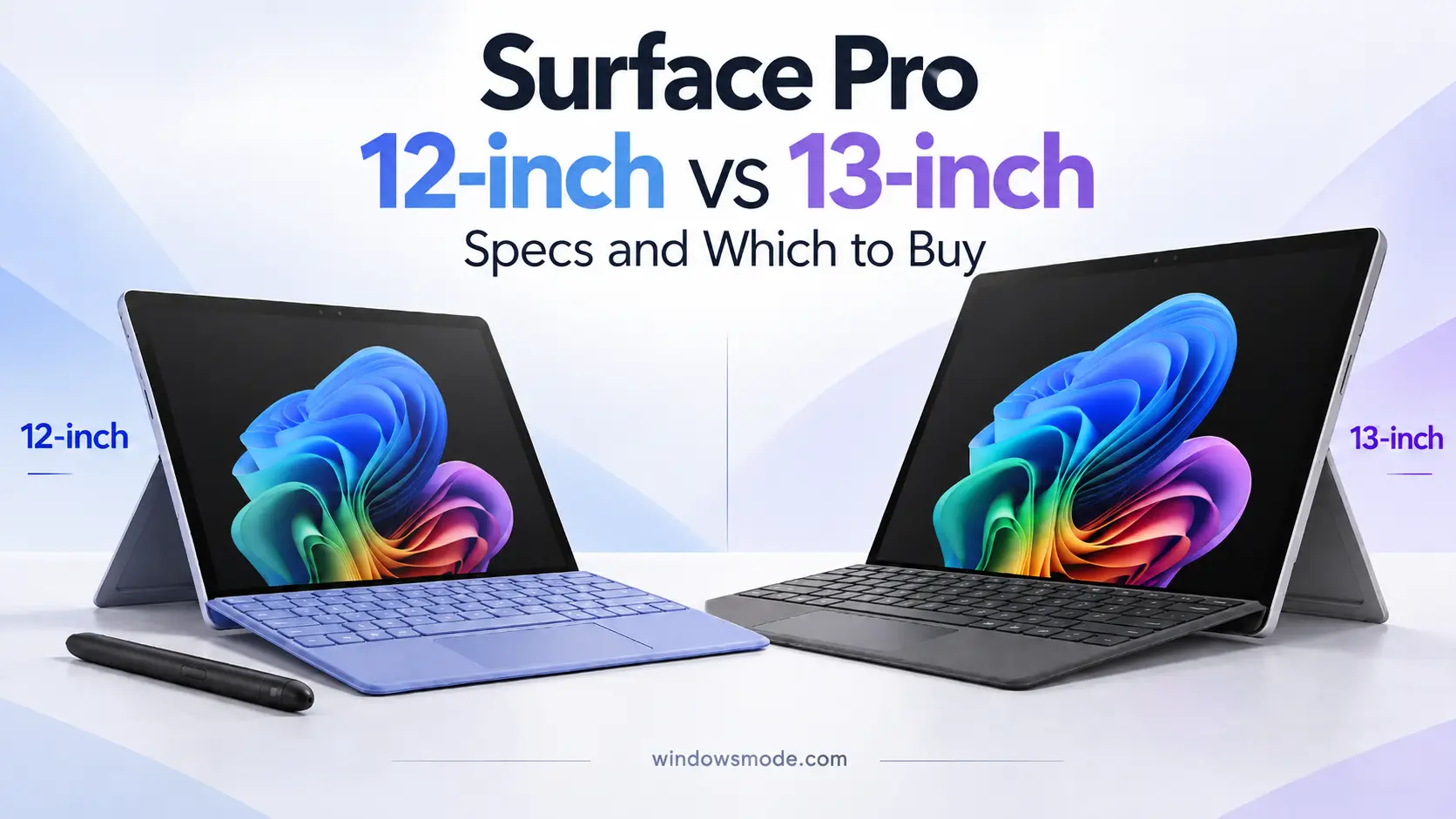
Surface Pro 12-inch (left) and Surface Pro 13-inch (right), both with Snapdragon X2 chips.
Key Takeaways
- The second edition of Surface Pro 12-inch went on sale on October 13, 2026, with a Snapdragon X2 Plus chip and a brighter 500-nit screen.
- Surface Pro 13-inch has run Snapdragon X2 chips since June 2026, with a choice of X2 Plus with an LCD screen or X2 Elite with OLED.
- Microsoft lists the 12-inch from $1,149.99 and the 13-inch from $1,499.99. The keyboard and pen cost extra on both.
- The 12-inch is lighter, fanless and charges its pen on the back. The 13-inch has the sharper 120Hz screen, faster USB4 ports and a removable SSD.
- Both are Arm-based PCs, so check that the apps and games you rely on run on Windows on Arm before you buy.
Microsoft now sells two Surface Pro sizes, and both run Qualcomm’s Snapdragon X2 chips. The new Surface Pro 12-inch is the compact one with a fanless design. The Surface Pro 13-inch is the bigger, more powerful one with an optional OLED screen.
We covered the announcement in Surface Pro 12 and Laptop 13 (Gen 2). This guide is for buyers: how the two sizes compare, every configuration and price, and what to check before you pay.
Buy Surface Pro 12-inch on AmazonBuy Surface Pro 13-inch on Amazon
Surface Pro 12-inch vs 13-inch at a Glance
The main differences, side by side, from Microsoft’s own spec sheet.
The surprise is battery life. The smaller 12-inch lasts longer on web browsing in Microsoft’s tests. The 13-inch wins almost everywhere else.
Surface Pro 12-inch: What Is New
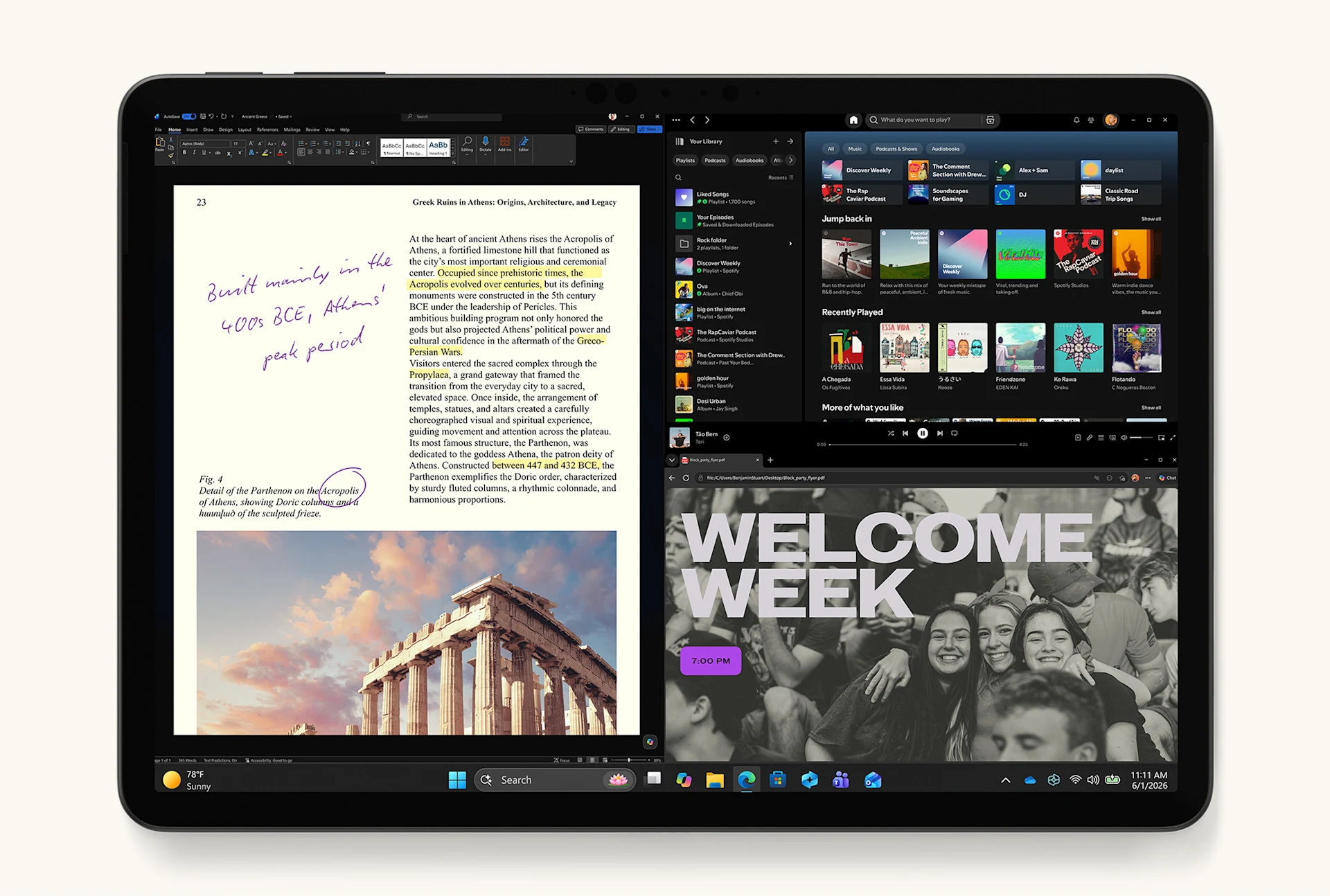
Surface Pro 12-inch in the new Black finish. Image: Microsoft.
The 12-inch keeps the same shape as the first edition, so the changes are inside. It moves to the Snapdragon X2 Plus, and the screen is 25% brighter, now 500 nits. Microsoft also dropped the 8 GB model for home buyers, so every consumer model starts at 16 GB of memory.
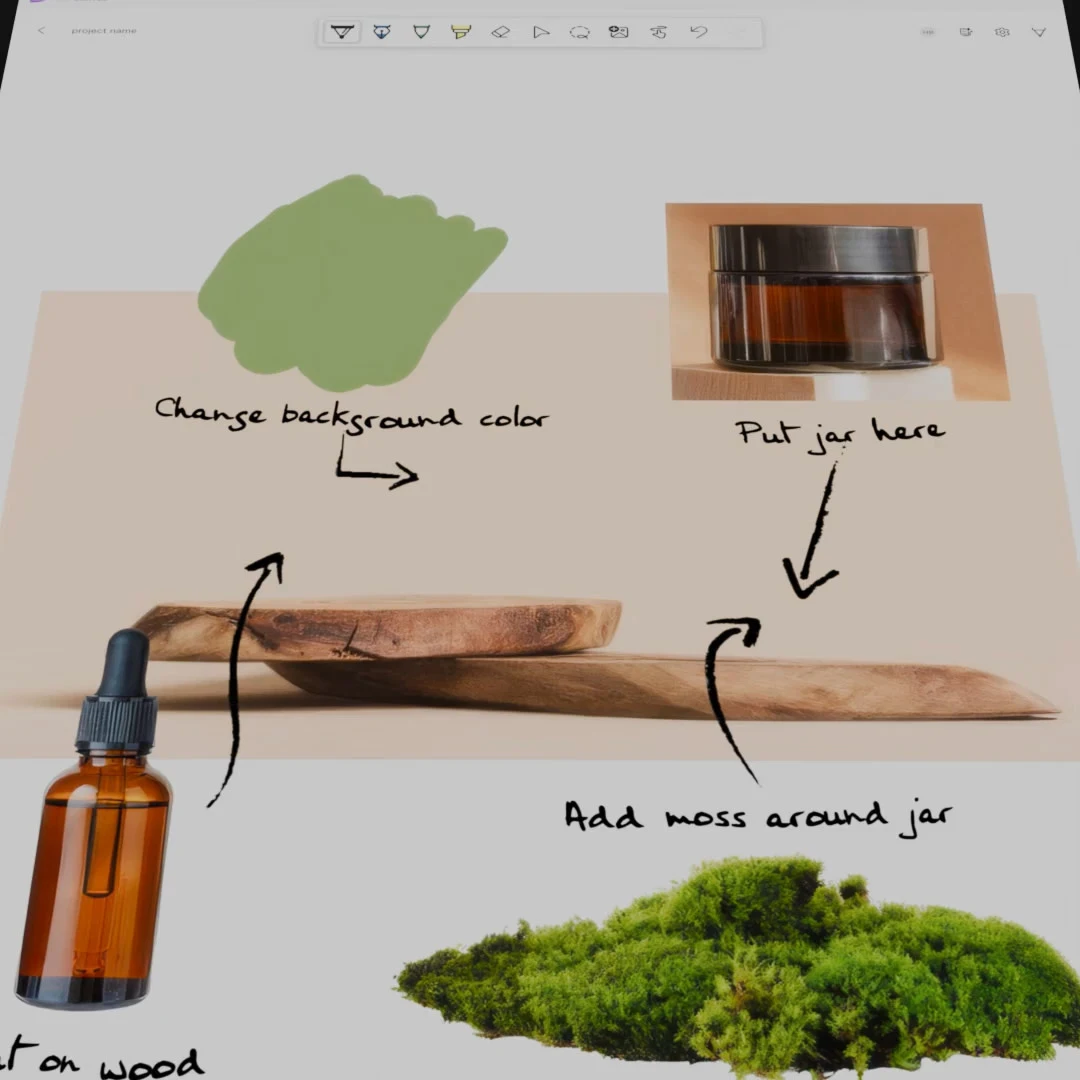
Microsoft Ink Canvas comes preinstalled
A new app for sketching and handwritten notes with the Surface Slim Pen. It can turn rough sketches into clean diagrams and images. Microsoft preinstalls it on the 12-inch model.
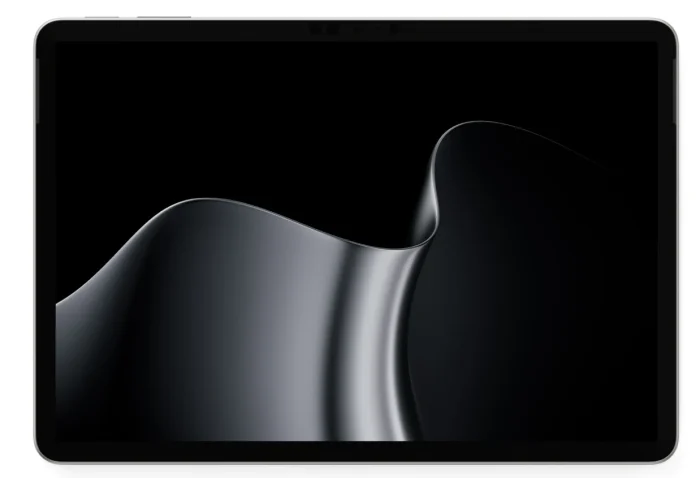 Surface pro 12 inch platinum from
Fanless and light
There is no fan, so it makes no noise at all. At 1.5 lb without the keyboard, it is the lightest Surface Pro you can buy, and the Slim Pen clips to the back to charge.
Microsoft also sells the first-edition 12-inch with the older Snapdragon X Plus chip. If you mostly browse, write and stream, it is worth comparing prices on the Microsoft Store before paying for the new one.
Surface Pro 13-inch: X2 Plus or X2 Elite
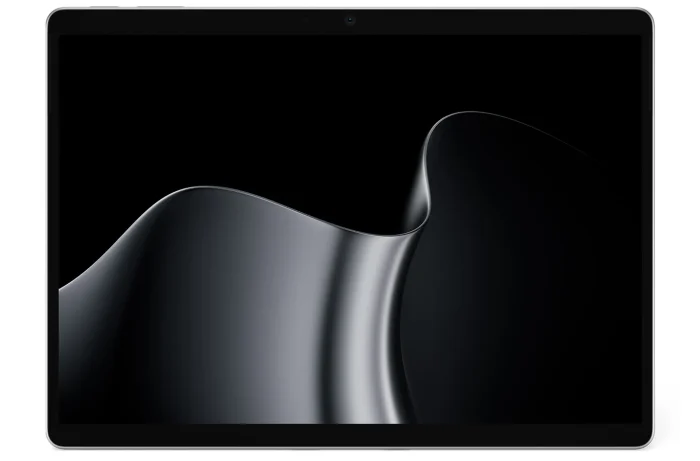 Surface pro 13 inch platinum from
Surface Pro 13-inch in Platinum. Image: Microsoft.
The 13-inch comes in two versions. The Snapdragon X2 Plus model has 10 CPU cores and an LCD screen. The Snapdragon X2 Elite model has 12 cores, an OLED screen, and the only options for 24 GB, 32 GB or 64 GB of memory.

Better screen and camera
Both 13-inch screens run at up to 120Hz, which makes scrolling and pen strokes look smoother. The front camera records in 1440p, a step up from the 12-inch model’s 1080p camera.
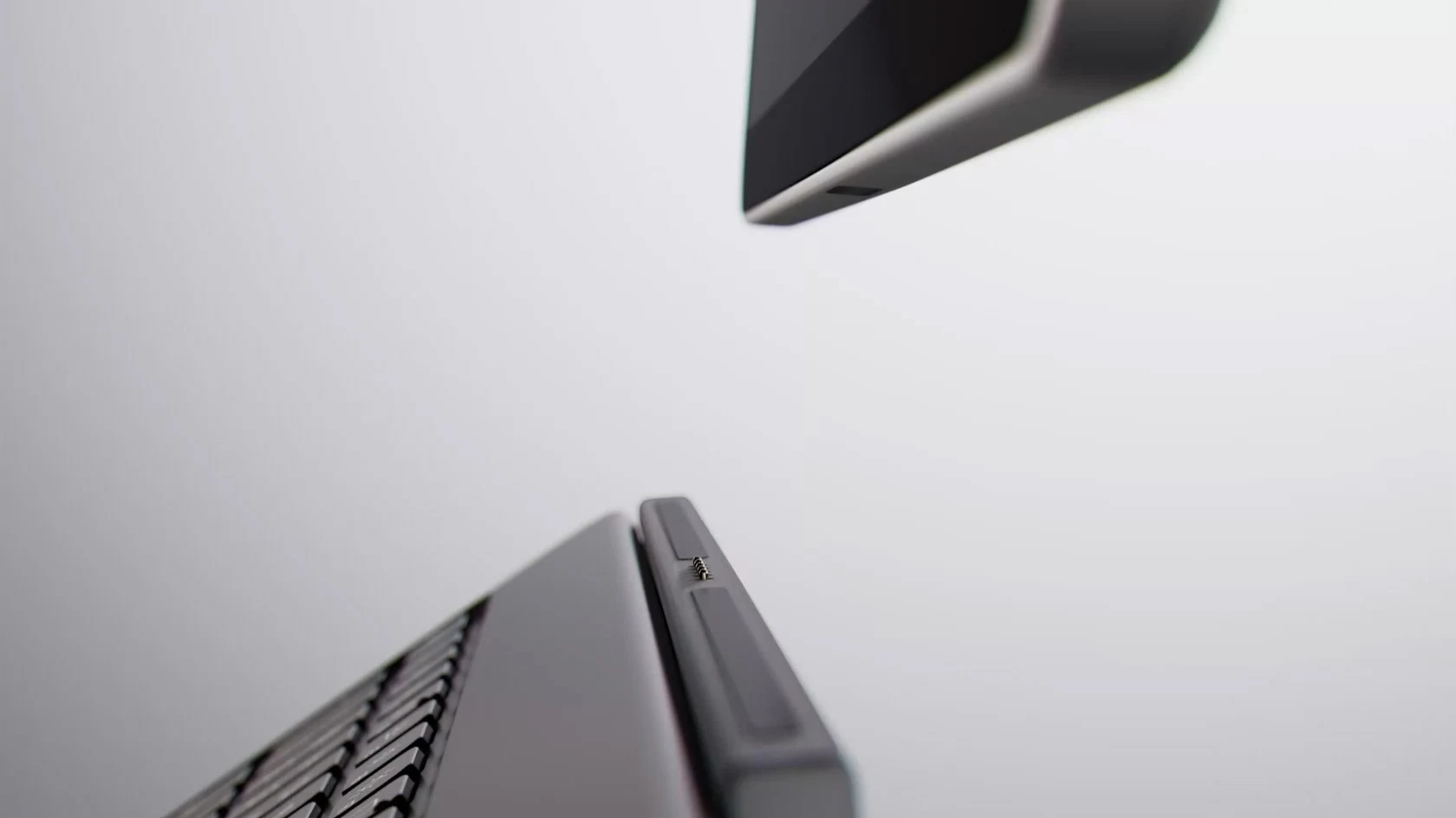
More room to grow
USB4 ports can drive up to three 4K monitors, and the SSD can be replaced later. It also works with older Surface Pro Signature keyboards, which can save you the cost of a new one.
Surface Pro Prices and Configurations
These are Microsoft’s list prices in the US. Microsoft and Amazon often sell below them, so check the current price before you buy. Every model ships with Windows 11 Home.
Budget for the extras: neither size includes a keyboard or the Surface Slim Pen, and the 12-inch ships with a USB-C cable but no charger. Any USB-C charger rated at 27W or more works with it, and a stronger one charges it faster. The 12-inch also needs its own Surface Pro 12-inch Keyboard, since the 13-inch keyboards do not fit it.
Which Surface Pro Should You Buy?
Pick the 12-inch if
You want the lightest, quietest tablet for notes, drawing, email and video calls, and you care more about battery life on the web than raw speed. It is also the cheaper way into a new Surface Pro.
Pick the 13-inch if
You work with big spreadsheets, photo editing or several monitors, or you want the OLED screen. Choose the X2 Elite model if you plan to keep it for many years and want more memory.
Our Take
For most people, the 12-inch is the better buy. It does everyday work well, lasts longer on the web, and costs less once the keyboard is added. The 13-inch earns its higher price only if you will use the 120Hz screen, the extra ports or the larger memory options.
If you mostly use a pen, the 12-inch also has Ink Canvas preinstalled and charges the pen on its back. If you already own a Surface Pro Signature Keyboard, the 13-inch saves you that cost.
How to Buy Surface Pro
1
Pick your size: open the Surface Pro 12-inch or the Surface Pro 13-inch on Amazon.
2
Choose the chip, memory and storage from the options on the listing.
3
Pick a color. Not every color comes with every configuration.
4
Add the keyboard and pen for your size, plus a USB-C charger if you chose the 12-inch.
5
Check out. For the 24 GB 12-inch model, use the Microsoft Store instead, since Microsoft sells it there only.
Buy Surface Pro 12-inch on AmazonBuy Surface Pro 13-inch on Amazon
Things to Know About Windows on Arm
Snapdragon chips are Arm processors, a different design from the Intel and AMD chips in most Windows PCs. Windows, Microsoft 365, the major browsers and most popular apps now run natively on them. Older apps built for Intel and AMD run through Prism, Microsoft’s built-in translator, usually without you noticing.
The gaps are in a few places: some games with anti-cheat software, some printer and scanner drivers, and some VPN apps. Check the apps you depend on before buying. Gamers can start with our guide to the Xbox app on Arm-based Windows 11 PCs.
More Surface Pro Images
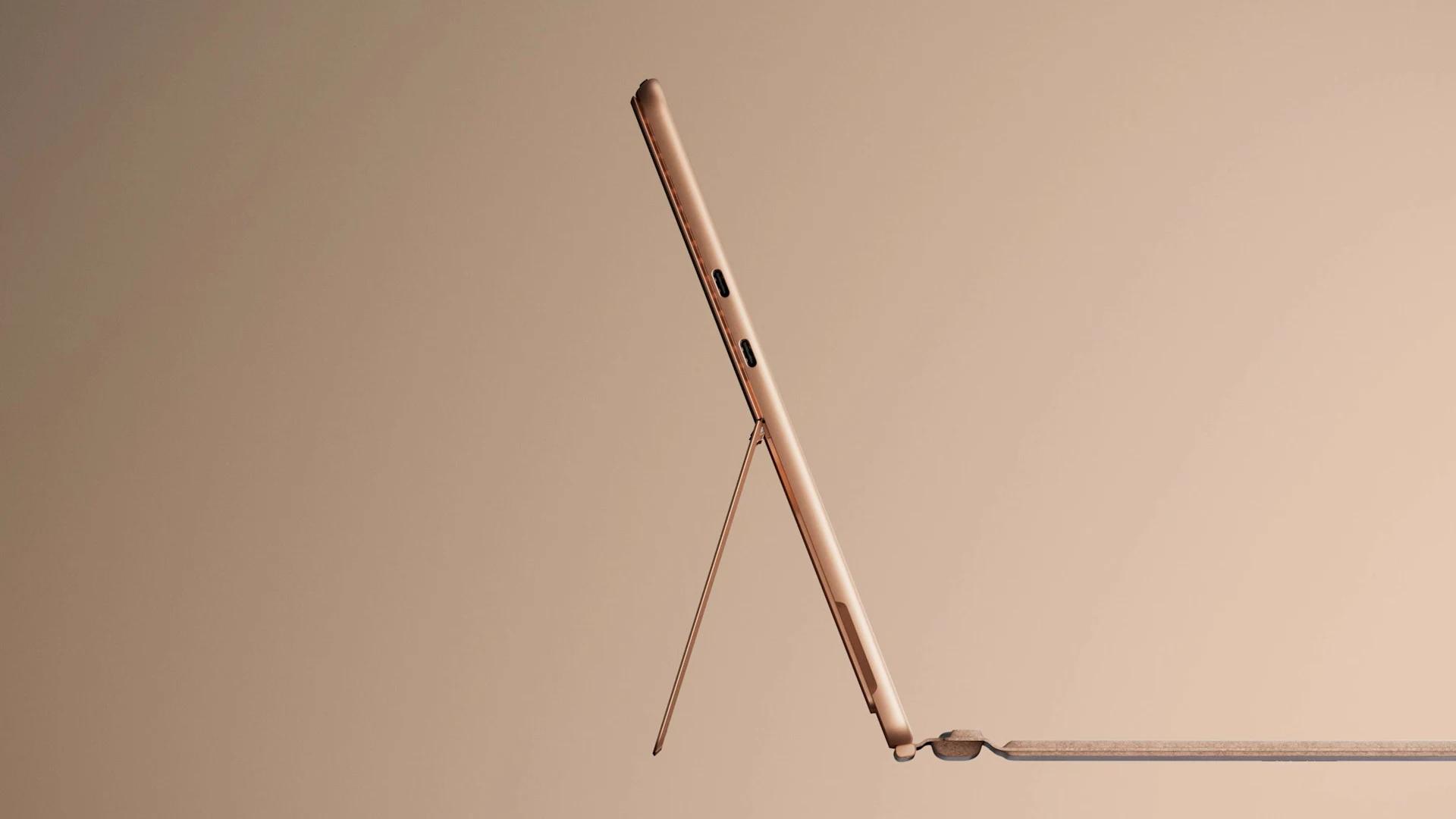
Official Microsoft images of both Surface Pro sizes, the kickstand, the keyboard and the three finishes.
-
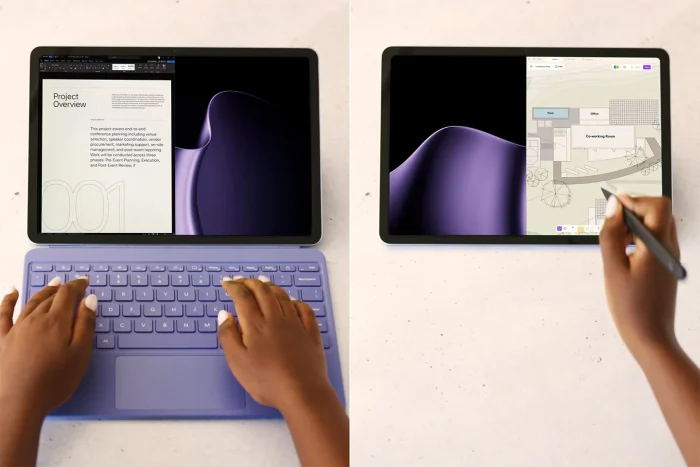
- Surface pro 12 inch keyboard and pen from
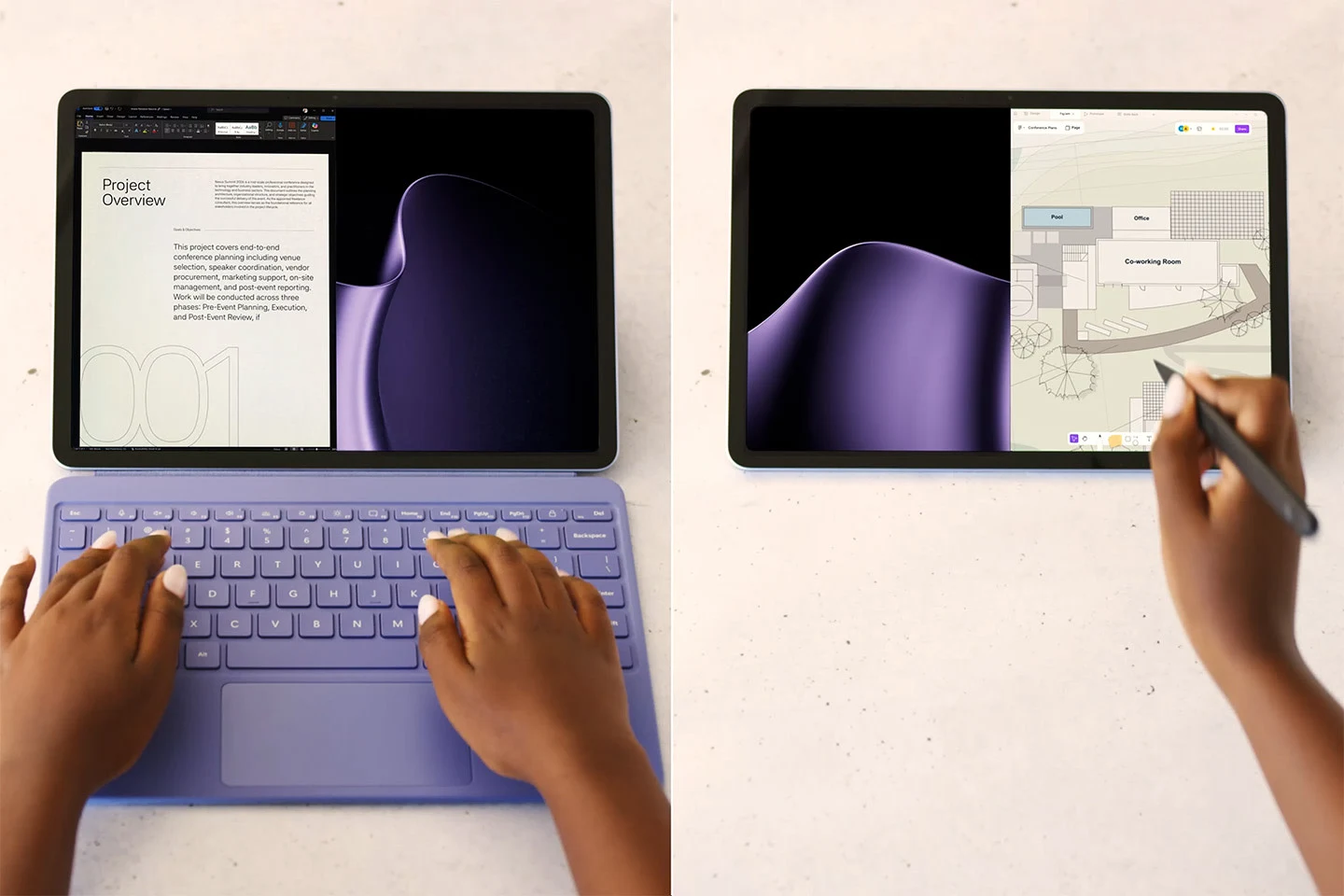
-
- Surface pro 12 inch violet back from
-
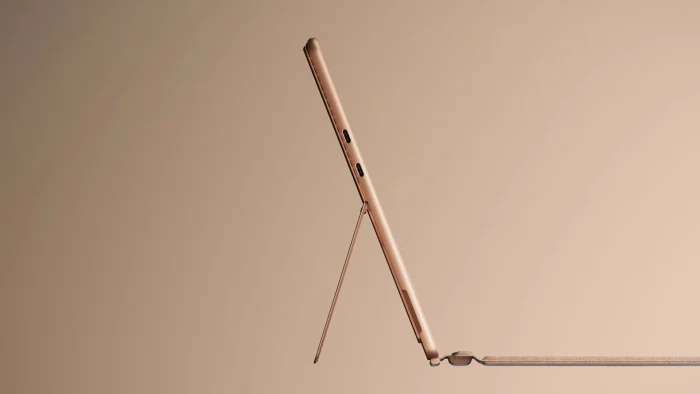
- Surface pro kickstand dune from
-
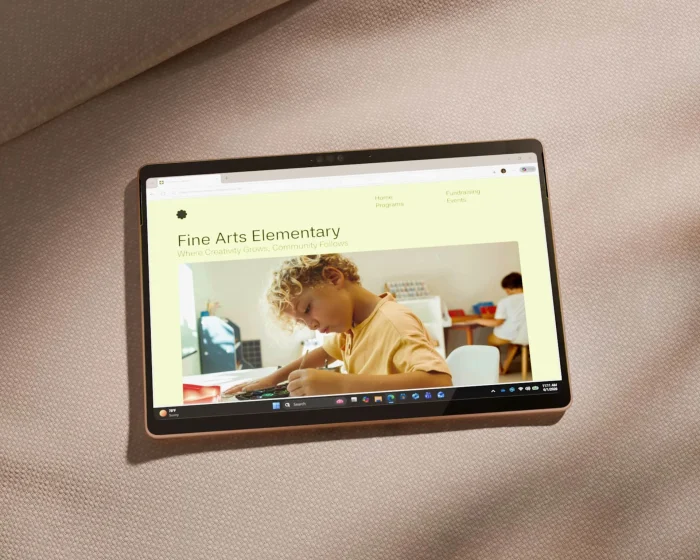
- Surface pro dune tablet on sofa from
Surface Pro FAQ
Will my old Surface Pro keyboard work with the new Surface Pro?
It depends on the size. The 13-inch model works with the current 13-inch keyboards and with the older Surface Pro Signature Keyboard and Surface Pro X keyboards, according to Microsoft’s compatibility list. The 12-inch model only works with the Surface Pro 12-inch Keyboard, so older keyboards will not fit it.
Can I upgrade the storage on Surface Pro later?
Only on the 13-inch model. It uses a removable SSD, and Microsoft sells replacement parts and publishes repair guides. The 12-inch model uses built-in UFS storage that cannot be swapped, so pick the size you need when you buy. Damage from a repair you do yourself may not be covered by the warranty.
How many external monitors can Surface Pro run?
The 12-inch model can run up to two 4K monitors at 60Hz through its USB-C ports. The 13-inch model can run up to three 4K monitors at 60Hz through its USB4 ports. Microsoft notes that the monitors, cables and docks need to be compatible.
Is there a 5G version of the Surface Pro 12-inch?
Yes, but Microsoft sells it through Surface for Business, not in the regular consumer store. The consumer models you find on the Microsoft Store and Amazon are Wi-Fi only.
Does Surface Pro come with Microsoft Office?
No. It comes with the Microsoft 365 apps preloaded and a 30-day Microsoft 365 Family trial, but no Office license. To keep using Word, Excel and PowerPoint after the trial, you need a Microsoft 365 subscription.
Support and Community
Microsoft Surface
Specs, accessories and the official product page for both sizes. Surface Pro on Microsoft.com
Surface support
Setup guides, warranty, repairs and driver downloads from Microsoft. Surface support
r/Surface
The largest Surface community on Reddit, with owner questions, fixes and setup tips. r/Surface on Reddit
Surface laptops
Prefer a laptop with a fixed keyboard? See our Best Surface Laptops guide and the new Surface Laptop Ultra.
Discover more from Windows Mode
Subscribe to get the latest posts sent to your email.













Add your first comment to this post