Readers like you help support this site. When you make a purchase using links on our site, we may earn an affiliate commission. All opinions remain our own.

TurboTax 2025 Desktop is Intuit’s downloadable tax software for Windows. Unlike the online version, it installs directly on your PC and stores your financial data on your local hard drive.
This guide covers edition differences (Deluxe vs. Premier), system requirements, and installation steps.
TurboTax 2025 desktop editions at a glance
| Edition | Best for | Typical use cases | Amazon link |
|---|---|---|---|
| TurboTax Deluxe | Most individual taxpayers | W-2 income, common deductions | View on Amazon → |
| TurboTax Premier | Investments & rental property | Stocks, crypto, dividends, rentals | View on Amazon → |
| TurboTax Home & Business | Self-employed & freelancers | 1099 income, Schedule C | View on Amazon → |
| TurboTax Business | Entities & LLCs | Corporations, partnerships, trusts | View on Amazon → |
Why choose Desktop over Online?
1) Data Privacy: Files are stored on your hard drive, not Intuit’s cloud.
2) Included Returns: One desktop license typically includes 5 federal e-files, making it cheaper for families filing multiple returns.
Which TurboTax 2025 version should you choose?
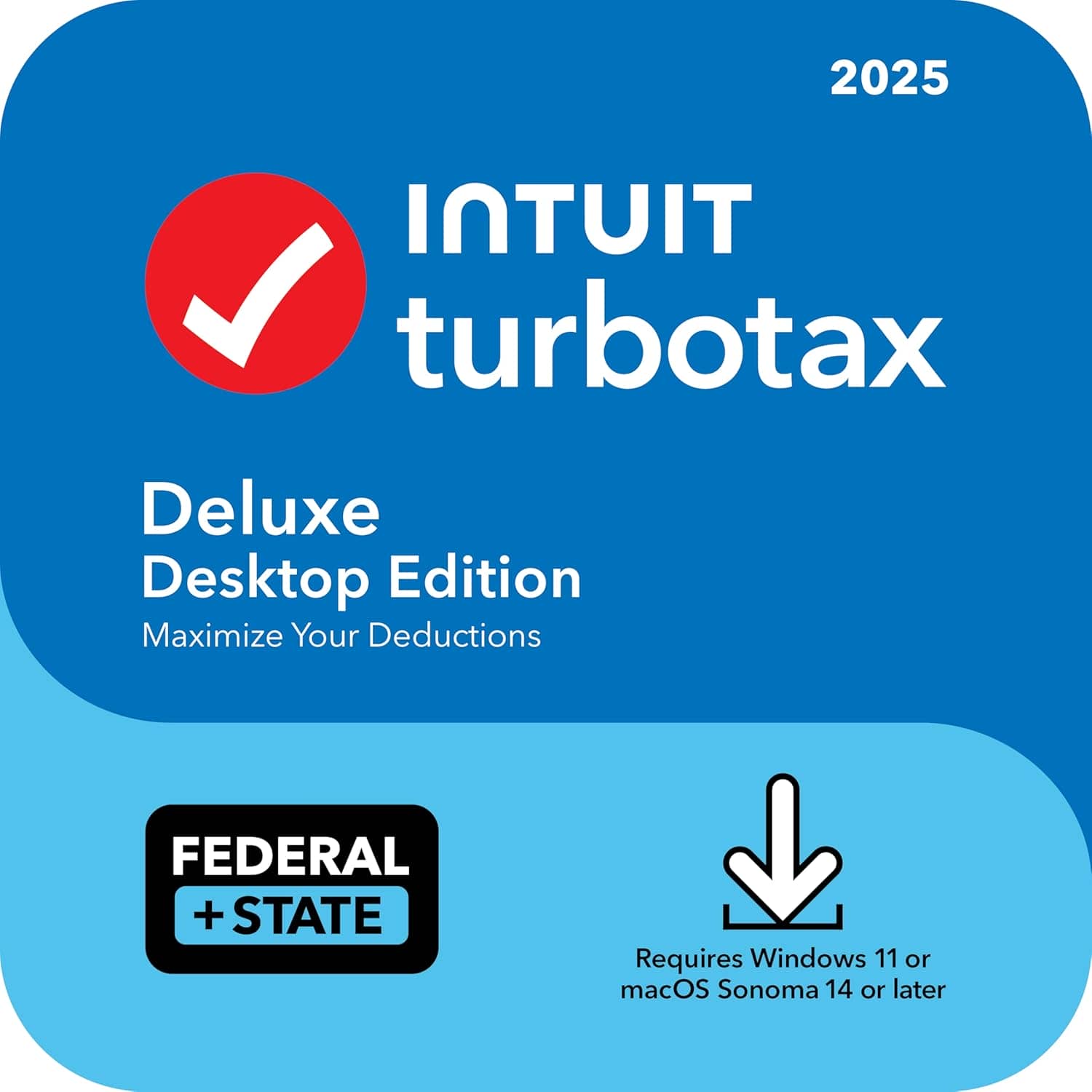
Most Popular
Best for maximizing deductions. Choose this if you own a home, have medical expenses, or want to ensure you get every standard credit.
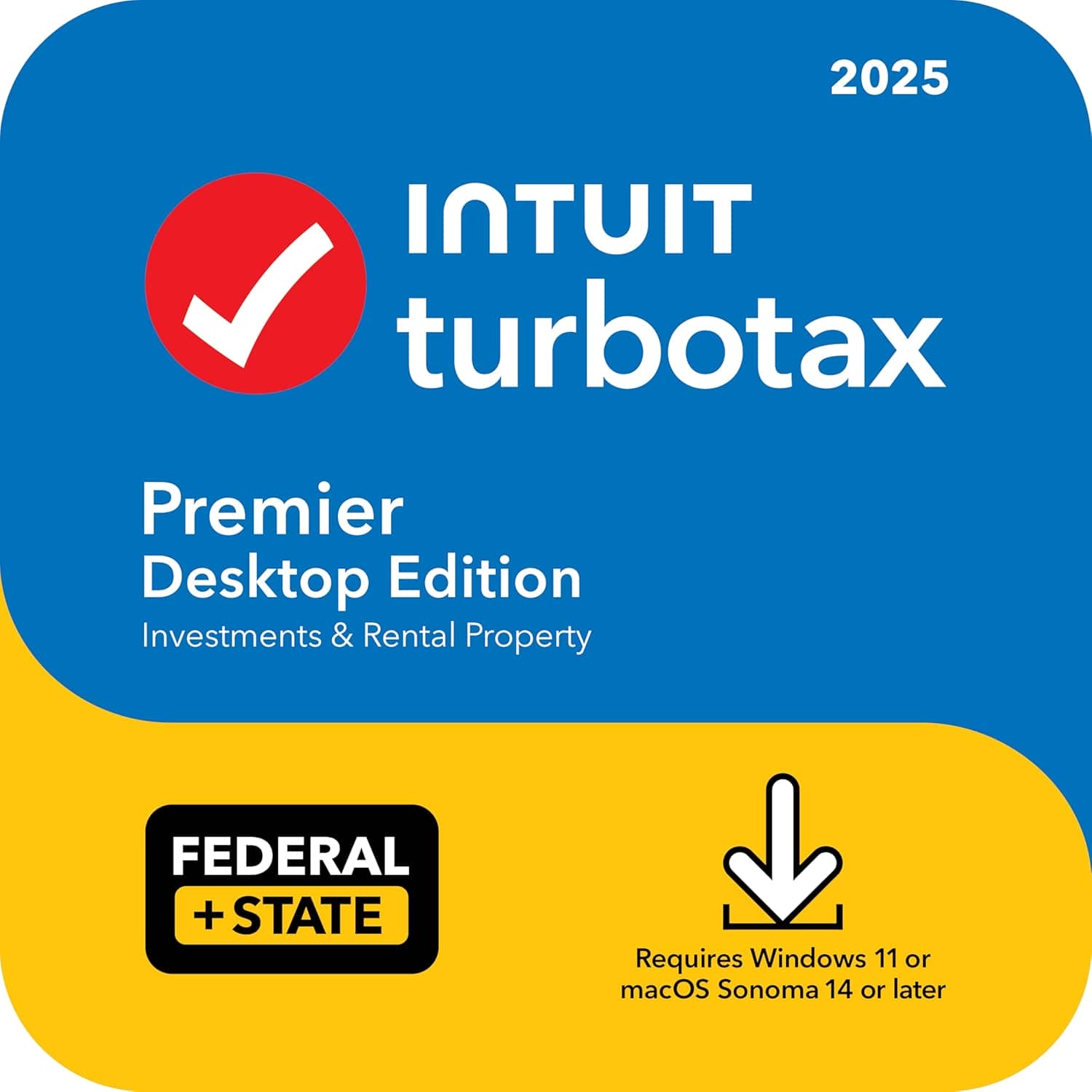
Investors
The choice for stocks, crypto, bonds, or rental property income. Includes specific guidance for capital gains and rental depreciation.
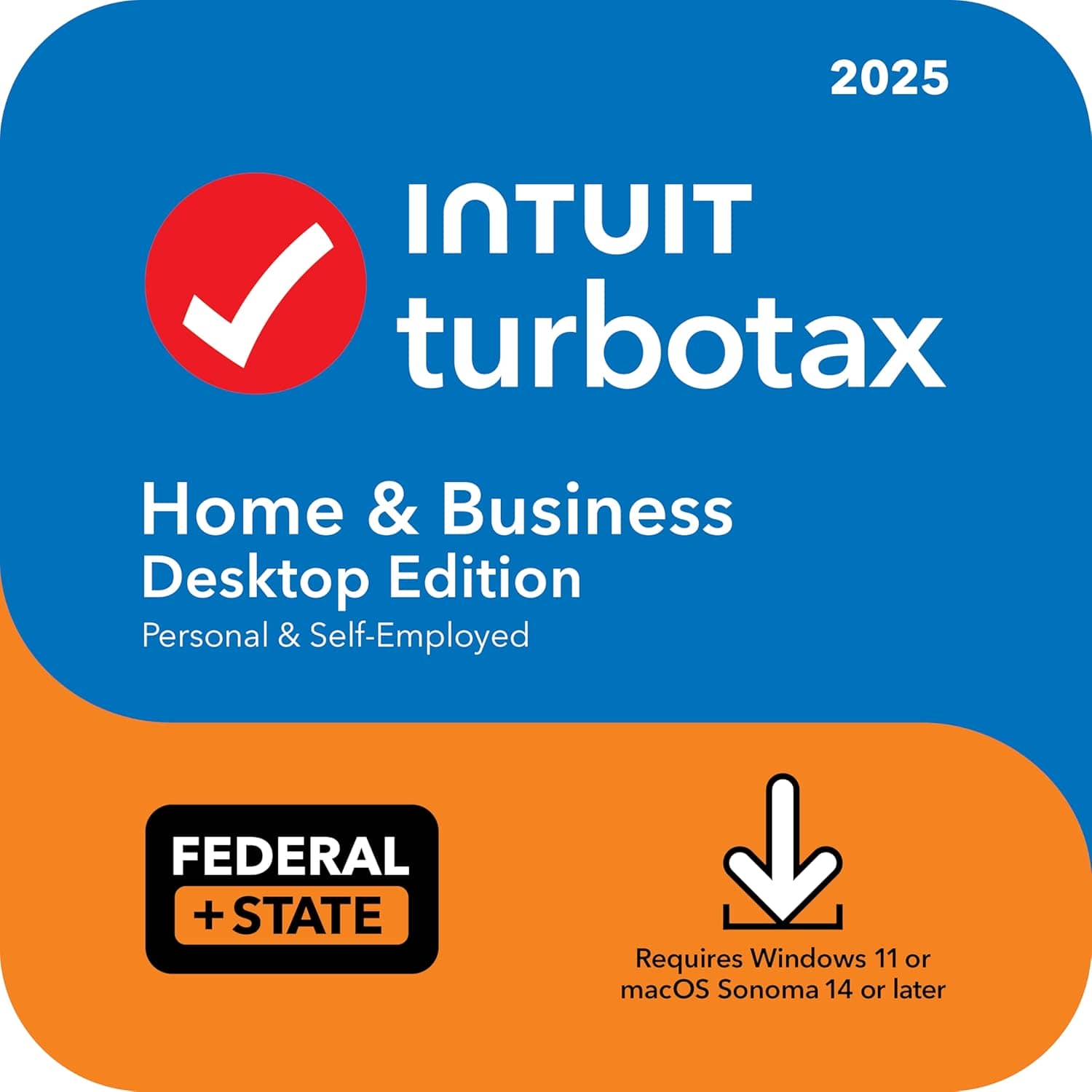
Self-Employed
For freelancers, contractors (1099), and small business owners filing Schedule C. Handles both personal and business expenses.
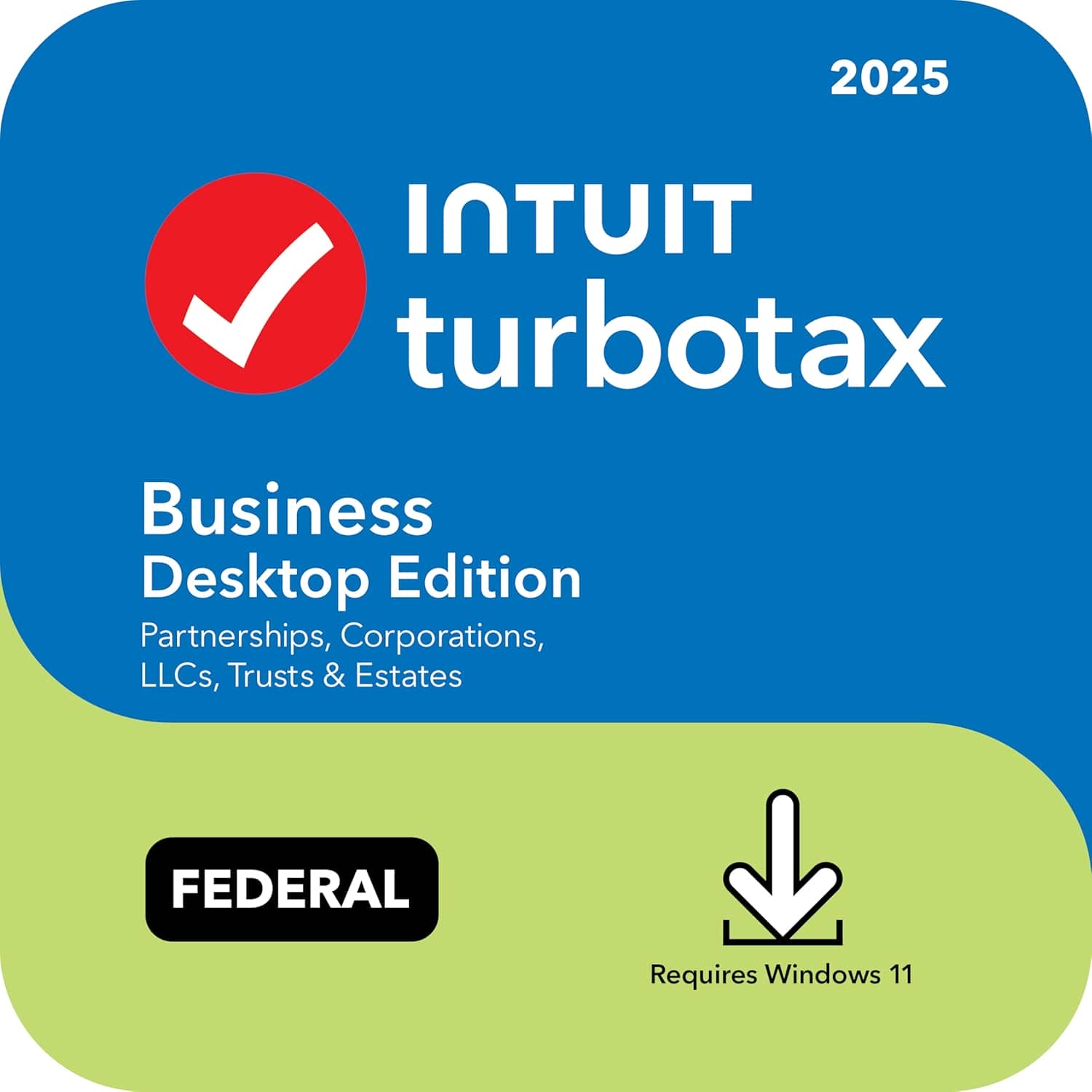
Entities / LLCs
This is for Entities only (Corporations, Partnerships, Multi-member LLCs, Trusts). Does not file personal 1040 returns.
How to install TurboTax 2025 on Windows
Purchase & Download
Buy the edition you need (Amazon or Intuit). You will receive a license code and a download link. Download the .exe installer.
Install & Activate
Run the installer. When prompted, sign in to your Intuit account and enter your license code to activate the product.
Update State & Fed
Before starting, let the app check for updates. Tax forms change late into the season; updating prevents errors.
System requirements
| Requirement | Details |
|---|---|
| OS | Windows 10 or Windows 11 (64-bit) |
| RAM | 4 GB minimum (8 GB recommended for multitasking) |
| Storage | At least 1 GB free space (SSD recommended) |
| Internet | Required for activation, updates, and e-filing |
TurboTax 2025 FAQ
Is TurboTax 2025 Desktop a one-time purchase?
Yes. Desktop editions are a one-time purchase for the 2025 tax year. Note that some editions include one state download, but the state e-filing fee is often extra.
Can I install TurboTax on more than one PC?
Usually, the license allows installation on up to 5 computers owned by you. However, the included 5 federal e-files are shared across all installations.
Does TurboTax Desktop include updates?
Yes. The software checks for tax law changes and form updates every time you launch it during tax season.
What if I buy the wrong edition?
If you buy Deluxe but realize you need Premier features (like for rental property), the software will prompt you to upgrade and pay the difference inside the app.
If you are unsure which edition fits your situation, TurboTax Deluxe 2025 is the safest starting point for most homeowners and families and you can also try the some alternatives like H&R Block App and QuickBooks Online.
Discover more from Windows Mode
Subscribe to get the latest posts sent to your email.

















Add your first comment to this post