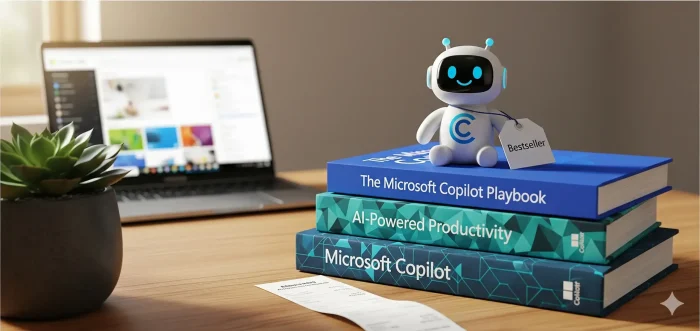
Microsoft 365 Copilot is powerful, but learning it can feel messy. The right book helps you move faster in Word, Excel, PowerPoint, Outlook, and Teams without guessing.
Below is a hand-picked list of Copilot books that are practical and focused: some are beginner-friendly, some are for enterprise rollout, and a few are for specific jobs like law and coding.
If you have a suggestion, contact us or leave a comment below.
Best Microsoft Copilot Books
Quick tip: pick a book based on your goal. If you want “Copilot everywhere,” choose a Microsoft 365-wide guide. If you want real outcomes at work, choose the enterprise/workflow books. If you’re learning from scratch, use the beginner guide.
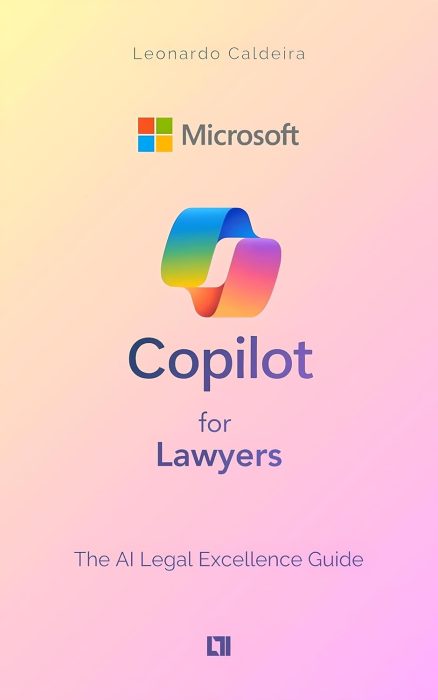
1) Microsoft Copilot for Lawyers: The AI Legal Excellence Guide
Practical workflows
Author: Leonardo Caldeira
Quick overview: A practical guide for legal professionals using Copilot to save time, reduce repetitive work, and improve document-heavy workflows.
- Streamlining research and drafting
- Automating repetitive legal tasks
- Using Copilot with Microsoft 365 apps
- Tips to work faster with fewer mistakes
- Work with contracts, memos, briefs
- Need repeatable templates/processes
- Want faster drafting + review cycles
- Spend too much time summarizing docs
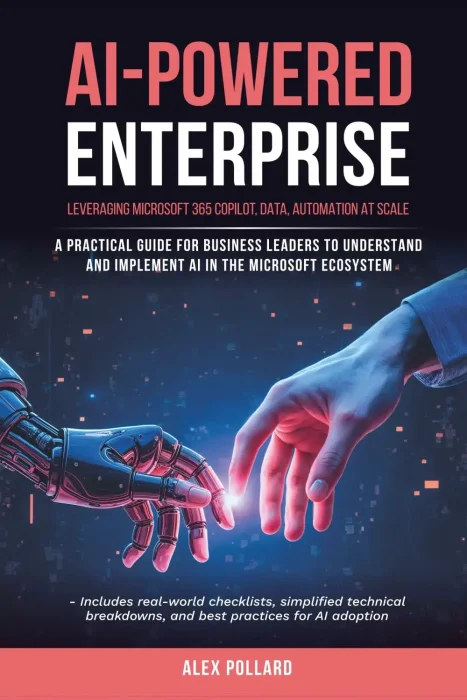
2) AI-Powered Enterprise: Leveraging Microsoft 365 Copilot, Data, and Automation at Scale
Scale + rollout
Author: Alex Pollard
Quick overview: A guide for business leaders and IT professionals on scaling AI-powered workflows with Copilot and Microsoft 365 tools.
- Automating enterprise processes
- Using AI insights for decisions
- Cross-team workflow patterns
- Deployment best practices
- Manage Copilot adoption at work
- Need governance and consistency
- Care about data/workflow structure
- Want repeatable org-wide wins
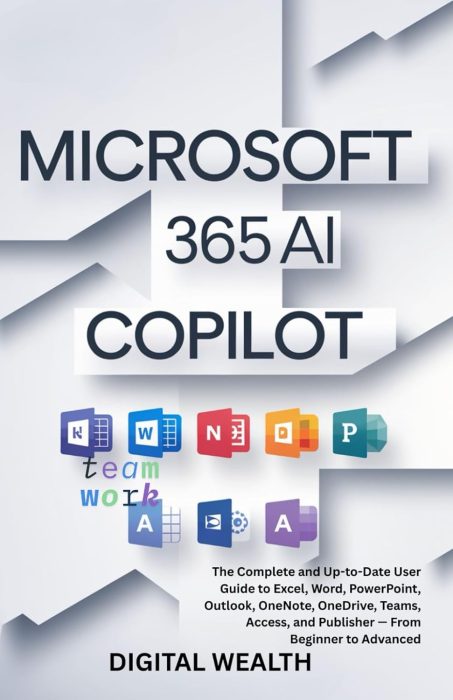
3) MICROSOFT 365 COPILOT AI USER GUIDE
Beginner → advanced
Author: Digital Wealth
Quick overview: A comprehensive guide covering Copilot across many Microsoft 365 apps (including Excel, Word, PowerPoint, Outlook, Teams, and more).
- Copilot features across major apps
- Step-by-step productivity workflows
- Automation patterns you can reuse
- Tips from beginner to advanced
- Use multiple Microsoft 365 apps daily
- Want one “covers everything” book
- Prefer guided examples over theory
- Want quick wins across the suite
4) Microsoft Copilot, The Complete User Guide
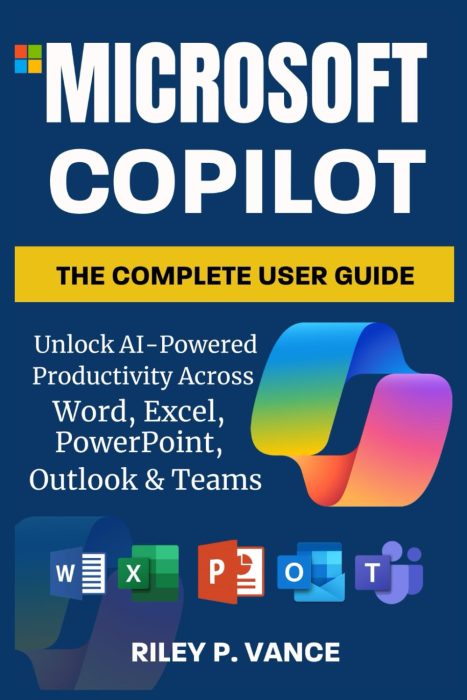
Real examples
Author: Riley P. Vance
Quick overview: Covers AI-powered productivity across Word, Excel, PowerPoint, Outlook, and Teams, with practical examples for real-world scenarios.
- Automating common tasks
- Faster work in core Office apps
- Workflow patterns you can reuse
- Everyday tips and shortcuts
- Live in Outlook/Teams/Office all day
- Want practical work scenarios
- Prefer examples over deep theory
- Need better daily productivity
5) Microsoft Copilot Pro Step by Step
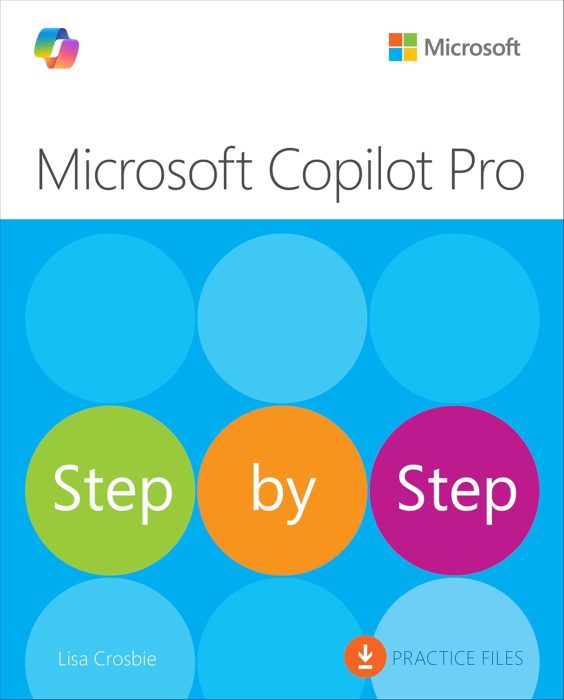
Repeatable tasks
Author: Lisa Crosbie
Quick overview: A step-by-step guide for users who want to master Copilot in daily productivity tasks and business scenarios.
- Practical workflows you can copy
- Step-by-step use across key apps
- Ways to save time and reduce mistakes
- Best practices for work tasks
- Prefer structured lessons
- Want predictable “do this → get that”
- Need workflows you can repeat daily
- Want fewer prompt mistakes
6) Microsoft Copilot Made Easy: Harnessing AI for Advanced Productivity
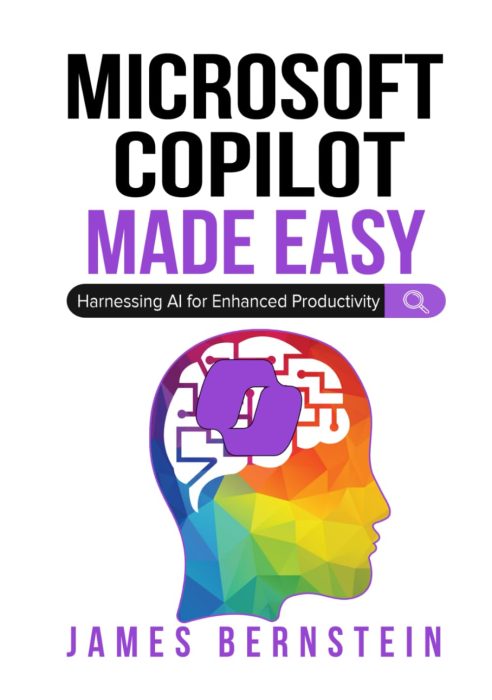
Advanced workflows
Author: James Bernstein
Quick overview: Learn how to harness Microsoft Copilot for advanced productivity and AI-assisted workflows across Microsoft 365 apps.
- Advanced Copilot productivity patterns
- Better workflows across key apps
- Time-saving repeatable methods
- Accuracy and quality tips
- Already use Copilot regularly
- Want stronger prompt structure
- Care about output quality
- Need faster “end-to-end” workflows
7) Microsoft Copilot AI 2025 User Guide For Beginners
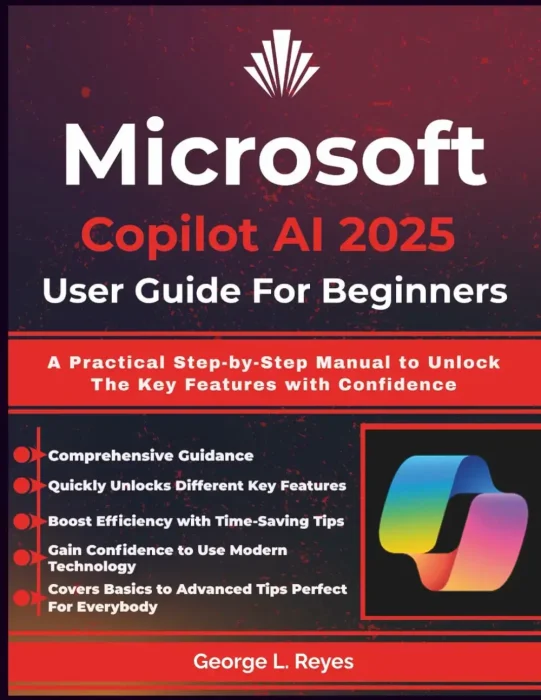
Simple steps
Author: George L. Reyes
Quick overview: A practical step-by-step manual for beginners to unlock Microsoft Copilot’s key features with confidence.
- Key features explained simply
- Step-by-step usage for beginners
- Everyday examples you can copy
- Confidence-building tips
- Are new to Copilot and AI tools
- Want a clear starting point
- Need simple, repeatable examples
- Prefer guided learning over theory
8) AI AT WORK: MICROSOFT COPILOT AND THE FUTURE OF WORK
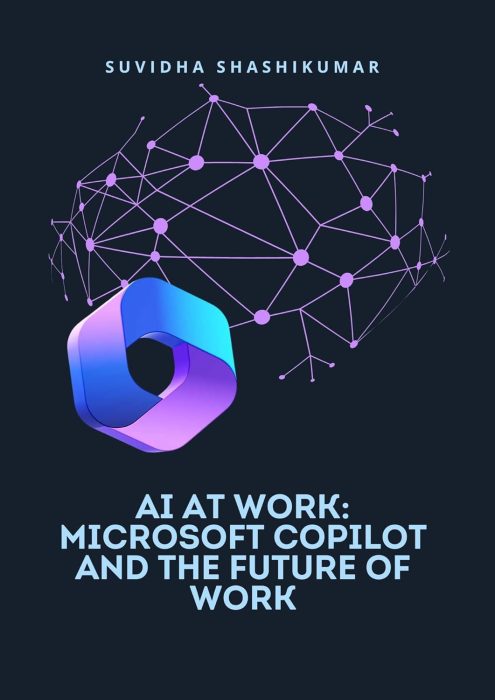
Future of work
Author: Suvidha Shashikumar
Quick overview: Explores the role of Microsoft Copilot in shaping the future of work, helping professionals adapt and thrive in AI-assisted workplaces.
- Workplace trends with AI integration
- How Copilot fits into daily work
- Examples of AI-assisted tasks
- Ways to adapt your workflow
- Lead teams or plan change
- Want context more than “how-to”
- Care about long-term workplace shifts
- Need a big-picture view
9) Microsoft Copilot for Coders: Elevate Your Programming with AI Assistance
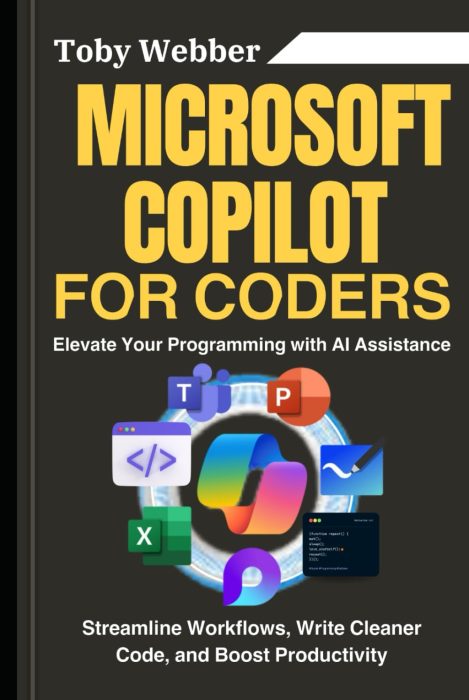
Coding workflows
Author: Toby Webber
Quick overview: A guide for developers to use Microsoft Copilot for coding, workflow automation, and writing cleaner, faster code.
- Automating routine coding tasks
- Writing cleaner, faster code
- Streamlining dev workflows
- Boosting productivity as a coder
- Write code daily at work
- Want fewer repetitive dev tasks
- Care about speed and quality
- Want better “assistant” habits
Want free Copilot learning resources?
If you want free Microsoft Copilot learning resources, check out our list of
free Copilot books.
Discover more from Windows Mode
Subscribe to get the latest posts sent to your email.
















Add your first comment to this post