Readers like you help support this site. When you make a purchase using links on our site, we may earn an affiliate commission. All opinions remain our own.
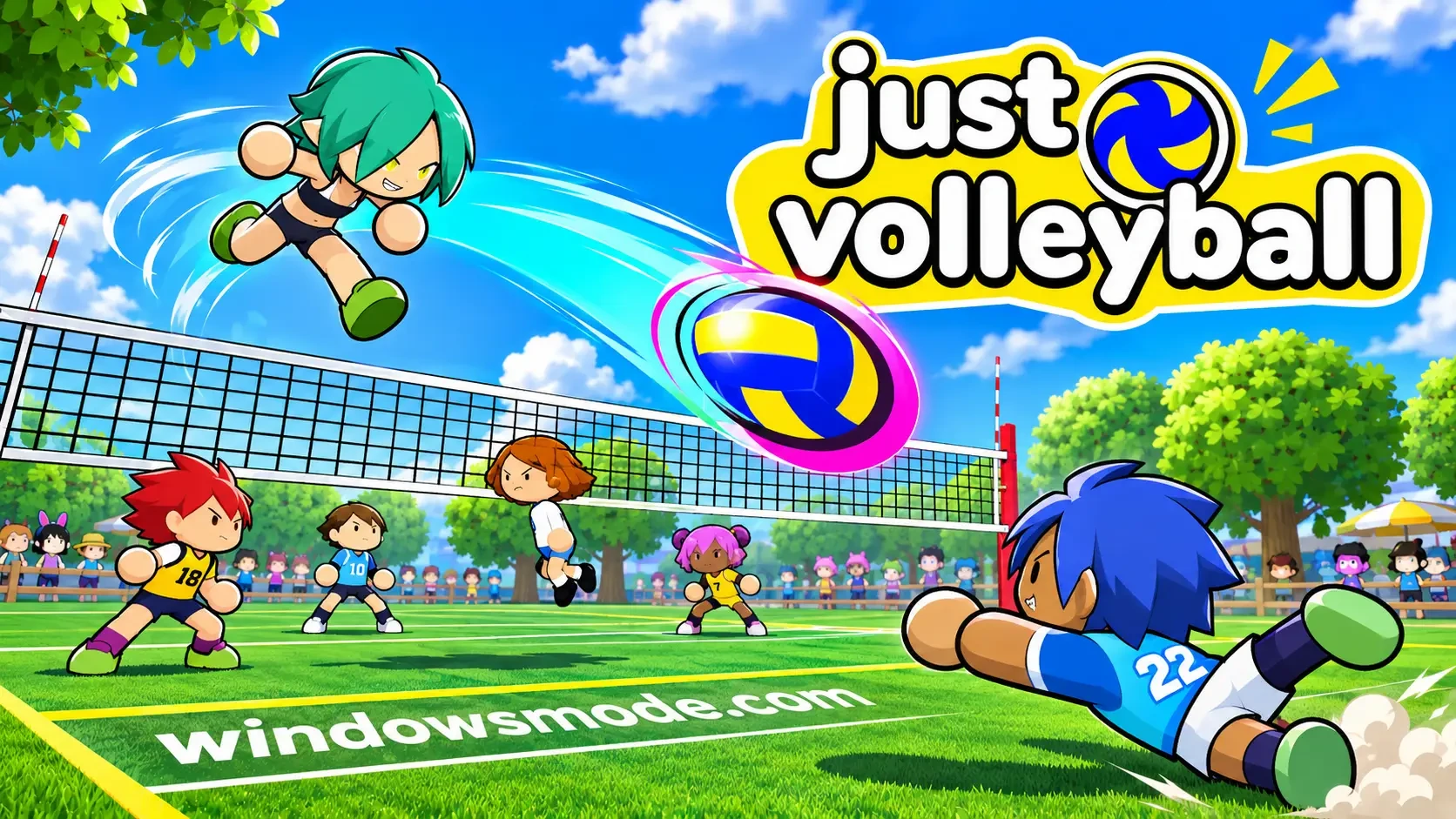
Just Volleyball on PC. Click to open it full size.
Just Volleyball is an arcade volleyball game for PC from temkosoft, available on Steam. You move your player by hand and aim every hit with your mouse cursor. Matches run from quick 1v1 duels up to full 6v6 team games.
The controls are what make it different. There are no auto-aim or auto-move helpers: where the ball goes depends on where you point and when you hit. It is easy to pick up, and it takes real practice to serve, set and spike well.
It released on November 16, 2026, on Windows 10 and 11. You can play online, over LAN, against bots offline or in split screen with friends on one PC.
Already on the court? Tell us your favorite format, 1v1 or full 6v6. Got questions before buying? Reach out to us directly.
What You Need to Know
- It plays online, offline with bots, over LAN and in split screen.
- Teams go from 1v1 up to 6v6.
- It is sold on Steam only. It is not on the Epic Games Store or GOG.
- It needs just 500 MB of space and runs on Intel HD 630 graphics.
- The game is in English only.
Quick Facts


How to Download Just Volleyball on Windows
Just Volleyball is on Steam only, and the download is small.
- Step 1. Install Steam. Get Steam and sign in.
- Step 2. Open the store page. Go to Just Volleyball on Steam.
- Step 3. Buy the game. Click Add to Cart and check out.
- Step 4. Install it from your Steam library.
- Step 5. Accept the online agreement when the game asks, then start with a bot match.
If the game has trouble on your hardware, the developer suggests trying the launch options that come with it on Steam.
Just Volleyball Price
Just Volleyball costs $7.99 on Steam, with regional pricing in other countries. There is one edition and no paid add-ons. Everything in the game, from maps to outfits, is unlocked by playing.
💡 Your PC is too weak? Cloud gaming is an option. Check Boosteroid.
What Is Just Volleyball?
Just Volleyball is a volleyball game built around two simple ideas: you move your player yourself, and you aim with your mouse cursor. Your cursor decides where each hit goes, and your timing decides how clean it is. There is no button that plays the point for you.
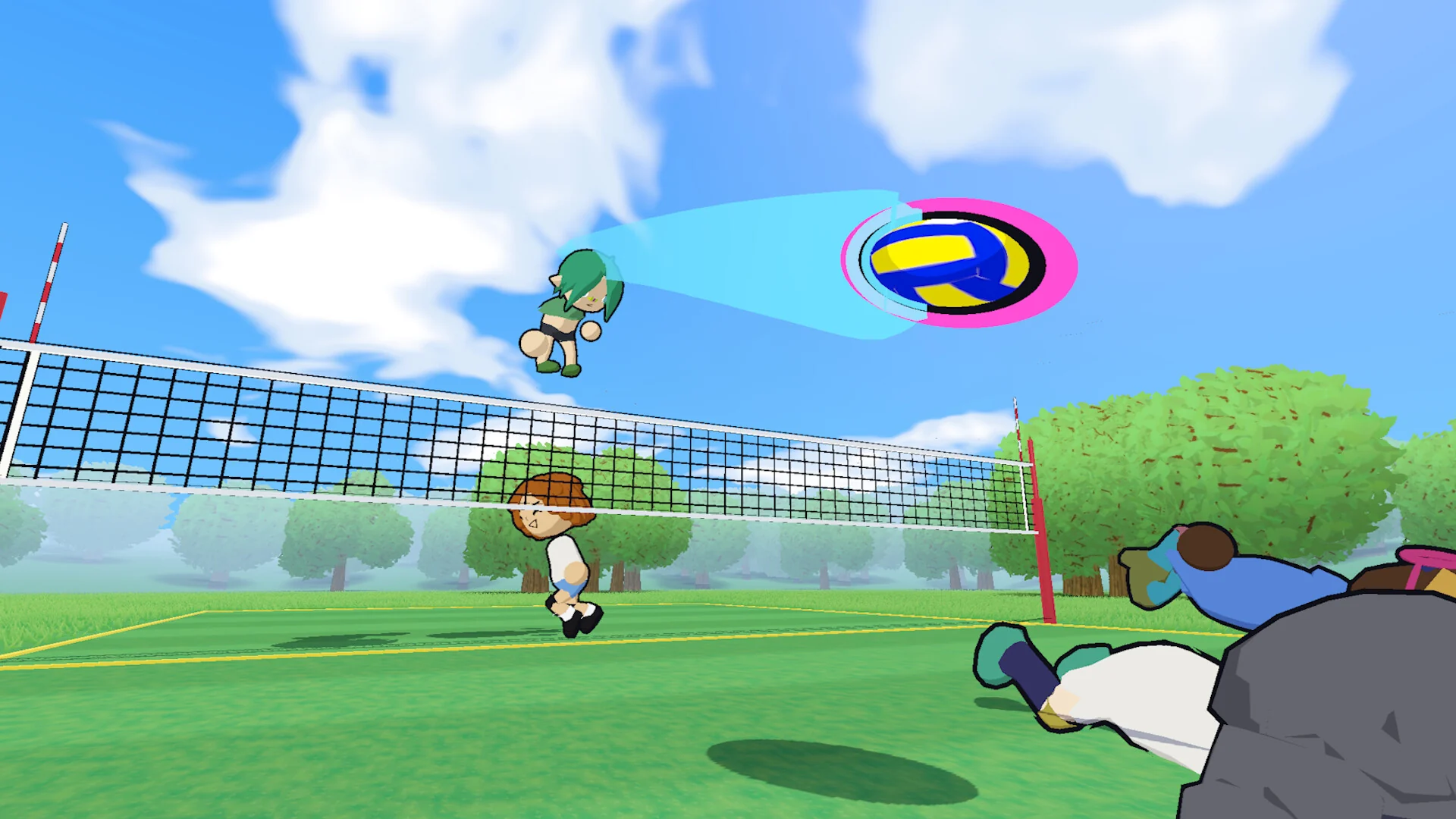
A spike over the net on the park court.
You pick the format. Play a 1v1 or 2v2 for fast, personal rallies, or join a full 6v6 team match where you have to cover your spot and pass to teammates. Bots can fill empty spots, so a match never waits on a full lobby.
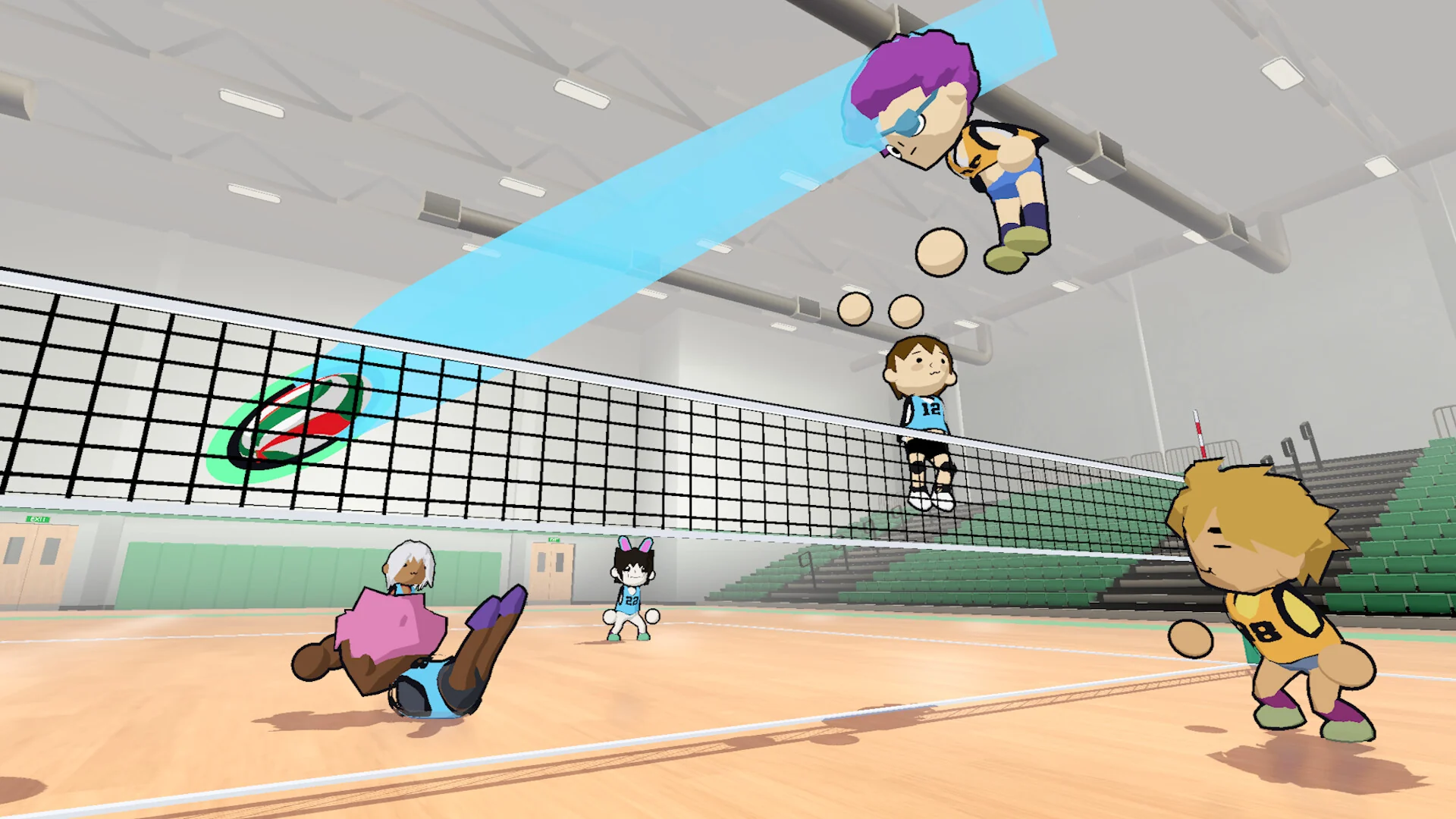
A spike at the net in the school gym.
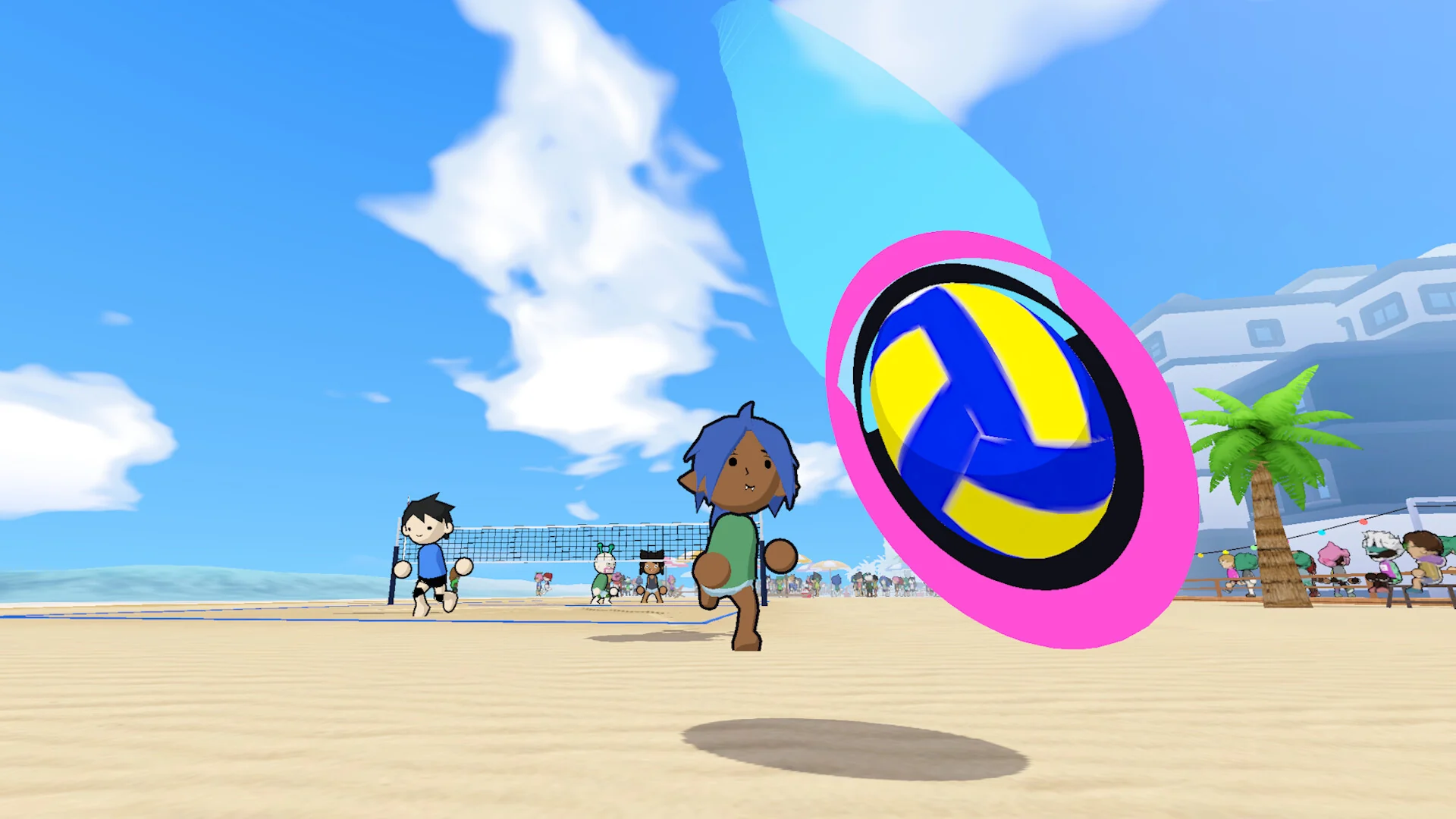
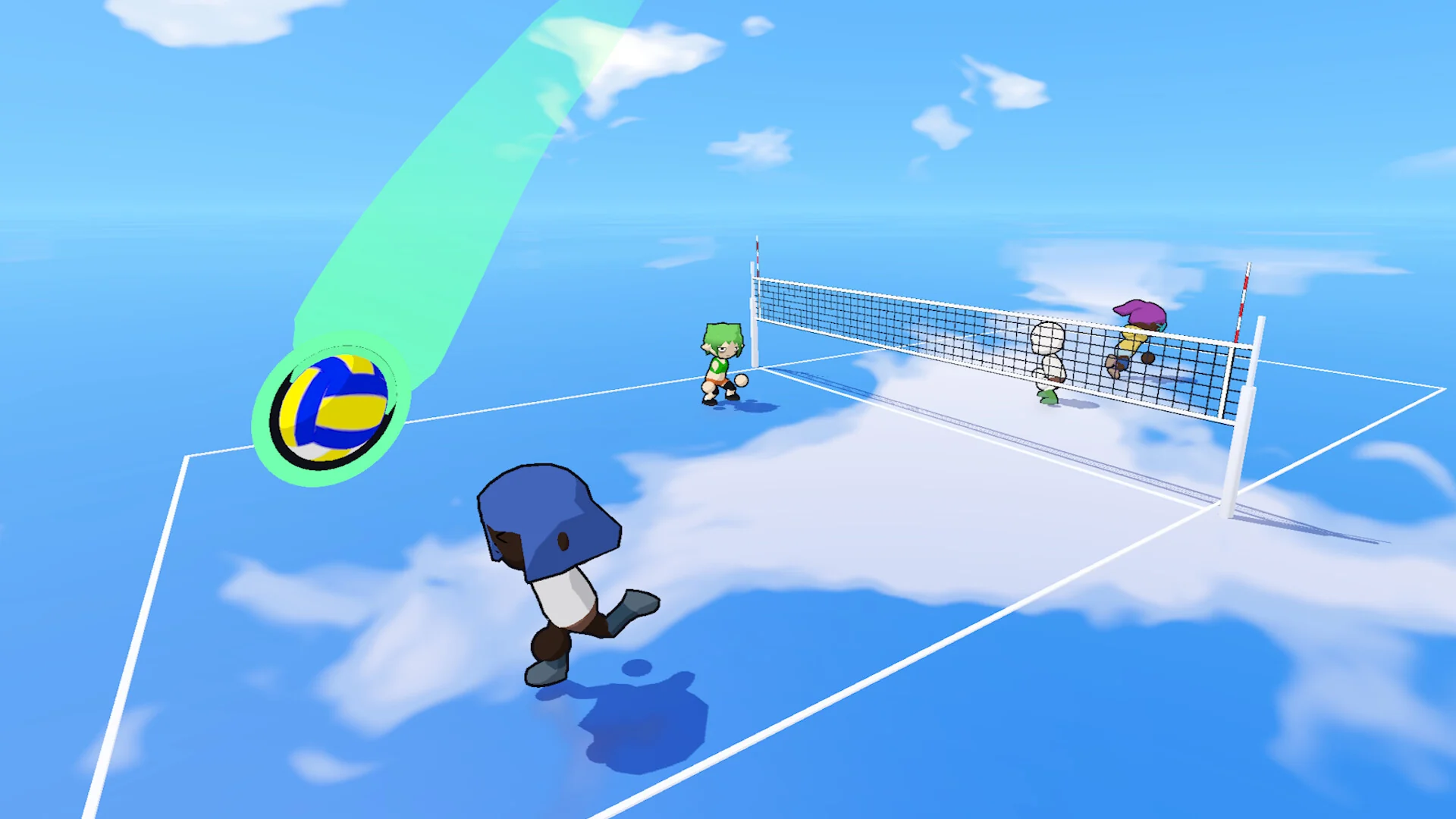
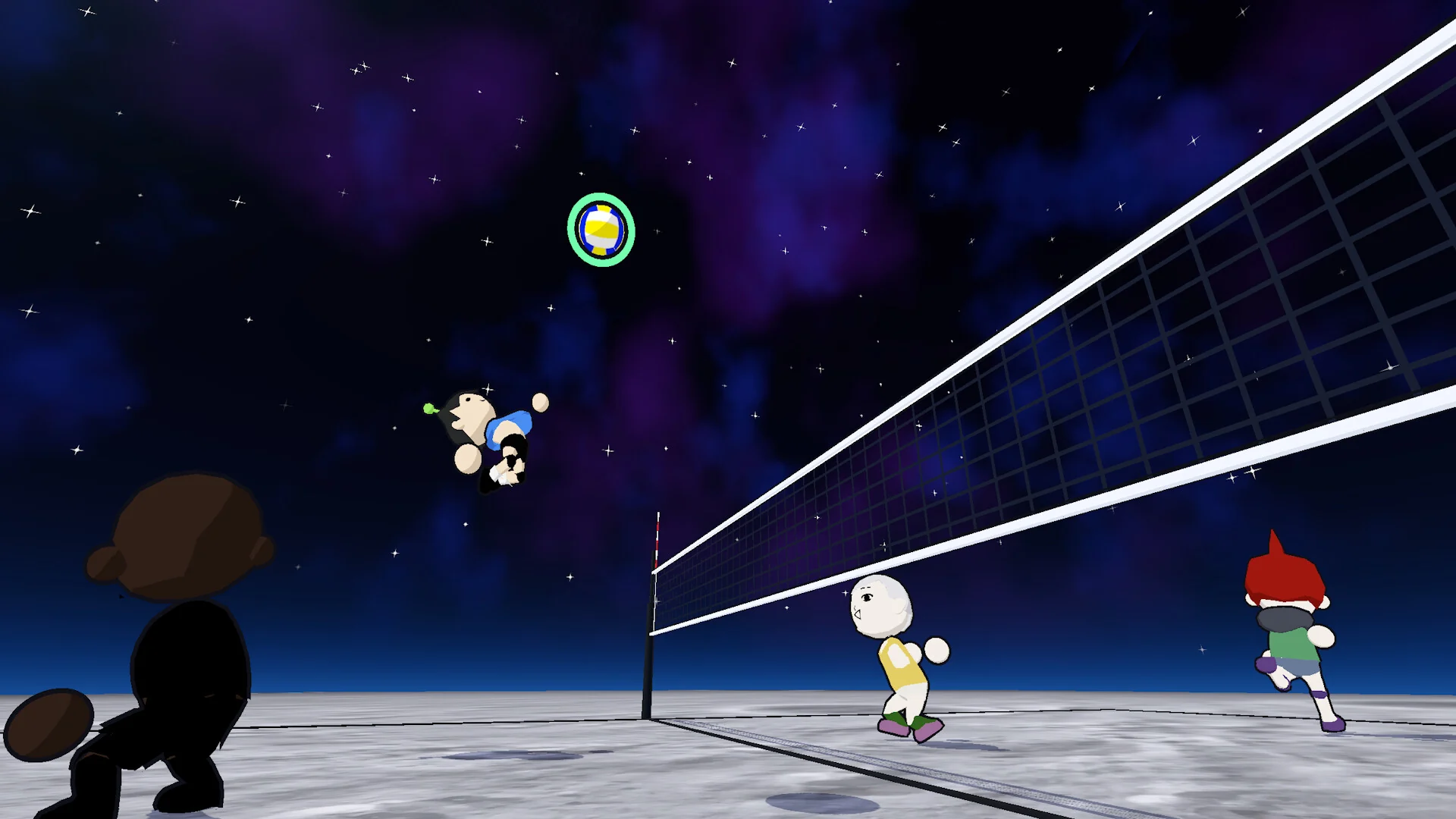
Courts range from a grass park and a sunny beach to a school gym, the Nationals Arena, a sky full of clouds and outer space. Many come in evening and night versions. Custom lobbies let the host change the rules with modifiers such as player collision, ball indicators and bots filling empty spots.
Off the court, you dress your player in the locker, unlock titles to show next to your name and work through daily and weekly goals. Replay mode saves your matches so you can rewatch highlights, and the Photo Studio in the locker lets you set up your own shots.
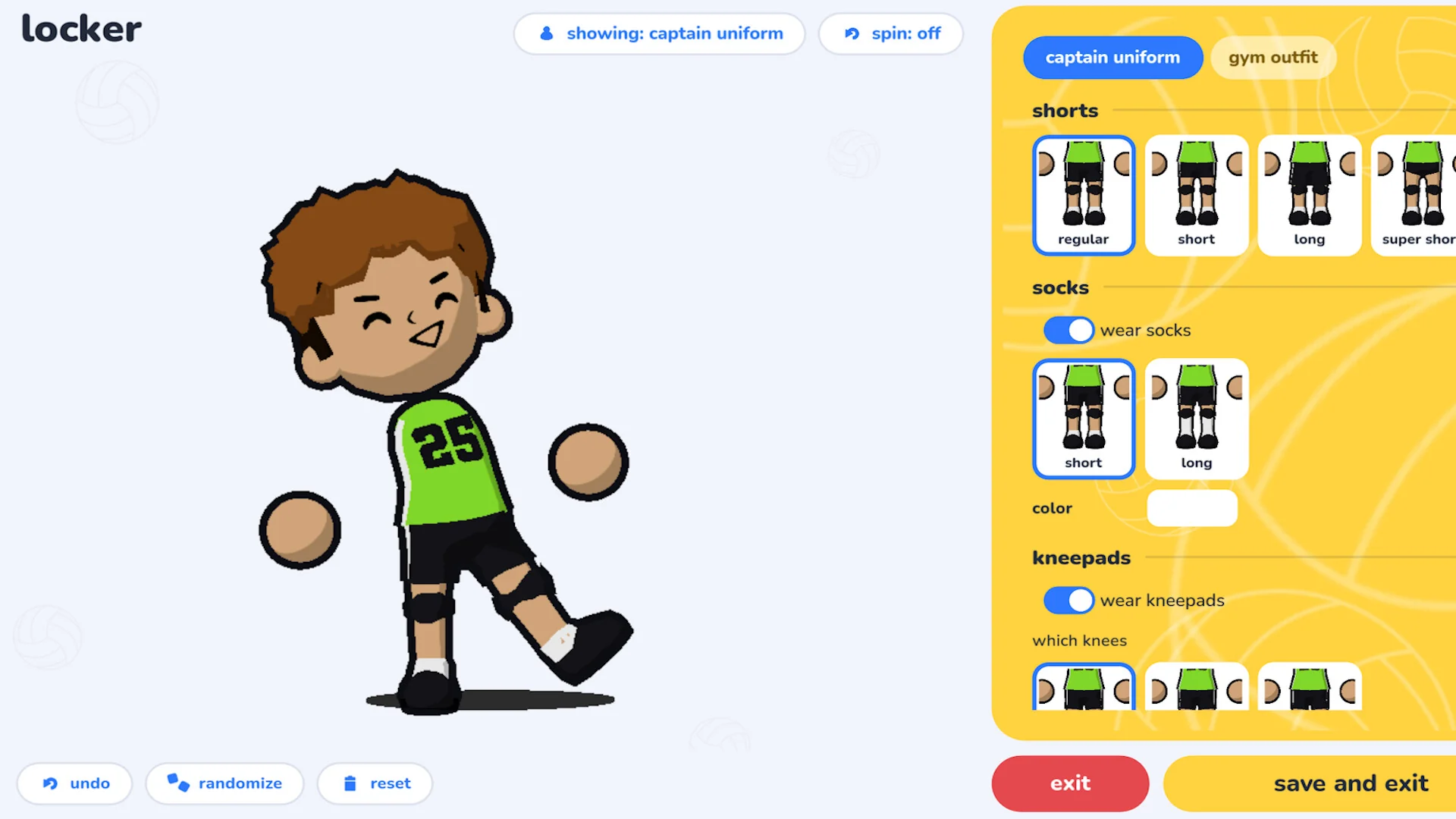
The locker, where you change your player’s outfit.
Official Trailer
Watch the official launch trailer for Just Volleyball to see the cursor aiming, diving digs and matches on the beach, in the arena and in space.
Key Features
Point where you want the ball to go. Every serve, set and spike is aimed by you.
You run, jump and dive yourself, so good positioning is a skill you build.
Play any team size, from quick duels to full team matches with bots filling gaps.
Play online, over LAN, against bots or with friends on one PC.
Build your player in the locker and unlock titles and outfits as you play.
Save your matches, rewatch your best points and set up your own photos.
Is This Game for You?
Our Take
🎮 Our Take
Just Volleyball does one thing and commits to it. Aiming with the cursor and moving by hand means every point is yours, good or bad, and that is what gives a simple-looking game its depth. The cartoon look is clean and easy to read in a busy 6v6 match, and the mix of online play, bots, LAN and split screen covers almost every way you might want to play. The rough edges are the ones you expect from a small indie launch: controller support is only partial, the game is English only, and the extra maps and modes the developer has planned arrive in future updates.
If you want a cheap, skill-based sports game to play with friends, on one PC or online, buy it. If you mainly play with a controller, or you want a realistic volleyball simulation with real teams, this is not that game, and you may want to wait for future updates or look elsewhere.
System Requirements
Just Volleyball is a light game. The minimum spec is an Intel Core i5-7600, 8 GB of RAM and Intel HD Graphics 630, so most laptops with built-in graphics can run it. The recommended spec moves up to a Core i5-8400 or Ryzen 5 2600 and a GTX 1050 Ti.
The 500 MB grows as you save replays, so clear out old ones now and then. Thinking of a new gaming PC? See our Best Gaming Desktops guide.
Tips for Beginners
Start small
Learn the controls in 1v1 or 2v2 first. With fewer players, you touch the ball more and learn your timing faster.
Practice against bots
Offline bot matches let you try serves and spikes with no pressure before you go online.
Aim early
Move your cursor to the spot you want before the ball reaches you, so you are not aiming at the last second.
Turn on ball indicators
When you host a custom lobby, the ball indicators modifier makes it easier to read where the ball will come down.
Rewatch your mistakes
Replay mode saves your matches. Watching a lost point back is the quickest way to see where you were out of position.
Just Volleyball Screenshots
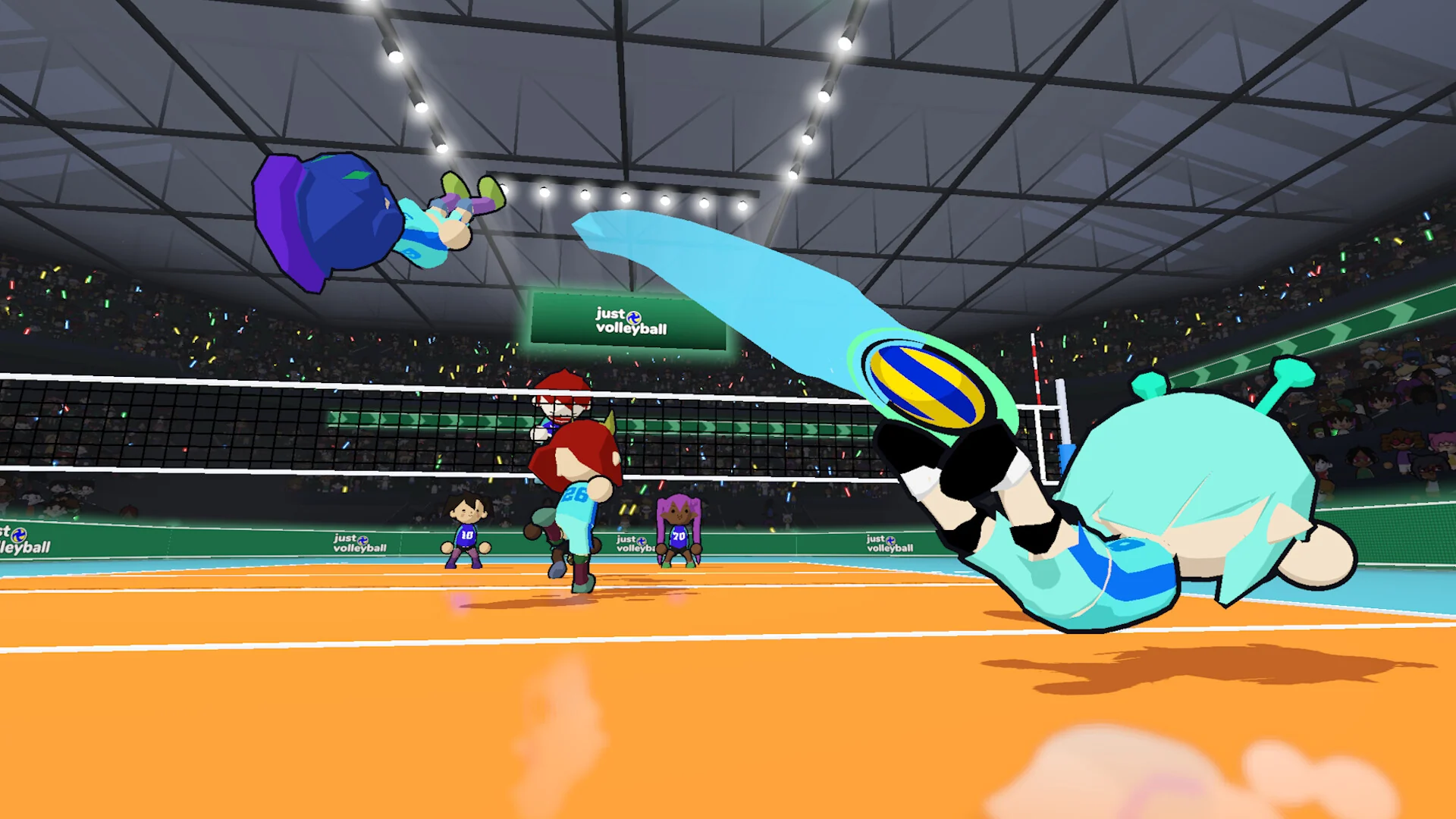
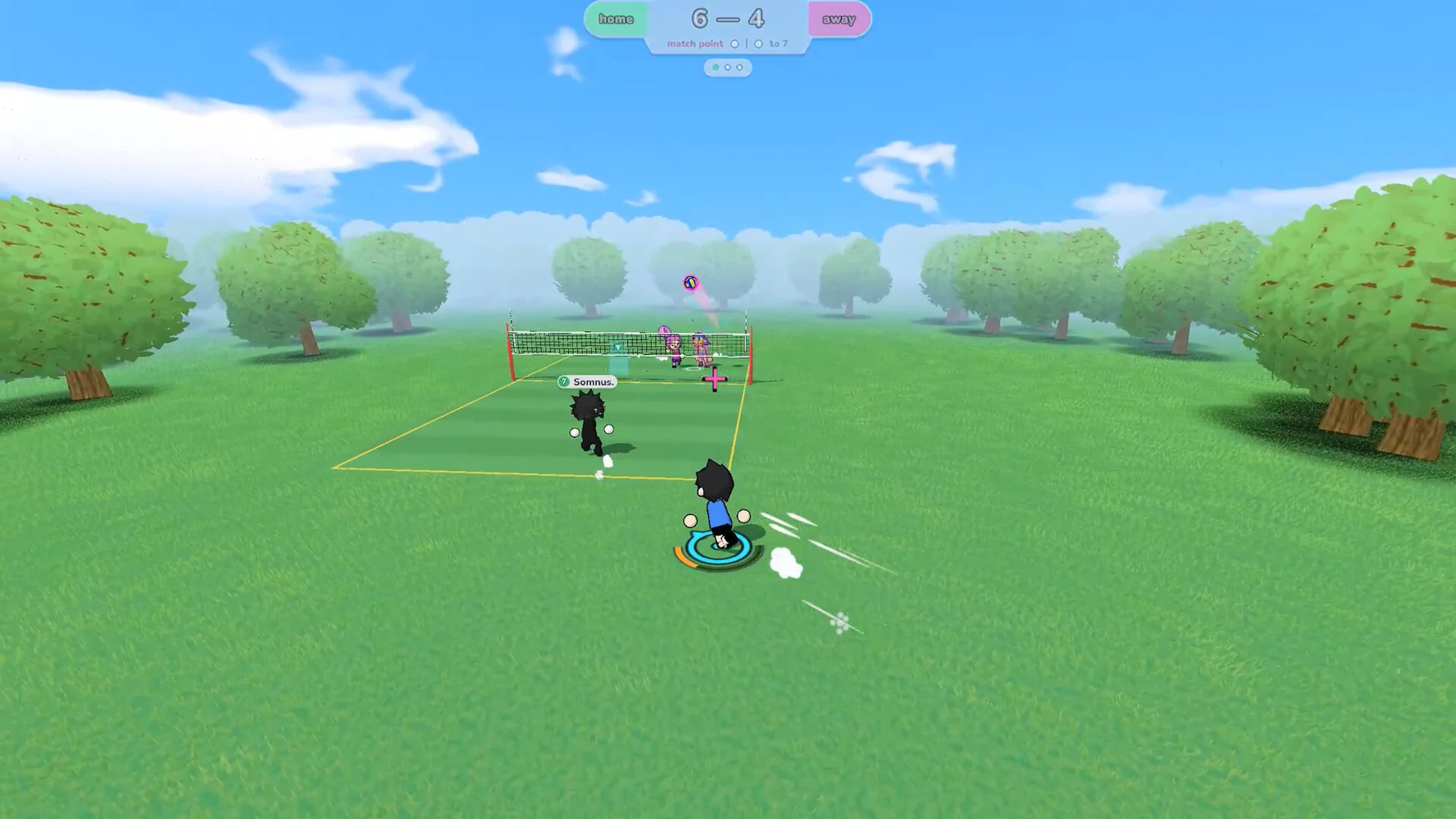
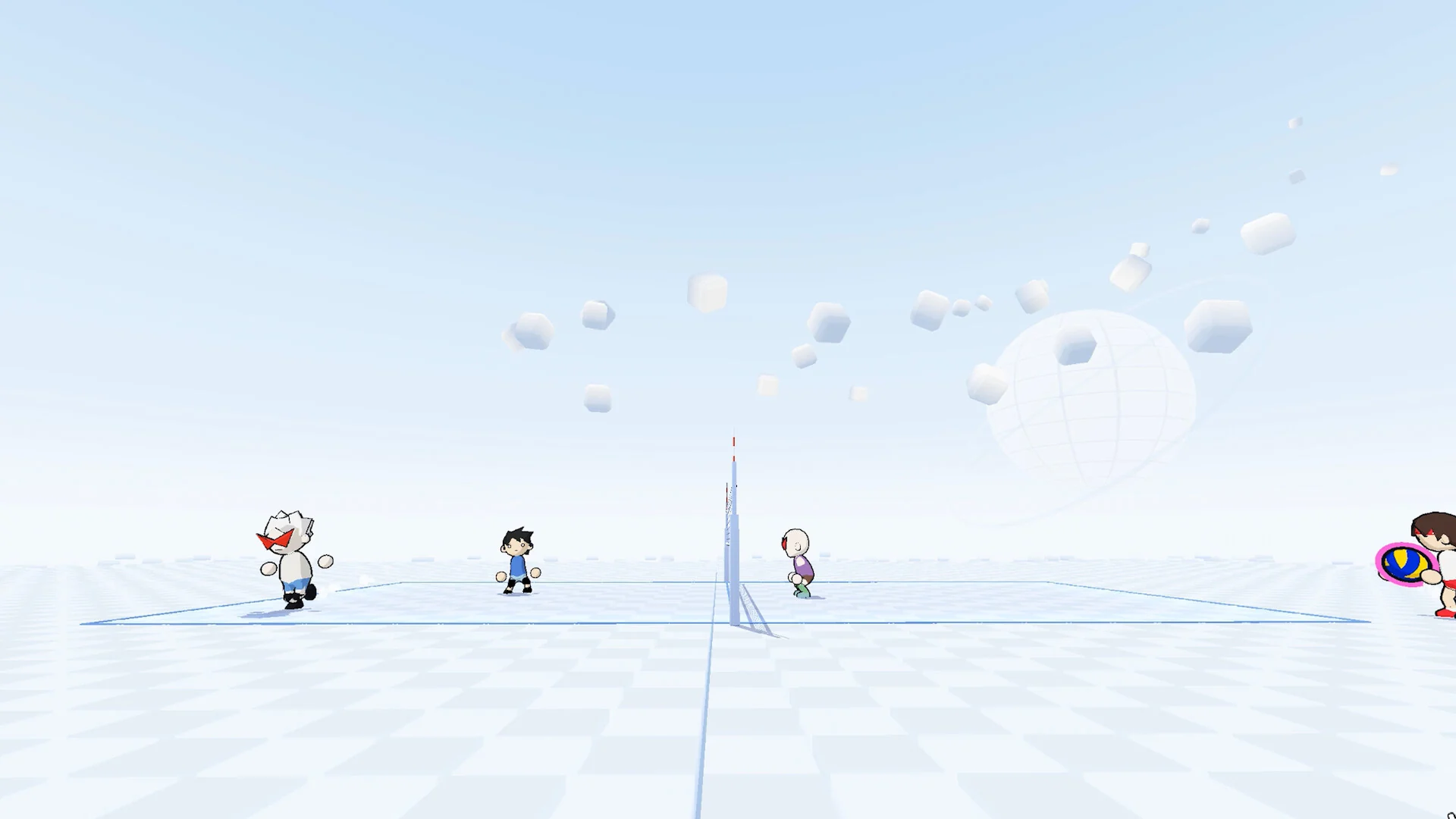
The Nationals Arena, the Clouds and Space courts, an online gym match, a park team game and the practice court. Click any image to open it full size.
-
- Just volleyball nationals arena dive from
-
- Just volleyball clouds court from
-
- Just volleyball space court from
-
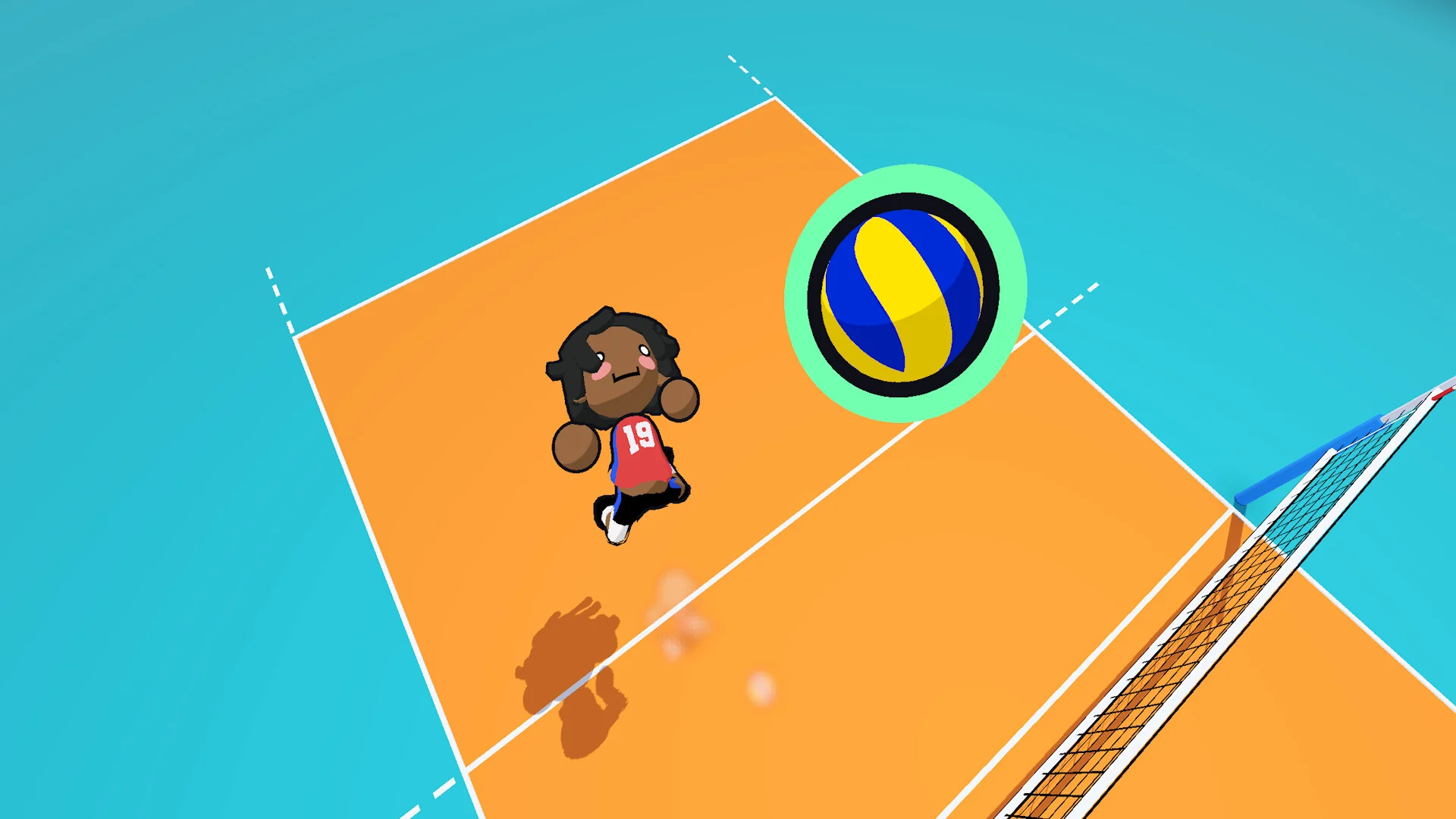
- Just volleyball top down dig from
-
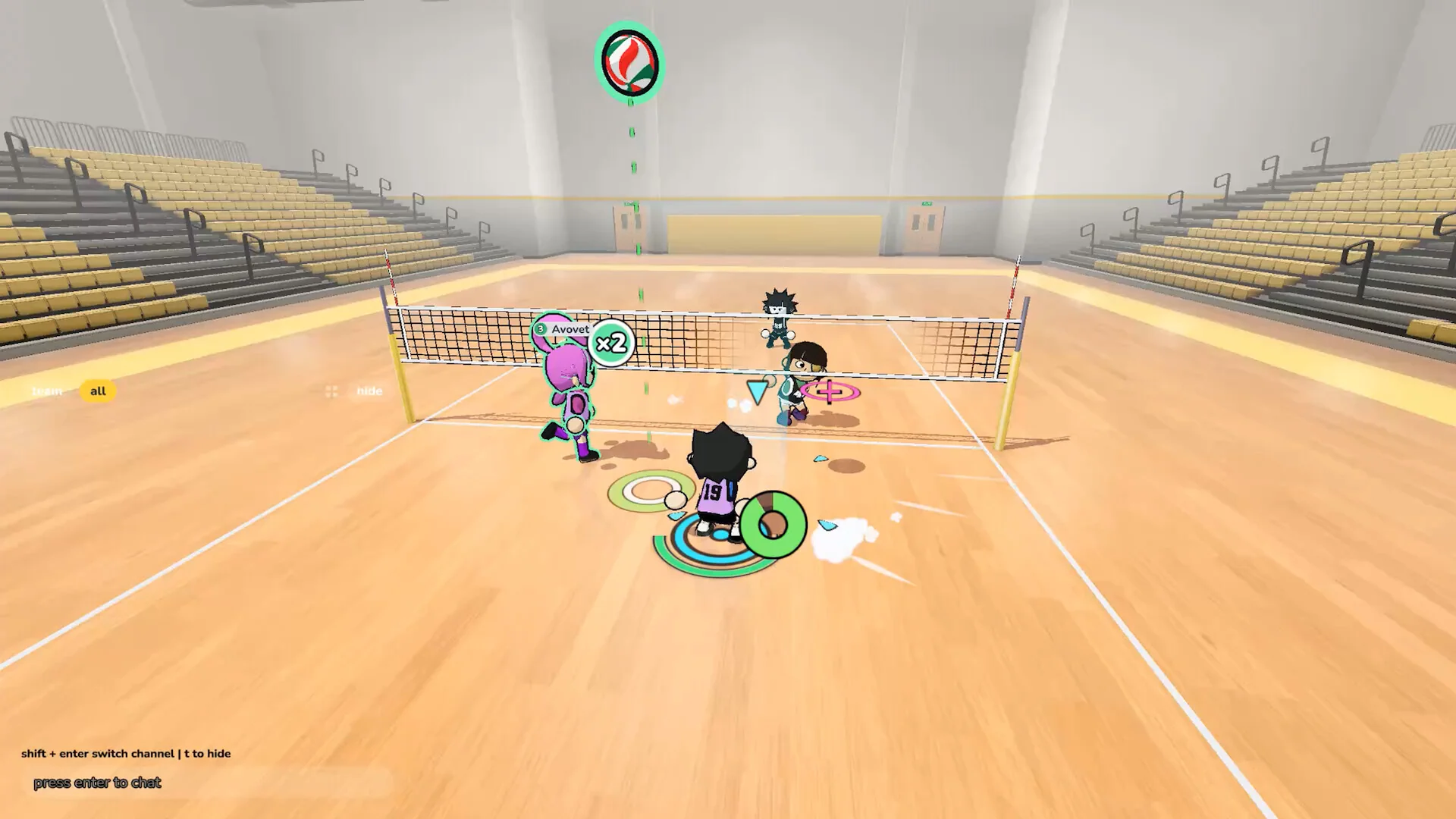
- Just volleyball online gym match from
-
- Just volleyball park team match from
-
- Just volleyball practice court from
Just Volleyball FAQ
Does Just Volleyball have split screen?
Can you play Just Volleyball offline?
Can you play Just Volleyball with a controller?
Is there a free Just Volleyball demo?
Is Just Volleyball on Mac, consoles, Epic or GOG?
What are the Just Volleyball system requirements?
Support and Community
- temkosoft on YouTube, the developer’s official channel for trailers and gameplay.
- temkosoft on X and Instagram, for news from the developer.
- The official Discord, where the developer posts patch notes and takes feedback.
- News and announcements on Steam, for every major update.
- Steam discussions, for questions and bug reports.
- r/JustVolleyballgame on Reddit, to find teammates and share clips.
Explore more Windows games: Rocket League for Windows · Fall Guys for Windows · Best Sports Games on PC · Best Party Games on PC · Best Indie Games on PC
Discover more from Windows Mode
Subscribe to get the latest posts sent to your email.











Add your first comment to this post