Readers like you help support this site. When you make a purchase using links on our site, we may earn an affiliate commission. All opinions remain our own.
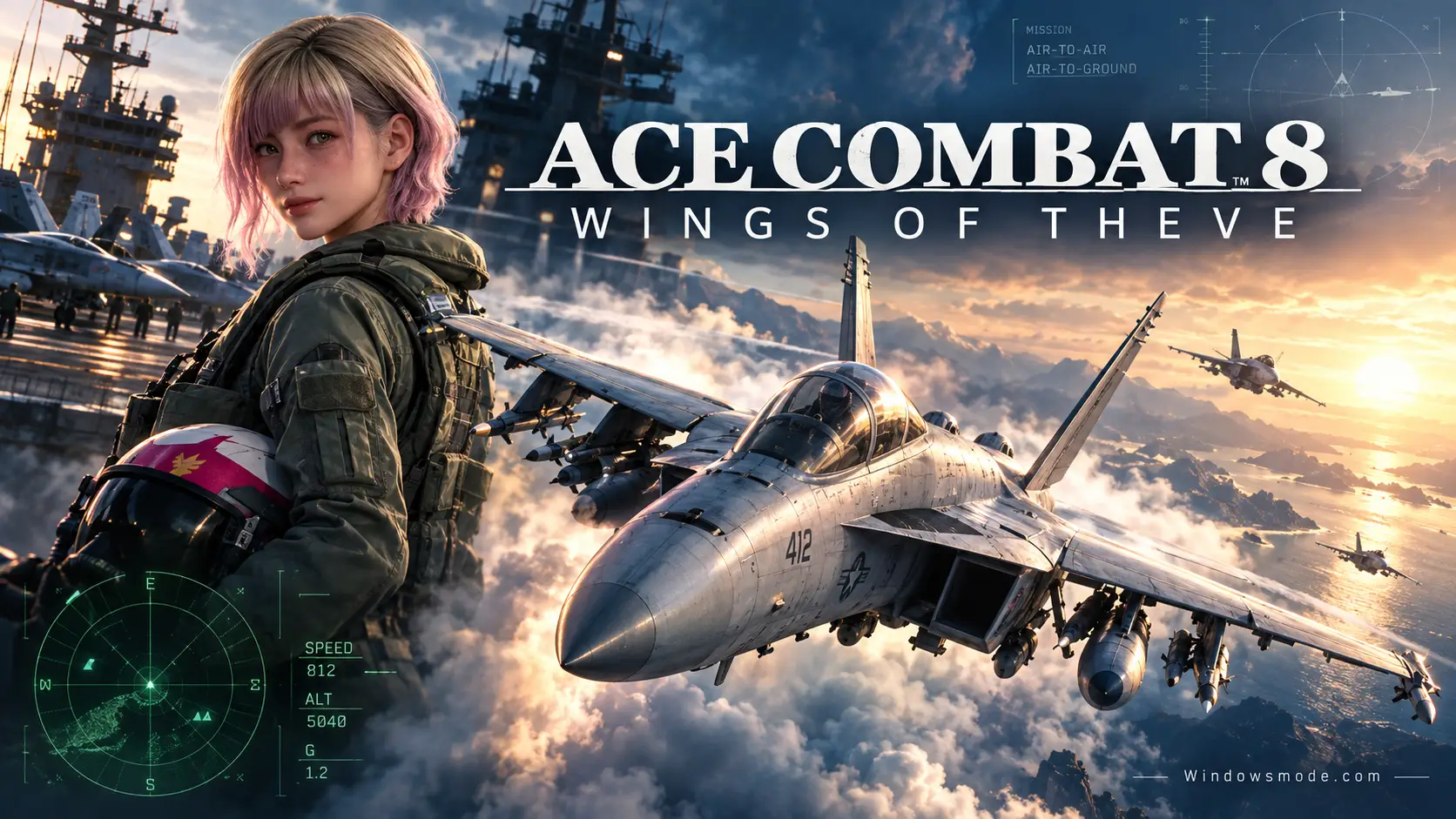
Ace Combat 8: Wings of Theve on PC. Click to open it full size.
Ace Combat 8: Wings of Theve is an arcade air combat game for PC from Bandai Namco, available on Steam. You fly real fighter jets through a story campaign, shooting down enemy aces and hitting ground targets with missiles and special weapons. The controls are built for a gamepad, not a cockpit full of switches, so you are dogfighting within minutes.
It is the first main Ace Combat game since Ace Combat 7 in 2019. For the first time, the series has a full online mode with crossplay, built around an air base lobby where players meet before co-op and versus missions. The campaign also changes: story scenes now play out in first person, through your pilot’s eyes.
It launched on October 2, 2026 for PC, PlayStation 5 and Xbox Series X|S. It is developed by Bandai Namco Aces (the Project Aces team behind the series). On PC it needs Windows 11, a graphics card with hardware ray tracing and an SSD, and it has full controller support.
Already flying? Tell us which jet you picked for your first sortie. Got questions before buying? Reach out to us directly.
What You Need to Know
- On PC it is sold on Steam only. It is not on the Epic Games Store.
- The PC version is demanding: Windows 11, a ray tracing graphics card, 16 GB of RAM and 150 GB on an SSD at minimum.
- It uses Easy Anti-Cheat (an anti-cheat that runs at the system level) and Denuvo copy protection, which Steam says allows activation on five PCs per day.
- Online play is cross-platform with PlayStation and Xbox players.
- It has paid extras, such as a seasonal Ace Pass, but Bandai Namco says there are no paid loot boxes.
Quick Facts
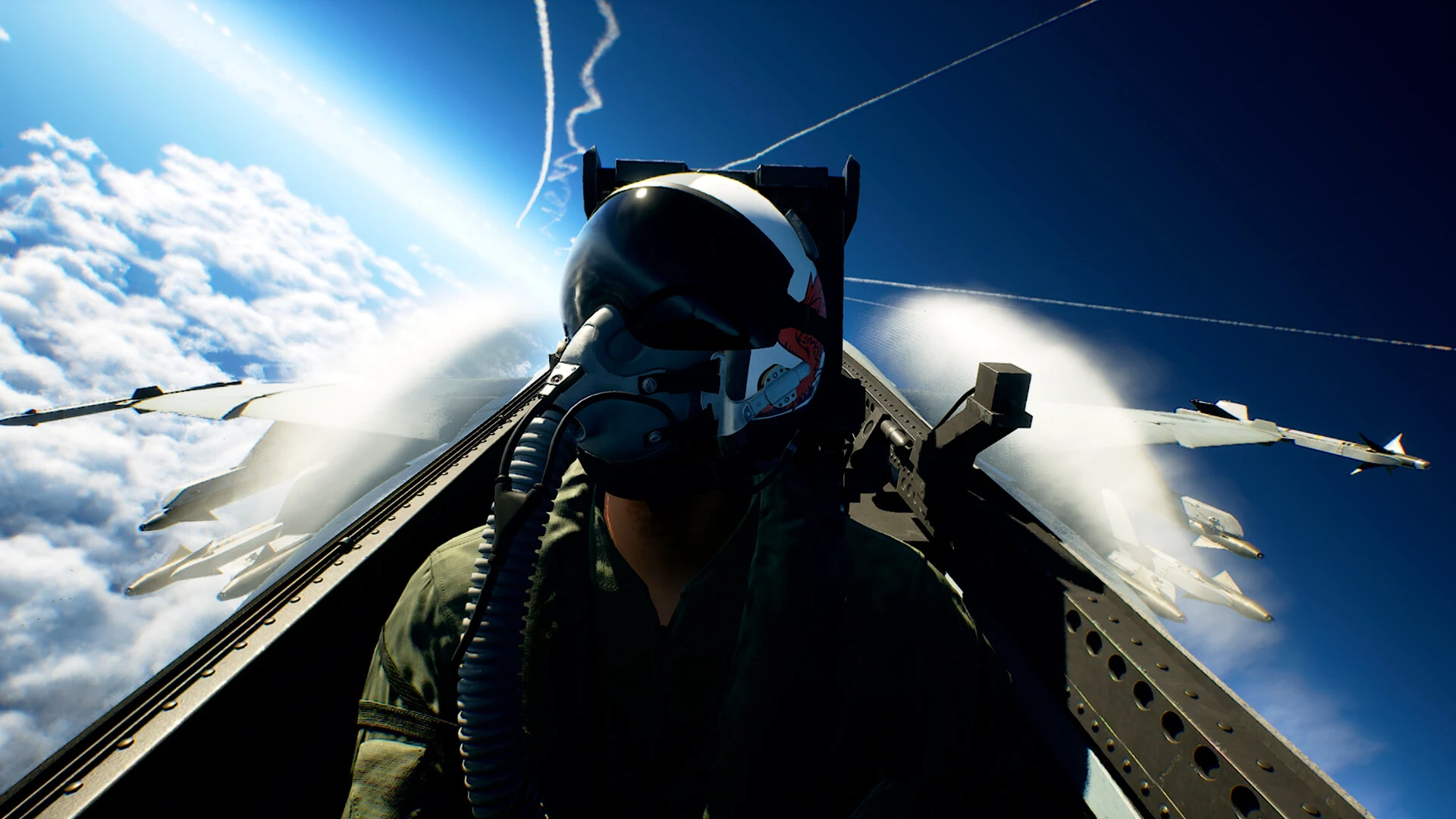


How to Download Ace Combat 8 on Windows
Ace Combat 8 is a Steam game, so you need the free Steam app and a Steam account before you buy it. Clear space on an SSD first, because the game will not run properly from a hard drive.
- Step 1. Install Steam. Download it from the Steam website and sign in.
- Step 2. Open the store page. Go to Ace Combat 8 on Steam.
- Step 3. Pick an edition. Choose the standard game or the Deluxe Edition and finish checkout.
- Step 4. Install it on your SSD. Find it in your Library, click Install and choose an SSD drive. It needs 150 GB.
- Step 5. Launch it and accept the anti-cheat prompt. Easy Anti-Cheat installs with the game and starts with it.
💡 Your PC is too weak? Cloud gaming is an option. Try Boosteroid.
Ace Combat 8 Editions and Price
There are two editions on Steam. Both include the full campaign and Ace Combat Online. The Deluxe Edition adds cosmetics and a season pass voucher, nothing that changes how a plane flies.
Prices are the US list prices on Steam, with regional prices elsewhere. Extras are also sold one by one: the F-14A as a playable aircraft for $4.99, the Cosmetic Set for $9.99, and the Premium Ace Pass for each season. Do not buy the Cosmetic Set on top of the Deluxe Edition, because Deluxe already includes it.
☁️ Your PC is too weak? Cloud gaming is an option.
Ace Combat 8 is on Boosteroid, which runs the game on its own hardware and streams it to you, so the ray tracing card, Windows 11 and the 150 GB SSD are its problem, not yours. You still buy the game on Steam, then launch it through the service. Use a wired connection or strong Wi-Fi, since a laggy stream makes it hard to dodge missiles.
What Is Ace Combat 8?
Ace Combat 8 is set in Strangereal, the series’ made-up world of fictional countries flying real jets. In 2029, the Republic of Sotoa invades the Federation of Central Usea. You play REX, a pilot rescued by the aging aircraft carrier Endurance after your homeland falls.
Your commanders give you a call sign with a story behind it: Wings of Theve, a legendary ace who never really existed. You fly with Joker Flight, a four-pilot squad with Baxter, Tasha and Coster on your wings. Between missions you spend time with them aboard the carrier, and the story asks you to make hard choices along the way.
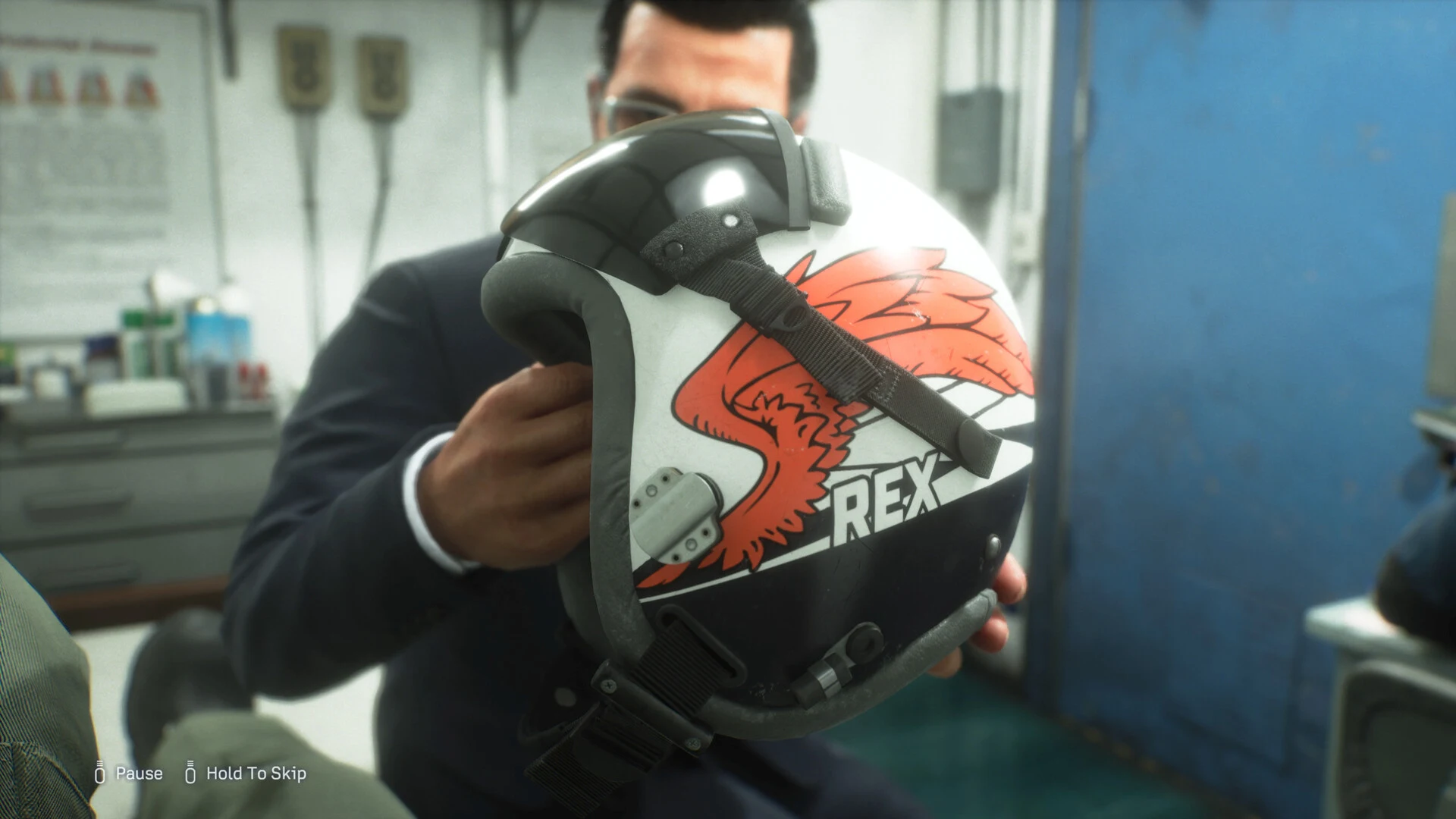
REX’s helmet. Story scenes now play out in first person.
In the air, it plays like the earlier games: fast, forgiving flight with a large stock of missiles, plus a special weapon you pick before each sortie. Missions mix dogfights with strikes on radar towers, ships and city targets. You give your wingmen orders with the D-pad, telling them to attack your target, fire at will, cover you or clear you to use special weapons.
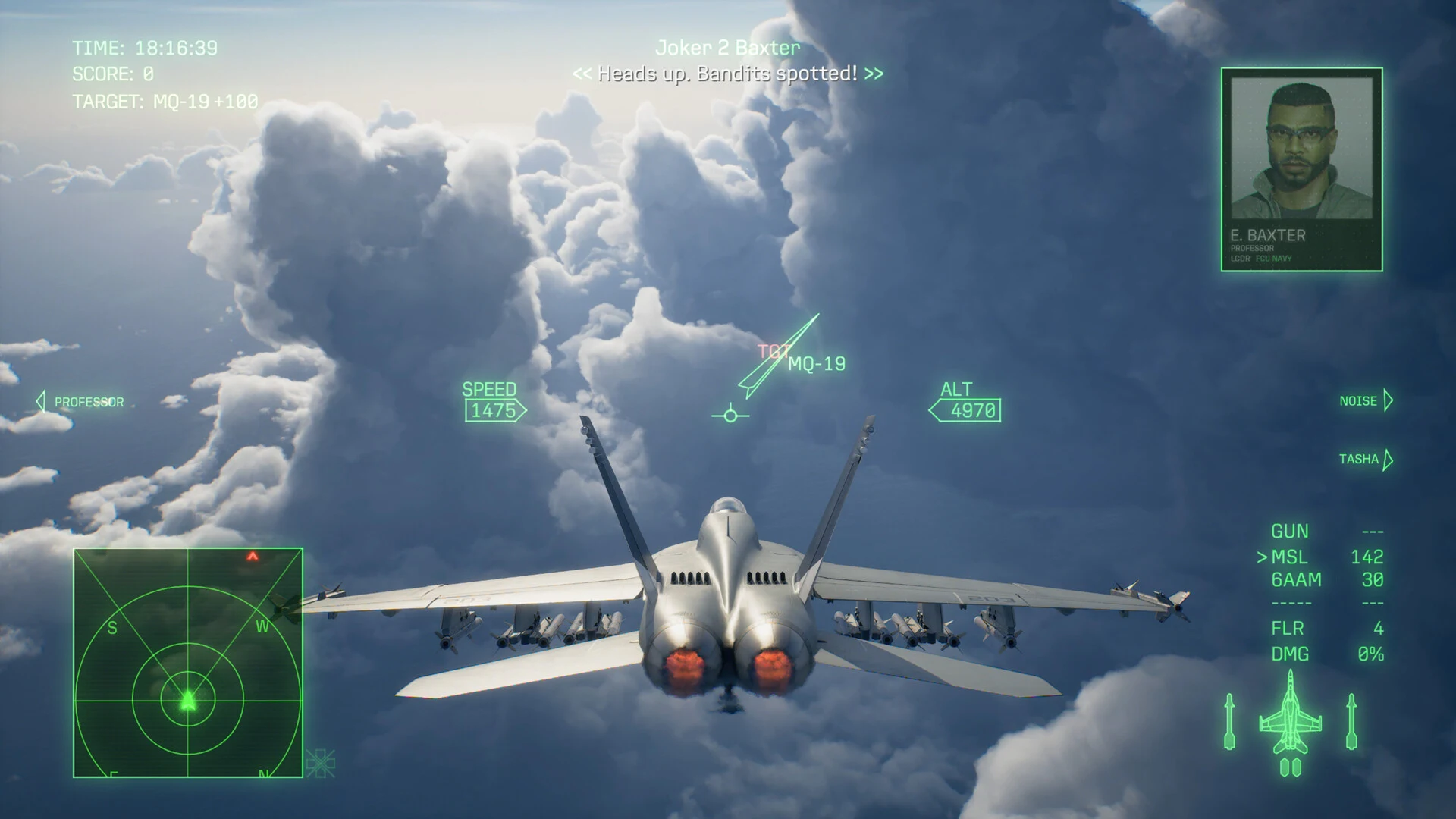
Clouds are part of the fight: they can hide you, and hide the enemy.
The clouds matter more than ever. Bandai Namco built a new cloud engine for this game, and the developers have explained that flying into a cloud bank can shake off a missile, while an enemy hiding in one is harder to lock on to.
Ace Combat Online is the other half of the game. You create an avatar and walk around an air base lobby that holds up to 100 players, then launch into missions with players on any platform. Modes include Co-Op Assault, where teams of two to four take on enemy forces, and Co-Op Warfare, where two teams of four fight on opposing sides with AI units in the mix.
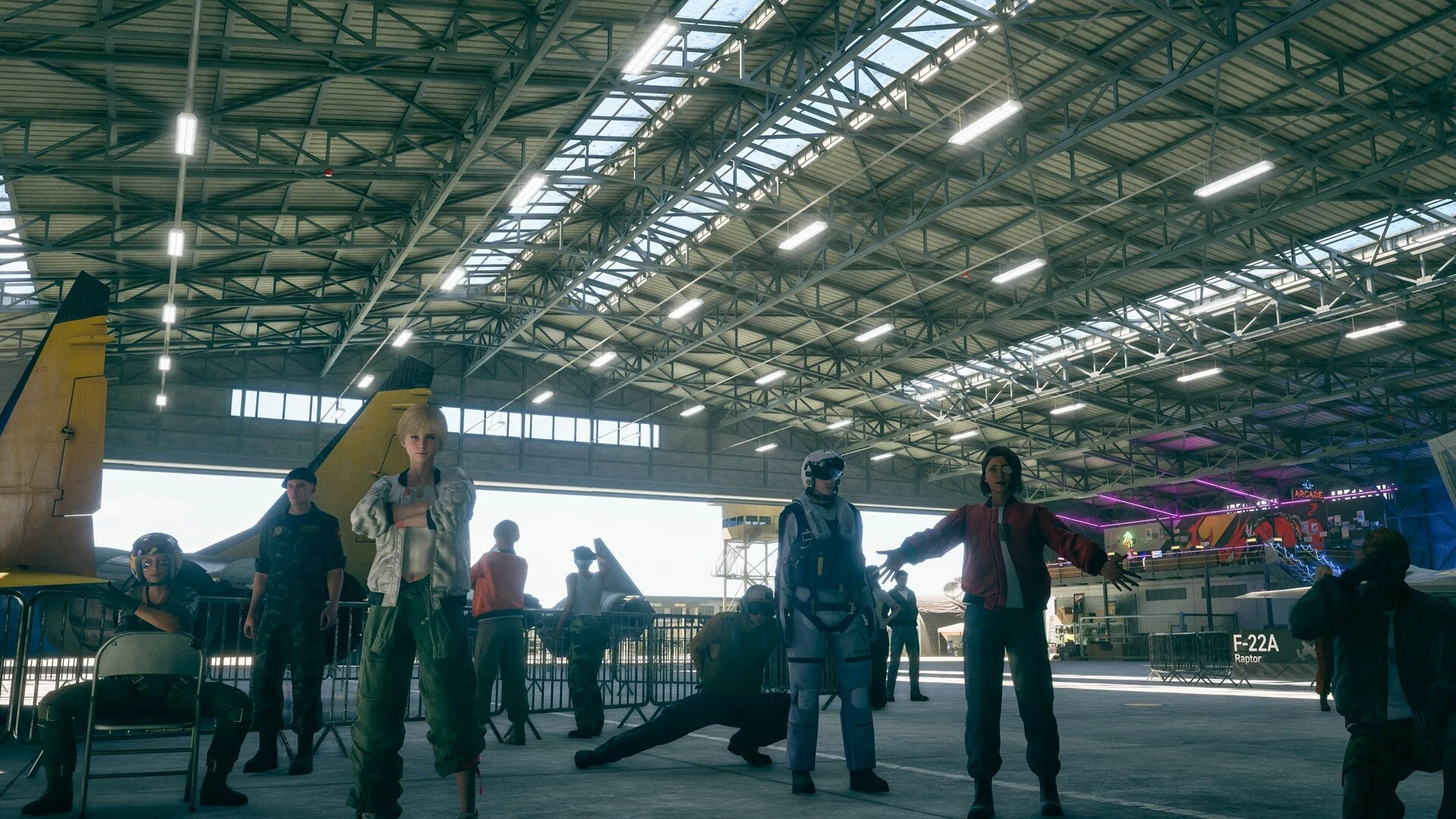
The online air base, where players gather before a sortie.
Official Trailer
Watch the official launch trailer for Ace Combat 8: Wings of Theve to see dogfights through towering clouds, the Joker Flight squad and moments from the campaign story.
Key Features
Cutscenes play out through REX’s eyes, from the carrier deck to the cockpit, with choices along the way.
Three named wingmen fly with you. Give them orders with the D-pad and get to know them between missions.
A new cloud engine builds layered skies. Dive into a cloud to shake a missile, and watch for enemies hiding in one.
Licensed aircraft from makers like Boeing, Lockheed Martin, Dassault and Saab. Xbox Wire counted over 30 at launch.
A 100-player air base lobby, co-op and team missions, and limited-time PvP events, all with crossplay.
A free reward track with skins and upgrade parts, refreshed every two months, plus an optional premium track.
Is This Game for You?
Our Take
🎮 Our Take
Ace Combat 8 keeps what made the series work, quick and loud dogfights you can enjoy from the first mission, and adds the two things fans asked about most: real co-op and a reason to stick around after the credits. The cloud engine is the smart part, because it turns the sky itself into cover instead of a backdrop. The first-person story scenes are a bold change for a series known for dramatic radio chatter, and how much you like them will decide how much the campaign lands for you. The weak spot is the PC ask: Windows 11, a ray tracing card and 150 GB of SSD space just to reach 30 frames per second on Low, which is a lot for an arcade flyer.
If your PC meets the recommended spec and you like action games, buy it; the standard edition is enough, since Deluxe only adds cosmetics and a season voucher. If you sit near the minimum spec, check the requirements below carefully or play it through cloud gaming instead. If you want realism, a simulator like Microsoft Flight Simulator or War Thunder’s simulator mode is a better fit.
System Requirements
These are the requirements Bandai Namco published on Steam. A graphics card with hardware ray tracing is required, not optional, so older cards such as the GTX 10 and GTX 16 series cannot run it. Windows 10 is not supported either.
Bandai Namco also warns that frame rates can drop in busy scenes. If your PC falls short, cloud gaming is the cheaper route, and if you are thinking about an upgrade, our Best Gaming Desktops guide is a good place to start.
Tips for Beginners
Check the mission benchmark
The standby screen shows whether a mission leans air-to-air or air-to-ground. Pick your jet and special weapon to match before you sortie.
Use your wingmen
Up on the D-pad sends them after your target, Left lets them fire at will, Down has them cover you, and Right clears them to use special weapons.
Hide in the clouds
Flying into a cloud bank can break a missile lock on you. It works the other way too, so do not waste missiles on an enemy hidden in a cloud.
Read altitude from the sky
Each cloud layer sits at a different height and looks different, which helps you judge altitude without staring at the HUD.
Start with Low or Medium settings
Even the recommended spec targets 60 fps at Medium with upscaling. Set graphics low first, then raise them while the frame rate stays smooth.
Best Ace Combat 8 Mods to Start With
Ace Combat 8 has no Steam Workshop. Mods come from Nexus Mods, and the first wave is mostly fixes the PC version needs: a wider camera, flight stick support, ultrawide screens and better performance. These five are the most useful to start with.
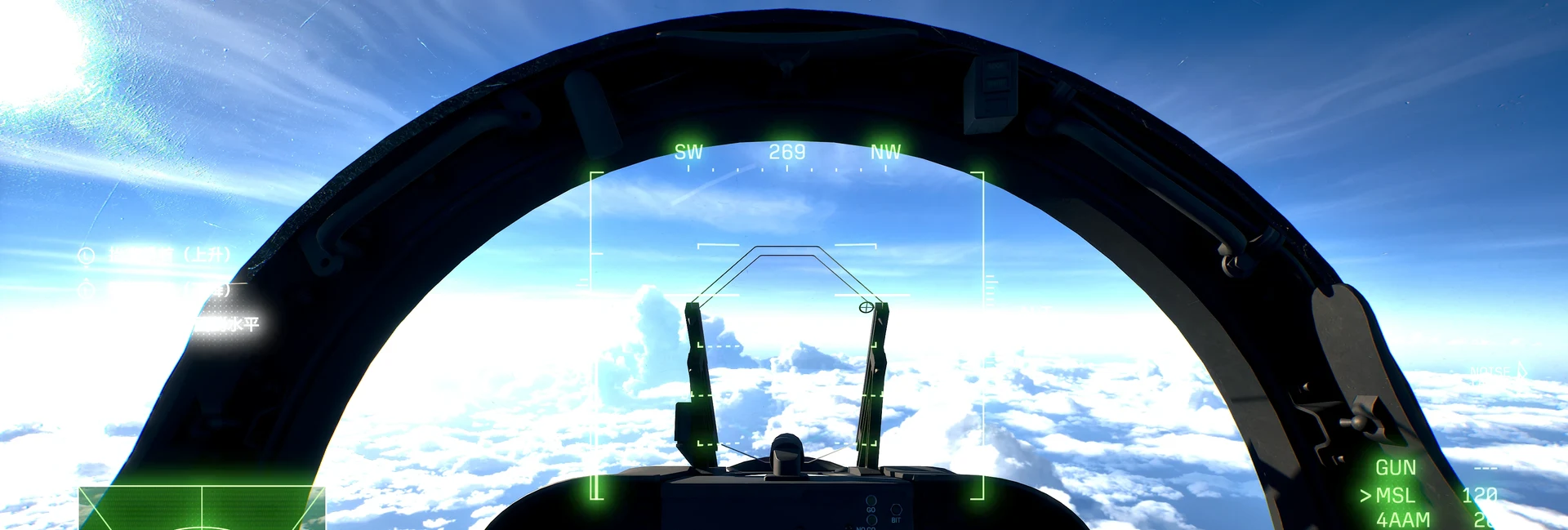

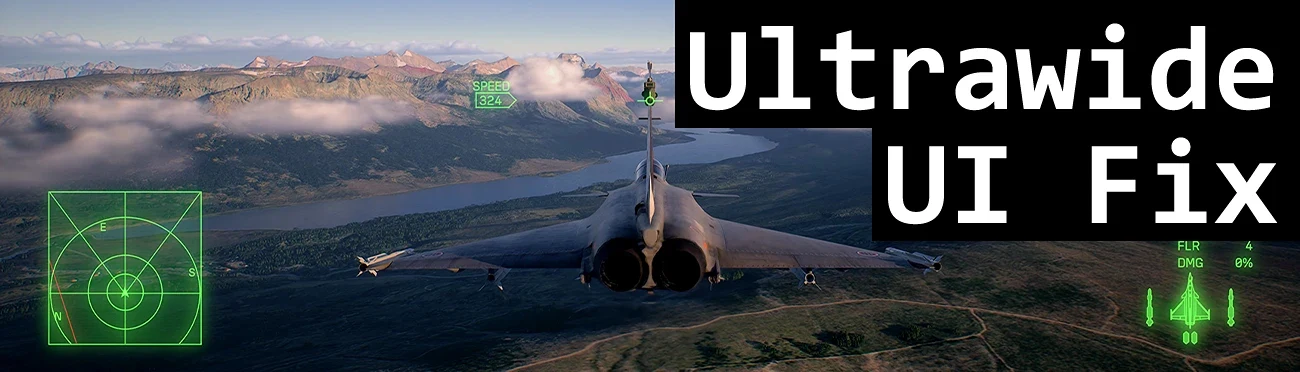
💡 These are fan-made mods, not official ones. Most need Easy Anti-Cheat switched off, which means single-player only: remove them, or turn the anti-cheat back on, before you play Ace Combat Online. Even the settings-file mods are untested against the anti-cheat, so keep them away from online play to stay safe. A game patch can break any of them until the author updates it.
Ace Combat 8 Screenshots
Custom paint jobs, the carrier hangar, enemy aces and a few missions from the campaign. Click any image to open it full size.
-
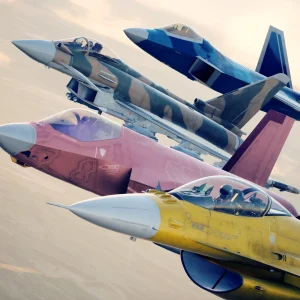
- Ace combat 8 custom painted jets from
-
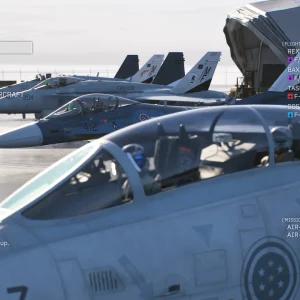
- Ace combat 8 carrier standby menu from
-
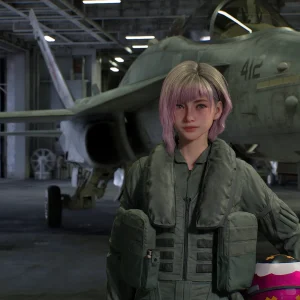
- Ace combat 8 tasha hangar from
-
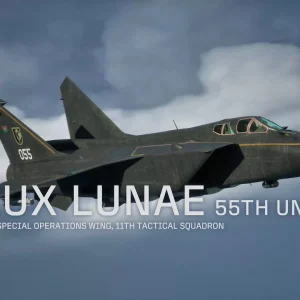
- Ace combat 8 lux lunae squadron from
-
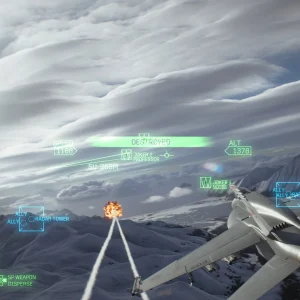
- Ace combat 8 radar tower strike from
-
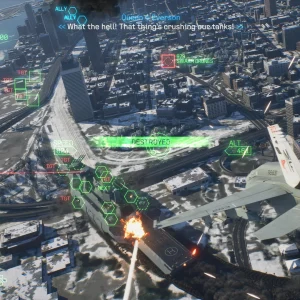
- Ace combat 8 swarm drones city from
-
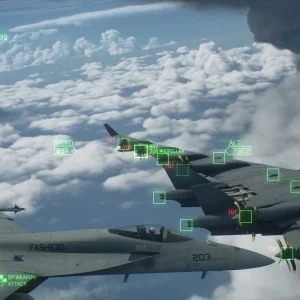
- Ace combat 8 strike above clouds from
-
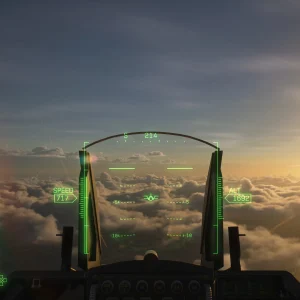
- Ace combat 8 cockpit sunset from
-
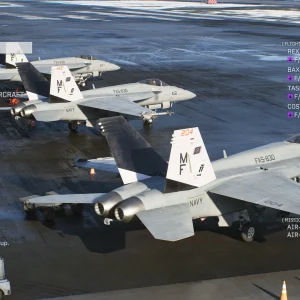
- Ace combat 8 wingmen loadout from
Ace Combat 8 FAQ
Is Ace Combat 8 on the Epic Games Store?
Does Ace Combat 8 have crossplay?
Can I play Ace Combat 8 with a flight stick or HOTAS?
Does Ace Combat 8 have loot boxes?
Does Ace Combat 8 support VR?
What are the Ace Combat 8 system requirements?
Support and Community
- Ace Combat 8 at Bandai Namco, the publisher’s official page, with the story, modes and Ace Pass details.
- r/acecombat on Reddit, the series subreddit, for news, clips and help.
- Steam news for Ace Combat 8, where patch notes and season updates appear.
- Ace Combat 8 on Nexus Mods, for the newest fan-made mods.
Explore more Windows games: War Thunder for Windows · Microsoft Flight Simulator for Windows · Best Action Games for Windows · Best Free-to-Play Games on PC
Need a PC upgrade to run these? See our Best Gaming Desktops guide.
Discover more from Windows Mode
Subscribe to get the latest posts sent to your email.















Add your first comment to this post