Readers like you help support this site. When you make a purchase using links on our site, we may earn an affiliate commission. All opinions remain our own.
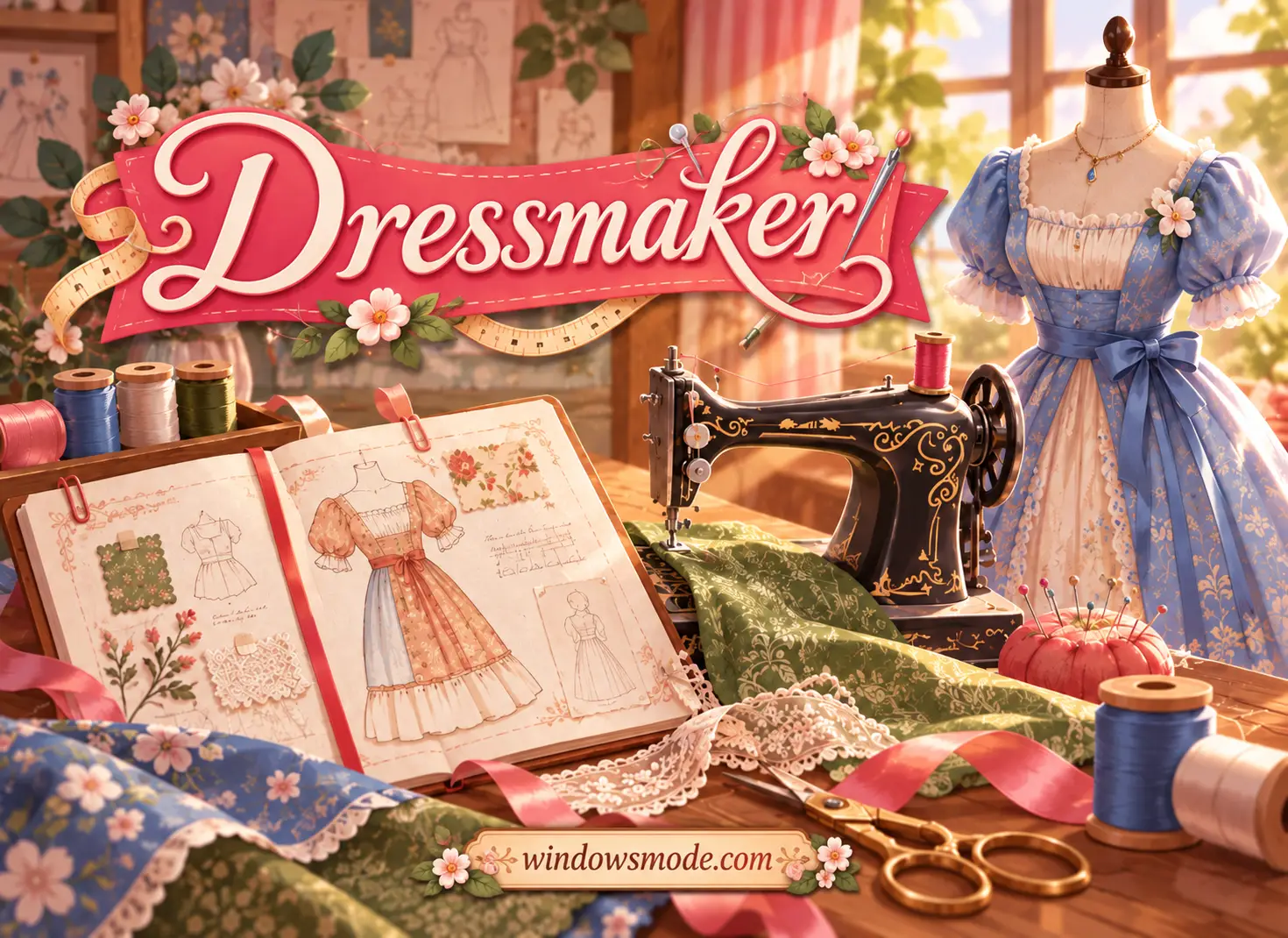
Dressmaker on PC: pick the fabric, cut the pattern, sew the dress. Click to open it full size.
Dressmaker is a cozy dressmaking game for PC from Cozy Lives, available on Steam. You pick fabric, cut out pattern pieces, sew them on a vintage machine and decorate the finished dress. Townsfolk bring you commissions for balls, garden parties and everyday wear, and you decide how closely to follow their wishes.
Every step comes from real dressmaking. How you place a pattern on the fabric shows up on the finished dress, from the direction of a stripe to where a print lands. You do not need to know how to sew, because the game teaches each step as you go.
It launched on September 21, 2026 for Windows and Mac. Cozy Lives is a small team inside Free Lives, the South African studio behind Broforce and Terra Nil, which publishes it. It plays with a mouse, and it launched without controller support.
Already sewing? Tell us about the dress you are proudest of. Got questions before buying? Reach out to us directly.
What You Need to Know
- It is a full release, not Early Access, and there is one edition.
- It is sold on Steam only. It is not on the Epic Games Store or GOG.
- It is single-player, with no combat and no timed button presses.
- It runs on modest PCs: 8 GB of RAM, Intel UHD 630 graphics and 2 GB of space.
- The developer says there are no microtransactions and no ads.
Quick Facts
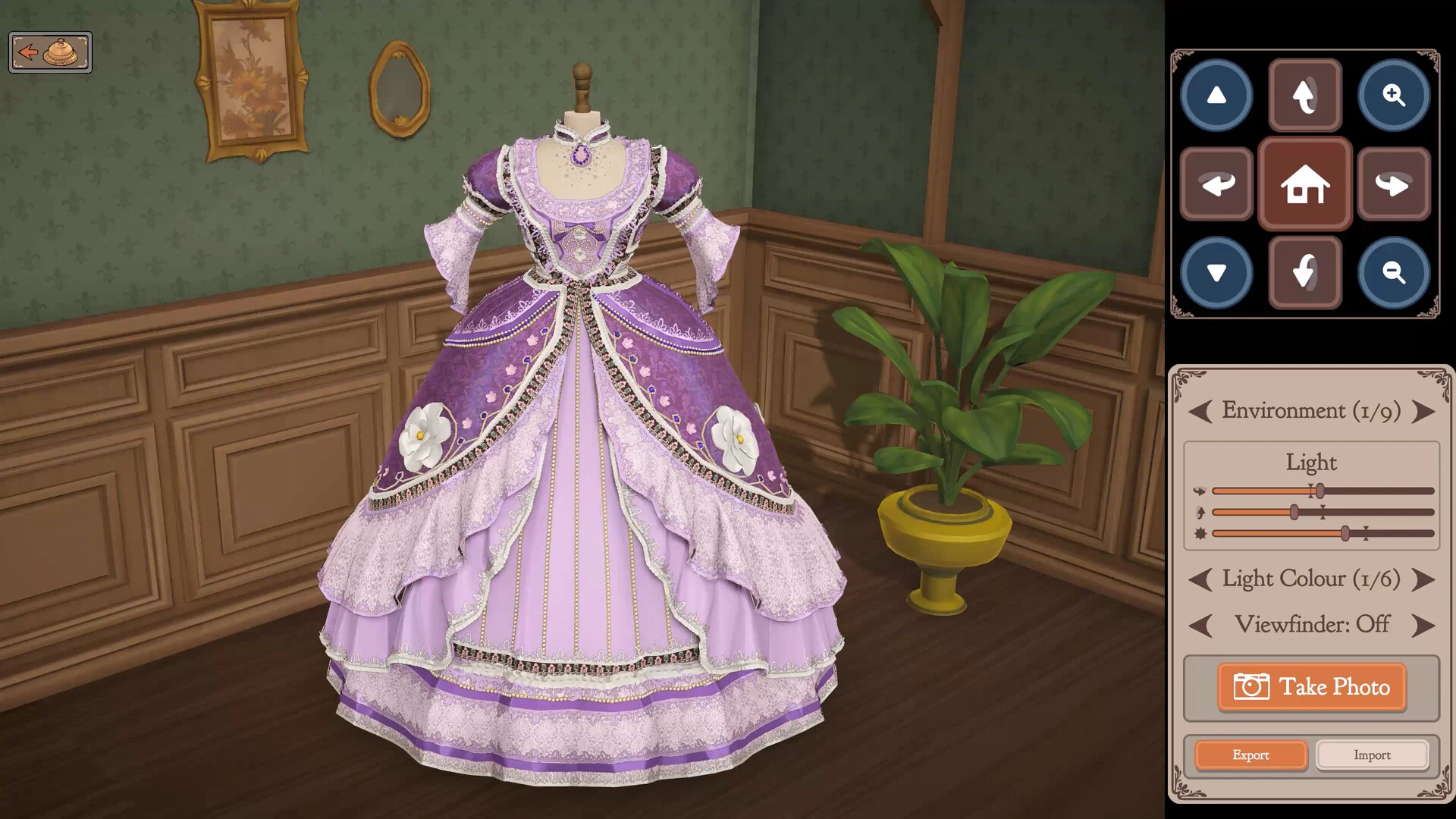

How to Download Dressmaker on Windows
Dressmaker is a Steam game, so you need the free Steam app and a Steam account before you buy it.
- Step 1. Install Steam. Download it from the Steam website and sign in.
- Step 2. Open the store page. Go to Dressmaker on Steam.
- Step 3. Buy the game. Click Add to Cart and finish checkout.
- Step 4. Install it. Find Dressmaker in your Library and click Install. It needs about 2 GB.
- Step 5. Launch it and ring the bell. Your first customer walks in and the tutorial starts.
Dressmaker Price
There is only one version of Dressmaker on PC. Everything in the game is in the base purchase.
The price is the US list price on Steam, with regional prices elsewhere. Cozy Lives said before launch that the game has no microtransactions and no ads, and that every piece, fabric and accessory was made by hand by its own team.
What Is Dressmaker?
Dressmaker puts you in charge of a small dress shop. A customer rings the bell, tells you about an event on their calendar, and gives you a budget. Each one has their own taste, so the same garden party can call for a very different dress depending on who asks.
You plan the dress in a sketchbook. You build it from parts: a bodice, sleeves, a skirt and a collar, each with style scores such as cute, elegant or romantic. The commission card lists the scores the customer wants, so the sketchbook is where you work out how to hit them.
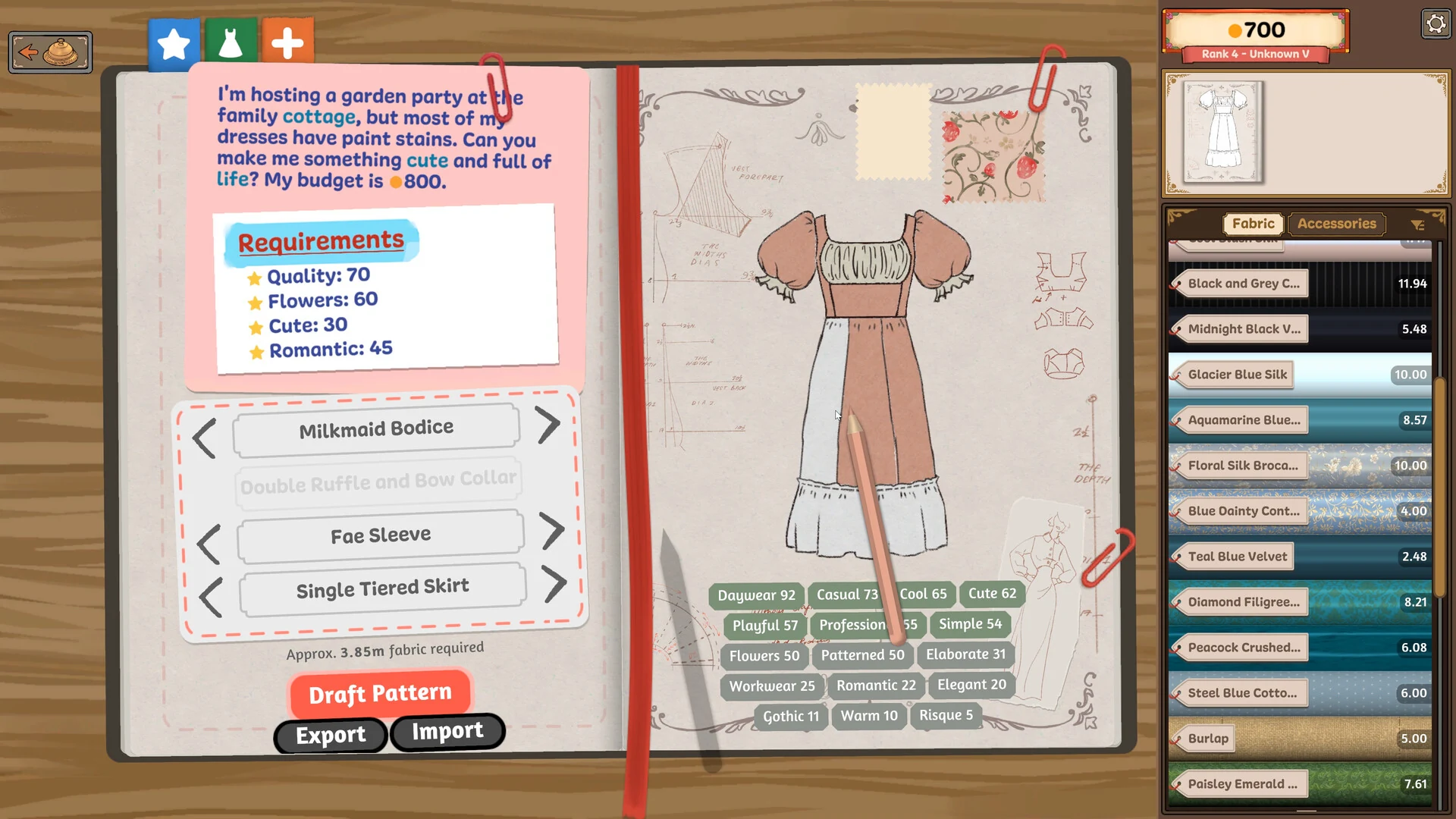
The sketchbook: the customer’s wishes on the left, your design on the right.
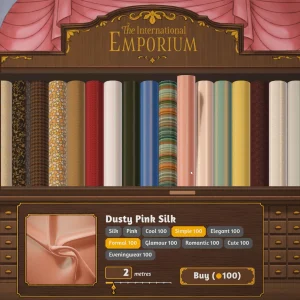
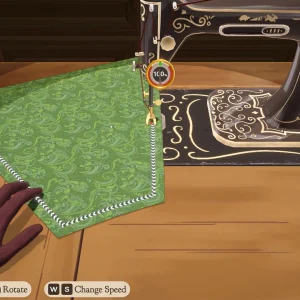
Next you buy fabric from the shop, choosing from cotton, linen, wool, silk and velvet in many prints and colors. In the cutting room you lay the pattern pieces on the fabric, line up the grain (the direction of the threads in the cloth) and cut them out. Then you preview the pieces on a mannequin and sew them together on the machine.
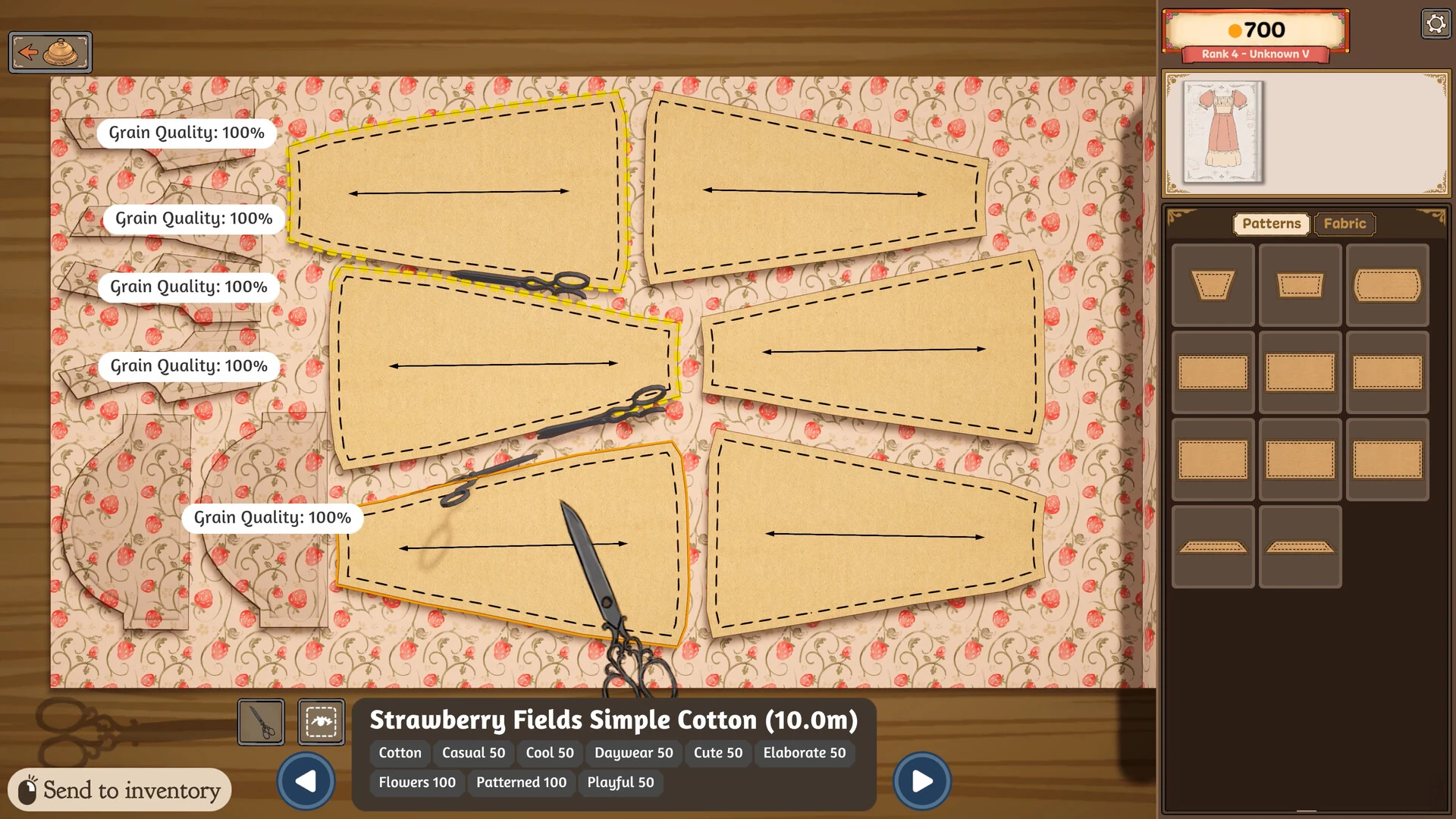
Cutting pattern pieces from strawberry print cotton. The arrows show the grain.
The last step is decoration: buttons, bows, lace trim and appliqué (fabric shapes sewn on top). Hand the dress over and you earn coin and reputation. You do not have to please everyone, either. The game lets you sabotage a customer you dislike. There is also a shop cat, and yes, you can pet it.
Official Trailer
Watch the official release date trailer for Dressmaker to see fabric being cut, dresses coming together at the sewing machine, and the customers who come into the shop.
Key Features
Sketch, buy fabric, cut, sew and decorate. Each step is its own hands-on scene, not a menu.
Cut a piece on the grain or on the bias (diagonally) and the finished dress shows the difference.
The developer lists over 150 dress pieces, 450 fabrics and 350 accessories at launch.
Every customer has their own measurements, and patterns are drafted to fit them, not a standard size.
About 35 hours of commissions from a cast of townsfolk, each with their own taste and events.
Sell dresses off the rack from your shop window, and show off your work in photo mode.
Is This Game for You?
Our Take
🎮 Our Take
Dressmaker does something most fashion games skip: it treats making clothes as a craft, not as picking outfits from a wardrobe. Grain, fit and fabric choice all change the result, which gives every dress a small puzzle to solve and makes the finished piece feel earned. Having a working dressmaker on the design team shows in those details. For $14.99, the amount of content is generous. The rough edges are the kind a small team fixes over time: the first patches after launch were about clearer menus and tutorial bugs, and controller support was still a promise at launch.
If you like creative games, cozy games or real sewing, buy it now; it is cheap and there is nothing else quite like it. If you want a full life-sim with farming and relationships, Dressmaker is narrower than that, so play it next to something like Stardew Valley rather than instead of it. If you play on a couch with a controller, wait for proper controller support.
System Requirements
These are the requirements Cozy Lives published on Steam. There is only a minimum spec, and it is low: graphics built into most Intel processors from the last several years are enough.
Most laptops bought for school or office work will run it. If your PC struggles with newer games and you are thinking about an upgrade, our Best Gaming Desktops guide is a good place to start.
Tips for Beginners
Read the commission card first
It lists the style scores and budget the customer wants. Pick dress parts in the sketchbook that hit those scores before you buy anything.
Check how much fabric you need
The sketchbook shows roughly how many meters the design takes. Buy that amount so you do not run short halfway through cutting.
Match the fabric tags too
Every fabric has its own style tags, such as formal, cute or simple. A good fabric can lift a score your dress parts miss.
Line up the grain arrows
Each pattern piece shows a grain quality score. Keep the arrows aligned with the fabric to get a clean result.
Slow down at the sewing machine
Press Space to sew, A and D to rotate the fabric, and W and S to change speed. Go slower on curves and corners.
Best Dressmaker Mods to Start With
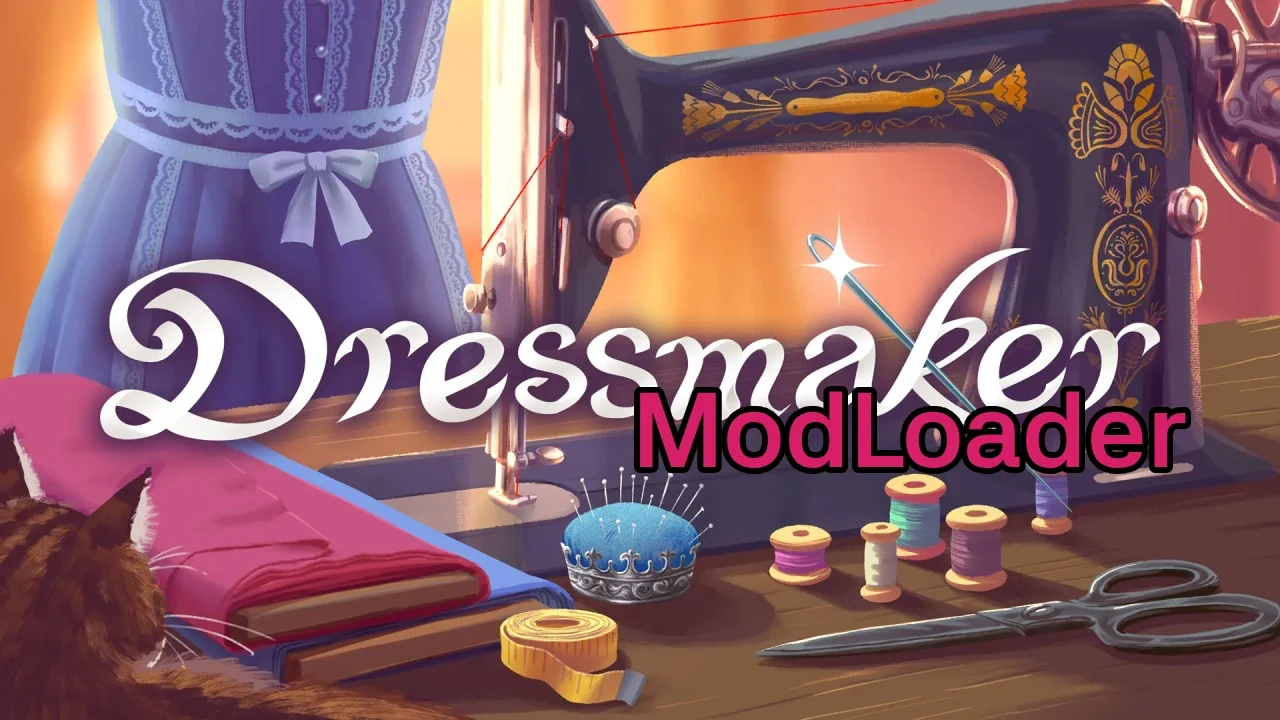
Dressmaker has no Steam Workshop. Mods come from Nexus Mods, and most of them are new fabrics. Install Yuuma’s ModLoader first, since most fabric packs need it. These five are a good first set: the loader, three fabric packs and one mod that takes the busywork out of sewing.

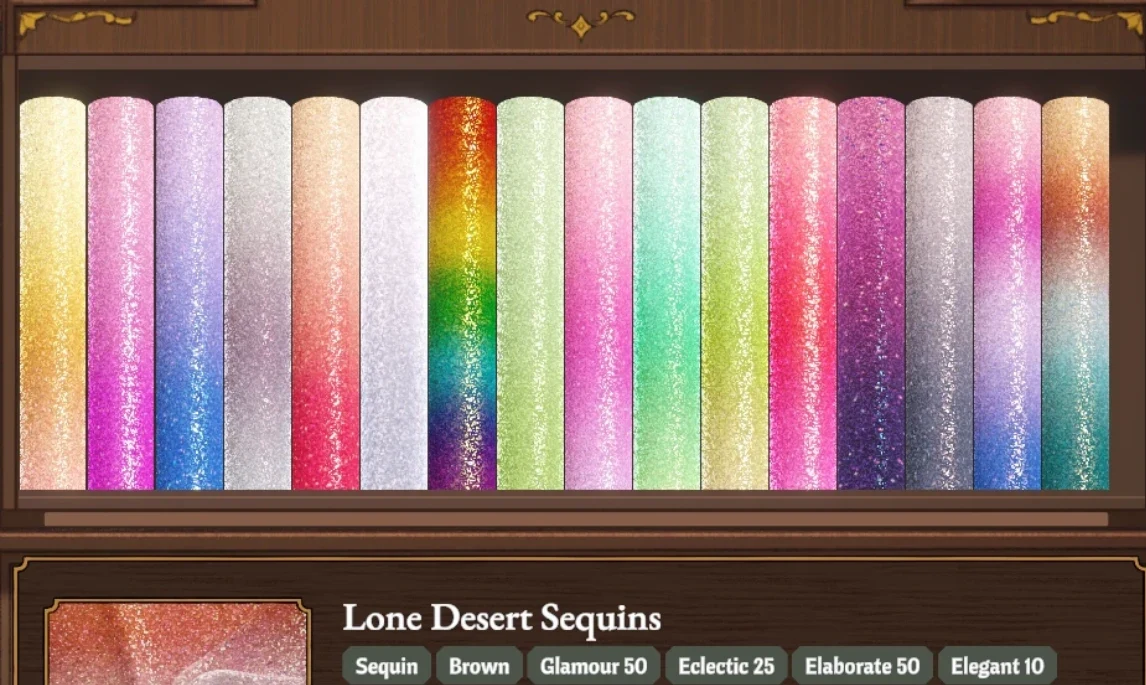
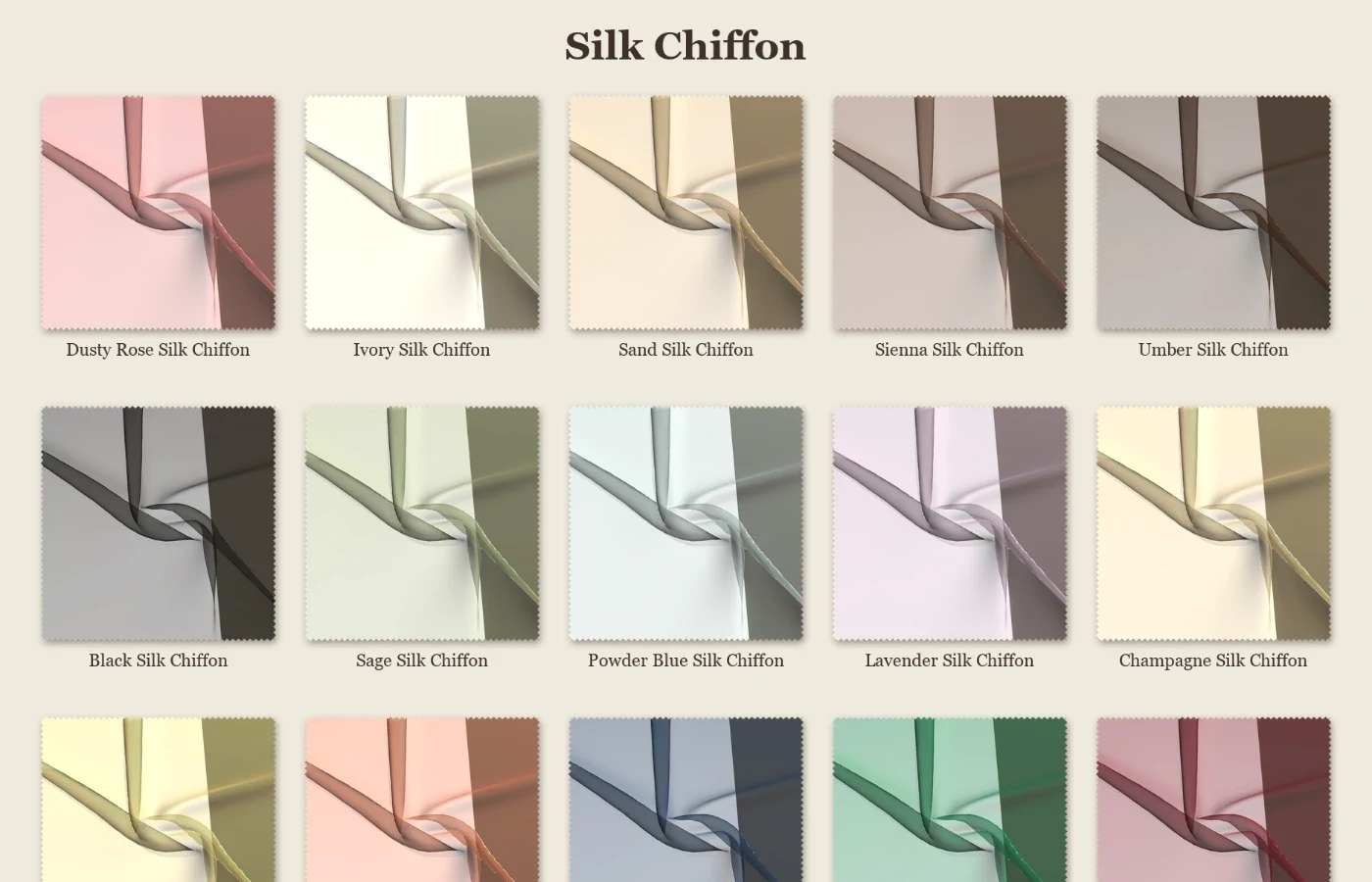
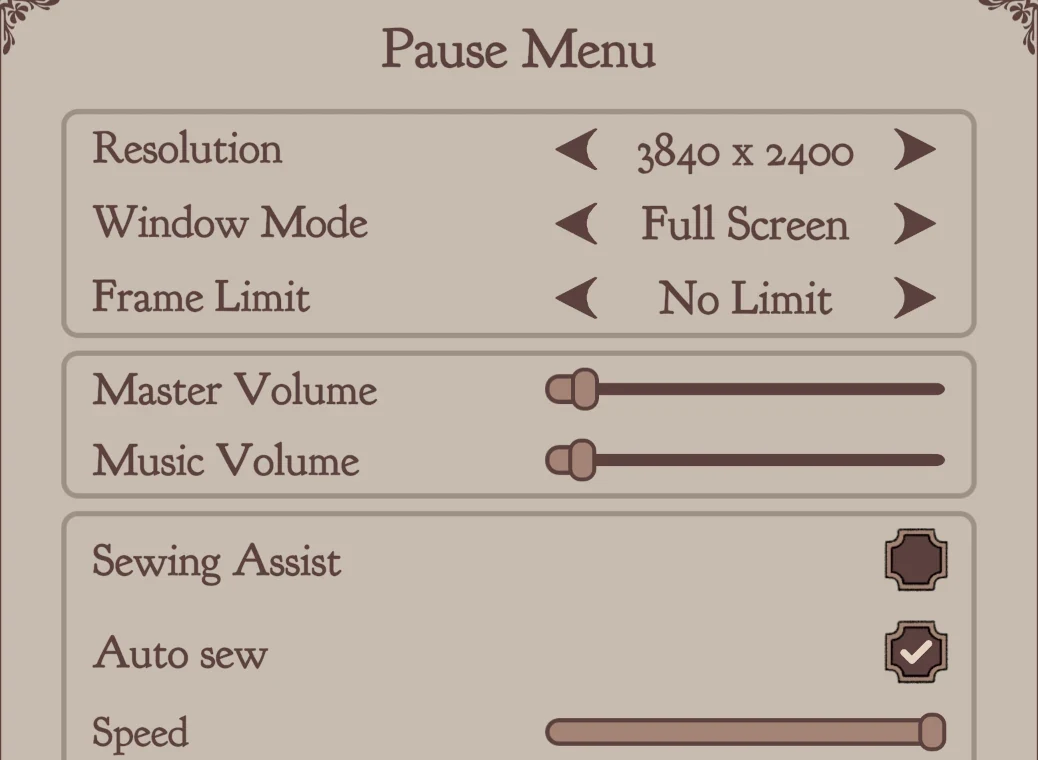
💡 These are fan-made mods, not official ones, and a game patch can break them until their authors update. Back up your save before installing anything, and read each mod page for its exact install steps.
Dressmaker Screenshots
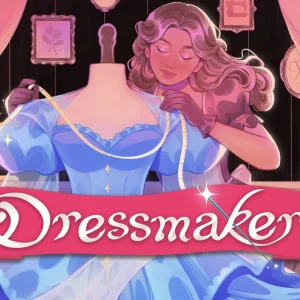
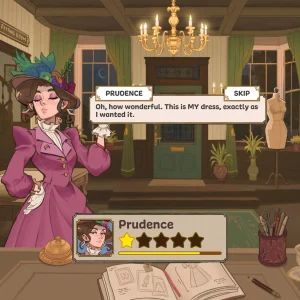
The official key art, then a closer look at the shop, the fabric store, the sewing machine and a few finished dresses. Click any image to open it full size.
-
- Dressmaker key art from
-
- Dressmaker prudence front desk from
-
- Dressmaker fabric shop from
-
- Dressmaker sewing machine from
-
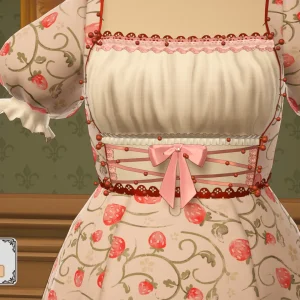
- Dressmaker strawberry dress trim from
-
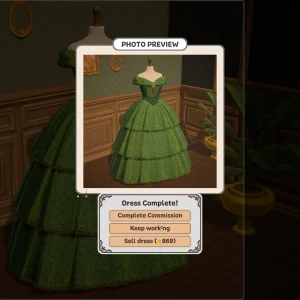
- Dressmaker finished green gown from
Dressmaker FAQ
Does Dressmaker have controller support?
Is Dressmaker coming to Nintendo Switch or mobile?
Do I need to know how to sew to play Dressmaker?
Does Dressmaker have multiplayer?
Does Dressmaker have microtransactions?
What are the Dressmaker system requirements?
Support and Community
- Dressmaker at Free Lives, the publisher’s official page for the game.
- The official Dressmaker Discord, for tech support, bug reports and sharing your dresses.
- r/Dressmaker on Reddit, the game’s subreddit, where players post their finished dresses.
- Steam news for Dressmaker, where patch notes and updates appear.
Explore more Windows games: Heartopia for Windows · Fields of Mistria for Windows · Stardew Valley for Windows · The Sims 4 for Windows · Best Simulation Games on PC · Best Indie Games on PC
Need a PC upgrade to run these? See our Best Gaming Desktops guide.
Discover more from Windows Mode
Subscribe to get the latest posts sent to your email.















Add your first comment to this post