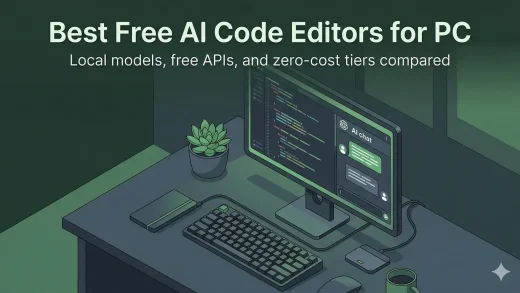
The Best Free AI Code Editors for Windows: No Subscriptions
Here are the best AI code editors for Windows that cost nothing to use. Some run models on your own PC, some pair with free APIs, and some just work out of the box with no account needed.
AI for Windows is your go-to hub for guides, news, and tutorials on artificial intelligence tools designed for PC users.
From Microsoft Copilot to AI-powered productivity apps, we cover the latest innovations that make Windows smarter and your workflow easier.
Here are the best AI code editors for Windows that cost nothing to use. Some run models on your own PC, some pair with free APIs, and some just work out of the box with no account needed.
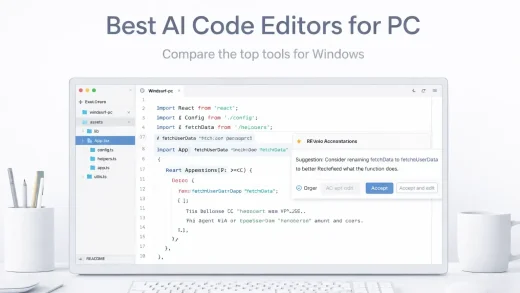
The top 19 AI editing software for Windows PC in 2026. Create stunning apps, games & websites with these desktop tools.
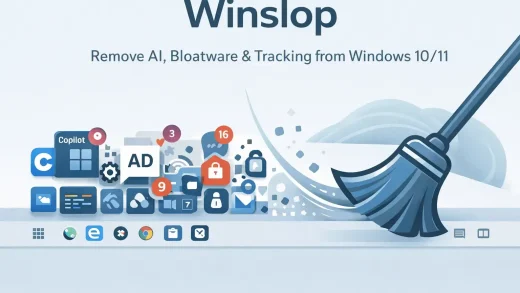
Winslop is a free tool for Windows 10/11 that removes Copilot, forced AI features, Microsoft tracking, Start menu ads, and pre-installed apps you never asked for. No installer. Just extract and run as Administrator.
Claude is an AI assistant by Anthropic for Windows 11/10. It handles writing, coding, research, and file analysis. Cowork lets it create files directly on your PC. This page covers how to install it and how it compares to ChatGPT and Copilot.
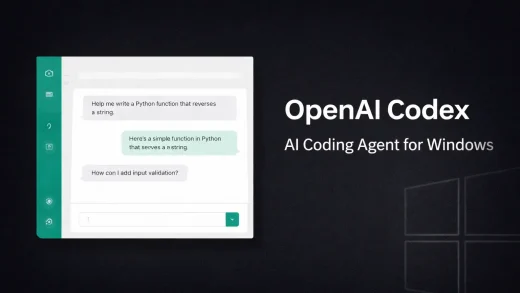
OpenAI Codex is a free AI coding tool for Windows 10 and Windows 11. Download it from the Microsoft Store, sign in with a free ChatGPT account, and let it handle coding tasks while you move on to other things. This page covers how to install it, what it can do, and how it compares to tools like Cursor and GitHub Copilot.

Cursor IDE turns your code editor into an AI-powered assistant that can write entire features, fix bugs, and refactor your codebase. Here is our full hands-on review and download guide for Windows.
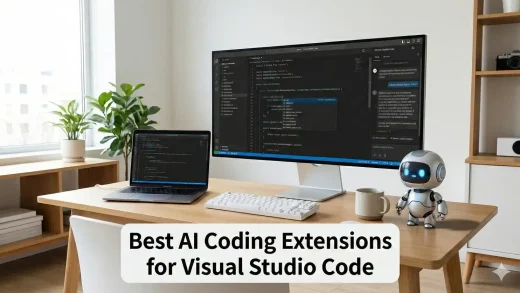
The best AI coding extensions for VS Code in 2026 include Cline for autonomous coding, Windsurf (via the Codeium extension) for deep context, and GitHub Copilot....

Open WebUI replaces the command line with a full graphical interface. We show you how to install it on Windows to manage your local AI models, upload files, and chat in a familiar environment.

Ministral 3 is Mistral AI’s latest model optimized for efficiency on consumer hardware. We show you how to install and run the 3B and 8B versions locally on Windows using Ollama.
Most AI models just read text, but Qwen 3 VL can see. We show you how to install this powerful Vision-Language model locally on Windows to analyze photos, screenshots, and documents step-by-step.