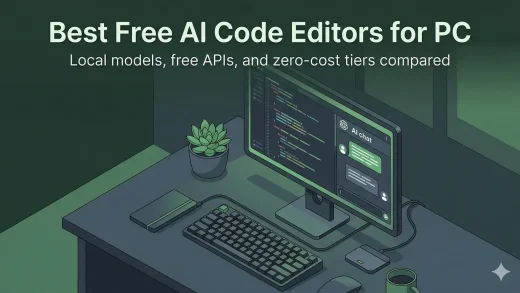
The Best Free AI Code Editors for Windows: No Subscriptions
Here are the best AI code editors for Windows that cost nothing to use. Some run models on your own PC, some pair with free APIs, and some just work out of the box with no account needed.
Here are the best AI code editors for Windows that cost nothing to use. Some run models on your own PC, some pair with free APIs, and some just work out of the box with no account needed.
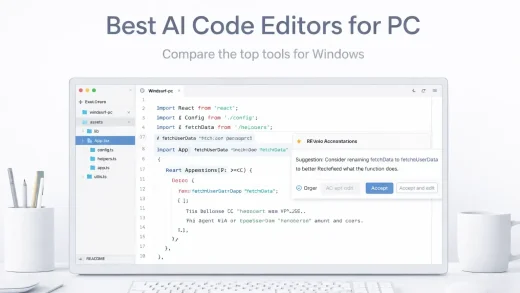
The top 19 AI editing software for Windows PC in 2026. Create stunning apps, games & websites with these desktop tools.
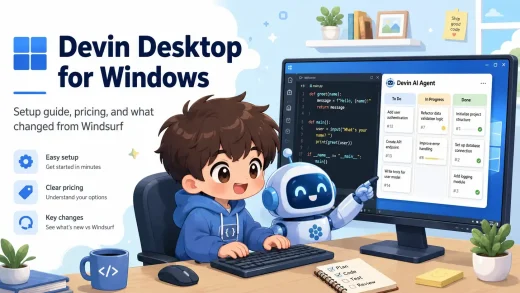
Devin Desktop is an AI code editor from Cognition built around Devin Local and an Agent Command Center for running multiple coding agents at once. In our guide, we cover what changed from Windsurf, how to install it, pricing, and how it compares to Cursor and GitHub Copilot.
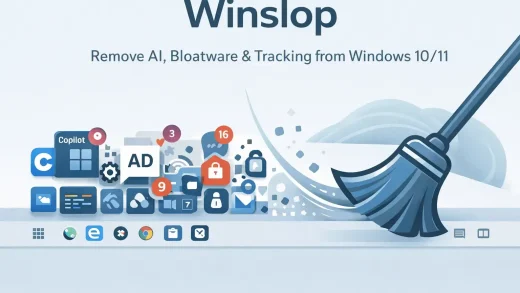
Winslop is a free tool for Windows 10/11 that removes Copilot, forced AI features, Microsoft tracking, Start menu ads, and pre-installed apps you never asked for. No installer. Just extract and run as Administrator.
Claude Desktop is Anthropic’s AI assistant for Windows 10 and 11. The app has two tabs: Home, where Chat and Cowork live together, and Code for Claude Code, plus Claude Design on the web. This page covers how to install it, what the plans cost and how it compares to ChatGPT and Copilot.

Cursor is now an agent-first coding workspace for Windows, with local and cloud agents, automations, plugins, and more, our page will show the latest prices, setup, use cases, screenshots and more.
The best AI coding extensions for VS Code in 2026 include Cline for autonomous coding, Windsurf (via the Codeium extension) for deep context, and GitHub Copilot....

Open WebUI replaces the command line with a full graphical interface. We show you how to install it on Windows to manage your local AI models, upload files, and chat in a familiar environment.

Ministral 3 is Mistral AI’s latest model optimized for efficiency on consumer hardware. We show you how to install and run the 3B and 8B versions locally on Windows using Ollama.

Most AI models just read text, but Qwen 3 VL can see. We show you how to install this powerful Vision-Language model locally on Windows to analyze photos, screenshots, and documents step-by-step.