Readers like you help support this site. When you make a purchase using links on our site, we may earn an affiliate commission. All opinions remain our own.

Arc Browser is a free Chromium-based browser for Windows built by The Browser Company. It replaces traditional tabs with organized Spaces, adds Split View for side-by-side multitasking, and includes a built-in AI assistant called Arc Max. The entire interface is built around a vertical sidebar that keeps your screen clean and focused.
This guide covers what Arc Browser is, how it compares to Chrome, Edge, and Opera, how to install it on Windows from the official site or Microsoft Store, how Spaces and Split View work, and what to know about Arc’s future.
Free
No premium tier
Windows, Mac, iOS
Cross-device sync
Chrome Extensions
Full compatibility
Built-in Ad Blocker
uBlock Origin included
📋 System Requirements
| Requirement | Details |
|---|---|
| Operating System | Windows 10 (19H1+) or Windows 11 (64-bit) |
| Processor | Intel Haswell or newer, AMD Athlon or Ryzen (ARM not supported) |
| RAM | 4 GB minimum (8 GB recommended) |
| Storage | ~500 MB for installation |
| Account | Arc account required for sync (optional for basic use) |
What Makes Arc Browser Different
Arc is not a reskinned Chrome. It rethinks how you interact with tabs, bookmarks, and your browsing workflow. Here are the features that set it apart.
🏝️ Spaces
Organize your browsing into separate contexts. Create a Space for work, one for personal browsing, and another for a project. Each Space has its own pinned tabs, theme, and browser profile.
🪟 Split View
View up to four web pages side by side in a single window. Perfect for comparing products, referencing documentation while coding, or watching a video while browsing.
📌 Smart Tab Management
Tabs live in a vertical sidebar. Pin your most-used sites as Favorites. Unpinned tabs auto-archive after 12 hours (customizable) so your sidebar stays clean.
⚡ Command Bar
Press Ctrl + T for a Command Bar instead of a blank new tab page. Type a URL, search the web, switch tabs, or run browser actions from one place. Think of it as Spotlight for your browser.
🤖 Arc Max (AI Features)
AI-powered page summaries, smart in-page search, and automatic tab organization. Ask Arc to summarize a long article or tidy up your tabs. No extension needed.
🎨 Boosts
Customize any website’s appearance using CSS, HTML, and JavaScript. Change colors, hide elements, adjust fonts, or completely restyle a page. Changes persist on every visit.
🛡️ Built-in Privacy
Includes uBlock Origin as a built-in ad and tracker blocker. Incognito Mode and secure tabs keep your browsing private. The Browser Company does not share or sell user search data.
How to Install Arc Browser on Windows
Option A: Install from the Official Website
1
Visit arc.net/download in any browser.
2
This downloads the ArcInstaller.exe file to your computer.
3
Double-click ArcInstaller.exe and follow the on-screen prompts. The installation takes about a minute.
4
Arc will walk you through importing bookmarks from your old browser, picking a theme, and creating your first Space.
Option B: Install from the Microsoft Store
1
Click the Start menu and search for “Microsoft Store,” or open it from the taskbar.
2
Or go directly to Arc on the Microsoft Store.
3
The Store handles the download and installation. Arc will appear in your Start menu when ready.
Available on Windows 10 and Windows 11 (64-bit)
Screenshots of Arc Browser
-
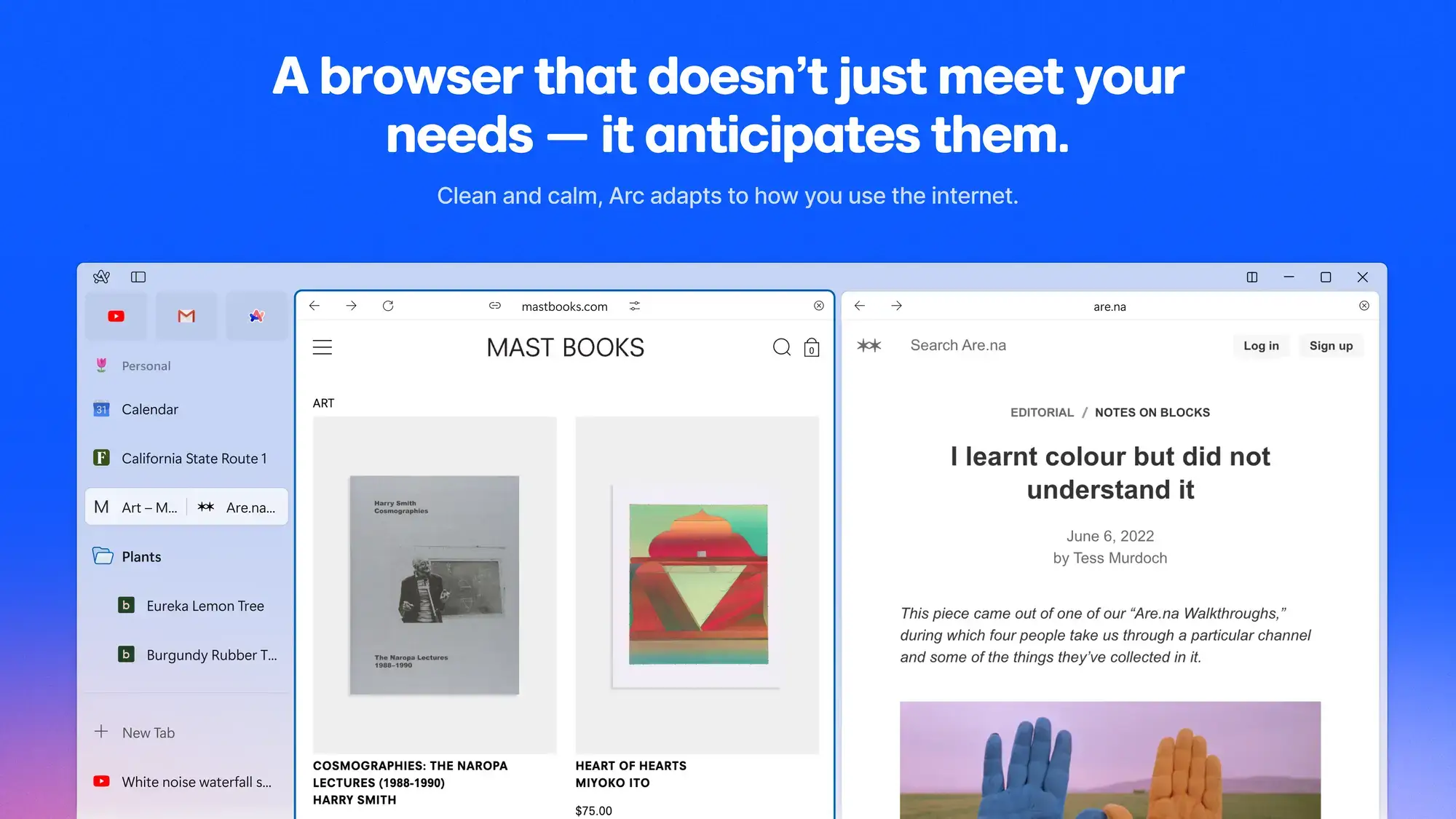
- Arc browser adapting how you use the internet from Arc Browser for Windows
-
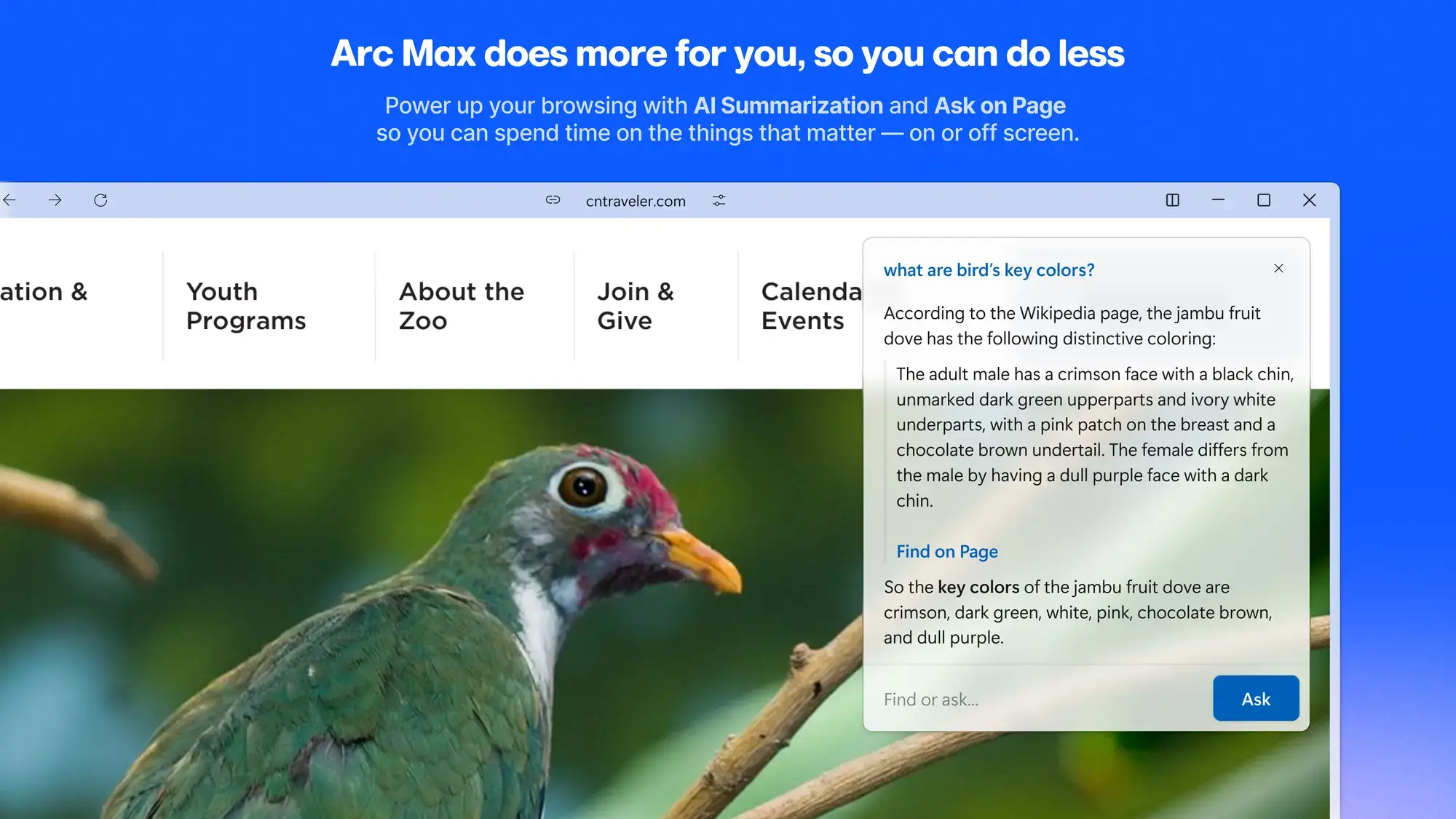
- Arc max with ai summarization and ask on page from Arc Browser for Windows
-
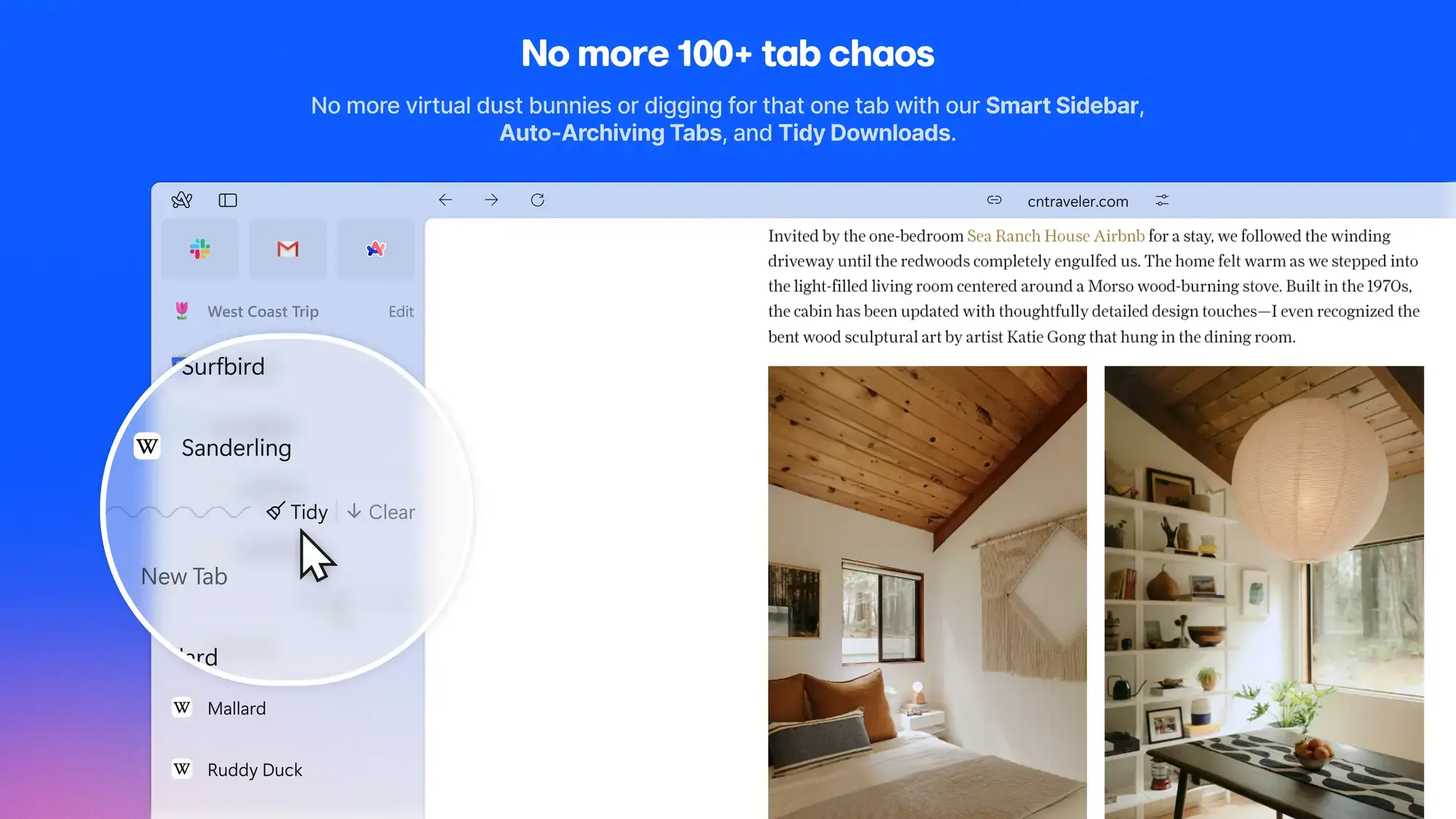
- Auto archiving tabs and tidy downloads from Arc Browser for Windows
-
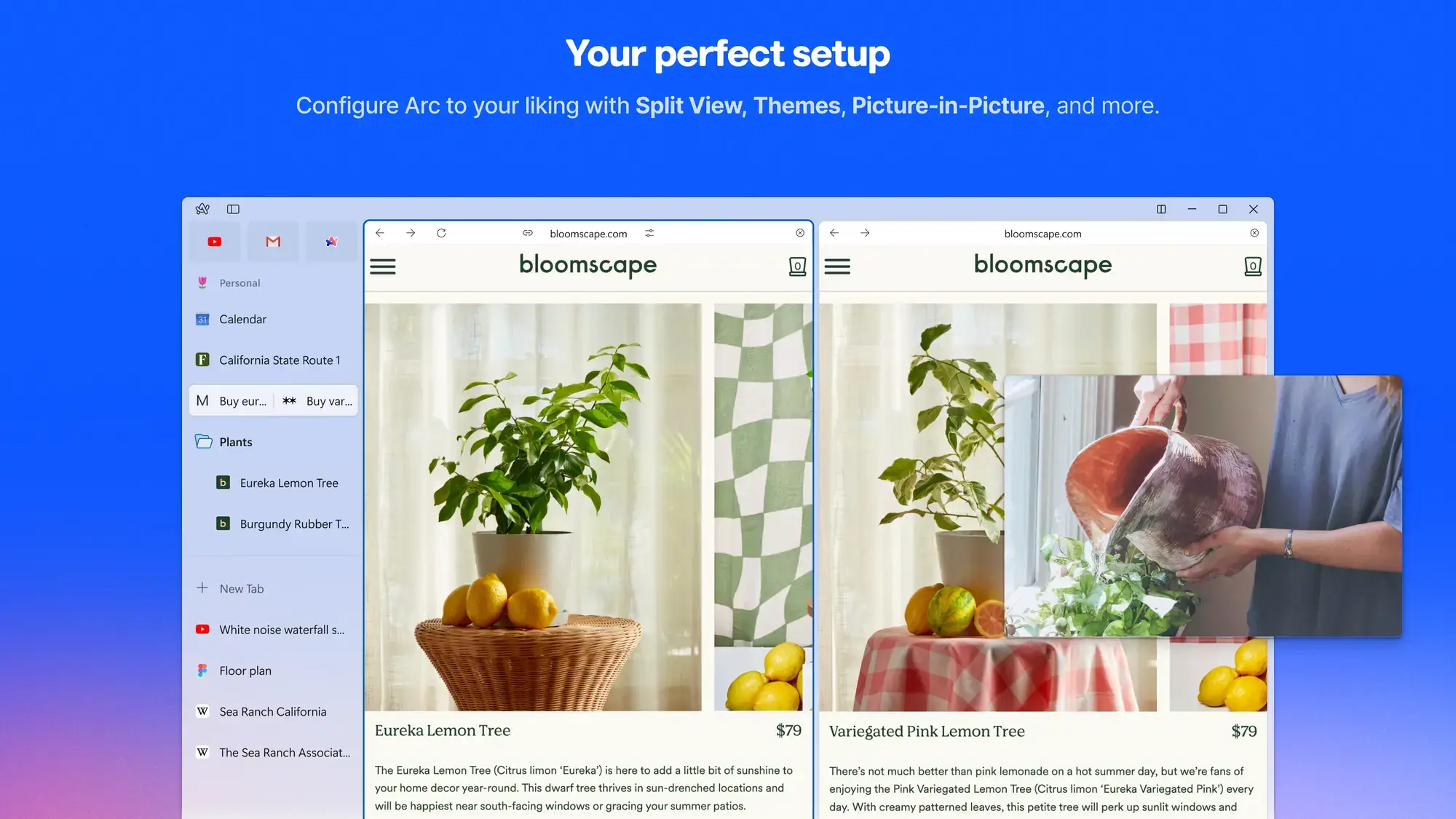
- Configure arc with split view themes and picture in picture from Arc Browser for Windows
-
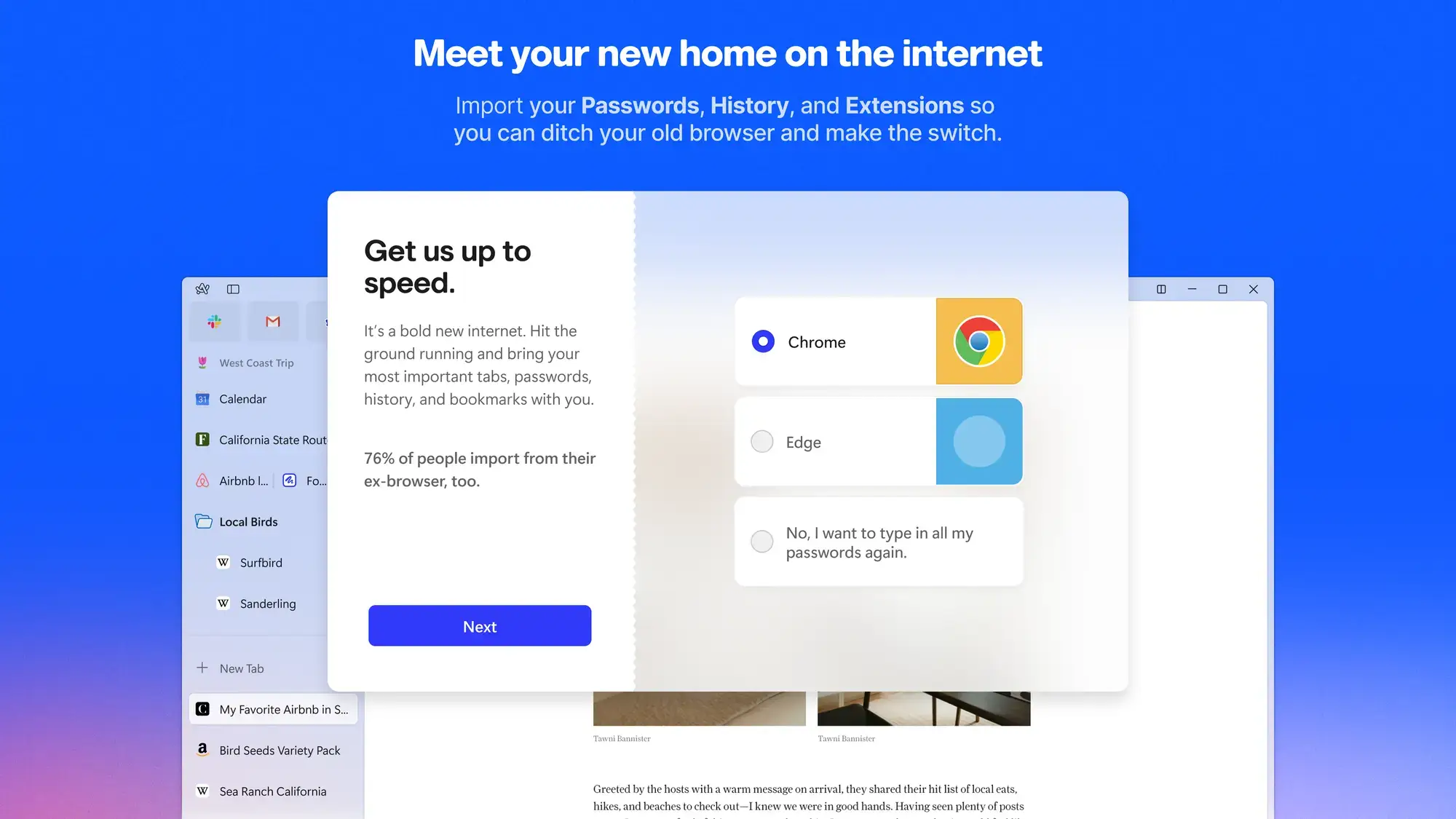
- Import passwords history and extensions from Arc Browser for Windows
-
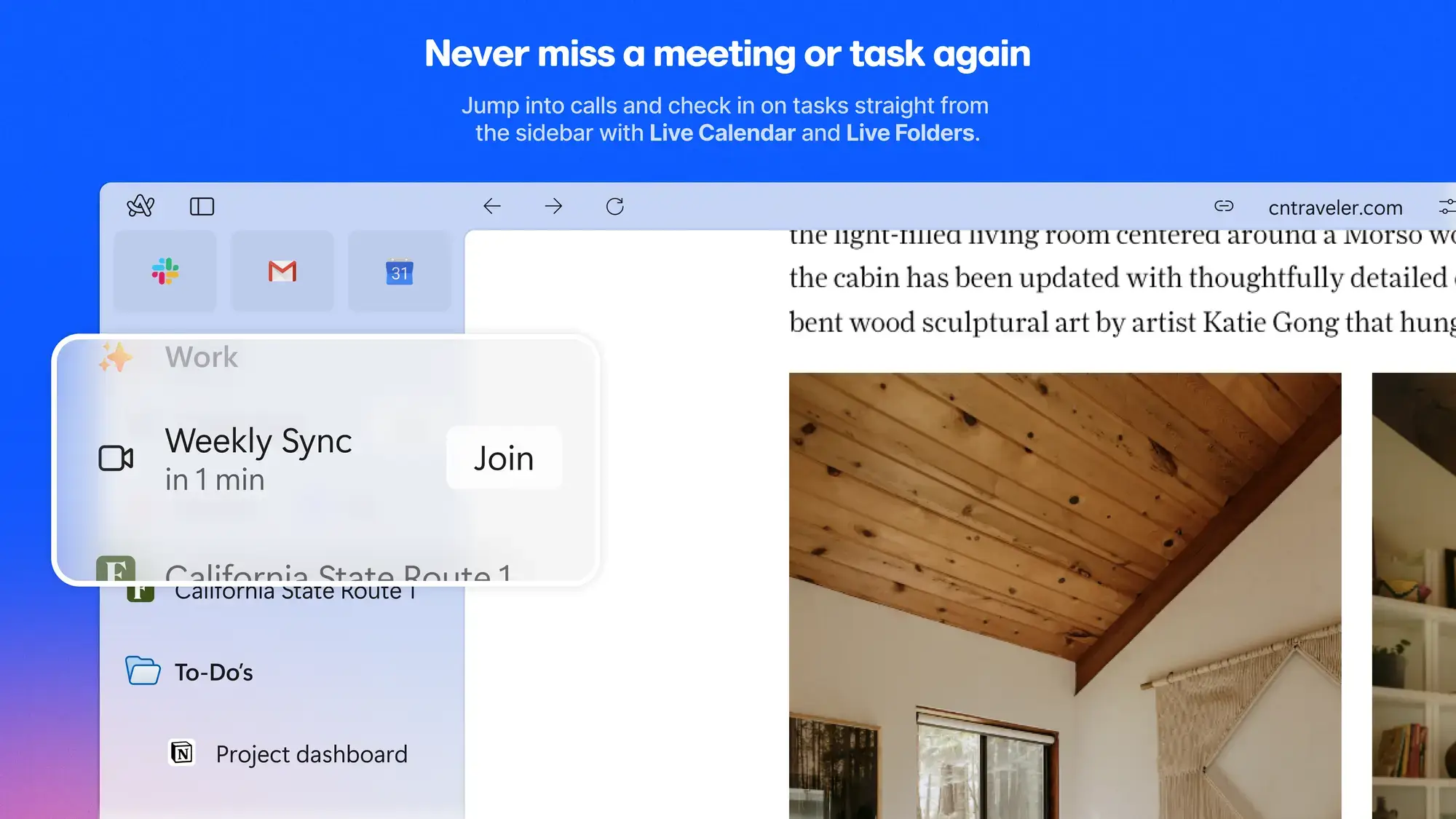
- Live calendar live folders from Arc Browser for Windows
-
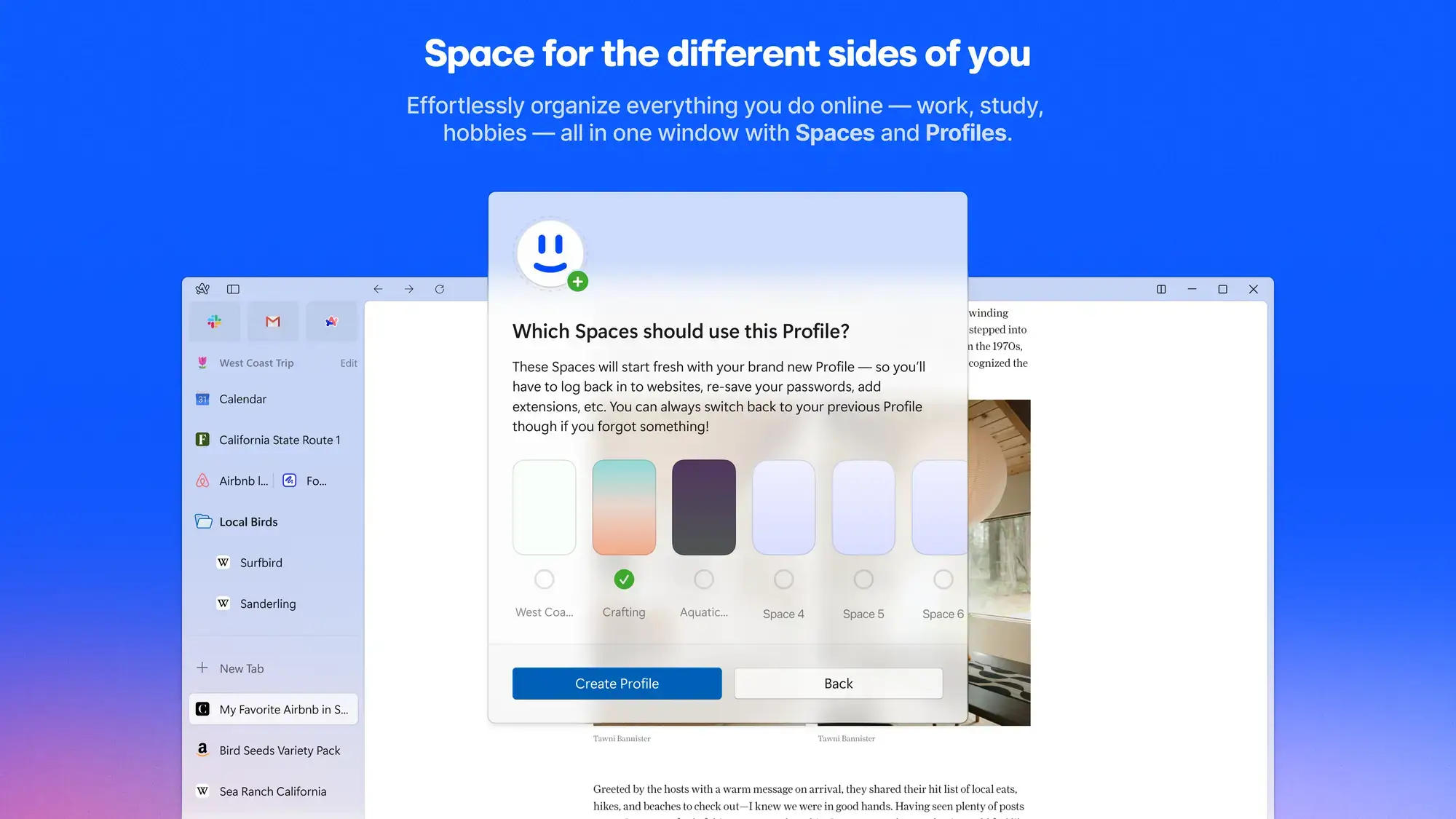
- Organize different spaces and profiles from Arc Browser for Windows
-
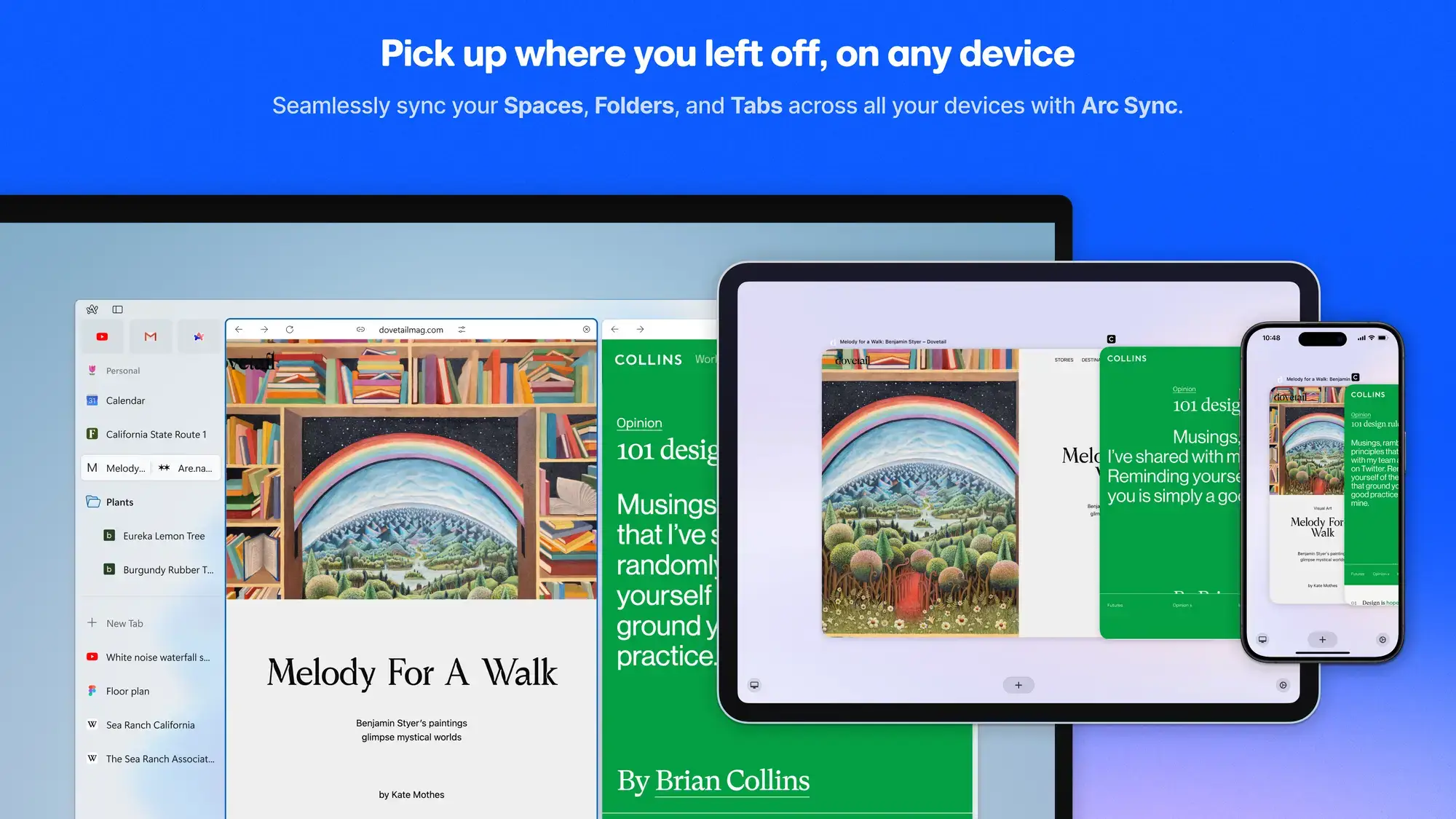
- Pick up where you left off from Arc Browser for Windows
-
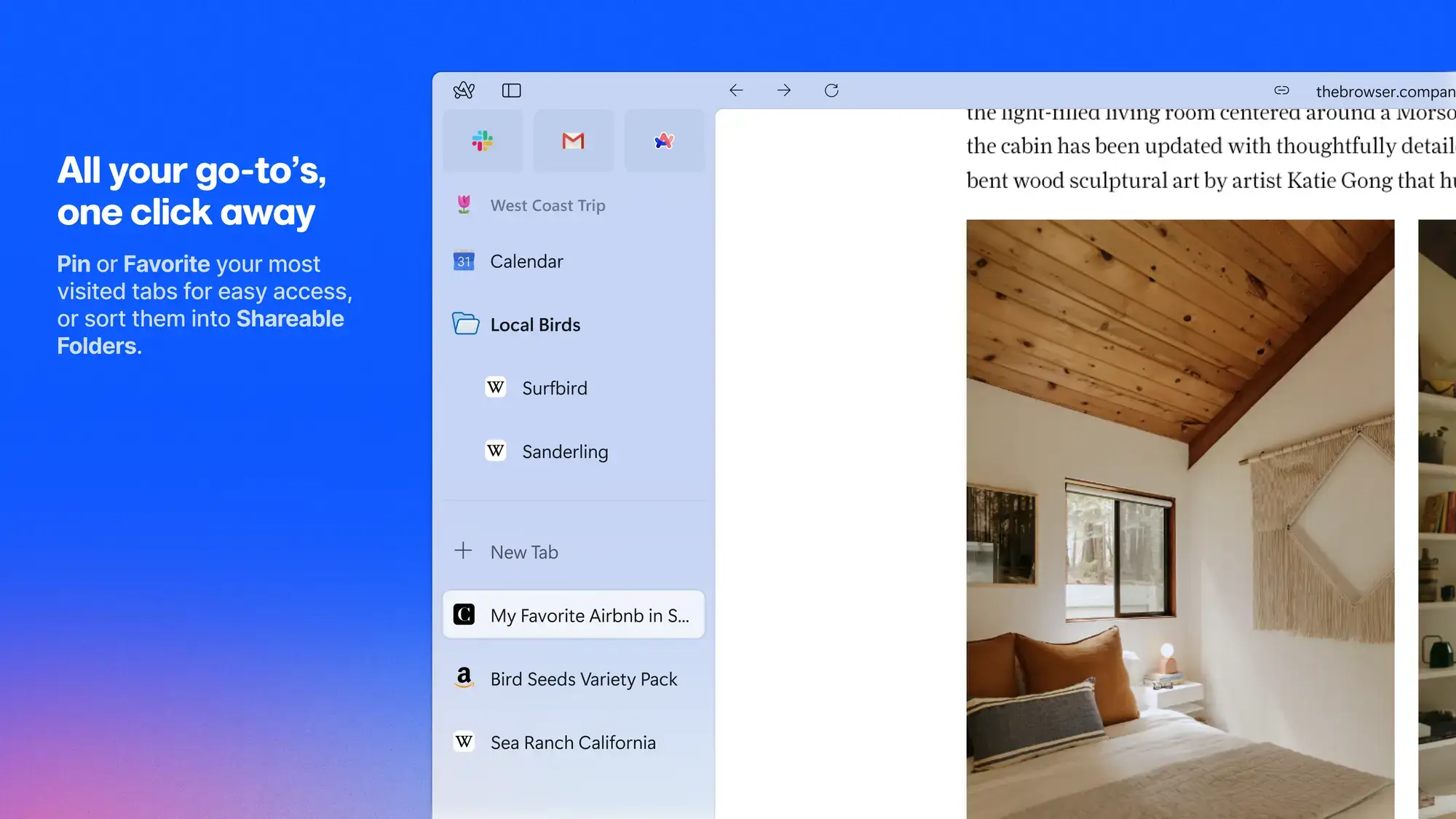
- Pin or favorite folders and tabs from Arc Browser for Windows
Video of Arc Browser
How to use the Arc Browser, a short video of about 9 minutes that will help you easily understand how to browse.
Arc Browser vs. Chrome vs. Edge vs. Opera
How does Arc stack up against the browsers most people already use? Here is a practical comparison.
| Feature | Arc | Chrome | Edge | Opera |
|---|---|---|---|---|
| Built-in AI | ✅ Arc Max | ✅ Gemini | ✅ Copilot | ✅ Aria |
| Vertical Sidebar | ✅ Default | ❌ | ✅ Optional | ❌ |
| Split View | ✅ Up to 4 | ✅ 2 tabs | ❌ | ❌ |
| Spaces / Workspaces | ✅ Spaces | ❌ | ✅ Workspaces | ✅ Workspaces |
| Built-in Ad Blocker | ✅ | ❌ | ❌ | ✅ |
| Built-in VPN | ❌ | ❌ | ❌ | ✅ |
| Chrome Extensions | ✅ | ✅ | ✅ | ✅ |
| Auto-Archive Tabs | ✅ | ❌ | ❌ | ❌ |
| Website Customization | ✅ Boosts | ❌ | ❌ | ❌ |

Essential Arc Browser Keyboard Shortcuts
Master these shortcuts to navigate Arc faster without reaching for your mouse.
| Action | Shortcut |
|---|---|
| New Tab (Command Bar) | Ctrl + T |
| Close Current Tab | Ctrl + W |
| Reopen Last Closed Tab | Ctrl + Shift + T |
| Pin / Unpin Tab | Ctrl + D |
| Show / Hide Sidebar | Ctrl + S |
| Add Split View | Ctrl + Shift + = |
| Go to Favorite 1-9 | Ctrl + 1 through Ctrl + 9 |
| Switch Space 1-9 | Alt + 1 through Alt + 9 |
| Copy Current Tab URL | Ctrl + Shift + C |
| Clear Unpinned Tabs | Ctrl + Shift + K |
| Toggle Between Recent Tabs | Ctrl + Tab |
Common Issues and Fixes
Arc Browser won’t launch or open
First, check Task Manager (Ctrl + Shift + Esc) for any stuck Arc processes and end them. If you are running Windows N edition, install the Media Feature Pack through Settings, Apps, Optional Features. As a last resort, uninstall and reinstall Arc.
Browser feels slow or laggy
Open Arc’s built-in Task Manager (Arc menu, Help, Open Task Manager) to find tabs consuming too much memory. Close heavy tabs, disable unnecessary extensions, and clear your browsing cache from Settings.
Installation error 0x80073D02 on Windows 11
This error typically means Arc is still running in the background during an update. Close Arc completely, then retry the installation. If the error persists, download the installer directly from arc.net/download instead of using the Microsoft Store.
Websites or content not loading properly
Try disabling the built-in ad blocker for that specific site. Some sites break when trackers or ads are blocked. You can also clear the cache or try the page in an Incognito window to rule out extension conflicts.
High CPU or memory usage
Check which tabs are consuming resources using Arc’s Task Manager. Close tabs you are not actively using, or let Arc auto-archive them by keeping the auto-archive setting enabled (default is 12 hours).
Frequently Asked Questions
Is Arc Browser free?
Yes. Arc Browser is completely free to download and use on Windows 10 and Windows 11. There are no premium tiers or paid features.
Is Arc Browser based on Chromium?
Yes. Arc is built on the Chromium engine, which means it supports all Chrome extensions and is compatible with the same websites Chrome handles.
Does Arc Browser have a built-in ad blocker?
Yes. Arc includes uBlock Origin as a built-in ad and tracker blocker, so you do not need to install a separate extension for basic ad blocking.
Can I sync Arc Browser across devices?
Yes. Arc Sync lets you sync your Spaces, Pinned Tabs, and Today Tabs across Windows, Mac, iOS, and Android devices.
What happened to Arc Browser development?
The Browser Company announced in 2025 that active feature development for Arc would stop as the team shifted focus to a new AI-first browser called Dia. Arc continues to receive security patches, bug fixes, and Chromium updates.
Does Arc Browser work on Windows 10?
Yes. Arc supports Windows 10 (version 19H1 or newer) and Windows 11. ARM-based processors are not supported.
What are Spaces in Arc Browser?
Spaces are separate browsing contexts that let you organize tabs by topic, project, or workflow. Each Space can have its own pinned tabs, theme colors, and browser profile.
Community Poll: Share Your Thoughts on Arc Browser
Helpful Resources and Community
Want to learn more about Arc or troubleshoot an issue? These resources help.
📚 Arc Resource Center
Official guides, tutorials, and help articles from The Browser Company.
💬 Arc on Reddit
Community discussions, tips, feature requests, and troubleshooting help.
📝 Release Notes
See what changed in every update, including bug fixes and new features.
Get Arc Browser for Windows
A calmer, more organized browser with Spaces, Split View, AI, and a built-in ad blocker. Completely free.
Download from Arc.net → Get from Microsoft Store →
Compatible with Windows 11 and Windows 10 (64-bit)
Related Guides: Opera Browser for PC, Brave Browser for PC, Google Antigravity for PC, Firefox for PC, Chrome for PC, Edge Browser for PC.
Discover more from Windows Mode
Subscribe to get the latest posts sent to your email.















Add your first comment to this post