The best Windows themes right now are the SpongeBob SquarePants Theme, the Teenage Mutant Ninja Turtles Theme, the Shrek Official Theme, and Forest for the Trees. The first three are official cartoon and film packs added in the last year. The fourth is a set of twenty forest photographs that has been a quiet favorite for years.
Every theme on this page is free, installs from the Microsoft Store in about ten seconds, and changes nothing else on your PC. We list the image count and download size for each one so you know what you are getting before you click.
Using a theme we missed? Tell us in the comments, or reach out to us directly if you have a question about installing one.
🔍 What We Looked For
- How many images you actually get: A theme with two wallpapers and a theme with twenty are very different products. We list the count for every pick.
- Image quality on a big screen: Several packs ship 4K source images. We flagged those, because they hold up best on a large monitor.
- Does it fight your desktop: A busy wallpaper hides your icons. We noted which picks stay readable and which do not.
- Who it is actually for: Cartoon art does not always mean child friendly. We say so where it matters.
How to Install a Windows Theme From the Microsoft Store
Every theme in this guide installs the same way, and none of them need an installer file or a third party tool. You do need to be signed in with a Microsoft account for the store to let you download.
- Step 1. Click the Get it free on Microsoft Store button on any theme in this guide. You can also open Settings, go to Personalization, then Themes, and click Browse themes.
- Step 2. On the store page, click Get. The download is small, usually under 20 MB, so it finishes in seconds.
- Step 3. Click Open when the download finishes. Windows opens the Themes settings page for you.
- Step 4. Click the new theme thumbnail under Current theme to apply it. Your wallpaper and accent color change straight away.
- Step 5. To cycle through all the wallpapers instead of using one, go to Settings, Personalization, Background, and set Personalize your background to Slideshow.
Good to know: installing a theme does not install an app. Nothing new appears in your Start menu and nothing runs in the background. Windows just unpacks the images into a folder and adds a thumbnail to your Themes list. To remove one, right click its thumbnail in Settings and choose Delete.
The Best Windows Themes for PC
Cartoon, TV and Movie Themes
These are the packs studios have published into the Microsoft Store in the last year or so. Most are new, most have very few ratings so far, and most people looking for a Windows theme do not know they exist.
1
BEST FOR YOUNGER KIDS
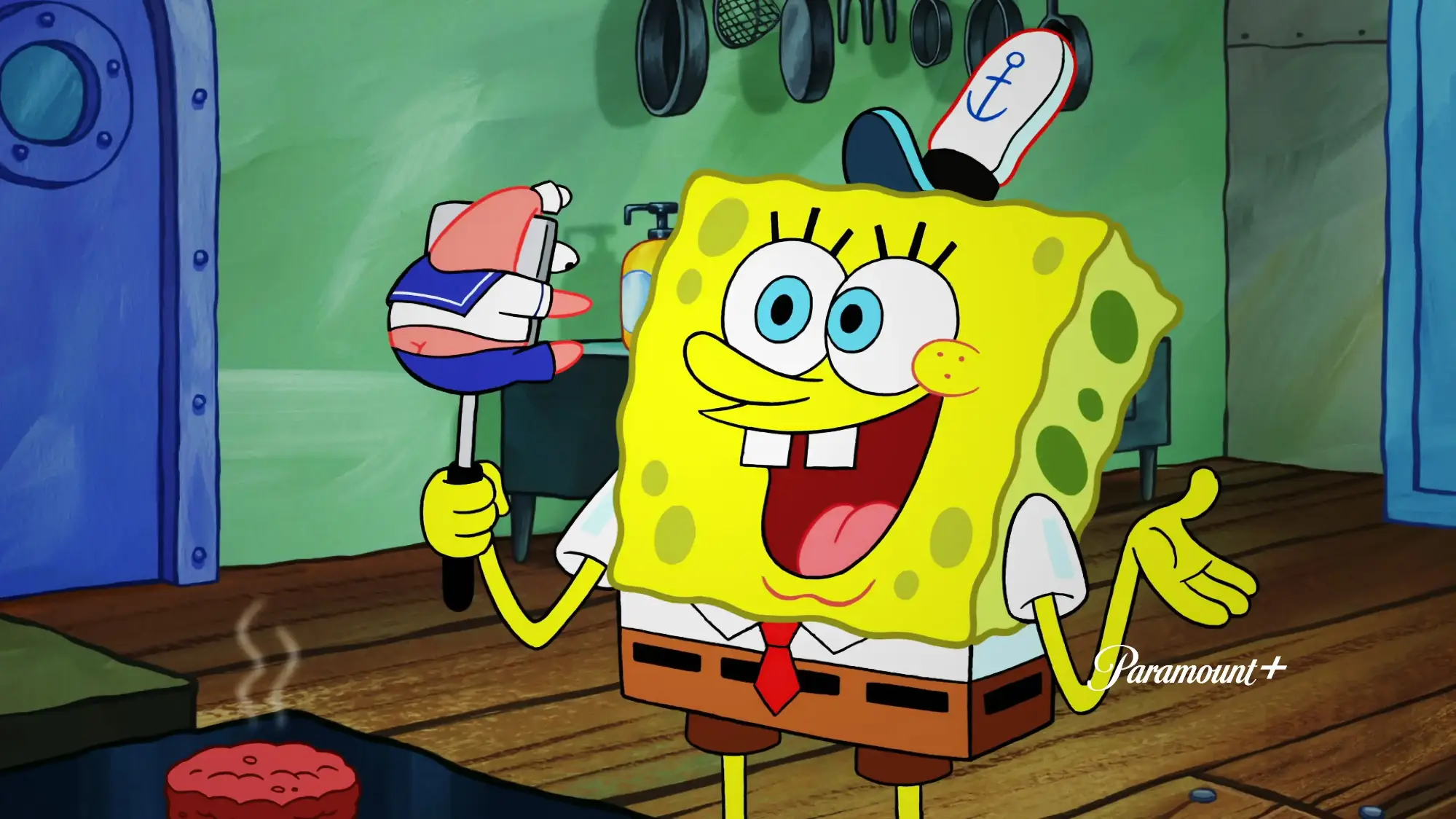
SpongeBob SquarePants Theme
Four wallpapers set in Bikini Bottom, starring SpongeBob, Patrick Star and Squidward. It is the closest thing the store has to a proper kids cartoon theme.
⭐ 4.6 stars 📅 Nov 19, 2025 💾 5 MB 💲 Free
What You Get
- 4 high resolution wallpapers
- Official CBS Interactive release
- Bright colors that read well on any screen
- Small download, installs in seconds
Why We Like It
This is the pick most parents are actually looking for. The colors are loud enough that a young child spots their show instantly, and at 5 MB it costs nothing in disk space. Only four images though, so pair it with a second pack if you want a slideshow.
2
BEST FOR OLDER KIDS
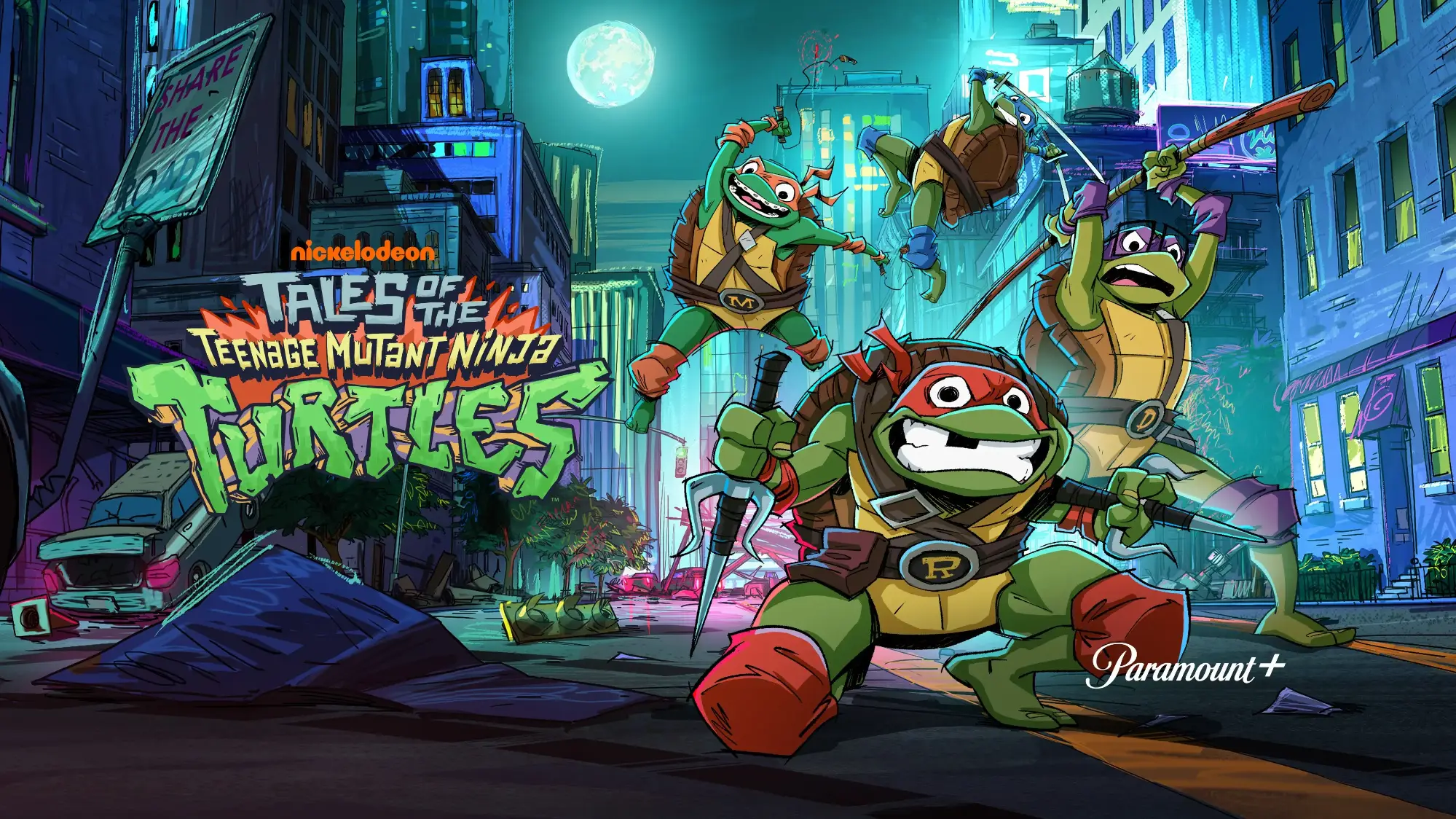
Tales of the Teenage Mutant Ninja Turtles Theme
Five wallpapers featuring Leo, Raph, Donnie and Mikey from the current animated series. Darker and more action heavy than the SpongeBob pack.
⭐ 5.0 stars 📅 Nov 19, 2025 💾 11 MB 💲 Free
What You Get
- 5 high resolution wallpapers
- Art from the current animated series
- Perfect score from reviewers so far
- Official CBS Interactive release
Why We Like It
A perfect rating on a theme is rare, and this one earned it on art quality. The style suits an older child or a teenager better than the pastel cartoon packs. Five images is also enough to run a slideshow without it repeating too fast.
3
BEST FAMILY MOVIE PICK
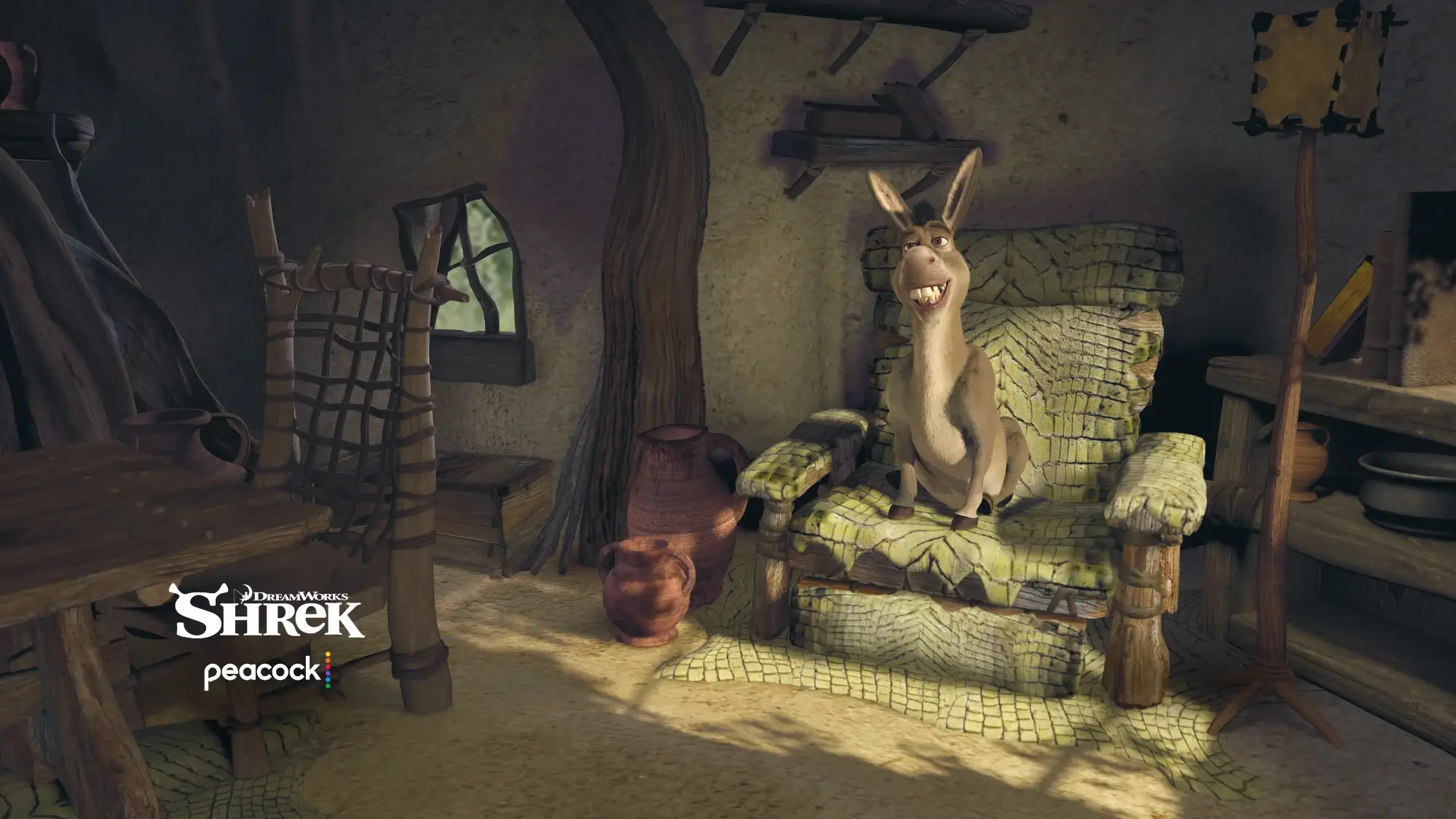
Shrek Official Theme
Swamp scenes and character art of Shrek, Fiona and Donkey pulled straight from the film. Released by Peacock, the studio’s own streaming arm.
⭐ 5.0 stars 📅 May 15, 2026 💾 10 MB 💲 Free
What You Get
- Official Peacock TV release
- Scenes and characters from the film
- One of the newest theme packs in the store
- Works on a shared family PC
Why We Like It
Shrek is the rare pick a seven year old and a thirty year old will both be happy to look at. That matters on a computer the whole house shares. It is also one of the newest packs in the store, so the art has not been recycled from an older release.
4
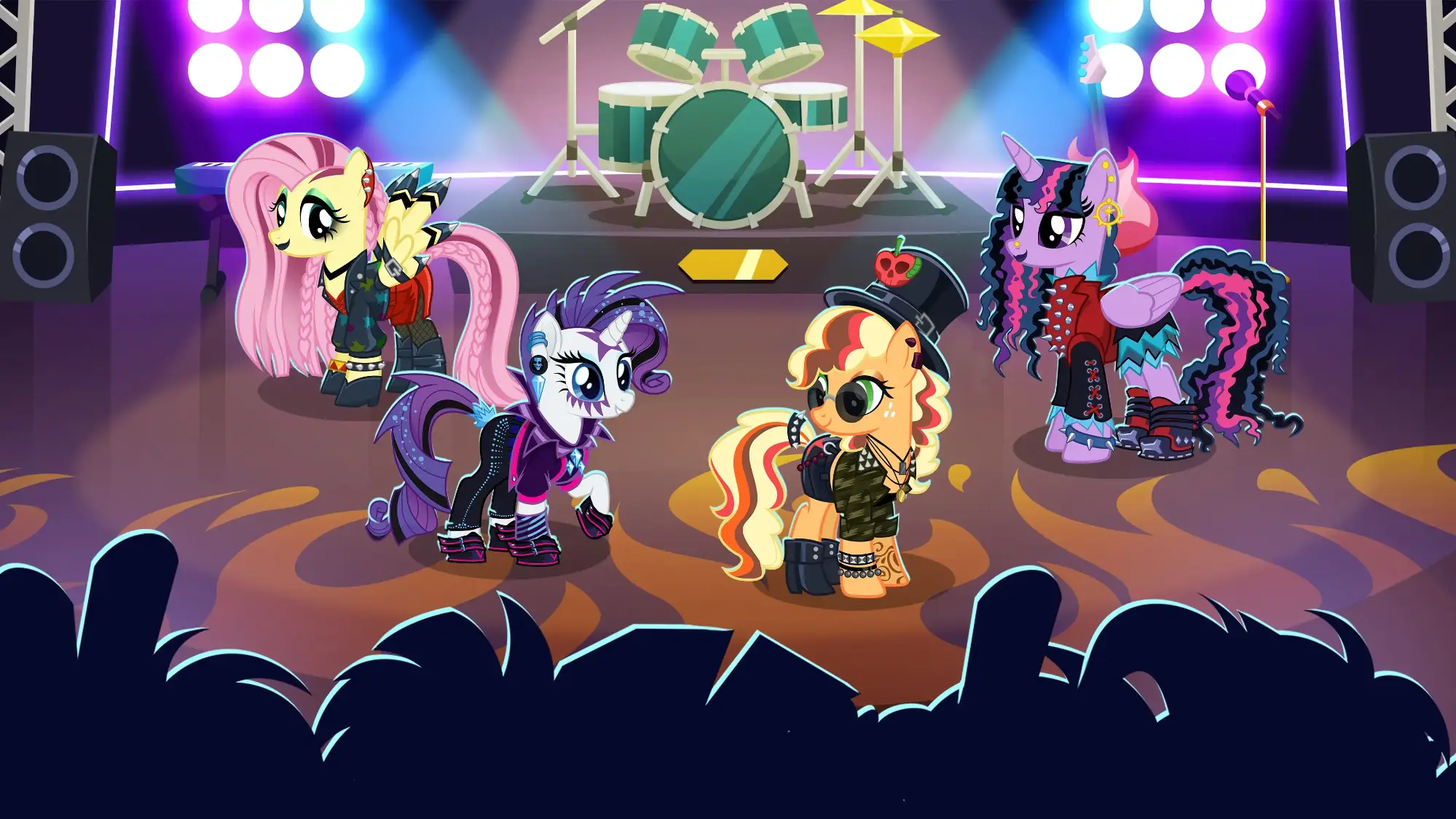
BEST FOR PONY FANS
My Little Pony: Magic Princess Official Theme
Four pastel wallpapers featuring Twilight Sparkle and friends, built from the Gameloft mobile game rather than the TV show.
⭐ 4.8 stars 📅 May 20, 2026 💾 4 MB 💲 Free
What You Get
- Official Gameloft release
- 4 wallpapers, pastel palette that is easy on the eyes
- Tiny 4 MB download
- Added to the store in 2026
Why We Like It
The softest looking theme on this list, and the one least likely to make a desktop icon hard to read. If a young child is picking their own wallpaper, this is the safe recommendation. It is drawn from the game, so do not expect exact screengrabs from the show.
5
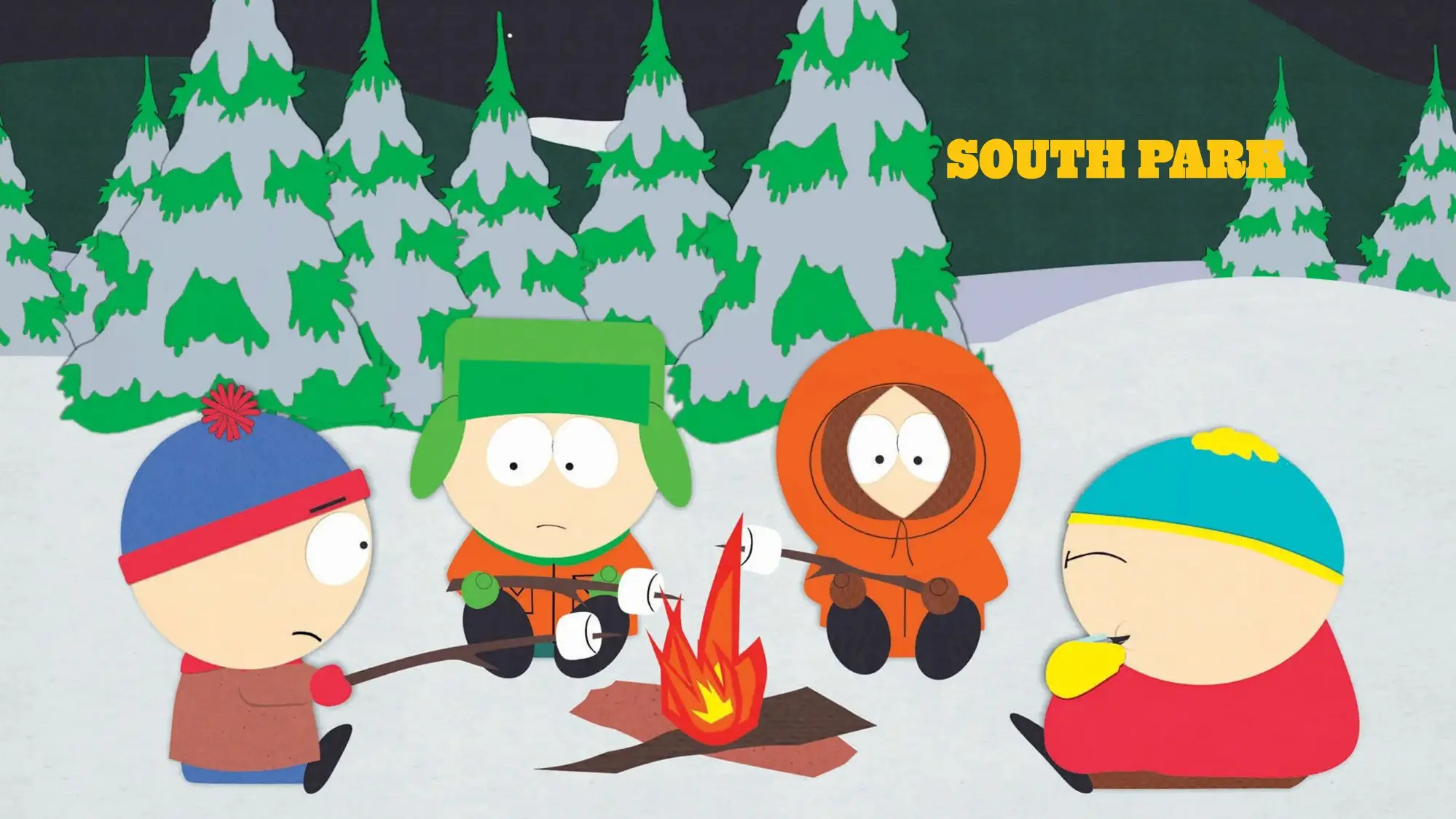
ADULTS ONLY
South Park Theme
Four wallpapers of Stan, Kyle, Cartman and Kenny. The show is rated for mature audiences, so this one is not a kids pick despite the cartoon art.
⭐ 4.8 stars 📅 Nov 19, 2025 💾 3 MB 💲 Free
What You Get
- 4 high resolution wallpapers
- Official CBS Interactive release
- Smallest download in this guide at 3 MB
- Flat art style keeps desktop icons readable
Why We Like It
The flat South Park art style is genuinely practical as a wallpaper. There is no visual clutter, so your icons and windows stay easy to pick out. Worth saying plainly: the art looks childish but the show is not, so skip this one on a family PC.
6
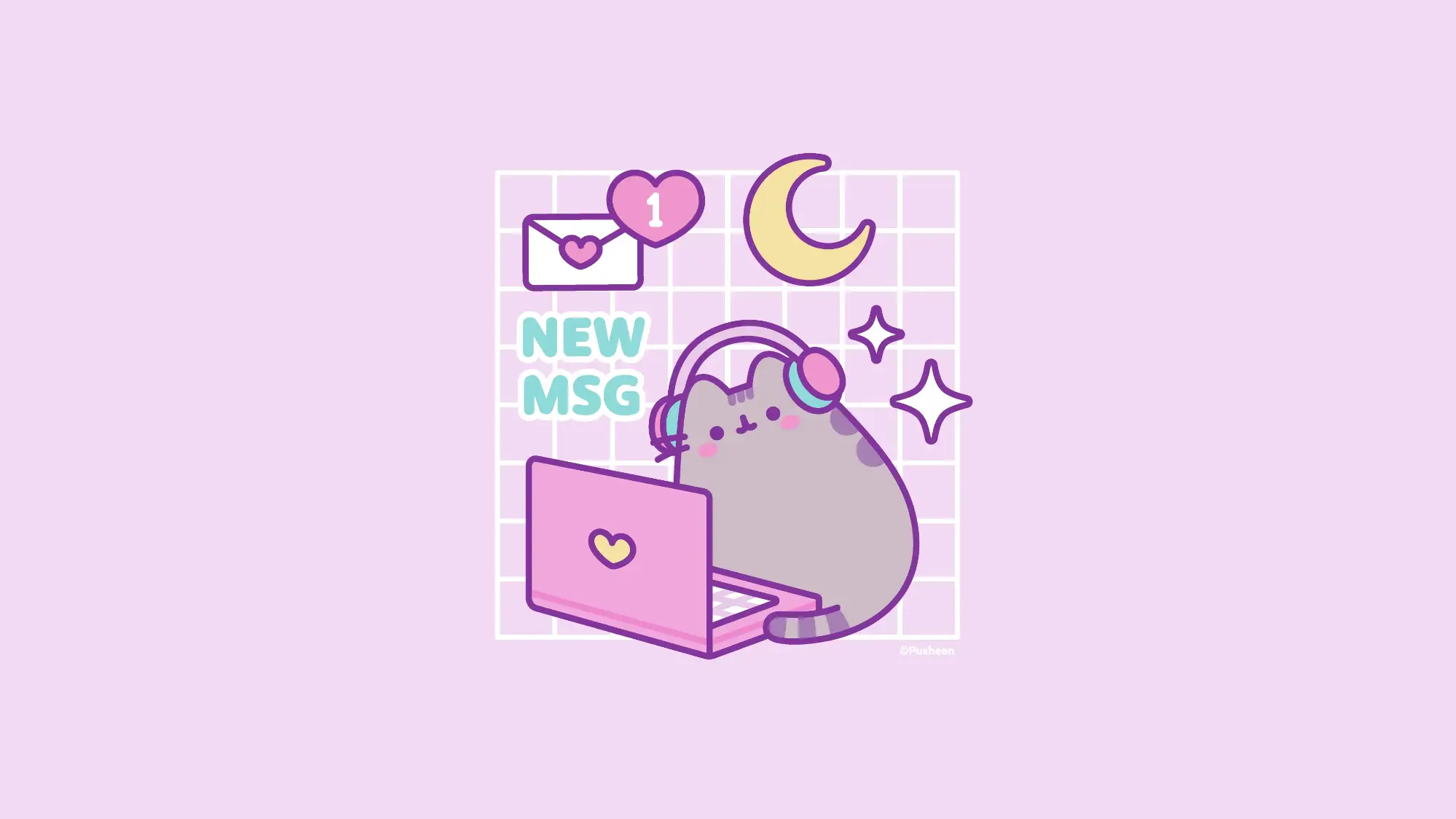
CUTEST PICK
Pusheen Gamer Official Theme
Four pastel wallpapers of Pusheen the cat in gaming poses, headphones on. Released by Pusheen Corp directly.
⭐ 4.7 stars 📅 Jun 25, 2026 💾 1 MB 💲 Free
What You Get
- 4 pastel gaming wallpapers
- Official Pusheen Corp release
- 1 MB, the smallest pack we found
- Newest theme in this guide
Why We Like It
The newest release on this list and the lightest by a mile. Pusheen has a huge following that the Microsoft Store barely serves, so this landing at all is a small event. Two more Pusheen packs, Office and Barista, are in the store if you want the set.
7
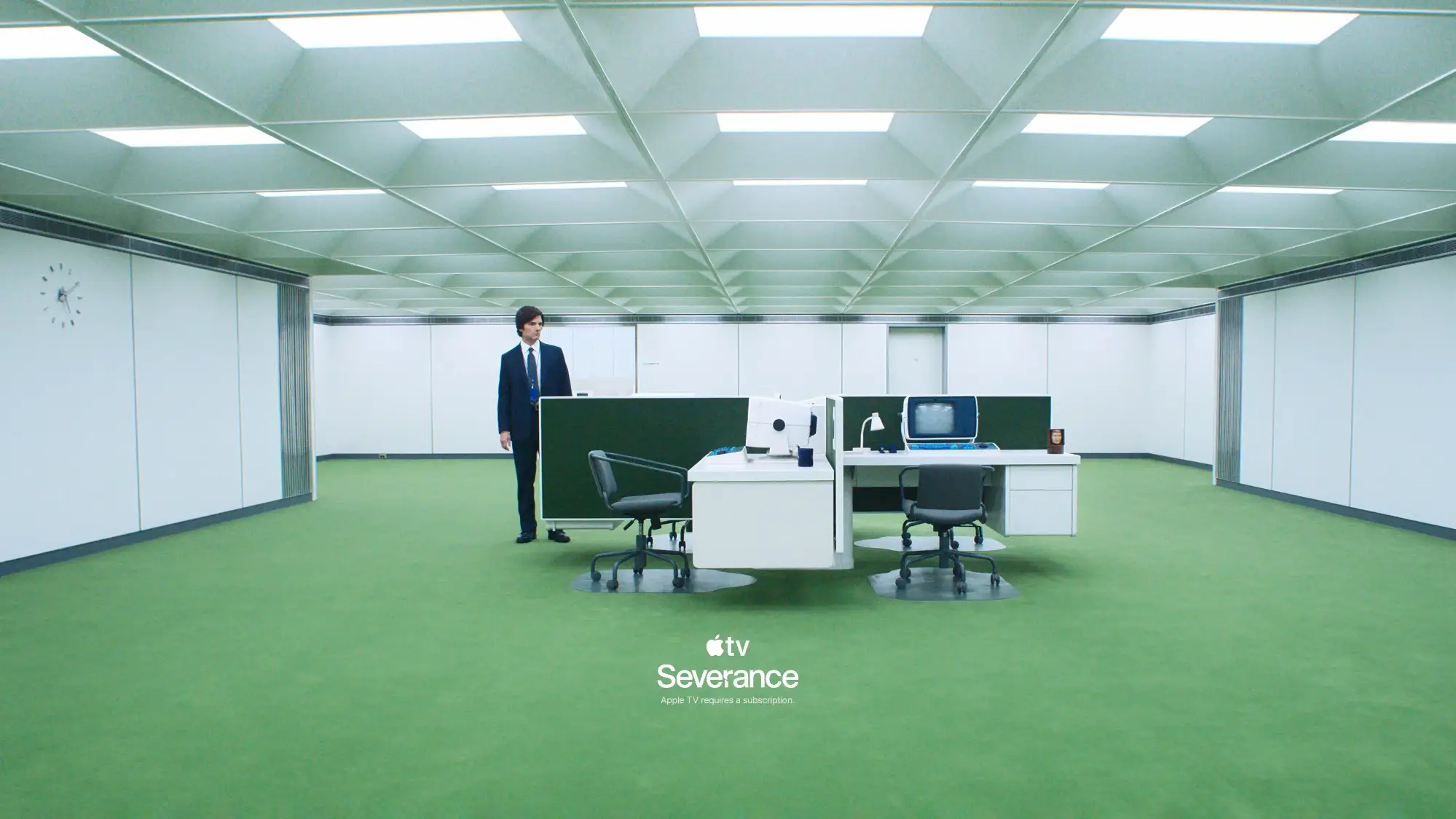
BEST FOR TV FANS
Apple TV Severance Theme
Wallpapers built on the cold corporate look of the show: flat color, empty corridors, clean geometry. Published by Apple.
⭐ Not rated yet 📅 Dec 3, 2025 💾 2 MB 💲 Free
What You Get
- Official Apple release
- Minimal, low clutter compositions
- 2 MB download
- Suits a work machine
Why We Like It
This is the theme to install on a laptop you actually work on. The compositions are deliberately empty, so nothing fights your open windows for attention. Apple publishing themes into the Microsoft Store is odd, and worth knowing exists.
8
BEST MOVIE TIE-IN
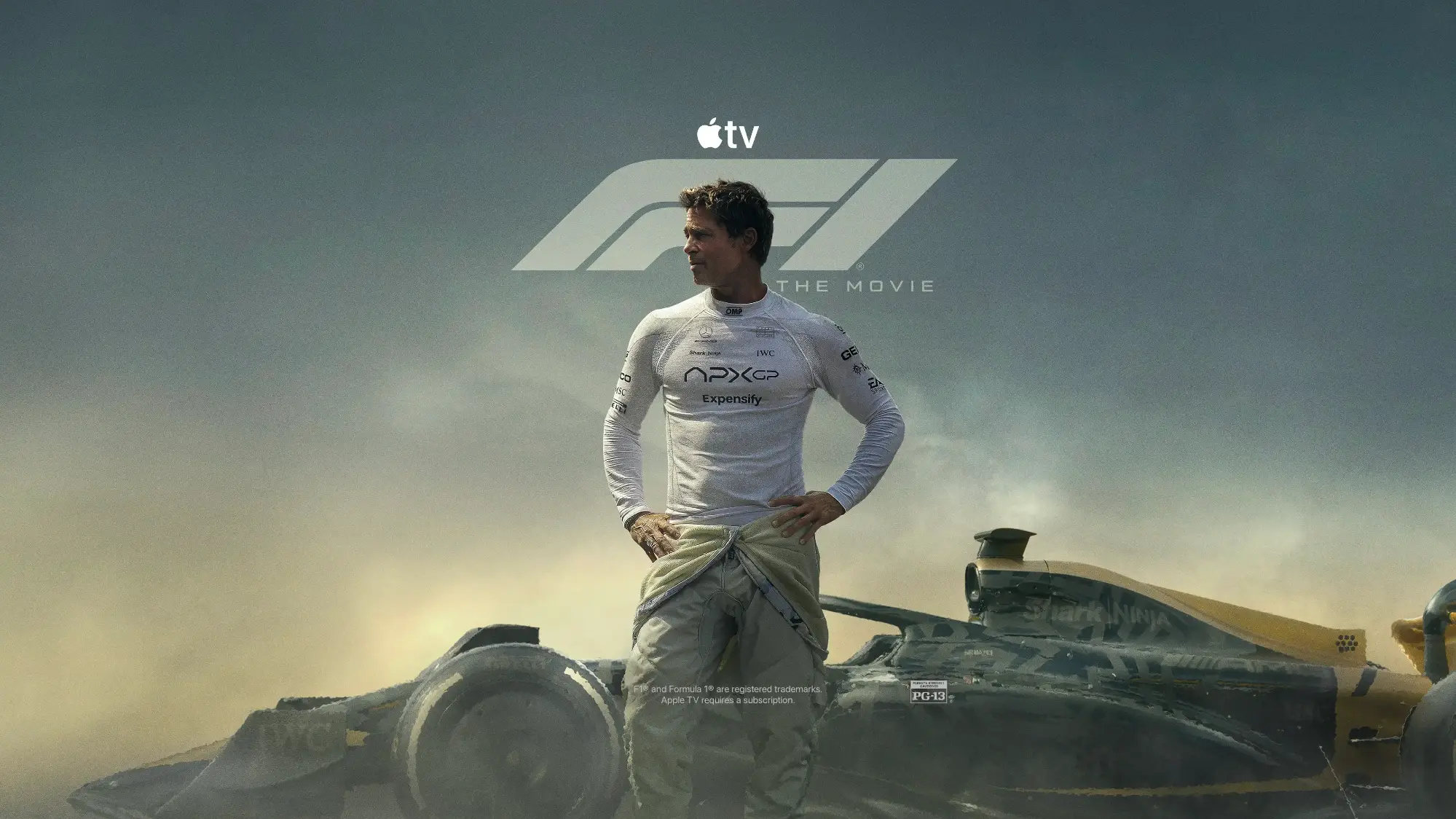
Apple TV F1 The Movie Theme
Race day imagery from the Formula 1 film, built around Sonny Hayes and his struggling team. Another official Apple release.
⭐ 4.7 stars 📅 Dec 18, 2025 💾 2 MB 💲 Free
What You Get
- Official Apple release
- Motorsport photography and film stills
- 2 MB download
- Best rated of the Apple TV packs
Why We Like It
The best rated of Apple’s themes, and the only one with real motion in the shots. If you like the racing look but do not play racing games, this covers you without installing a 37 MB game pack.
9
BEST FOR HBO FANS
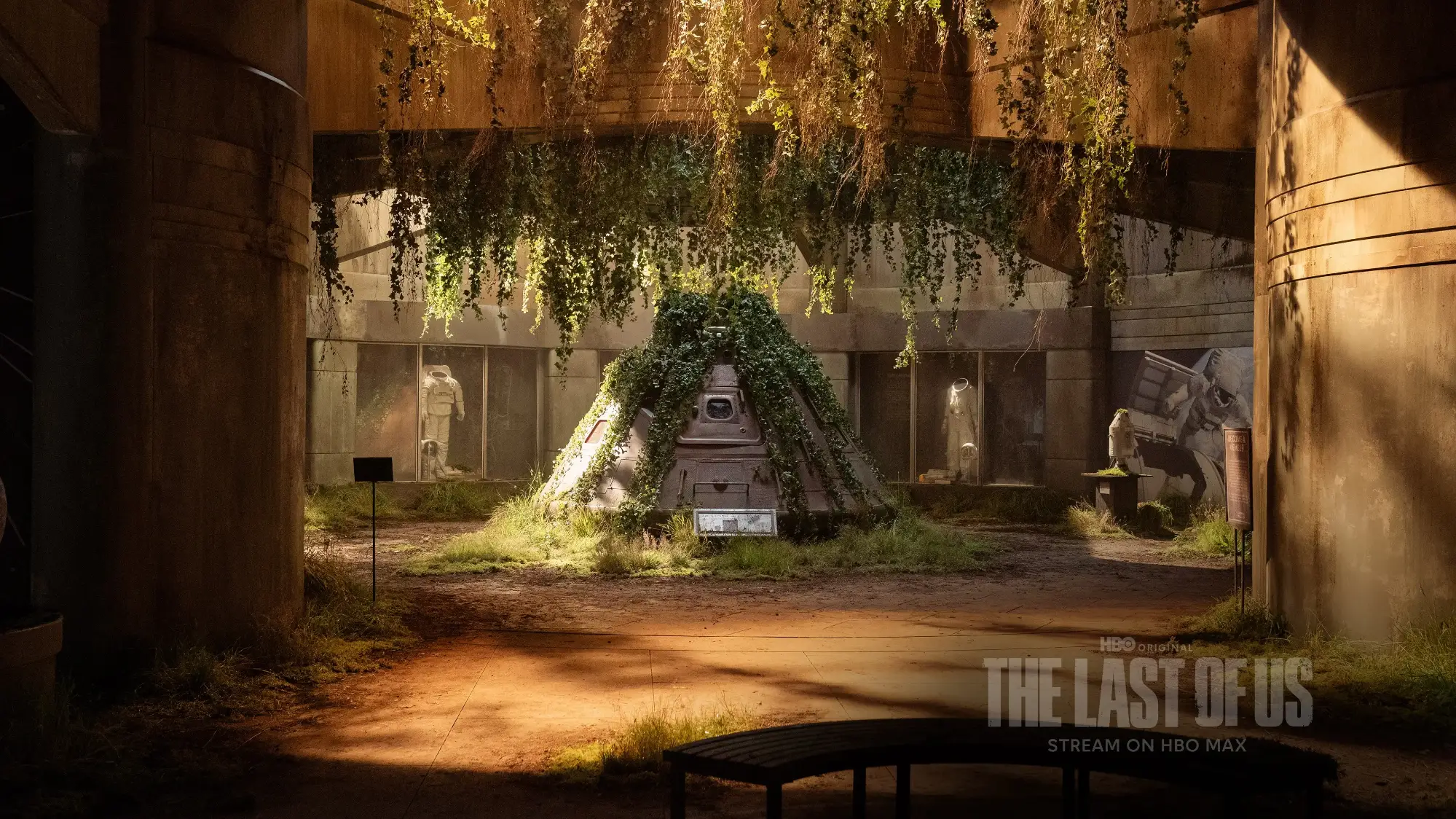
The Last of Us Official Theme
Two wallpapers from season two of the HBO series: the space shuttle in the abandoned museum, and the music store where Ellie plays guitar.
⭐ 4.1 stars 📅 Dec 4, 2025 💾 17 MB 💲 Free
What You Get
- 2 wallpapers, both season two scenes
- Official WarnerMedia release
- Very high resolution source art
- Quiet scenes rather than action shots
Why We Like It
Only two images, which is why the rating sits lower than the rest. What you do get is two of the most recognized shots in the show, at a resolution that holds up on a big monitor. Install it for the museum shot alone.
10
BEST ANIME STYLE PICK
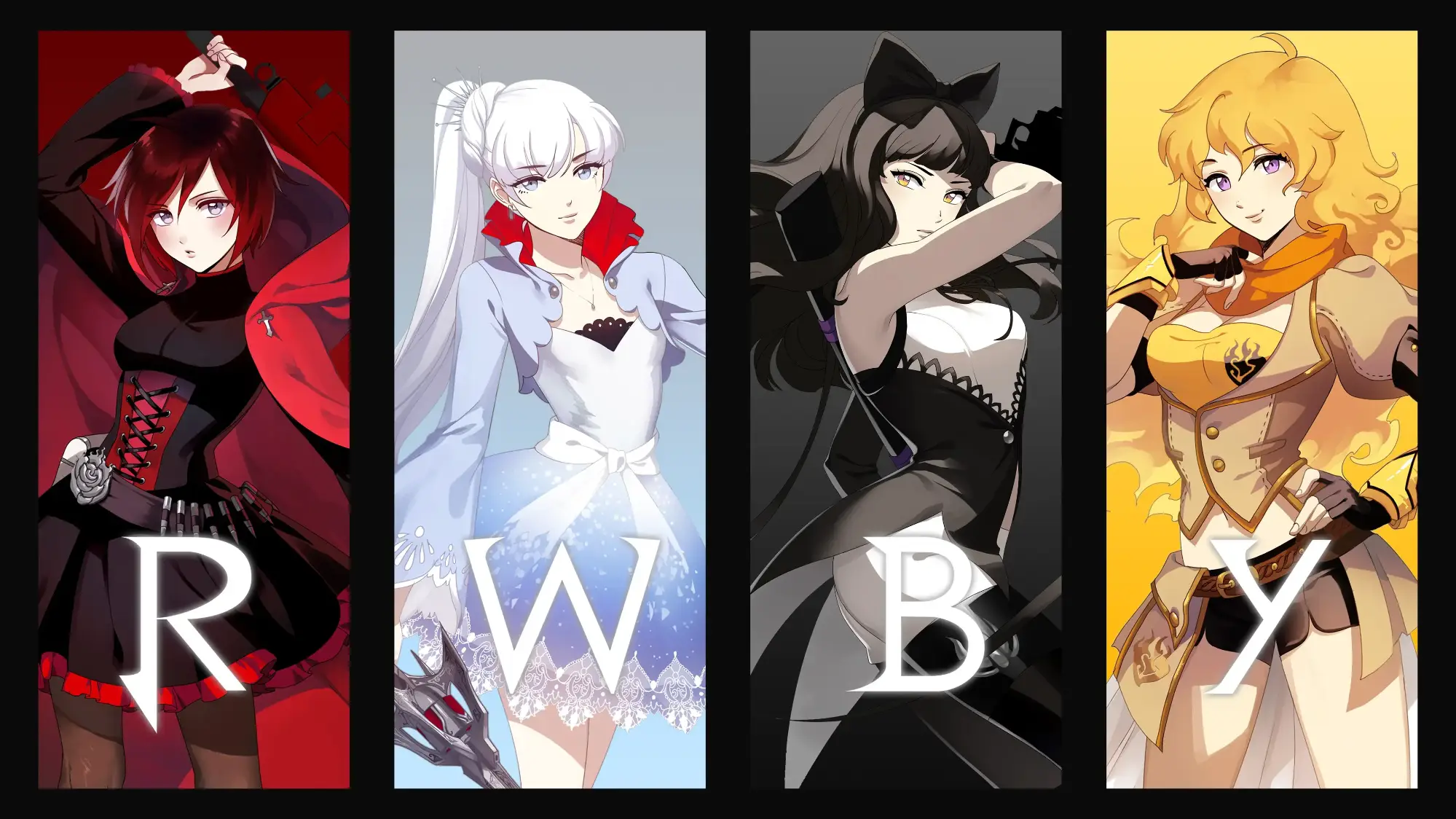
RWBY Official Theme
Team RWBY art from the animated series, published by VIZ Media. Bold character poses in the show’s signature color blocking.
⭐ 5.0 stars 📅 Nov 20, 2025 💾 4 MB 💲 Free
What You Get
- Official VIZ Media release
- Perfect rating so far
- Strong color blocking per character
- 4 MB download
Why We Like It
A perfect score and the strongest character art in this guide. If your taste runs to anime wallpapers, this is the only official one the Microsoft Store carries, and it is a good one. Check our anime theme packs if you want more in this style.
Official Game and Hardware Themes
Themes published by the studios and manufacturers themselves. Bigger downloads than the cartoon packs, because the source art is higher resolution.
11
NEWEST GAME THEME
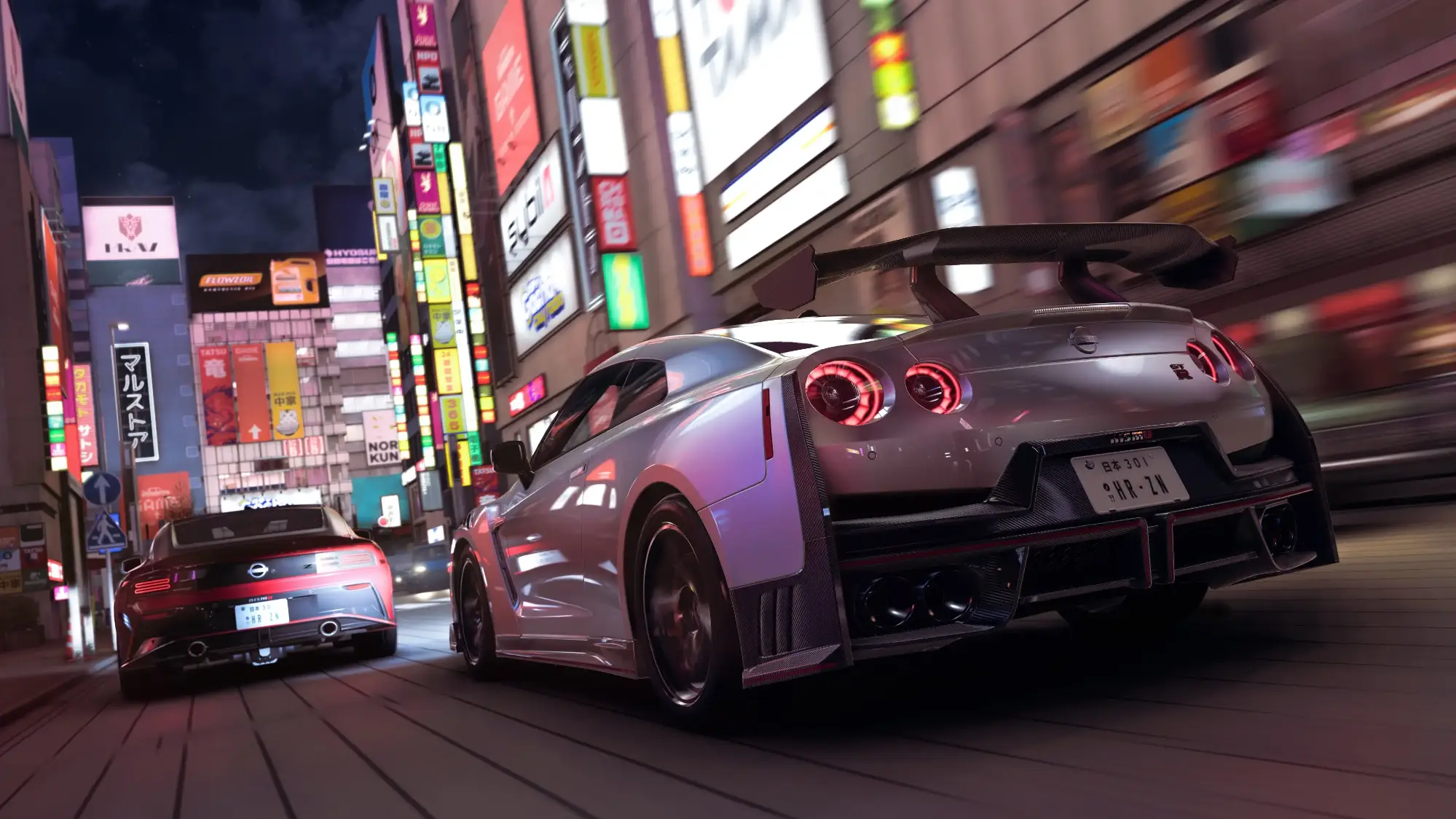
Forza Horizon 6 Official Theme
Car and landscape shots from Forza Horizon 6, set across Japan. The biggest download in this guide, because the images are the highest quality in it.
⭐ 4.1 stars 📅 Jun 18, 2026 💾 37 MB 💲 Free
What You Get
- Screens from the Japan setting
- Official Microsoft Studios release
- Largest and highest quality image set here
- Added to the store in mid 2026
Why We Like It
37 MB is a lot for a theme, and you can see where it went. These are close to marketing quality renders rather than in game grabs. If you own a large monitor and want one theme that shows it off, start here.
12
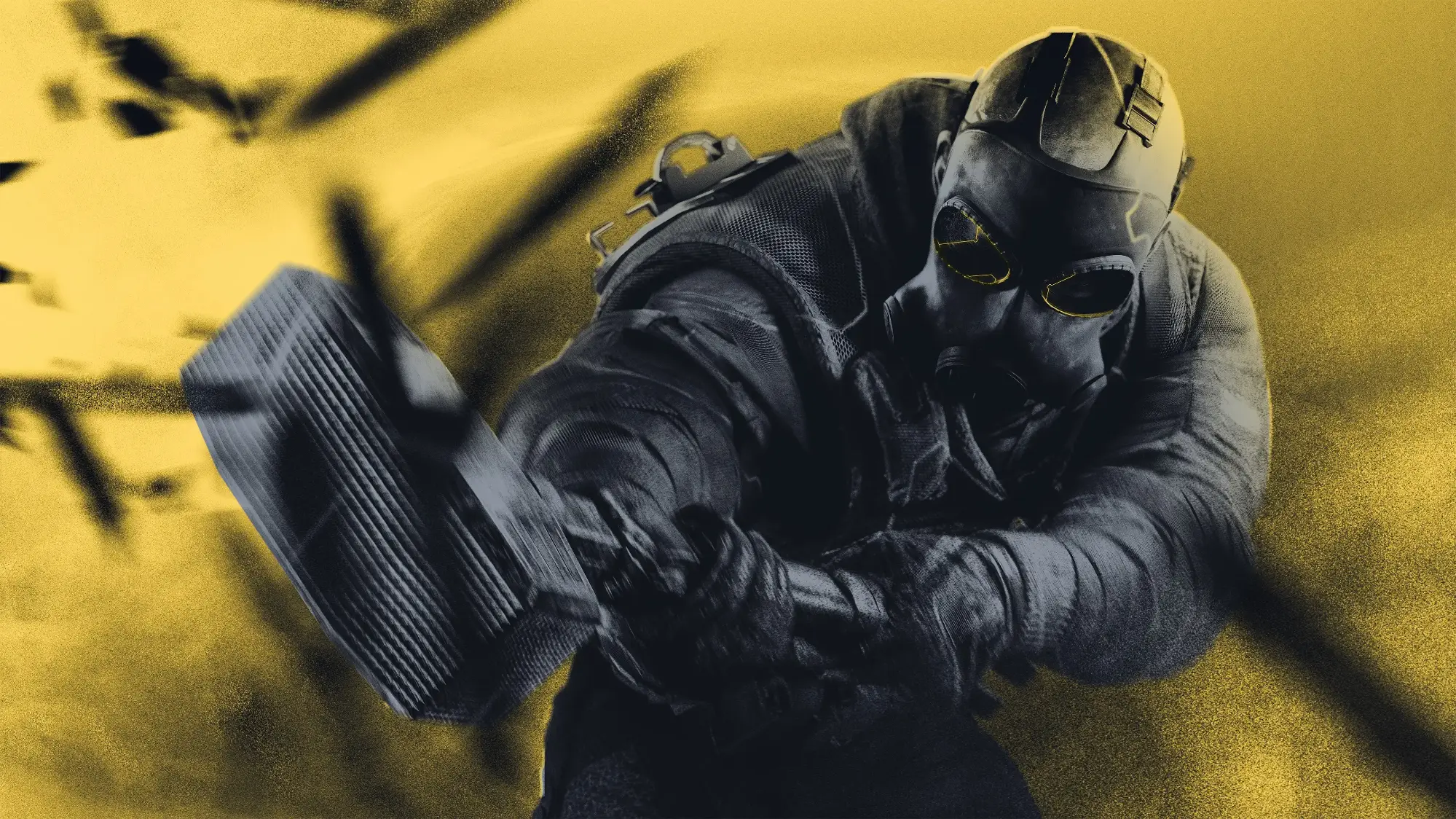
BEST FOR SHOOTER FANS
Rainbow Six Siege Official Theme
An exclusive wallpaper released by Ubisoft for the game’s tenth anniversary. Operator art in the series’ muted tactical palette.
⭐ 4.7 stars 📅 Nov 18, 2025 💾 9 MB 💲 Free
What You Get
- Official Ubisoft release
- Tenth anniversary artwork
- Muted palette that keeps icons readable
- 9 MB download
Why We Like It
The muted grays and greens are the point here. Plenty of game wallpapers are so busy that you lose your desktop icons in them, and this one is not. It is a focused pack, but the anniversary art is not bundled anywhere else.
13
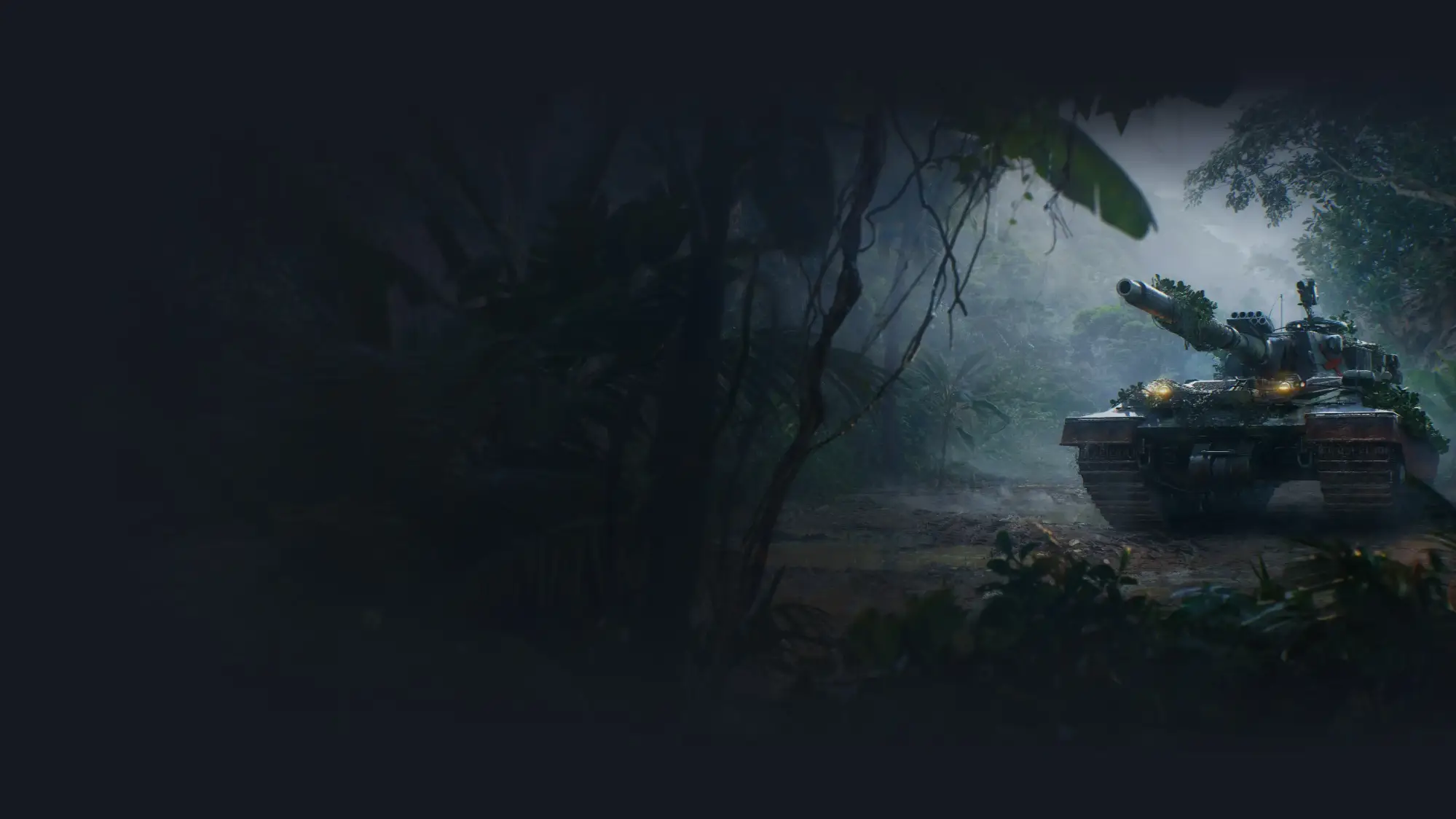
MOST IMAGES OF THE GAME PACKS
World of Tanks Official Theme
Nine wallpapers of tanks and battlefield scenes from World of Tanks, published by Wargaming.
⭐ 4.8 stars 📅 Nov 25, 2025 💾 19 MB 💲 Free
What You Get
- 9 high resolution wallpapers
- Official Wargaming release
- Best pack here for a wallpaper slideshow
- Highest rated of the game themes
Why We Like It
Nine images is a lot for a licensed theme, and it makes this the best game pack to run as a slideshow. Set the background to Slideshow and point it at the theme folder and you get a fresh tank every hour without repeats.
14
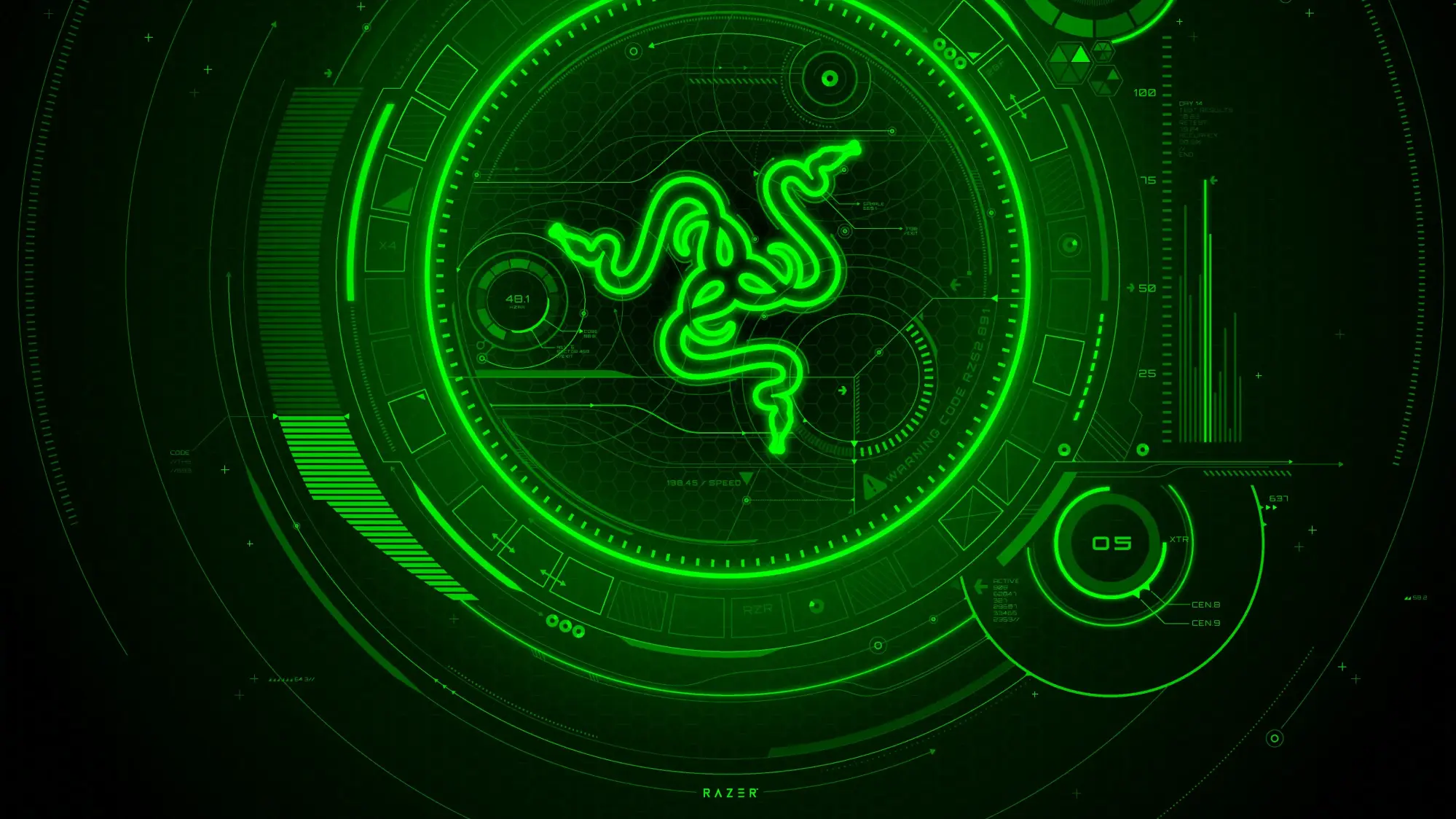
BEST FOR GAMING RIGS
Razer Axon Official Theme
4K product and Chroma lighting shots from Razer’s own hardware line, in the brand’s black and green.
⭐ 4.4 stars 📅 Nov 20, 2025 💾 11 MB 💲 Free
What You Get
- Exclusive 4K Razer images
- Official Razer USA release
- One of the best rated brand themes here
- More wallpapers in the separate Razer Axon app
Why We Like It
If your desk is already black and green, this finishes the look on screen. Razer also ships a free Axon app with a much larger wallpaper library, so treat this theme as a sample rather than the whole collection.
Top Rated Microsoft Photo Themes
Microsoft’s own photography packs. Some are eight years old and they still hold the highest ratings in the store, with hundreds of reviews each. These are the ones that give you the most images per download.
15
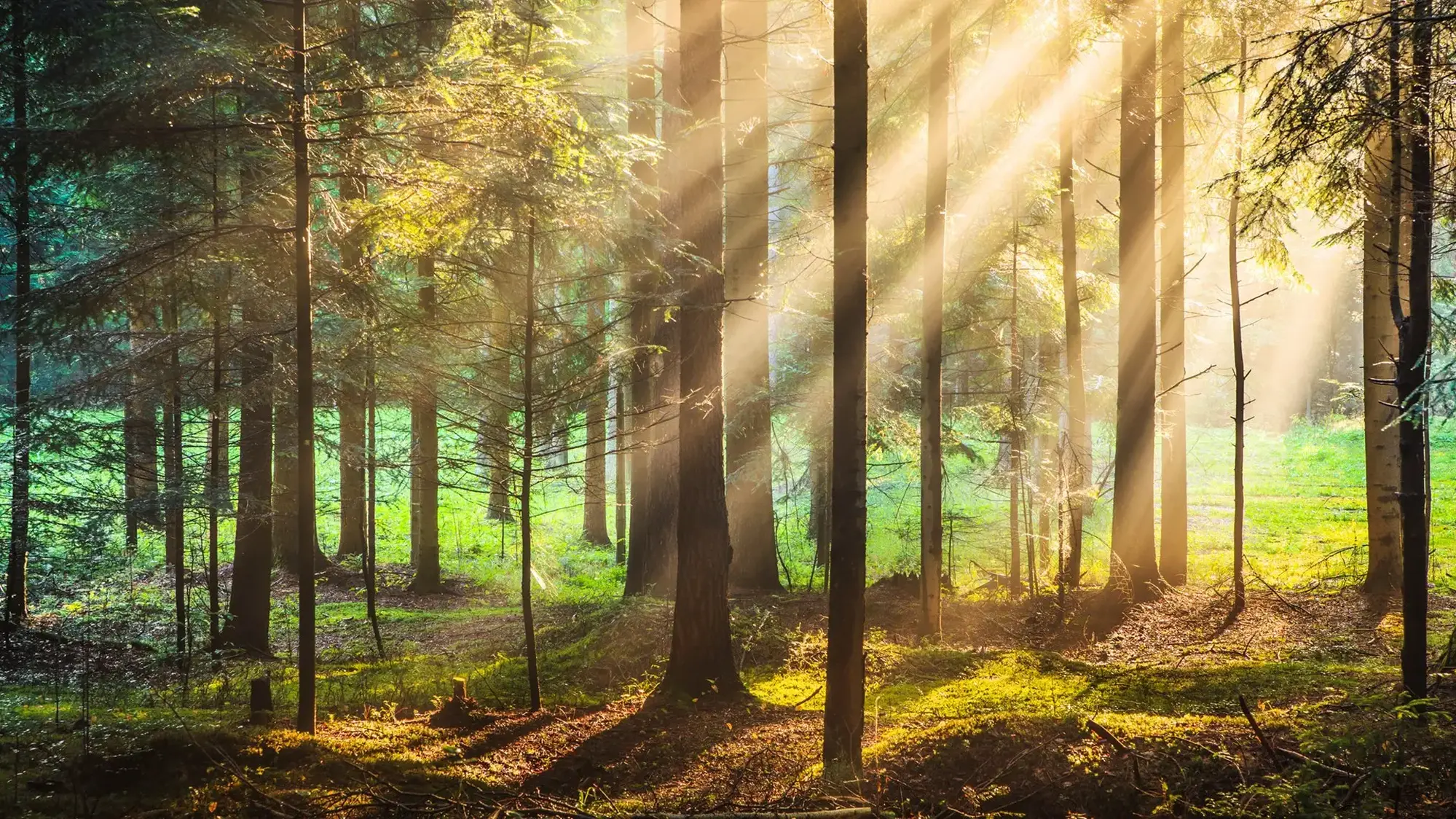
MOST POPULAR OVERALL
Forest for the Trees
Twenty forest photographs, from tropical green through to New England autumn. The most reviewed theme we found anywhere in the store.
⭐ 4.8 stars 📅 Aug 21, 2017 💾 29 MB 💲 Free
What You Get
- 20 high resolution photographs
- A long-standing store favorite
- Tropical and autumn scenes in one pack
- Published by Microsoft
Why We Like It
It has held a 4.8 average for years, the strongest track record of any theme we found. Twenty images means a slideshow that takes a full day to loop. If you install one theme from this guide, make it this one.
16
BEST QUIET PICK
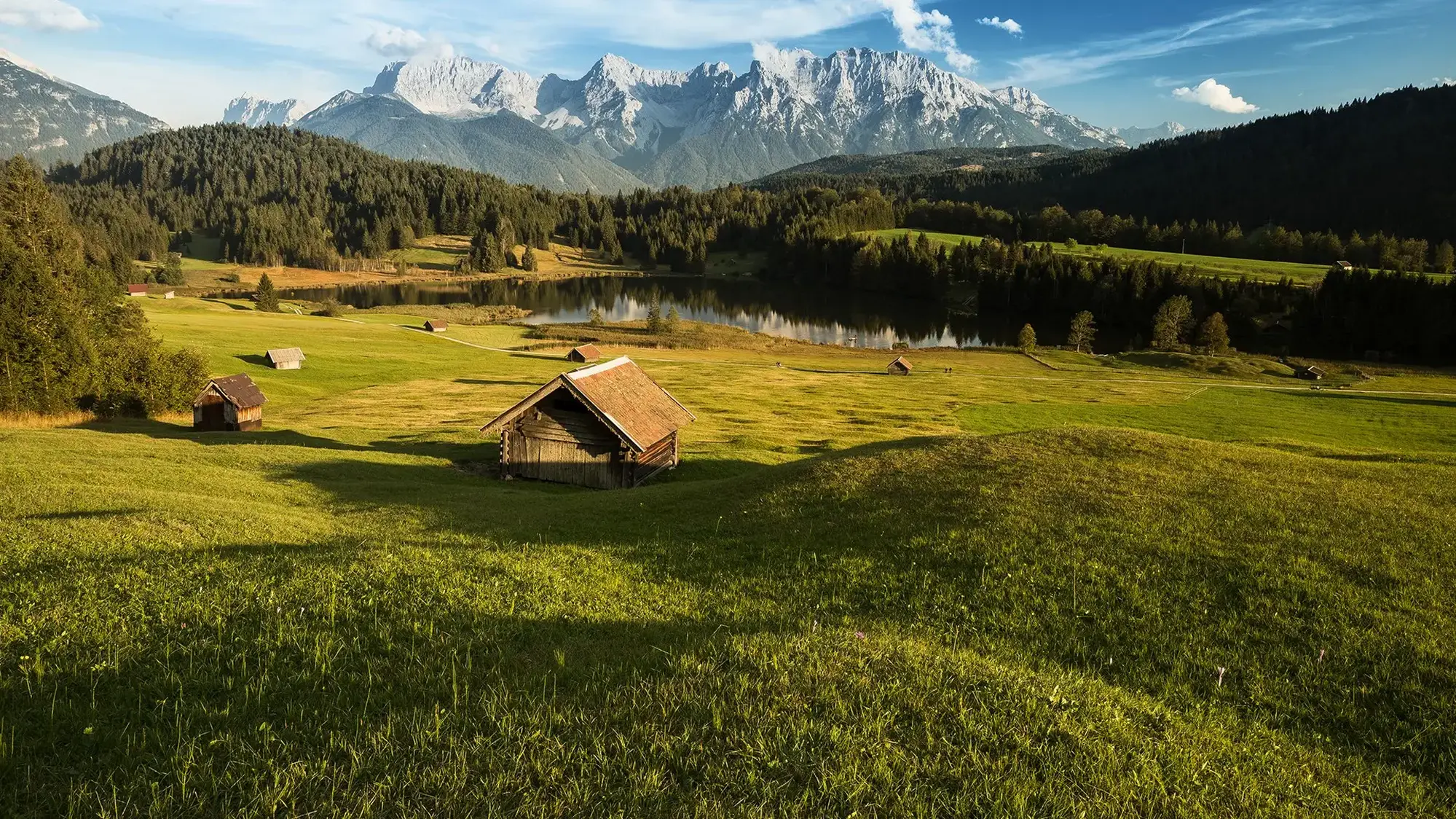
Mountain Dwellings
Twelve photographs of remote cabins and lodges set against mountain ranges and alpine lakes.
⭐ 4.8 stars 📅 Jan 29, 2018 💾 11 MB 💲 Free
What You Get
- 12 high resolution photographs
- A long-standing store favorite
- Calm compositions, low visual noise
- Published by Microsoft
Why We Like It
This is the theme Microsoft leads its own Top Themes collection with, and the reason is obvious once it is on screen. Wide, quiet compositions with the subject off to one side, which leaves plenty of clean space for your icons.
17
BEST FOR TRAVEL LOVERS
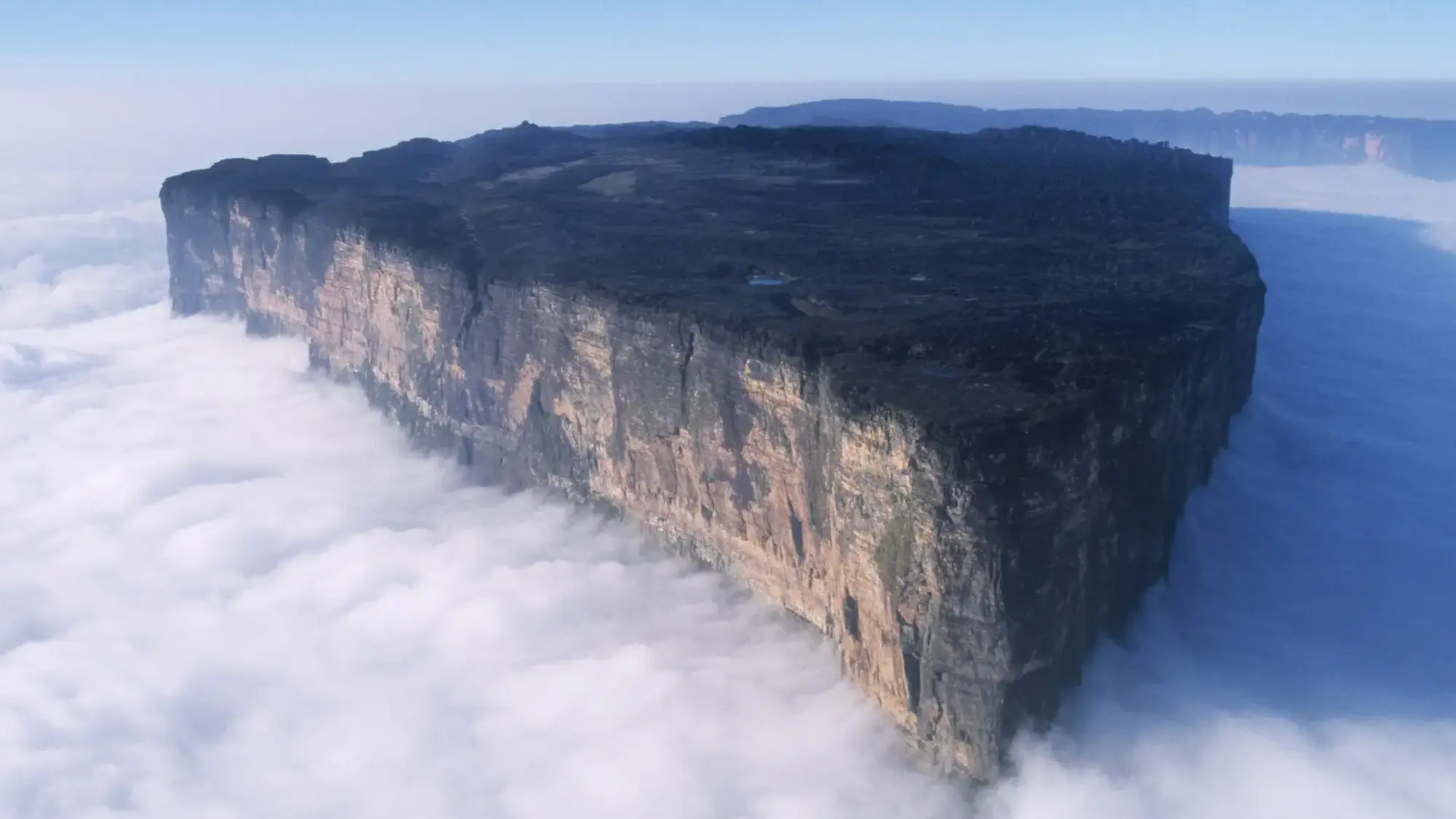
World National Parks
Eighteen photographs from national parks across India, New Zealand, Canada, Chile and more.
⭐ 4.8 stars 📅 Mar 21, 2018 💾 15 MB 💲 Free
What You Get
- 18 photographs from parks worldwide
- Covers five continents
- Second largest image count in this guide
- Published by Microsoft
Why We Like It
The widest range of scenery in any single pack here. Deserts, glaciers, rainforest and coast all in one theme, which keeps a slideshow from settling into one mood. Pair it with US National Parks if you want the full set.
18
BEST SEASONAL PICK
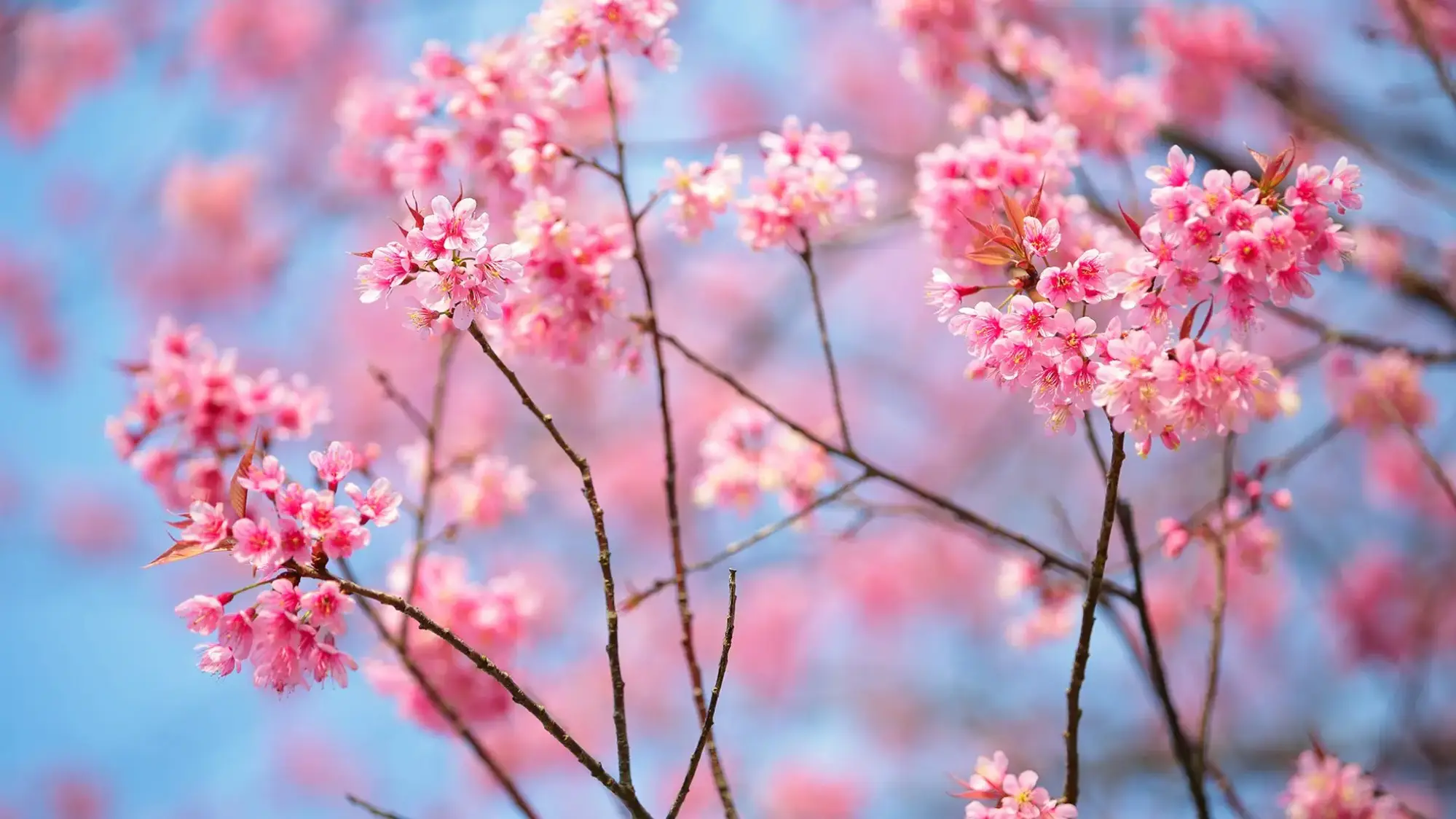
Cherry Blossoms
Sixteen photographs of cherry blossom in bloom, Japan’s national flower, shot in soft pinks and whites.
⭐ 4.8 stars 📅 Aug 8, 2017 💾 18 MB 💲 Free
What You Get
- 16 high resolution photographs
- Soft pink and white palette
- Works as a spring seasonal swap
- Published by Microsoft
Why We Like It
The easiest theme here to live with day to day. Pale backgrounds mean dark text and icons stay sharp, which is the opposite of most photo wallpapers. A lot of people swap this in every spring and out again in summer.
19
BEST DARK MODE MATCH
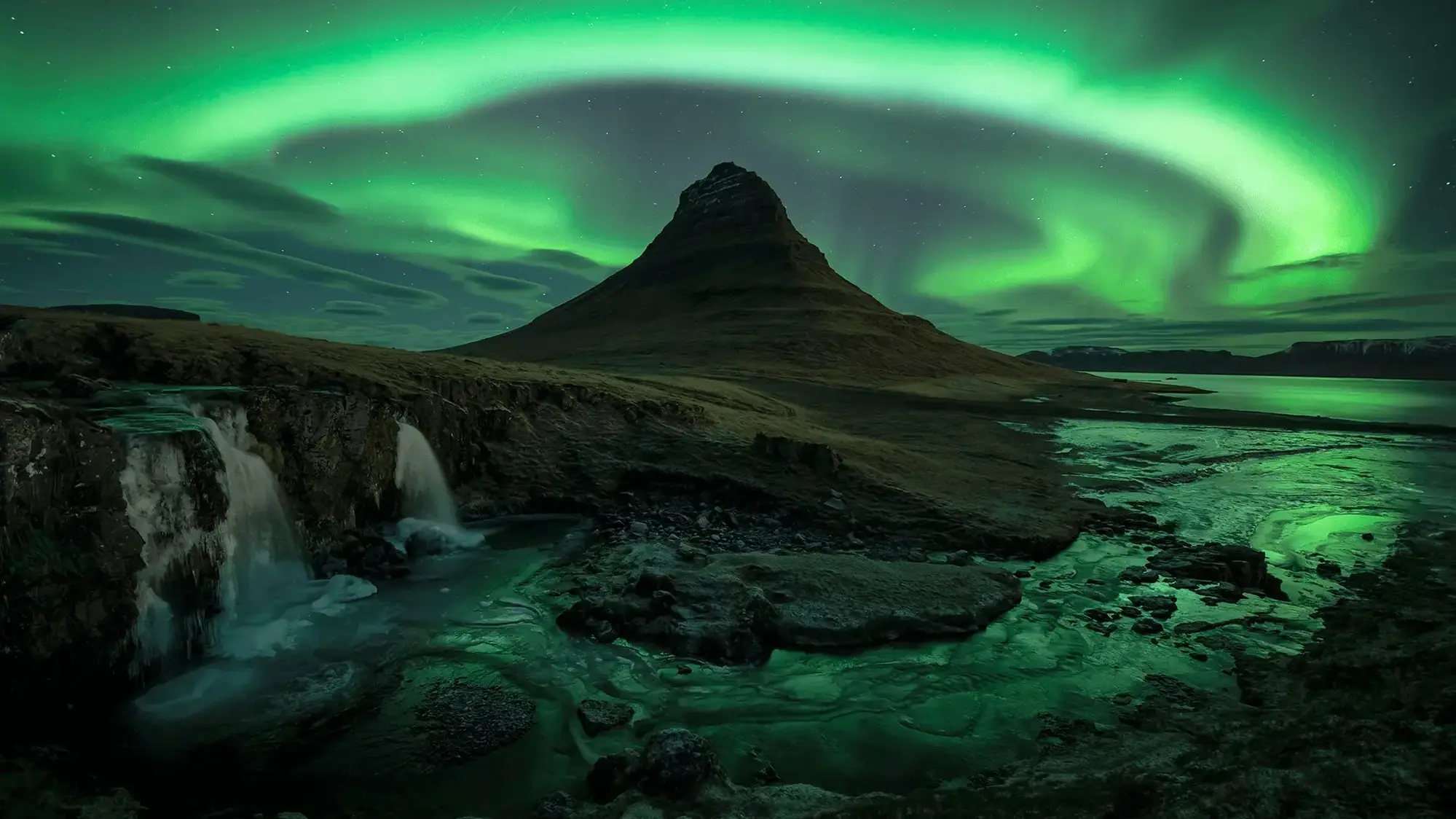
Night Skies
Twenty 4K images of stars, moons, the Milky Way and the aurora borealis.
⭐ 4.7 stars 📅 Jun 17, 2020 💾 10 MB 💲 Free
What You Get
- 20 images in 4K
- Aurora, Milky Way and moon shots
- Joint largest image count in this guide
- Published by Microsoft
Why We Like It
The obvious partner for Windows dark mode. Dark wallpapers hide the seam between your background and a dark taskbar, so the whole desktop reads as one piece. Twenty 4K images in a 10 MB download is unusually efficient.
20
BEST 4K SHOWCASE
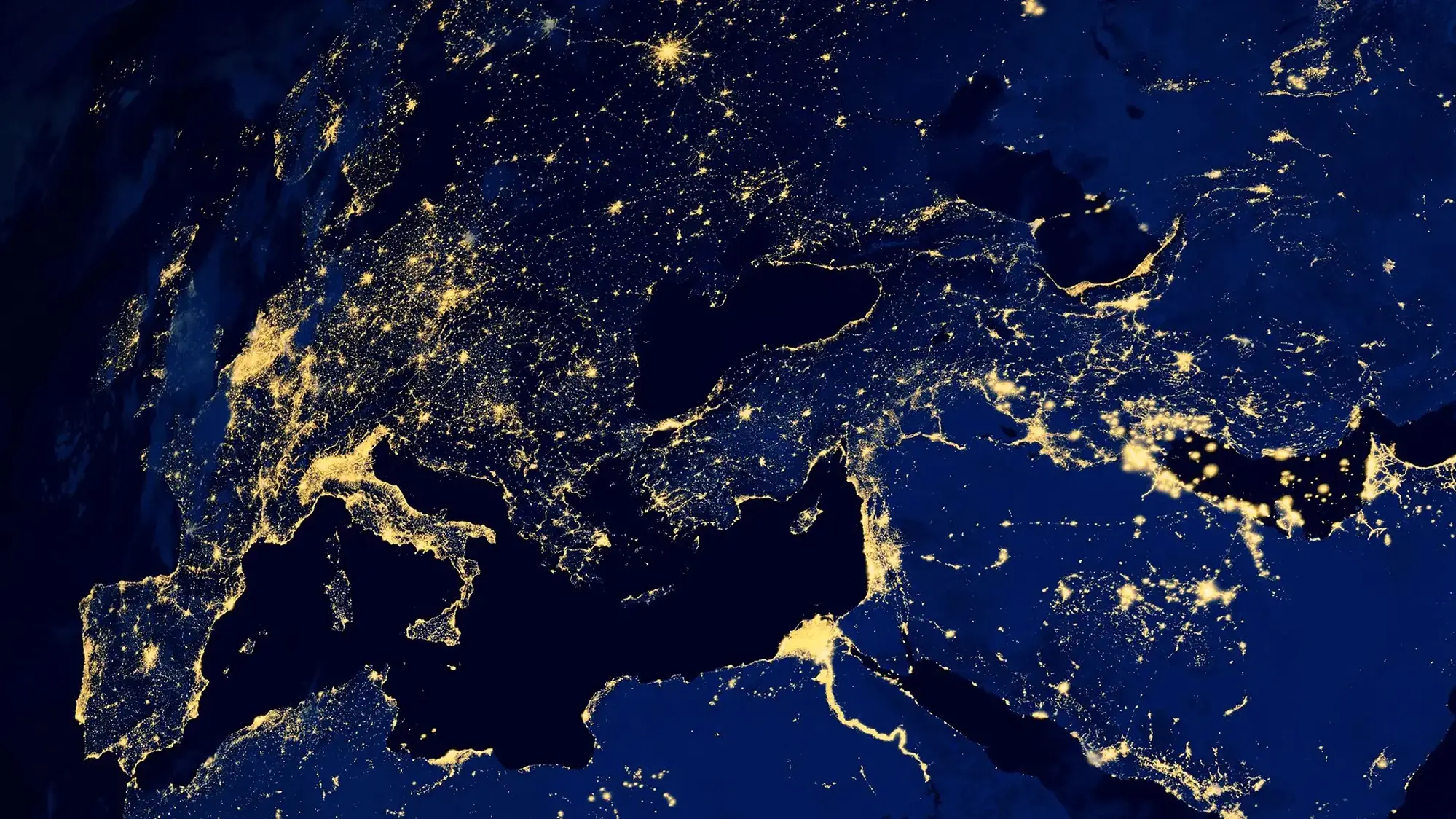
Earth from Above
Fourteen 4K images of Earth from orbit: continents, weather systems and the planet’s edge against space.
⭐ 4.8 stars 📅 Mar 6, 2020 💾 10 MB 💲 Free
What You Get
- 14 images in 4K
- Orbital and weather system shots
- Deep blacks that suit dark mode
- Published by Microsoft
Why We Like It
The images with the most detail per pixel in this guide. Zoomed out shots of cloud systems and coastlines hold up close on a 27 inch screen. Most stock wallpaper does not.
21
BEST FOR CAR FANS
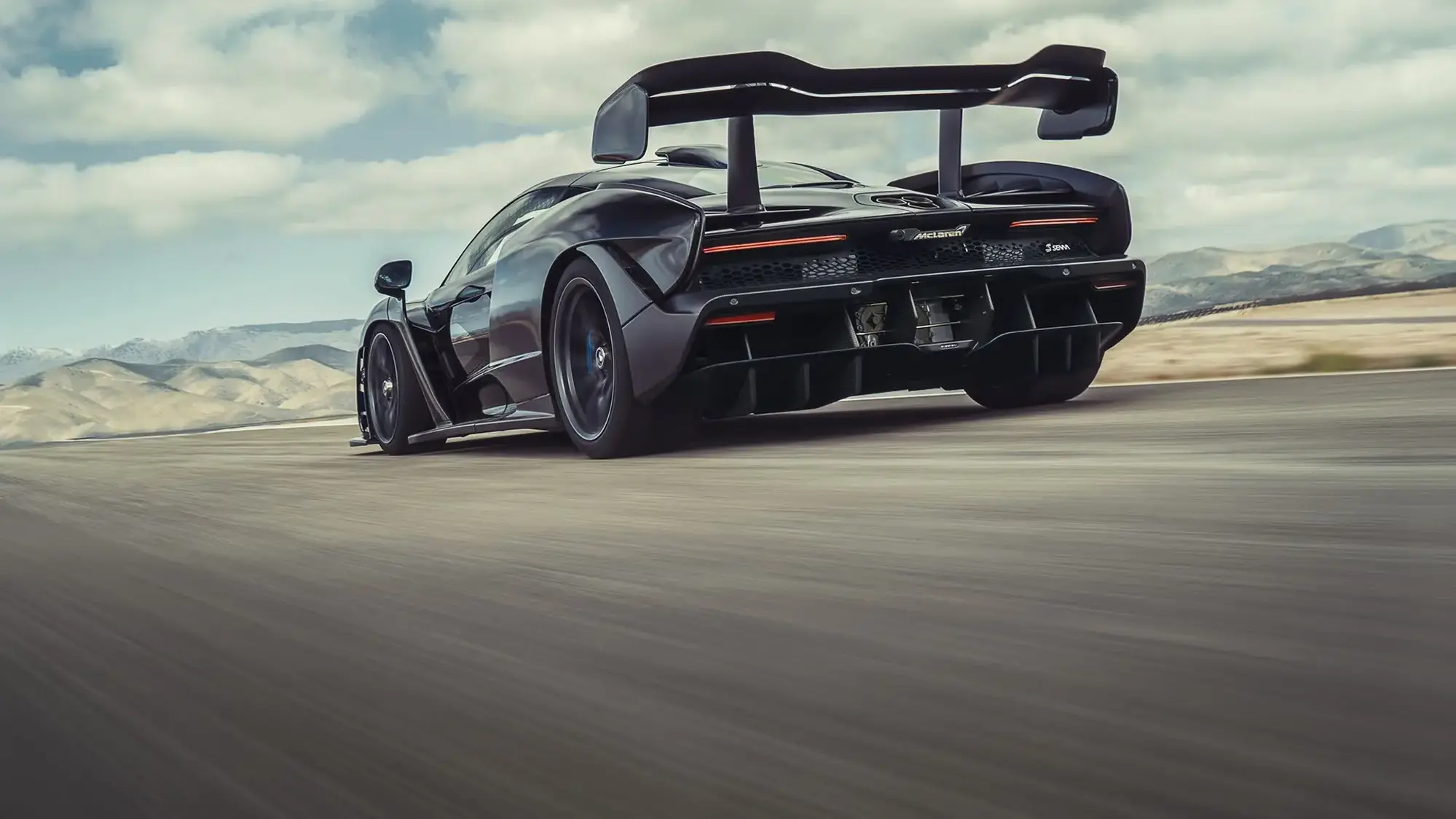
McLaren Senna Track Day
Ten photographs of the McLaren Senna, the road car named after Ayrton Senna and the fastest McLaren ever taken round a track.
⭐ 4.7 stars 📅 May 11, 2018 💾 7 MB 💲 Free
What You Get
- 10 high resolution photographs
- Track and studio shots of the Senna
- Only real car photography theme here
- Published by Microsoft
Why We Like It
Every other car theme in this guide is game art. This one is real photography of a real car, and the difference shows. Small 7 MB download, and it has held a 4.7 average for years.
Every Theme Compared
📊 All Windows Themes at a Glance (Click to Compare Every Pick)
| # |
Theme |
Type |
Wallpapers |
Rating |
Size |
Best For |
| 1 |
SpongeBob SquarePants |
Cartoon |
4 |
4.6 |
5 MB |
Younger kids |
| 2 |
Tales of the TMNT |
Cartoon |
5 |
5.0 |
11 MB |
Older kids |
| 3 |
Shrek Official |
Film |
Multiple |
5.0 |
10 MB |
Family PCs |
| 4 |
My Little Pony: Magic Princess |
Game art |
4 |
4.8 |
4 MB |
Younger kids |
| 5 |
South Park |
Cartoon |
4 |
4.8 |
3 MB |
Adults only |
| 6 |
Pusheen Gamer |
Cartoon |
4 |
4.7 |
1 MB |
Pastel desk setups |
| 7 |
Apple TV Severance |
TV |
Multiple |
Not rated |
2 MB |
Work laptops |
| 8 |
Apple TV F1 The Movie |
Film |
Multiple |
4.7 |
2 MB |
Motorsport fans |
| 9 |
The Last of Us Official |
TV |
2 |
4.1 |
17 MB |
HBO series fans |
| 10 |
RWBY Official |
Anime |
Multiple |
5.0 |
4 MB |
Anime fans |
| 11 |
Forza Horizon 6 Official |
Game |
Multiple |
4.1 |
37 MB |
Large monitors |
| 12 |
Rainbow Six Siege Official |
Game |
Anniversary set |
4.7 |
9 MB |
Readable game art |
| 13 |
World of Tanks Official |
Game |
9 |
4.8 |
19 MB |
Game slideshows |
| 14 |
Razer Axon Official |
Hardware |
Multiple 4K |
4.4 |
11 MB |
Black and green rigs |
| 15 |
Forest for the Trees |
Photography |
20 |
4.8 |
29 MB |
Best all rounder |
| 16 |
Mountain Dwellings |
Photography |
12 |
4.8 |
11 MB |
Quiet, low clutter |
| 17 |
World National Parks |
Photography |
18 |
4.8 |
15 MB |
Variety |
| 18 |
Cherry Blossoms |
Photography |
16 |
4.8 |
18 MB |
Light desktops |
| 19 |
Night Skies |
Photography |
20 in 4K |
4.7 |
10 MB |
Dark mode |
| 20 |
Earth from Above |
Photography |
14 in 4K |
4.8 |
10 MB |
4K detail |
| 21 |
McLaren Senna Track Day |
Photography |
10 |
4.7 |
7 MB |
Car fans |
All 21 themes are free. We took ratings and sizes from the live store listings at the time of writing.
Tips for Getting the Most Out of Windows Themes
1. Turn one theme into a rotating wallpaper
Most people apply a theme, see one image, and never realise there are nineteen more in the folder. Go to Settings, Personalization, Background, choose Slideshow, then browse to the theme folder. Set the change interval to an hour and the pack does the rest.
2. Match your theme to your Windows mode
Light photo packs like Cherry Blossoms look wrong against a black taskbar, and dark packs like Night Skies wash out in light mode. Pick a pair that agree with each other. Our guide on how to enable dark mode on Windows 11 walks through the switch.
3. Install more than one and swap by mood
There is no limit and no cost. Install five or six, and they all sit in your Themes list ready to click. A cartoon pack for the weekend and something calm for work days is a common setup.
4. Find the raw image files and reuse them
Windows unpacks the wallpapers to C:\Users\YourName\AppData\Local\Microsoft\Windows\Themes. Paste that into File Explorer and you can copy individual images out for your phone, a second PC, or a video call background.
5. Clean up your desktop before you judge a theme
A wallpaper you love can still look bad under forty shortcut icons. Try hiding your desktop icons for a minute to see the theme on its own, then decide.
Frequently Asked Questions
Are Microsoft Store themes free?
Every theme in this guide is free. The store does list a small number of paid themes. The popular ones cost nothing, including every official TV, movie and game pack. If a theme page shows a price instead of a Get button, it is one of the rare paid ones.
Where do the wallpaper files go after I install a theme?
Windows saves them under C:\Users\YourName\AppData\Local\Microsoft\Windows\Themes. Paste that path into File Explorer’s address bar to find the folder. Inside you will see one folder per theme with the raw image files, so you can copy a single wallpaper out and use it on another device.
How do I remove a theme I do not like?
Open Settings, go to Personalization, then Themes. Right click the theme you want gone and choose Delete. You cannot delete the theme that is currently applied, so switch to a different one first. Deleting the theme does not uninstall anything else on your PC.
Do these themes change my Windows sounds and mouse cursor too?
Most Microsoft Store theme packs only change the desktop wallpaper and the accent color. Sounds and cursors stay on your current settings. You can add your own sound scheme and cursor to any applied theme under Settings, Personalization, Themes, then save it as a new custom theme.
Can I use these themes on Windows 10?
Yes. The newer packs need Windows 10 version 1903 or later, and the older Microsoft nature sets need version 1607 or later. Both are well below what any updated Windows 10 machine is running, so every theme in this guide works on Windows 10 and Windows 11.
Why does my theme wallpaper look blurry or stretched?
Windows is fitting the image to your screen shape. Open Settings, Personalization, Background, then set Choose a fit to Fill. If it still looks soft, the theme’s images are lower resolution than your monitor. The 4K packs in this guide are the safest bet on a large or high-resolution display.
Can I make Windows switch between wallpapers automatically?
Yes, and most of these packs are built for it. Go to Settings, Personalization, Background, choose Slideshow, point it at the theme’s folder, and pick how often it changes. Packs with a lot of images, like Forest for the Trees and Night Skies, work best for this.
More Windows software guides: Best Gaming Themes for PC · Wallpaper Engine for Windows · Lively Wallpaper for Windows · Seelen UI for Windows · Customize the Windows Taskbar · Best Nature Themes for PC
Post Views: 1,595
Related Posts
Discover more from Windows Mode
Subscribe to get the latest posts sent to your email.








Add your first comment to this post