Readers like you help support this site. When you make a purchase using links on our site, we may earn an affiliate commission. All opinions remain our own.
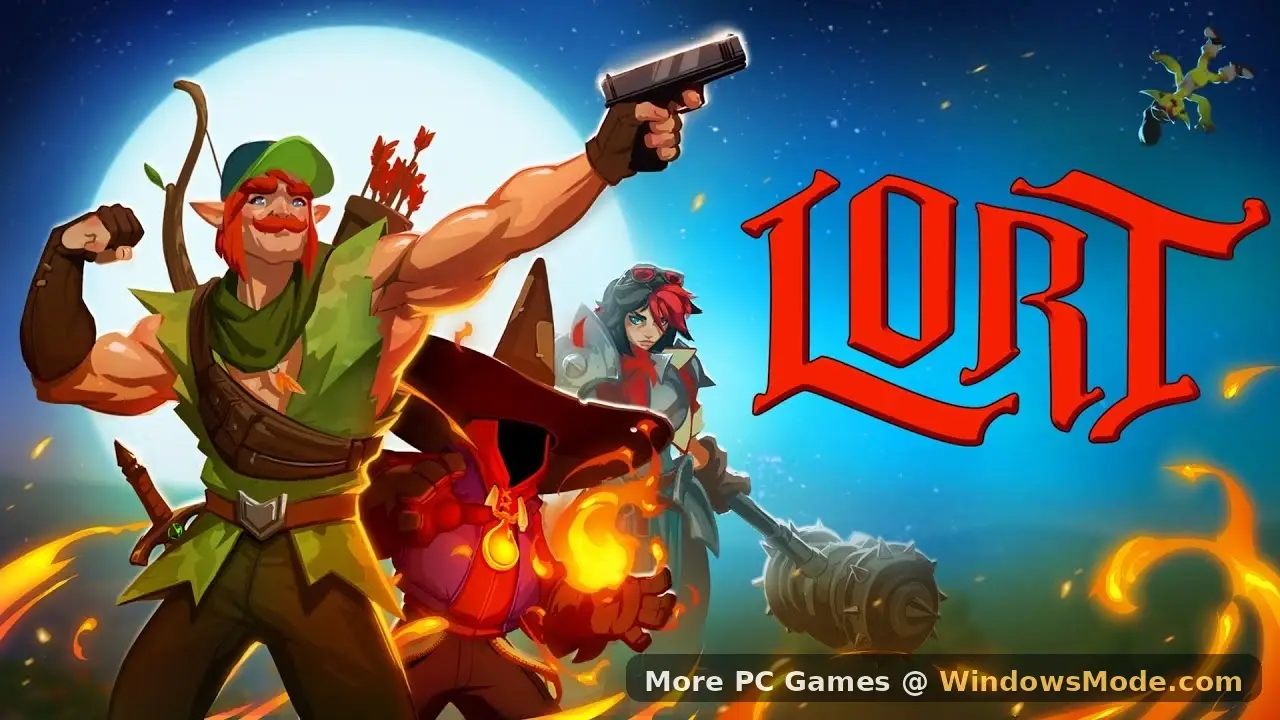
LORT is a chaotic co-op roguelite where you stack ridiculous power-ups to survive waves of enemies. You can download the game on PC through Steam (Early Access).
If you do not have a powerful gaming computer, you can stream it instantly on Boosteroid without downloading any files.
In this game, you do not follow a strict story. Instead, you team up with up to 7 friends to fight through a cursed fantasy world.
You start as a weak “goblin tickler,” looting chests and evolving until you become a screen-wiping “god slapper.”
Quick Facts
- 📅 Release Date: Jan 21, 2026
- 🛠️ Developer: Big Distraction
- 📂 Size: ~4 GB
- ☁️ Cloud Play: Available on Boosteroid
- 💰 Price: ~$14.99 (USD)
How to Download & Install LORT on PC
LORT can be downloaded on Steam and cloud gaming providers. Choose a platform and follow the steps.
- Go to the Steam Store page.
- Click Add to Cart and purchase the game.
- Open your Steam Library and click Install.
- Select your drive (SSD recommended) and wait for the 4 GB download to finish.
What is LORT?
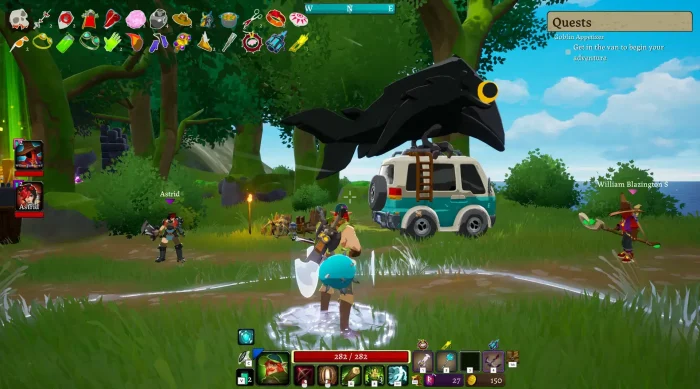
LORT is what happens when you mix a game like Risk of Rain 2(it was decently popular) with 8-player chaos. It is a class-based action game where you pick a hero, like a Wizard with a Gun or a Knight and fight waves of enemies that get harder every minute.
The core gameplay loop is addictive: kill enemies, get gold, and open chests.
Chests give you items like “Boomer’s Blessing” or “Cool Comfy Shorts” that passively increase your power. By the 20-minute mark, your character should be so powerful that the game starts to break, in a good way.
Key Gameplay Features
- 🔥
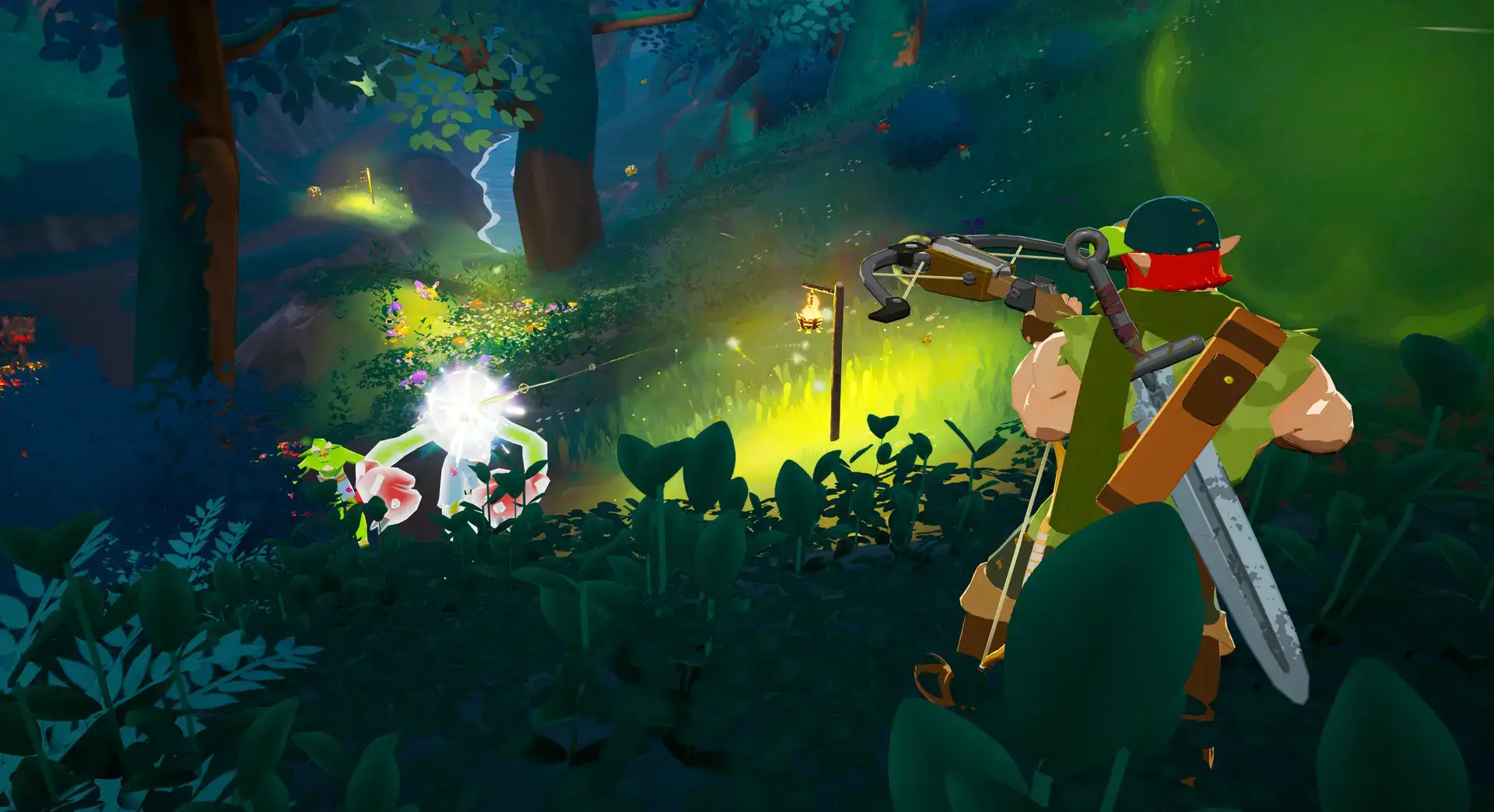
8-Player Chaos: Most roguelites cap at 4 players. LORT allows 8, meaning the screen is constantly filled with explosions, spells, and friendly fire accusations.
- 💪
Infinite Scaling: There is no limit to how strong you can get. Stack 50 attack speed items and watch your sword swing turn into a literal blender.
- 🏰
Cursed World: The maps are procedurally generated mixtures of fantasy tropes and modern memes, keeping every run fresh and unpredictable.
- 🎺
The Tooter: A unique mechanic where you use an instrument called the “Tooter” to rally your friends. It sounds ridiculous, but grouping up for buffs is key to survival.
🤔 Who Would Like This Game?
LORT is perfect for friend groups who enjoyed Risk of Rain 2 or Lethal Company but wanted something faster-paced. If you love the feeling of “breaking the game” with overpowered builds, this is for you.
It is ideal for players who prefer chaos and laughter over strict tactical realism.
Why Play on Windows?
While the game has cartoon graphics, the particle effects are intense. Playing on PC offers specific benefits:
- Precision Aiming: When the screen is full of enemies, using a mouse is significantly faster and more accurate than a controller for targeting weak spots.
- High FPS: As you stack items, the visual effects multiply. A Windows PC can handle the framerate drops better than consoles during “god runs.”
- Alt-Tab Friendly: With over 100 items, you will often need to Alt-Tab to the wiki to see what a specific item stack actually does.
5 Tips for Beginners
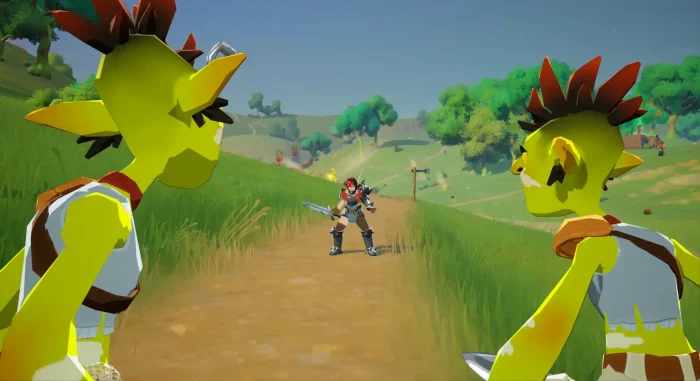
The game can be brutal for new players. Use these tips to survive your first loop.
Gameplay Screenshots
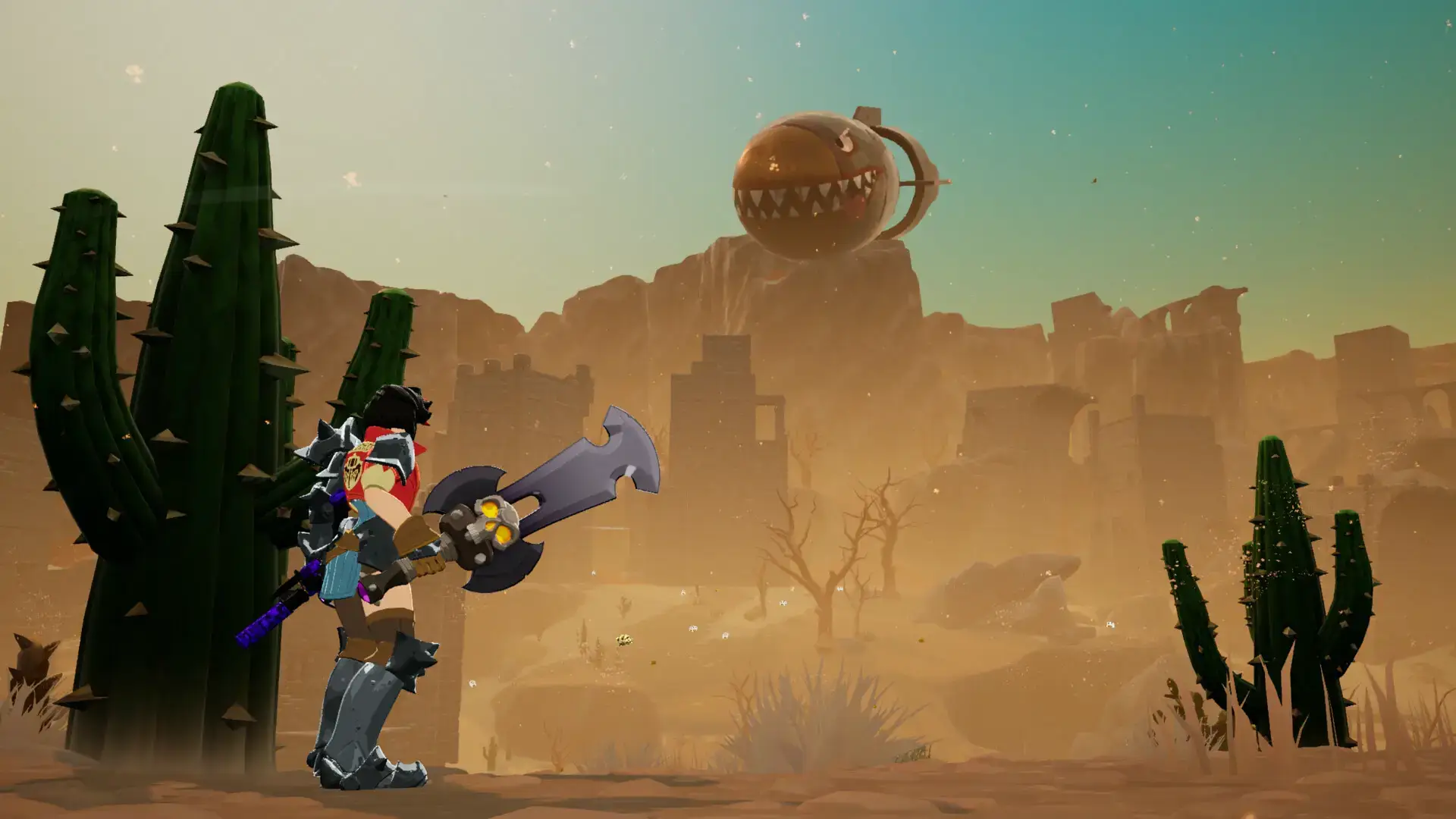
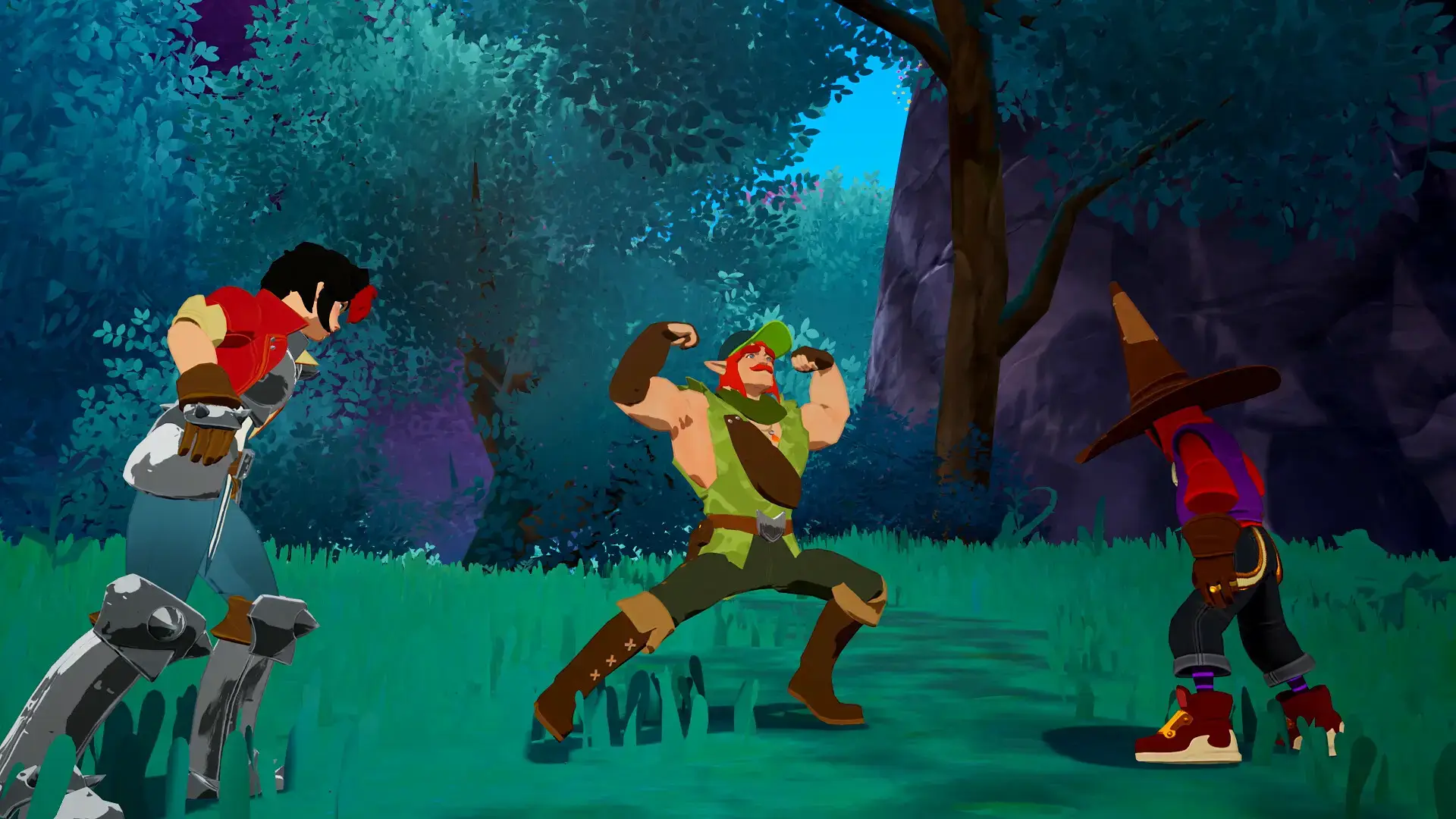
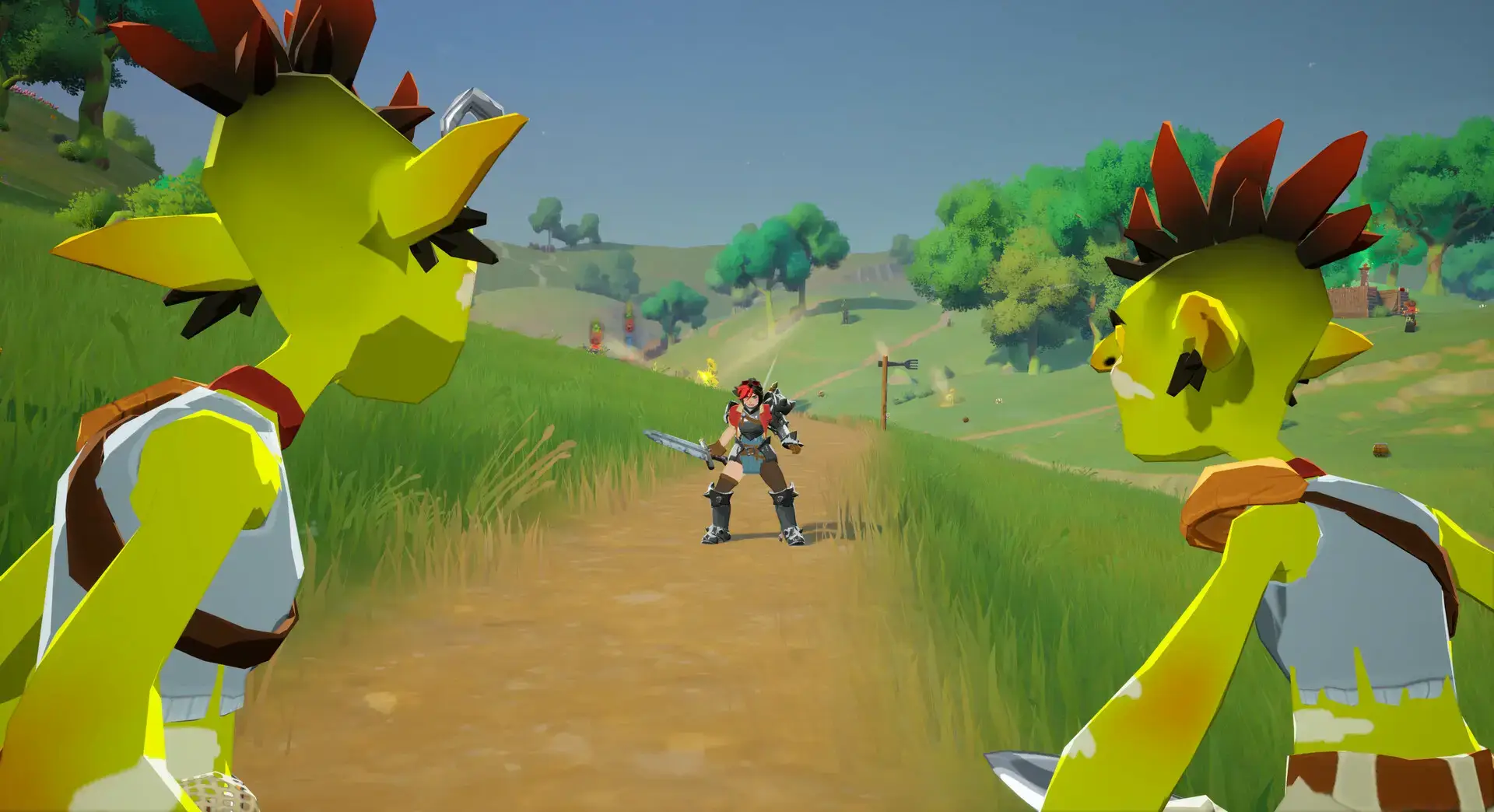
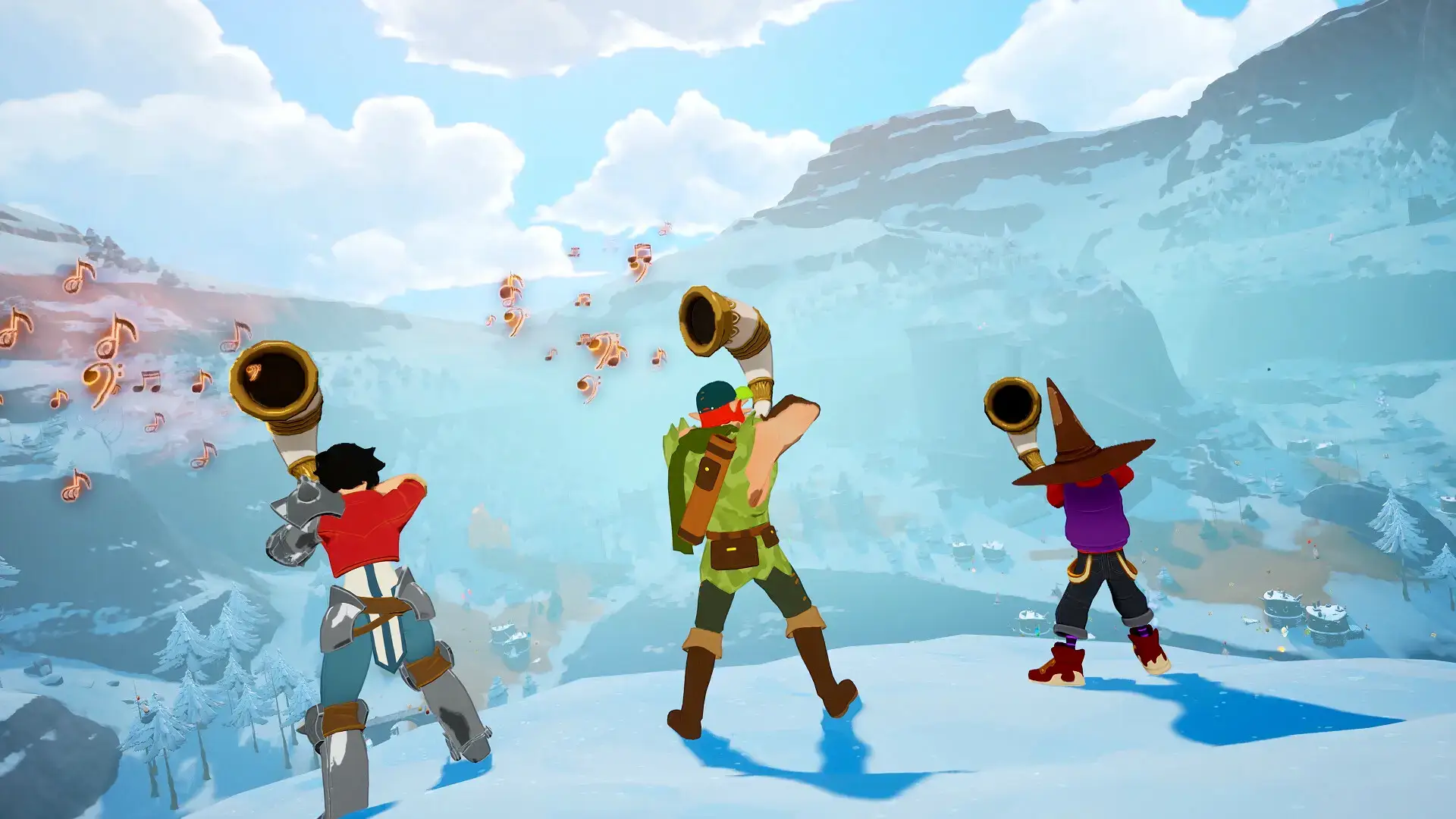
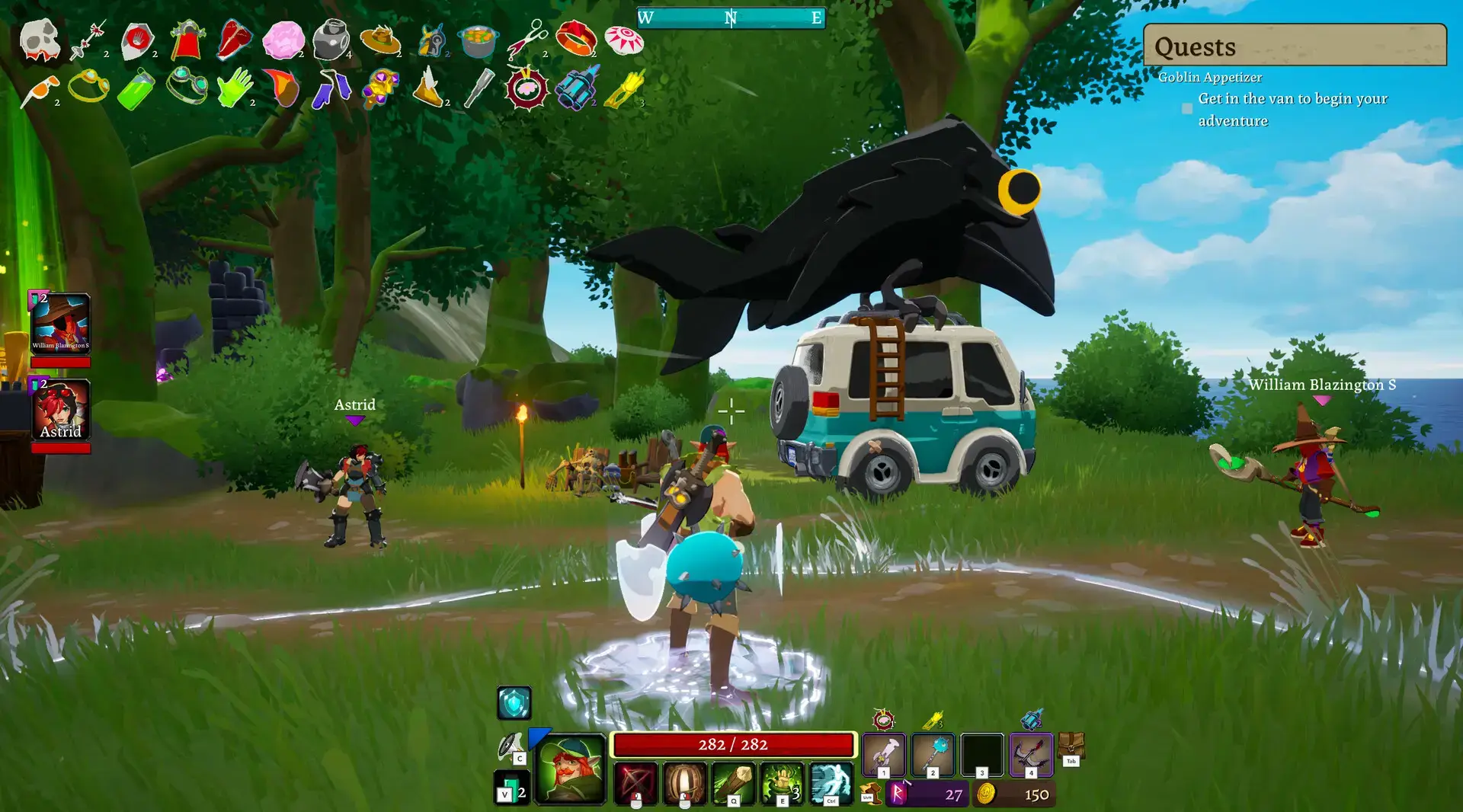
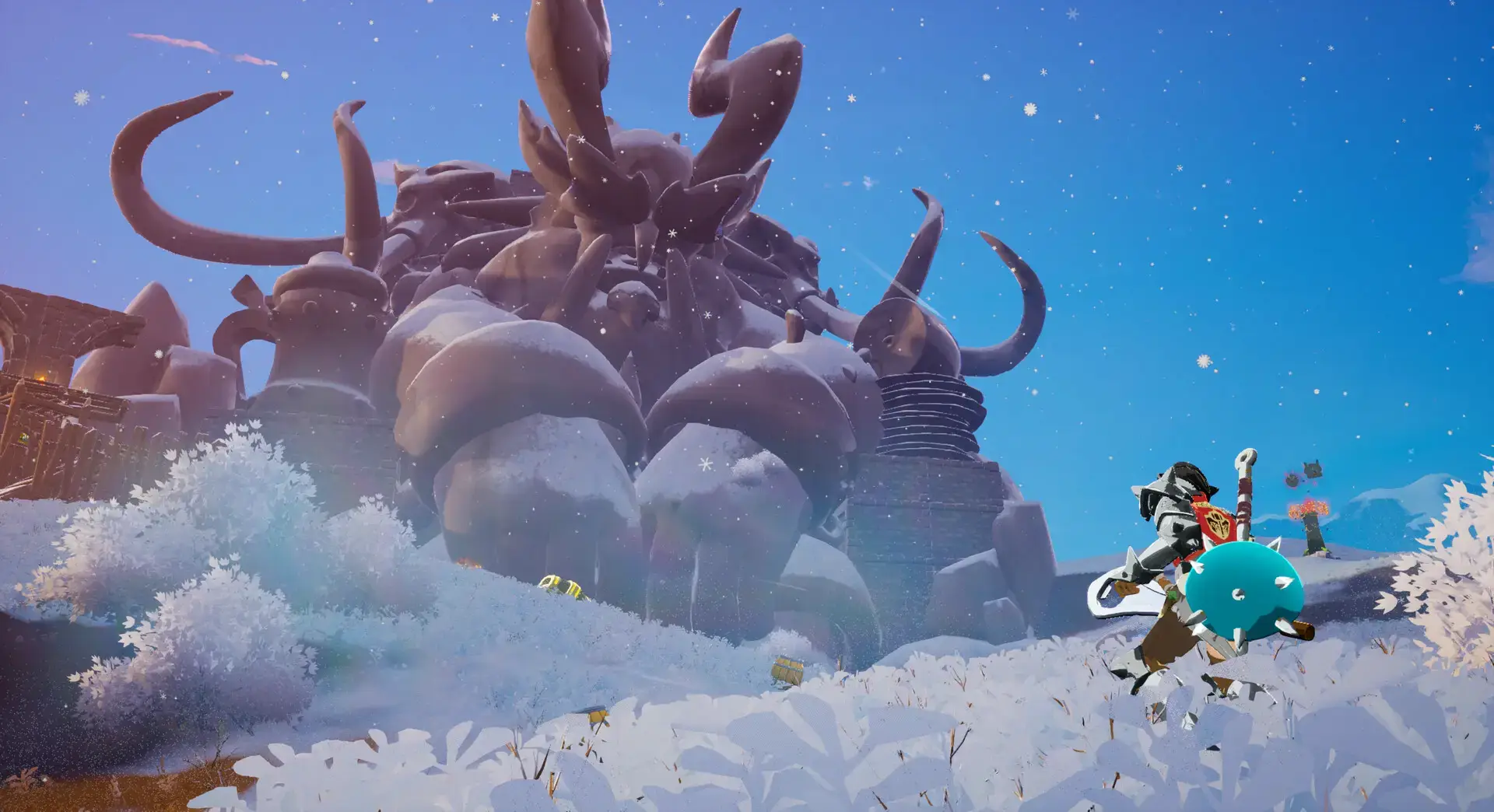
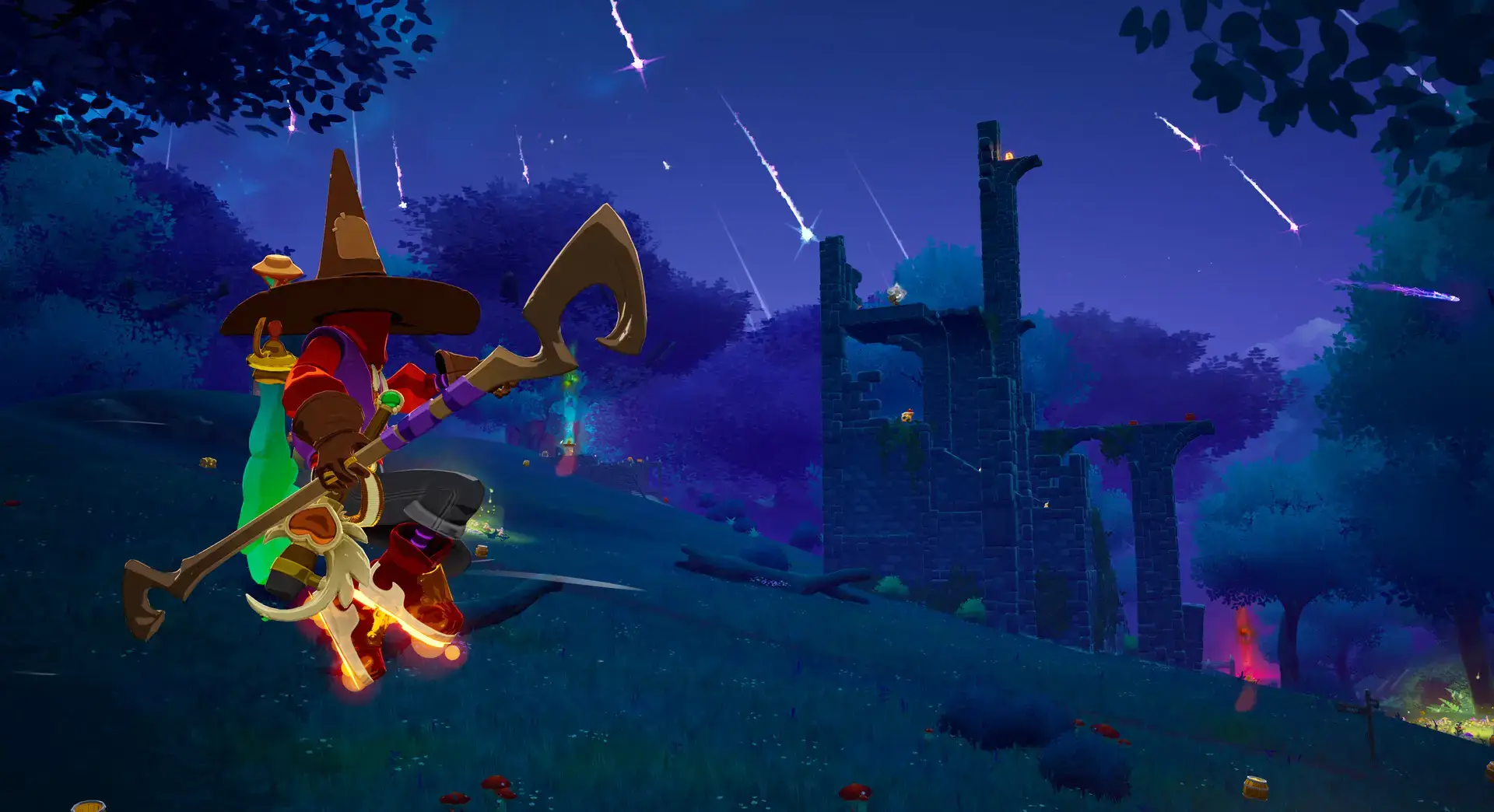
Video Overview
Watch the gameplay trailer to see the 8-player chaos in action.
System Requirements
Despite the simple art style, the sheer number of enemies requires a decent CPU.
| Component | Minimum | Recommended |
|---|---|---|
| OS | Windows 10 (64-bit) | Windows 11 (64-bit) |
| CPU | Intel Core i5-9400F | Intel Core i7-11700F |
| RAM | 8 GB | 16 GB |
| GPU | GTX 1060 / RX 580 | RTX 3070 / RX 7900 |
| Storage | 4 GB available | 4 GB SSD |
LORT FAQ
- Is it single-player?
Yes, you can play solo, but the game is balanced around co-op, so it will be significantly harder. - Does it support controllers?
Yes, LORT has full controller support, though aiming is easier with a mouse. - Is it cross-platform?
Currently, the game is only on PC (Steam), so there is no cross-play with consoles yet. - How long is a run?
A typical successful run takes about 30 to 45 minutes, depending on how long you survive.
Explore more Windows games: Best Action Games · Quarantine Zone: The Last Check for PC · World of Warships for PC · Risk of Rain 2 for PC · No Rest for the Wicked for PC
Discover more from Windows Mode
Subscribe to get the latest posts sent to your email.